Your own pictures, read into a reusable look
AI Moodboard Maker: Turn 20 Pictures into a Style
A moodboard on Pickshot turns pictures you like into a style you can add to a prompt. Choose 20 to 60 of your own pictures that share a look. For each one, a vision model names a look, colours, light, mood and finish from a fixed list, and the moodboard keeps the word most of them share. Using it adds those few English phrases to your prompt, where you can read and change them. It counts words: it does not train or change a model.
Fără instalare. Fără card de credit. Privat implicit.
AI moodboard maker at a glance
- Poze
- 20 to 60 of your own pictures, taken from My creations or your References. Pictures are not copied: a moodboard keeps only the picture ids and the words read from them.
- What is read
- Five kinds of word, one per kind for each picture: look (such as anime style or watercolor painting), colors, light, mood and finish (such as film grain). The words come from a fixed list.
- The style
- For each kind, the word most pictures share, if one clearly leads: at least 4 pictures and 40% of those read. Where none leads, nothing is added, and a set with no shared look gets an empty style and says so.
- Using it
- Use in the Space adds the phrases to your prompt. Copy phrases copies them, and Save as a concept keeps them with a model and a shape. You can edit every phrase before you run.
- Limits
- Pictures are read in short steps and a half-read moodboard resumes. If many pictures were read today, the rest continues tomorrow, and the page says so.
- Cost
- Making a moodboard does not use credits. Pictures you make with its phrases cost what their model costs, shown before you run.
- Account
- A free account is needed to make anything; signing up asks for no card.
- Limbi
- Pages, studio and prompts in English, Korean, Japanese and Simplified Chinese
- Watermark
- No visible watermark; each file carries metadata that marks it as AI-generated.
Actualizat
What is an AI moodboard?
A moodboard is a set of pictures that share one look, used to explain a style to a designer or a model. Pickshot’s moodboard does that work for you: it reads what your chosen pictures have in common and writes it down as a few plain phrases, such as anime style or warm color palette. It does not teach a model your style. Nothing is trained, so the same model and the same prompt rules apply. What you gain is a look you can name once and add to any prompt in a click, instead of retyping it, and you can read and edit what it adds.
Three looks, four pictures each
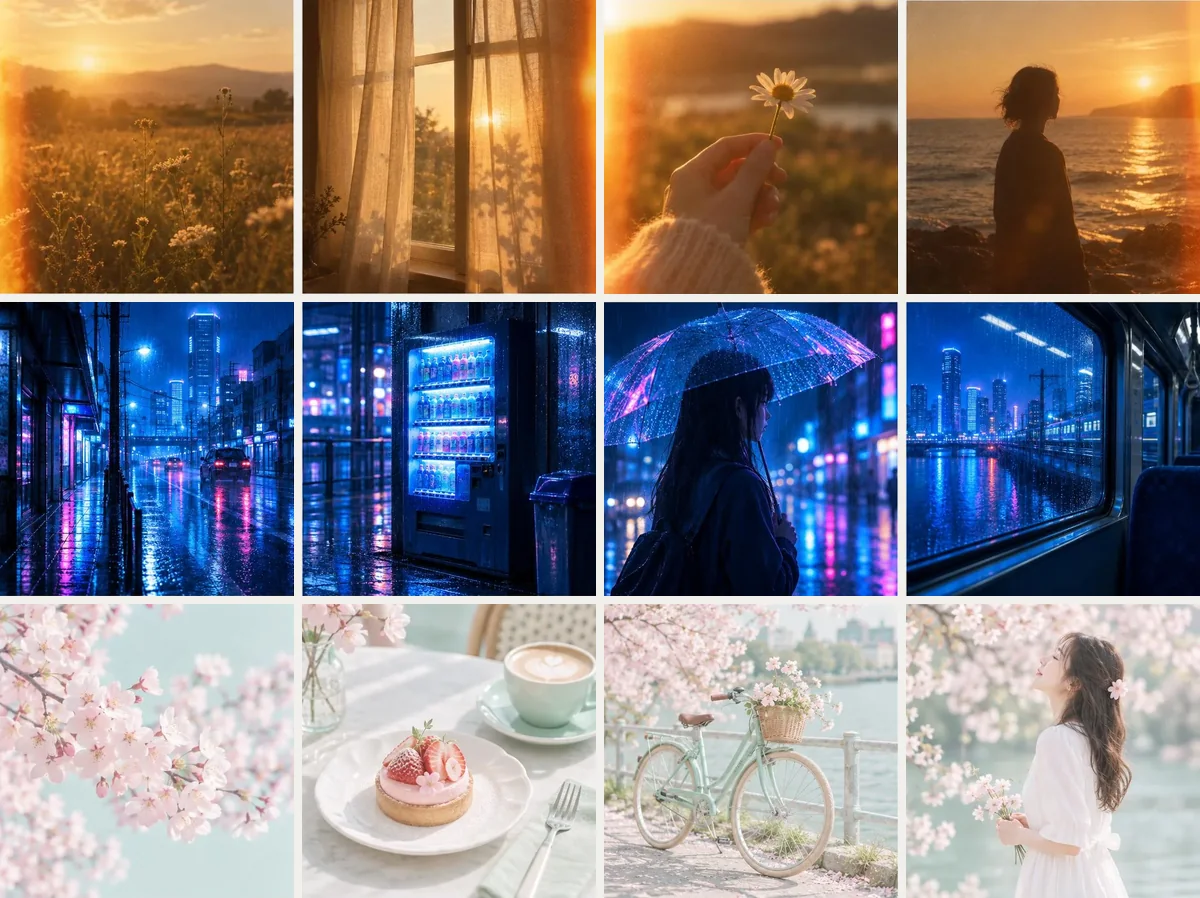
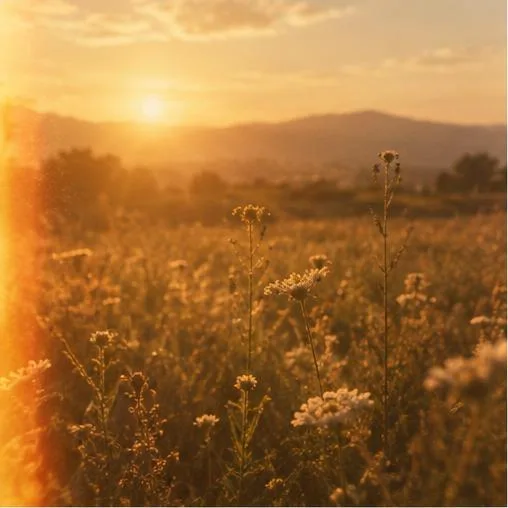
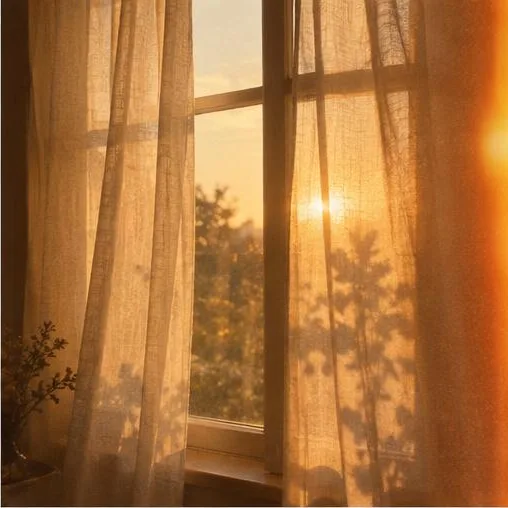
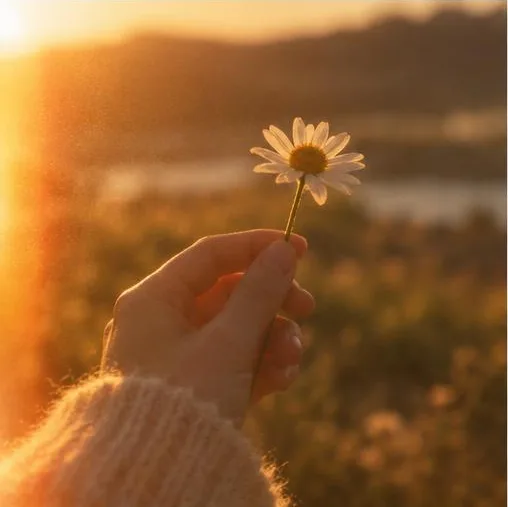
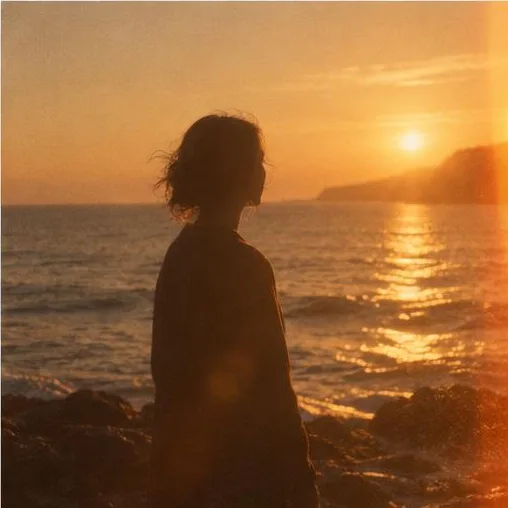
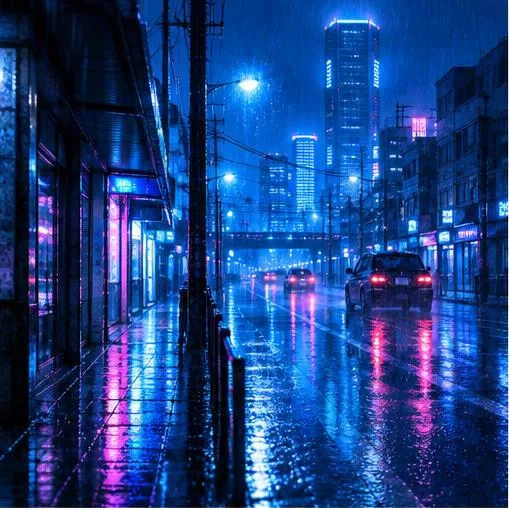
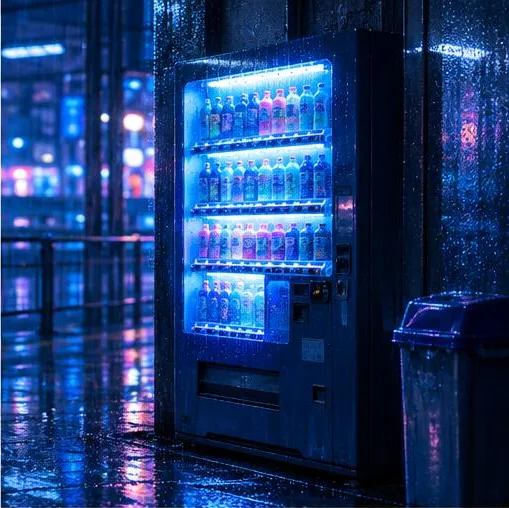
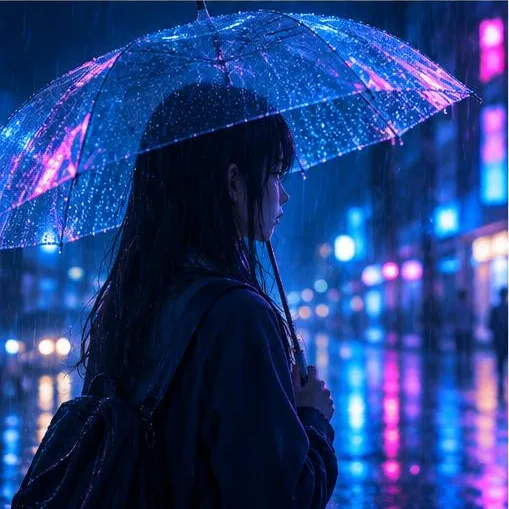
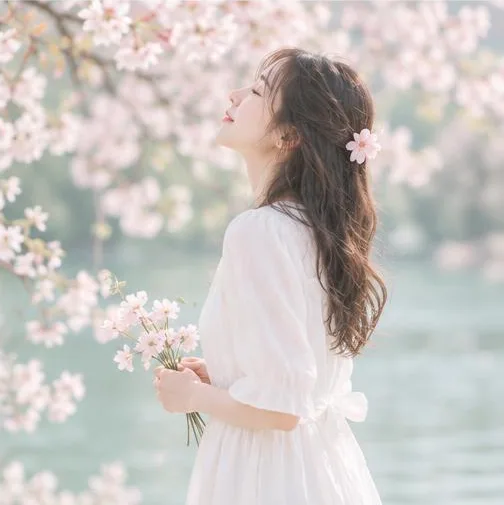
Each group is four pictures that share a look: golden-hour film, neon rain and pastel spring. A moodboard needs 20 to 60 such pictures from your own creations or references. These sets show what “sharing a look” means. They are examples of what you might choose, not the result of a reading.
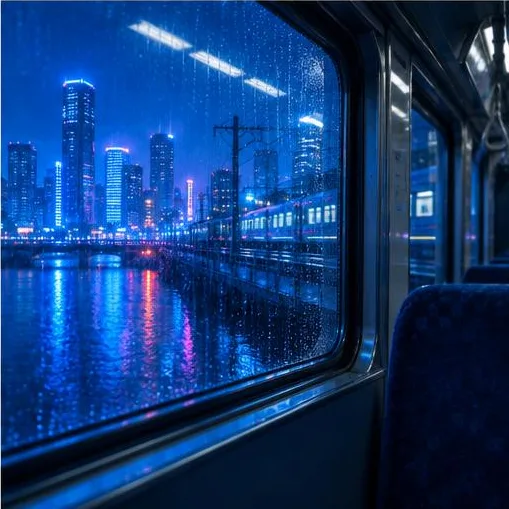
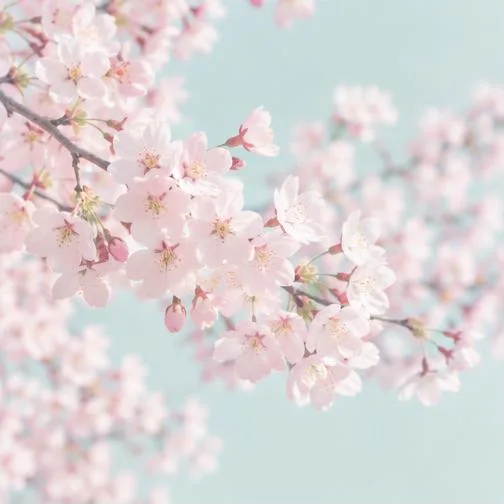
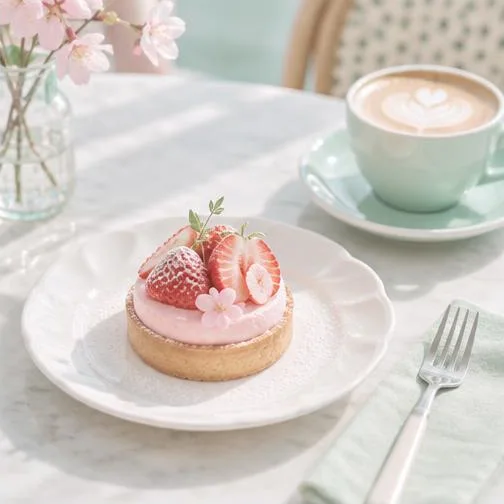
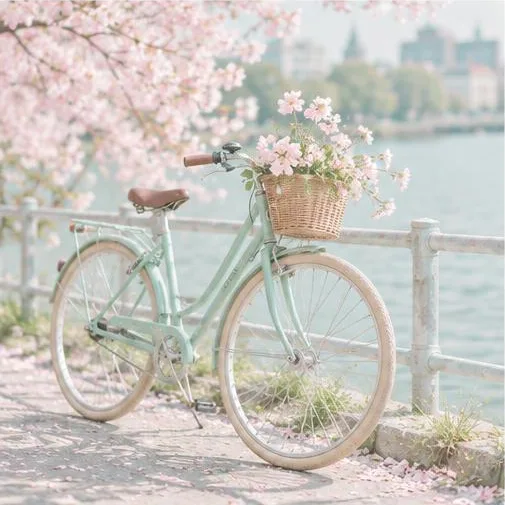
Why make a moodboard
A look you can name once
Instead of retyping “soft light, pastel colors, film finish” in every prompt, keep it as a moodboard and add it in one click.
Plain, visible and editable
Only fixed English phrases are added, and you read them in your prompt before you run. Nothing hidden is attached to your words.
Built from your own pictures
It is read from pictures you already made or saved, so it describes your taste, not a gallery’s.
No training, no copies
Pickshot does not train or change a model, does not keep copies of your pictures and does not learn faces or characters. The moodboard keeps names, picture ids and words.
How to make a moodboard
Gather pictures that share a look
Pick pictures from My creations and References that look alike: the same light, colours or finish. Mixed sets give a weak or empty style.
Make the moodboard
Open Moodboards, choose New moodboard, name it, choose 20 to 60 pictures and press Make moodboard. It reads them in steps and can continue later.
Read the phrases
When it is ready, Phrases it adds lists the look, colors, light, mood and finish it found. If it says the pictures share no clear style, try pictures that look more alike.
Use it
Press Use in the Space to add the phrases to the prompt bar, or copy them, or save them as a concept. Change any phrase, then make your picture.
Where it helps
/01
A consistent series
Make a set of posts, covers or wallpapers that look like one collection.
/02
A channel or brand look
Keep one palette and finish for a channel’s covers without retyping it.
/03
Naming your own taste
See in plain words what your favourite pictures have in common, then reuse it or change one kind.
Cumpărați credite după cum aveți nevoie de ele; abonamentele se bazează pe credite
Conturile noi primesc 50 de credite. Conturile gratuite pot genera imagini nelimitate pe site cu cele 5 modele de bază, fără a consuma credite. Videoclipurile Lacquer sunt gratuite pe site: 3 pe zi, de până la 5 secunde fiecare. Abonații folosesc modelele incluse nelimitat, fără deducere de credite. Alte modele și API/MCP se taxează separat.
Pickshot-series models without credits · 4 generations at a time · Unlimited free-model images (Higher priority than Free)
Pickshot-series models without credits · 8 generations at a time · Unlimited free-model images (Higher priority than Plus)
Booster Pass-urile și abonamentele sunt temporar epuizate. Creditele și abonamentele pe care le ai deja rămân valabile până la expirare.
Întrebări
Does it train a model on my pictures?
No. It does not train or change any model and does not keep copies of your pictures. A vision model names words for each picture, and only the fixed English phrases of the winning words are ever added to a prompt.
Will it learn my characters or faces?
No. It reads look, colors, light, mood and finish, not who is in the picture. For a recurring face, save a character instead.
How many pictures do I need?
20 to 60 of your own. A moodboard whose pictures share no clear look ends with an empty style and says so. More alike pictures give a clearer style.
What is the difference between a moodboard, a board and a concept?
A board collects pictures you like and can be shared by link. A moodboard turns 20 to 60 of your pictures into a few style phrases. A concept keeps words with a model, a shape and a style, and a moodboard’s phrases can be saved as one.
Is it free?
Making a moodboard does not use credits. A day’s reading is limited, and the page says when the rest continues tomorrow. Pictures you make with its phrases cost what their model costs, shown before you run.
Where do I find it?
Open Moodboards, the second tab next to Boards. You need a free account and pictures of your own in My creations or References.
Name your look once
Choose pictures that share a look, make the moodboard and add its phrases to your next prompt.
Începe să creezi gratuit