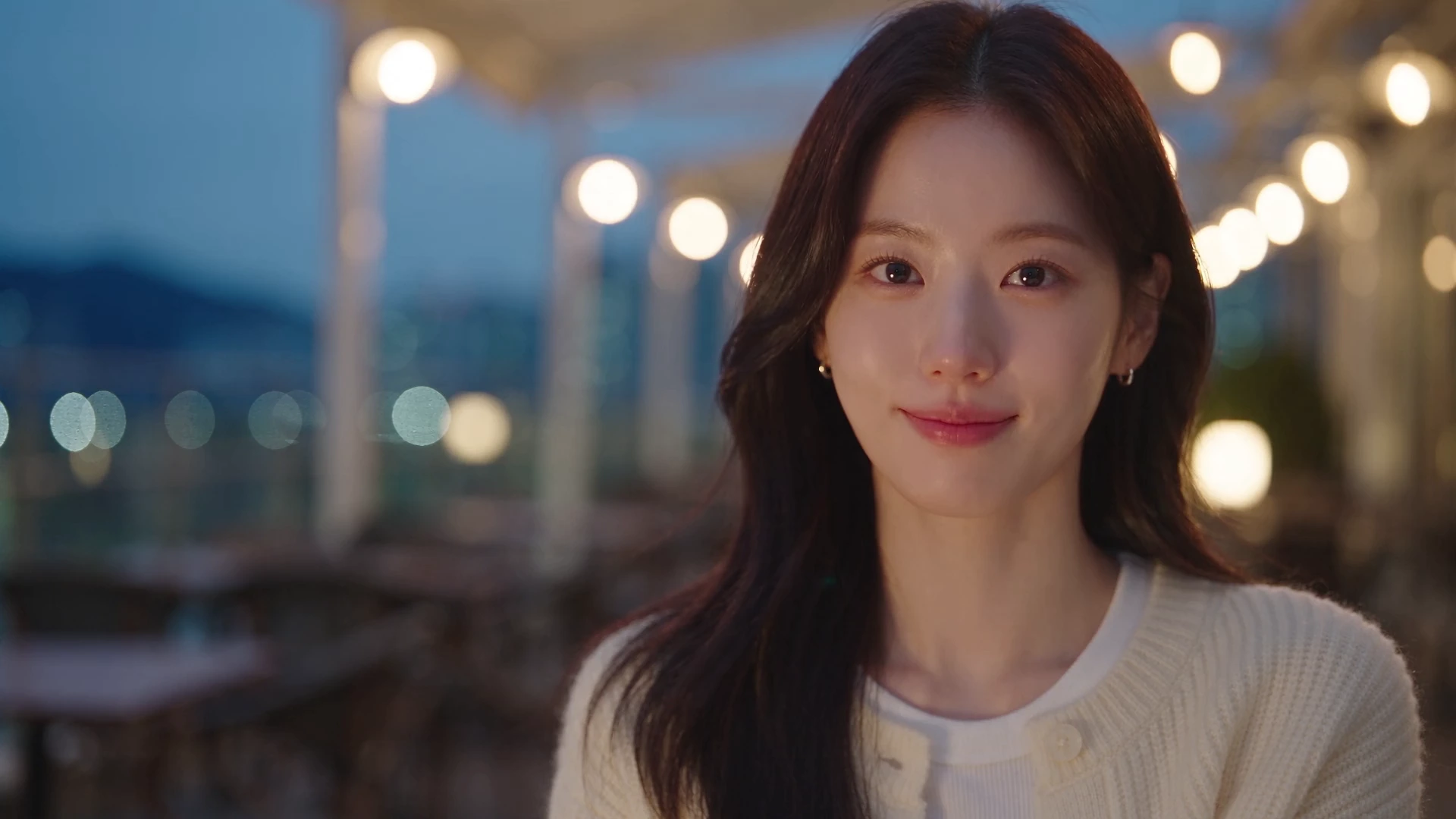
Create without limits
문장이나 사진으로 짧은 AI 영상을 만드세요. 결과를 확인하고 다운로드한 뒤 다음 장면을 만드세요.
2026-11-15 00:00 KST부터 모든 계정의 Lacquer 무료 영상은 하루 3개예요. 멤버십 회원은 Pickshot 시리즈 영상을 하루 한도 없이 만들어요. 무료 혜택은 무료 이용 정책에 따라 변경되거나 종료될 수 있습니다. 무료 이용 및 변경 안내
AI-generated example첫 장면부터 다음 장면까지
장면을 설명하세요
움직이게 할 내용을 쓰거나 사진을 올리세요. 무료 Lacquer 설정으로 시작하세요.
확인하고 저장하세요
완성된 클립을 보고, 피드백을 남기고 다운로드하세요.
이야기를 이어가세요
플레이어의 다음 장면 기능으로 이어서 만드세요. 내 창작물에서 완성된 클립을 합칠 수 있습니다.
Lacquer videos are free on the website: 3 a day, up to 5 seconds per clip. Pricing
2026-11-15 00:00 KST부터 모든 계정의 Lacquer 무료 영상은 하루 3개예요. 멤버십 회원은 Pickshot 시리즈 영상을 하루 한도 없이 만들어요. 무료 생성은 계속 제공됩니다. 무료 이용 정책 업데이트: 2026-12-05 00:00 KST. 사전 안내를 확인해 주세요. 무료 이용 및 변경 안내
From a face you love to its next scene
Choose a look and details, make options, and save your favourite face. Use it as a picture reference, a video’s first frame or an AI influencer profile. Faces and details can vary between results.
Who will you create?
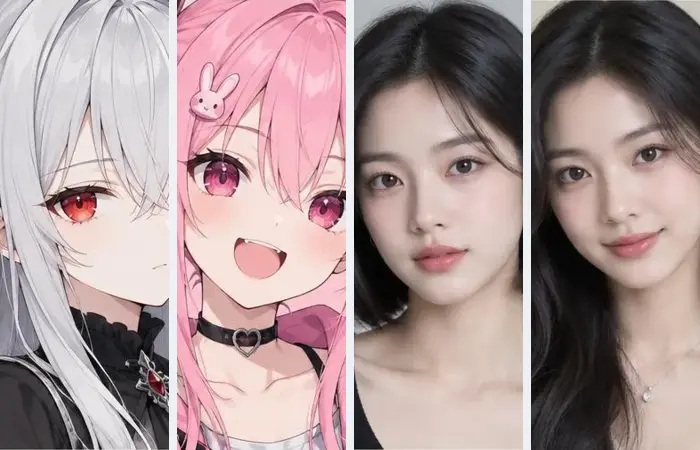
A fictional person, an anime character or a mascot. Choose the look you want to start with.


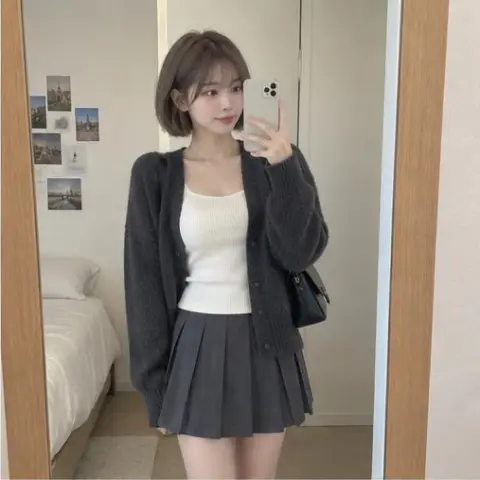

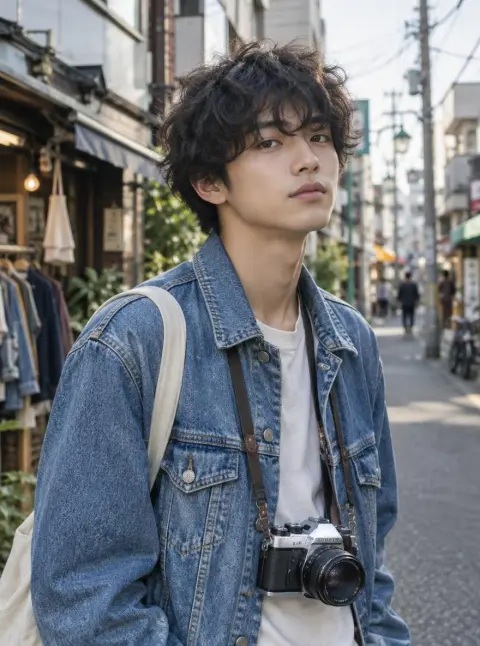
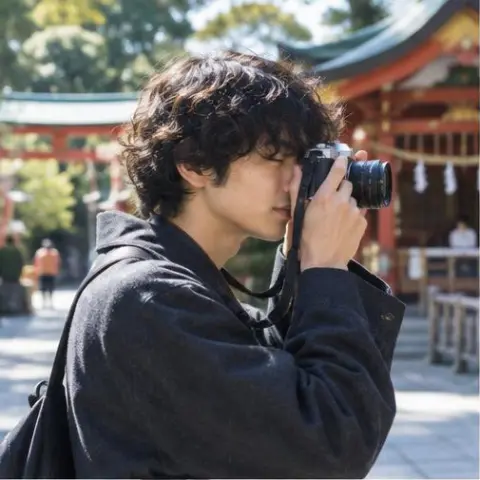
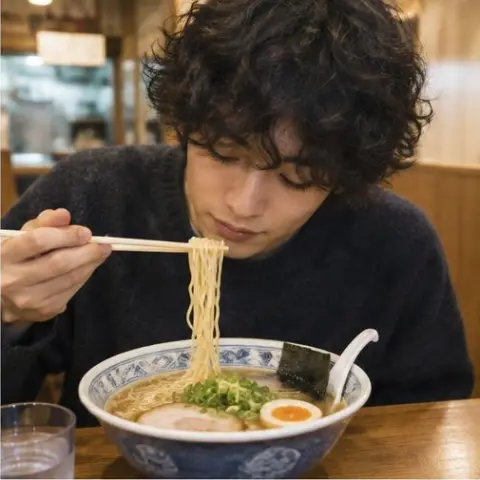
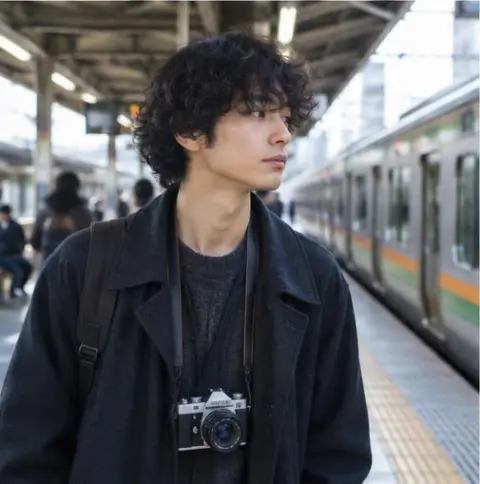
AI-generated exampleMake a character in this look
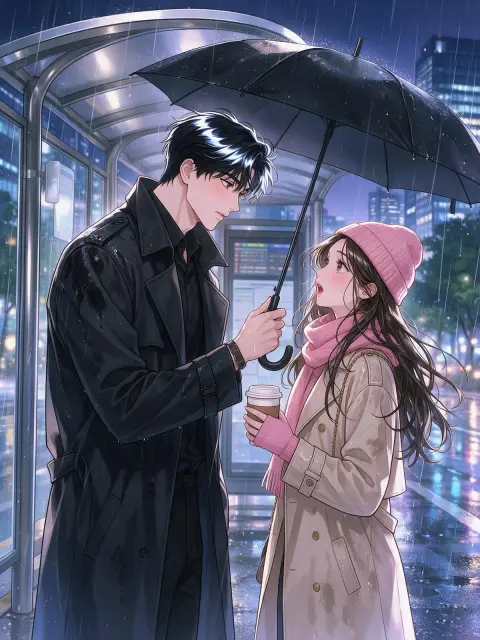
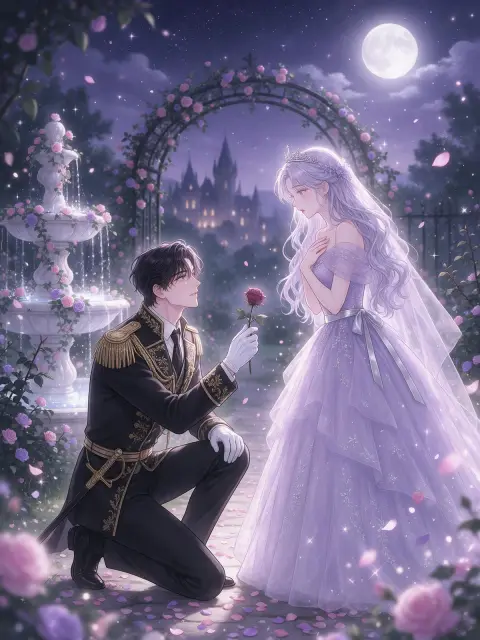
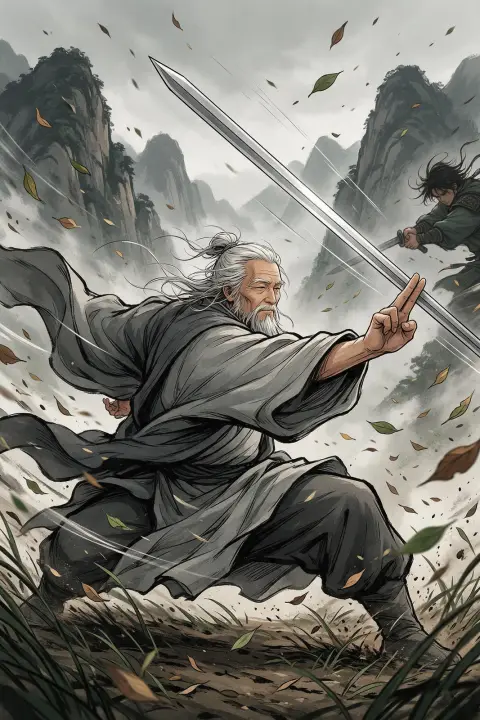

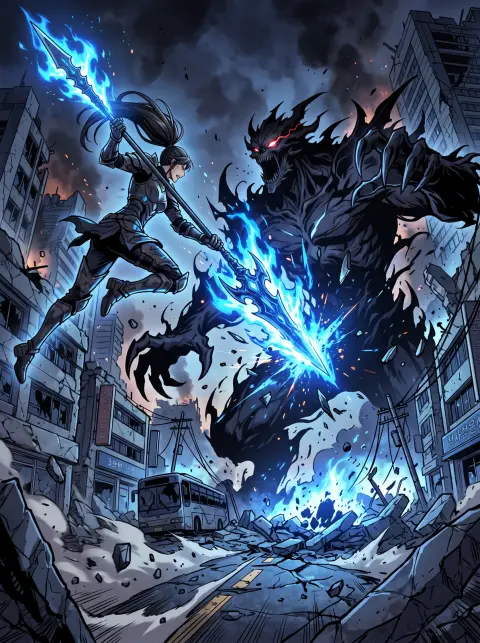

AI-generated exampleMake a character in this look
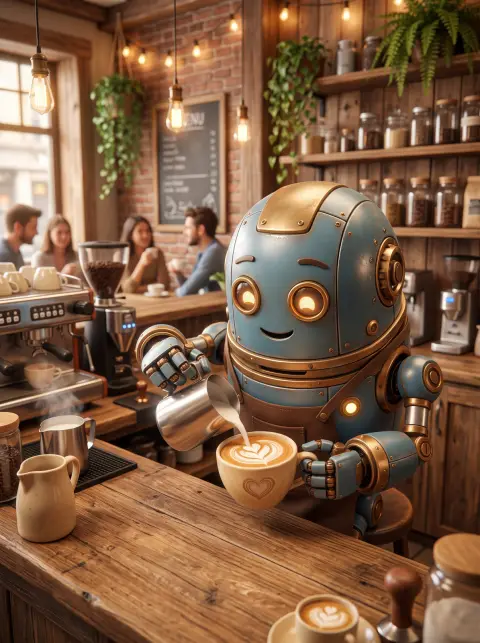
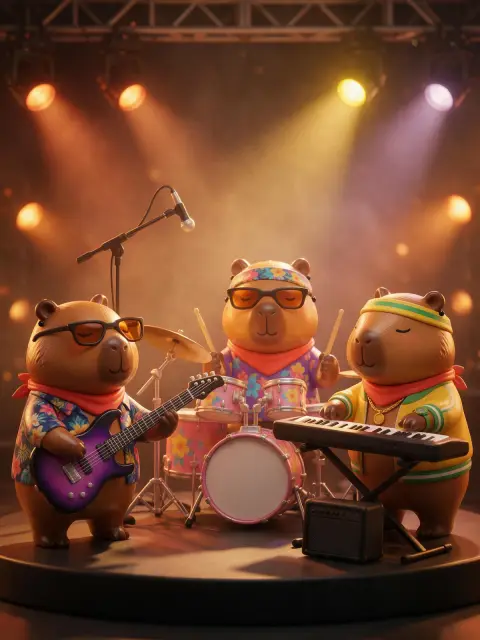

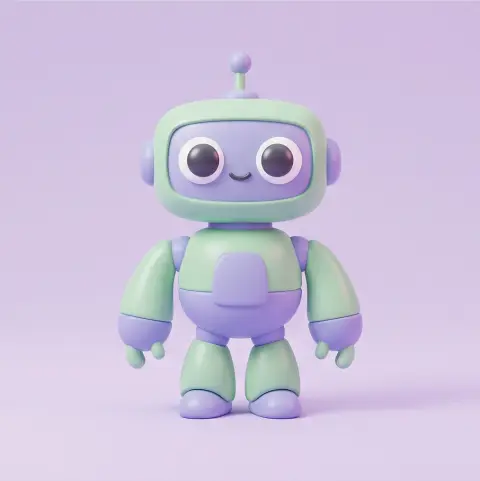
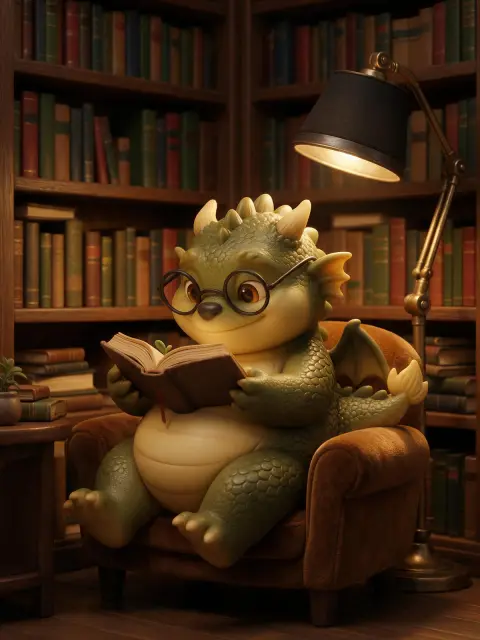
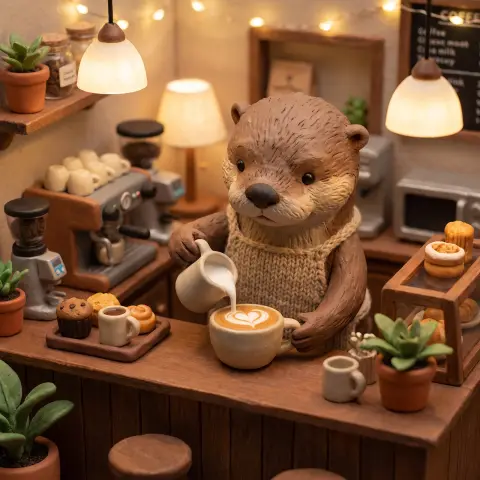
AI-generated exampleMake a character in this look
Give a fictional face a life of its own
From a profile picture to cafes, travel, workouts and the stage. Open an example to explore post ideas and aspect ratios.




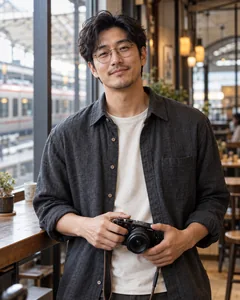



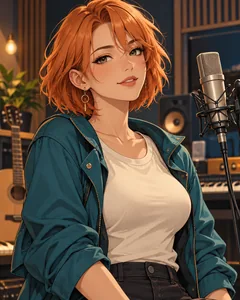
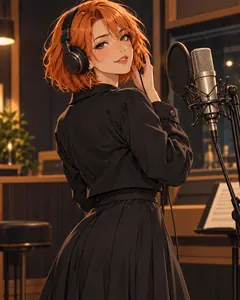
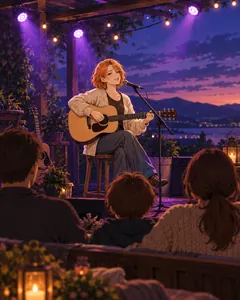
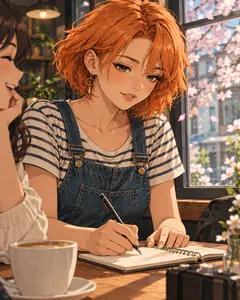
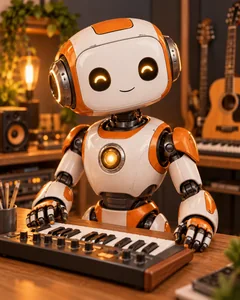
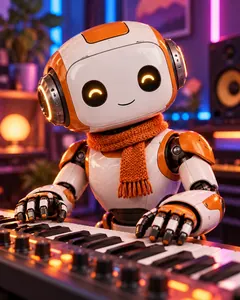
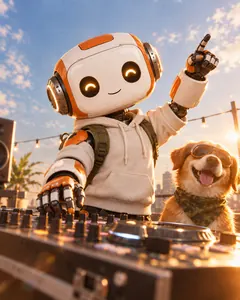
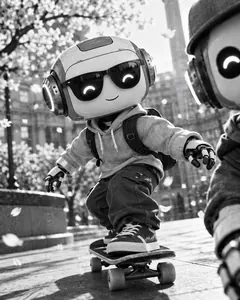
The moment your character moves
An influencer’s day, a virtual artist’s stage, a mascot’s little story. These are AI-generated video examples.
Make voices and music for character content
Separate audio tools make narration, songs and background music. Voices are not automatically bound to saved characters.
Find your character’s style
Explore anime, webtoon, 3D mascots and editorial portraits for your next character idea.
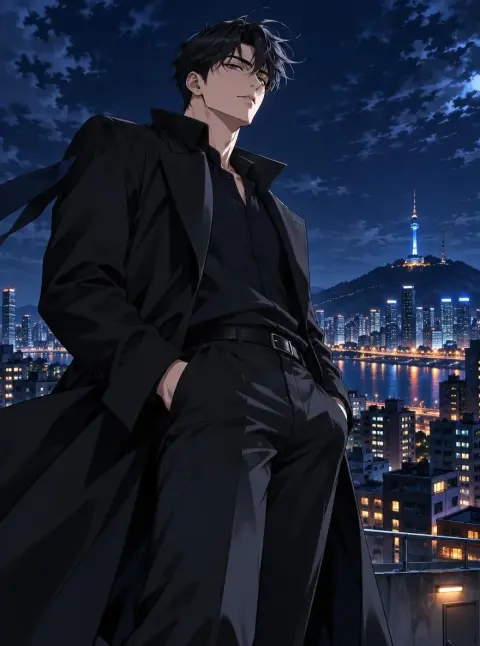

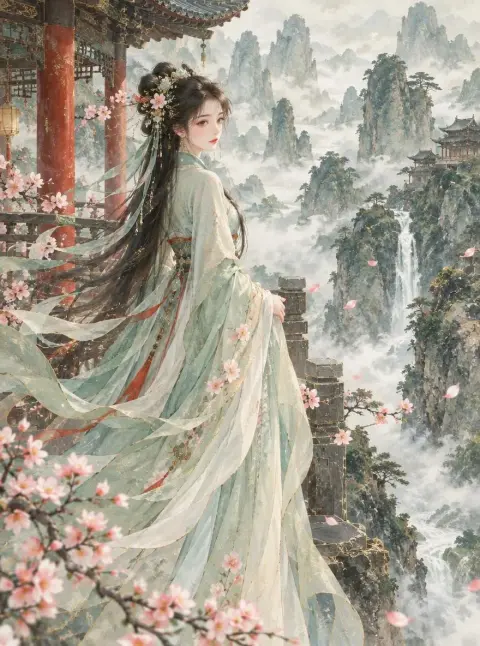
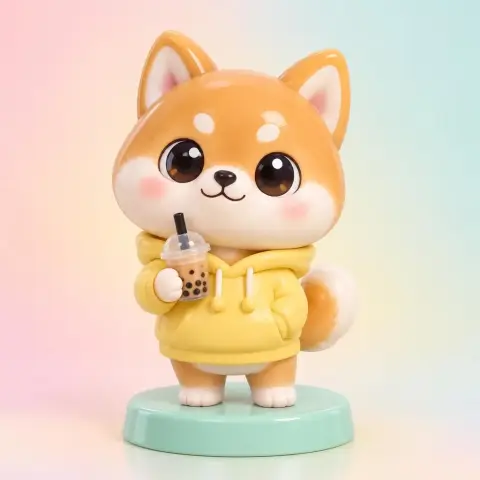


Character and AI influencer ideas
Find your next scene in portrait, fashion, anime, webtoon and 3D character examples.
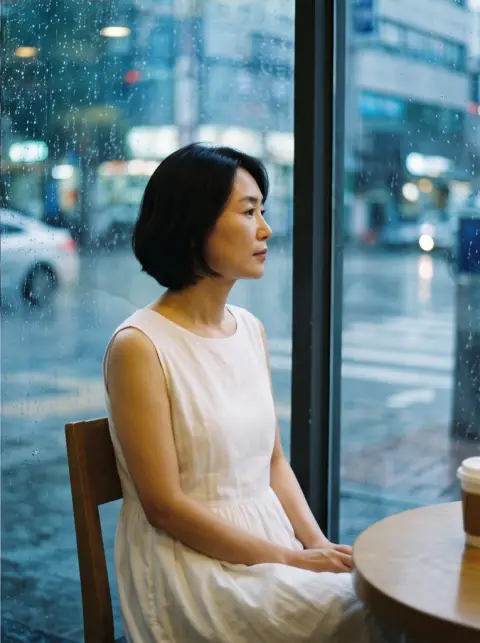
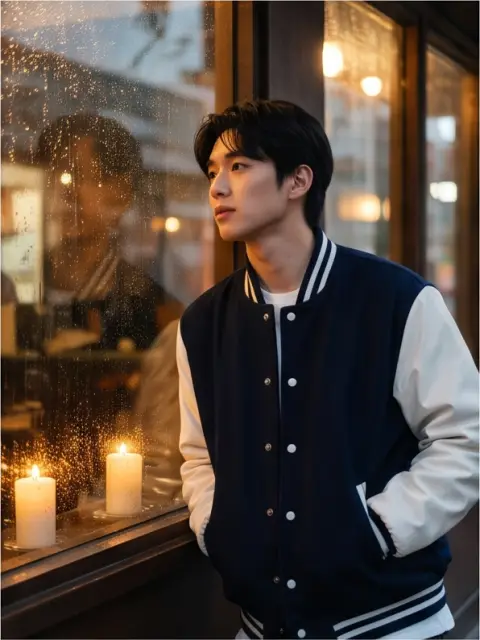
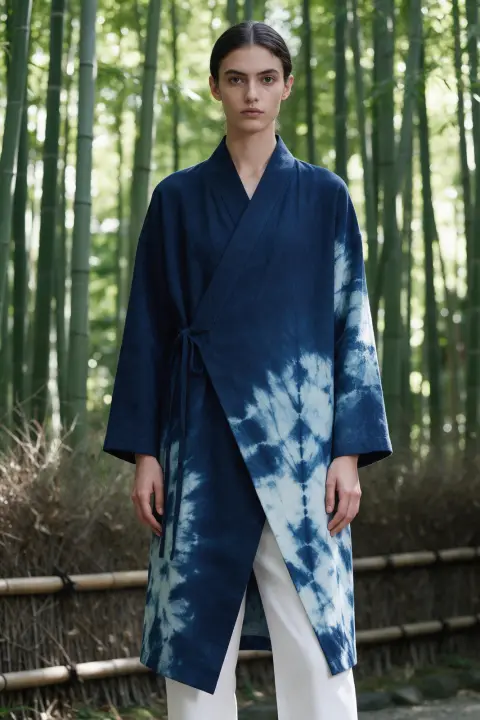
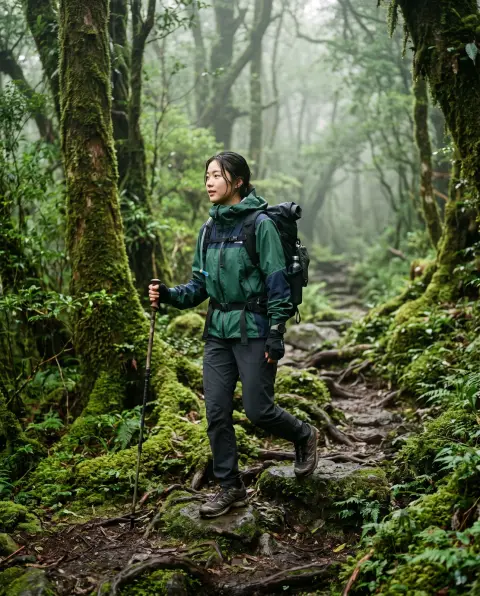
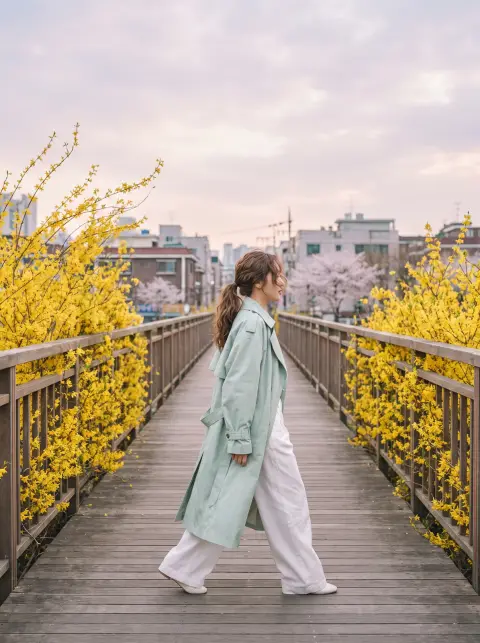
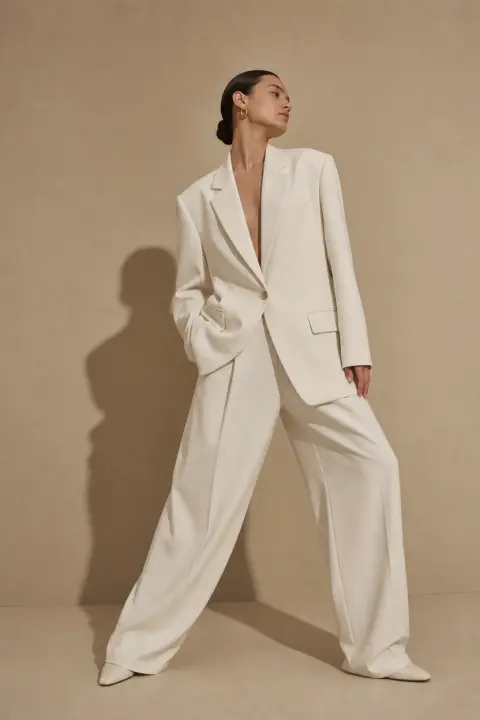
Apps for your character’s next look
Create options and character sheets, explore angles, and refine outfits and lighting.
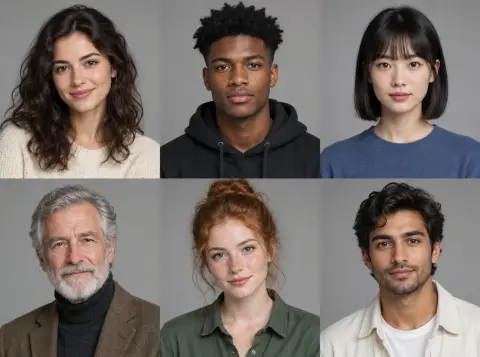
Character Builder: Attributes
Pick attributes such as gender, age, hair colour and style to create your own AI character.
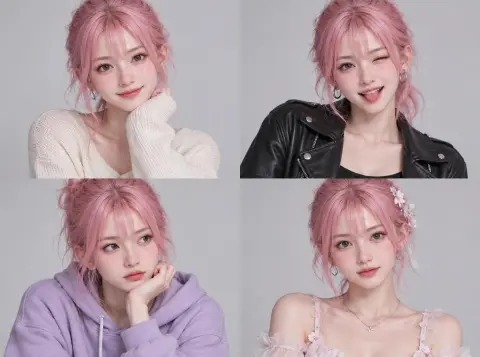
Character Builder: Muse
Pick a starter image you like and refine it into your own character.
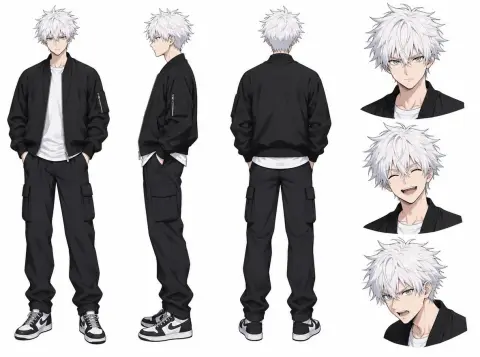
Character Sheet
Turns one character image into a sheet with the face, several angles and details.

Photo to anime
Redraw a selfie as anime, webtoon, watercolor or a 3D figure.
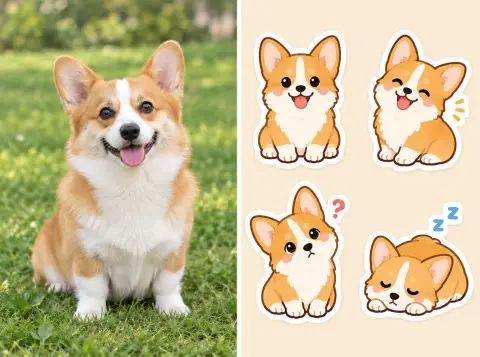
Sticker maker
Turn your pet or yourself into messenger-style stickers.
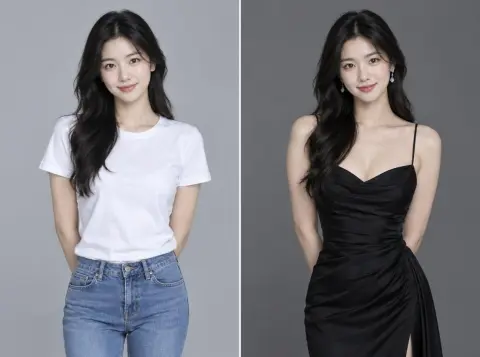
Outfit Swap
Keeps the person and changes only the outfit, from an outfit picture or a description.
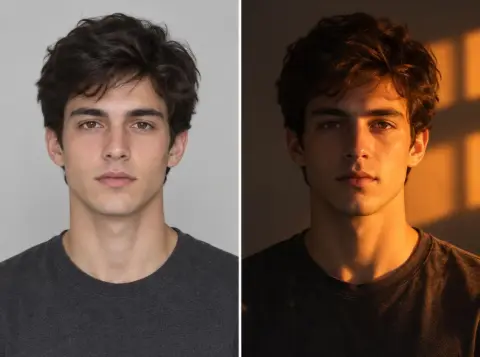
Relight
Changes the direction and mood of the light in a photo: golden hour, neon, studio light and more.
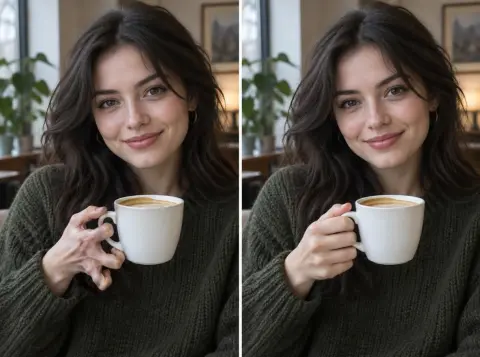
Refine
Describe what to fix and it improves just that part, such as hands, eyes or small details.
What makes Pickshot different
- Made for characters and anime
- Make and save a character, then create pictures, video and AI influencer posts. Music and editing tools are here too.
- Advanced tools, made easy
- Use references for new pictures or send an image as a video’s first frame. Upscaling, background removal, video cuts and caption tools are here too.
- Prompts in your language
- Write in Korean, Japanese, Chinese or English. Your words reach the model exactly as you wrote them, with no hidden translation or rewriting. To flesh out a short idea first, press Enhance.
- A moderated public feed
- Sexual content and graphic violence are blocked before generation, and impersonating real people is not allowed.
Pickshot at a glance
- Models
- The Pickshot series (pictures: Indigo, Saffron, Lapis and more; video: Silk, Lacquer, Satin; editing: Umber; voices: Viola, Cello, Harp; music: Sonata, Nocturne, Etude) plus partner models: 54 image, 5 image edit, 41 video and 21 audio models
- Prompt languages
- Korean, Japanese, Simplified Chinese, English
- Features
- consistent characters, AI influencer, Story Studio and storyboards, song maker, 18 styles, 16 photo apps, public feed
- Price
- Free image models are available with a free account. Memberships use Plus 9,900, Pro 19,900 or Max 39,900 credits for 30 days. Money buys Booster Passes; the pricing page shows the applicable product price, tax and total.
- Content policy
- Graphic violence and impersonation of real people are blocked before generation
- Launched
- October 2026, web (mobile web supported)
Character and influencer creation guides
See all blog posts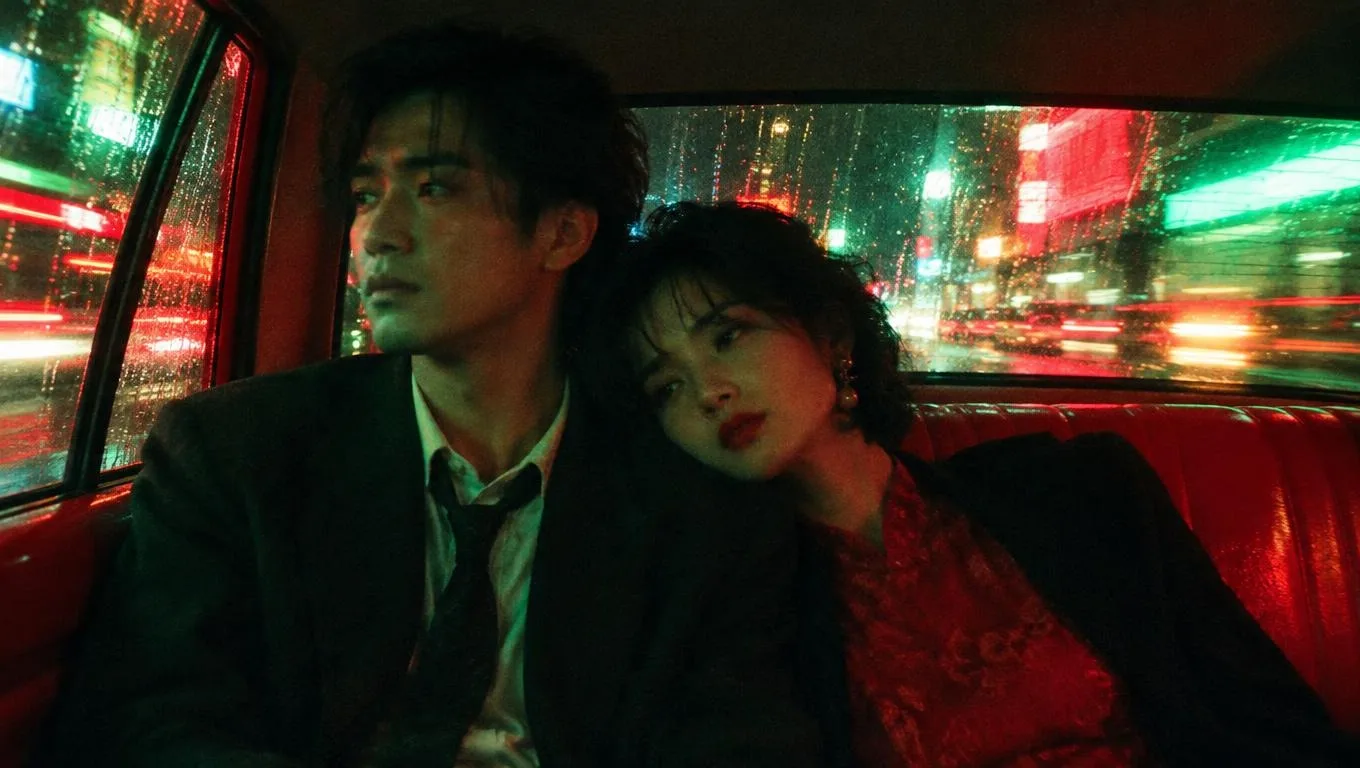
소리 있는 무료 AI 영상 만들기: 크레딧 없이 5초·720p
픽샷(Pickshot)에서 Lacquer로 소리 있는 720p 영상을 무료로 만드세요. 5초 무료 설정, 바로 쓸 수 있는 프롬프트 3개, 크레딧·무음 문제 해결법을 정리했습니다.
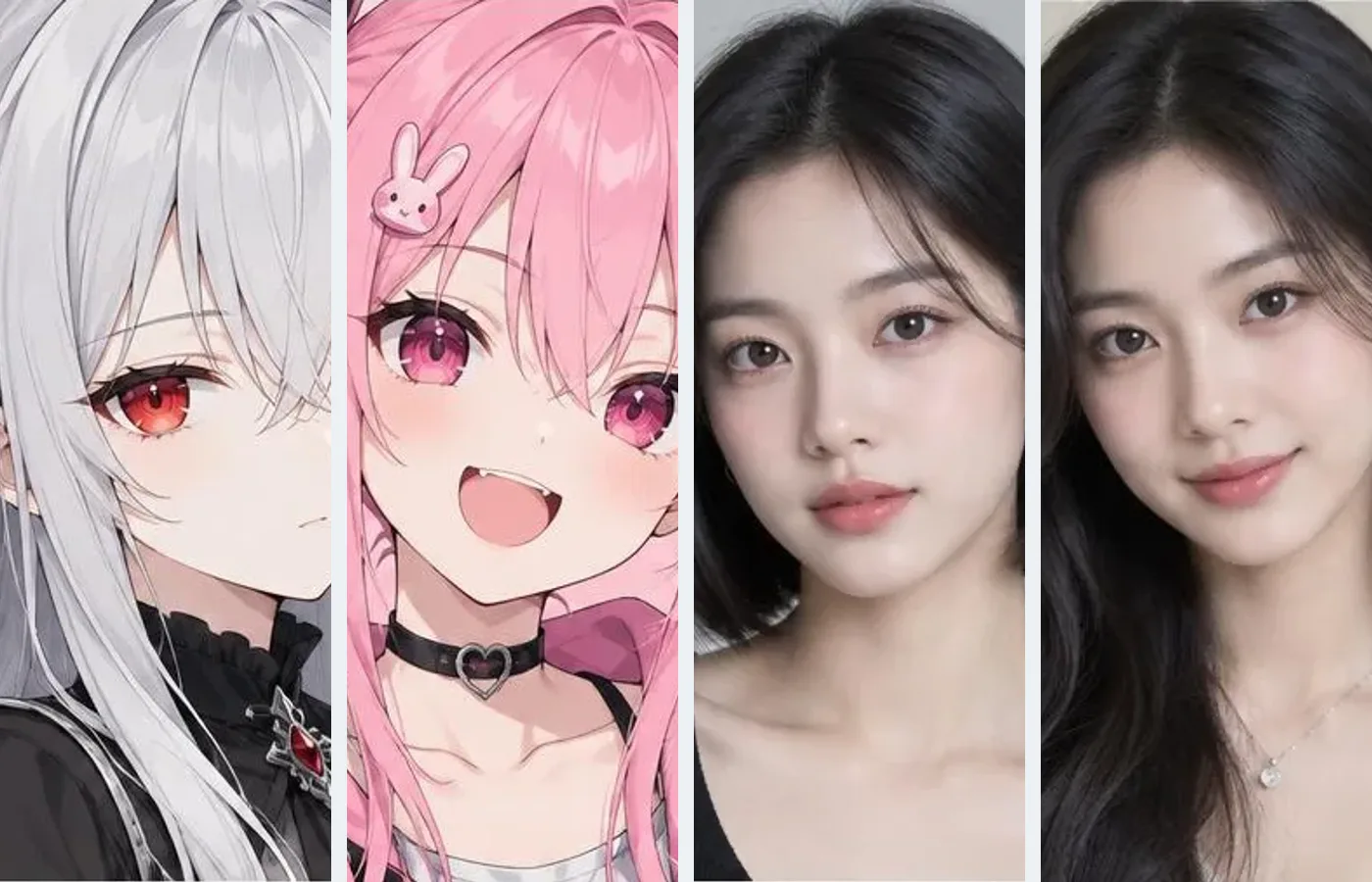
AI 인플루언서 캐릭터 일관성 가이드
픽샷에서 가상 캐릭터를 저장하고 참고 이미지로 게시물과 영상을 만드는 실제 흐름, 얼굴 변화 확인법을 정리했습니다.
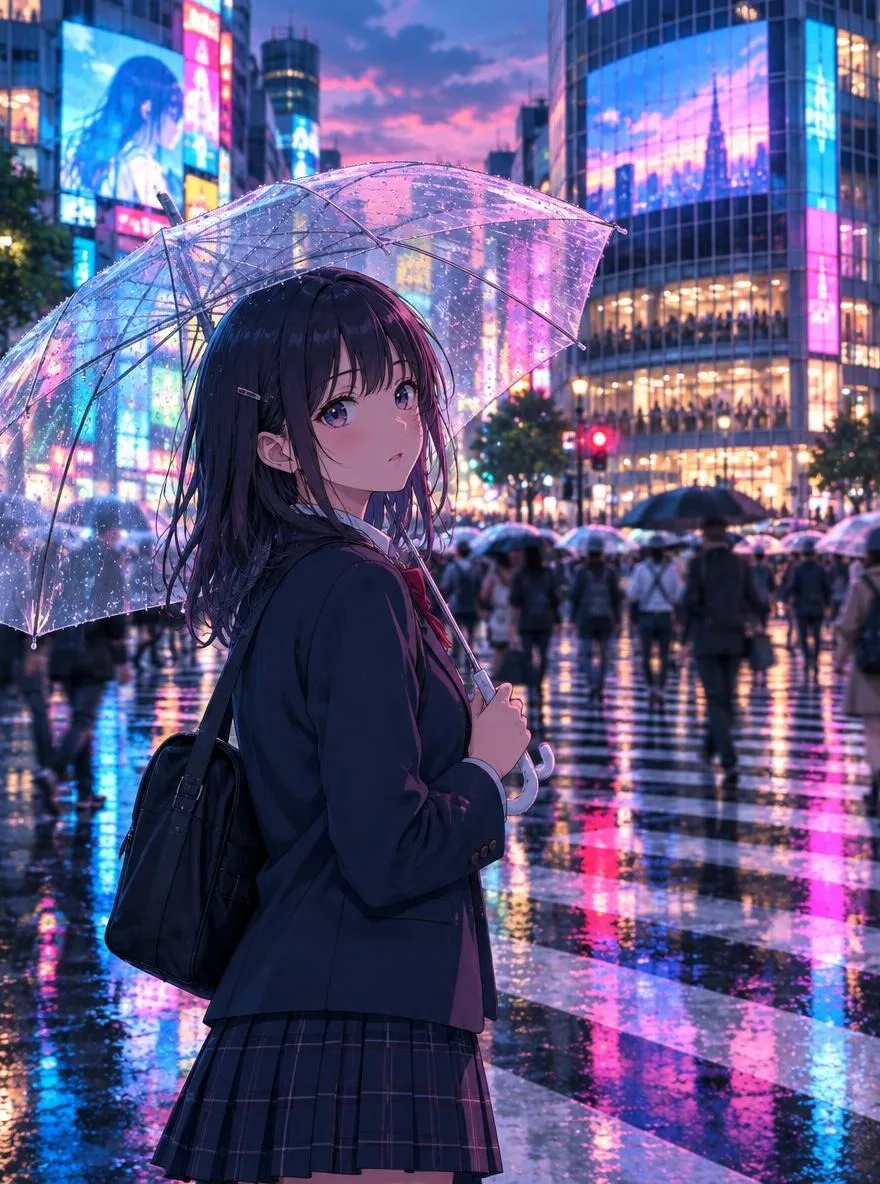
애니 프롬프트 31선: 웹툰·국풍·로파이 복붙 모음
프로필 아이콘, 폰 배경화면, 웹툰 캐릭터 시트, 추석·설날 시즌까지 바로 복사해 쓰는 한국어 애니 프롬프트 31개와 Pickshot 스타일·모델·비율 추천을 정리했습니다.
Questions
Is it really free?
New accounts get 50 credits. Free accounts can generate unlimited images on the website with the 5 basic image models without spending credits. Lacquer videos are free on the website: 3 a day, up to 5 seconds per clip. Members have unlimited use of eligible models without credit deductions. Other models and API/MCP remain metered.
Can I use my images and videos commercially?
You own the images, video and audio you make, and the Terms do not forbid commercial use. Some models add conditions, listed on the licences page: for example, video made with MiniMax H3 may not be used in the United States, the European Union or the United Kingdom, or to train other AI models. Check third-party trademark and portrait rights yourself; making look-alikes of real people or impersonating them is not allowed.
Why are some prompts blocked?
Sexual content, anything that endangers minors and graphic violence are blocked before generation. Composites that impersonate real people are not allowed either.
Can I make videos?
Yes. The video studio makes short clips from text or a photo. Of its 41 video models, the Pickshot-series models Silk, Lacquer and Satin and MiniMax H3 come first and partner models follow. Each lets you set length, resolution, ratio, camera move and sound, and shows the price, or that it is free for now, before you run. Clips can then be cut and captioned in the video editor.
How do I pay?
Money buys Booster Pass credits, usable for 90 days from purchase. Memberships use your credits for 30 days: Plus 9,900, Pro 19,900 and Max 39,900 credits. A membership is never automatically charged to a card. During a membership the Pickshot-series models run without credits and free image models get higher priority, subject to the plan and queue rules. You can turn credit-based renewal on or off; within 7 days of buying a membership, cancelling returns credits for the unused days. Members get bonus credits on Booster Pass purchases. Booster Pass: 10,000 / 30,000 / 50,000. Generations at once: Free 2, Plus 4, Pro 8, Max 12. Domestic checkout adds 10% VAT to the supply price. International prices are shown in USD before local tax; online purchase outside Korea is coming soon, and when it opens any local tax due is added at checkout. The product price, tax and final total are shown before payment. In Korea, Booster Passes can be bought on the pricing page.
첫 장면부터 다음 장면까지
문장이나 사진으로 짧은 AI 영상을 만드세요. 결과를 확인하고 다운로드한 뒤 다음 장면을 만드세요.
무료 영상 만들기2026-11-15 00:00 KST부터 모든 계정의 Lacquer 무료 영상은 하루 3개예요. 멤버십 회원은 Pickshot 시리즈 영상을 하루 한도 없이 만들어요. 무료 혜택은 무료 이용 정책에 따라 변경되거나 종료될 수 있습니다. 무료 이용 및 변경 안내