One idea, scene by scene
AI Story Generator: From One Idea to Scenes and Clips
Write the story in a few sentences, choose 4, 6 or 8 scenes and Story Studio plans them: a title, one line per scene and a picture prompt for each. You read and edit the plan before anything is drawn. Then each scene becomes a picture, and each picture can become a short clip, with a character of yours kept through the story. Pictures from the five basic image models cost no credits, and every clip price and the total are shown before a run starts.
कोई स्थापना नहीं. कोई क्रेडिट कार्ड नहीं. डिफ़ॉल्ट रूप से निजी.
AI story generator at a glance
- The plan
- Describe the story in up to 2,000 characters and choose 4, 6 or 8 scenes. You get a title, a line per scene in your language and an English picture prompt per scene, all editable. Planning draws no pictures and does not use credits.
- The pictures
- Each scene is drawn with the image model you picked in the studio, in 16:9 by default. The five basic image models cost no credits; any other model shows its credits before you press the button.
- The clips
- Make clips opens a panel with a clip model, a length, the price of each clip and the total. Lacquer videos are free on the website: 3 a day, up to 5 seconds per clip. A story that needs more free clips than are left today says so first, and offers the first clips, another day, or a model that uses credits.
- Keeping a character
- Choose one of your saved characters when you make the clips. A model that takes several reference pictures also receives the character’s photos; a model that takes one picture keeps the character through each scene’s own picture. Faces can still vary from scene to scene.
- While it runs
- Clips start only while the page is open. Each is charged when it starts, a clip that fails is refunded, and nothing goes past the total you confirmed. You can pause, resume or stop.
- Account
- A free account is needed to make anything; signing up asks for no card.
- भाषाएँ
- Pages, studio and prompts in English, Korean, Japanese and Simplified Chinese
- Watermark
- No visible watermark; each file carries metadata that marks it as AI-generated.
अद्यतन किया गया
What is an AI story generator?
An AI story generator turns an idea into a sequence: it splits the idea into scenes, writes what each one shows, and draws them in order, so the story can be read as pictures and, here, played as short clips. On Pickshot the planning step only writes. Nothing is drawn until you press the button for the pictures, and nothing becomes a clip until you confirm the total. That keeps the story yours: you can rewrite any scene before it is made.
A story in scenes
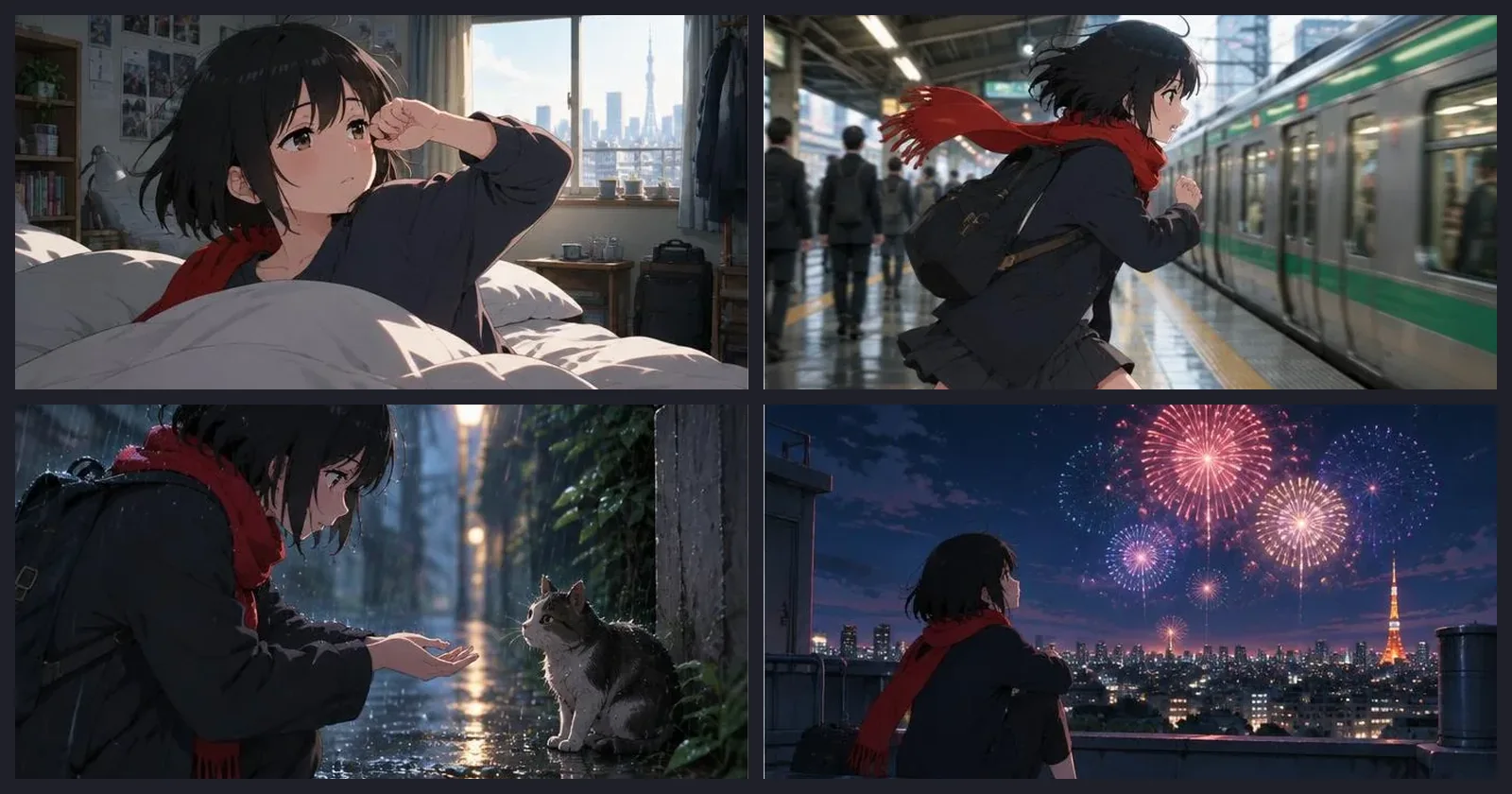
Four scenes of a sample story, “A rainy day in Tokyo”, one picture each. Story Studio shows this sample too, so you can see what a finished sequence looks like before you start. Your own story is drawn from your own plan.
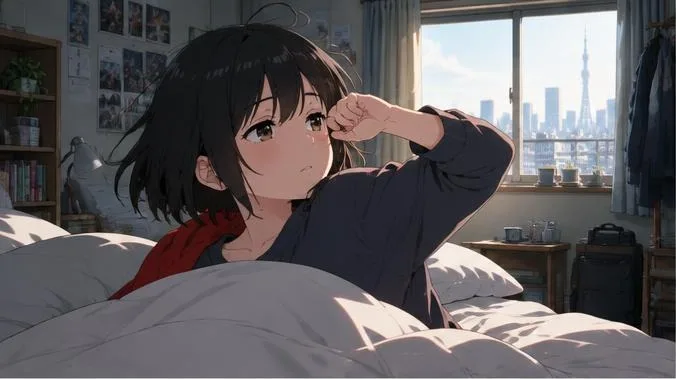
Scene 1: Rin wakes up in a tiny apartment, with the city in the window
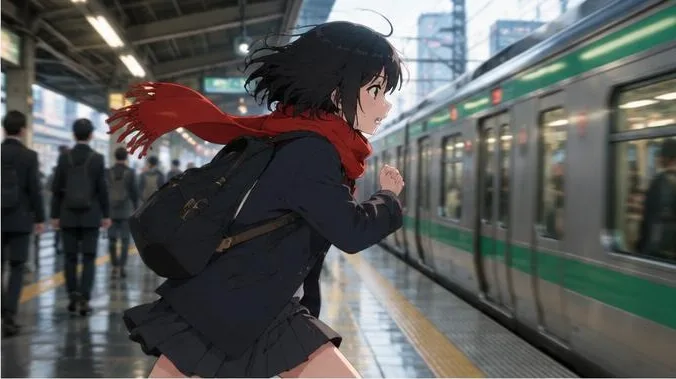
Scene 2: Late again, Rin runs for the train on a wet station platform
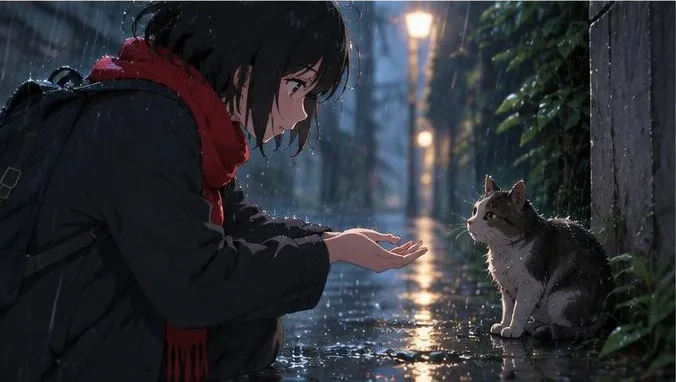
Scene 3: Rin meets a stray cat in a rainy alley at night
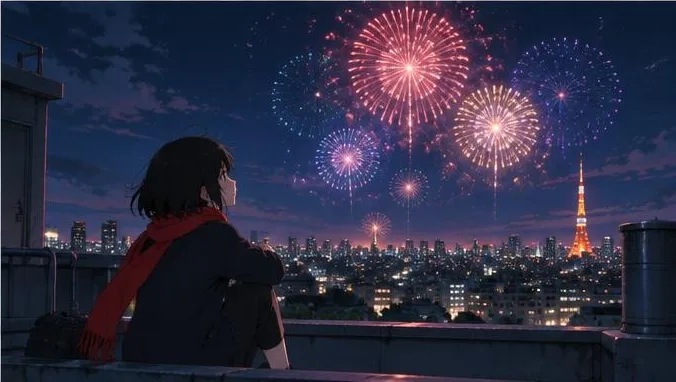
Scene 4: Rin watches fireworks from a rooftop, with a city tower in the distance
Why make stories on Pickshot
Edit the plan before you spend anything
The plan shows each scene’s line and its picture prompt. Rewrite a scene and its old picture is dropped, so the new words are used.
One look across the story
The planner repeats the same character traits in every scene prompt where they matter, and you draw all the pictures with one model, which helps the scenes look alike. It helps; it does not guarantee.
Pictures first, clips when you are ready
A story that works as pictures can become clips later. The panel shows the price of each clip and the total, and nothing runs past the total you confirm.
Saved, resumable, yours
Stories are saved to your account as projects. Come back to make the missing pictures, then arrange the finished ones in the Storyboard.
How to make a story
Write the idea
Write a few sentences with the character, the place and what happens, for example a girl in Tokyo meets a stray cat on a rainy day. Describe the character’s look once; the planner carries it into every scene.
Choose 4, 6 or 8 scenes and plan
Press Plan scenes. Read the title, each scene line and its English picture prompt, and edit whatever you want changed.
Draw the scenes
Pick an image model, check the estimate and make the pictures. They are saved with the story, and a scene you edit later is drawn again.
Make clips and arrange them
Open Make clips, choose a clip model, a length and, if you like, a character, check the total and start. Then arrange the clips in the Storyboard and join them into one video.
Where it helps
/01
Picture stories and plots
Turn a plot into six or eight scenes you can read at a glance.
/02
Short video drafts
Plan the beats of a short video, then make a clip for each beat.
/03
Characters with a world
Put a saved character into a small adventure: a day in the city, a trip, an origin story.
आवश्यकतानुसार क्रेडिट खरीदें; सदस्यताएँ क्रेडिट पर चलती हैं
नए खातों को 50 क्रेडिट मिलते हैं। मुफ्त खाते भी वेबसाइट पर 5 बुनियादी इमेज मॉडल से बिना क्रेडिट खर्च किए असीमित चित्र बना सकते हैं। वेबसाइट पर Lacquer वीडियो मुफ्त हैं: रोज़ 3 वीडियो, हर क्लिप अधिकतम 5 सेकंड की। सदस्य शामिल मॉडल बिना क्रेडिट कटौती के असीमित इस्तेमाल कर सकते हैं। अन्य मॉडल और API/MCP का शुल्क अलग है।
Pickshot-series models without credits · 4 generations at a time · Unlimited free-model images (Higher priority than Free)
Pickshot-series models without credits · 8 generations at a time · Unlimited free-model images (Higher priority than Plus)
Booster Pass और सदस्यताएँ अभी अस्थायी रूप से उपलब्ध नहीं हैं। आपके पास पहले से मौजूद क्रेडिट और सदस्यताएँ अपनी अवधि खत्म होने तक काम करती रहेंगी।
प्रश्न
Is planning free?
Planning writes text only and does not use credits. Pictures from the five basic image models cost no credits on a free account; other models show their price first, and every clip shows its price and the total before it starts.
How many free clips can a story have?
Lacquer videos are free on the website: 3 a day, up to 5 seconds per clip. A story with more scenes than free clips left today says so before it starts. You can start with the first clips, finish another day, or choose a model that uses credits. On the free plan clips run one at a time.
Will my character look the same in every scene?
Keep a character when you make the clips and, with a model that takes several reference pictures, its photos go in beside each scene’s picture. Faces, hair and outfits can still vary, so review every scene.
Can I use a public character in my story?
Public characters can be picked in the prompt bar of the studios: type @ and at least two letters to find one. Only its cover picture is used. The clip panel in Story Studio lists only your own saved characters.
Is this the same as a story on Posts?
No. A story on Posts is a single picture with a short caption, made in the AI influencer workspace and shown for 30 days in a row at the top of Posts, for an AI influencer or one of your public characters. Story Studio plans and draws the scenes of a longer story. A finished story can also be shared as a post from the Storyboard.
Can I write the idea in my own language?
Yes. The title and scene lines come back in the language you use Pickshot in, and the picture prompts are written in English. Write about original characters and do not use a real person’s identity; the safety checks apply to the plan and to every picture and clip.
Turn an idea into a story you can see
Write the idea, check the plan and draw the scenes. Clips come last, and only after you see the total.
शुरुआत मुफ़्त करें