AI Character Sheet Maker: Views and Expressions
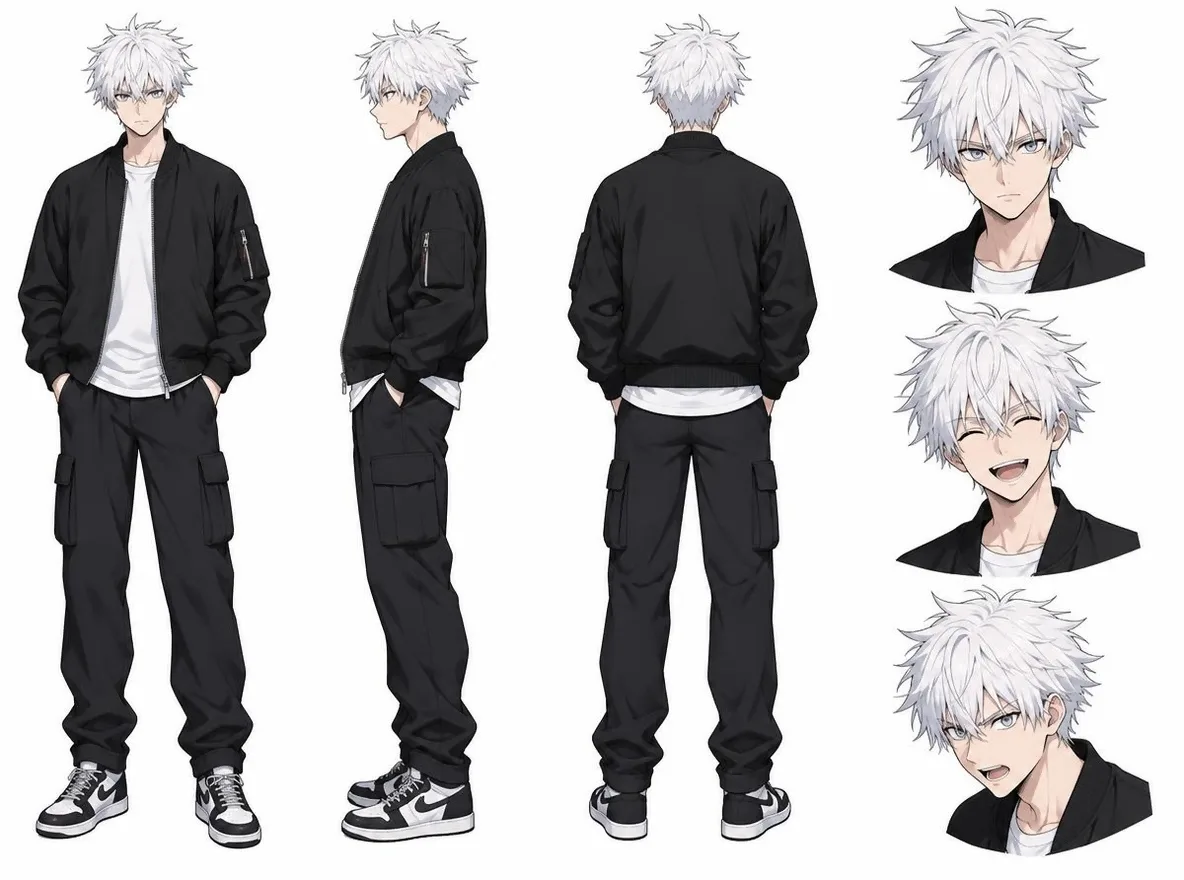
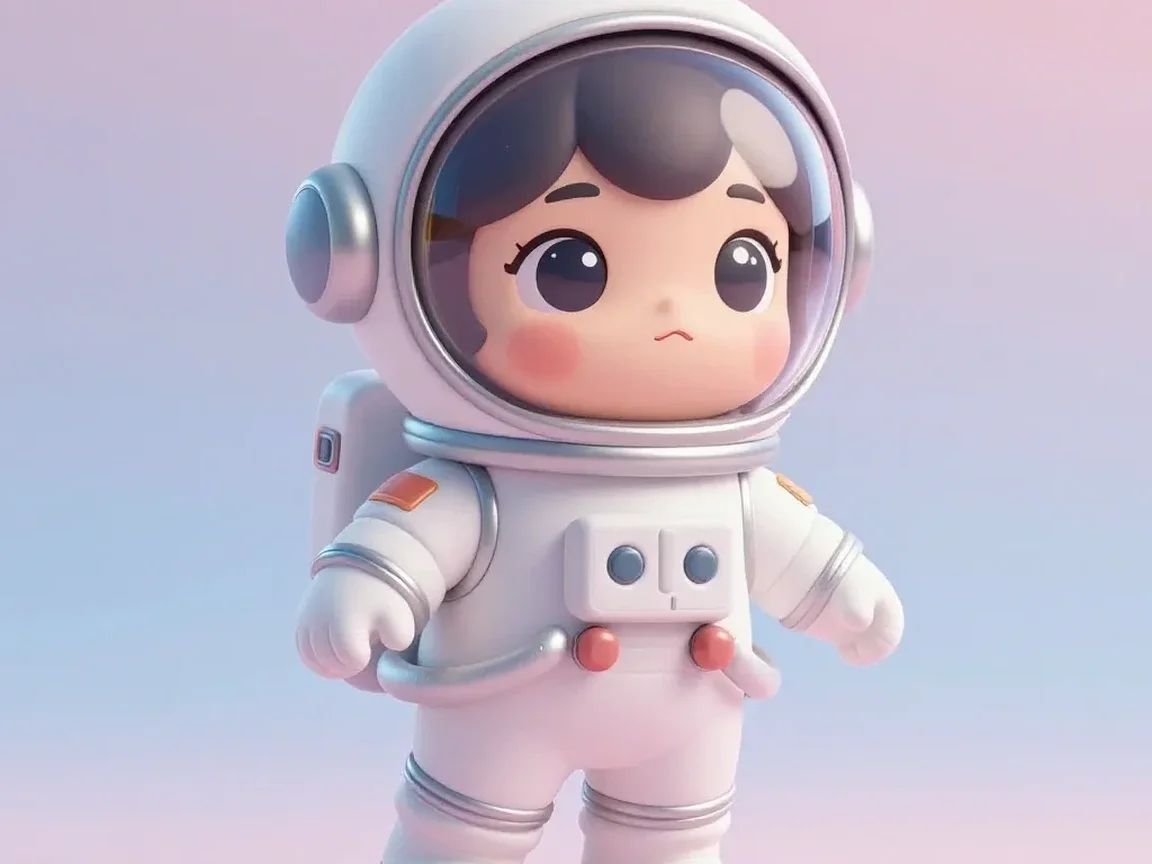
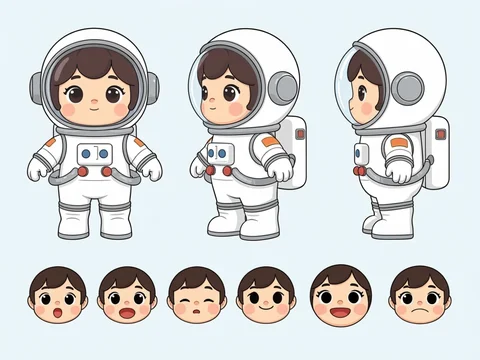
Pickshot's Character Sheet app turns one character image into a tidy model sheet. It lays out several views (front, three-quarter and side), a row of facial expressions and a few detail close-ups on a clean light background, and keeps the face, hair, outfit and design identical to the original character. Under Details (optional, up to 300 characters) you can ask for a layout, such as "six expressions, include a back view".
Nieuwe accounts krijgen 50 credits. Gratis accounts kunnen op de website met de 5 basismodellen onbeperkt afbeeldingen maken zonder credits te verbruiken. Lacquer-video’s zijn gratis op de website: 3 per dag, tot 5 seconden per clip. Leden gebruiken inbegrepen modellen onbeperkt zonder credits. Andere modellen en API/MCP worden apart afgerekend.
Bijgewerkt
Hoe het werkt
- Upload one character image; your own drawing or an AI-made picture both work.
- If you like, describe the layout under Details, for example: six expressions, include a back view.
- Press Make Sheet, check the result and download it.
Voorbeeldprompts
Echte resultaten van door AI gegenereerde afbeeldingen in onze bibliotheek. Er is geen foto van een echt persoon gebruikt.
 Voor
 Na
Goed voor
- Character model sheets for comics and animation
- Sharing a design before ordering merch or commissioning art
- Angles and expressions for a VTuber or game character
Tips voor betere resultaten
- An image that shows the full body or upper body gives the most natural set of angles.
- The simpler the background, the more faithfully the design carries over.
- Crop your favourite view from the sheet and save it as a Character's reference picture.
Vragen
How much does it cost?
Free models are unlimited with an account. Models marked “Free with membership” are unlimited without credits during membership. Otherwise, the displayed credit price applies. Developer API usage is billed separately.
Is the sheet layout the same every time?
The app asks for several angles, a row of expressions and detail close-ups, but AI decides the arrangement and the number, so each result differs. Describing the layout under Details brings it closer to what you want.
Can I upload someone else's character?
Only upload characters you created or images you have the right to use. Using another artist's or company's character without permission may infringe their copyright. Uploaded images go through a safety check, and nothing appears in the public Explore feed unless you choose to share it.
Meer apps

Foto naar anime
Teken een selfie opnieuw als anime, webtoon, aquarel of 3D-figuur.

AI-profielfoto
Verander een informele selfie in een identiteitsfoto, een portretfoto bij een sollicitatie of een sociale avatar.

Traditionele outfits
Zie jezelf in hanbok, kimono, qipao of hanfu.

Reis achtergrond
Blijf jezelf, ruil de achtergrond voor Kyoto, Seoul, Shanghai of Jeju.