AI Hairstyle Try-On: Find a Cut That Suits You
The Hairstyle try-on app changes only the hair in your photo and keeps your face, makeup, clothing and background the same. Check whether a hush cut or bob suits you before booking, then show the result to your stylist as a reference.
May 50 credits ang mga bagong account. Maaari ring gumawa ang mga libreng account ng walang limitasyong mga larawan sa website gamit ang 5 pangunahing modelo nang hindi gumagastos ng credits. Libre ang mga Lacquer video sa website: 3 bawat araw, hanggang 5 segundo bawat clip. Walang limitasyon o bawas na credits ang mga kasamang modelo para sa mga miyembro. Hiwalay ang singil sa ibang modelo at API/MCP.
Na-update
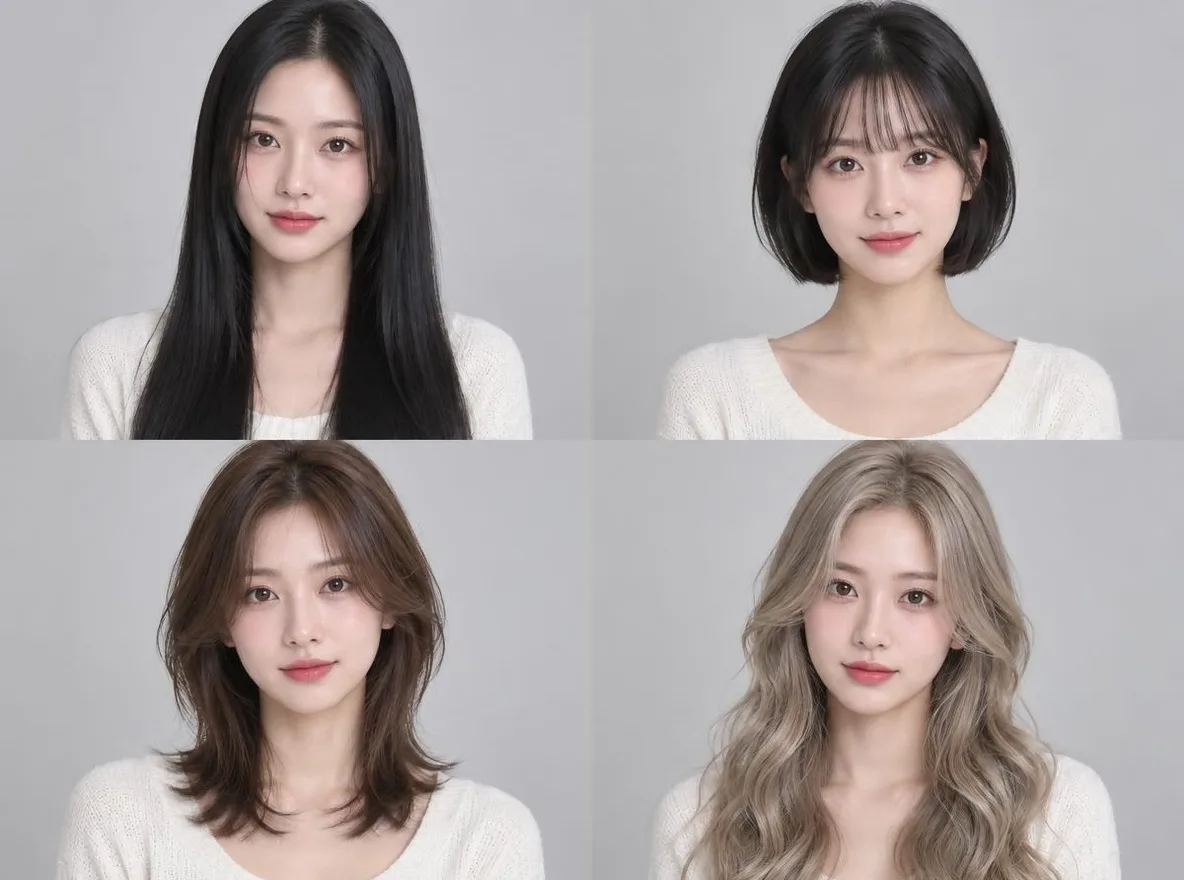
Paano ito gumagana
- Upload one photo where your face and hairline are clearly visible.
- Choose Hush cut, Bob with bangs, Long straight, Volume perm, Men's short cut or Ash blonde waves.
- Click transform, review the result and download it.
Mga opsyon
Mga halimbawang prompt
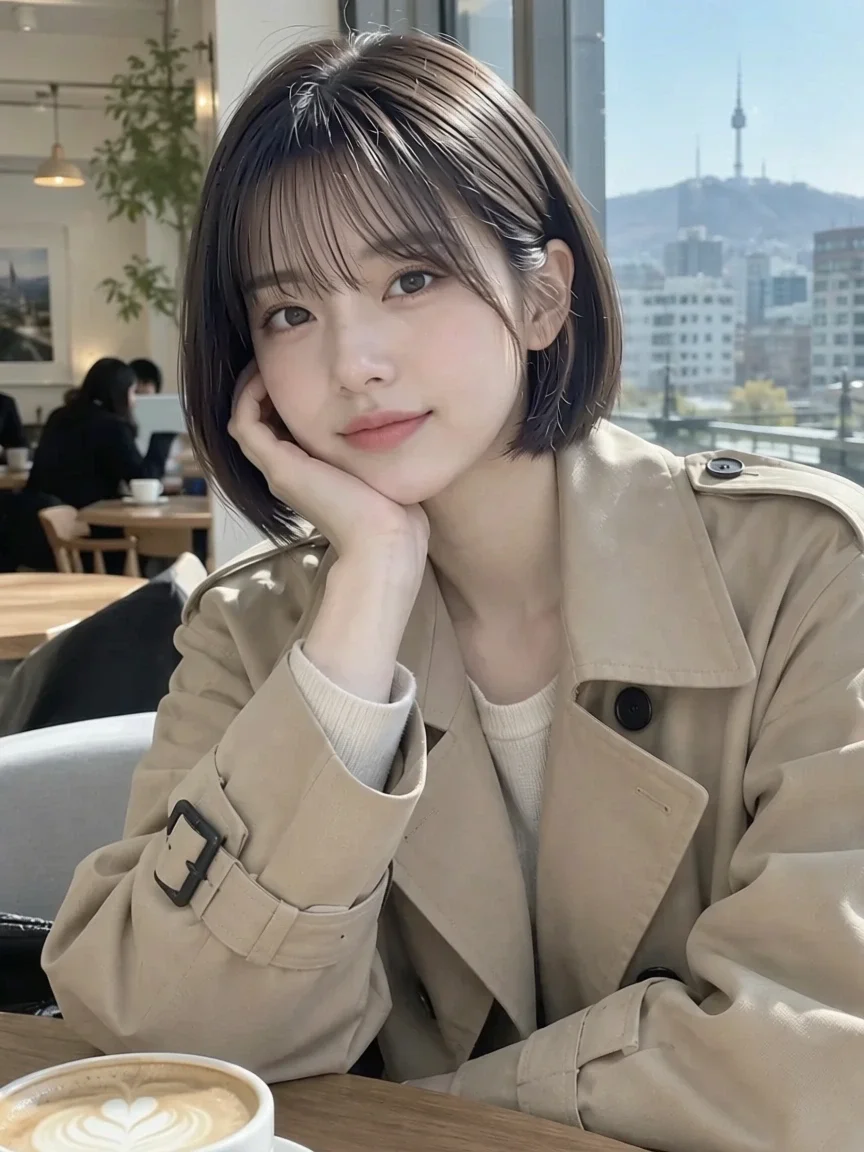
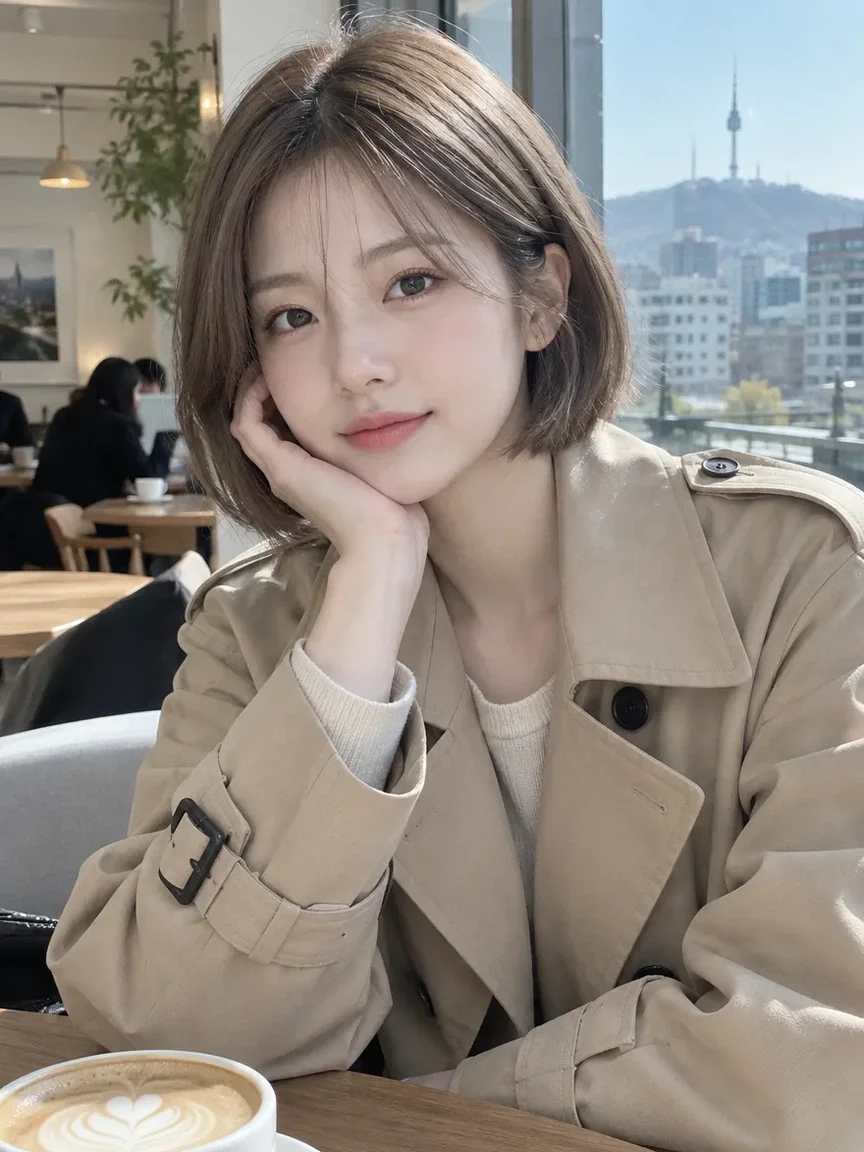
Mga aktuwal na resulta mula sa mga larawang gawa ng AI sa aming library. Walang ginamit na larawan ng totoong tao.
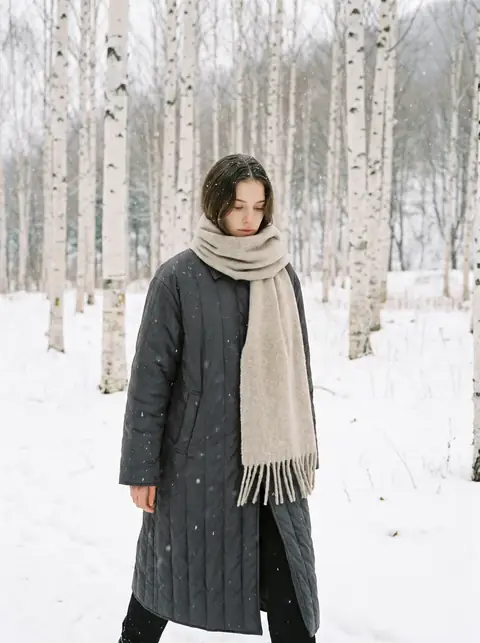 Bago
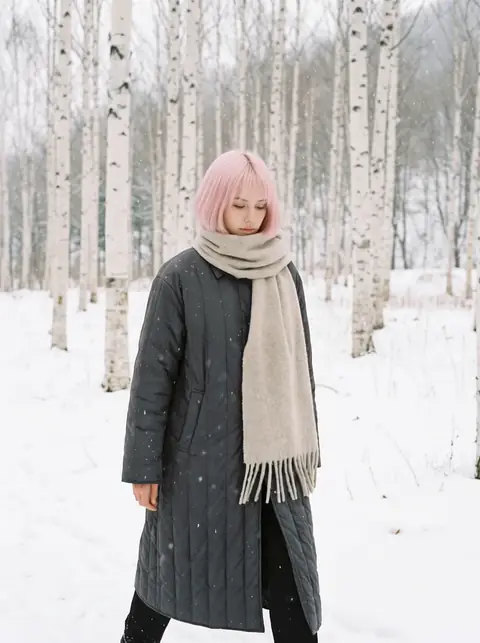 Pagkatapos
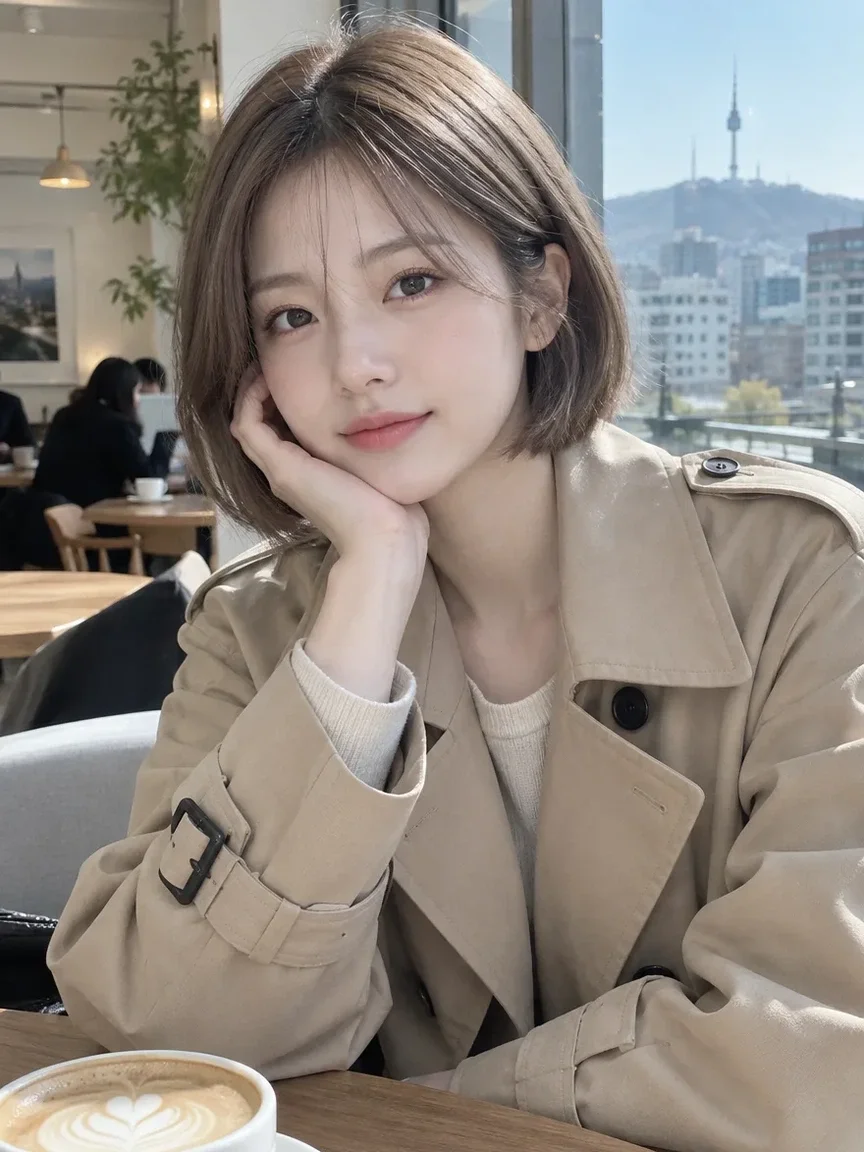 Bago
 Pagkatapos
 Bago
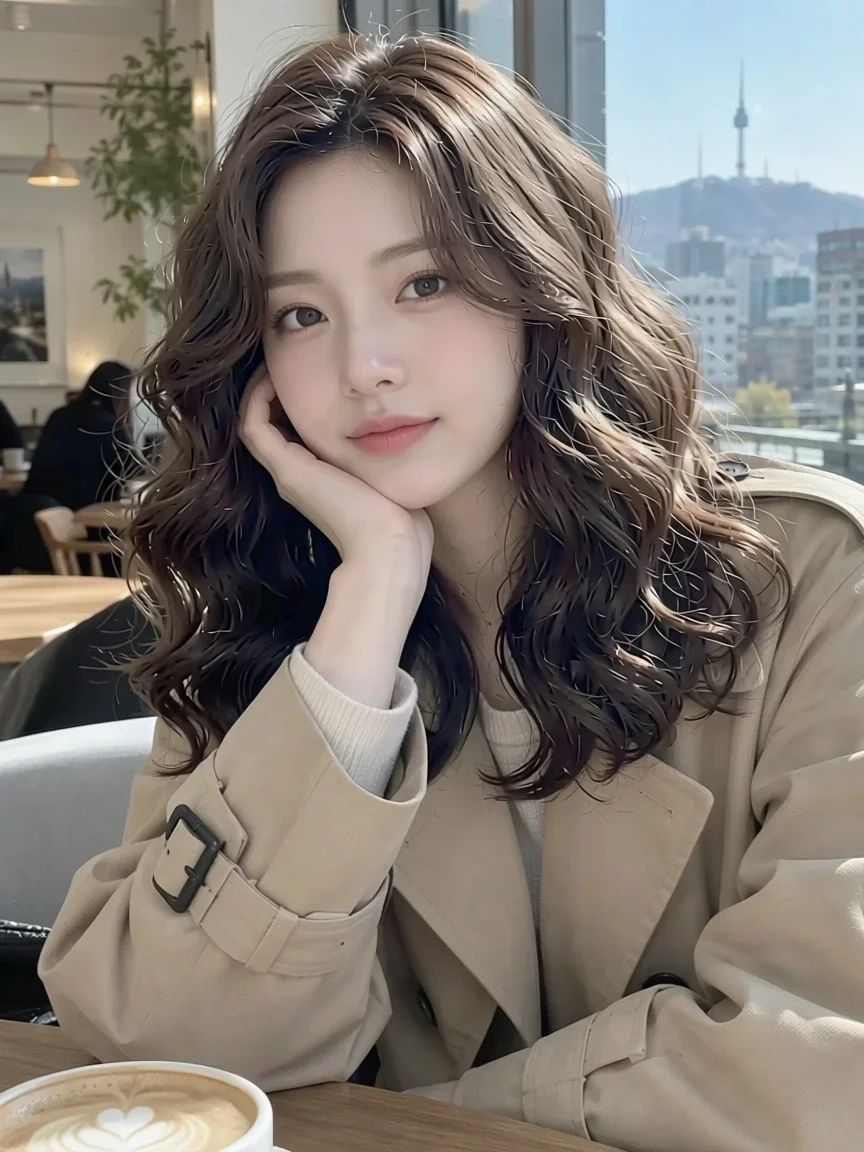 Pagkatapos
Angkop para sa
- Reference photos for a salon consultation
- Checking a color before bleaching or dyeing
- Asking friends which style looks better
Mga tip para sa mas magandang resulta
- A front-facing photo with your hair down and face outline visible gives the most accurate result.
- Take off hats, headbands and large accessories before taking the photo.
- Bright, even light keeps your skin tone and the new hair color looking natural together.
Mga tanong
How much does it cost?
Free models are unlimited with an account. Models marked “Free with membership” are unlimited without credits during membership. Otherwise, the displayed credit price applies. Developer API usage is billed separately.
What happens to the photo I upload?
Only upload photos of yourself or photos you have the right to use. Impersonating real people or using results to deceive others is prohibited. Uploaded photos go through a safety check, you can delete your generated images at any time, and nothing appears in the public Explore feed unless you choose to share it.
Will my real haircut look exactly like this?
No. It is an AI preview, and real results depend on your hair texture, density and the stylist's technique. Use it as a reference and decide with your stylist.
Iba pang mga app

Larawan tungo sa anime
Iguhit muli ang selfie bilang anime, webtoon, watercolor o 3D figure.

Larawan sa profile gamit ang AI
Gawing larawan para sa ID, headshot sa pag-aaplay ng trabaho o avatar sa social media ang kaswal na selfie.

Mga tradisyonal na kasuotan
Makita ang sarili mong naka-hanbok, kimono, qipao o hanfu.

Background sa paglalakbay
Panatilihin ang sarili mo, palitan ang background ng Kyoto, Seoul, Shanghai o Jeju.