AI Profile Photo and Headshot Generator
The AI profile photo app turns a single selfie into a studio-style portrait. It keeps your facial features and tidies up clothing, background and lighting, so the result works for LinkedIn, work chat apps, KakaoTalk, LINE or WeChat. AI photos are not guaranteed to be accepted for passports or other official IDs.
May 50 credits ang mga bagong account. Maaari ring gumawa ang mga libreng account ng walang limitasyong mga larawan sa website gamit ang 5 pangunahing modelo nang hindi gumagastos ng credits. Libre ang mga Lacquer video sa website: 3 bawat araw, hanggang 5 segundo bawat clip. Walang limitasyon o bawas na credits ang mga kasamang modelo para sa mga miyembro. Hiwalay ang singil sa ibang modelo at API/MCP.
Na-update
Paano ito gumagana
- Upload one selfie with your face clearly visible from the front.
- Choose Business, ID photo, Casual or Creator depending on where you will use it.
- Click transform, review the result and download it.
Mga opsyon
Mga halimbawang prompt
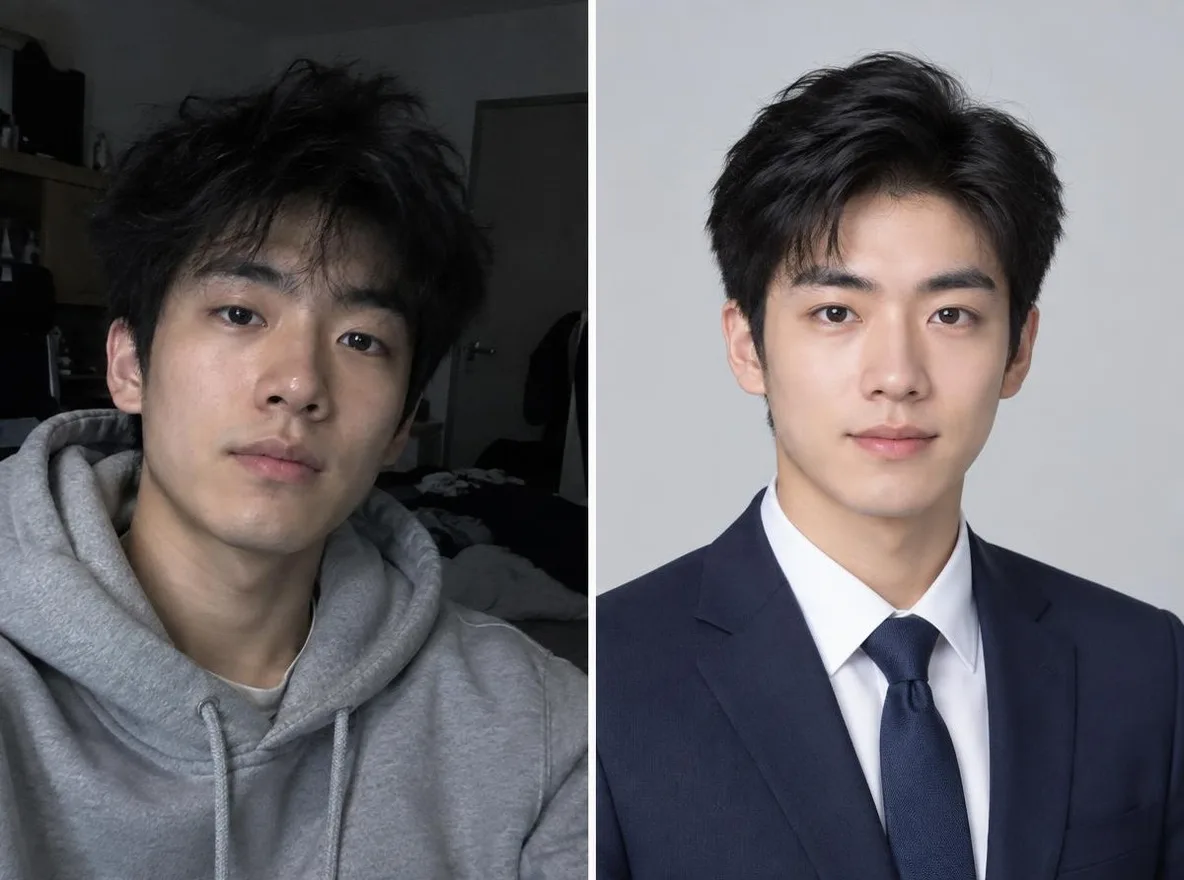
Mga aktuwal na resulta mula sa mga larawang gawa ng AI sa aming library. Walang ginamit na larawan ng totoong tao.
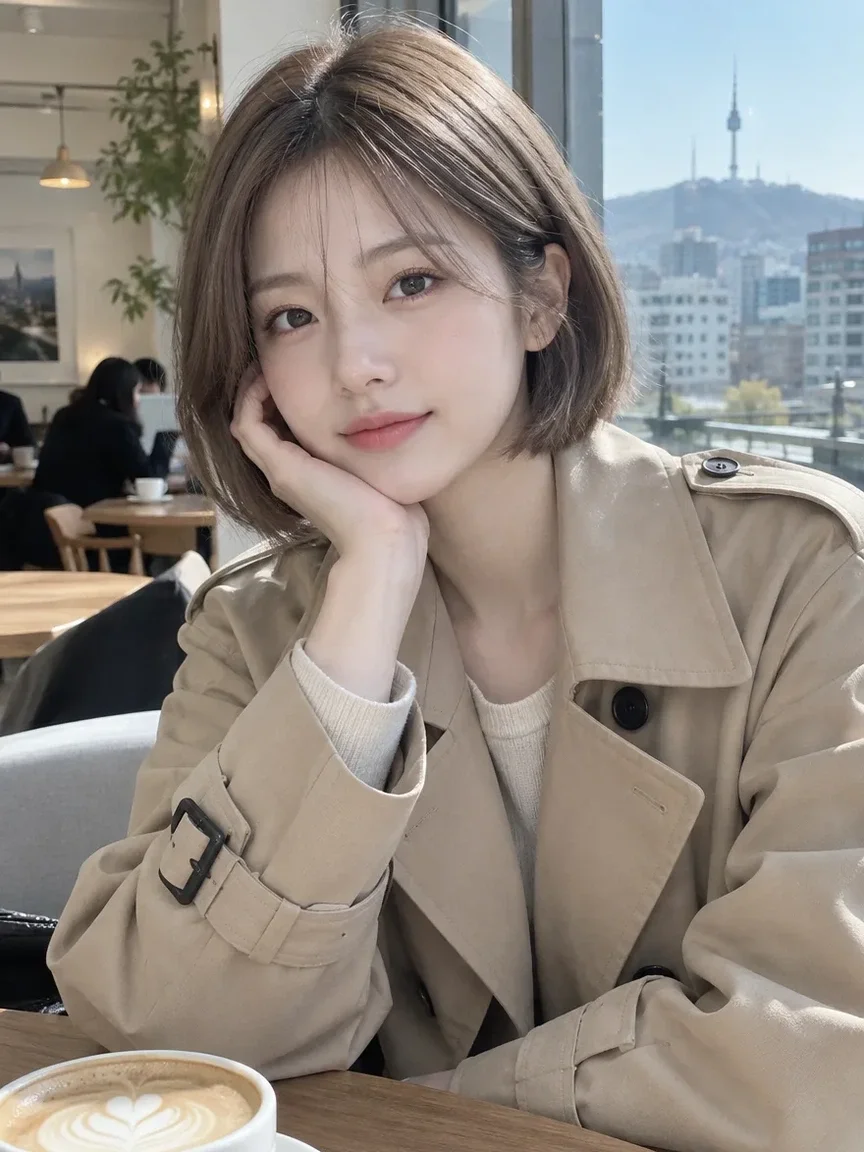 Bago
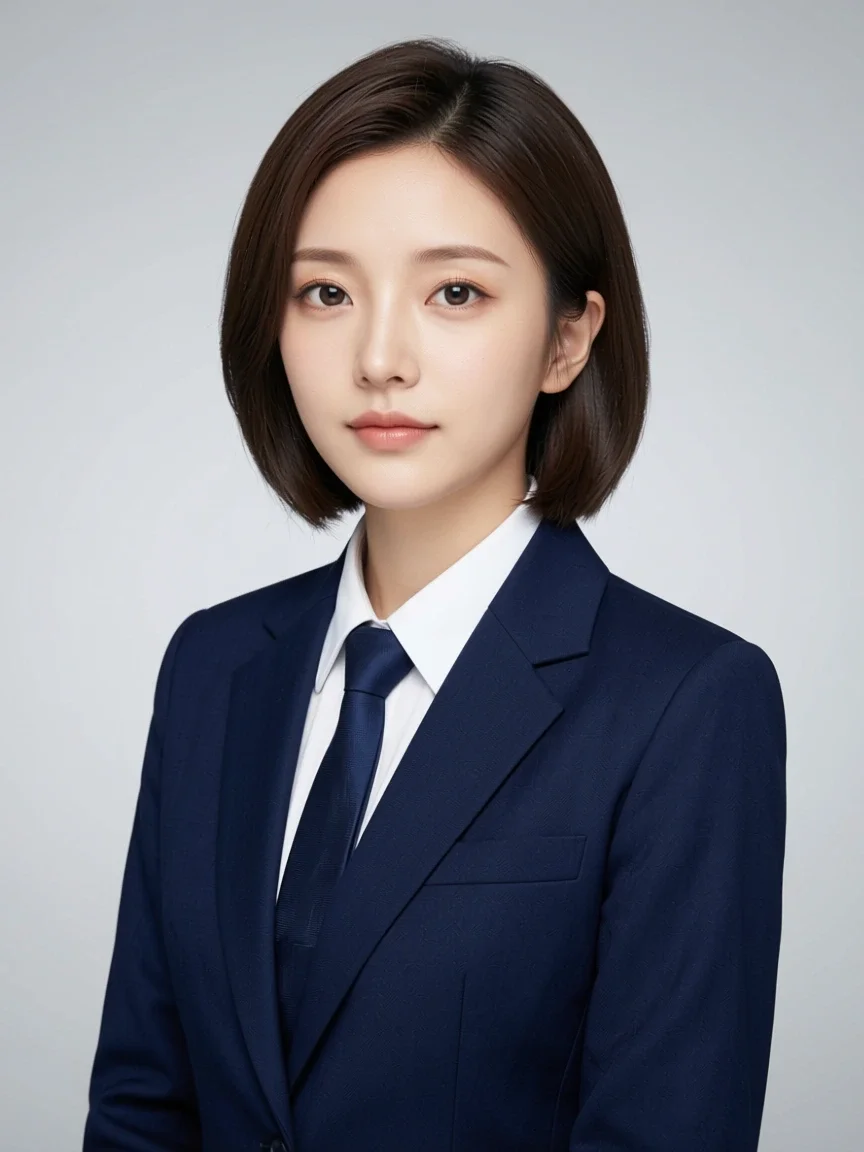 Pagkatapos
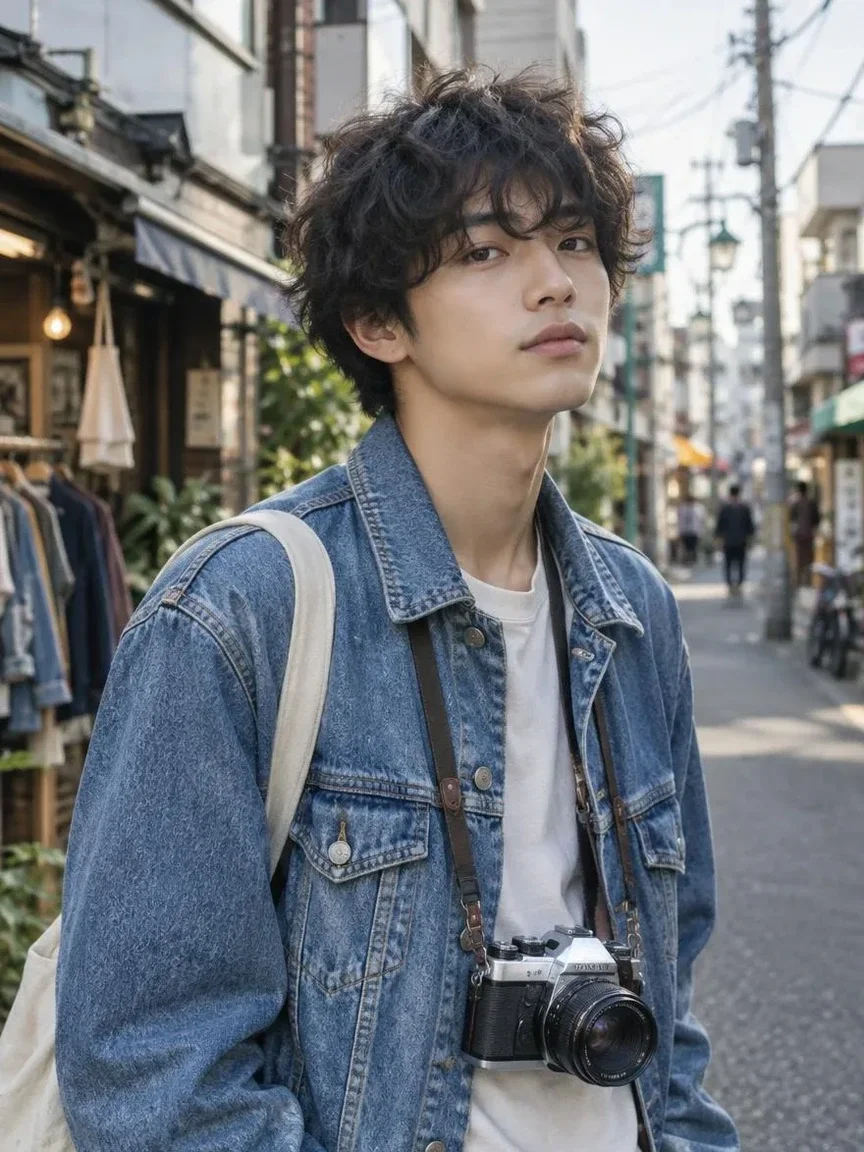 Bago
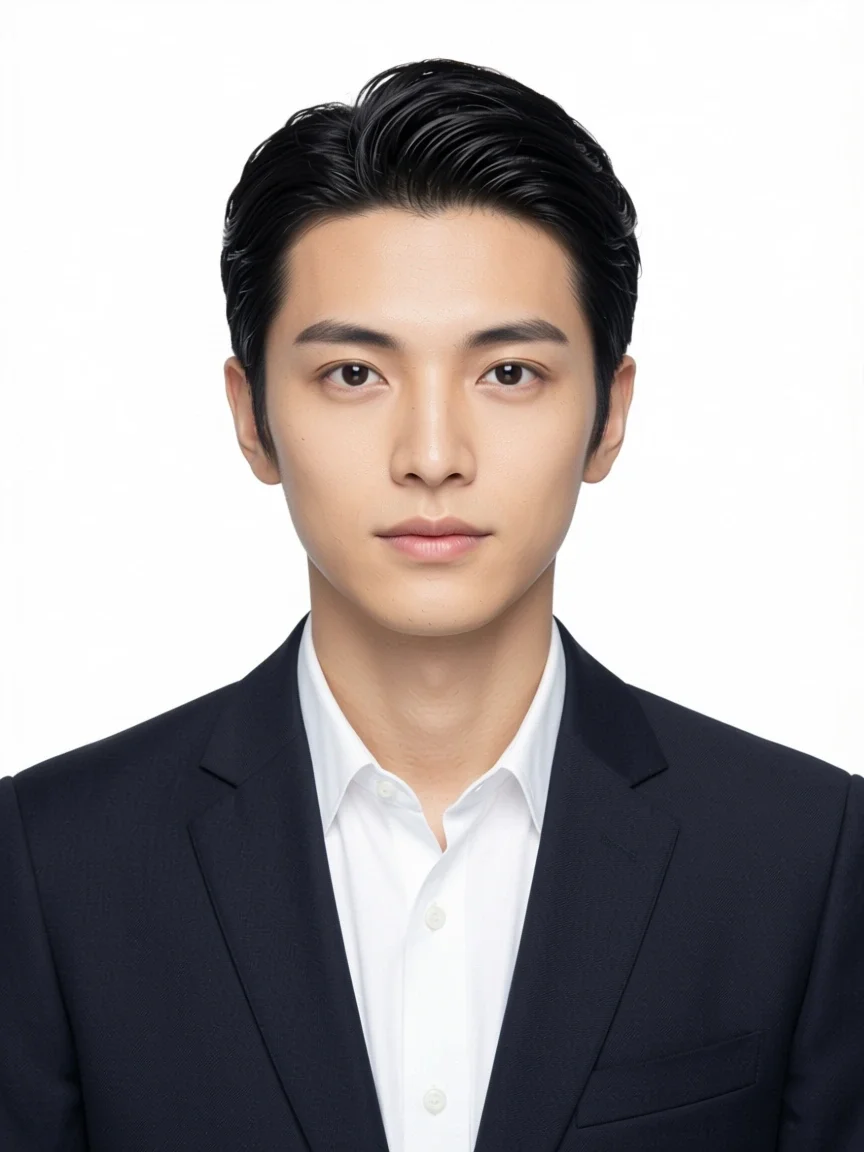 Pagkatapos
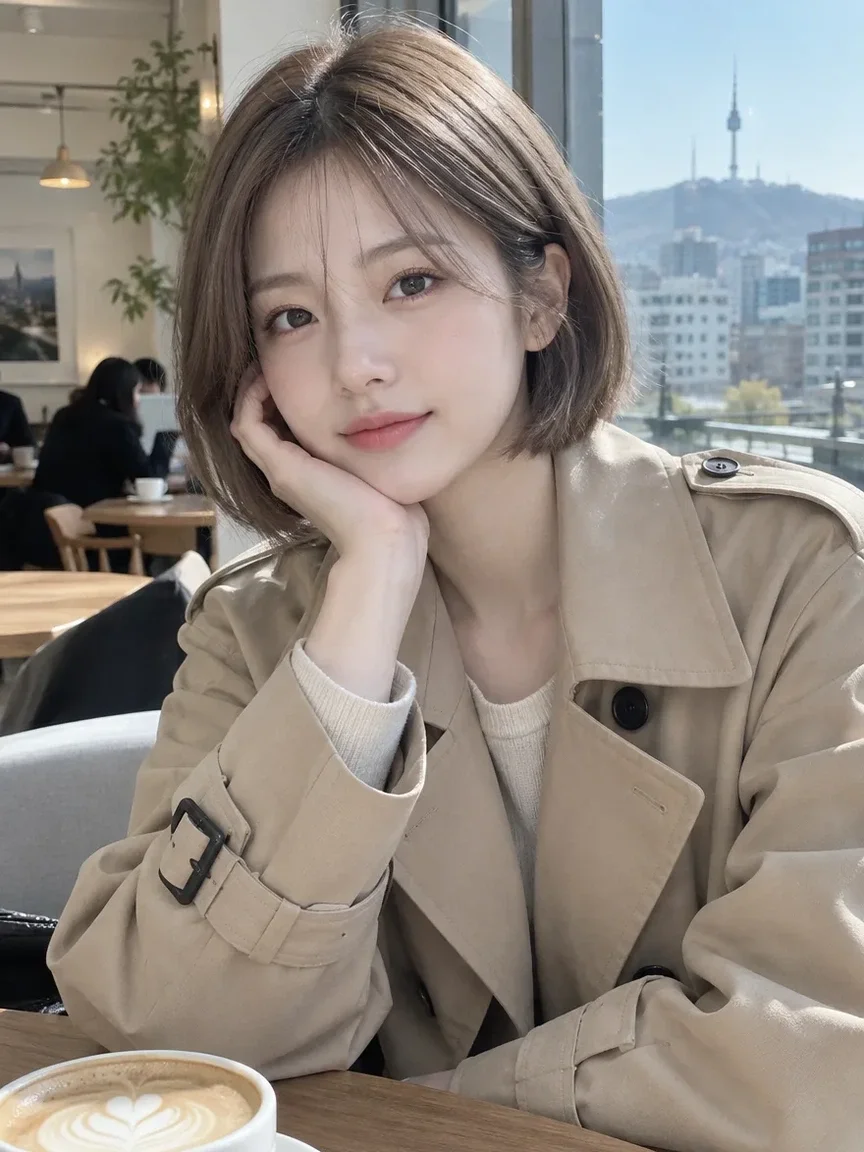 Bago
 Pagkatapos
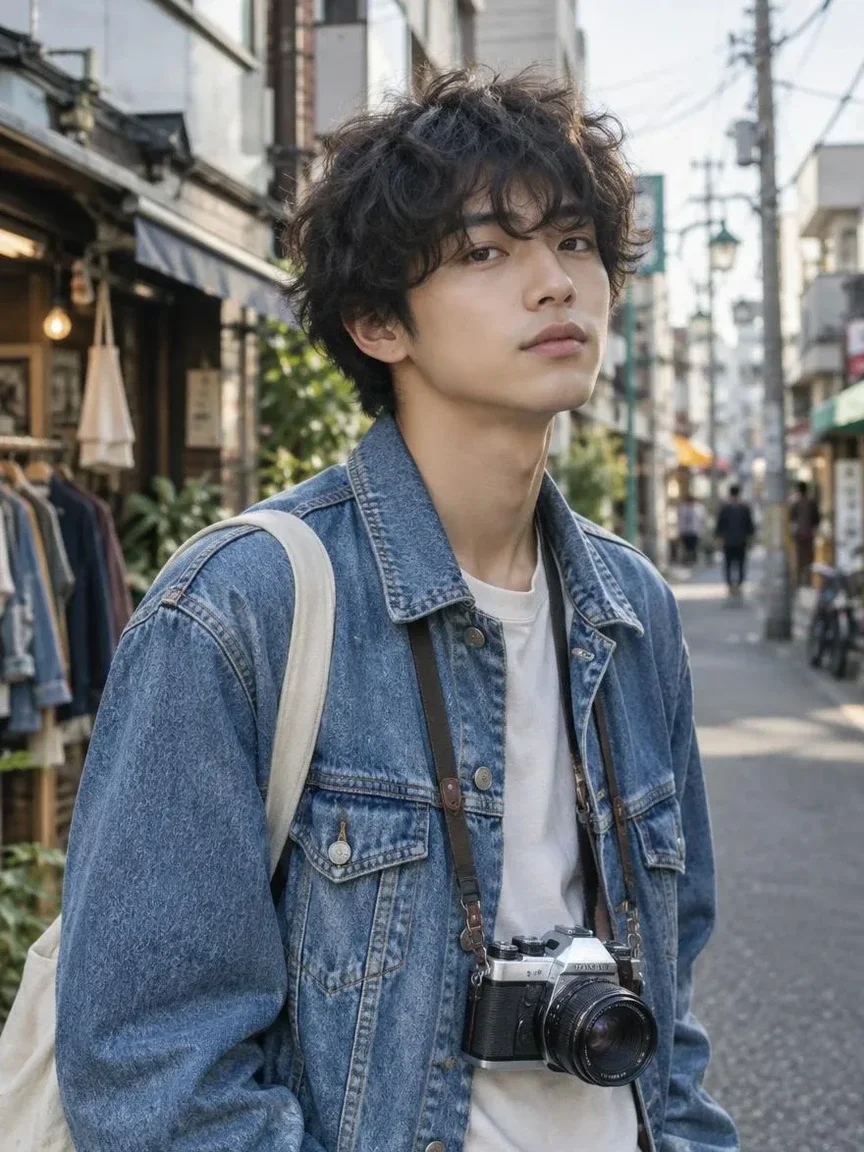 Bago
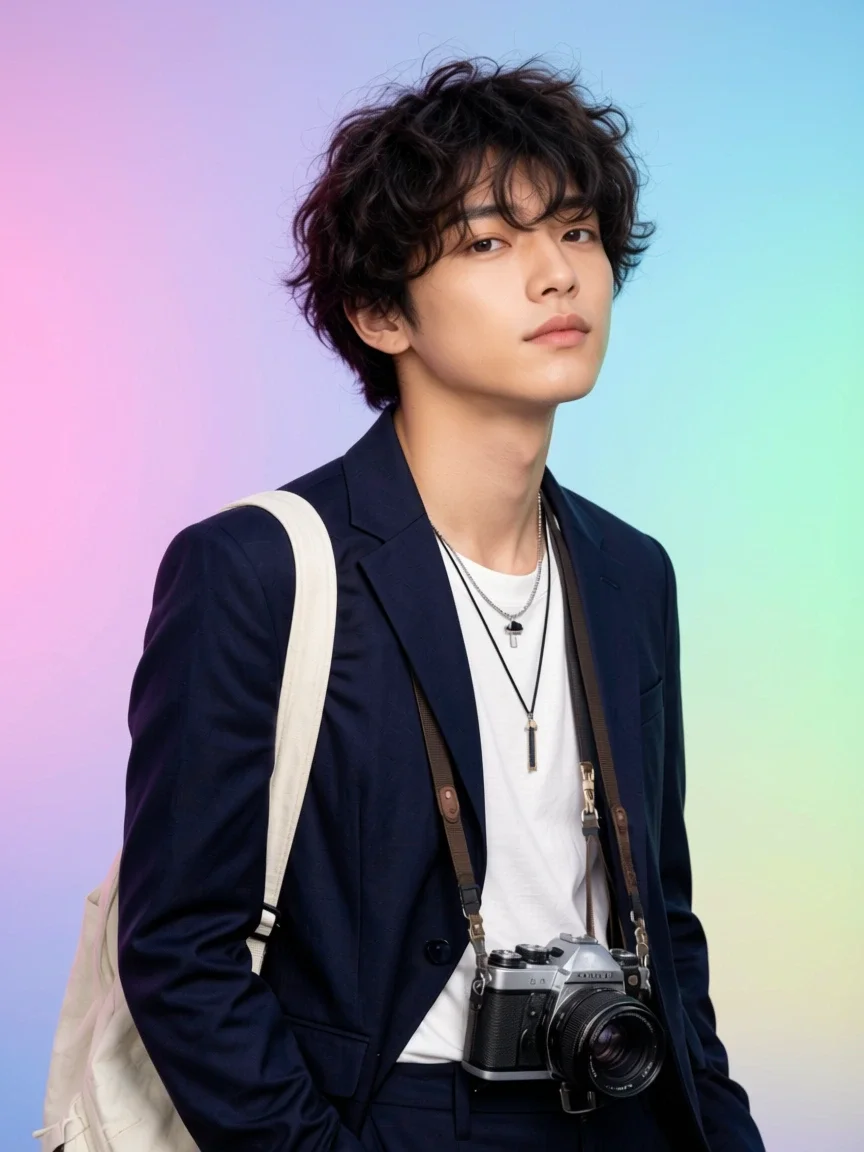 Pagkatapos
Angkop para sa
- LinkedIn and work chat avatars
- Messenger and social profile pictures
- Previewing a job-application headshot
Mga tip para sa mas magandang resulta
- Face the camera and remove sunglasses or masks so nothing covers your face.
- Bright, even light such as a window gives the most natural skin tone.
- Frame from the top of your head to your shoulders so the suit and backdrop blend naturally.
Mga tanong
How much does it cost?
Free models are unlimited with an account. Models marked “Free with membership” are unlimited without credits during membership. Otherwise, the displayed credit price applies. Developer API usage is billed separately.
What happens to the selfie I upload?
Only upload photos of yourself or photos you have the right to use. Impersonating real people or using results to deceive others is prohibited. Uploaded photos go through a safety check, you can delete your generated images at any time, and nothing appears in the public Explore feed unless you choose to share it.
Can I use it for a passport or ID card?
There is no guarantee. AI-made ID-style photos may not be accepted for passports, national ID cards, driver's licenses or other official documents. Always check the issuing authority's official requirements before submitting.
Iba pang mga app

Larawan tungo sa anime
Iguhit muli ang selfie bilang anime, webtoon, watercolor o 3D figure.

Mga tradisyonal na kasuotan
Makita ang sarili mong naka-hanbok, kimono, qipao o hanfu.

Background sa paglalakbay
Panatilihin ang sarili mo, palitan ang background ng Kyoto, Seoul, Shanghai o Jeju.
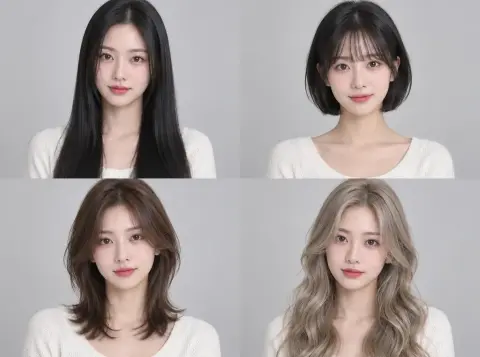
Pagsubok ng hairstyle
Tingnan kung bagay sa iyo ang hush cut, bob o perm bago pumunta sa salon.