From a selfie, from traits, or from a starter
AI Avatar Generator: Profile Pictures and Characters
An avatar is a picture that stands for you or for a character you made up, so it helps to decide which one you need. Pickshot has three routes. Redraw a selfie as anime, webtoon, watercolor anime or a 3D figure with the Photo to anime app. Pick traits with no photo at all in Character Builder: Attributes. Or start from one of eight starter portraits and refine it in Character Builder: Muse. Save the one you like as a character, and the same face can then appear in new pictures and short clips.
Kurulum yok. Kredi kartı yok. Varsayılan olarak özeldir.
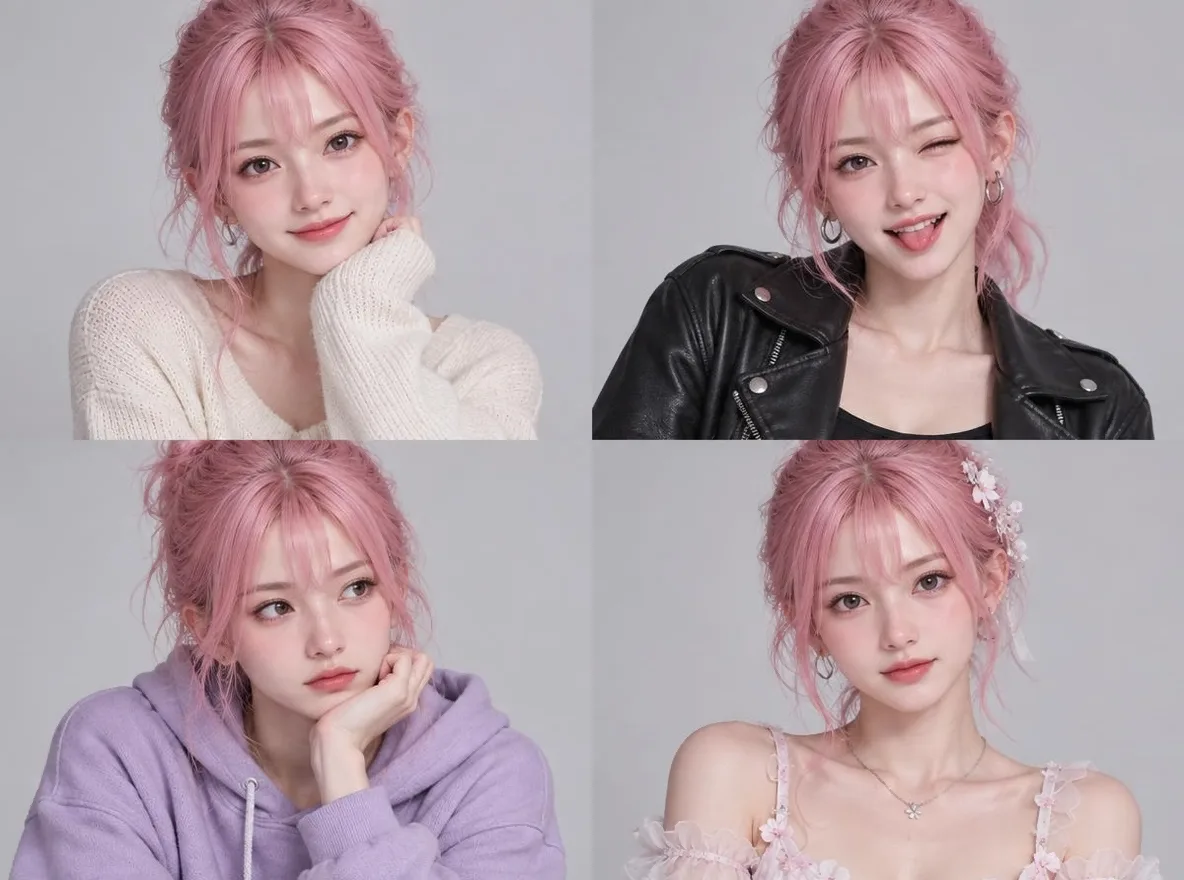
AI avatar generator at a glance
- From a selfie
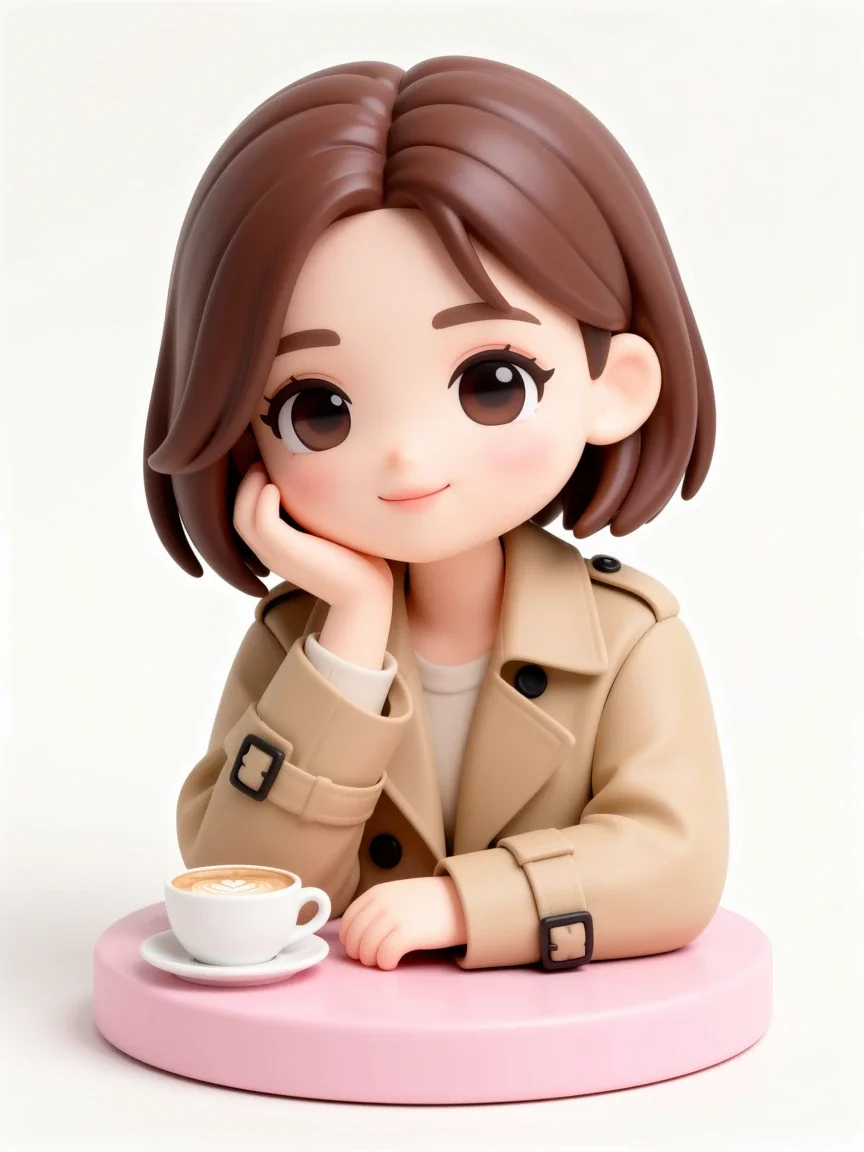
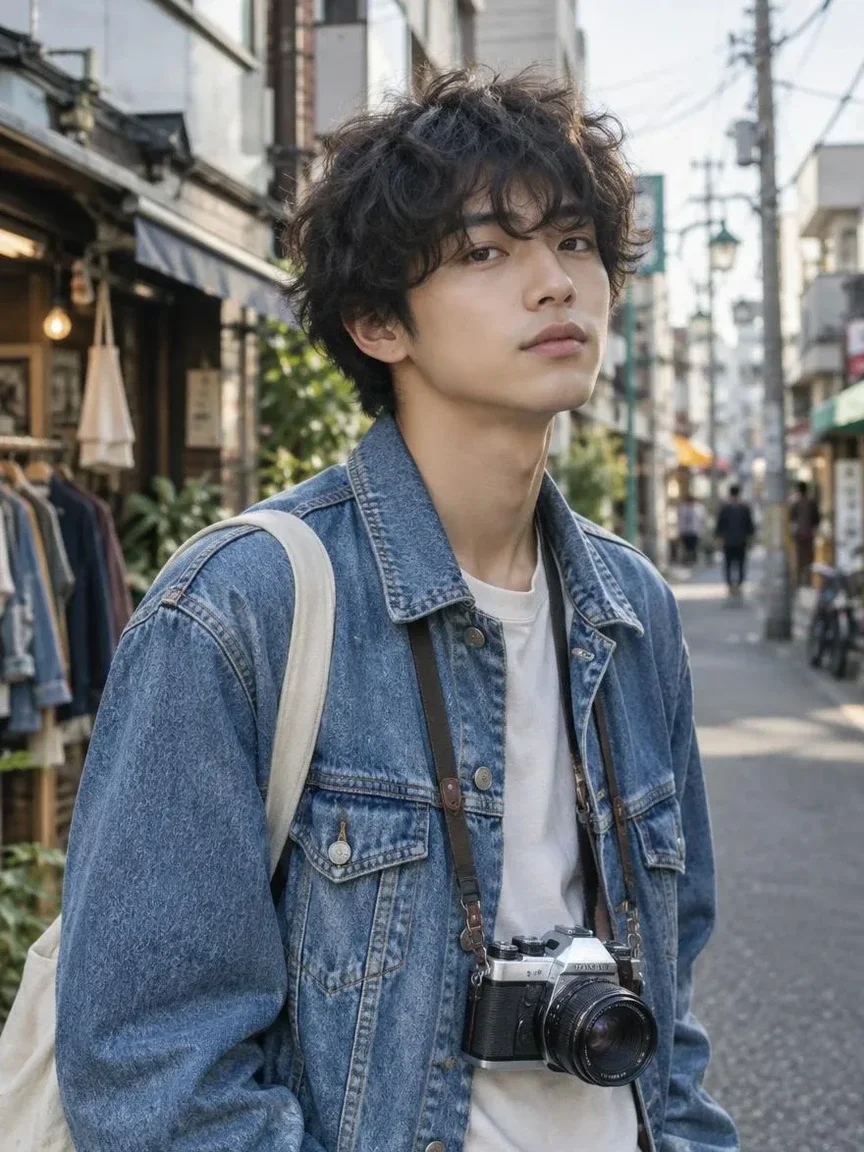
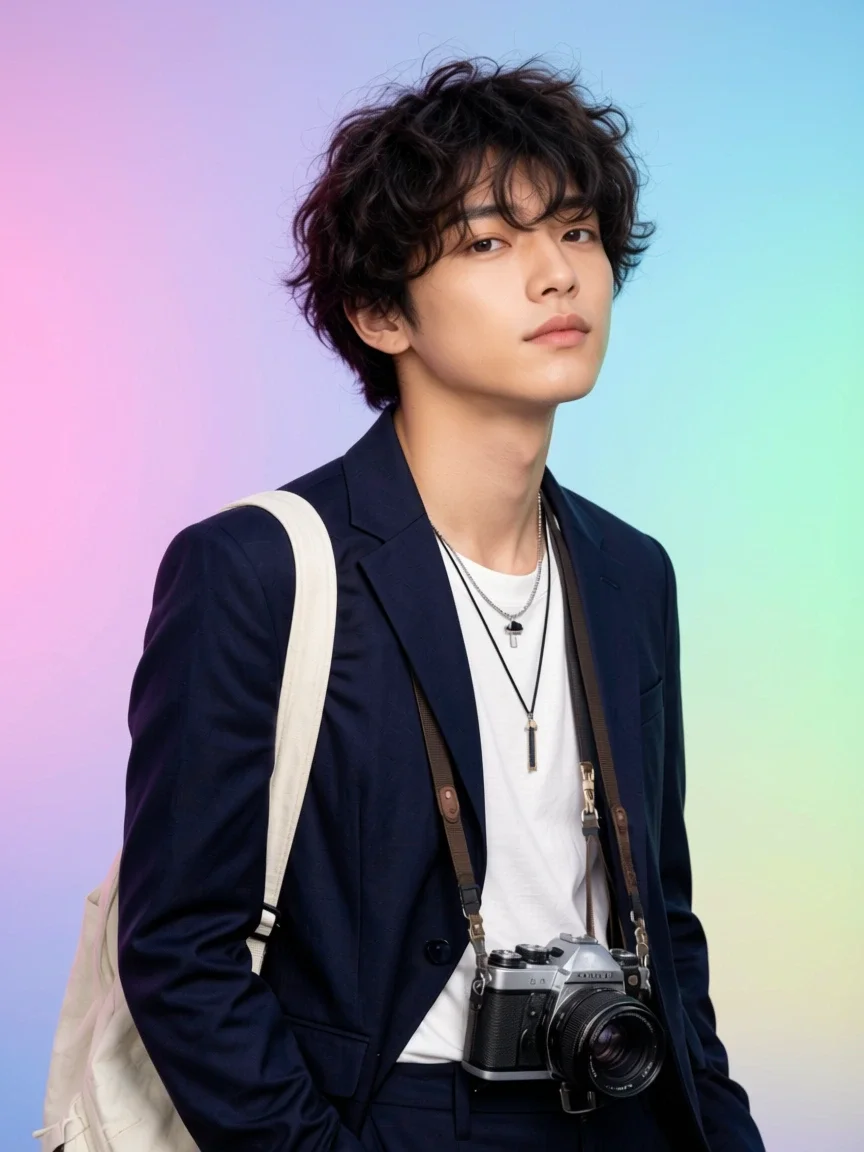
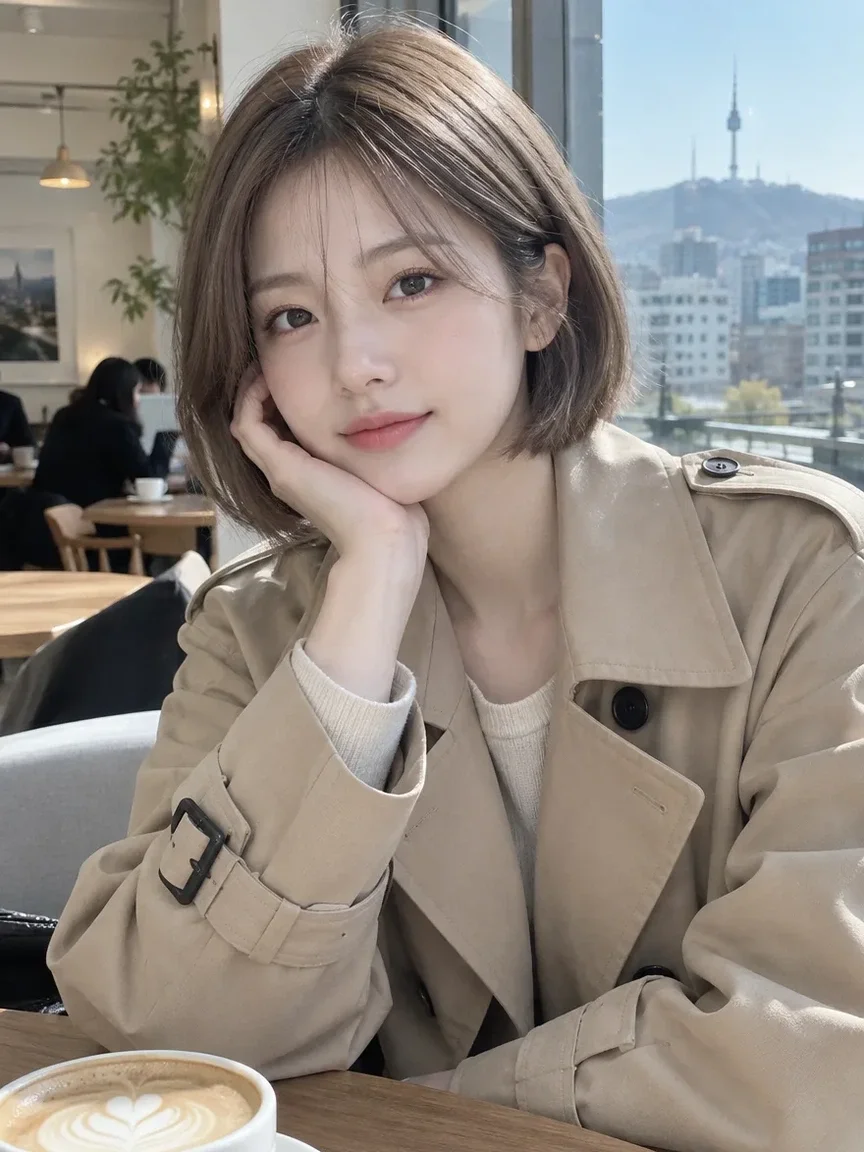
- The Photo to anime app redraws one clear photo as Anime, Webtoon, Watercolor anime or 3D figure. It is told to keep the face, pose and outfit, but a redrawn picture can still change details. The result is a 3:4 portrait.
- From traits
- Character Builder: Attributes needs no photo or prompt. Pick gender, ethnicity, age range, hair, eyes, face shape, body type, features and clothing style to get a studio portrait of a fictional person.
- From a starter
- Character Builder: Muse starts from one of eight starter images, four anime and four photo-real, or from your own picture, and a short note such as shorter hair, smiling changes it.
- Keep the face
- Save a result as a character with one to three reference pictures. A free account saves 3 characters; Plus, Pro and Max save 10, 30 and 100.
- Fiyat
- Each app shows its price on the button before you run. Pictures made from words with the five basic image models are free and unlimited on a free account.
- Account
- A free account is needed to make anything; signing up asks for no card.
- Diller
- Pages, studio and prompts in English, Korean, Japanese and Simplified Chinese
- Watermark
- No visible watermark; each file carries metadata that marks it as AI-generated.
Güncellendi
What is an AI avatar generator?
An AI avatar generator makes a picture to use as a profile image. It can redraw a photo of you in another style, or invent a person who never existed. Which one to use depends on the job: a redrawn selfie stays recognisably you, while a built character is a new face you can keep using for a brand, a channel or a story. Platforms crop a profile picture to a circle or a square, so keep the face near the centre.
Avatars made on Pickshot
Real before-and-after pairs from the Photo to anime and Profile photo apps, each made from one photo with the option named in the caption.
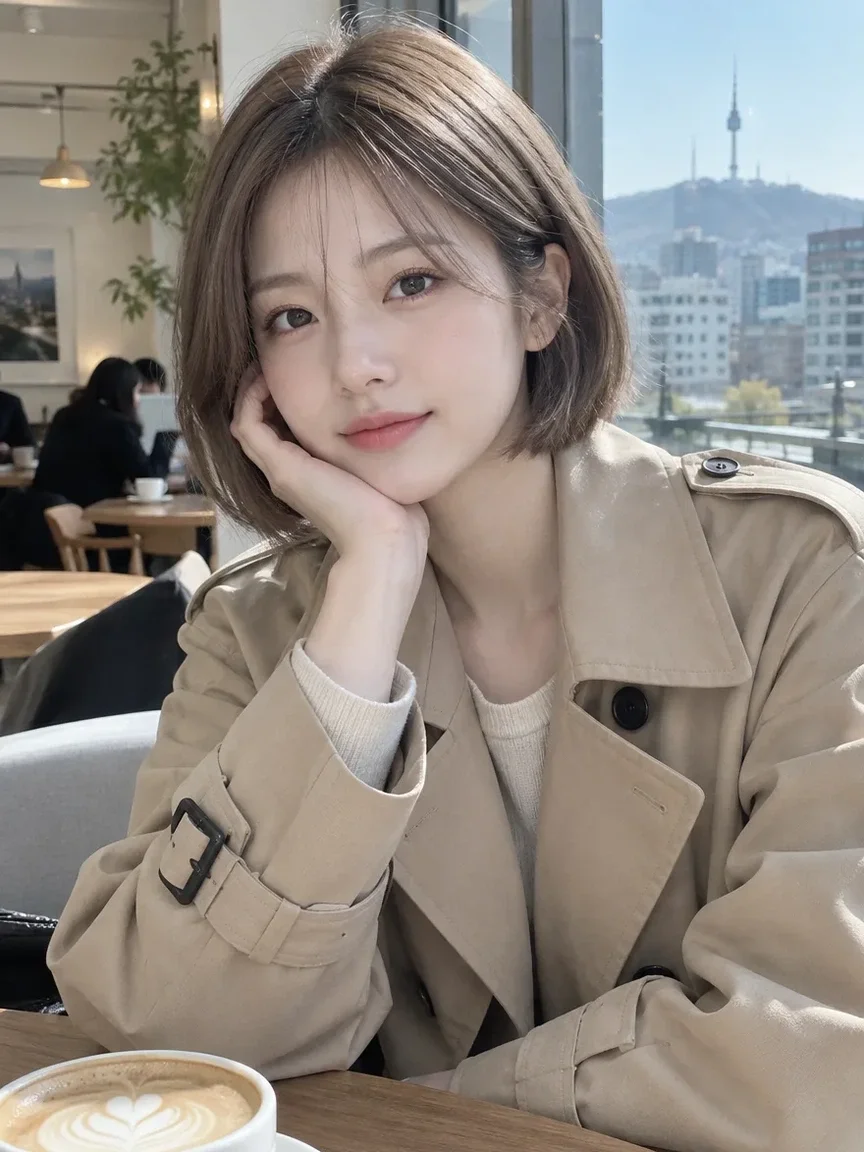 önce
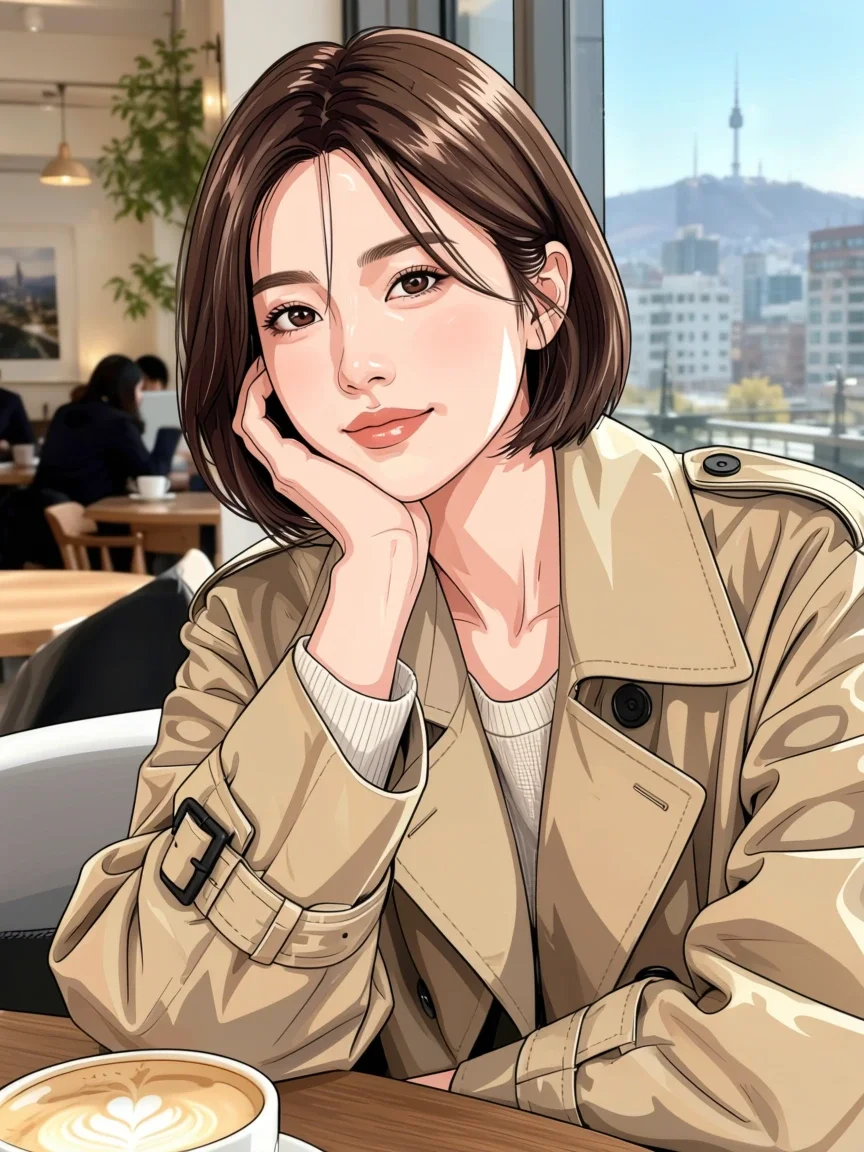 Sonra
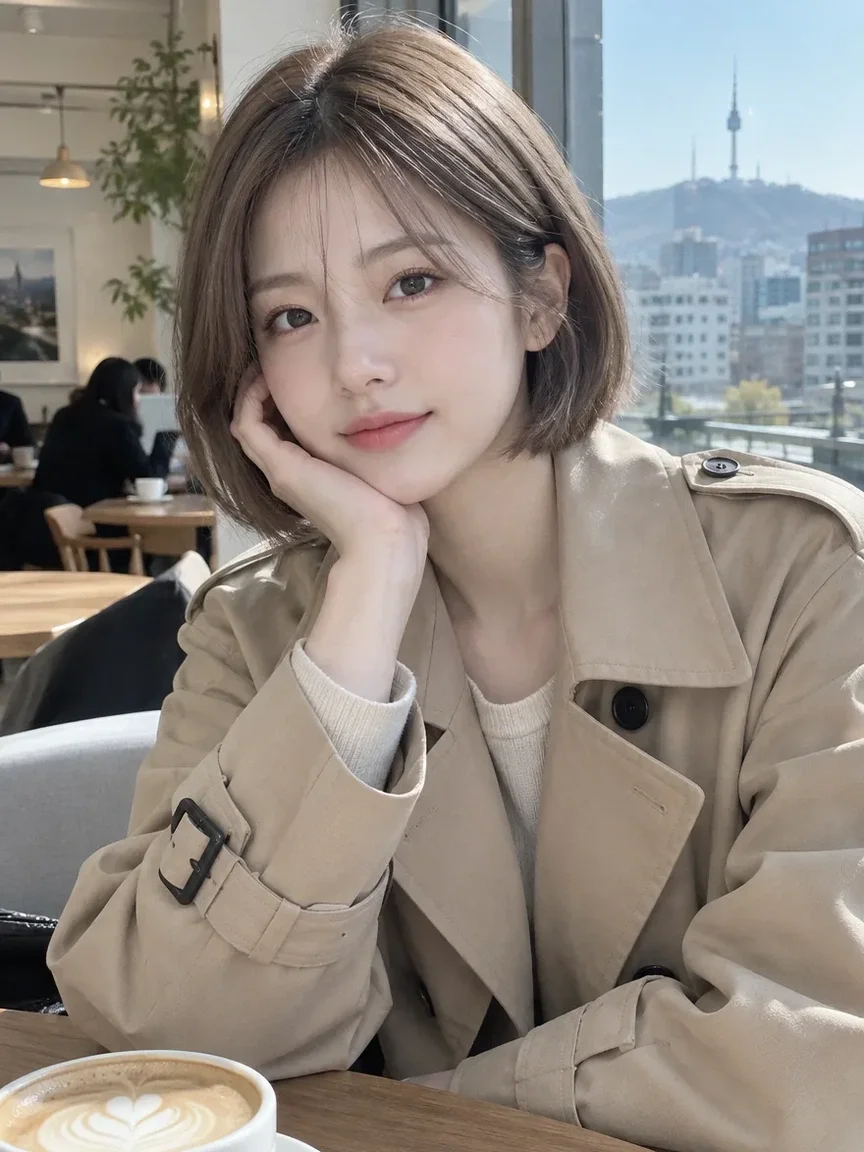 önce
 Sonra
 önce
 Sonra
 önce
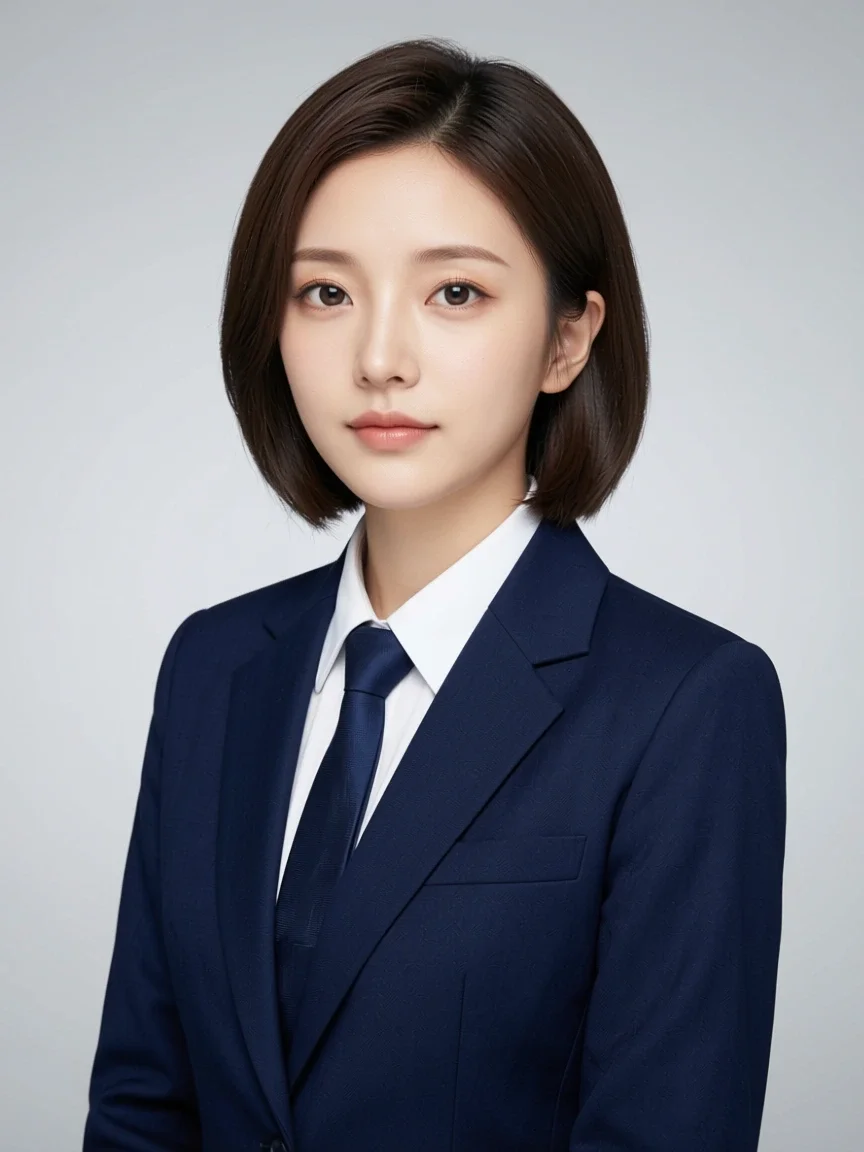 Sonra
Why make avatars on Pickshot
Three starting points
A selfie, a list of traits or a starter portrait: pick the route that matches what you have, without writing a long prompt.
A face you can keep
Save the avatar as a character and the same face can carry into new scenes, and into an AI influencer’s profile. Faces and outfits can still vary between results, so compare with your reference.
Styles that fit profile pictures
Anime, webtoon, watercolor anime and a 3D figure suit channels, streams and messengers, and the profile photo app offers business, casual and creator looks.
Price first
Every app shows its price on the button before it runs, and the five basic image models stay free and unlimited on a free account.
How to make an avatar
Choose the route
Open Apps. For a redrawn selfie choose Photo to anime. For a new person choose Character Builder: Attributes, or Muse to start from a starter portrait.
Give it what it needs
For a photo, upload one clear head-and-shoulders picture of yourself or a person who agreed, and choose a style. For traits, pick the options one at a time and look at the result after each.
Compare and choose
Check the face against your original or your idea. Run a few times, because the same choices give a slightly different result each run, and keep your favourite.
Save it as a character
Download it for your profile, or save it as a character so the same face carries into new pictures and short clips.
Where avatars help
/01
Channel and stream pictures
An anime or 3D figure version of you, or an original mascot, for a channel icon.
/02
Messenger and social profiles
A friendly redrawn portrait that still looks like you.
/03
A face for a brand or a story
Build a fictional person once and reuse them across posts and short videos.
İhtiyaç duyduğunuz kadar kredi satın alın; üyelikler krediyle yürütülür
Yeni hesaplara 50 kredi verilir. Ücretsiz hesaplar, web sitesinde 5 temel görsel modeliyle kredi harcamadan sınırsız görsel oluşturabilir. Lacquer videoları web sitesinde ücretsizdir: günde 3 adet, klip başına en fazla 5 saniye. Üyeler kapsama dahil modelleri kredi düşülmeden sınırsız kullanır. Diğer modeller ve API/MCP ayrıca ücretlendirilir.
Pickshot-series models without credits · 4 generations at a time · Unlimited free-model images (Higher priority than Free)
Pickshot-series models without credits · 8 generations at a time · Unlimited free-model images (Higher priority than Plus)
Booster Pass’ler ve üyelikler geçici olarak tükendi. Sahip olduğunuz krediler ve üyelikler süreleri bitene kadar kullanılabilir.
Sorular
Will the avatar look like me?
The Photo to anime app is told to keep your face features, pose and outfit, but because the picture is redrawn, details can change. Compare the result with your photo before you use it.
Can I make an avatar with no photo?
Yes. Character Builder: Attributes makes a fictional portrait from choices alone, and Muse starts from a starter picture. The people they draw are fictional.
Is it free?
Pictures made from words with the five basic image models are free and unlimited on a free account. The apps show their own price on the button before you run.
What picture can I upload?
Only pictures of yourself or of people who agreed, and pictures you have the right to use. Do not use an avatar to impersonate a real person or to mislead anyone.
How do I keep the same face in new pictures?
Save the result as a character with one to three reference pictures, then use it in the prompt bar. Reference pictures help carry features into new scenes, but details can vary.
What size is the result?
These apps return a 3:4 portrait. Profile pictures are usually cropped to a circle or a square, so keep the face near the centre of the picture you upload.
Make your avatar
Pick a route, compare a few results and save the one you like as a character.
Ücretsiz oluşturmaya başlayın