9:16 for phones · 16:9 for desktops
AI Wallpaper Generator: Phone and Desktop Backgrounds
To make a wallpaper, write the scene you want to see every time you unlock your phone or open your laptop, choose 9:16 for a phone or 16:9 for a desktop, and make a few versions. The five basic image models are free and unlimited on a free account, so you can try the same sentence on all of them and keep the best. A finished picture can be enlarged 2× or 4× in the image editor, and a short vertical clip can be made in the video studio for a moving background.
Καμία εγκατάσταση. Χωρίς πιστωτική κάρτα. Ιδιωτικό από προεπιλογή.
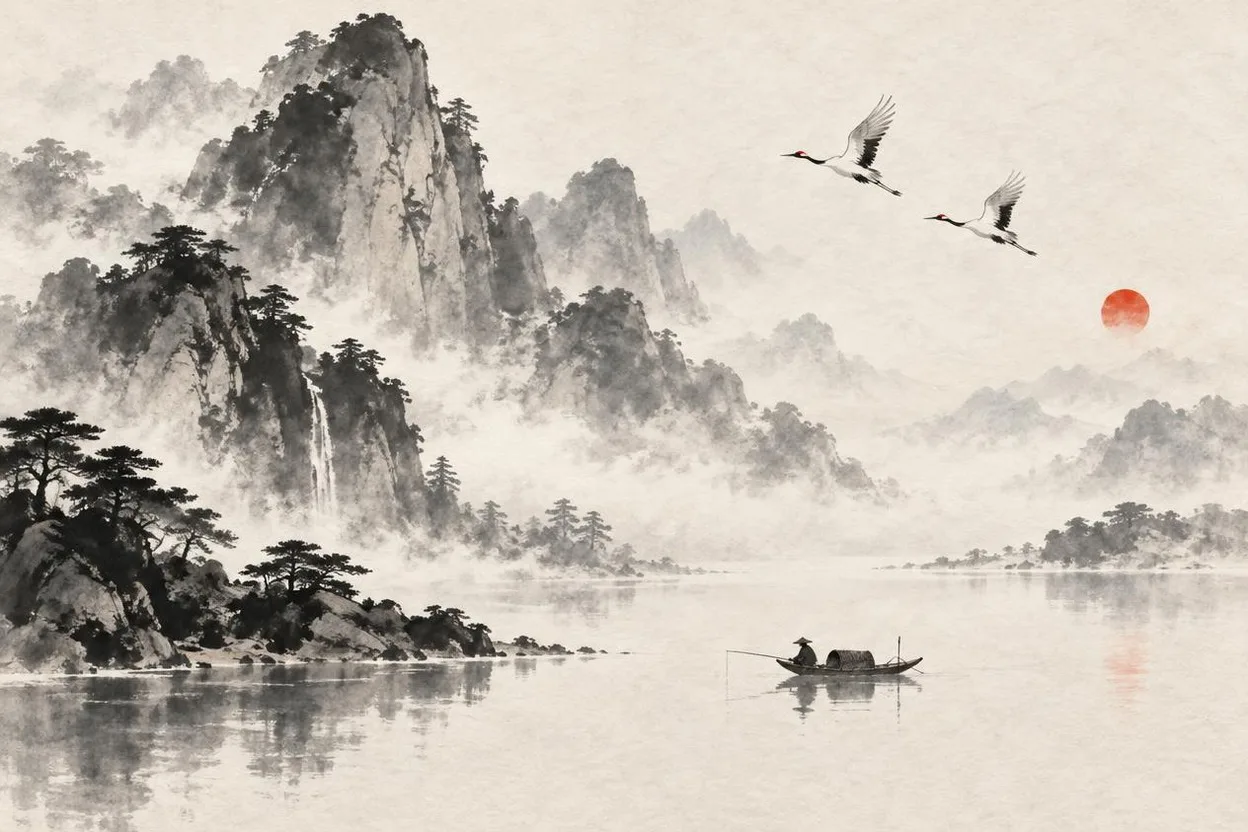
AI wallpaper generator at a glance
- Shapes
- 9:16 for a phone, 16:9 for a desktop, and 1:1, 3:4, 4:5, 4:3, 2:3 and 3:2 for tablets and other uses. Up to four pictures per run.
- Μέγεθος
- About one megapixel per picture, for example 864×1152. Upscale in the image editor: 2× or 4×, up to 2,560 px on the long side on Free and Plus, and up to 8,192 px on Pro and Max.
- Τιμή
- Pictures made from words with Saffron, Indigo, Amber, Cobalt and Jade are free and unlimited on a free account. Upscaling and other models show their price before you run.
- Moving wallpapers
- The video studio makes 9:16 and 16:9 clips. Lacquer is the free model: Lacquer videos are free on the website: 3 a day, up to 5 seconds per clip. Whether your phone or app plays a clip as a wallpaper is up to the device.
- Prompts
- Write in English, Korean, Japanese or Simplified Chinese. Short ideas can be expanded with Prompt magic.
- Account
- A free account is needed to make anything; signing up asks for no card.
- Γλώσσες
- Pages, studio and prompts in English, Korean, Japanese and Simplified Chinese
- Watermark
- No visible watermark; each file carries metadata that marks it as AI-generated.
Ενημερώθηκε
What is an AI wallpaper generator?
An AI wallpaper generator makes a background picture from a written description, in the shape of your screen. Because it draws a new picture instead of searching a gallery, the wallpaper can be exactly the scene, palette and mood you describe: a misty ridge at sunrise, a night city seen from a window, a quiet lantern festival. Phone screens are tall, so a wallpaper made in 9:16 needs no cropping; a desktop wallpaper wants 16:9.
Wallpapers made on Pickshot
Vertical pictures made with the five basic image models, and short vertical clips made with video models, all from a written description.
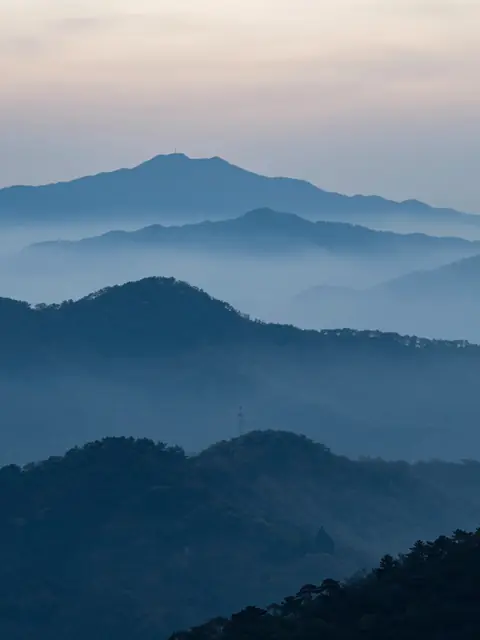
Vertical wallpaper of a misty Korean mountain ridge at sunrise, layered blue silhouettes, ink-painting feeling, photoreal
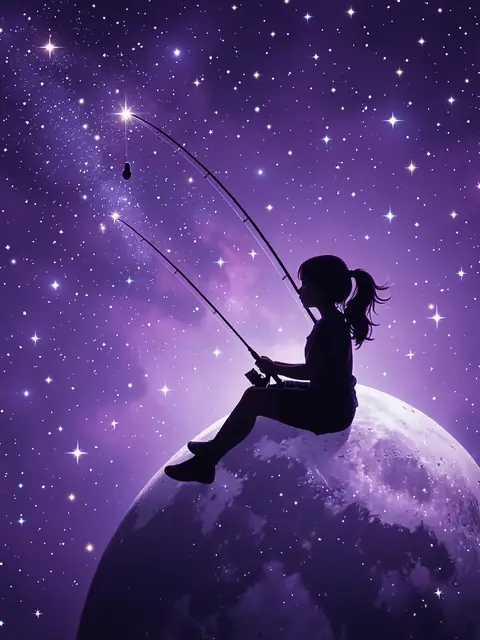
Aesthetic wallpaper of a girl silhouette sitting on the moon fishing for stars, deep purple sky, soft glow, whimsical
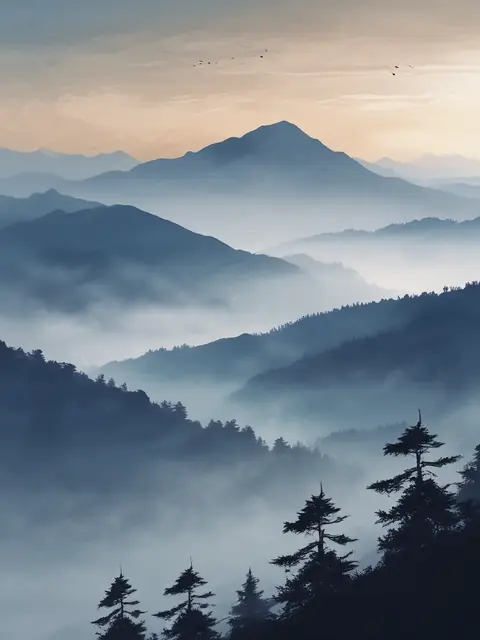
Vertical wallpaper of a misty Korean mountain ridge at sunrise, layered blue silhouettes, ink-painting feeling, photoreal
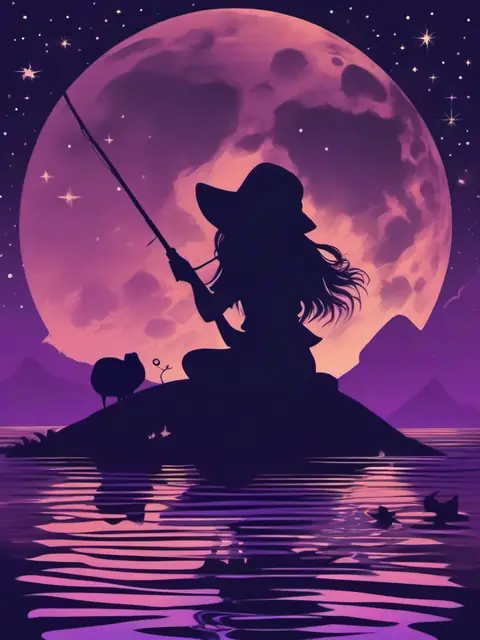
Aesthetic wallpaper of a girl silhouette sitting on the moon fishing for stars, deep purple sky, soft glow, whimsical
Why make wallpapers on Pickshot
Unlimited tries at no charge
The five basic image models are free and unlimited on a free account, so you can run one sentence on all of them and keep the version you like.
The right shape from the start
Pick 9:16 or 16:9 before you run instead of cropping a landscape picture, so the part you care about is not cut off.
Sharper for a big screen
Run the winner through the image editor’s upscaler to get more pixels for a high-resolution screen.
From a picture to a moving background
Take the same idea to the video studio for a short vertical clip, such as rain on a window or a slowly turning sky.
How to make a wallpaper
Describe the scene
Write what should be on screen and the mood, for example a vertical wallpaper of a misty mountain ridge at sunrise with layered blue silhouettes. Leave the middle calm if icons will sit on it.
Choose the shape
Pick 9:16 for a phone or 16:9 for a desktop, a model and how many pictures to make, up to four.
Compare and upscale
Keep the version you like, then open it in the image editor and upscale it 2× or 4× for a sharper screen.
Make it move if you like
Open the video studio, choose Lacquer, use the picture as the first frame or describe the scene in words, and pick 9:16 or 16:9.
Where it helps
/01
Phone lock and home screens
A calm vertical scene that leaves room for the clock and icons.
/02
Desktop and streaming backgrounds
A 16:9 scene for a laptop, a monitor or a stream overlay.
/03
Themed sets
Make several pictures with one palette for a season, a hobby or a character.
Αγοράστε πιστώσεις όπως τις χρειάζεστε. οι συνδρομές λειτουργούν με πιστώσεις
Οι νέοι λογαριασμοί λαμβάνουν 50 μονάδες. Οι δωρεάν λογαριασμοί μπορούν να δημιουργούν απεριόριστες εικόνες στον ιστότοπο με τα 5 βασικά μοντέλα χωρίς να ξοδεύουν μονάδες. Τα βίντεο Lacquer είναι δωρεάν στον ιστότοπο: 3 την ημέρα, έως 5 δευτερόλεπτα ανά κλιπ. Τα μέλη χρησιμοποιούν τα μοντέλα που περιλαμβάνονται απεριόριστα χωρίς αφαίρεση μονάδων. Άλλα μοντέλα και API/MCP χρεώνονται χωριστά.
Pickshot-series models without credits · 4 generations at a time · Unlimited free-model images (Higher priority than Free)
Pickshot-series models without credits · 8 generations at a time · Unlimited free-model images (Higher priority than Plus)
Τα Booster Pass και οι συνδρομές είναι προσωρινά εξαντλημένα. Οι πιστώσεις και οι συνδρομές που ήδη έχετε ισχύουν μέχρι τη λήξη τους.
Ερωτήσεις
Είναι πραγματικά δωρεάν;
Pictures made from words with the five basic image models (Saffron, Indigo, Amber, Cobalt and Jade) are free and unlimited on a free account. Upscaling and other models show their price on the button before you run.
What size should a phone wallpaper be?
Make it 9:16 so it fits a tall screen without cropping, then upscale it in the image editor if your screen needs more pixels.
Can I make a moving wallpaper?
You can make a short clip in 9:16 or 16:9 in the video studio. Whether a phone or an app can use a clip as a wallpaper depends on the device, so check that first.
Can I use my own photo?
Yes. Attach it to the prompt bar as a reference and describe the change. Only use photos you have the right to use.
Can I use the wallpapers anywhere?
You own the pictures you make and each model’s licence still applies. Label AI-generated images where a platform asks for it.
How do I get a bigger picture?
Open the picture in the image editor and use the upscaler at 2× or 4×. The largest result is 2,560 px on the long side on Free and Plus, and 8,192 px on Pro and Max.
Make a wallpaper you will not get tired of
Describe the scene, choose the shape and try a few versions.
Ξεκινήστε να δημιουργείτε δωρεάν