FREE TO START · ANIME, WEBTOON, GUOFENG
AI ॲनिमे प्रतिमा जनरेटर: ॲनिमे, वेबटून, गुओफेंग
Pickshot is an AI image generator that turns a short scene description into anime, webtoon or guofeng illustrations. Pick a style preset and an aspect ratio, and get up to 4 images per generation. Sign up free and the free models are unlimited.
इन्स्टॉलेशन नाही. क्रेडिट कार्डची गरज नाही. सुरुवातीपासून खाजगी.
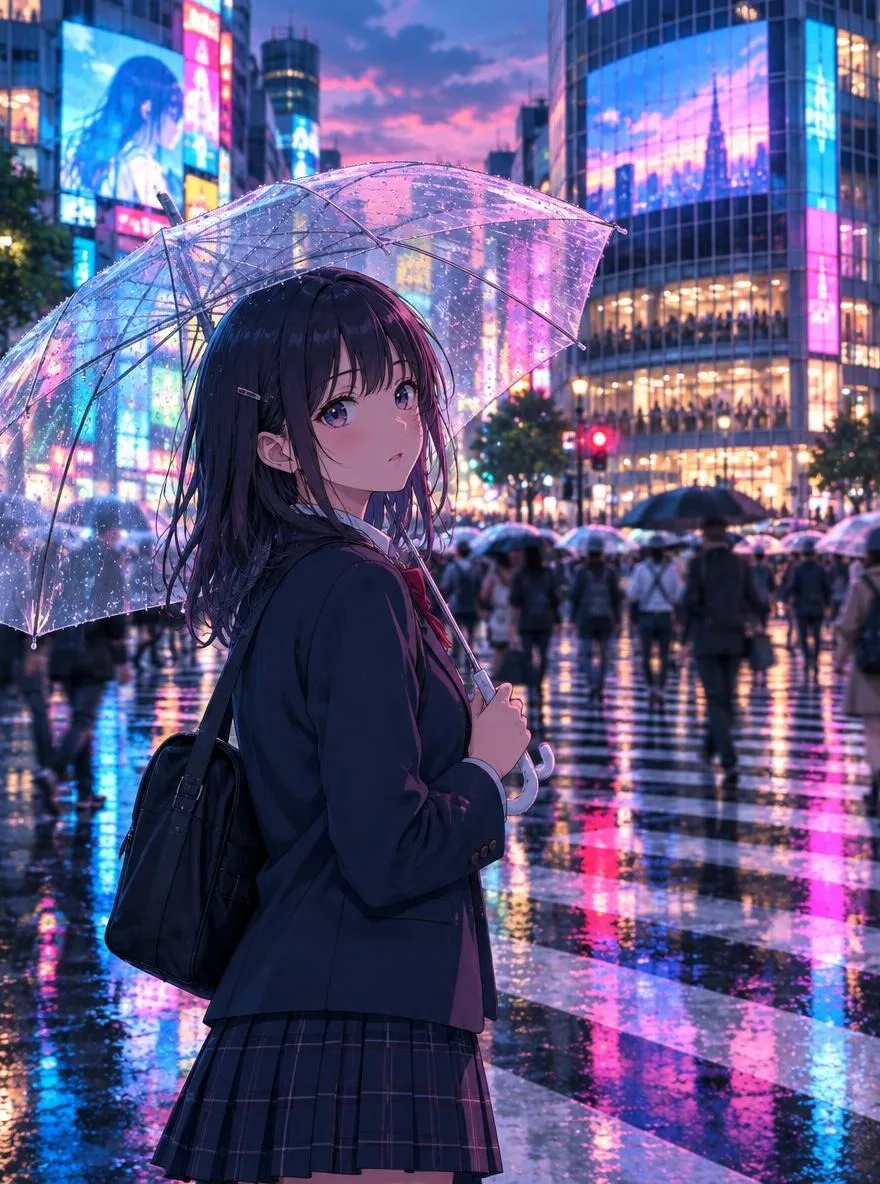
Anime image generator at a glance
- किंमत
- The free models (Saffron, Indigo, Amber, Cobalt and Jade) are unlimited on every account, free included. Partner models use credits.
- Best free models
- Cobalt for anime and illustration; Saffron, the default, for everything else.
- शैली
- 18 presets, among them anime, Korean webtoon, guofeng, ink wash, ukiyo-e, lo-fi anime, 3D chibi and pixel art.
- Per run
- Up to 4 images in 8 ratios: 1:1, 3:4, 4:5, 9:16, 4:3, 16:9, 2:3 and 3:2.
- आकार
- About 1 megapixel a picture on the free models (1024×1024 or 864×1152, for example).
- Same character
- 1 to 3 reference pictures keep one original character across scenes; 3 characters on a free account, 10 / 30 / 100 on Plus / Pro / Max.
- Account
- A free account is needed to make anything; signing up asks for no card.
- भाषा
- Pages, studio and prompts in English, Korean, Japanese and Simplified Chinese
- Watermark
- No visible watermark; each file carries metadata that marks it as AI-generated.
अपडेट केले
What is an AI anime image generator?
An AI anime image generator is a tool that draws illustrations in an anime or comic style from a text description. Pickshot accepts prompts in English, Korean, Japanese and Simplified Chinese, and sends them to the model exactly as written. Asian art styles such as anime, Korean webtoon, Chinese guofeng painting, sumi-e ink wash and ukiyo-e are available as one-click presets.
तुम्ही काय तयार करू शकता
Pickshot वर तयार केलेले खरे परिणाम. वर्णने ज्या इंग्रजीत वापरली होती त्याच भाषेत दाखवली आहेत.
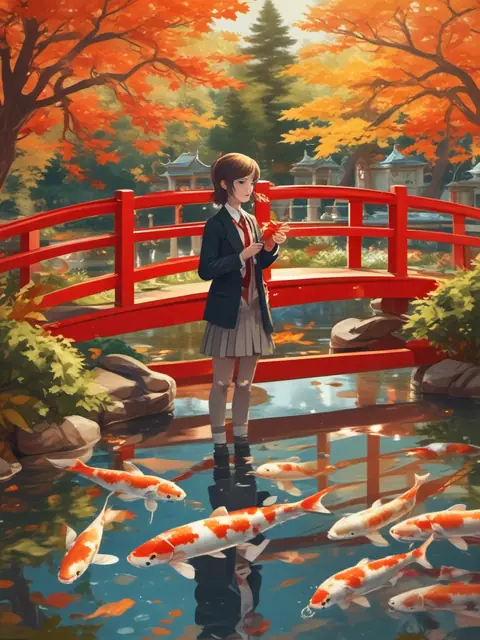
Anime style: a girl in a school blazer feeding koi from a red bridge in a temple garden full of maple leaves, reflections, soft autumn sunlight
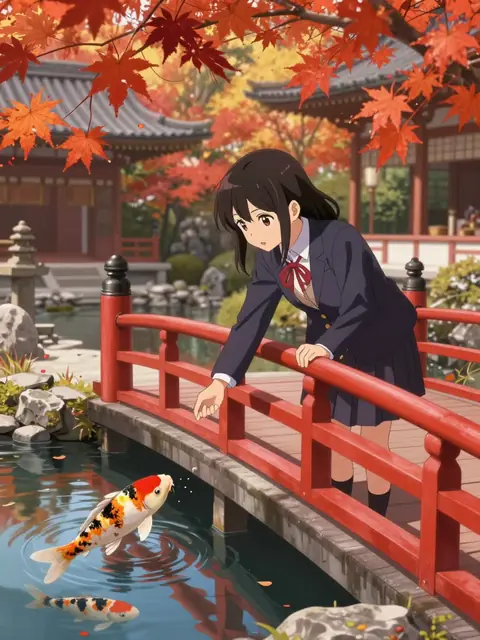
Anime style: a girl in a school blazer feeding koi from a red bridge in a temple garden full of maple leaves, reflections, soft autumn sunlight
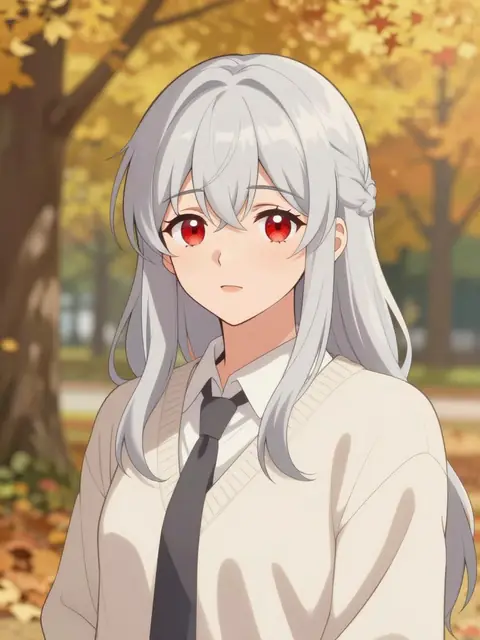
Korean webtoon style, clean line art, soft cel shading: a girl with silver hair and red eyes in an autumn park
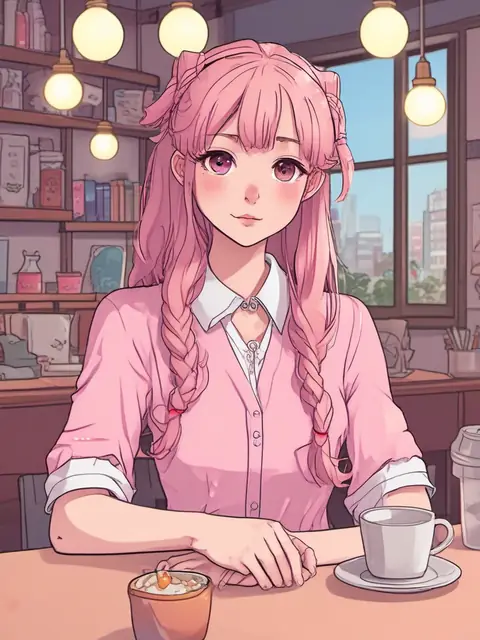
Korean webtoon style, clean line art, soft cel shading: a girl with pink twin tails in a cafe with warm lights
Why create anime art with Pickshot
Write prompts in your language
Describe a scene in English, Korean, Japanese or Chinese and Pickshot sends your words to the model as written. Prompt magic expands a short idea into a detailed scene description.
Asian style presets
Choose from 18 presets including anime, webtoon, guofeng, ink wash, ukiyo-e, lo-fi anime, 3D chibi, pixel art and Eastern fantasy.
Keep the same character
Register 1 to 3 reference images of an original character and generate new scenes with the same face, hair and outfit, which suits comic storyboards and series.
Free models that suit illustration
Use free models such as Cobalt, which is good at anime and illustration, and switch to a credit model like Ochre when you need finer detail.
Ratios for every platform
Pick from 8 aspect ratios, including 1:1, 4:5, 9:16 and 16:9, matched to Instagram, Reels, YouTube, blogs and posters.
Safety checks before generation
Sexual and violent requests are blocked before generation. Your images stay private until you choose to share them.
How to make anime art with AI
Pick a style
Select a preset such as anime, webtoon or guofeng. The preset sets the art style, lighting and texture.
Describe the scene
Write the character, setting and mood in your own language. Keep it short and let prompt magic fill in the details if you like.
Choose a ratio and generate
Set the aspect ratio and number of images (up to 4), then generate. Save the results you like or share them to the Explore feed.
How Pickshot differs from typical AI art tools
Most mainstream image generators are built around English-speaking users and Western illustration styles.
प्रमुख साधने
- − Often need English prompts to get the intended result
- − Western styles by default, so webtoon or guofeng looks need long, specific prompts
- − Priced and billed in US dollars only
- − Characters drift because you re-describe them in every scene
Pickshot
- ✓ Prompts in Korean, Japanese and Chinese are sent to the model exactly as written
- ✓ Built-in presets for anime, webtoon, guofeng, ukiyo-e and ink wash
- ✓ Booster Pass prices in KRW on the Korean page and in USD elsewhere (from $7.99)
- ✓ Register a character with reference images and keep the same face across scenes
वापराची उदाहरणे
/01
Webtoon storyboards and character sheets
Draft character designs and scene thumbnails quickly before you start a series.
/02
Instagram character accounts
Post a steady feed of 4:5 anime illustrations for an original character account.
/03
Messenger stickers and avatars
Use the sticker and 3D chibi presets to draft sticker sets and profile icons for LINE or KakaoTalk.
/04
Blog and video thumbnails
Create 16:9 lo-fi anime or Eastern fantasy artwork for blog headers and YouTube thumbnails.
गरजेनुसार क्रेडिट खरेदी करा; सदस्यत्वांसाठी क्रेडिट वापरले जातात
नवीन खात्यांना 50 क्रेडिट मिळतात. मोफत खातीही वेबसाइटवर 5 मूलभूत प्रतिमा मॉडेल वापरून क्रेडिट खर्च न करता अमर्यादित प्रतिमा तयार करू शकतात. वेबसाइटवर Lacquer व्हिडिओ मोफत आहेत: दररोज 3; प्रत्येक क्लिप जास्तीत जास्त 5 सेकंदांची असते. सदस्य समाविष्ट मॉडेल क्रेडिट न कापता अमर्याद वापरू शकतात. इतर मॉडेल आणि API/MCP साठी वेगळे शुल्क आहे.
Pickshot-series models without credits · 4 generations at a time · Unlimited free-model images (Higher priority than Free)
Pickshot-series models without credits · 8 generations at a time · Unlimited free-model images (Higher priority than Plus)
Booster Pass आणि सदस्यत्व तात्पुरते उपलब्ध नाहीत. तुमच्याकडे आधीच असलेले क्रेडिट आणि सदस्यत्व मुदत संपेपर्यंत चालू राहतील.
प्रश्न
Is it free?
Yes. A free account makes the free models unlimited. Creating images needs a free account.
Is there a daily limit on free anime images?
No. The free models (Saffron, Indigo, Amber, Cobalt and Jade) are unlimited on every account, free included; you only need to sign up, with no card. Pictures made from your own photos or a saved character are photo edits and use credits.
Which model is best for anime?
Among the free models, Cobalt is strongest for anime and illustration. The default Indigo is also free and supports character reference images.
Can I draw the same character in different scenes?
Yes. Register 1 to 3 reference images in Characters to generate new scenes with the same face, hair and outfit. You can save 3 characters on a free account, and 10, 30 or 100 on Plus, Pro or Max.
Can I draw existing characters or real people?
Impersonating real people is prohibited. We recommend working with original characters, and model licenses and the rights of original creators still apply.
Who owns the images I create?
You own the images you generate, and each model's license still applies. Label AI-generated images when you post them, following each platform's rules.
How much do paid plans cost?
The only thing you pay for is a Booster Pass, a 90-day pass bought with one payment that never renews: 10,000 credits for $7.99, 30,000 for $21.99 (+1% bonus) or 50,000 for $35.99 (+2% bonus), priced in Korean won on the Korean-language page and in US dollars elsewhere. A membership is started with your credits and runs 30 days: Plus costs 9,900 credits, Pro 19,900 and Max 39,900. It is never charged to a card and contains no credits; while it runs, the Pickshot-series models (pictures, video, voices and editing) need no credits, and the free image models run at higher priority (Plus than Free, Pro than Plus, Max than Pro). Models from other companies use credits for everyone. Booster Passes can be bought on the Korean-language pricing page; on the other pages online purchase is coming soon. If you already have credits, you can start a membership now.
Draw your first anime illustration
A free account gets you unlimited images on free models. Pick a style and describe the scene in one line.
मोफत निर्मिती सुरू करा