AI Influencer 30-Day Content Calendar: 30 Posts With One Consistent Character
A practical 30-day calendar for one AI influencer: save a character with 1–3 references, plan six repeatable scenes, prepare images, five-second videos and captions, and review every result before publishing.
Contents
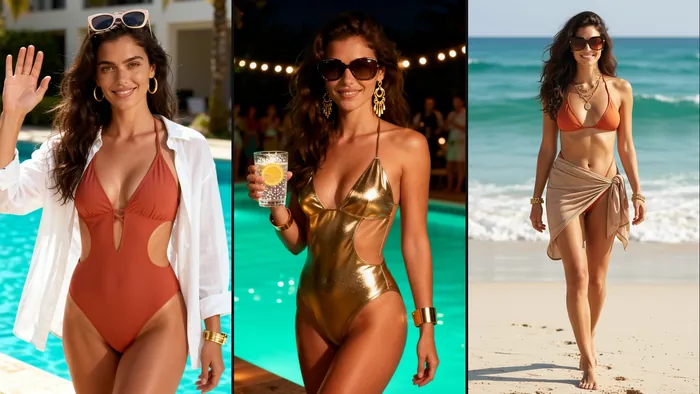
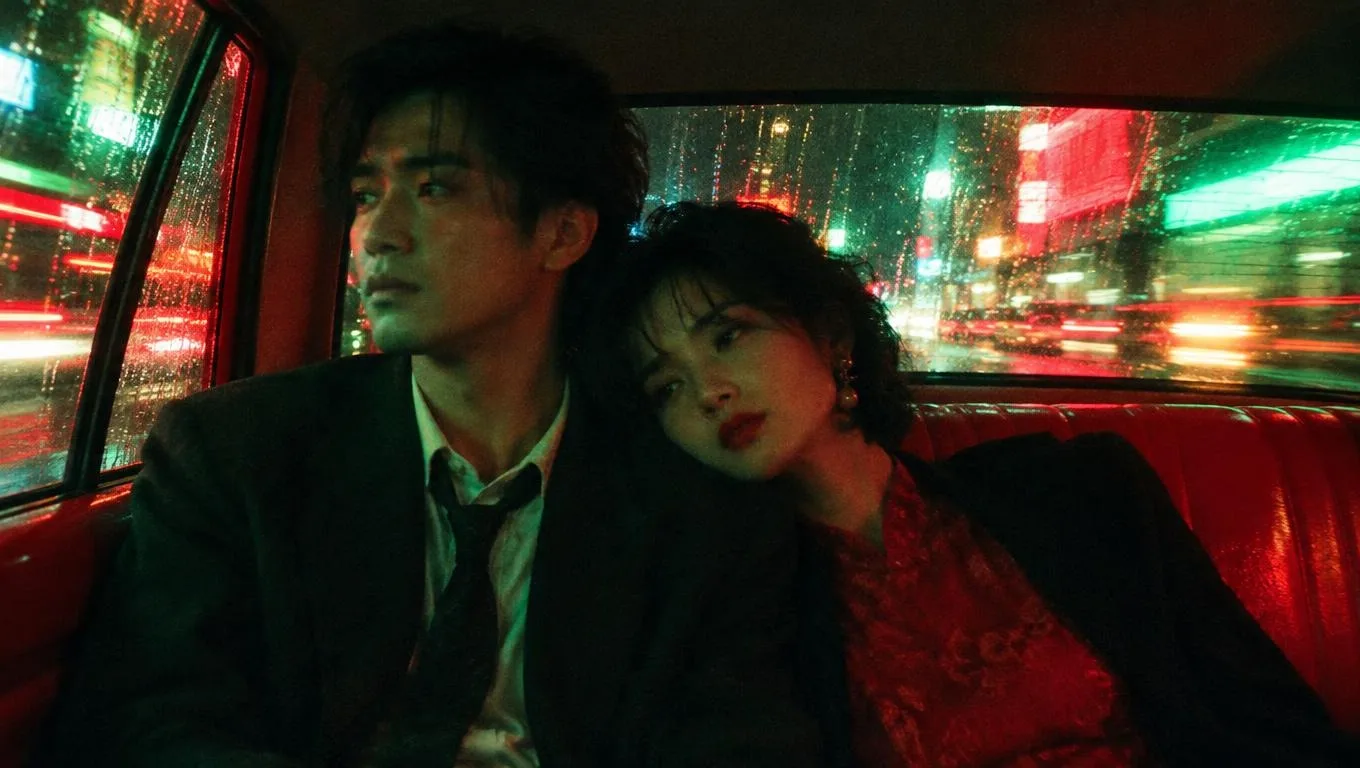
An AI influencer 30-day calendar is a plan that distributes one character’s six scenes across four weeks, with images, videos and captions prepared in batches. A new face every day reads as a pile of random generations; the same face in different scenes reads as a creator. This guide uses Pickshot’s character, AI influencer and image-to-video workflow to give you a practical four-week calendar, prompts and a review checklist.
Method: a planning template built on Pickshot's current features, not a measured test. The Instagram, YouTube and TikTok pages in the sources were checked on 13 November 2026.
1. Why a 30-day calendar
One good image can be luck. An account becomes memorable when the same face keeps appearing in different scenes. A 30-day calendar solves three problems at once:
- Recognition: repeated face, palette and wardrobe create “this person”.
- Efficiency: you reuse six scenes instead of writing a new prompt every day.
- Review: you generate in batches, then check faces, hands and text before publishing.
The job is not “make something new every day”. It is “carry one character into many scenes”.
2. The character bible: decide seven things
In week one, write these seven items on one page. Every prompt and caption after that should refer back to it. The character must be an original fictional person, not a real person.
| Element | Example | Why it matters |
|---|---|---|
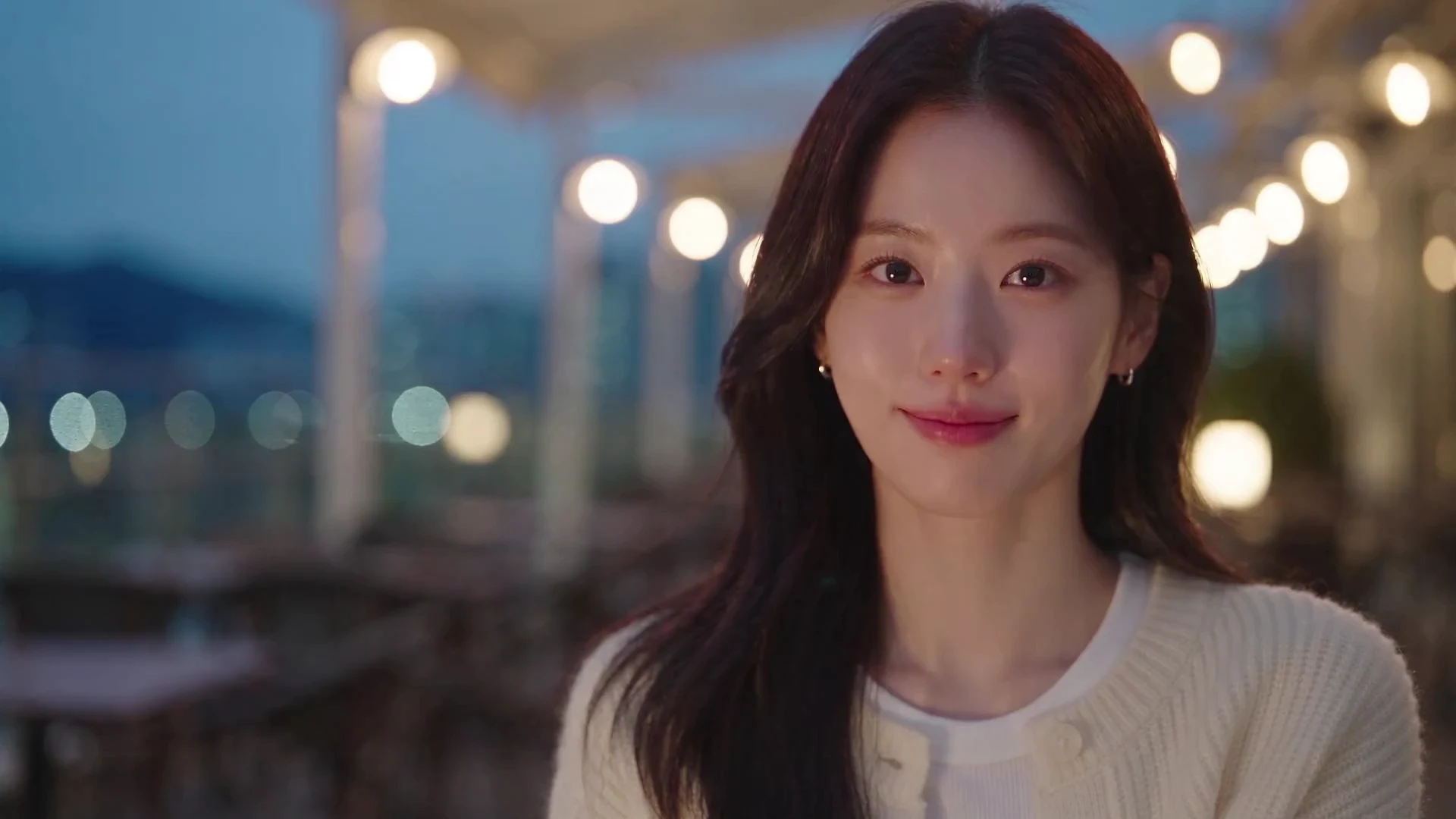
| Face | 27-year-old Korean woman, round face, natural brows, a few freckles | The anchor for 1–3 reference images |
| Hair | Long dark-brown waves, fringe just below the brows | A feature to keep across scenes |
| Wardrobe | Cream knit, denim, beige trench | Builds the series palette |
| Palette | Cream, terracotta, soft mint | A coherent feed grid |
| Voice | Calm, short sentences, no hype | The tone of captions |
| Boundaries | No real people, brands, politics or third-party rights violations | Safer public work |
| Platform | Instagram Reels + TikTok, 9:16 | Decides ratio and length |
3. Compress 30 days into six scenes
You do not need 30 completely different scenes. Six scenes, rotated across four weeks, can produce 24–30 posts. Each scene can expand into one or two images and one short video.
| Scene | Job | Image | Video | Ratio |
|---|---|---|---|---|
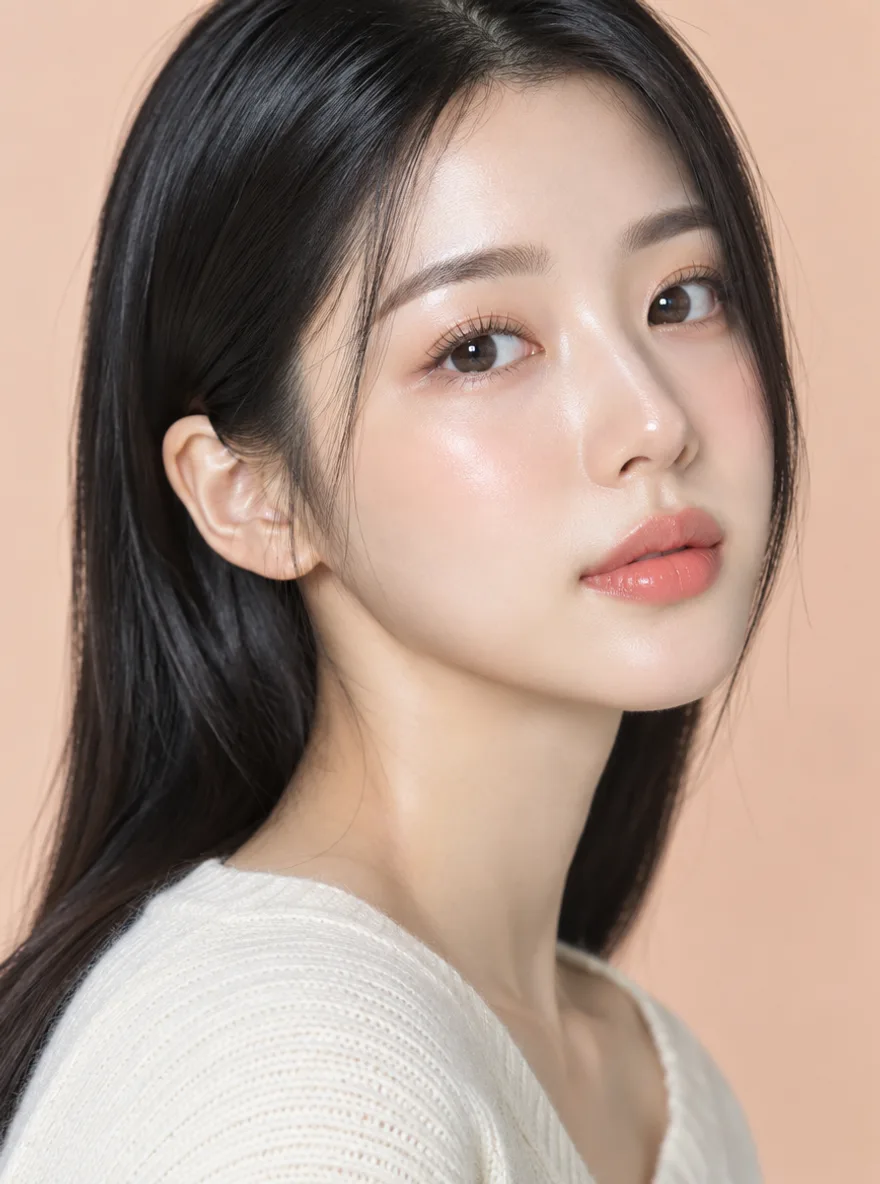
| ① Intro | Make the face stick | Front close-up | 3–5s eye contact | 4:5 / 9:16 |
| ② Daily | Routine and warmth | Cafe, walk, desk | 5s head turn | 4:5 / 9:16 |
| ③ Style | Taste and world | Hanbok, K-beauty, cyberpunk | 5s camera push-in | 4:5 / 9:16 |
| ④ Motion | Prove it moves | Still image | 5s hair and smile | 9:16 |
| ⑤ Voice | Voice and tone | Face + captions | 5–10s TTS | 9:16 |
| ⑥ CTA | Next action | Product, link, question | 5s gesture and glance | 4:5 / 9:16 |
4. The four-week calendar
Make six to eight images and one or two videos per week. Do not create every day; batch the work, then schedule or store it. Use the platform scheduler or a CSV, and separate the production day from the publishing day.
| Week | Theme | Images | Video | Captions |
|---|---|---|---|---|
| W1 | Identity | Intro 2 + Daily 2 + Style 2 | Intro 1 | Introduction, world |
| W2 | Routine | Daily 3 + Style 2 + CTA 1 | Motion 1 | Day, taste, question |
| W3 | Style | Style 3 + Daily 2 + Intro 1 | Style 1 + Voice 1 | Styling, behind the scenes |
| W4 | Story & CTA | Daily 2 + CTA 2 + Style 2 | CTA 1 + Voice 1 | Next series tease |
This is an example. Adjust to 12–30 posts for your cadence and platform. Varying the setting, outfit and camera can push the same six scenes past 30.
5. Five image prompts
Write prompts in this order: who, where, what light, what framing. If you use references, say “the fictional character from the reference image” and repeat the key face, hair and wardrobe features briefly.
The fictional character from the reference image sits by a cafe window.
Long dark-brown waves, cream knit, natural expression.
Waist-up, face clearly visible, soft afternoon light, film photography.
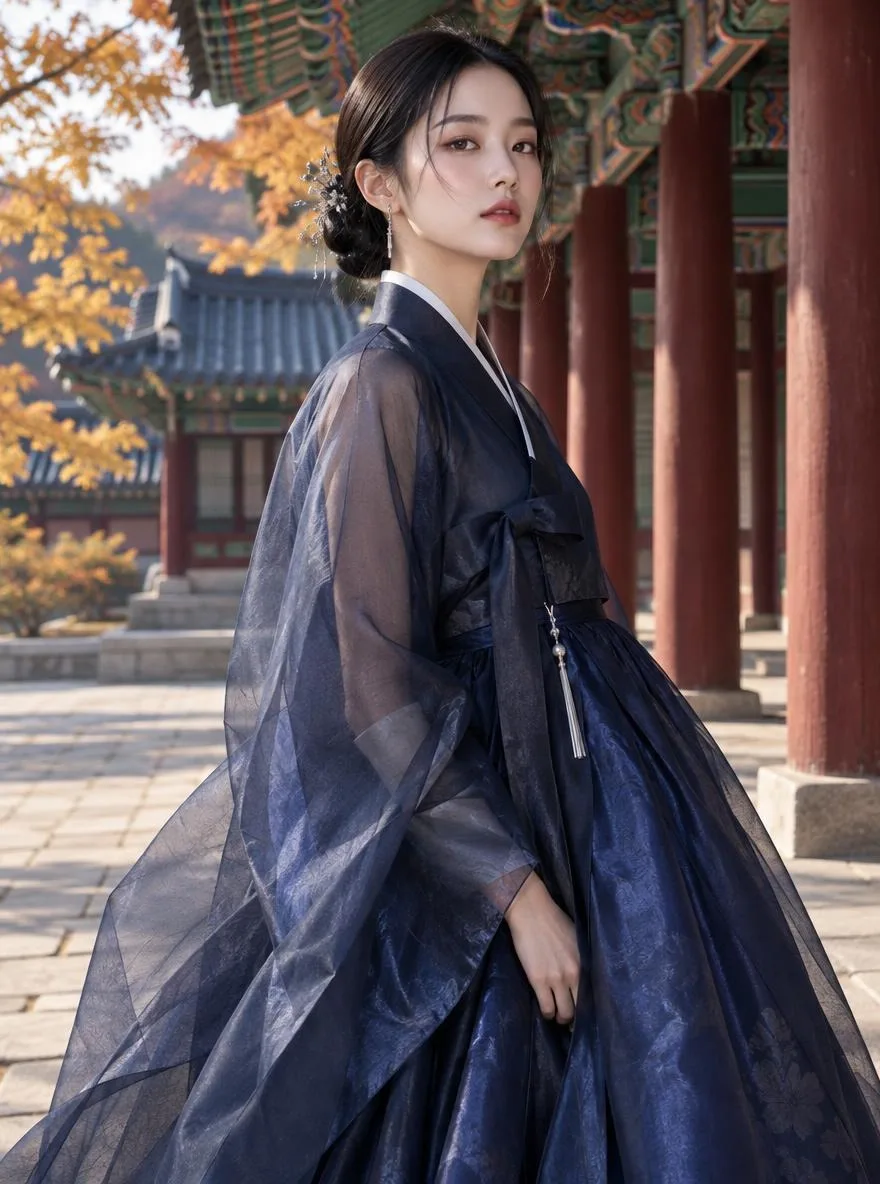
The same fictional character stands in a palace corridor wearing hanbok.
Keep the hairstyle; change only the outfit to traditional hanbok.
Full body, soft morning light, editorial fashion.
The same fictional character walks through a neon-lit street at night.
Black coat over a cream knit, wet asphalt reflections.
Medium side shot, cinematic, film grain.
The same fictional character sits at a desk looking at a notebook.
Face slightly toward camera, hands on the notebook.
Warm desk lamp, 4:5, everyday photography.
The same fictional character holds a product against a cream background.
Keep the product logo and packaging as close as possible; check hands and face.
Front waist-up, soft studio light, advertising still.
These are examples. Results vary by model, ratio and references. Check product logos and text in the actual output.
6. Five-second video: one motion at a time
Video has more variables than stills. Start with one motion. If you change camera, hair and expression together, you cannot tell what went wrong.
| Goal | Motion prompt | Check |
|---|---|---|
| Face memory | “Slowly shifts her gaze toward the camera. Expression stays natural.” | Eyes, mouth, jaw |
| Mood | “The camera slowly pushes in. Her hair moves slightly in the wind.” | Hair, background |
| Product | “The hand holding the product moves slightly; the camera stays fixed.” | Fingers, logo |
In Pickshot, start from a finished image or a saved character and continue into image-to-video. Check the first frame, model, length and ratio, then generate. Compare the beginning, middle and end; if the face looks like someone else, make it again.
7. Captions, hashtags and ratios
A caption reads best as “hook → context → CTA → 3–5 hashtags”. Put the series link in the first line so people know this is another scene with the same character.
| Platform | Ratio | Caption |
|---|---|---|
| Instagram Reels | 9:16 | “Same face, next scene. Today: the cafe.” + 3–5 tags |
| Instagram Feed | 4:5 | “Three scenes from Sumin’s week.” + a question |
| TikTok | 9:16 | “How to keep an AI influencer’s face from changing.” + 3 tags |
| X | 16:9 | “I made six scenes with the same face.” + four images |
| Blog | 3:2 / 16:9 | Process, prompts and limits |
8. Pre-publish checklist
- Face: eyes, nose, jaw and ears still resemble the original
- Hands: finger count, joints and product grip look natural
- Text: logos, labels and signage are readable
- Product: packaging, colour and logo match the real item
- Background: legs, shadows and reflections are coherent
- Disclosure: the image or video is labelled as AI-generated
- Rights: no real person, brand or third-party photo is used without permission
9. Working privately
You do not have to publish every result. Work made in Pickshot stays in My creations and is not automatically posted to the public feed. Plus, Pro and Max memberships include private generation, and you decide which pieces to share. Review sensitive drafts once more before publishing.
Note: private generation means “not public”, not “anything goes”. Real people, minors and third-party rights are always off limits. See the Terms for the full rules.
10. FAQ
Can I make all 30 days at once?
You can batch the images and captions, but video needs review. Make six to eight images first, then extend one or two into five-second clips. That is safer than generating 30 clips blind.
Will the face always be identical?
No. Even with one to three reference images, faces, hair, outfits and details can change. Compare every scene and regenerate when the result looks like a different person.
Can I do this on a free account?
A free account can use the free image models. Reference-based edits and video may have separate conditions and credits; check the label before you run.
How do I make the five-second video?
Start from a finished image or saved character, choose image-to-video, check the first frame, model, length and ratio, and describe one motion. Compare the start, middle and end for face and hands.
Which ratio should I use?
Reels, TikTok and Shorts use 9:16; feed posts use 4:5; X uses 16:9; blogs use 3:2 or 16:9. Decide the final ratio before generating to reduce cropping.
Can I use the results commercially?
You own what you generate, and the Terms do not forbid commercial use. Model licences may add conditions, and some platforms require an AI-generated label. Check the platform rules and the licences page.
Start with Characters, continue in the AI influencer workspace, and check pricing before you plan a paid series.
11. Sources
The platform pages behind the ratio and AI-labelling advice above, checked on 13 November 2026:
- Instagram Help Center, photo sizes and supported aspect ratios (1.91:1 to 3:4): https://help.instagram.com/1631821640426723
- YouTube Help, custom thumbnails (16:9 for videos, 9:16 for Shorts): https://support.google.com/youtube/answer/72431
- Instagram for Creators, the AI-generated profile label (31 August 2026): https://creators.instagram.com/blog/ai-generated-profile-label
- TikTok Support, labelling AI-generated content: https://support.tiktok.com/en/using-tiktok/creating-videos/ai-generated-content
- YouTube Help, disclosing realistic AI-generated or altered content: https://support.google.com/youtube/answer/14328491
Questions
Can I make all 30 days at once?
You can batch the images and captions, but video needs review. Make six to eight images first, then extend one or two into five-second clips. That is safer than generating 30 clips blind.
Will the face always be identical?
No. Even with one to three reference images, faces, hair, outfits and details can change. Compare every scene and regenerate when the result looks like a different person.
Can I do this on a free account?
A free account can use the free image models. Reference-based edits and video may have separate conditions and credits; check the label before you run.
How do I make the five-second video?
Start from a finished image or saved character, choose image-to-video, check the first frame, model, length and ratio, and describe one motion. Compare the start, middle and end for face and hands.
Which ratio should I use?
Reels, TikTok and Shorts use 9:16; feed posts use 4:5; X uses 16:9; blogs use 3:2 or 16:9. Decide the final ratio before generating to reduce cropping.
Can I use the results commercially?
You own what you generate, and the Terms do not forbid commercial use. Model licences may add conditions, and some platforms require an AI-generated label. Check the platform rules and the licences page.
Choose an image, video or audio model, look through its settings and start making. Sign-up is free, and a free account makes the free image models unlimited.
Make your character