AI Photo Fixer: Refine Hands, Eyes and Details
Pickshot's Refine app takes one image and a sentence about what to improve (up to 400 characters) and works on that part. Write "fix the fingers" or "sharpen the eyes", and it keeps the framing, colours, background and the person's face while it reworks what you asked for. Use it to fix awkward details in AI-generated pictures or small flaws in a photo.
Neue Konten erhalten 50 Credits. Kostenlose Konten können auf der Website mit den 5 Basis-Bildmodellen unbegrenzt Bilder erstellen, ohne Credits zu verbrauchen. Lacquer-Videos sind auf der Website kostenlos: 3 pro Tag, mit bis zu 5 Sekunden pro Clip. Mitglieder nutzen enthaltene Modelle unbegrenzt ohne Credit-Abzug. Andere Modelle und API/MCP werden separat berechnet.
Aktualisiert
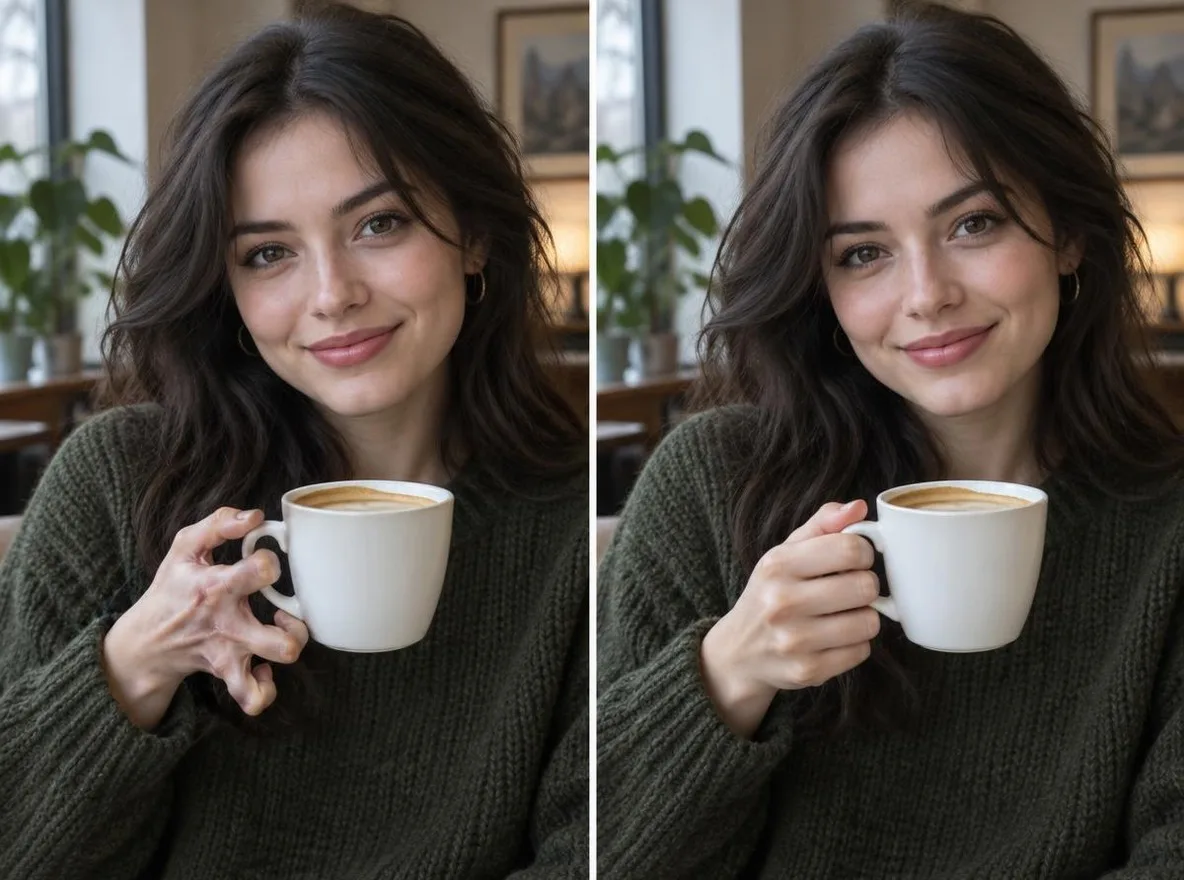
Wie es funktioniert
- Upload the image you want to refine.
- Under What to improve, say exactly what to fix, for example: fix the hand, sharpen the eyes.
- Press Refine, check the result, and reword the request to try again if needed.
Beispielaufforderungen
Echte Ergebnisse aus KI-generierten Bildern in unserer Bibliothek. Es wurde kein Foto einer realen Person verwendet.
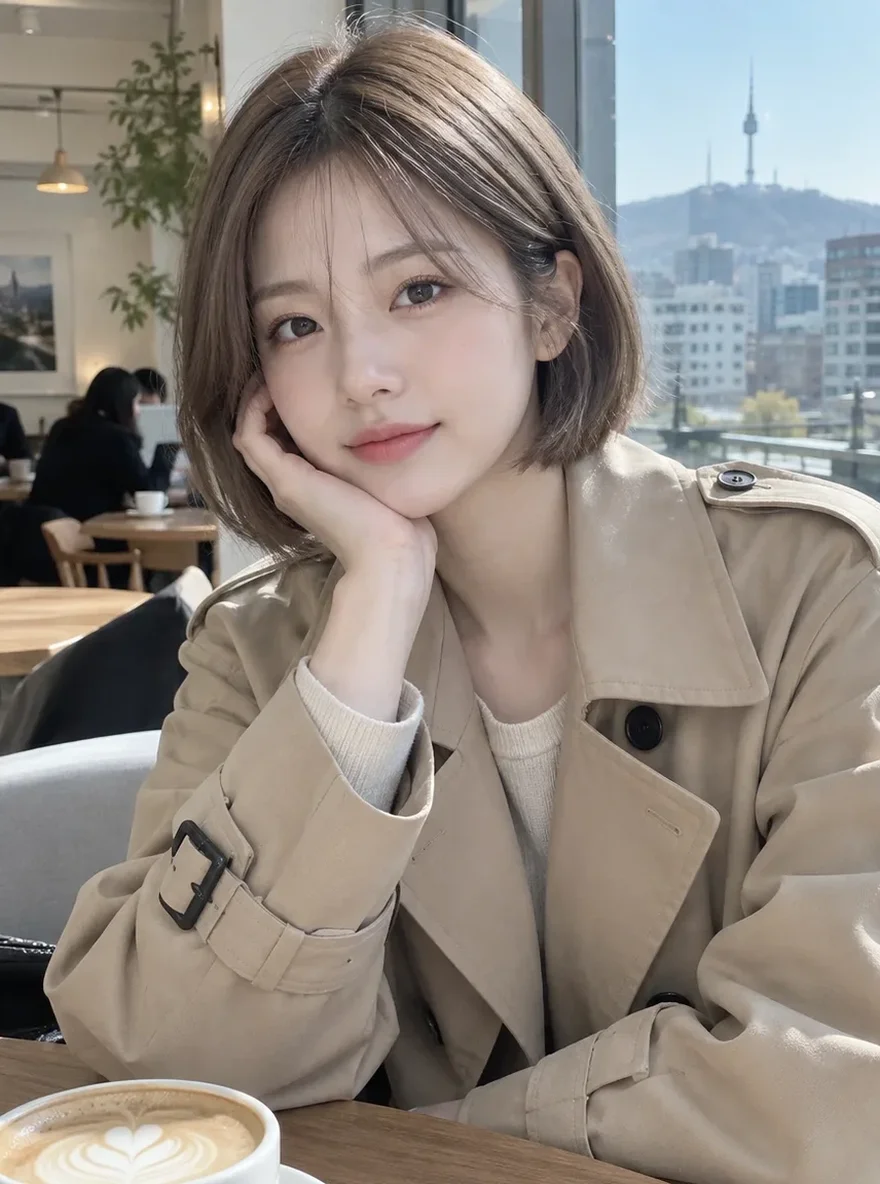 Vorher
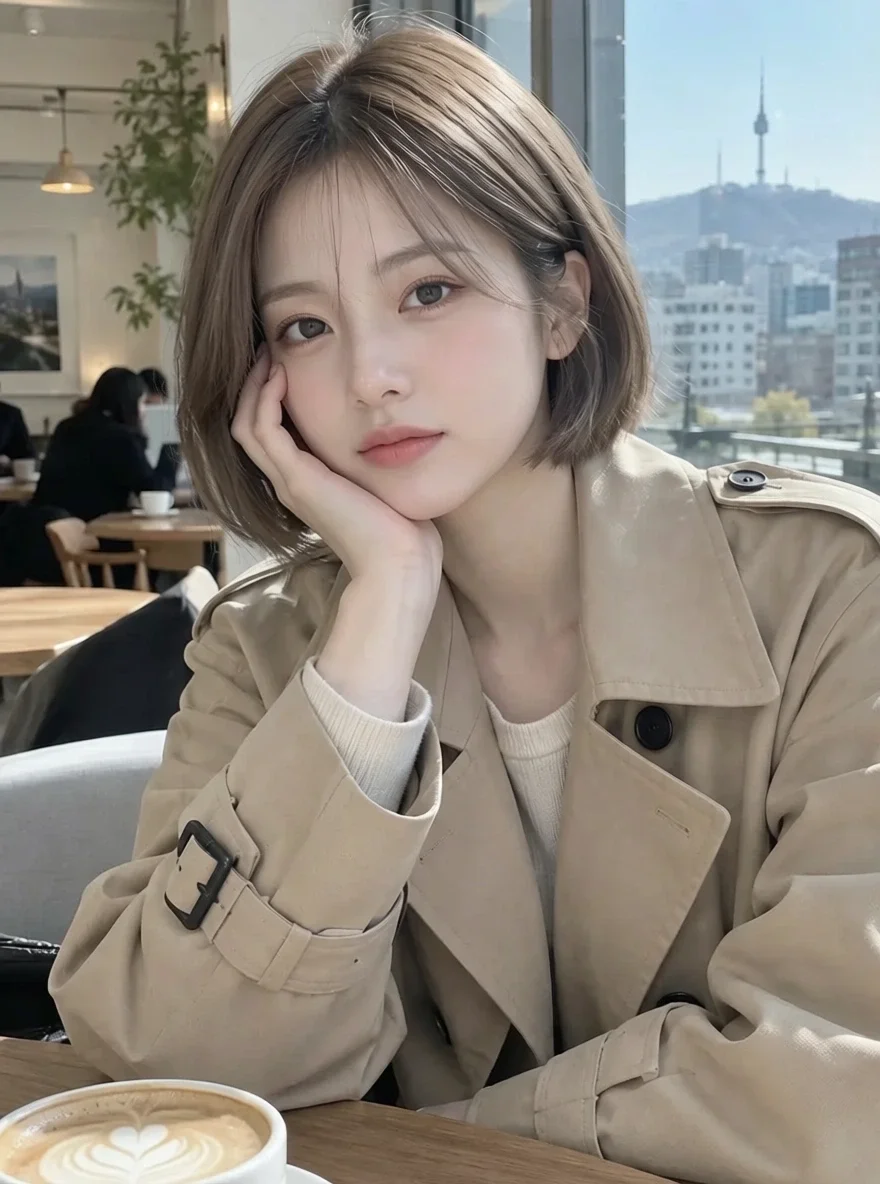 Nachher
Gut für
- Fixing awkward hands and eyes in AI art
- Cleaning up small details in character illustrations
- Taming flyaway hair or creased clothing in a photo
Tipps für bessere Ergebnisse
- Ask for one or two things at a time for the most precise change.
- Say where, such as "left hand" or "right eye".
- If something must not change, say so too, for example: keep the background.
Fragen
How much does it cost?
Free models are unlimited with an account. Models marked “Free with membership” are unlimited without credits during membership. Otherwise, the displayed credit price applies. Developer API usage is billed separately.
What can I write?
Up to 400 characters. Write in English, Korean, Japanese or Chinese. Requests go through a safety check, and anything asking for sexual content or graphic violence is refused.
What happens to the photo I upload?
Only upload photos of yourself or photos you have the right to use. Impersonating real people or using results to deceive others is prohibited. Uploaded photos go through a safety check, you can delete your generated images at any time, and nothing appears in the public Explore feed unless you choose to share it.
Weitere Apps

Foto zum Anime
Zeichnen Sie ein Selfie als Anime, Webtoon, Aquarell oder 3D-Figur neu.

AI-Profilfoto
Verwandeln Sie ein lässiges Selfie in ein Ausweisfoto, ein Bewerbungsfoto oder einen sozialen Avatar.

Traditionelle Outfits
Sehen Sie sich selbst in Hanbok, Kimono, Qipao oder Hanfu.

Reisehintergrund
Behalten Sie sich selbst, tauschen Sie den Hintergrund gegen Kyoto, Seoul, Shanghai oder Jeju.