AI Photo Fixer: Refine Hands, Eyes and Details
Pickshot's Refine app takes one image and a sentence about what to improve (up to 400 characters) and works on that part. Write "fix the fingers" or "sharpen the eyes", and it keeps the framing, colours, background and the person's face while it reworks what you asked for. Use it to fix awkward details in AI-generated pictures or small flaws in a photo.
Нові акаунти отримують 50 кредитів. Безкоштовні облікові записи можуть створювати необмежену кількість зображень на сайті за допомогою 5 базових моделей без списання кредитів. Відео Lacquer на сайті безкоштовні: 3 на день, до 5 секунд на ролик. Передплатники користуються включеними моделями безлімітно без списання кредитів. Інші моделі та API/MCP оплачуються окремо.
Оновлено
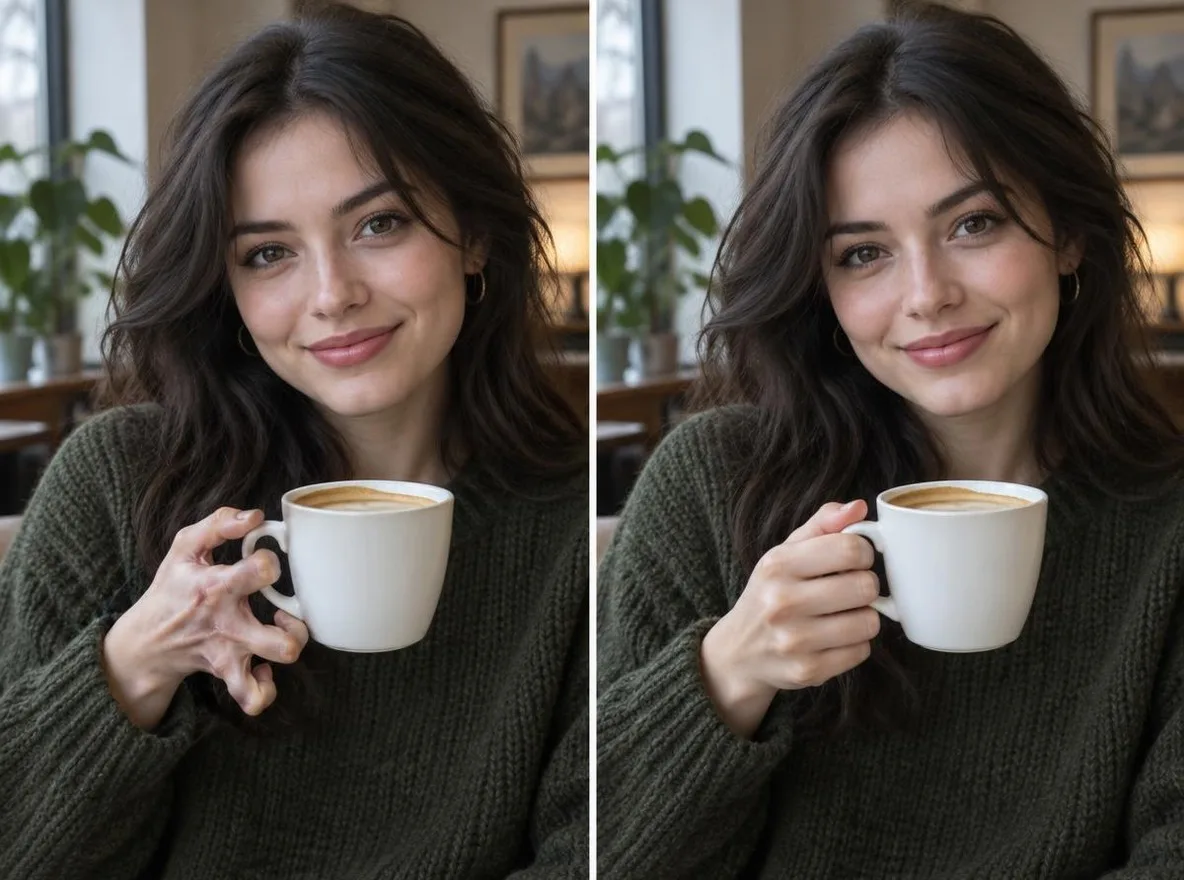
Як це працює
- Upload the image you want to refine.
- Under What to improve, say exactly what to fix, for example: fix the hand, sharpen the eyes.
- Press Refine, check the result, and reword the request to try again if needed.
Приклад підказує
Реальні результати зі згенерованих штучним інтелектом зображень у нашій бібліотеці. Не було використано фото реальної людини.
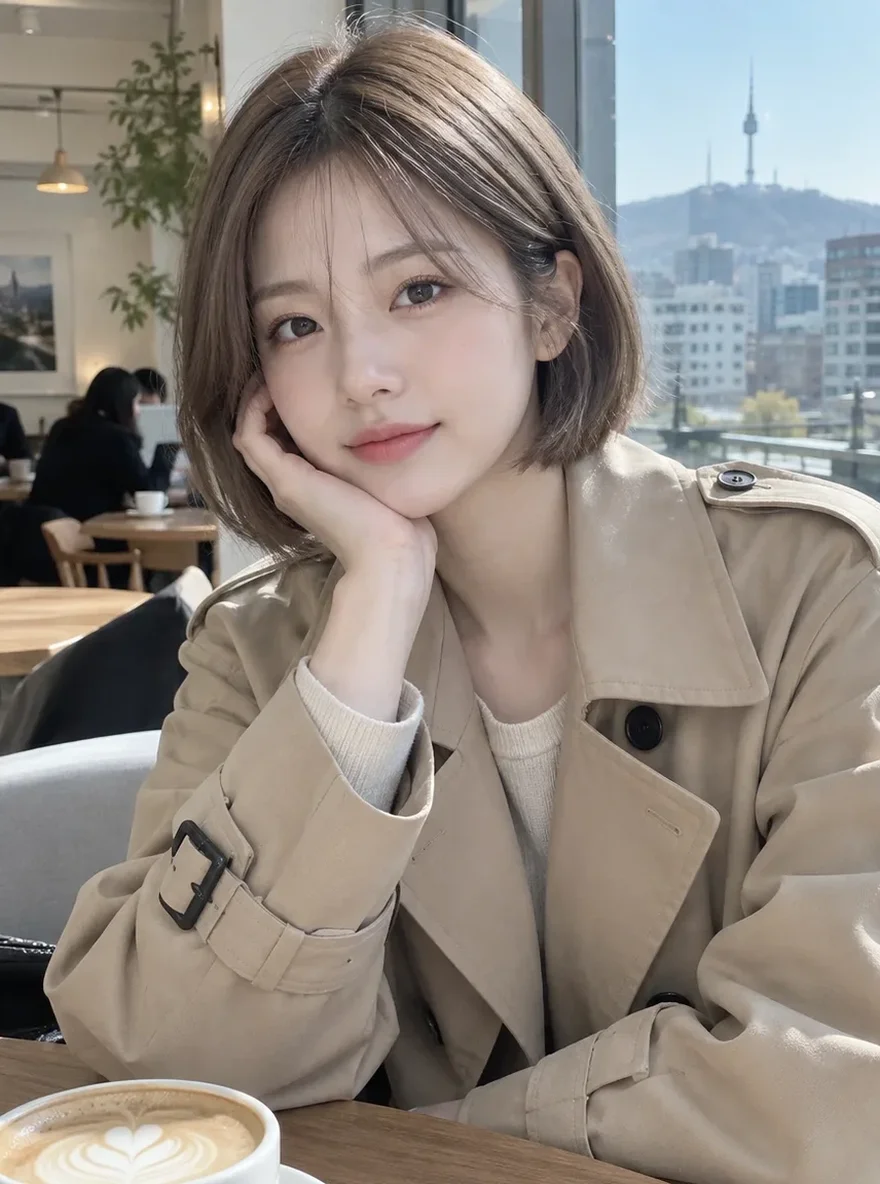 Раніше
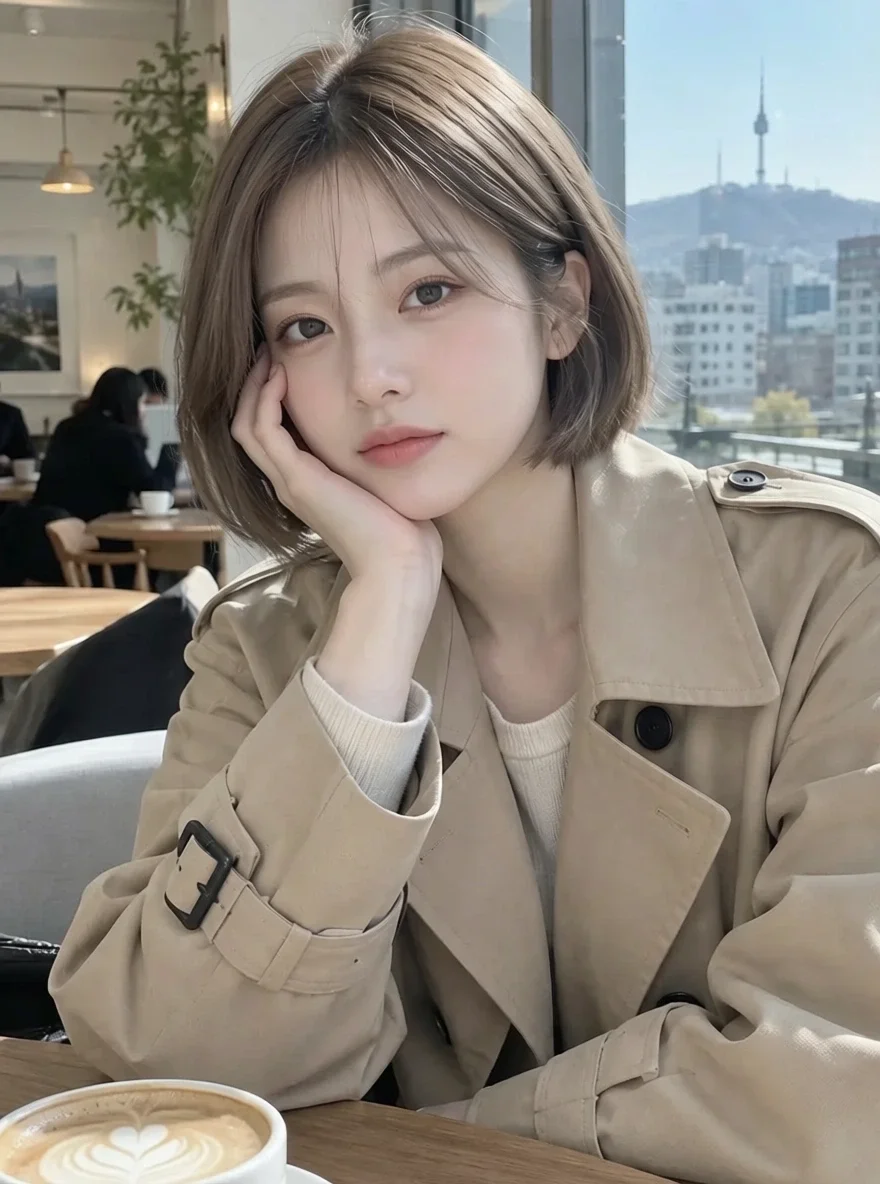 Після
Добре для
- Fixing awkward hands and eyes in AI art
- Cleaning up small details in character illustrations
- Taming flyaway hair or creased clothing in a photo
Поради для кращих результатів
- Ask for one or two things at a time for the most precise change.
- Say where, such as "left hand" or "right eye".
- If something must not change, say so too, for example: keep the background.
Питання
How much does it cost?
Free models are unlimited with an account. Models marked “Free with membership” are unlimited without credits during membership. Otherwise, the displayed credit price applies. Developer API usage is billed separately.
What can I write?
Up to 400 characters. Write in English, Korean, Japanese or Chinese. Requests go through a safety check, and anything asking for sexual content or graphic violence is refused.
What happens to the photo I upload?
Only upload photos of yourself or photos you have the right to use. Impersonating real people or using results to deceive others is prohibited. Uploaded photos go through a safety check, you can delete your generated images at any time, and nothing appears in the public Explore feed unless you choose to share it.
Більше програм

Фото до аніме
Перемалюйте селфі як аніме, вебтун, акварель або тривимірну фігуру.

Фото профілю AI
Перетворіть повсякденне селфі на фотографію, що посвідчує особу, знімок із заявки на роботу або аватар у соціальній мережі.

Традиційне вбрання
Побачте себе в ханбок, кімоно, ципао або ханфу.

Подорож фоном
Збережіть себе, поміняйте фон на Кіото, Сеул, Шанхай чи Чеджу.