AI Skin Enhancer: Natural Portrait Retouching
Pickshot's Skin Enhancer evens out skin tone and softens blemishes in one portrait photo. It keeps the face, pose, clothing and background as they are and aims for healthy skin with visible pores and texture, not a plastic, airbrushed look. A strength slider from 1 to 10 sets whether it gives a light touch, a balanced retouch or a thorough cleanup, which suits profile pictures, social posts and headshots.
Uudet tilit saavat 50 krediittiä. Ilmaistilit voivat luoda verkkosivustolla rajattomasti kuvia 5 perusmallilla kuluttamatta krediittejä. Lacquer-videoita voi luoda sivustolla ilmaiseksi 3 päivässä, enintään 5 sekuntia leikettä kohti. Jäsenet käyttävät sisältyviä malleja rajattomasti ilman krediittiveloitusta. Muut mallit ja API/MCP laskutetaan erikseen.
Päivitetty
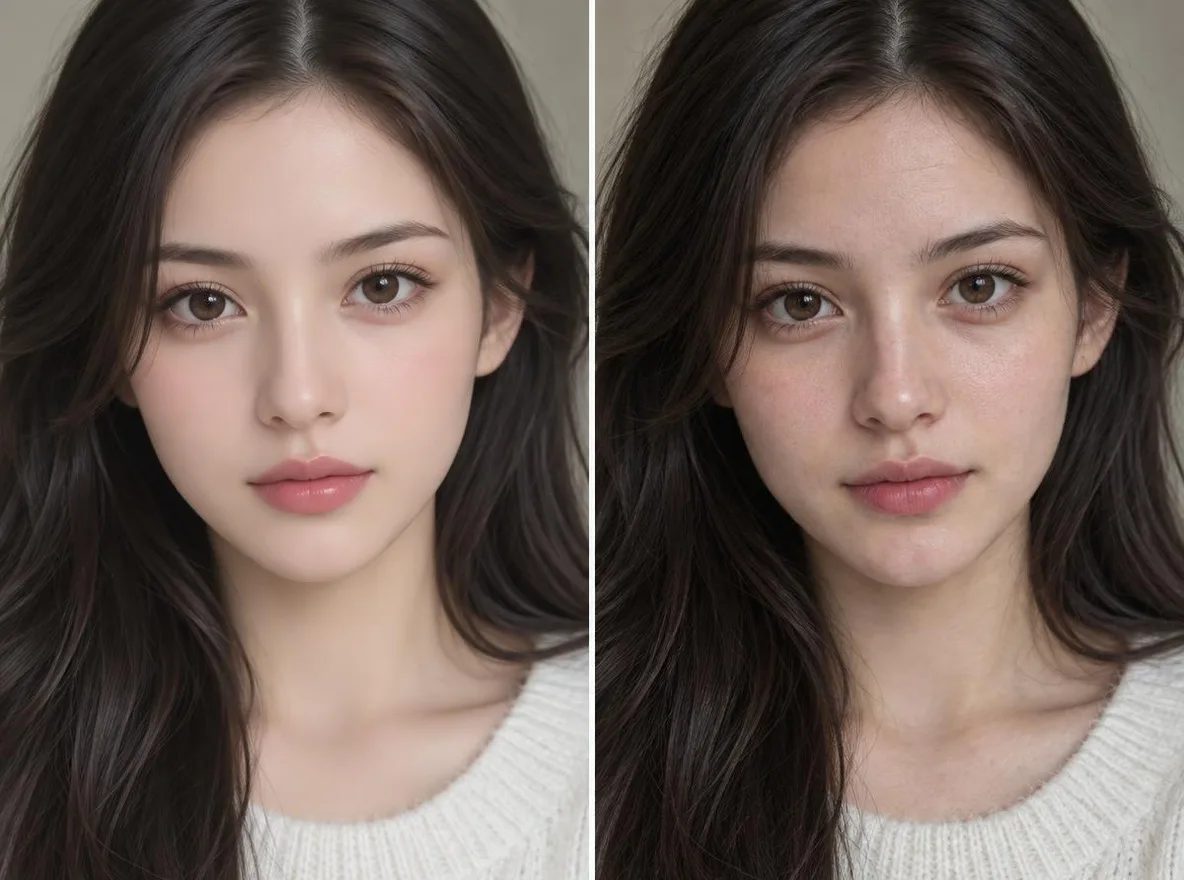
Näin se toimii
- Upload one portrait with the face clearly visible.
- Choose a strength: 1–4 is a light touch, 5–6 a natural, even retouch, 7–10 a thorough cleanup.
- Press Enhance, compare the result with your original and download it.
Esimerkkikuvaukset
Oikeita tuloksia kirjastomme tekoälykuvista. Yhtään oikean ihmisen valokuvaa ei käytetty.
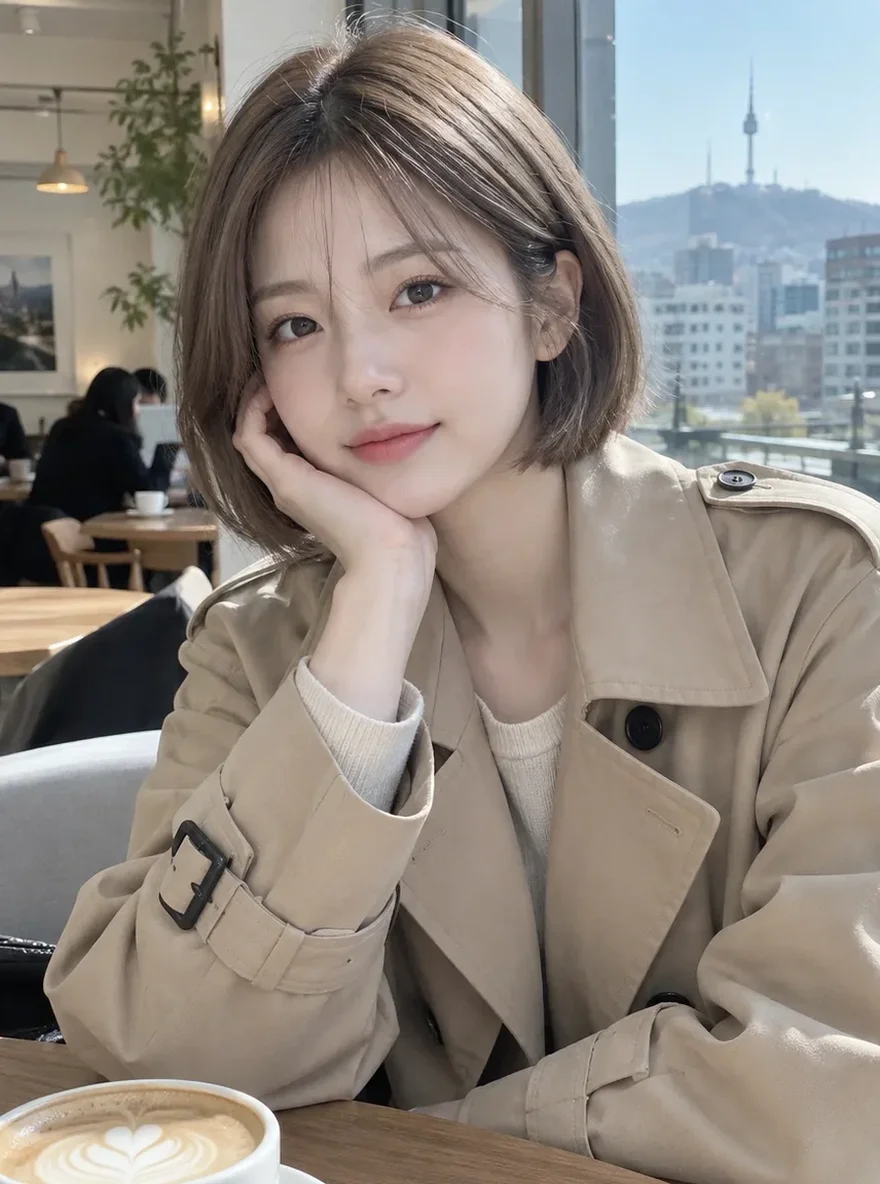 Ennen
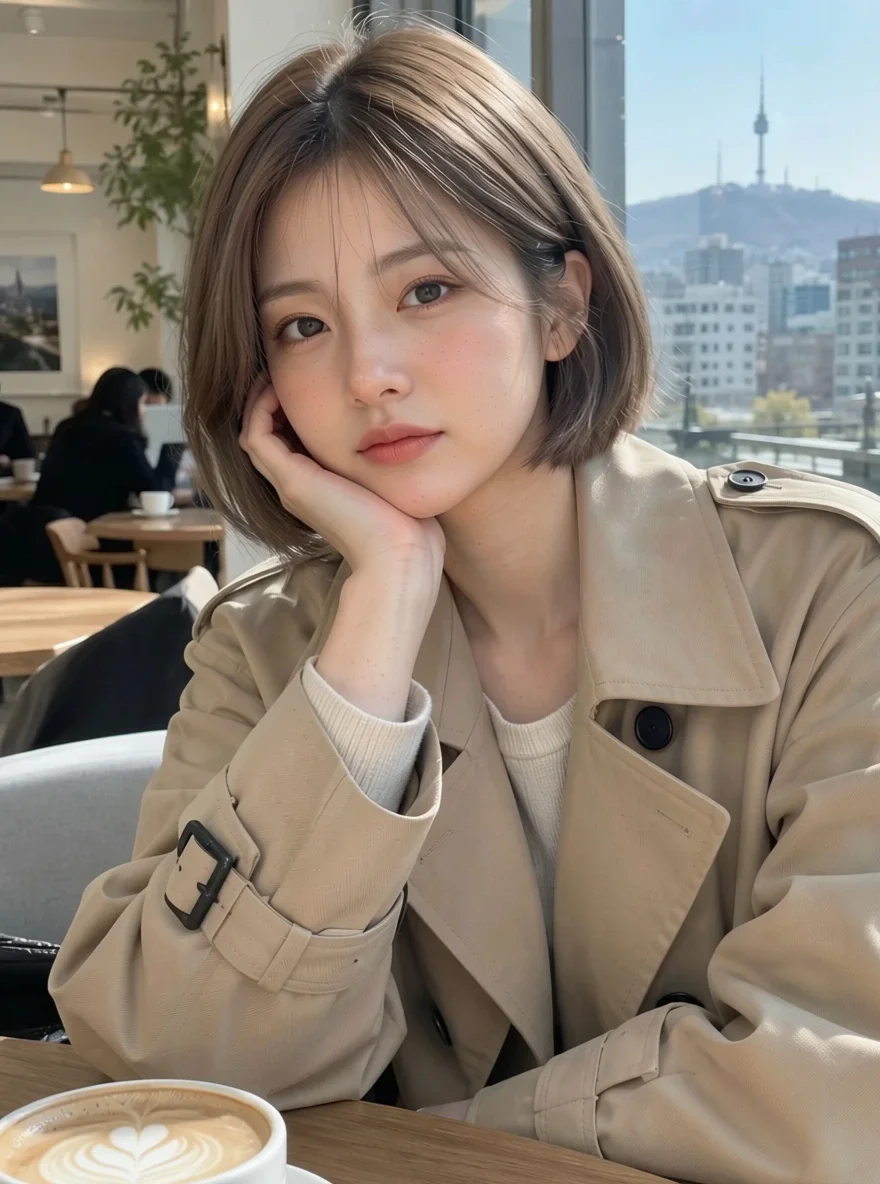 Jälkeen
Sopii
- Profile pictures and selfies for social media
- Headshots for about pages and portfolios
- Even skin tone across model shots for an online shop
Vinkkejä parempiin tuloksiin
- Photos where the face is large and in focus give the most natural results.
- Start at the middle strength (5), then go up or down after you see the result.
- Upload the original photo rather than one already run through filters, so there is real texture left to keep.
Kysymykset
How much does it cost?
Free models are unlimited with an account. Models marked “Free with membership” are unlimited without credits during membership. Otherwise, the displayed credit price applies. Developer API usage is billed separately.
Will my skin look fake or airbrushed?
The app is built to avoid that: it tells the model to keep realistic skin texture and not to smooth the skin into plastic or change your features. Even at high strength it tidies rather than wipes the texture away, but results vary by photo, so compare a couple of strengths.
What happens to the photo I upload?
Only upload photos of yourself or photos you have the right to use. Impersonating real people or using results to deceive others is prohibited. Uploaded photos go through a safety check, you can delete your generated images at any time, and nothing appears in the public Explore feed unless you choose to share it.
Lisää sovelluksia

Kuvasta animeksi
Piirrä selfie uudelleen animena, webtoonina, akvarellina tai 3D-hahmona.

Tekoälyprofiilikuva
Muuta tavallinen selfie henkilökuvaksi, työhakemuksen muotokuvaksi tai someavatariksi.

Perinteiset asut
Näe itsesi hanbokissa, kimonossa, qipaossa tai hanfussa.

Matkatausta
Säilytä itsesi ja vaihda taustaksi Kioto, Soul, Shanghai tai Jeju.