AI Skin Enhancer: Natural Portrait Retouching
Pickshot's Skin Enhancer evens out skin tone and softens blemishes in one portrait photo. It keeps the face, pose, clothing and background as they are and aims for healthy skin with visible pores and texture, not a plastic, airbrushed look. A strength slider from 1 to 10 sets whether it gives a light touch, a balanced retouch or a thorough cleanup, which suits profile pictures, social posts and headshots.
Новые аккаунты получают 50 кредитов. Бесплатные аккаунты могут создавать неограниченное количество изображений на сайте с помощью 5 базовых моделей без списания кредитов. Видео Lacquer на сайте бесплатны: 3 в день, до 5 секунд на ролик. Подписчики используют включённые модели безлимитно и без списания кредитов. Другие модели и API/MCP оплачиваются отдельно.
Обновлено
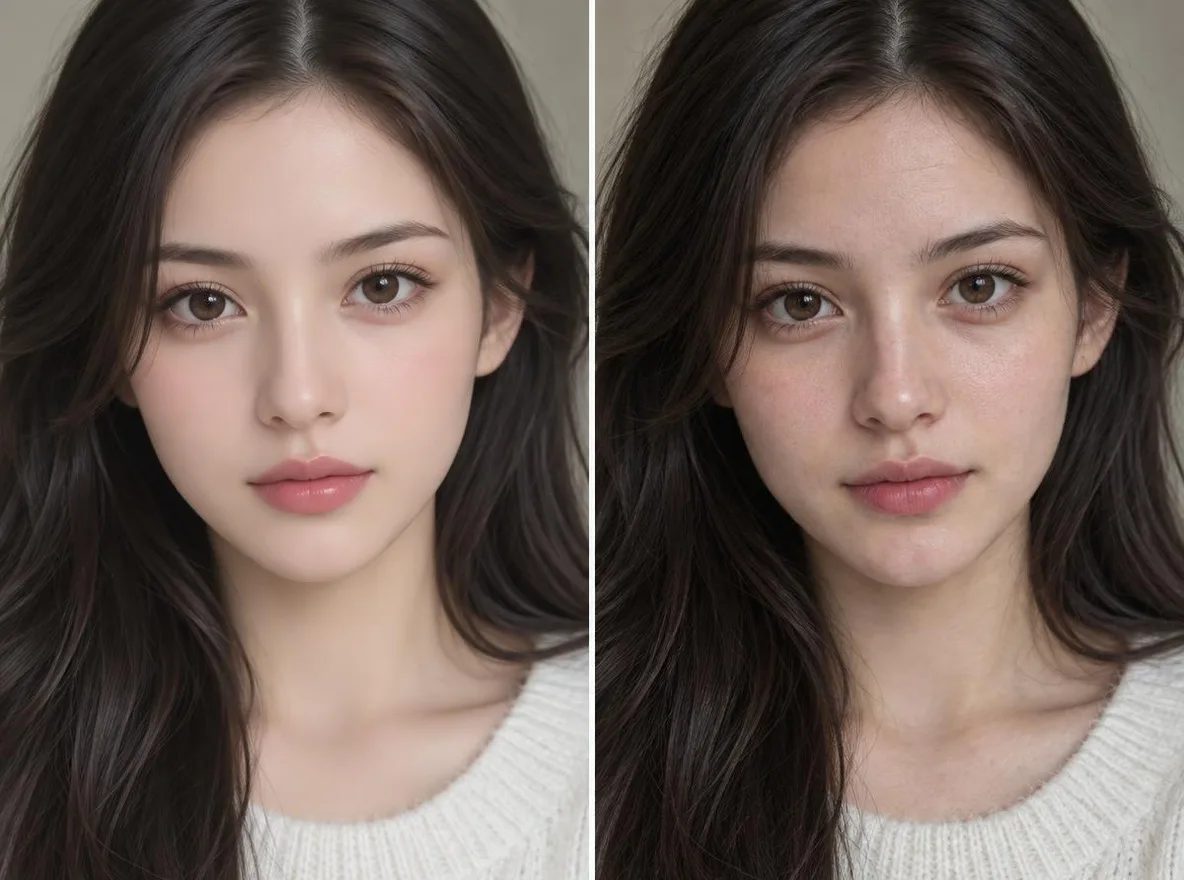
Как это работает
- Upload one portrait with the face clearly visible.
- Choose a strength: 1–4 is a light touch, 5–6 a natural, even retouch, 7–10 a thorough cleanup.
- Press Enhance, compare the result with your original and download it.
Примеры подсказок
Реальные результаты из изображений, созданных искусственным интеллектом, в нашей библиотеке. Фотография реального человека не использовалась.
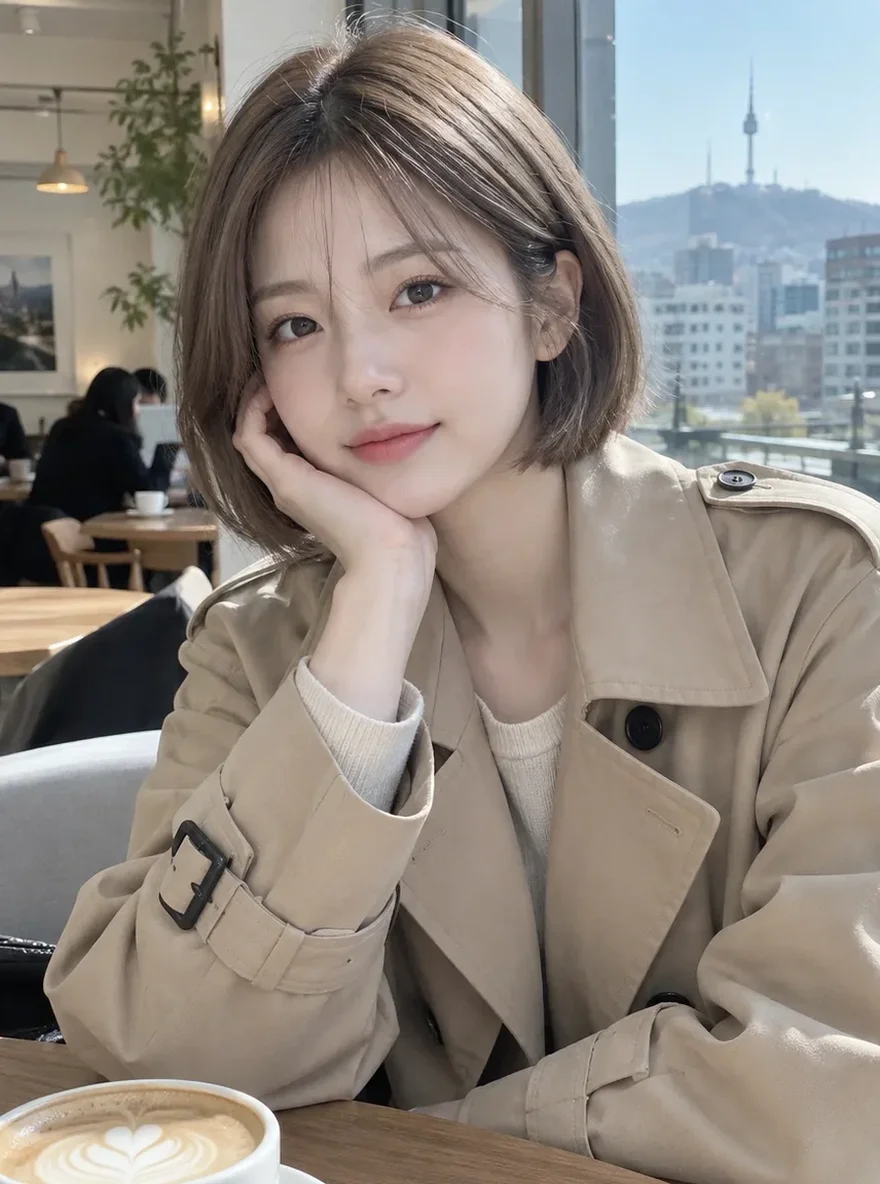 До
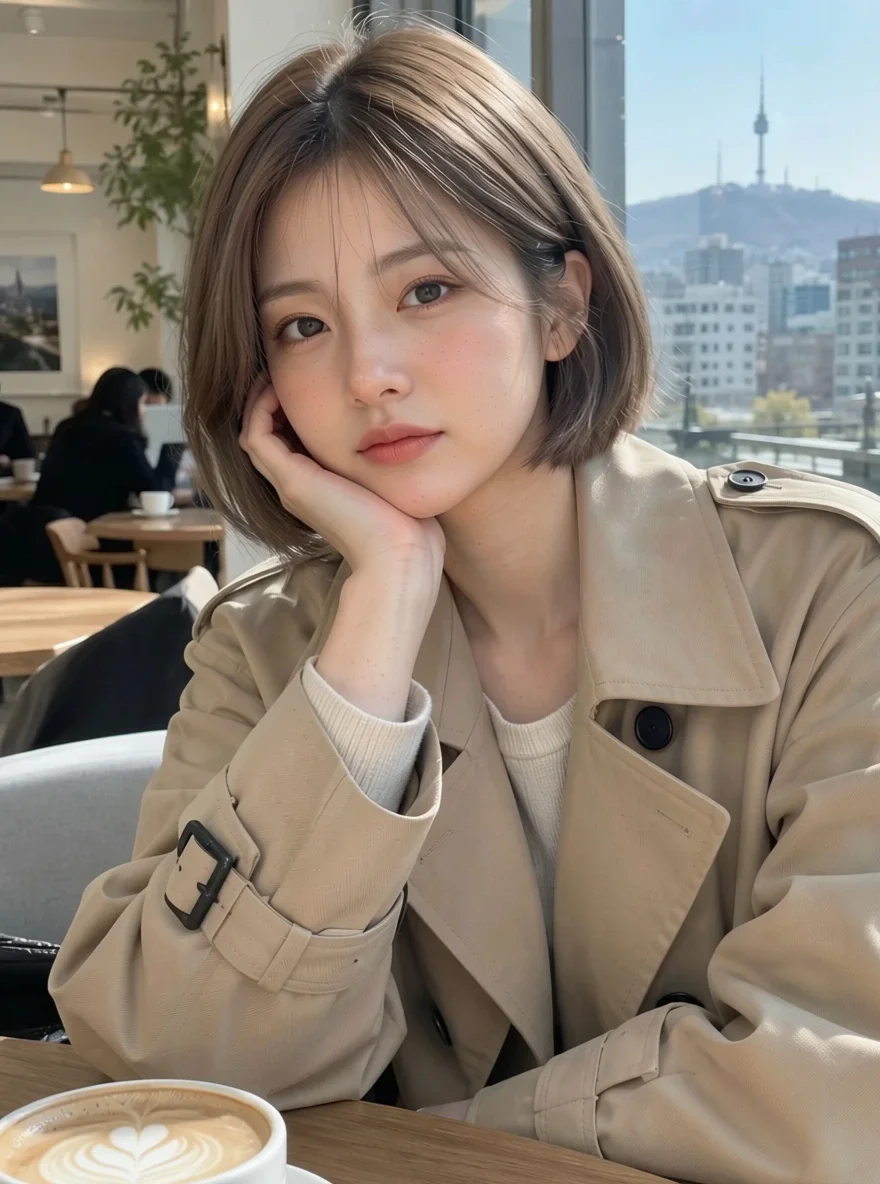 После
Хорошо для
- Profile pictures and selfies for social media
- Headshots for about pages and portfolios
- Even skin tone across model shots for an online shop
Советы для достижения лучших результатов
- Photos where the face is large and in focus give the most natural results.
- Start at the middle strength (5), then go up or down after you see the result.
- Upload the original photo rather than one already run through filters, so there is real texture left to keep.
Вопросы
How much does it cost?
Free models are unlimited with an account. Models marked “Free with membership” are unlimited without credits during membership. Otherwise, the displayed credit price applies. Developer API usage is billed separately.
Will my skin look fake or airbrushed?
The app is built to avoid that: it tells the model to keep realistic skin texture and not to smooth the skin into plastic or change your features. Even at high strength it tidies rather than wipes the texture away, but results vary by photo, so compare a couple of strengths.
What happens to the photo I upload?
Only upload photos of yourself or photos you have the right to use. Impersonating real people or using results to deceive others is prohibited. Uploaded photos go through a safety check, you can delete your generated images at any time, and nothing appears in the public Explore feed unless you choose to share it.
Больше приложений

Фото в аниме
Перерисуйте селфи в виде аниме, вебтуна, акварели или 3D-фигуры.

Фото профиля AI
Превратите обычное селфи в фотографию на удостоверение личности, фотографию при приеме на работу или аватар в социальных сетях.

Традиционные наряды
Увидеть себя в ханбоке, кимоно, ципао или ханфу.

Путешествие фон
Оставайтесь собой, поменяйте фон на Киото, Сеул, Шанхай или Чеджу.