AI Skin Enhancer: Natural Portrait Retouching
Pickshot's Skin Enhancer evens out skin tone and softens blemishes in one portrait photo. It keeps the face, pose, clothing and background as they are and aims for healthy skin with visible pores and texture, not a plastic, airbrushed look. A strength slider from 1 to 10 sets whether it gives a light touch, a balanced retouch or a thorough cleanup, which suits profile pictures, social posts and headshots.
Novas contas recebem 50 créditos. As contas gratuitas podem gerar imagens ilimitadas no site com os 5 modelos básicos, sem gastar créditos. Os vídeos Lacquer são grátis no site: 3 por dia, com até 5 segundos por clipe. Assinantes usam os modelos incluídos sem limite nem desconto de créditos. Outros modelos e API/MCP são cobrados à parte.
Atualizado
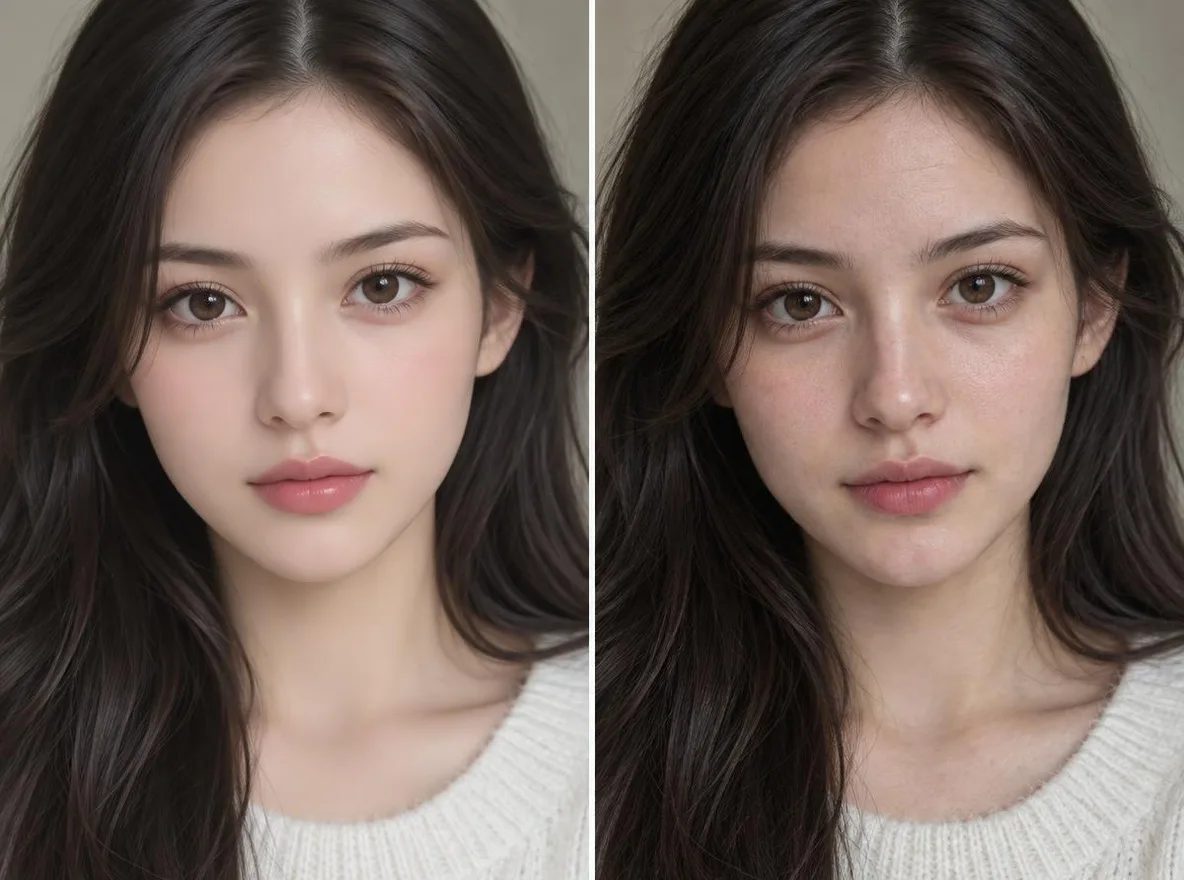
Como funciona
- Upload one portrait with the face clearly visible.
- Choose a strength: 1–4 is a light touch, 5–6 a natural, even retouch, 7–10 a thorough cleanup.
- Press Enhance, compare the result with your original and download it.
Solicitações de exemplo
Resultados reais de imagens geradas por IA em nossa biblioteca. Nenhuma foto de uma pessoa real foi usada.
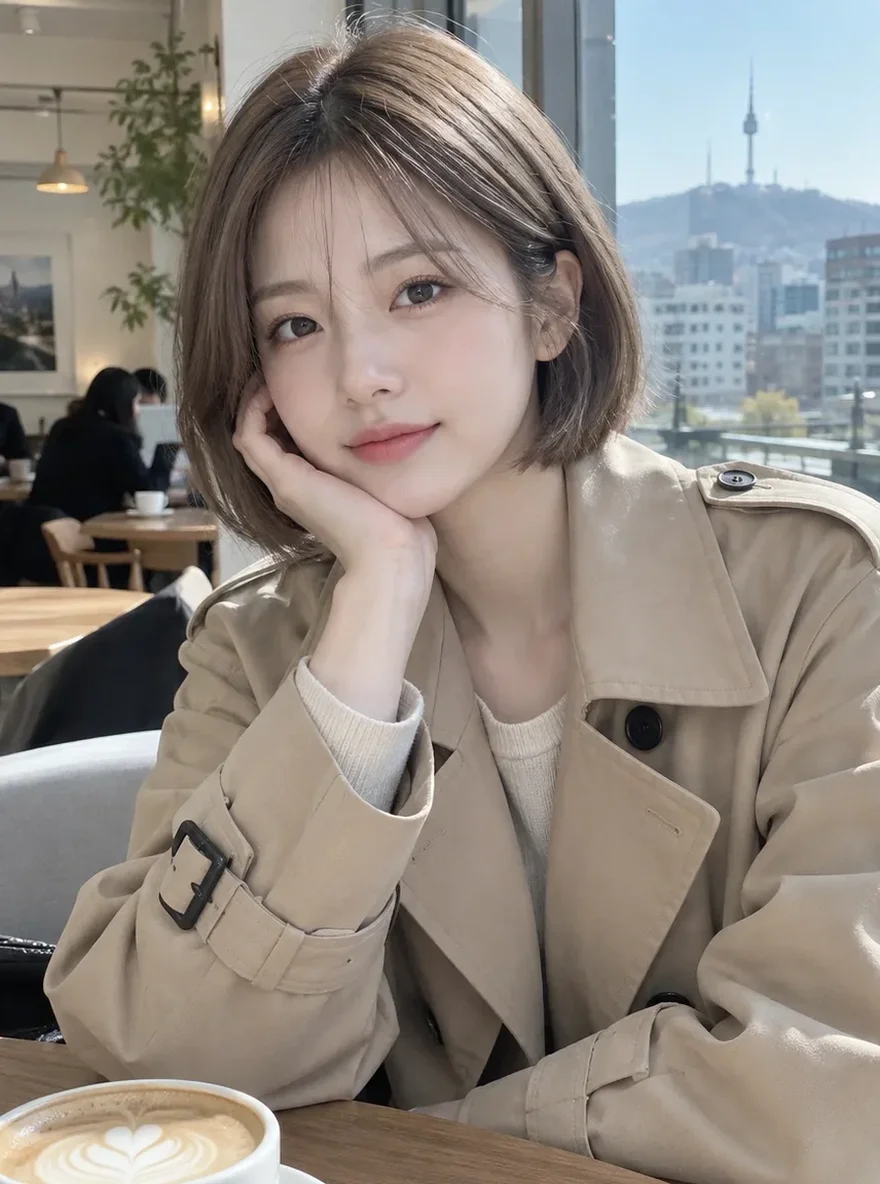 Antes
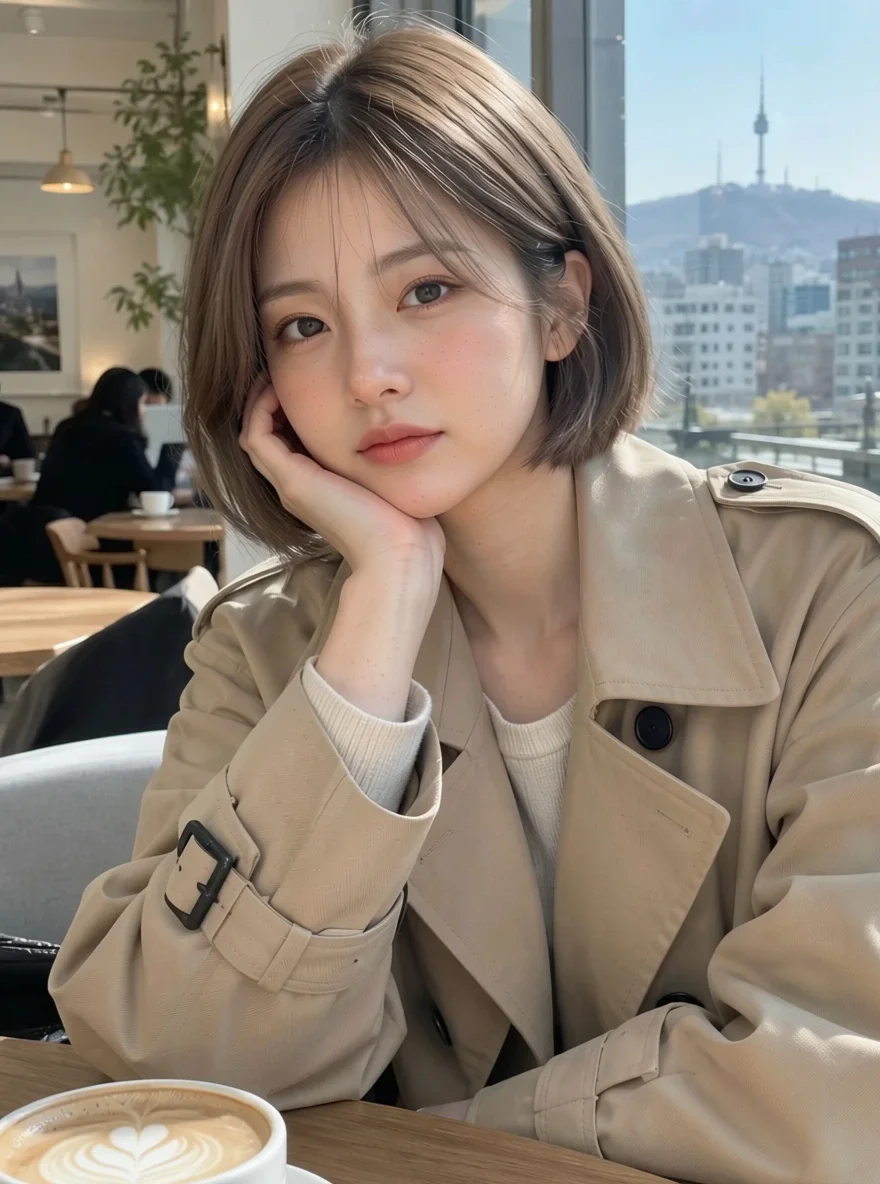 Depois
Bom para
- Profile pictures and selfies for social media
- Headshots for about pages and portfolios
- Even skin tone across model shots for an online shop
Dicas para melhores resultados
- Photos where the face is large and in focus give the most natural results.
- Start at the middle strength (5), then go up or down after you see the result.
- Upload the original photo rather than one already run through filters, so there is real texture left to keep.
Perguntas
How much does it cost?
Free models are unlimited with an account. Models marked “Free with membership” are unlimited without credits during membership. Otherwise, the displayed credit price applies. Developer API usage is billed separately.
Will my skin look fake or airbrushed?
The app is built to avoid that: it tells the model to keep realistic skin texture and not to smooth the skin into plastic or change your features. Even at high strength it tidies rather than wipes the texture away, but results vary by photo, so compare a couple of strengths.
What happens to the photo I upload?
Only upload photos of yourself or photos you have the right to use. Impersonating real people or using results to deceive others is prohibited. Uploaded photos go through a safety check, you can delete your generated images at any time, and nothing appears in the public Explore feed unless you choose to share it.
Mais aplicativos

Foto para anime
Redesenhe uma selfie como anime, webtoon, aquarela ou figura 3D.

Foto de perfil de IA
Transforme uma selfie casual em uma foto de identificação, uma foto de candidatura de emprego ou um avatar social.

Roupas tradicionais
Veja-se em hanbok, quimono, qipao ou hanfu.

Cenário de viagem
Mantenha-se, troque o cenário por Kyoto, Seul, Xangai ou Jeju.