AI Influencer Character Consistency: A Practical Guide
The actual Pickshot workflow for saving a fictional character, using references for post images and video, and checking how faces change.
Contents
The actual Pickshot workflow for saving a fictional character, using references for post images and video, and checking how faces change.
Method: a walkthrough of the current Pickshot interface, not a measured benchmark. The Instagram, TikTok and YouTube rules in the sources were checked on 13 November 2026.
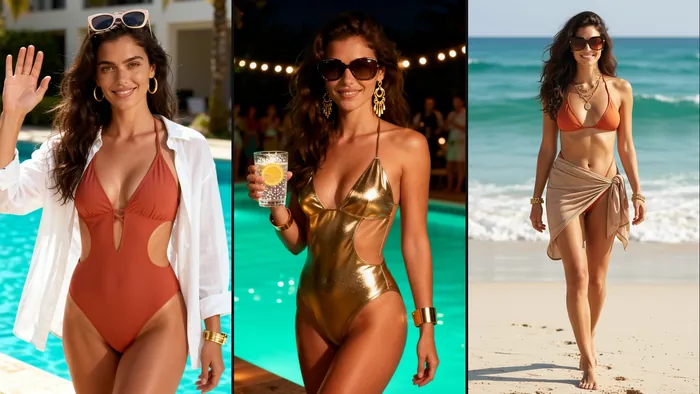
Reference pictures help carry features into new scenes, but faces, hair, outfits and details can vary between results. Review every result before publishing.
1. Choose a look and details
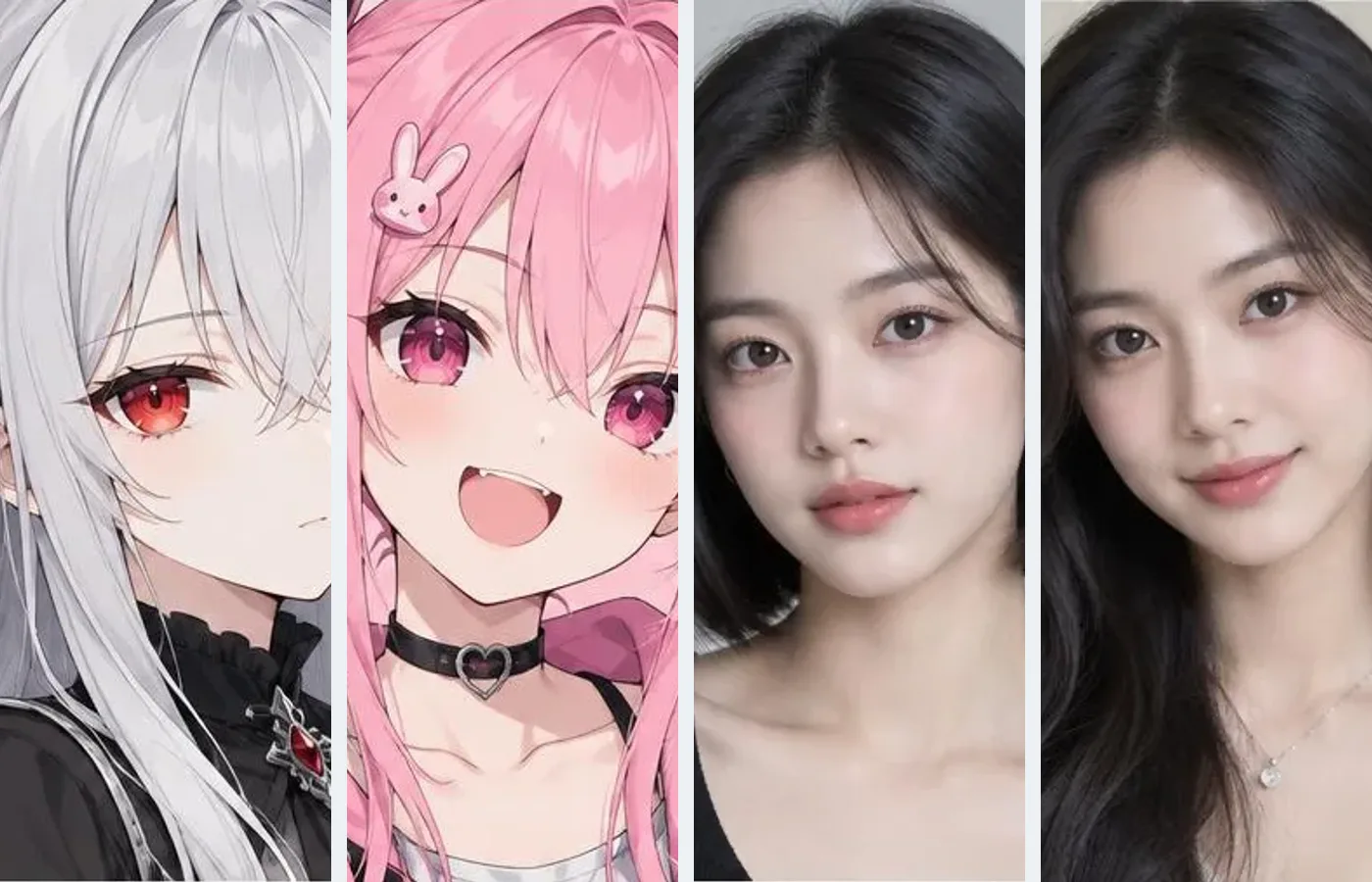
Open Characters, choose AI portrait, anime or mascot, and describe hair, clothes and colours to make a few options.
2. Save a face you like
Choose Keep this face, add a name and description, and save. You can also register one to three reference pictures of your original fictional character.
3. Make pictures, video and posts
Choose Make a picture, Make a video or Create an AI influencer on your saved character. The influencer action copies a face picture into a separate profile for making post images.
Save an influencer profile
Check the name, bio, niche and platform, then save. Characters and influencer profiles are managed separately and each keeps its own picture.
Choose cafe, travel or fashion ideas and an aspect ratio. Results stay in My creations and can become the first frame of a video.
A character stores reference pictures. An influencer is a separate profile with a name, bio, niche, platform and face picture. You can copy a face from a character; deleting one does not delete the other’s picture.
What to check before choosing a result
Compare the eyes, nose, face shape, hair and outfit with the original. If a result does not fit, choose a clearer reference or change fewer traits at once and try again. These are workflow suggestions, not a consistency guarantee or measured benchmark. The current interface has no reference-weight or face-lock setting, so there is no 1.2× weight or motion-strength value to enter.
Can I make a video too?
Choose Make a video on a character or finished post image to use it as the first frame. Choose a model and length, then describe the movement. Keeping every detail unchanged is not guaranteed.
Where can I check prices and limits?
Free accounts can make unlimited text-to-image pictures on the website with the five basic image models. Making a picture from a reference picture is an edit with its own price, shown before you start; a membership includes it when the edit runs on a Pickshot-series model. The pricing page lists the prices and plan limits.
Free accounts can save three characters and three influencer profiles. Plus allows 10 of each, Pro 30 and Max 100.
Start with an original fictional adult character or mascot. Do not impersonate real people or reproduce minors.
AI Character Generator · AI Influencer Generator · Image to video
Sources
The platform rules for AI characters and AI-generated media, checked on 13 November 2026:
- Instagram for Creators, the AI-generated profile label (31 August 2026): https://creators.instagram.com/blog/ai-generated-profile-label
- TikTok Support, AI-generated content (labels, and no AI likeness of anyone under 18 or of a private adult without permission): https://support.tiktok.com/en/using-tiktok/creating-videos/ai-generated-content
- YouTube Help, disclosing realistic AI-generated or altered content: https://support.google.com/youtube/answer/14328491
Questions
Will the face always be identical?
Reference pictures help carry features into new scenes, but faces, hair, outfits and details can vary between results. Review every result before publishing.
Are characters and influencers the same saved item?
A character stores reference pictures. An influencer is a separate profile with a name, bio, niche, platform and face picture. You can copy a face from a character; deleting one does not delete the other’s picture.
Can I make a video too?
Choose Make a video on a character or finished post image to use it as the first frame. Choose a model and length, then describe the movement. Keeping every detail unchanged is not guaranteed.
Where can I check prices and limits?
Free accounts can make unlimited text-to-image pictures on the website with the five basic image models. Making a picture from a reference picture is an edit with its own price, shown before you start; a membership includes it when the edit runs on a Pickshot-series model. The pricing page lists the prices and plan limits.
Choose an image, video or audio model, look through its settings and start making. Sign-up is free, and a free account makes the free image models unlimited.
Make your character