GPT Image 2.5 Flare vs Sunburst: Why the Price Looks Backwards
Flare costs more than Sunburst on your screen? Compare quality settings, image costs and practical workflows before spending credits on your next AI image.
Contents
The apparently cheaper GPT Image 2.5 model may simply be running at a different quality setting. If Flare shows a higher price than Sunburst, inspect the preset before deciding which one is better value.
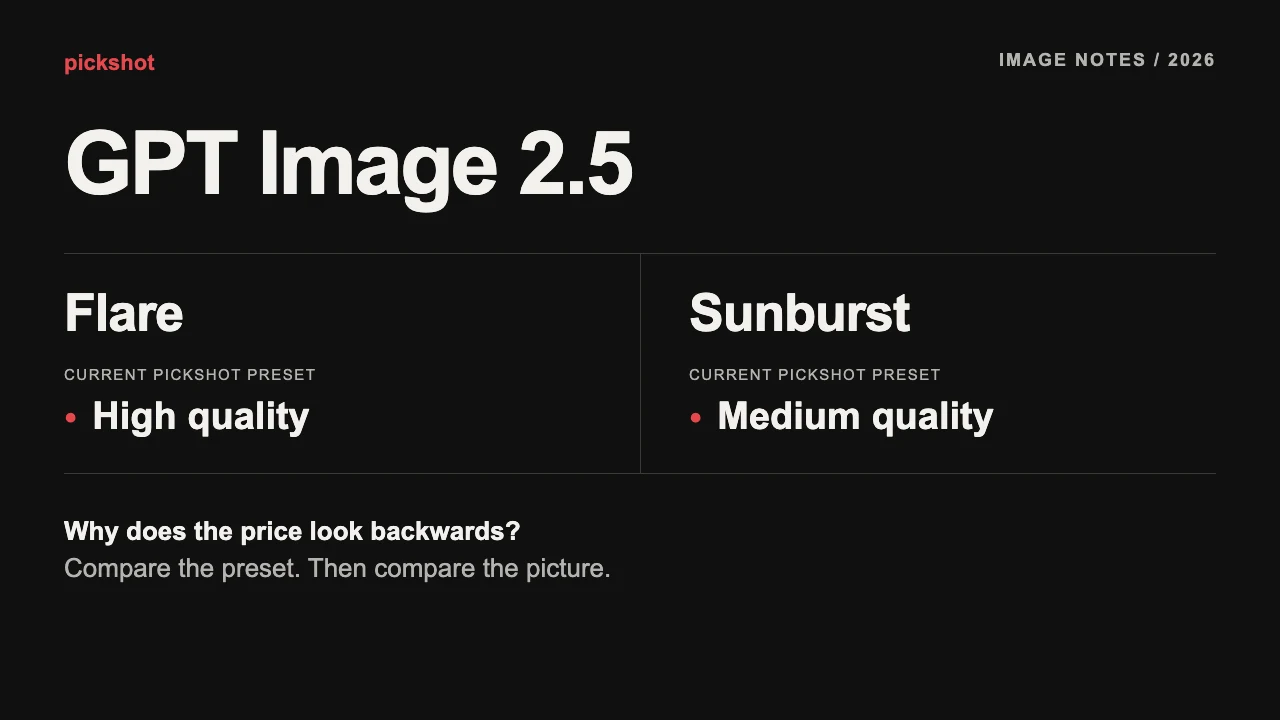
On Pickshot, Flare currently uses high quality; Sunburst uses medium. That distinction explains much of the visible gap. Here is how to compare them without spending your image budget on the wrong question.
Flare vs Sunburst at a glance
| What you are choosing | GPT Image 2.5 Flare | GPT Image 2.5 Sunburst |
|---|---|---|
| Provider positioning | Everyday image generation | Detail-focused visual work |
| Current Pickshot quality preset | High | Medium |
| Pickshot 1K text-to-image base estimate | 90 credits | 24 credits |
| Reference-image editing | Supported; check the input-dependent estimate | Supported; check the input-dependent estimate |
| Included in membership | Uses credits | Uses credits |
The provider descriptions favor Flare for general work and Sunburst for intricate detail, with longer generation times. These are provider descriptions, not a Pickshot speed test or a promise that one wins every prompt. See the official Flare page and Sunburst page.
Why the price can look backwards
The published 1024 × 1024 output-only table lists $0.01317 for medium and $0.05268 for high, for both variants. High is four times medium in that particular table. This is a quality-setting comparison, not evidence that Flare intrinsically costs four times Sunburst.
Those dollar figures exclude prompt input and are a dated provider example, checked on October 29, 2026. They are not Pickshot checkout prices. Resolution, aspect ratio, references and provider billing rules matter too. Use the studio’s current credit estimate for your actual request.
Pickshot’s current presets do not offer a separate switch for every provider quality level. You cannot assume that choosing Sunburst also selects its highest quality, or that choosing Flare selects a low-cost mode.
Choose around the image you need to finish
For a social post, first ask whether the idea reads at phone size. A technically detailed image can still fail if the subject is tiny, the background is crowded or there is no room for a caption. Solve composition before paying for another attempt.
For a product hero, inspect the real requirements: cap shape, surface finish, label placement and usable empty space. For an AI influencer, compare the eyes, facial proportions, hands and outfit across shots. A model’s marketing position cannot replace that inspection. Exact packaging and lettering may need original photography or manual finishing.
If a repeated character is your main goal, use the same saved reference and follow the AI influencer character-consistency guide. Treat text-to-image exploration and reference-based editing as different tasks with different costs.
A comparison you can run without wasting a batch
- Draft the layout with Saffron, an unlimited free image model for registered users. Keep the most readable composition.
- Copy one clear prompt into Flare. Choose one image, a fixed aspect ratio and the resolution you need. Read the credit estimate.
- Repeat with Sunburst, keeping that prompt and aspect ratio. Remember that the current presets differ in quality.
- Compare at the intended display size, then inspect details at full size. Record which version needs less repair for this particular job.
This compares the presets you can actually buy on Pickshot. It does not isolate the underlying models at identical quality. Change one thing at a time on your next attempt: the composition, a reference or a short instruction.
Try a prompt with visible success criteria
The following is a prompt template, not a claimed result from either model:
A studio product photograph of an unbranded amber glass skincare bottle with a black pump, on a warm gray stone surface. One bottle only. Soft window light from the left. Clear glass edges and a coherent pump mechanism. Bottle placed in the left third, with empty space on the right for a headline. No text, no logo, no extra objects. Square composition.
You can check the result against that brief: one bottle, a plausible pump, clear edges and headline space. If those fail, make the request simpler before increasing the output size. Add final typography in the image editor when exact words matter.
What to check before you press Generate
Confirm the model, resolution, aspect ratio, number of images and references. Review the credit estimate after changing any of them. A shelf label such as “per image” is a starting point; it is not a quote for every possible edit.
GPT Image 2.5 Flare and Sunburst remain credit models for members. If you mainly need ideas and layout exploration, begin with Pickshot’s free models and reserve paid attempts for a defined finishing task. The pricing page distinguishes unlimited free models, membership-included models and credit models.
Compare Flare or try Sunburst with one focused prompt. Choose the preset that gives you a usable result for your task, and keep the displayed price in view.
Sources and scope
The official Flare pricing and model description and Sunburst pricing and model description support the provider comparison. Pickshot presets and credit estimates describe the current app configuration as of October 29, 2026. No controlled image-quality benchmark was performed for this article.
Questions
What is the difference between GPT Image 2.5 Flare and Sunburst?
The provider positions Flare for everyday generation and Sunburst for detail-focused work with longer generation times. Pickshot currently runs Flare at high quality and Sunburst at medium quality. This guide is a settings and pricing comparison, not a measured quality benchmark.
Why can Sunburst be cheaper than Flare?
Pickshot’s current quality settings differ: Flare uses high and Sunburst uses medium. The provider’s published 1024 × 1024 output table gives the same price for both variants when quality is matched. A cheaper displayed price does not by itself identify an inferior model.
Can I select high quality for Sunburst on Pickshot?
The current Pickshot presets fix Flare to high and Sunburst to medium. The image studio does not expose every provider quality option. Check the selected model, resolution and credit estimate before generating.
Are GPT Image 2.5 models free with a membership?
These two external models use credits, including for members. Pickshot also offers unlimited free models such as Saffron and separate models included with membership. Availability does not mean every model is included.
Do reference images change the price?
They can. Image editing adds reference-image input processing, and long prompts can also affect token-based estimates. Pickshot displays a credit estimate for the chosen inputs before generation; the provider’s output-only price is not a complete editing price.
Which model should I use for a product image or AI influencer?
Start with a small comparison using the same prompt and aspect ratio. For products, inspect labels, shape and material. For AI influencers, inspect the face, hands and clothing and reuse a reference when editing. Neither variant guarantees exact identity, lettering or packaging.
Choose an image, video or audio model, look through its settings and start making. Sign-up is free, and a free account makes the free image models unlimited.
Make your character