Transparent · white · any colour
AI Background Remover: Transparent, White or Any Colour
To remove a background, upload a photo to Pickshot's AI background remover, choose Transparent, White or Pick a colour, and press Remove background: the subject stays and everything behind it is cut away. The standard engine costs 2 credits per image, and the precise engine, built for hair and fur edges, costs 3 credits. Use it for product shots, profile pictures and stickers, right in your browser.
Walang kailangang i-install. Walang kailangang credit card. Pribado bilang default.

Background remover at a glance
- Presyo
- 2 credits an image, 3 with the precise engine; none during a membership.
- Resulta
- A transparent PNG, a white background or one colour you pick.
- Engines
- Standard · fast for clear subjects such as products; Precise · hair edges for flyaway hair, fur and fine outlines.
- Files
- JPG, PNG or WebP up to 20 MB; a photo over 4096 px on the long side is scaled down to 4096 px.
- Your photo
- It is uploaded only for the cut-out, and the temporary copy made for the job is deleted when the job ends.
- Account
- A free account is needed to make anything; signing up asks for no card.
- Mga wika
- Pages, studio and prompts in English, Korean, Japanese and Simplified Chinese
- Watermark
- No visible watermark; each file carries metadata that marks it as AI-generated.
Na-update
What is an AI background remover?
An AI background remover finds the main subject of a photo (a person, a product, a pet) and separates it from everything behind it, a job that used to mean tracing the outline by hand with a pen tool. In Pickshot it is the Remove background tool in the image editor: you choose what the background becomes (transparent, white or a colour of your choice) and which engine to use, and the result is saved as a new version you can compare with the original.
Why remove backgrounds with Pickshot
Three outputs in one step
Transparent for logos, stickers and layered designs; White for marketplace main images; or Pick a colour to match your brand.
Two engines, two prices
Standard · fast costs 2 credits and suits clear subjects such as products. Precise · hair edges costs 3 credits and is built for flyaway hair, fur and fine outlines.
Built for product photos
Cut out a product, then Expand it to 1:1 or Upscale it 2× in the same editor before you upload it to your store.
Sticker-ready cut-outs
A transparent cut-out of a pet or a selfie is the first step for messenger stickers and profile icons, and cropping it square is free.
Price shown before you run
Each engine button shows its price and the main button shows the total. Credits come from a Booster Pass; none are needed during a membership.
Keep going without re-uploading
Replace the background with a new scene or erase leftovers next, and every step stays in History.
How to remove the background from a photo
Open your photo
Drop a JPG, PNG or WebP (up to 20 MB) into the editor, use Choose a file, or paste it. The Remove background tool is already selected.
Choose the background and engine
Under Background after, pick Transparent, White or Pick a colour. Under Engine, choose Standard · fast (2 credits) or Precise · hair edges (3 credits).
Remove and download
Press Remove background, check the edges with Compare with original, then Download. The result also stays in History.
Background removal, before and after
Cut-outs of photos and illustrations made in Pickshot. The original is on the left and the result on the right; the checkerboard is the part that turns transparent.
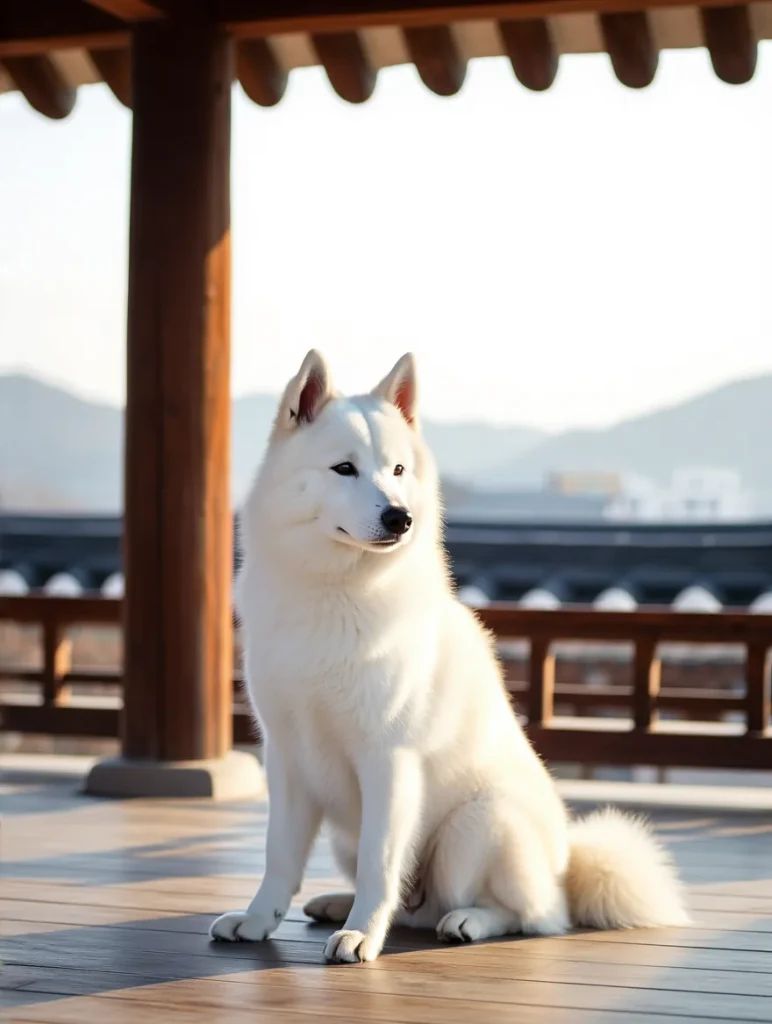 Bago
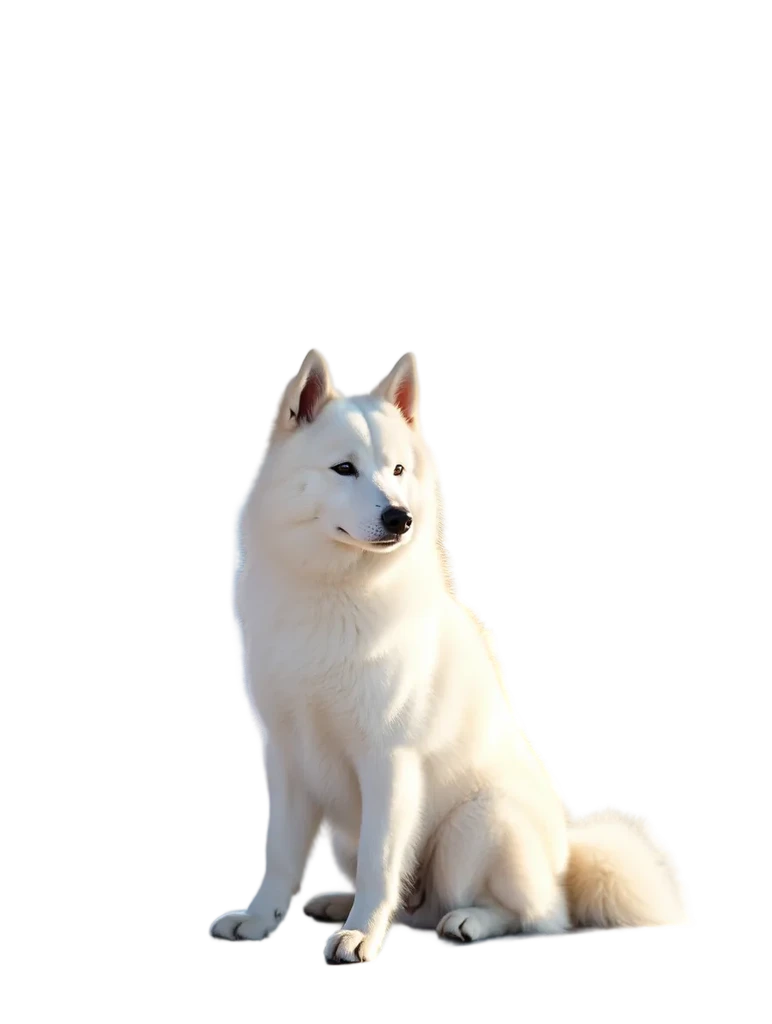 Pagkatapos
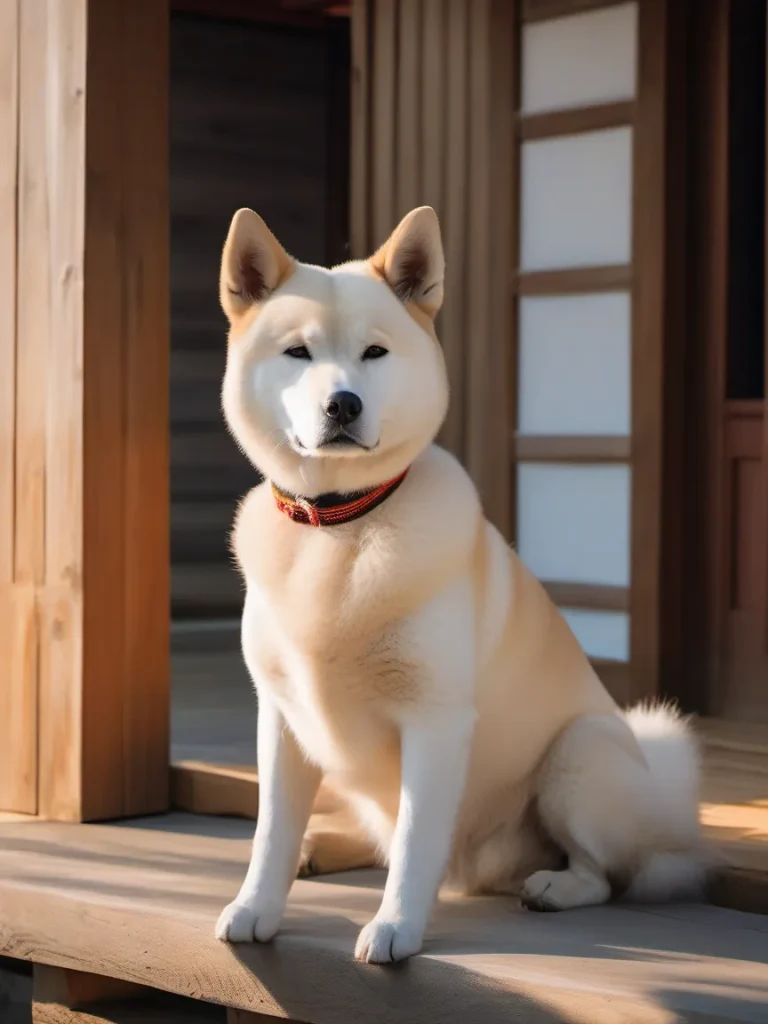 Bago
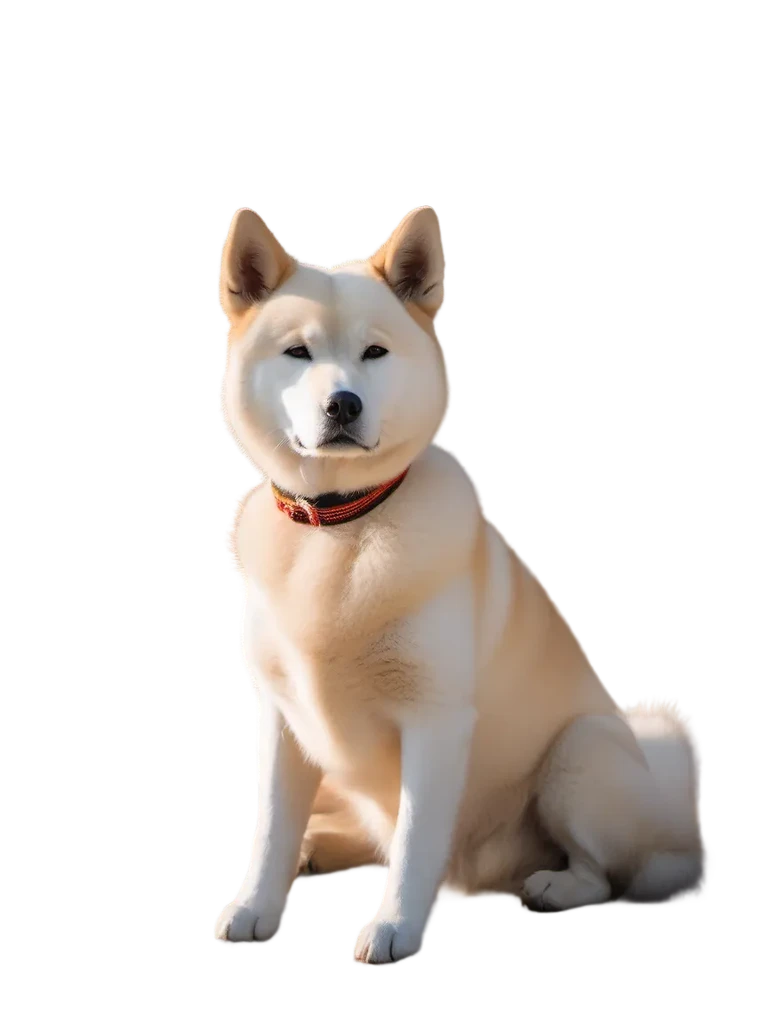 Pagkatapos
 Bago
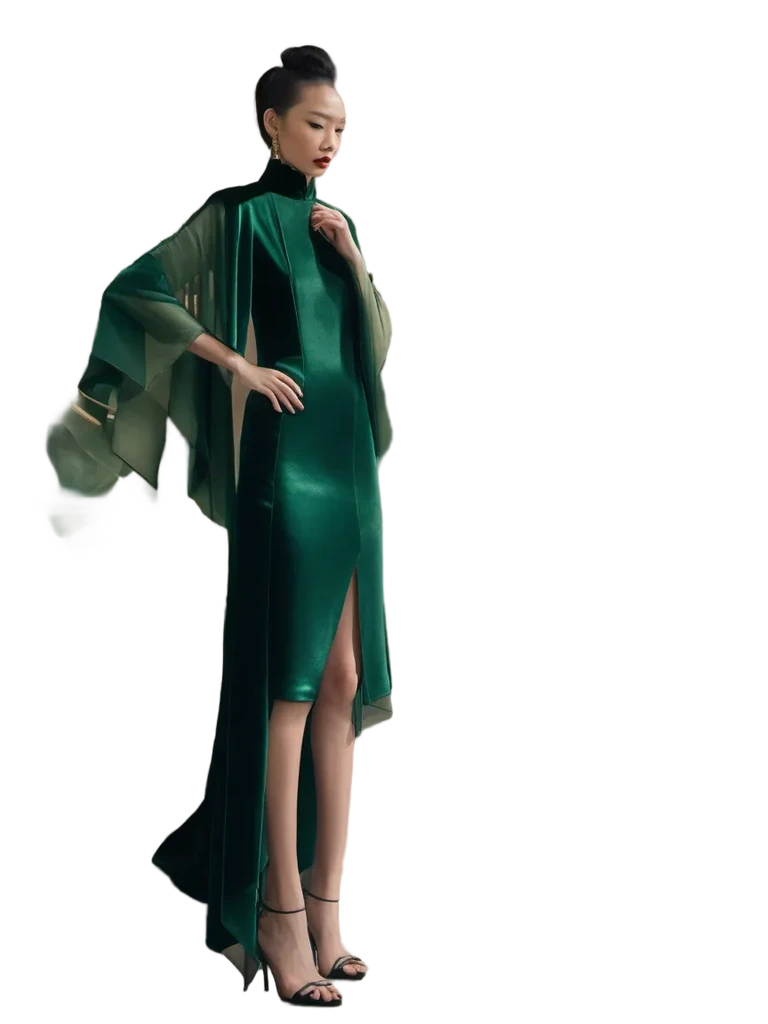 Pagkatapos
 Bago
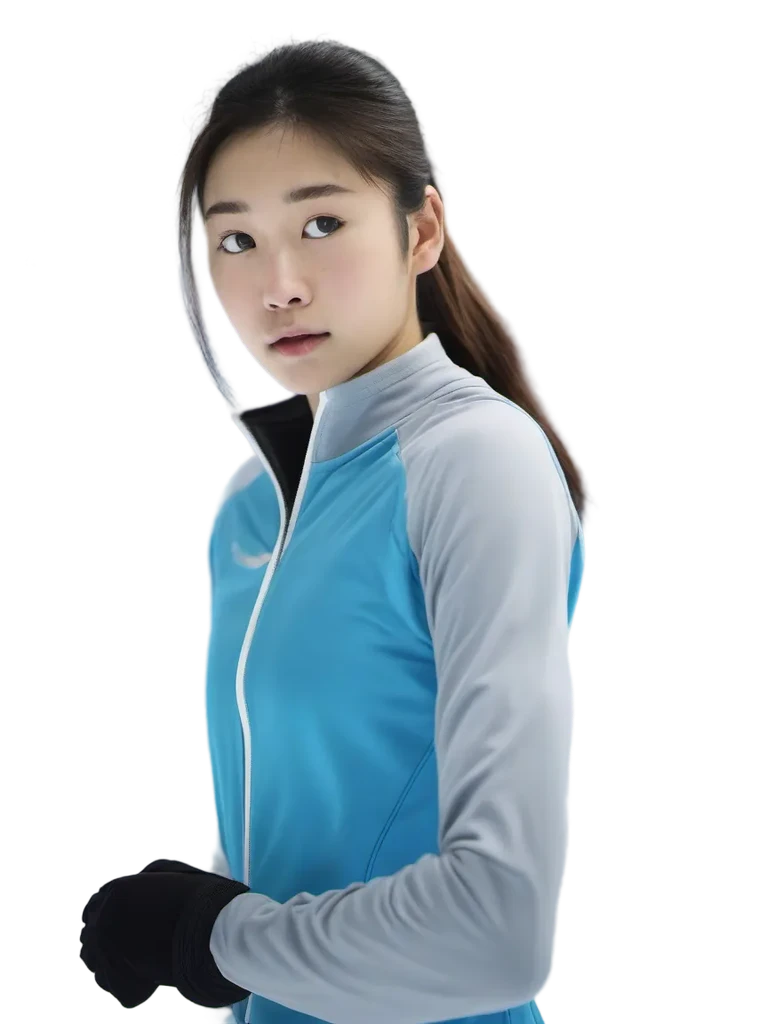 Pagkatapos
 Bago
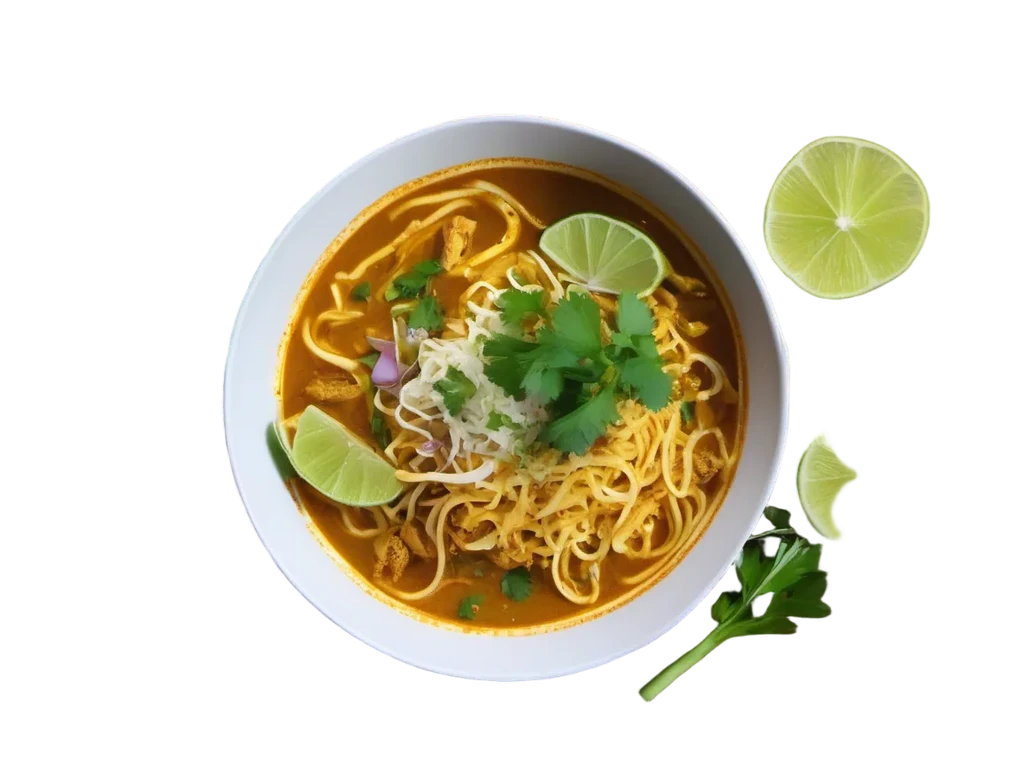 Pagkatapos
 Bago
 Pagkatapos
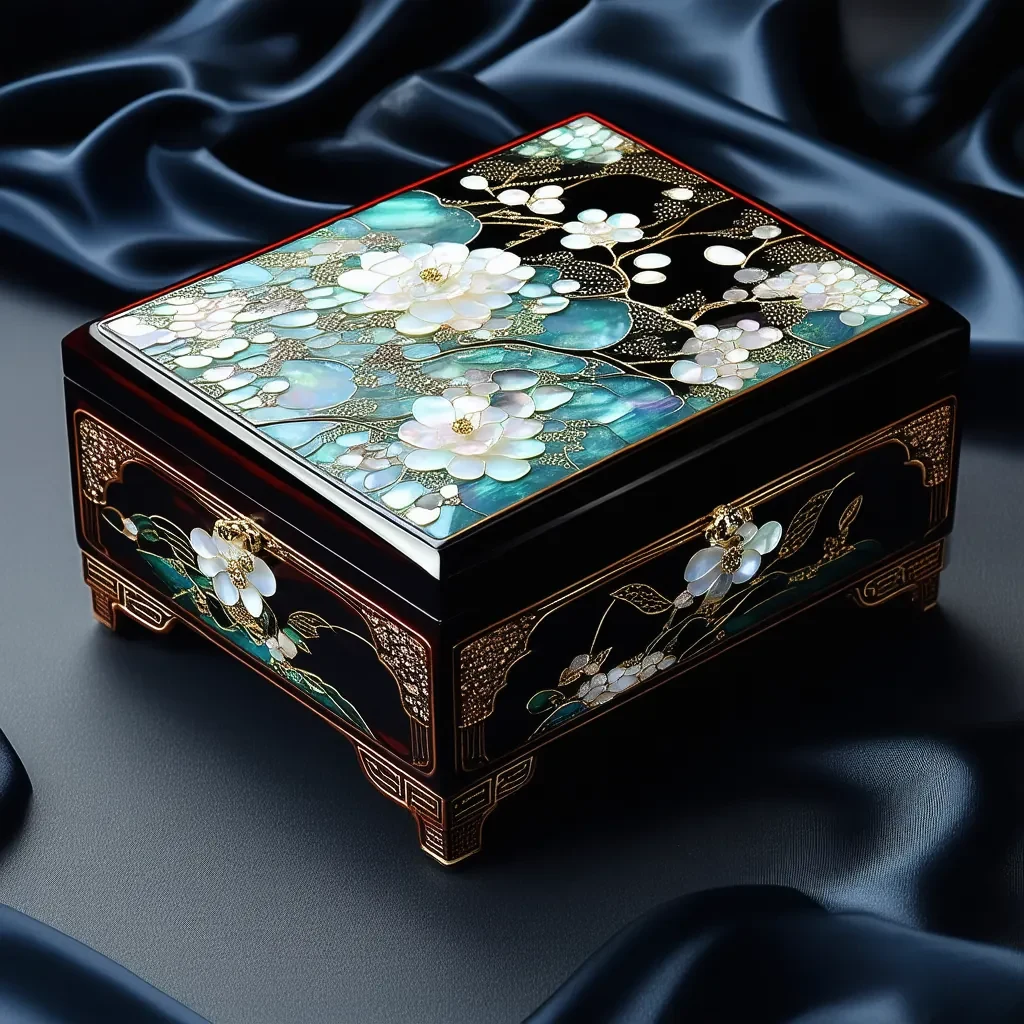 Bago
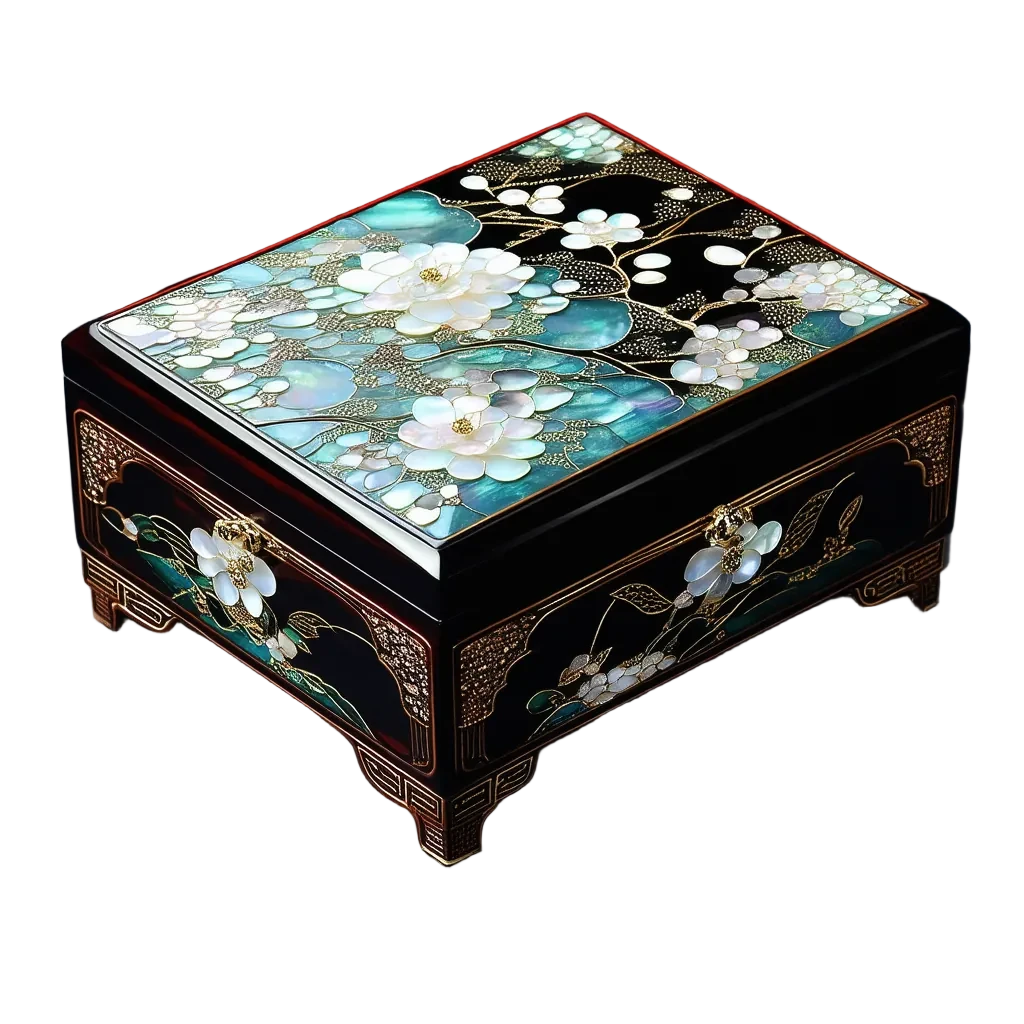 Pagkatapos
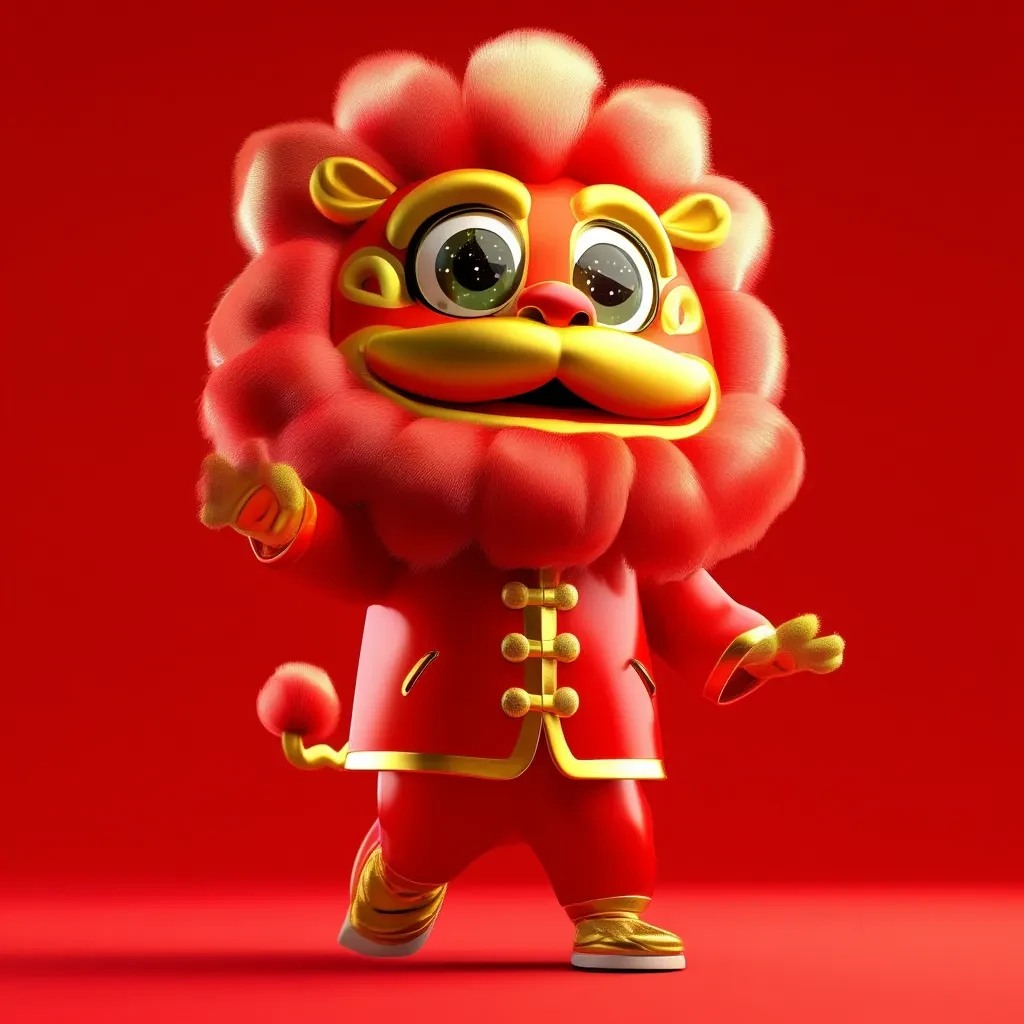 Bago
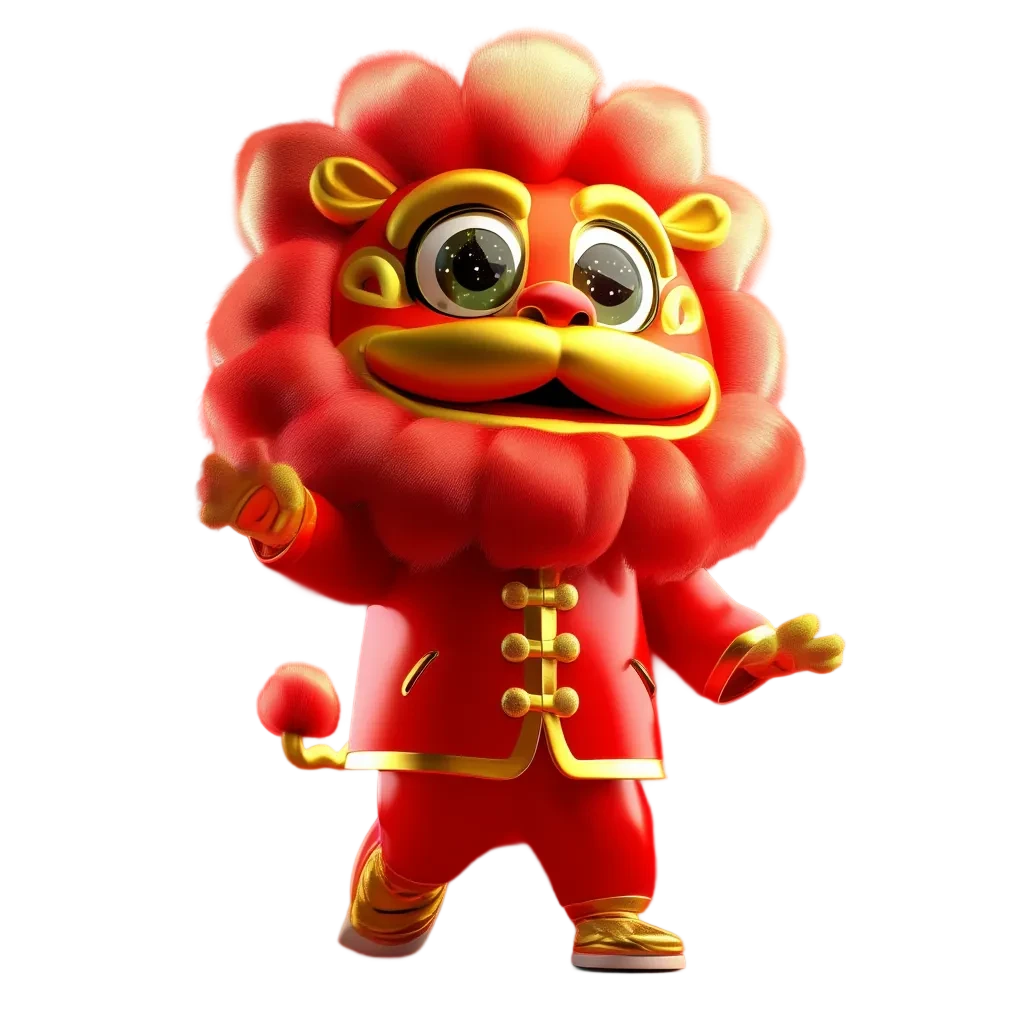 Pagkatapos
Typical cut-out workflow vs. Pickshot
Background removal is now a common feature in photo apps. Here is what changes compared with the usual cut-out workflow.
Mga karaniwang kasangkapan
- − Often one engine for every kind of photo
- − A new colour or background is a separate step or app
- − Upscaling or resizing for a store happens elsewhere
- − Fine hair edges often need touching up by hand
Pickshot
- ✓ Standard engine for clear subjects, precise engine for hair and fur
- ✓ Transparent, white or any colour, chosen before you run
- ✓ Expand, upscale or replace the background in the same editor
- ✓ Price on the button: 5 or 3 credits per image
Mga gamit
/01
Marketplace main images
For stores that ask for a plain white main image, pick White, and Upscale the result if the photo is small.
/02
Messenger stickers
Cut out a pet or a selfie on Transparent, crop it square for free, and use it as the base for a sticker set.
/03
Profile pictures
Keep just the person on a clean white or brand-colour background for LinkedIn, community profiles or a team page.
/04
Thumbnails and layouts
Transparent PNG cut-outs drop straight into YouTube thumbnails, posters and slides.
Bumili ng mga credit kung kailangan; mga credit ang ginagamit para sa membership
May 50 credits ang mga bagong account. Maaari ring gumawa ang mga libreng account ng walang limitasyong mga larawan sa website gamit ang 5 pangunahing modelo nang hindi gumagastos ng credits. Libre ang mga Lacquer video sa website: 3 bawat araw, hanggang 5 segundo bawat clip. Walang limitasyon o bawas na credits ang mga kasamang modelo para sa mga miyembro. Hiwalay ang singil sa ibang modelo at API/MCP.
Pickshot-series models without credits · 4 generations at a time · Unlimited free-model images (Higher priority than Free)
Pickshot-series models without credits · 8 generations at a time · Unlimited free-model images (Higher priority than Plus)
Pansamantalang ubos ang mga Booster Pass at membership. Patuloy na gagana ang mga credit at membership na mayroon ka na hanggang sa matapos ang mga ito.
Mga tanong
How much does background removal cost?
Standard · fast costs 2 credits per image and Precise · hair edges costs 3 credits. The price is on the button before you run, and credits come from a Booster Pass (none are needed during a membership).
Can I get a transparent PNG?
Yes. Choose Transparent under Background after and download the result as a PNG, which keeps the transparency. White or any colour you pick is also available.
Which engine should I use?
Standard is enough for clear subjects such as products, logos and people against a plain background. Switch to Precise when hair, fur or fine edges matter, for example a portrait with flyaway hair or a long-haired pet.
What files and sizes are supported?
JPG, PNG and WebP up to 20 MB. Photos larger than 4096 px on the long side are scaled down to 4096 px when opened.
What happens to my photo?
When you run the cut-out, the photo is uploaded to Pickshot for processing, and the temporary copy made for the job is deleted when it ends. Free tools such as crop, rotate and colour run only in your browser. See the privacy policy for details.
Can I use the cut-outs commercially?
Check Pickshot's Terms of Service and the engine's licence before commercial use. Only upload photos you took or have permission to use, and don't use other sellers' product photos.
Does it work on a phone?
Yes. With no app to install, upload a photo from your gallery in a mobile browser, pick the options and download the result.
Cut out your first photo
Open a photo, pick Transparent or White, and see the price before you run. Credits come from a Booster Pass; none are needed during a membership.
Magsimulang lumikha nang libre