Text or photo to video · 3 free Lacquer videos every day
AI видео генератор: текст и снимка към видео
Pickshot's AI video generator makes short clips from a sentence or a photo. Describe the scene in English, Korean, Japanese or Chinese, or upload a picture as the first frame, then choose the length, resolution, ratio, camera move and whether the clip has sound. Start with Lacquer: free website videos up to 5 seconds at 720p. Sign in to generate. Other models show their price before you start.
Без инсталация. Без кредитна карта. Лично по подразбиране.
AI video generator at a glance
- Цена
- Lacquer videos are free on the website: 3 a day, up to 5 seconds per clip. Other video models show their credit price before you start.
- Modes
- Text to video, image to video (a start image; some partner models also take an end image) and, on the models that offer it, reference to video.
- Length and resolution
- Silk 5 s at 480p or 720p · Lacquer and Satin 2–10 s at 720p · MiniMax H3 5 s at 512p · partner models up to 30 s and 1080p.
- Звук
- Lacquer, Satin and MiniMax H3 make sound with the picture (Generate sound, on from the start); Silk makes silent clips.
- Съотношения
- 16:9 and 9:16 on every model; Lacquer, Satin and MiniMax H3 also 1:1, 4:3 and 3:4, and MiniMax H3 21:9.
- Where
- MiniMax H3 is not offered in the United States, the United Kingdom, the EU or the EEA (its licence); the other models are.
- Account
- A free account is needed to make anything; signing up asks for no card.
- Езици
- Pages, studio and prompts in English, Korean, Japanese and Simplified Chinese
- Watermark
- No visible watermark; each file carries metadata that marks it as AI-generated.
Обновено
What is an AI video generator?
An AI video generator turns a written description or a still picture into a moving clip: it works out how people, light and the camera move over a few seconds, and some models also create the sound that goes with the picture. Pickshot's video studio offers text to video, image to video and, on the models that support it, reference to video, with the Pickshot-series models listed first and partner models after them. Every clip is saved to My creations, and the video editor on the same site can cut it, add captions, upscale it or smooth it to 60 fps.
Clips made in the video studio
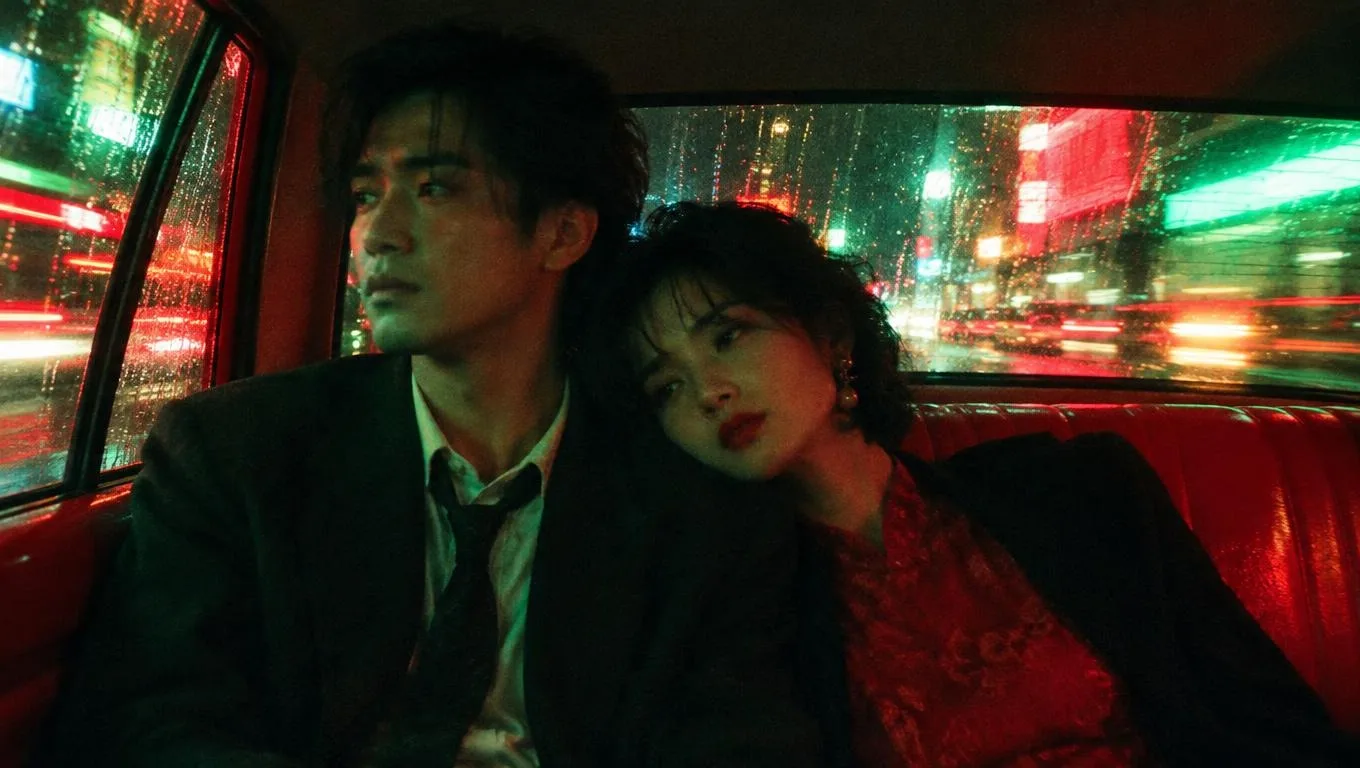
Each clip was made by Lacquer or Satin from one written prompt, the sound made together with the picture. Open one to watch it with sound and read its prompt.
Why make videos with Pickshot
Free Lacquer videos
Lacquer is one of Pickshot's own video models: 720p clips with sound, from words or one start picture. Signed-in free accounts can make 3 Lacquer clips a day on the website, up to 5 seconds each, without credits; during a membership there is no daily count and a clip can use Lacquer's full 10 seconds.
From a sentence or a photo
Text to video works from a sentence. Image to video starts from a picture you upload as the first frame, and models that take two pictures also accept an end image, so the clip finishes where you want. Reference to video, on the models that offer it, takes up to three pictures.
Write in your own language
Describe the scene in English, Korean, Japanese or Chinese. Your words reach the model exactly as you write them, with nothing translated or rewritten, so put the camera, the light and the sound in the line yourself. How well a language is followed depends on the model; a few clear words are enough to start.
Camera moves without jargon
Pick Auto, Static, Push in, Pull out, Pan, Orbit or Handheld and the move is added to your prompt. Auto leaves the camera work to the model.
Sound made with the picture
Lacquer, Satin and MiniMax H3 make sound together with the clip; switch Generate sound off for a silent one. Silk makes silent clips, so pick one of those three when you want sound.
Lengths and shapes per model
Silk makes 5-second clips at 480p or 720p in 16:9 or 9:16. Lacquer and Satin make 2 to 10 seconds at 720p in five ratios. MiniMax H3 makes 5 seconds at 512p, 21:9 included. Partner models such as Wan 3.0 go up to 30 seconds and 1080p at their credit price.
How to make an AI video
Start with the free setup
The start button opens Lacquer at 720p and 5 seconds. Keep this setup for a free website clip, or deliberately choose another model after checking its price.
Describe one action
Keep one subject, one main action and one camera movement in each clip. For a photo, upload the start image first. Describe the movement rather than a sequence of cuts; use Plan one shot if you need help.
Review, download and continue
Review the finished clip in My creations. Download it, adjust one detail and try again, or use Make the next scene to continue from its final frame. Generate separate shots before joining a longer story.
Приложения
/01
Shorts, Reels and TikTok
Make a 9:16 clip from one line, then trim it and add captions in the video editor.
/02
A longer story, scene by scene
Finish one clip, press “Make the next scene” so its last frame starts the next one, then use “Join clips” in My Creations to put up to 8 scenes together into one video.
/03
Bring a character to life
Draw a character or an AI influencer persona first, then use the picture as the start image so the clip begins with the same face.
/04
Product clips
Turn a product photo into a short clip with a slow orbit or push-in for a shop page or an ad draft.
/05
Storyboards and pitches
See how a scene from a script or a storyboard could move before you shoot or animate it.
/06
Anime and webtoon scenes
Give an anime or webtoon-style picture a little motion: drifting hair, falling petals, a slow camera move.
Купувай кредити според нуждите си; членствата се плащат с кредити
Новите акаунти получават 50 кредита. Безплатните акаунти могат да създават неограничен брой изображения на уебсайта с 5-те основни модела, без да изразходват кредити. Видеата Lacquer са безплатни в сайта: 3 на ден, до 5 секунди на клип. Членовете използват включените модели неограничено без приспадане на кредити. Други модели и API/MCP се таксуват отделно.
Pickshot-series models without credits · 4 generations at a time · Unlimited free-model images (Higher priority than Free)
Pickshot-series models without credits · 8 generations at a time · Unlimited free-model images (Higher priority than Plus)
Booster Pass и абонаментите са временно изчерпани. Кредитите и абонаментите, които вече имате, важат до изтичането си.
Въпроси
Is the AI video generator free?
Yes, every day. Signed-in free accounts can make 3 Lacquer videos a day on the website with no credits and no card: 720p, up to 5 seconds each, from text or one start photo, with sound when Generate sound is on and no visible watermark. The count resets at midnight Korea time (00:00 KST, UTC+9). With a membership, Lacquer videos are unlimited: no daily count and up to 10 seconds a clip. Plus runs 30 days for 9,900 credits, which one 10,000-credit Booster Pass ($7.99) covers. Other video models show their credit price before you start, and video made through the API or MCP always costs credits.
How many free Lacquer videos can I make?
Lacquer videos are free on the website: 3 a day, up to 5 seconds per clip. This website benefit does not require membership or credits. Queue, concurrency and fair-use limits still apply; free use does not promise an immediate start. API/MCP requests remain metered.
When do I need credits or membership?
Credits: for every video model other than Lacquer (each shows its price before you start) and for any video made through the API or MCP. A membership: for Lacquer clips longer than 5 seconds or more than 3 a day; while it runs, the Pickshot-series video models need no credits and have no daily count. A membership is started with credits and runs 30 days.
How long can a video be?
Free accounts: Lacquer clips up to 5 seconds at 720p. Members can use the selected model’s supported lengths. Other models have their own supported lengths and prices.
When does the daily count of free Lacquer videos reset?
At midnight Korea time (00:00 KST, UTC+9). The count is per person, not per account, and only clips that start count: a clip that fails or that you cancel is not counted.
Do I need an account to make a video?
Yes. Without signing in you can browse the pages, samples, prices and the gallery, but making any video needs a free Pickshot account. New eligible accounts also get 50 welcome credits once.
What is Lacquer?
Lacquer is one of Pickshot's own video models. It makes clips of 2 to 10 seconds at 720p with sound, from words or a start image, in five shapes: 16:9, 9:16, 1:1, 4:3 and 3:4. On a free account a clip is up to 5 seconds; during a membership it can use the full 10 seconds.
Can I turn a photo into a video?
Yes. Choose Image to video, upload the start image (some models also take an end image) and describe the motion. Use your own photos or pictures you have the right to use; uploads go through a safety check, and impersonating real people is not allowed.
Does the video have sound?
Lacquer, Satin and MiniMax H3 make sound with the picture when Generate sound is on. Silk makes silent clips, so choose one of those three for a clip with sound.
Can I write the prompt in Korean, Japanese or Chinese?
Yes. Write the scene in any of the four languages. Your words reach the model exactly as written, with nothing translated or rewritten, so describe the camera, light, time of day and sound yourself. How well each language is understood depends on the model.
Can I use the videos commercially?
You own the videos you make, and Pickshot's Terms do not forbid commercial use. Some models add conditions, listed on the licences page: what MiniMax H3 makes may not be used in the United States, the European Union or the United Kingdom, may not be used to train other AI models, and must be labelled as AI-made when posted publicly. Never use a clip to impersonate a real person.
Which camera moves can I choose?
Auto, Static, Push in, Pull out, Pan, Orbit and Handheld. Auto adds nothing and lets the model choose; the others add the move to your prompt.
Do the videos have a watermark?
No visible watermark is added. Every clip carries metadata that marks it as AI-generated, which some sites remove on upload; where a platform asks for it, label AI-made clips yourself.
How can I make the result follow my instructions better?
Use one short scene with one main action. For example: a person slowly turns toward the window while the camera stays still. For identity, start from one clear photo. Check the selected sound setting. Use the result’s refinement controls to change one detail at a time; exact motion, identity and speech are not guaranteed.
Make your first AI video
Видеата Lacquer са безплатни в сайта: 3 на ден, до 5 секунди на клип.
Започни да създаваш безплатно