Turn Photos into Anime with AI
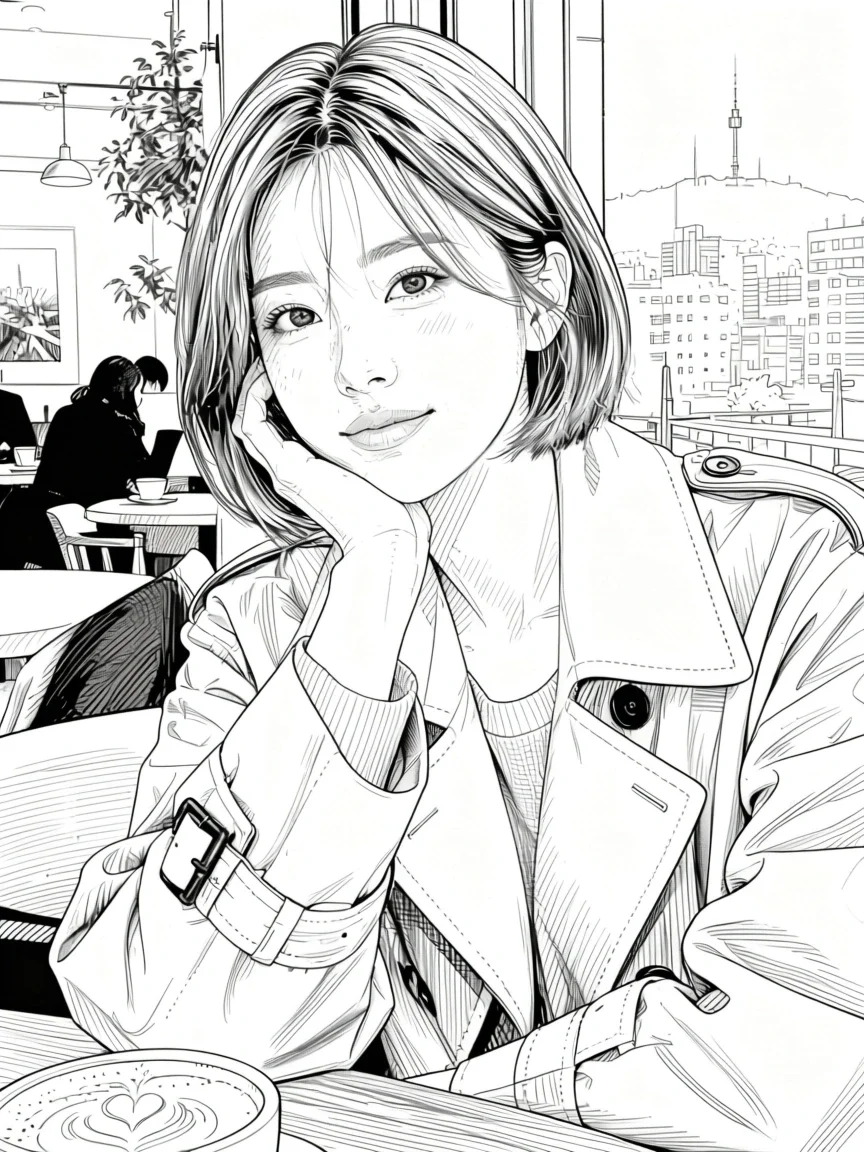
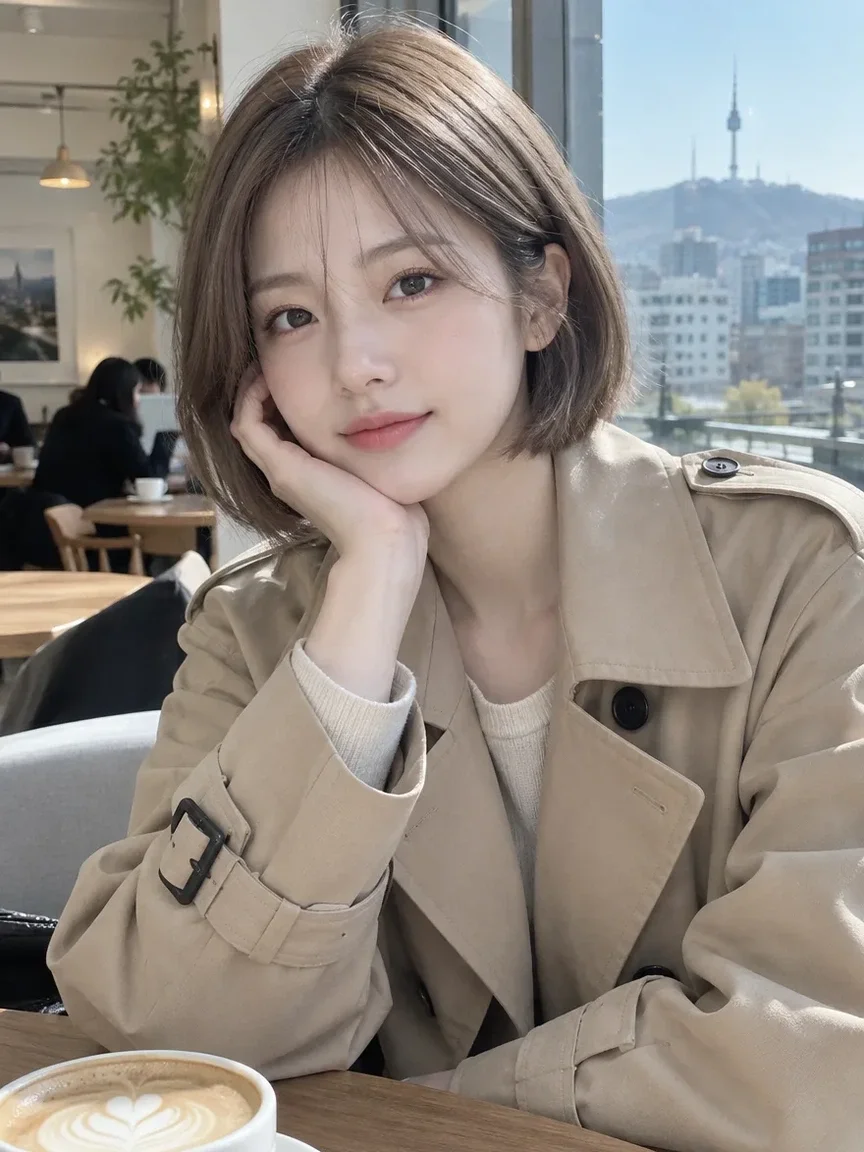
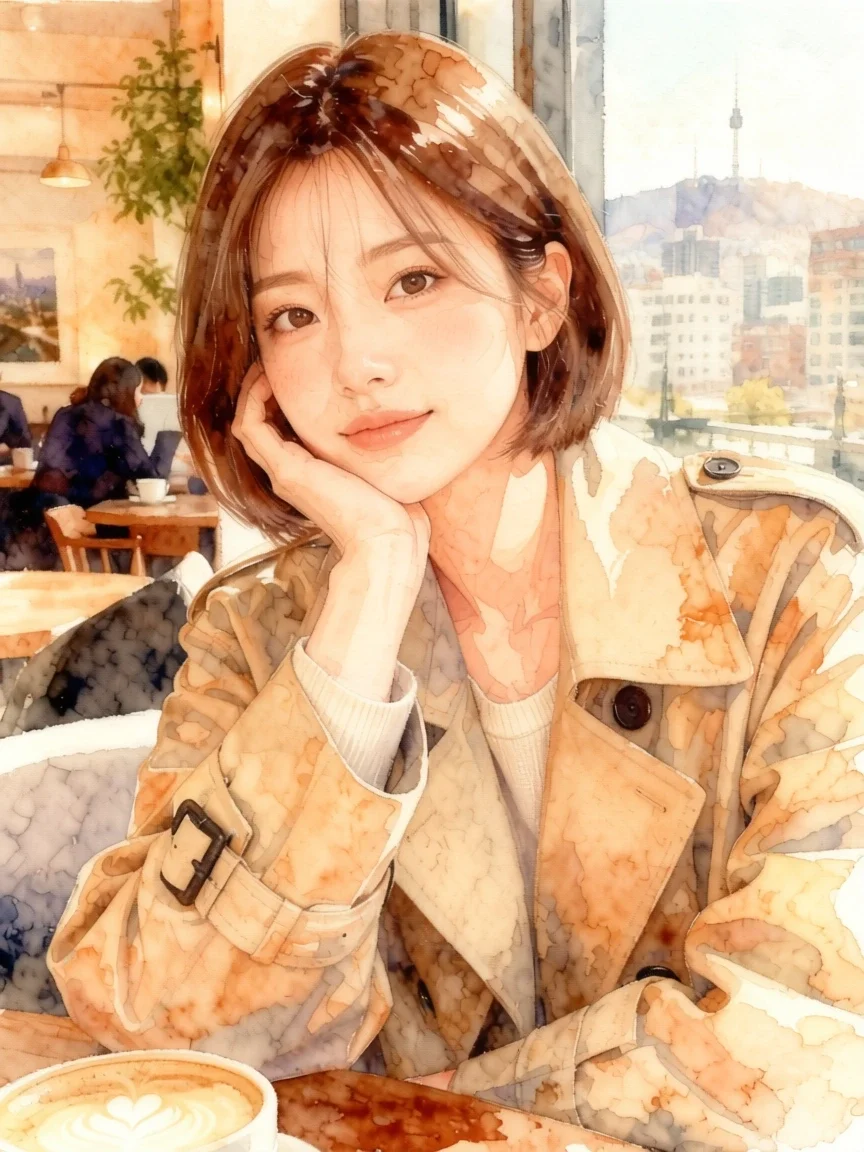
Pickshot's Photo to anime app keeps the face features, pose, clothing and composition of your photo and changes only the art style. Pick Anime, Webtoon, Watercolor anime or 3D figure to make a profile picture for KakaoTalk, LINE, WeChat or Instagram.
حسابهای جدید ۵۰ اعتبار میگیرند. حسابهای رایگان میتوانند در وبسایت با ۵ مدل پایهٔ تصویر، بدون مصرف اعتبار، بهصورت نامحدود تصویر بسازند. ویدیوهای Lacquer در وبسایت رایگان هستند: روزانه ۳ ویدیو؛ هر کلیپ حداکثر ۵ ثانیه است. مشترکان مدلهای مشمول را نامحدود و بدون کسر اعتبار استفاده میکنند. سایر مدلها و API/MCP جداگانه محاسبه میشوند.
به روز شد
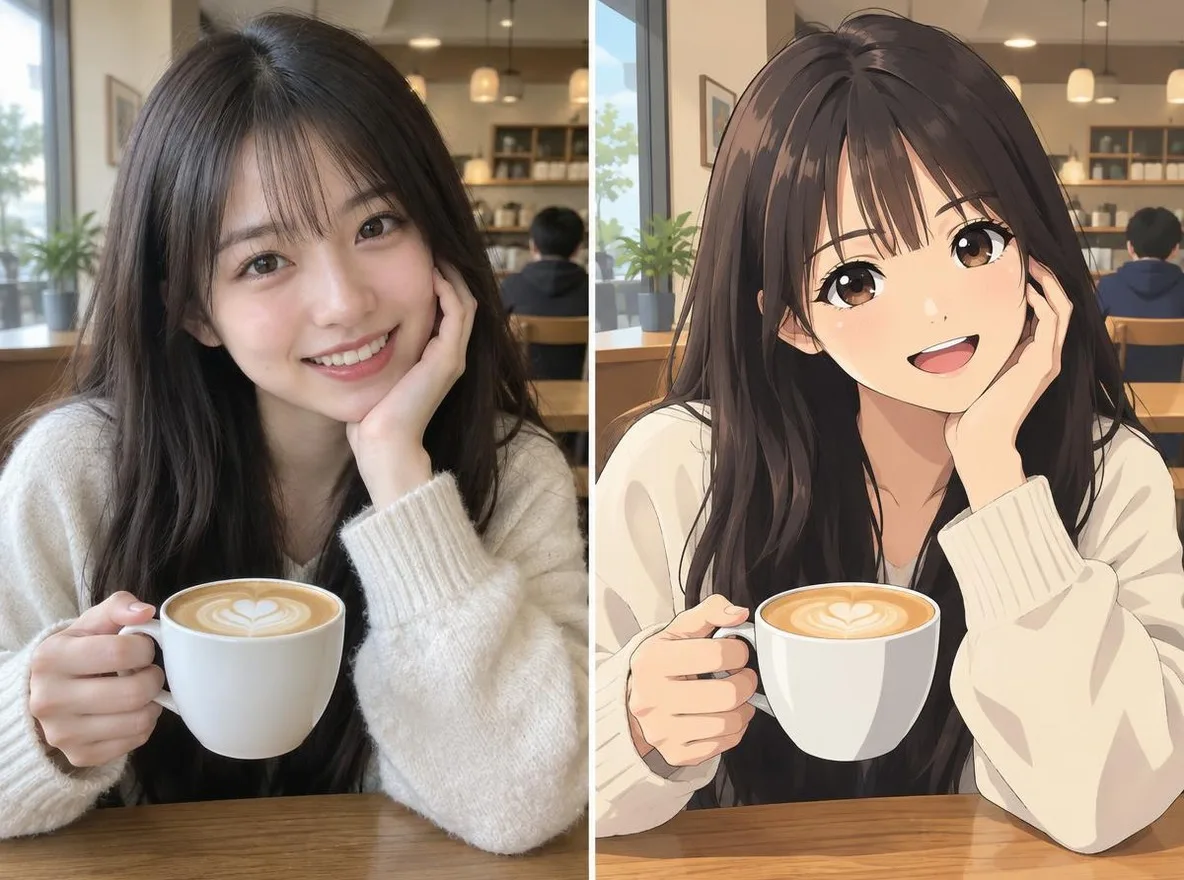
چگونه کار می کند
- Upload one clear photo of a face (JPG, PNG or WEBP, up to 6MB).
- Choose a style: Anime, Webtoon, Watercolor anime or 3D figure.
- Click transform, compare the result with your original, then download it.
گزینه ها
به عنوان مثال درخواست می کند
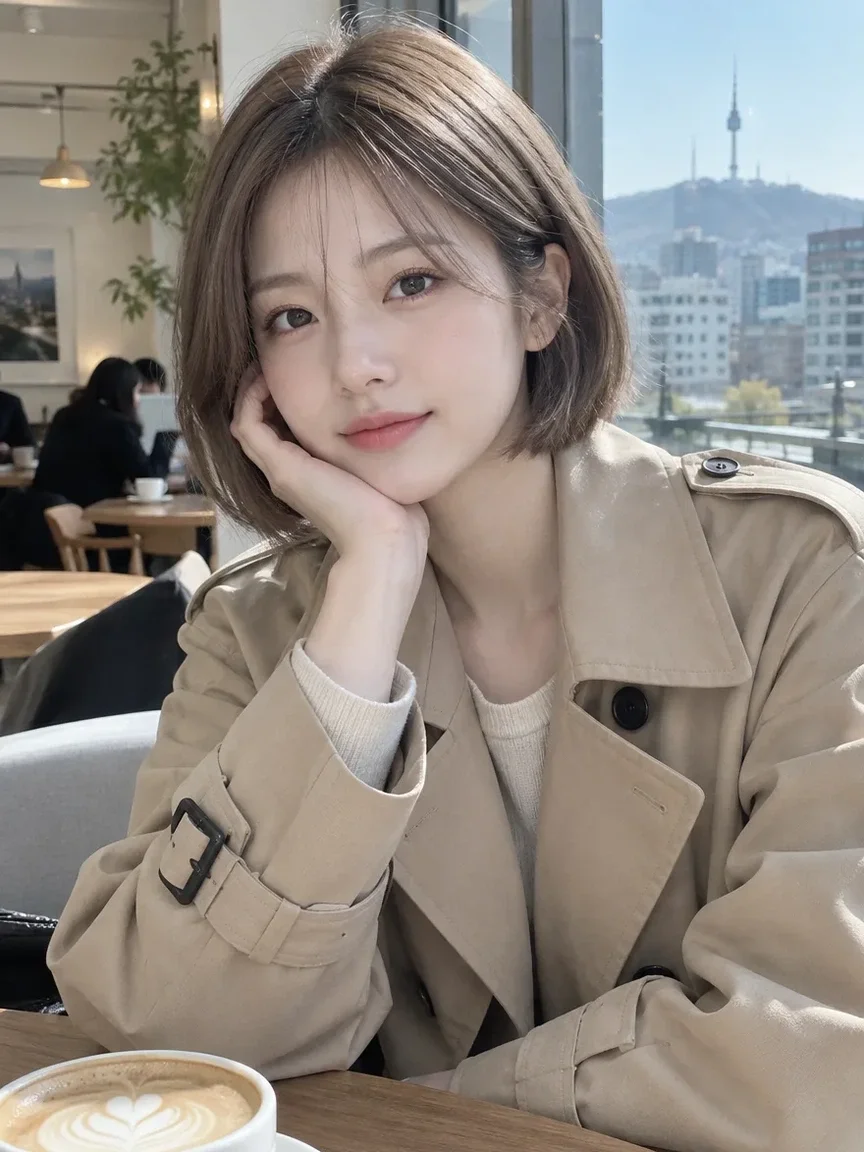
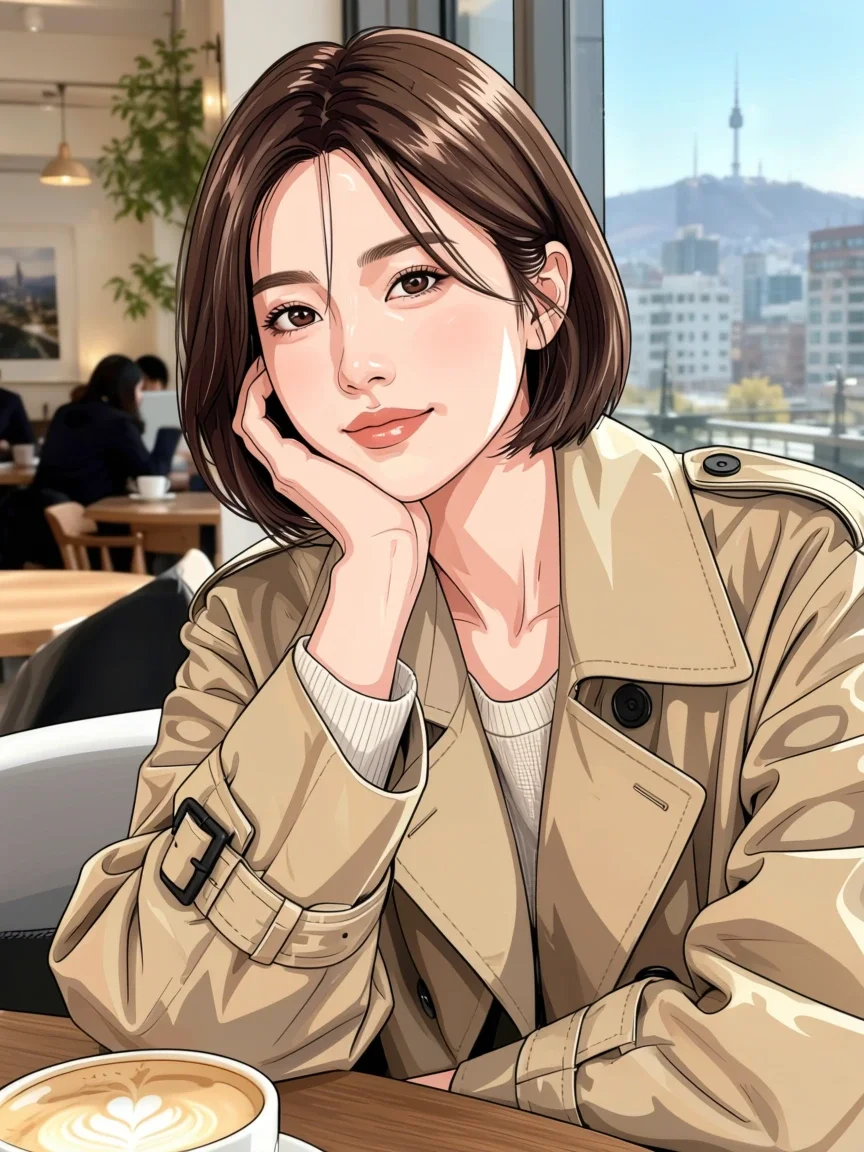
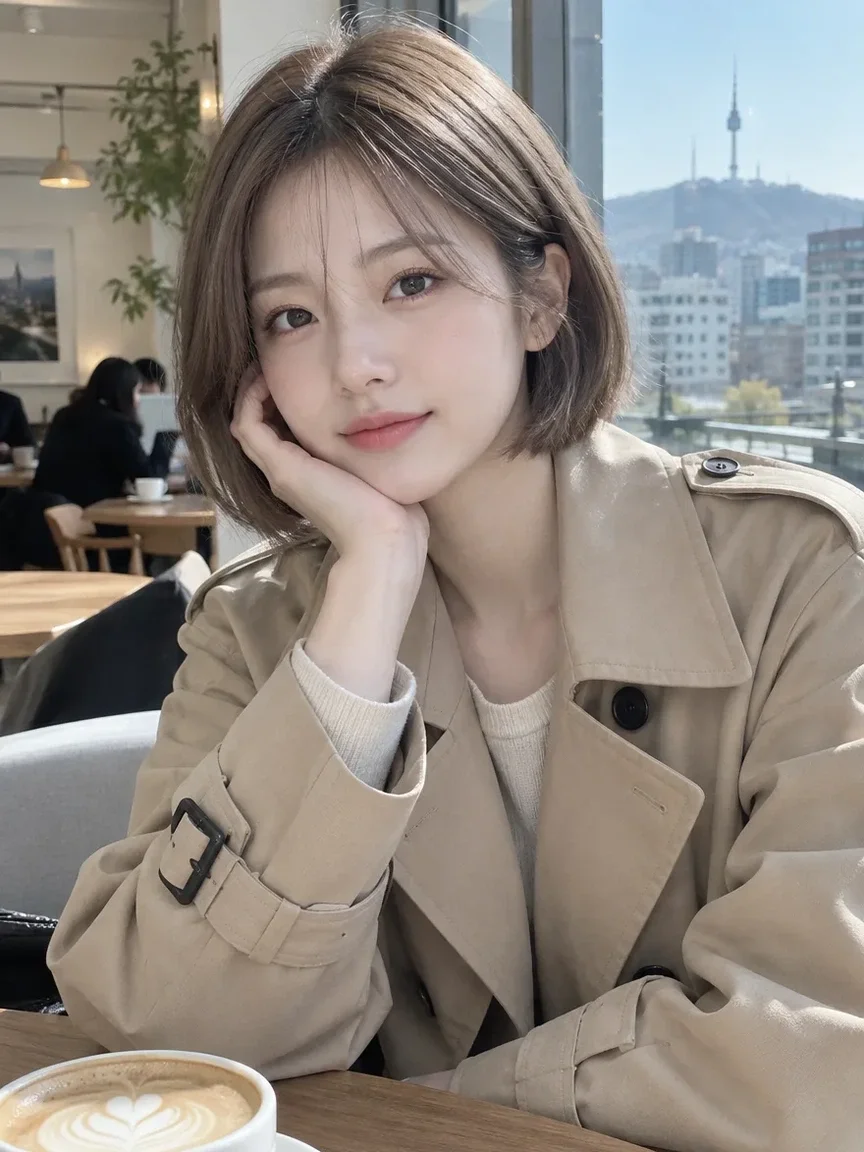
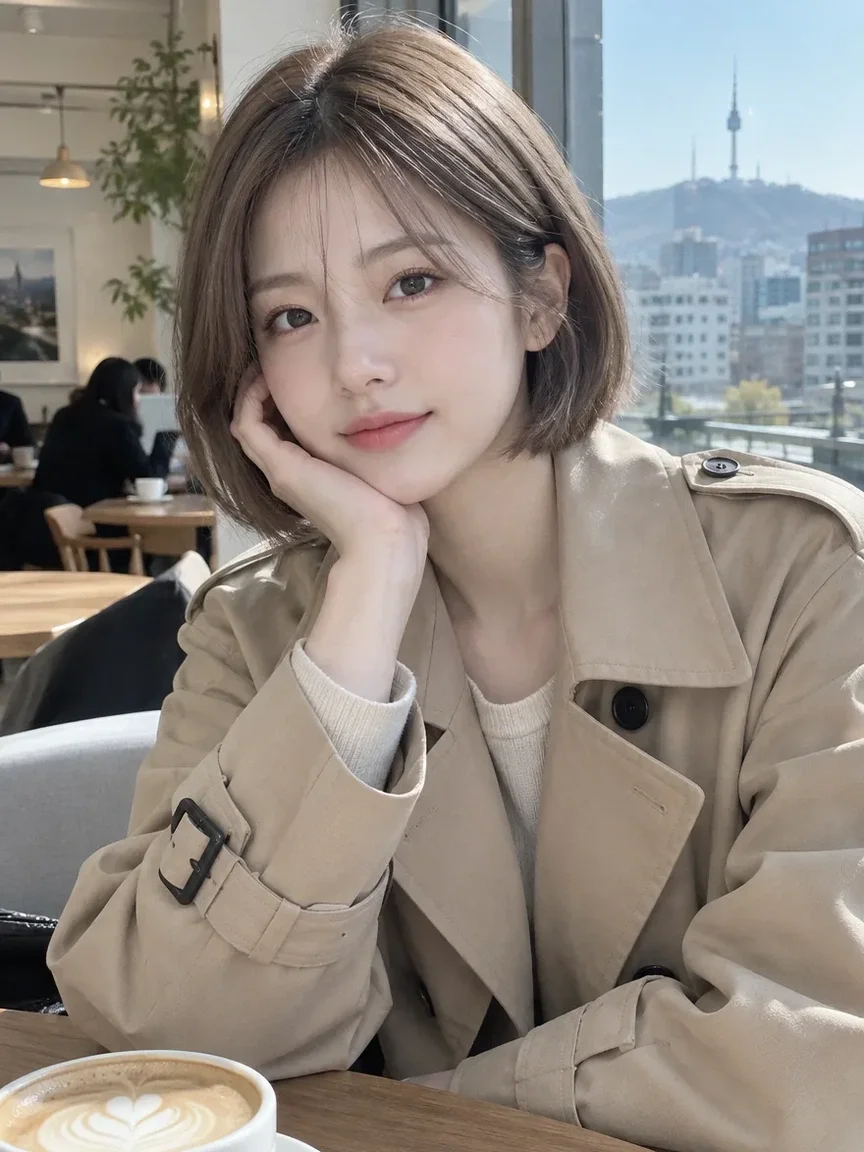
نتایج واقعی از تصاویر تولید شده توسط هوش مصنوعی در کتابخانه ما. هیچ عکسی از شخص واقعی استفاده نشده است.
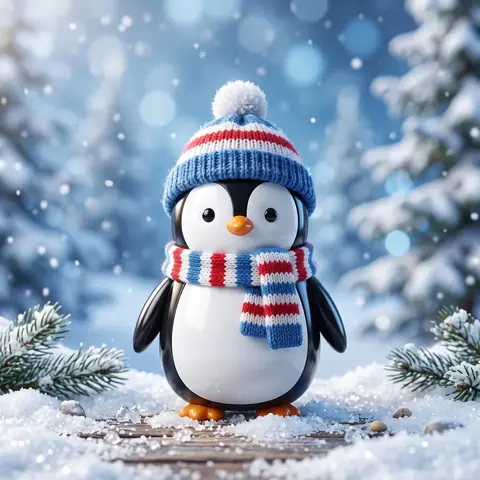 قبل از
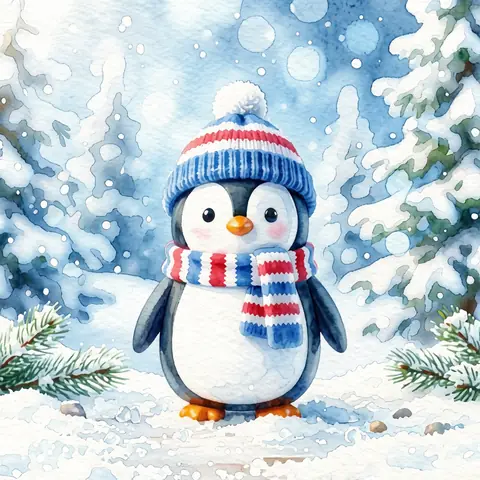 بعد از
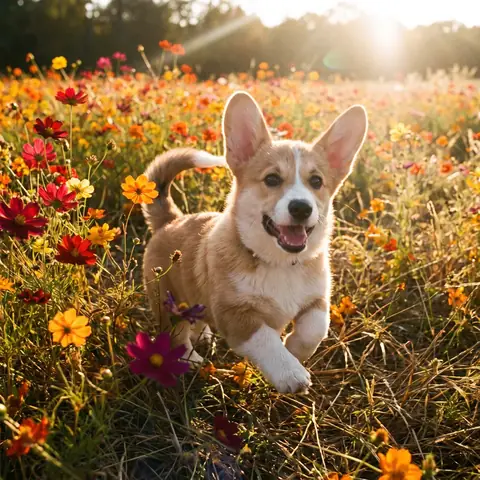 قبل از
 بعد از
 قبل از
 بعد از
 قبل از
 بعد از
 قبل از
 بعد از
 قبل از
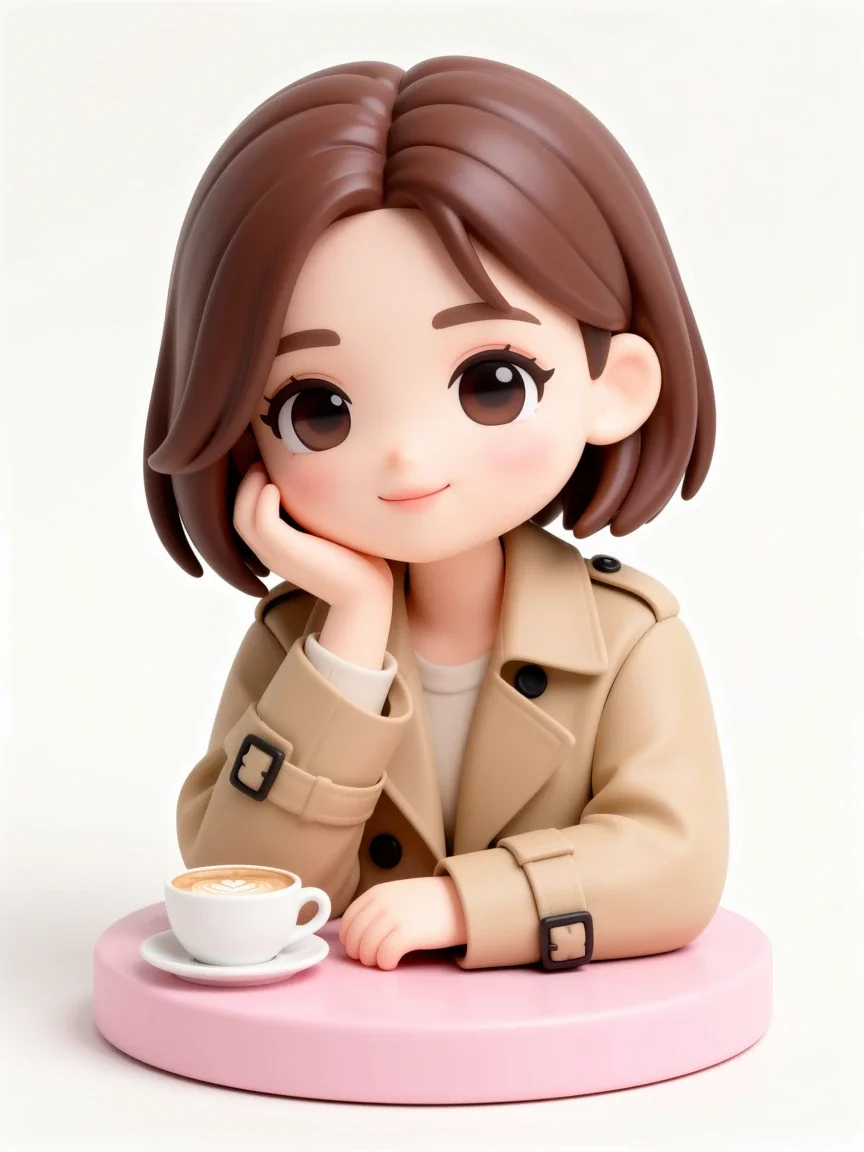 بعد از
خوب برای
- Messenger and social media avatars
- Turning couple or friend photos into webtoon panels
- Character art for a blog or streaming channel
نکاتی برای نتایج بهتر
- Use a photo where the face is not too small; head-and-shoulders or upper-body shots work most reliably.
- Even, soft lighting brings out facial features better than backlight or harsh shadows.
- If a result misses, try a different style and compare (Free with membership; nonmembers pay the credit price shown in the app).
سوالات
How much does it cost?
Free models are unlimited with an account. Models marked “Free with membership” are unlimited without credits during membership. Otherwise, the displayed credit price applies. Developer API usage is billed separately.
Can I upload a photo of a friend or someone else?
Only upload photos of yourself or photos you have the right to use. Impersonating real people or using results to deceive others is prohibited. Uploaded photos go through a safety check, you can delete your generated images at any time, and nothing appears in the public Explore feed unless you choose to share it.
Will the result still look like me?
The app is instructed to keep your face features, pose, clothing and composition, but because the image is redrawn in a new style, details can change. The output is a 3:4 portrait image.
برنامه های بیشتر

عکس پروفایل هوش مصنوعی
یک سلفی معمولی را به یک عکس شناسنامه، یک عکس هد شات برای برنامه کاری یا یک آواتار اجتماعی تبدیل کنید.

لباس های سنتی
خودتان را در هانبوک، کیمونو، کیپائو یا هانفو ببینید.

پس زمینه سفر
خودتان را حفظ کنید، پس زمینه را با کیوتو، سئول، شانگهای یا ججو عوض کنید.
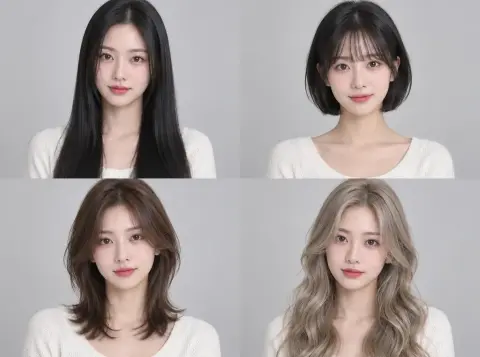
مدل مو را امتحان کنید
قبل از سالن بررسی کنید که آیا کات، باب یا پرم به شما می آید یا خیر.