Turn Photos into Anime with AI
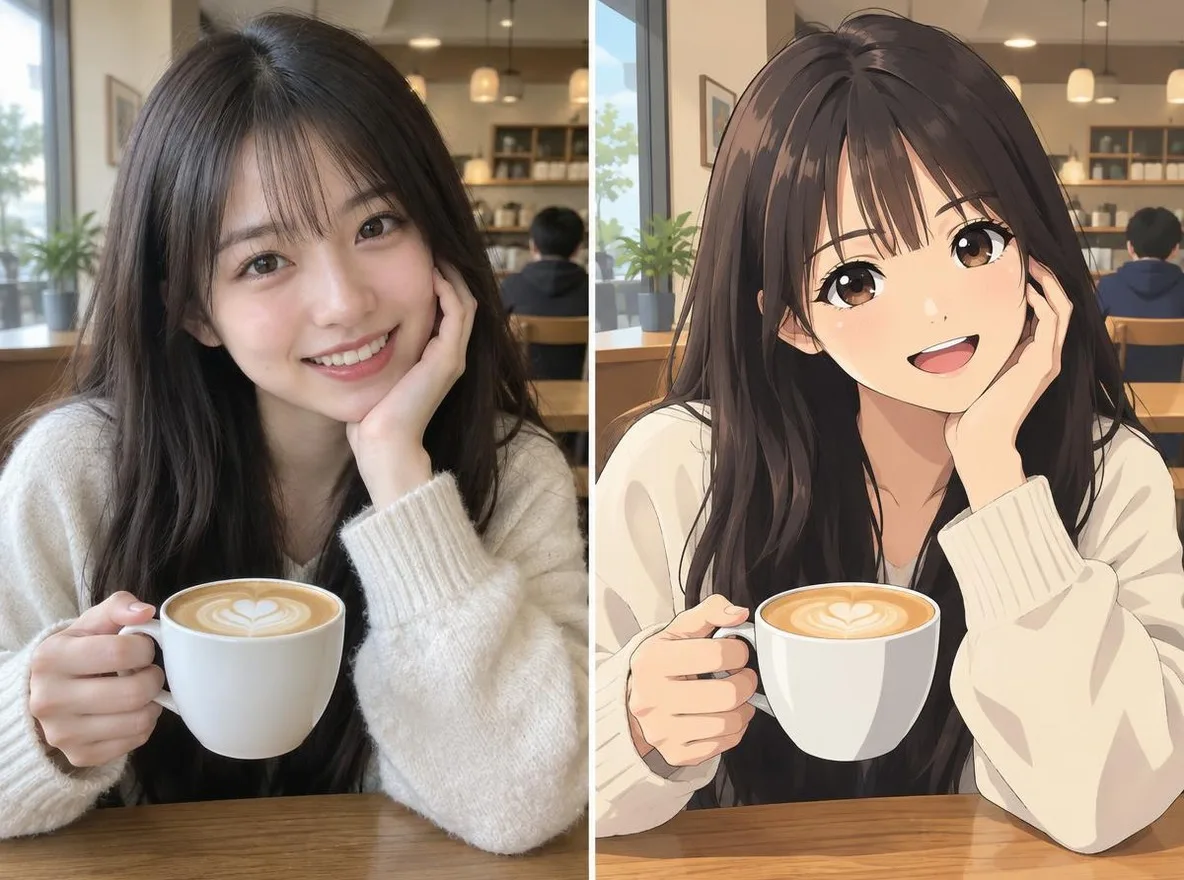
Pickshot's Photo to anime app keeps the face features, pose, clothing and composition of your photo and changes only the art style. Pick Anime, Webtoon, Watercolor anime or 3D figure to make a profile picture for KakaoTalk, LINE, WeChat or Instagram.
Akun baru mendapat 50 kredit. Akun gratis dapat membuat gambar tanpa batas di situs web dengan 5 model dasar tanpa menggunakan kredit. Video Lacquer gratis di situs web: 3 per hari, dengan durasi hingga 5 detik per klip. Anggota memakai model yang termasuk tanpa batas dan tanpa potongan kredit. Model lain dan API/MCP dikenakan biaya terpisah.
Diperbarui
Bagaimana cara kerjanya
- Upload one clear photo of a face (JPG, PNG or WEBP, up to 6MB).
- Choose a style: Anime, Webtoon, Watercolor anime or 3D figure.
- Click transform, compare the result with your original, then download it.
Pilihan
Contoh petunjuknya
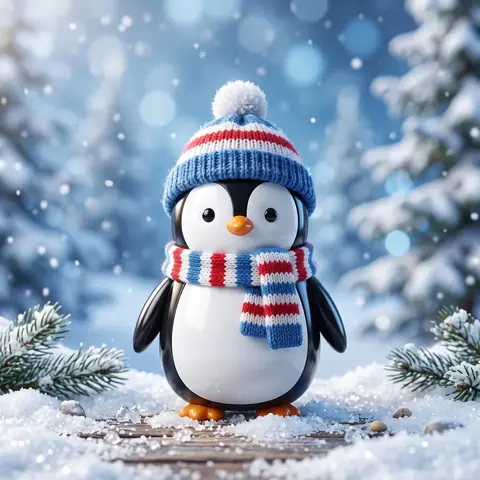
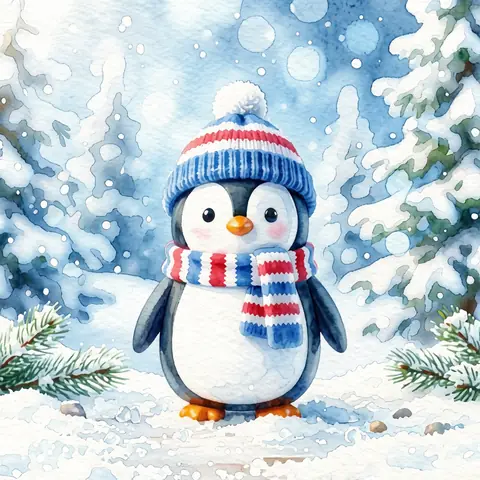
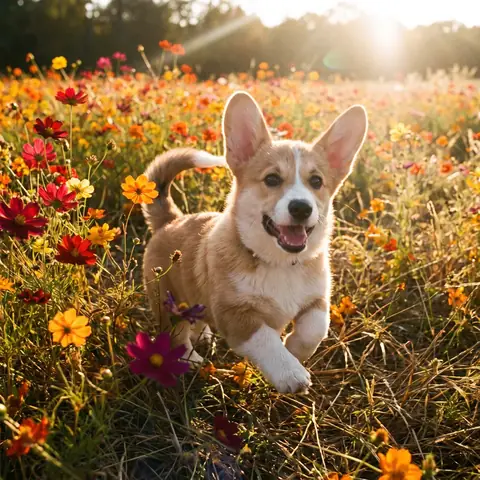
Hasil nyata dari gambar yang dihasilkan AI di perpustakaan kami. Tidak ada foto orang sungguhan yang digunakan.
 Sebelumnya
 Setelah
 Sebelumnya
 Setelah
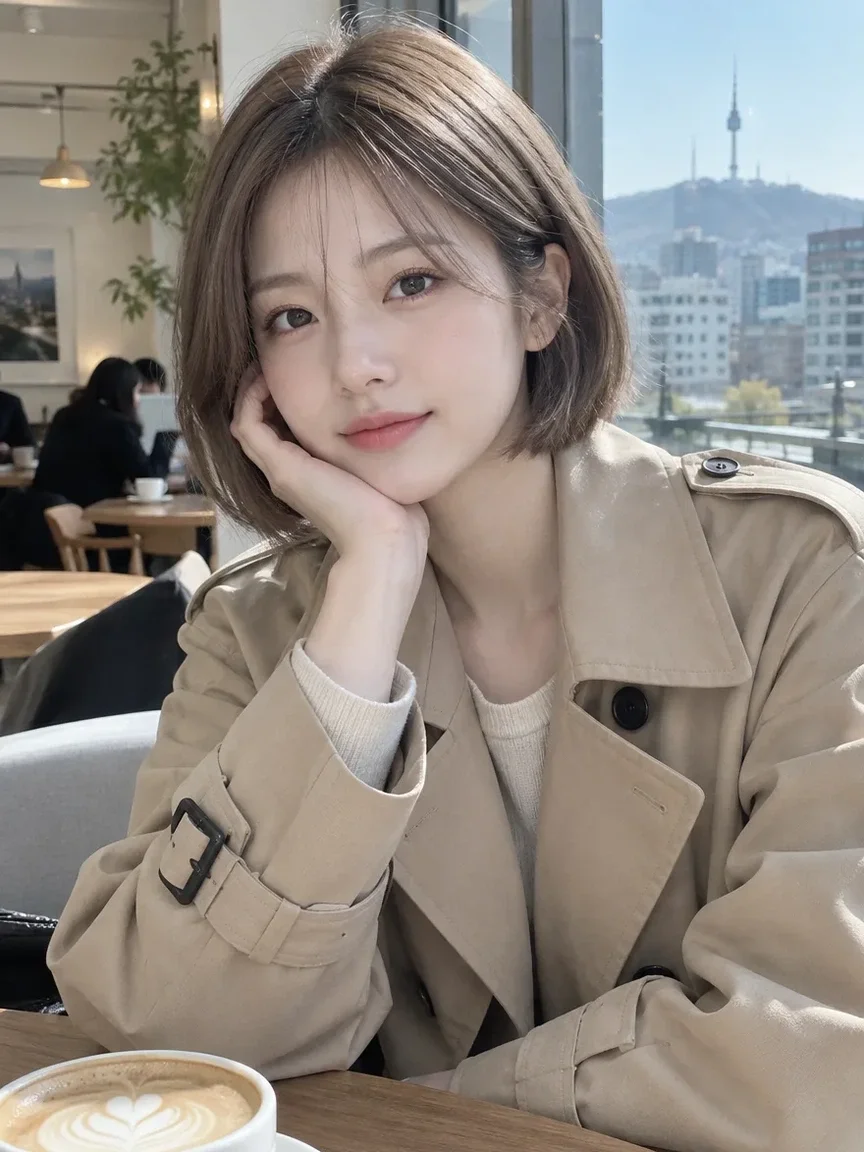 Sebelumnya
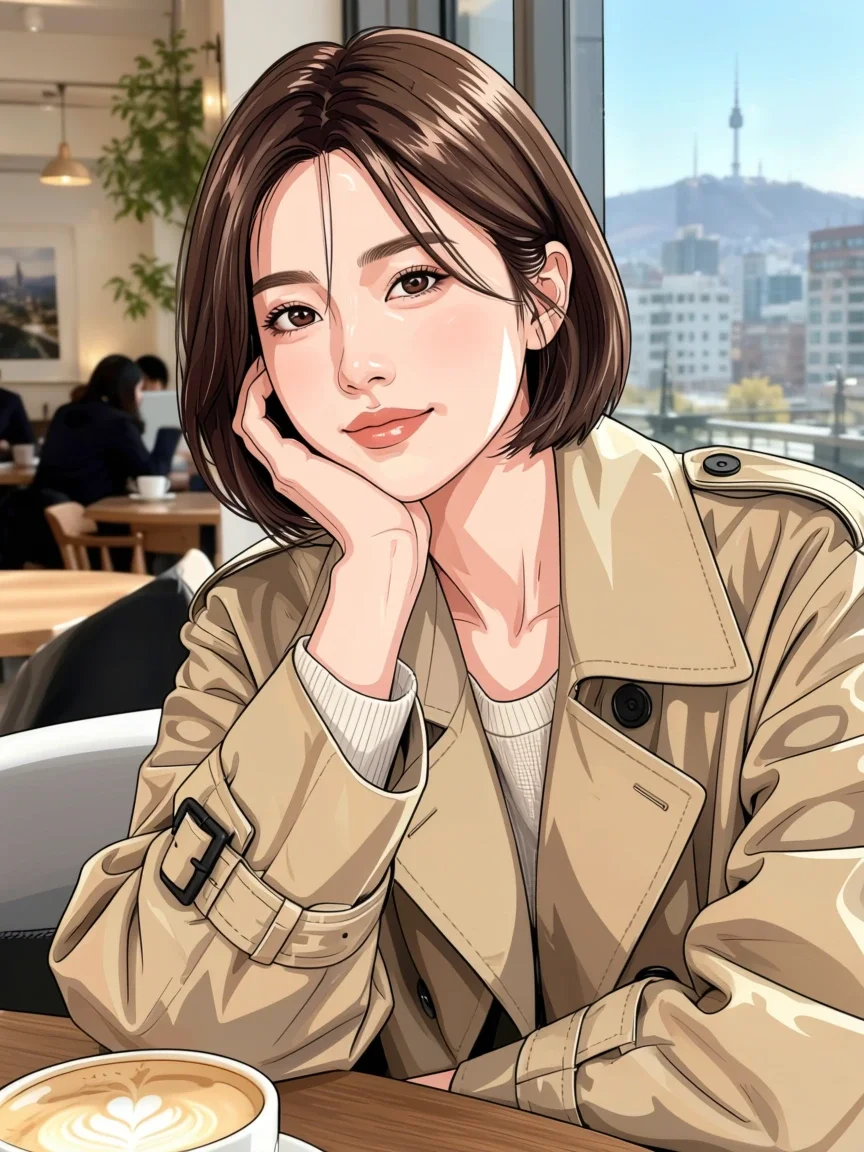 Setelah
 Sebelumnya
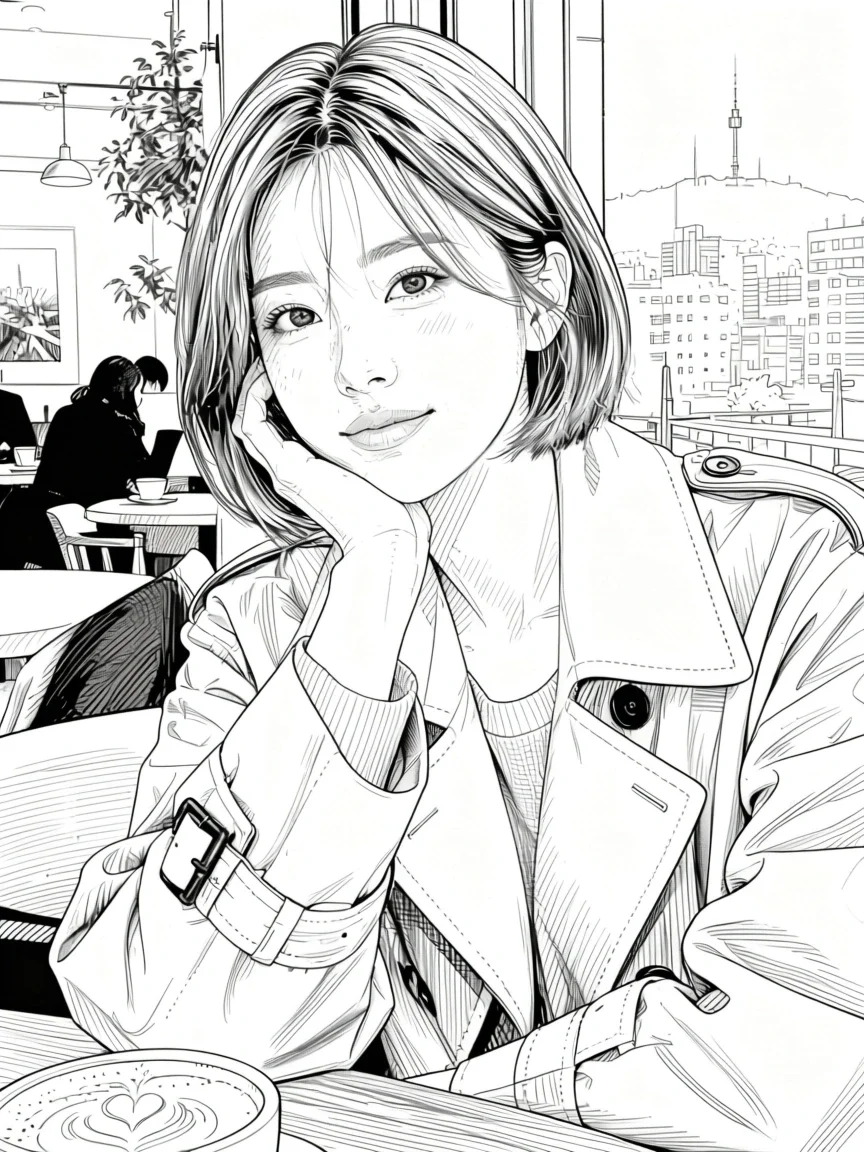 Setelah
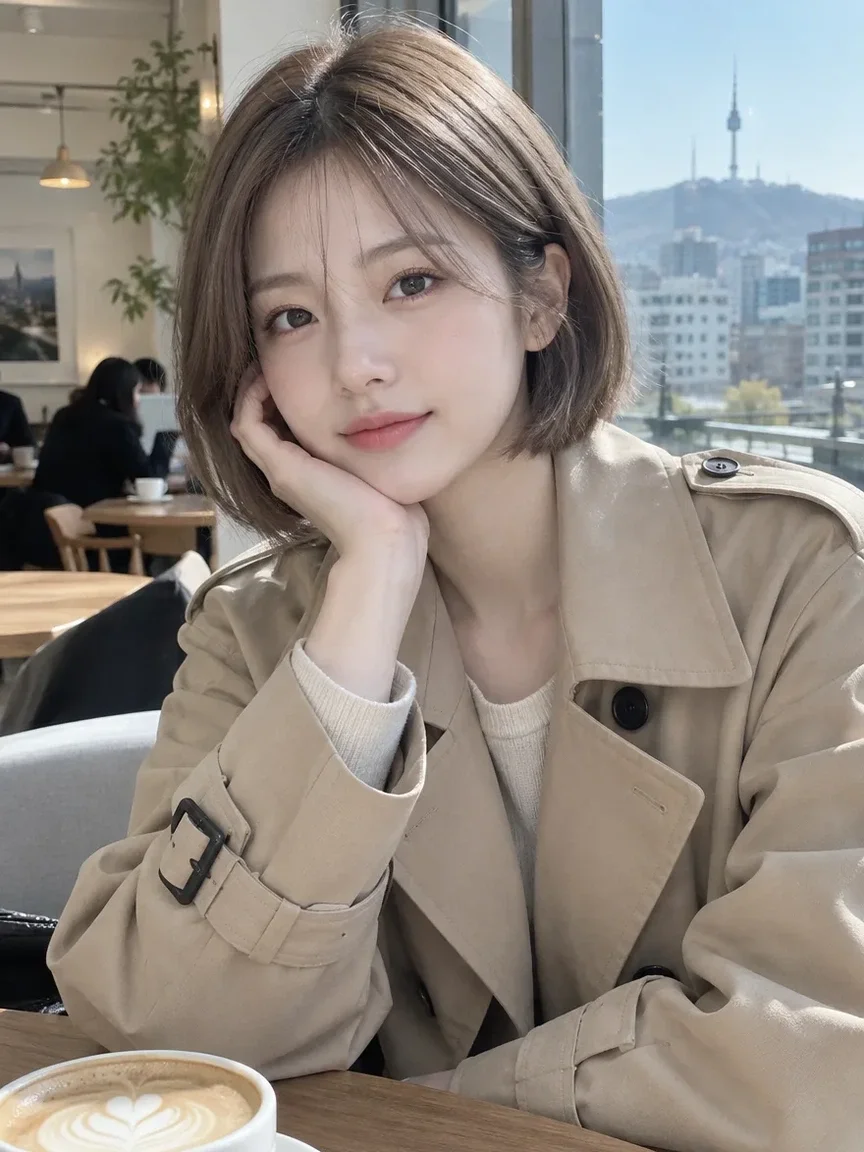 Sebelumnya
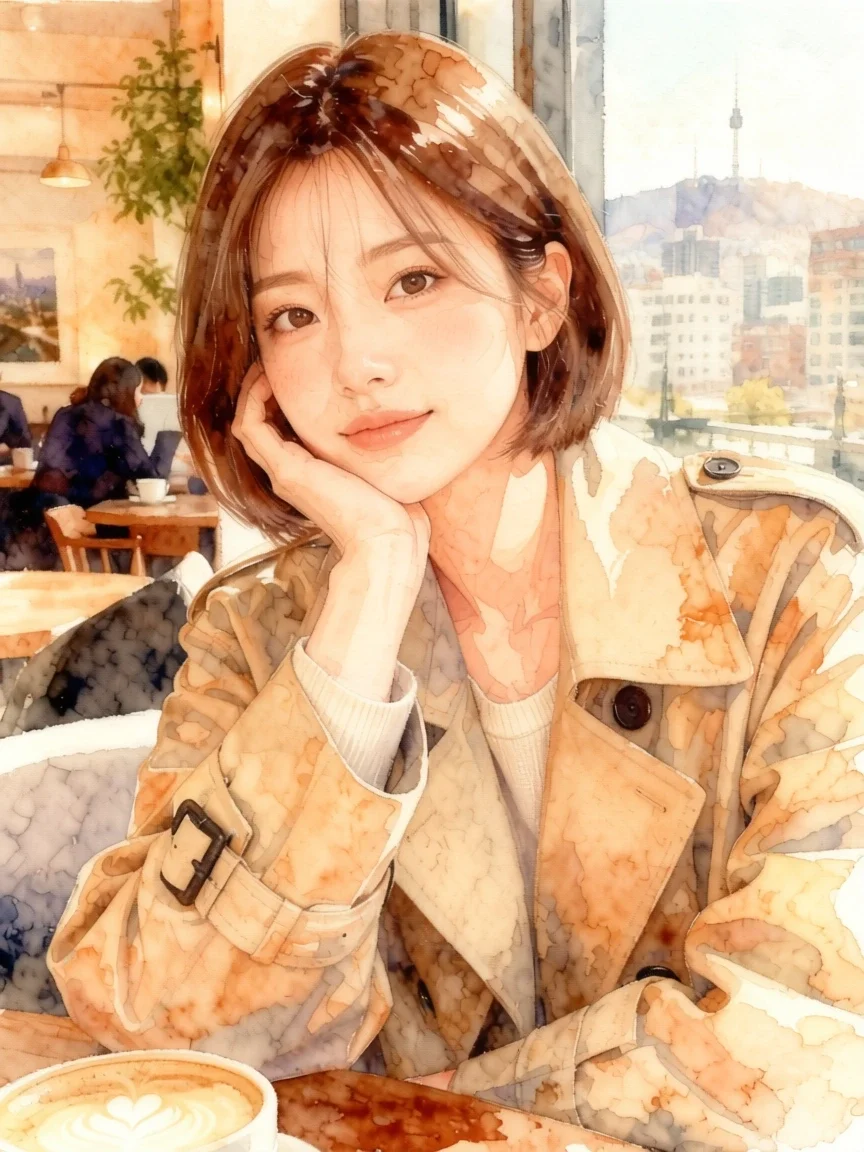 Setelah
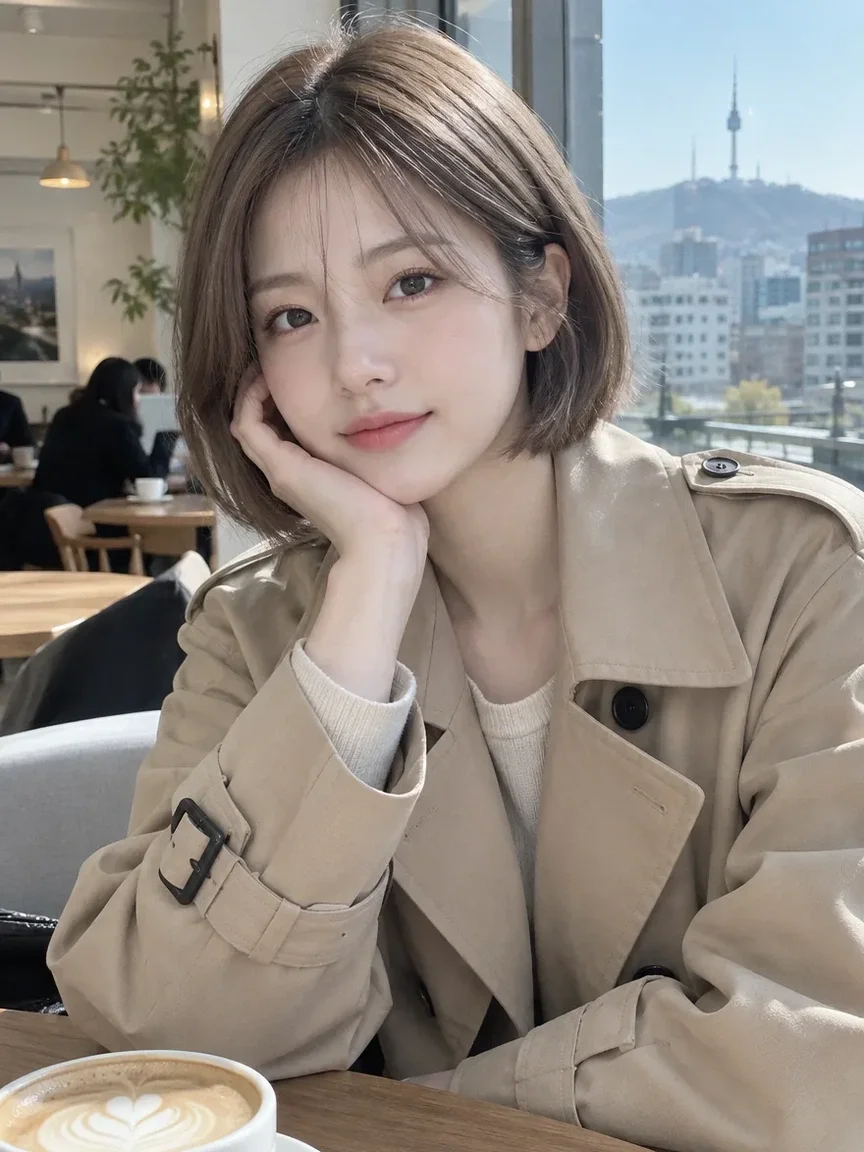 Sebelumnya
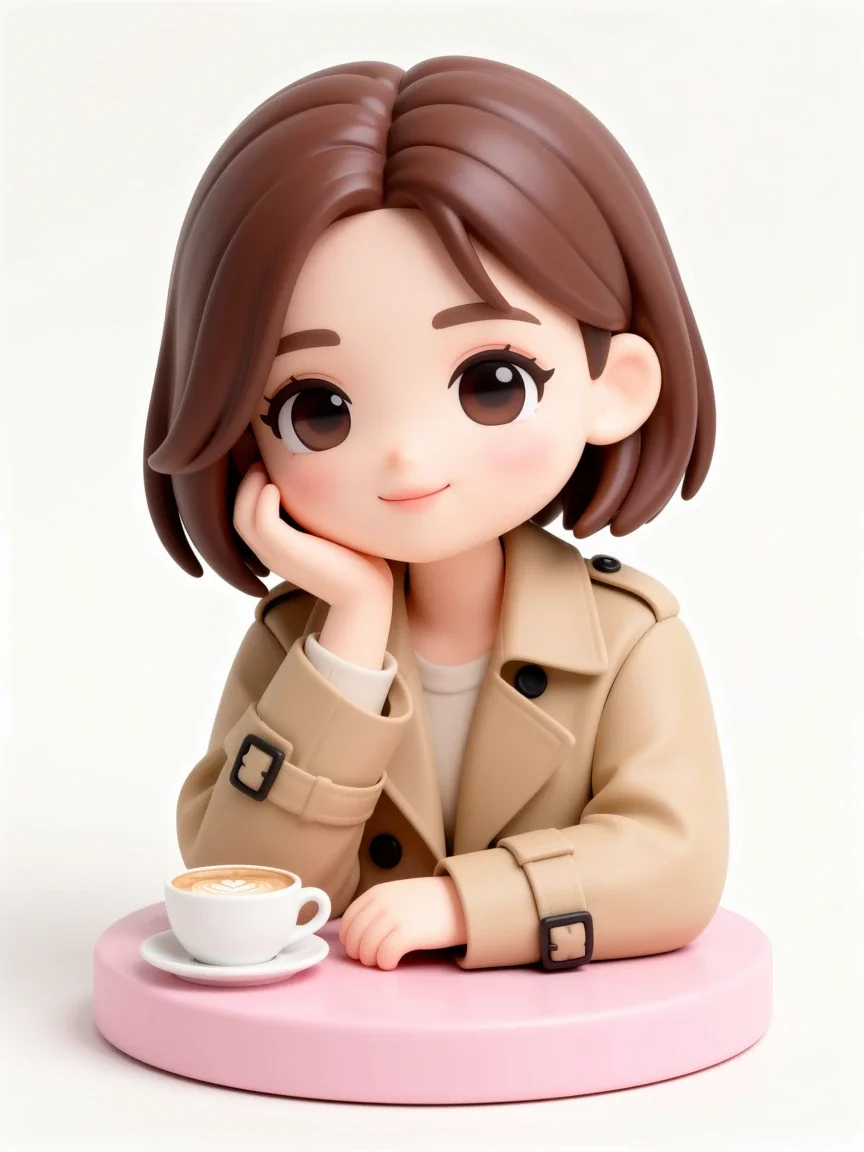 Setelah
Bagus untuk
- Messenger and social media avatars
- Turning couple or friend photos into webtoon panels
- Character art for a blog or streaming channel
Kiat untuk hasil yang lebih baik
- Use a photo where the face is not too small; head-and-shoulders or upper-body shots work most reliably.
- Even, soft lighting brings out facial features better than backlight or harsh shadows.
- If a result misses, try a different style and compare (Free with membership; nonmembers pay the credit price shown in the app).
Pertanyaan
How much does it cost?
Free models are unlimited with an account. Models marked “Free with membership” are unlimited without credits during membership. Otherwise, the displayed credit price applies. Developer API usage is billed separately.
Can I upload a photo of a friend or someone else?
Only upload photos of yourself or photos you have the right to use. Impersonating real people or using results to deceive others is prohibited. Uploaded photos go through a safety check, you can delete your generated images at any time, and nothing appears in the public Explore feed unless you choose to share it.
Will the result still look like me?
The app is instructed to keep your face features, pose, clothing and composition, but because the image is redrawn in a new style, details can change. The output is a 3:4 portrait image.
Lebih banyak aplikasi

Foto profil AI
Ubah selfie biasa menjadi foto tanda pengenal, foto lamaran kerja, atau avatar sosial.

Pakaian tradisional
Lihat diri Anda mengenakan hanbok, kimono, qipao, atau hanfu.

Latar belakang perjalanan
Pertahankan diri Anda, tukar latar belakang dengan Kyoto, Seoul, Shanghai atau Jeju.
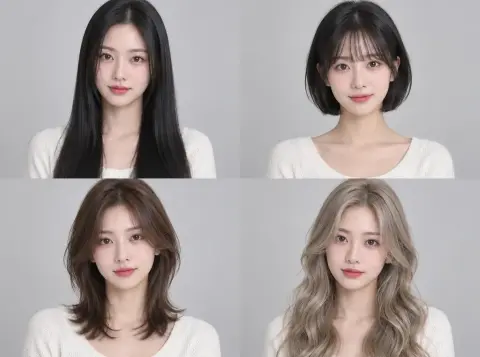
Uji coba gaya rambut
Periksa apakah potongan hush, bob, atau perm cocok untuk Anda sebelum ke salon.