Turn Photos into Anime with AI
Pickshot's Photo to anime app keeps the face features, pose, clothing and composition of your photo and changes only the art style. Pick Anime, Webtoon, Watercolor anime or 3D figure to make a profile picture for KakaoTalk, LINE, WeChat or Instagram.
Novi računi dobivaju 50 kredita. Besplatni računi mogu stvarati neograničen broj slika na web-stranici s 5 osnovnih modela, bez trošenja kredita. Lacquer videozapisi na webu su besplatni: 3 dnevno, uz najviše 5 sekundi po isječku. Članovi koriste uključene modele neograničeno bez oduzimanja kredita. Ostali modeli i API/MCP naplaćuju se zasebno.
Ažurirano
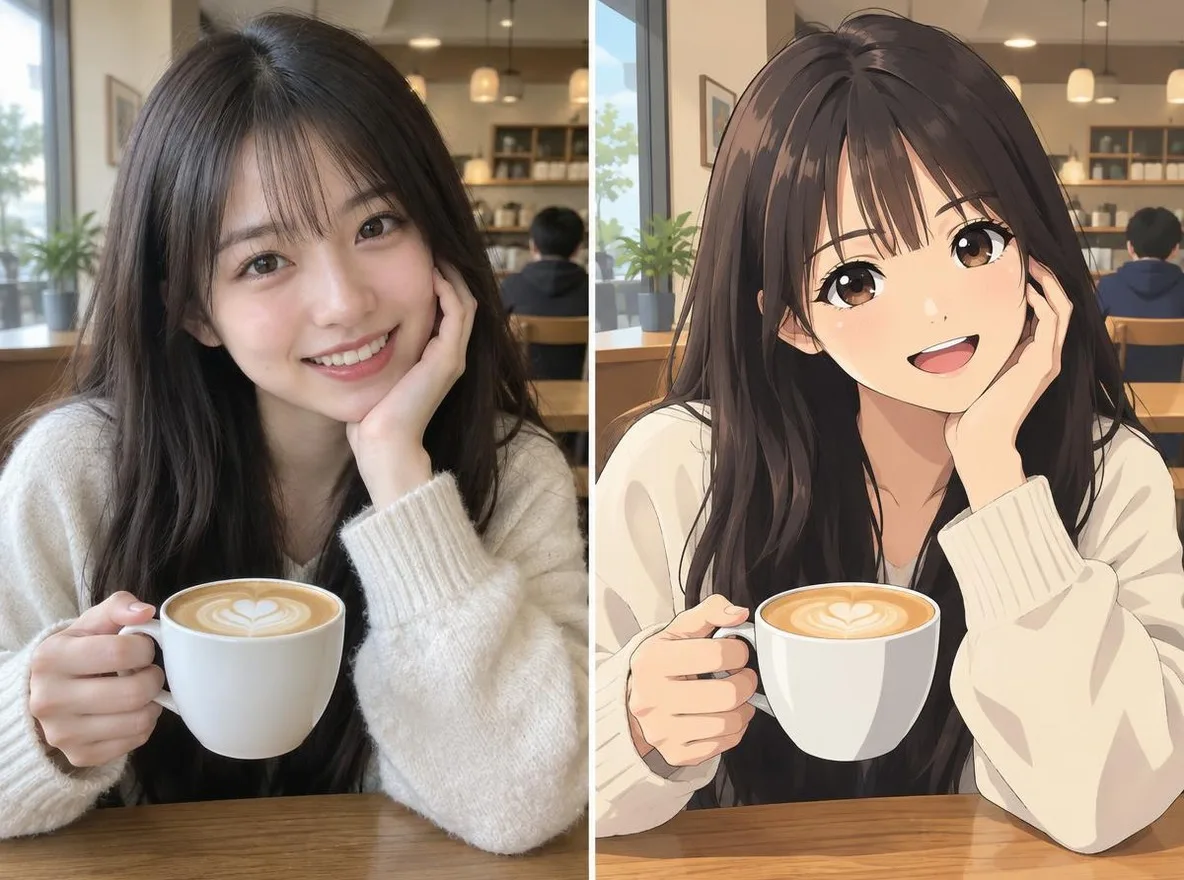
Kako funkcionira
- Upload one clear photo of a face (JPG, PNG or WEBP, up to 6MB).
- Choose a style: Anime, Webtoon, Watercolor anime or 3D figure.
- Click transform, compare the result with your original, then download it.
Opcije
Primjeri opisa
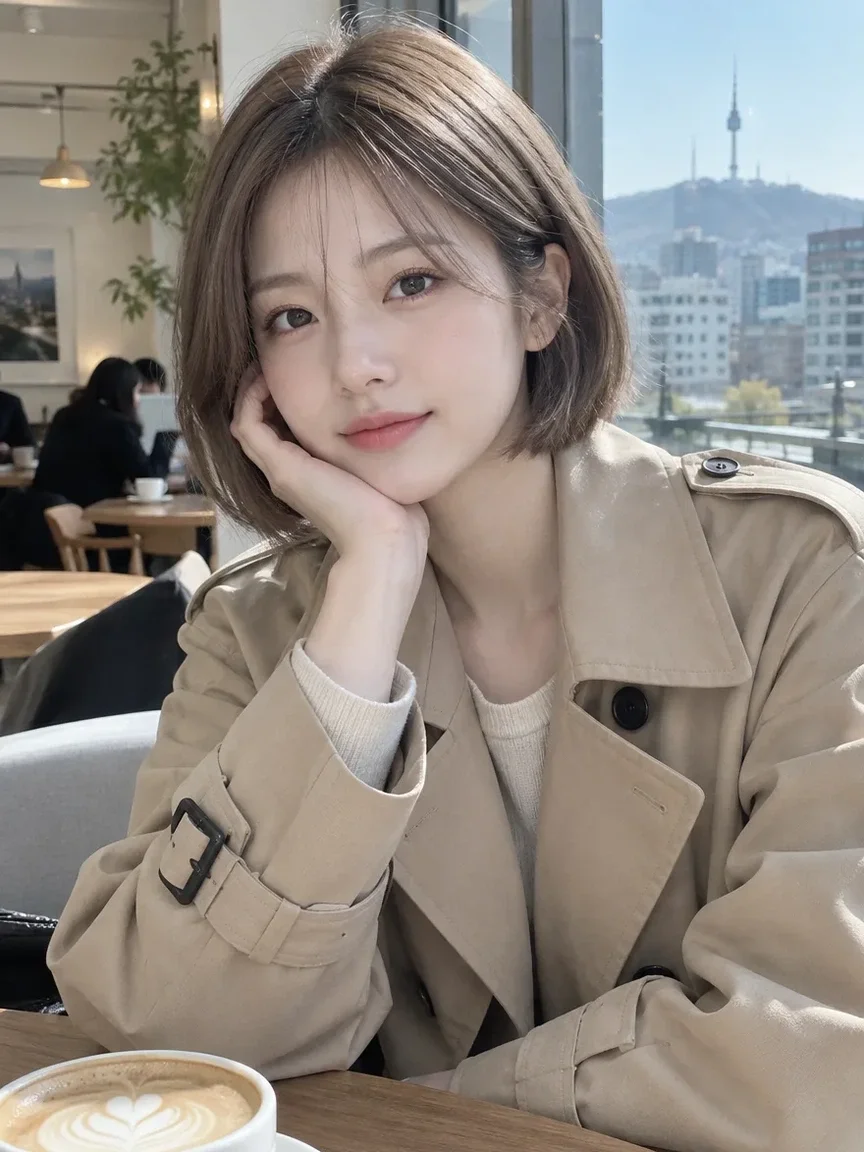
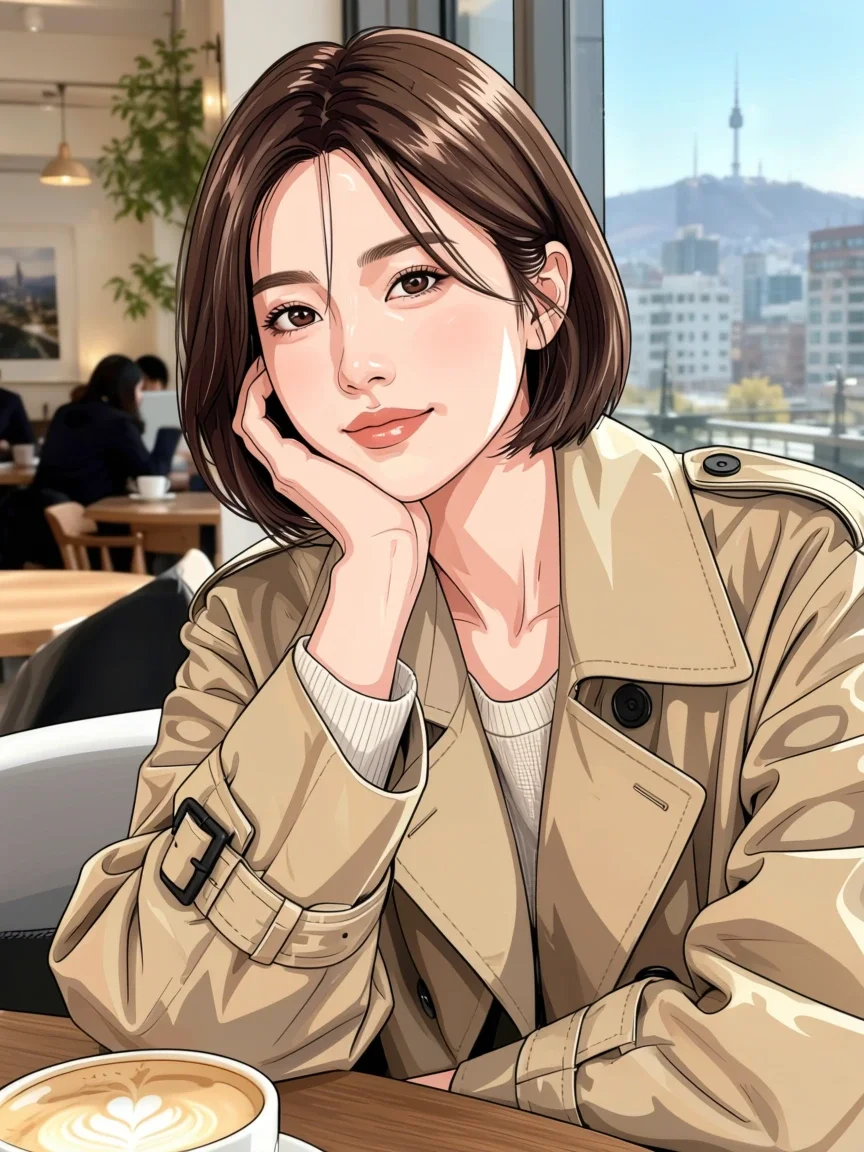
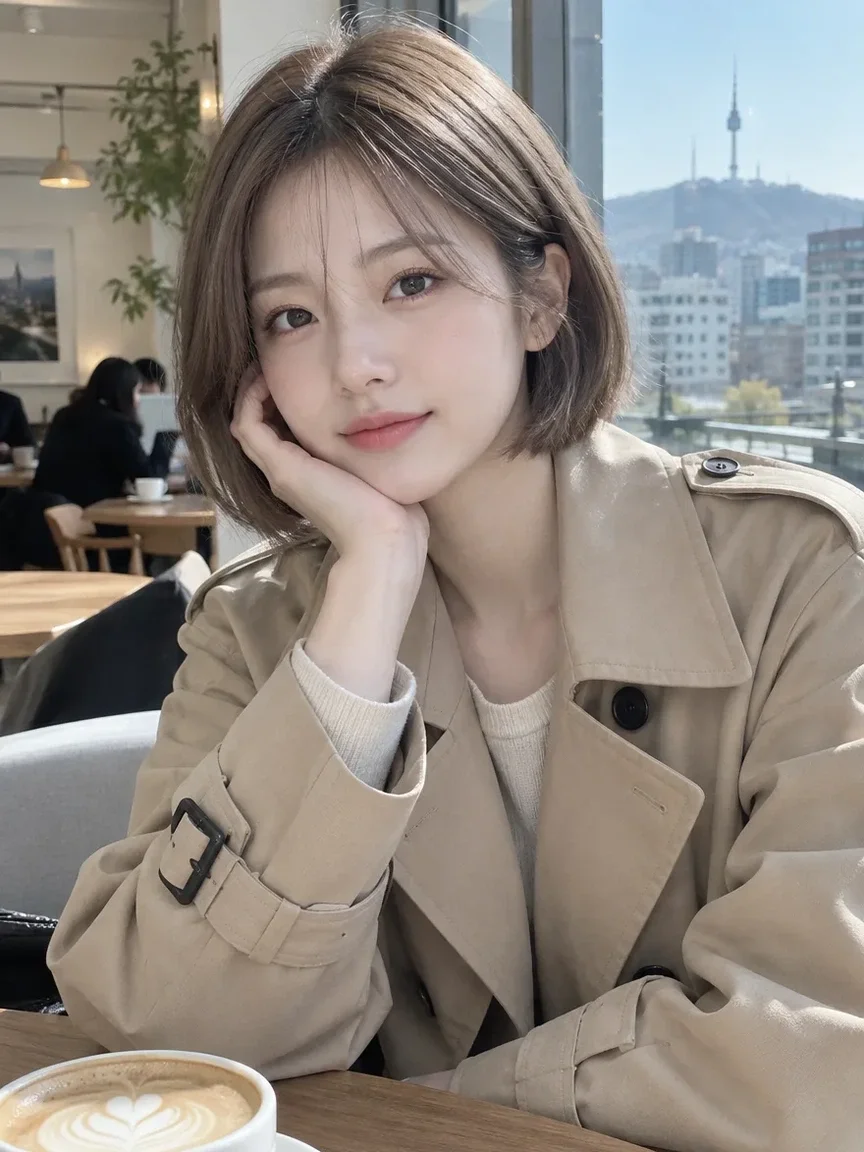
Stvarni rezultati iz AI slika u našoj biblioteci. Nije korištena fotografija stvarne osobe.
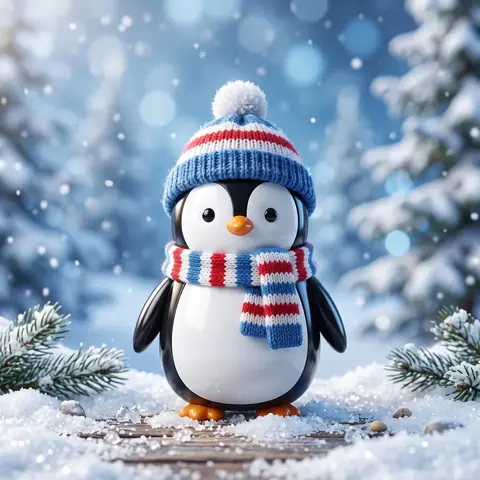 Prije
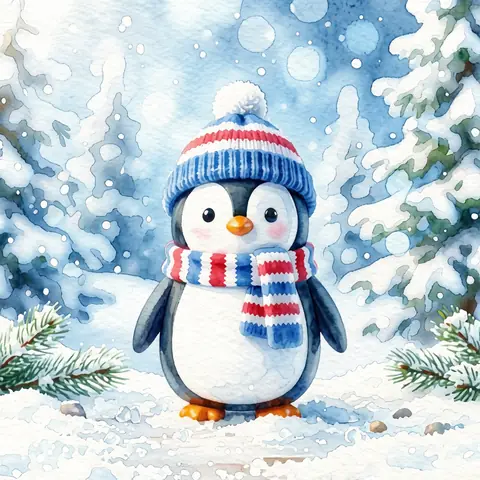 Poslije
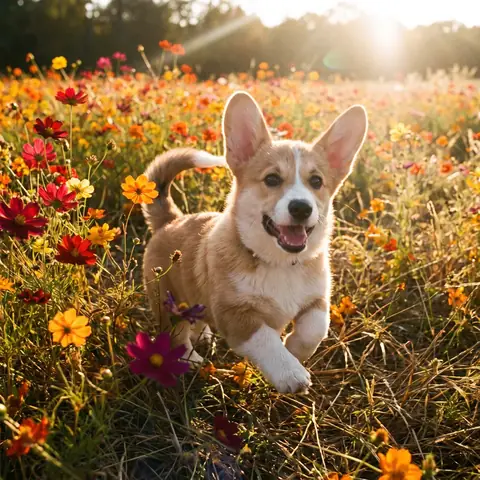 Prije
 Poslije
 Prije
 Poslije
 Prije
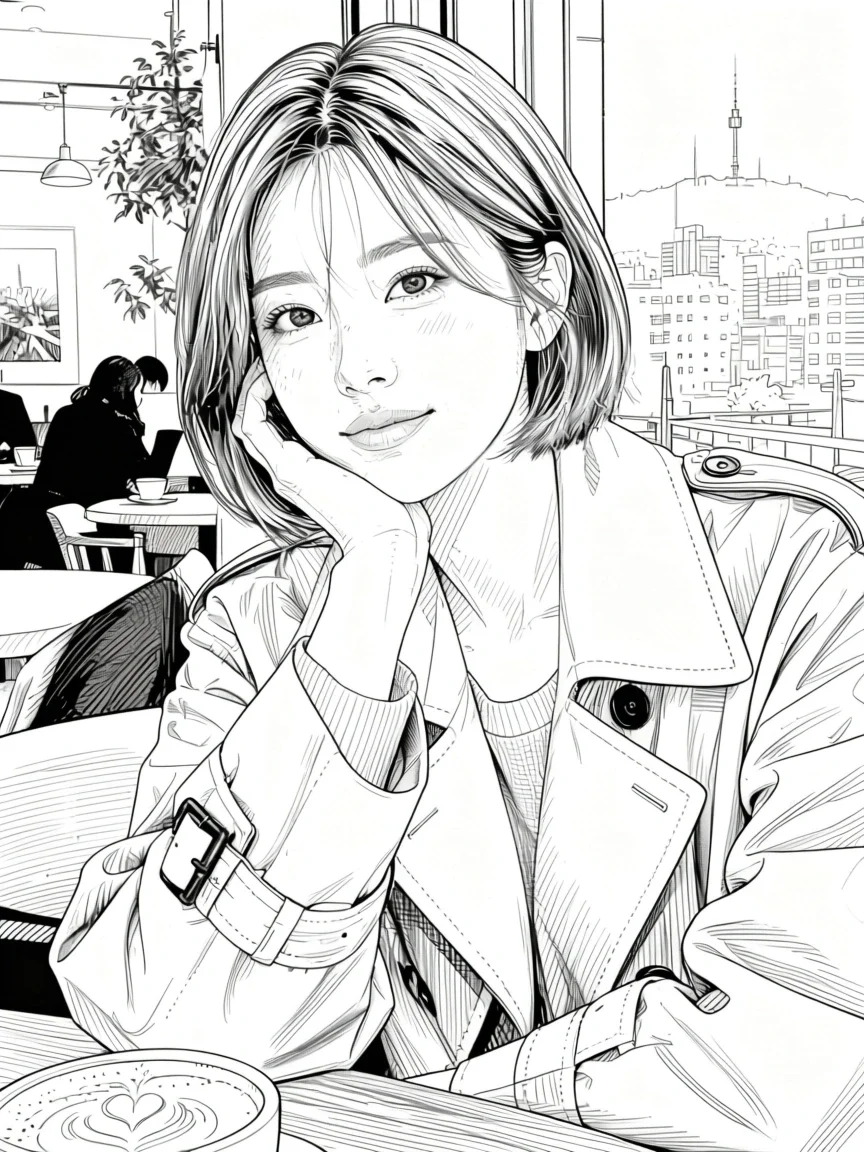 Poslije
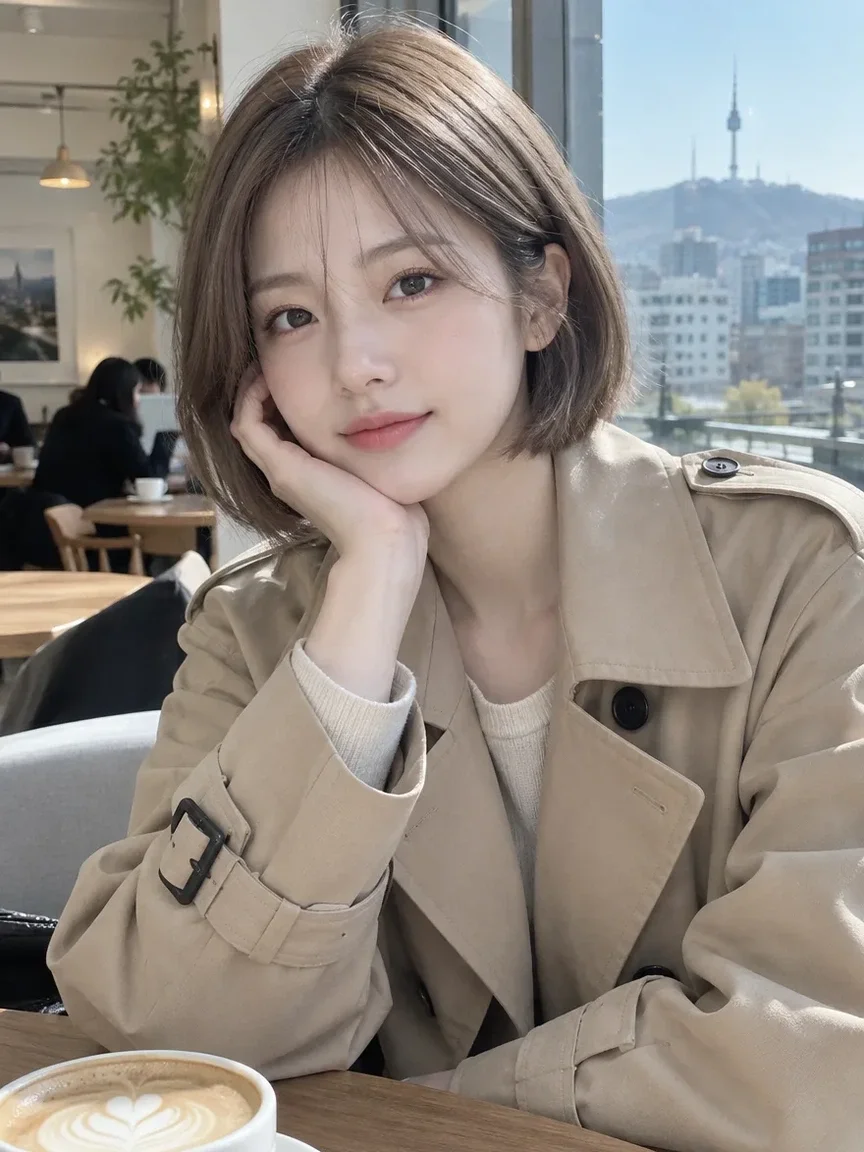 Prije
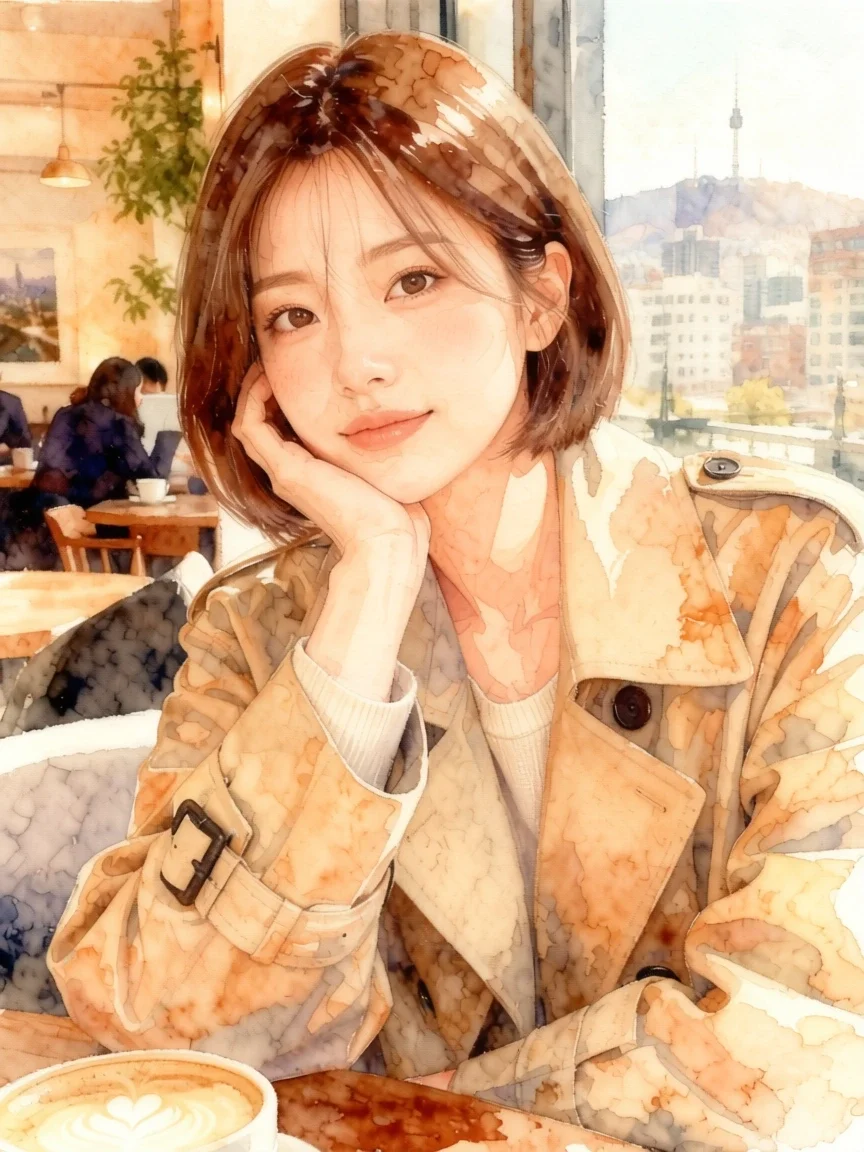 Poslije
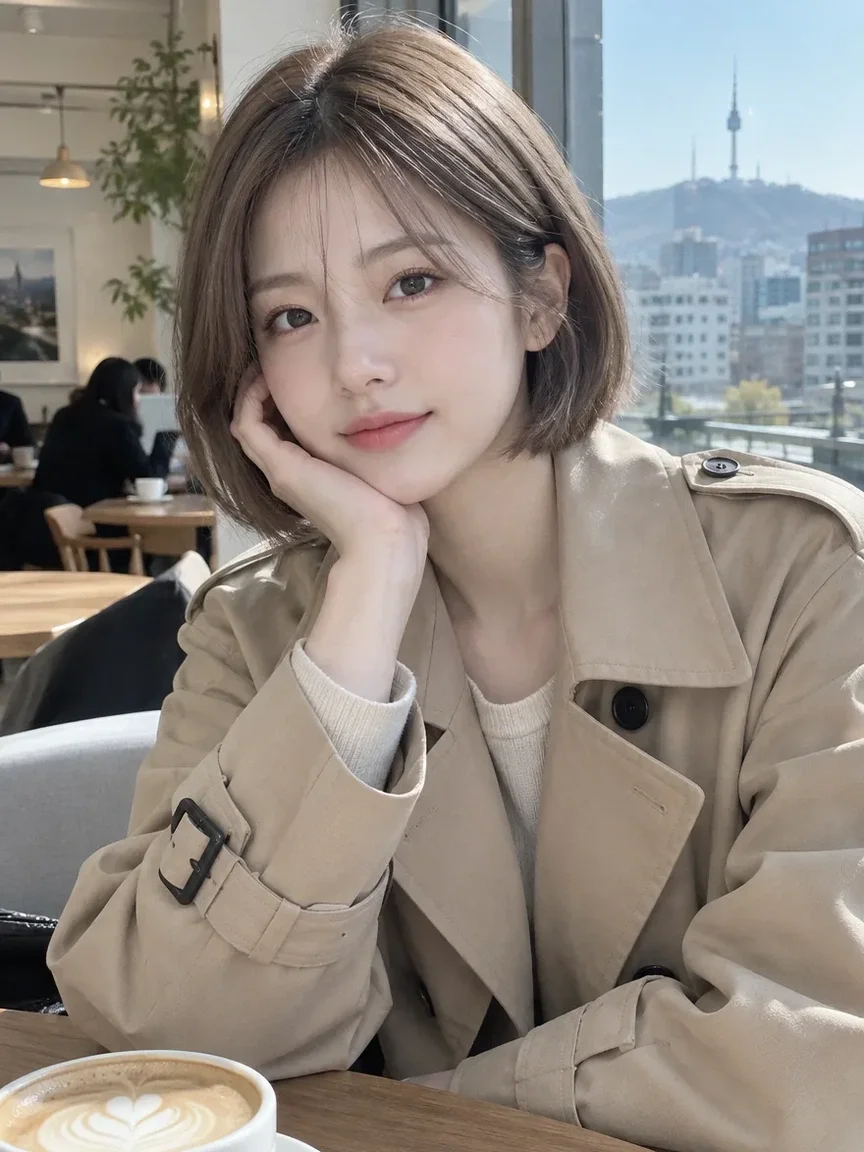 Prije
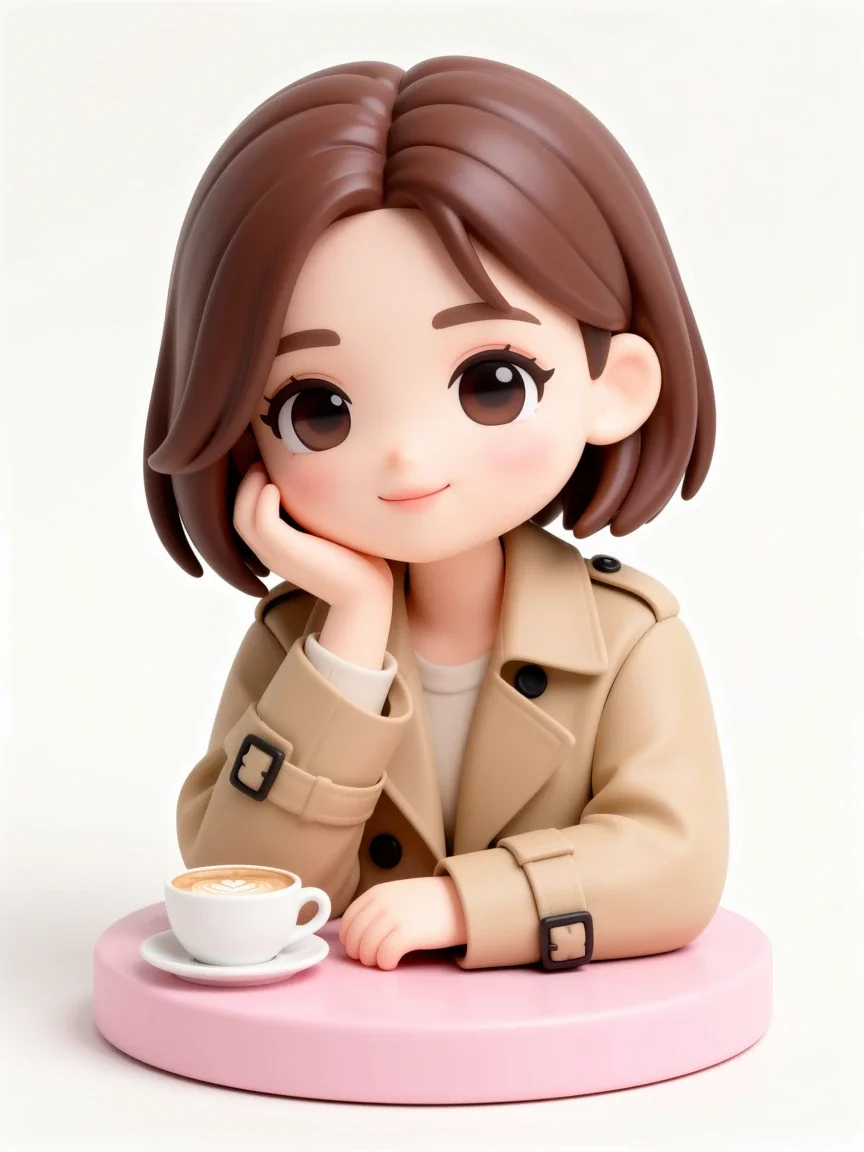 Poslije
Dobro za
- Messenger and social media avatars
- Turning couple or friend photos into webtoon panels
- Character art for a blog or streaming channel
Savjeti za bolje rezultate
- Use a photo where the face is not too small; head-and-shoulders or upper-body shots work most reliably.
- Even, soft lighting brings out facial features better than backlight or harsh shadows.
- If a result misses, try a different style and compare (Free with membership; nonmembers pay the credit price shown in the app).
Pitanja
How much does it cost?
Free models are unlimited with an account. Models marked “Free with membership” are unlimited without credits during membership. Otherwise, the displayed credit price applies. Developer API usage is billed separately.
Can I upload a photo of a friend or someone else?
Only upload photos of yourself or photos you have the right to use. Impersonating real people or using results to deceive others is prohibited. Uploaded photos go through a safety check, you can delete your generated images at any time, and nothing appears in the public Explore feed unless you choose to share it.
Will the result still look like me?
The app is instructed to keep your face features, pose, clothing and composition, but because the image is redrawn in a new style, details can change. The output is a 3:4 portrait image.
Više aplikacija

AI profilna fotografija
Pretvori obični selfie u fotografiju za dokumente, portret za prijavu na posao ili avatar za društvene mreže.

Tradicionalna odjeća
Pogledaj se u hanboku, kimonu, qipaou ili hanfuu.

Putna pozadina
Zadrži svoj izgled, zamijeni pozadinu Kyotom, Seulom, Šangajem ili Jejuom.
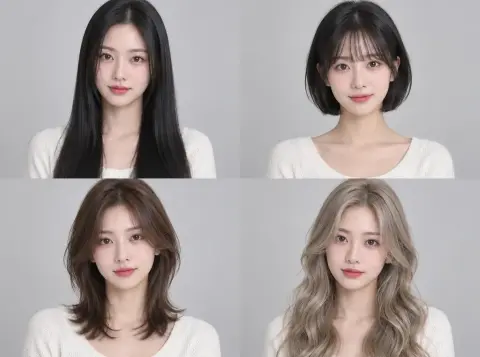
Isprobavanje frizura
Provjeri pristaje li ti slojevita hush frizura, bob ili trajna prije odlaska u salon.