Turn Photos into Anime with AI
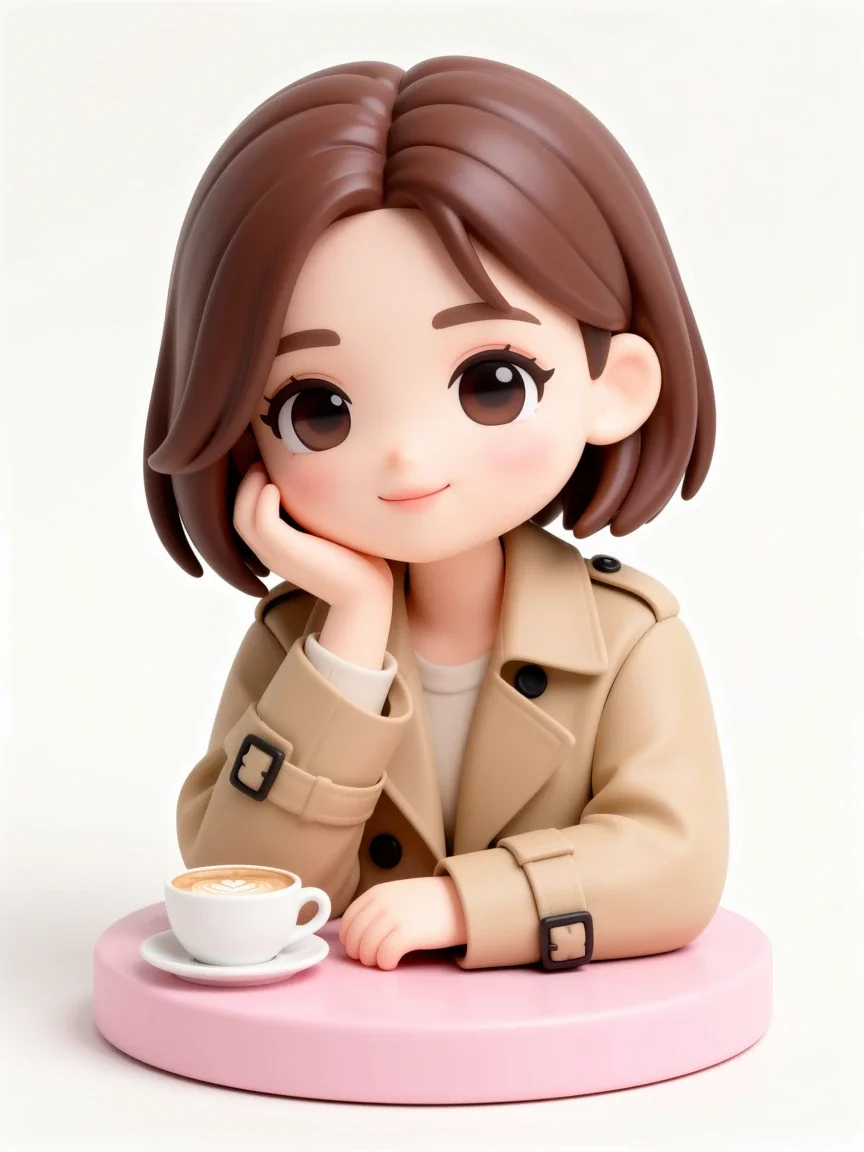
Pickshot's Photo to anime app keeps the face features, pose, clothing and composition of your photo and changes only the art style. Pick Anime, Webtoon, Watercolor anime or 3D figure to make a profile picture for KakaoTalk, LINE, WeChat or Instagram.
نئے اکاؤنٹس کو 50 کریڈٹ ملتے ہیں۔ مفت اکاؤنٹس بھی ویب سائٹ پر 5 بنیادی تصویری ماڈلز سے کریڈٹ خرچ کیے بغیر لامحدود تصاویر بنا سکتے ہیں۔ ویب سائٹ پر Lacquer ویڈیوز مفت ہیں: روزانہ 3؛ ہر کلپ زیادہ سے زیادہ 5 سیکنڈ کا ہے۔ اراکین شامل ماڈلز بغیر کریڈٹ کٹوتی کے لامحدود استعمال کر سکتے ہیں۔ دیگر ماڈلز اور API/MCP کی قیمت الگ ہے۔
اپ ڈیٹ ہو گیا
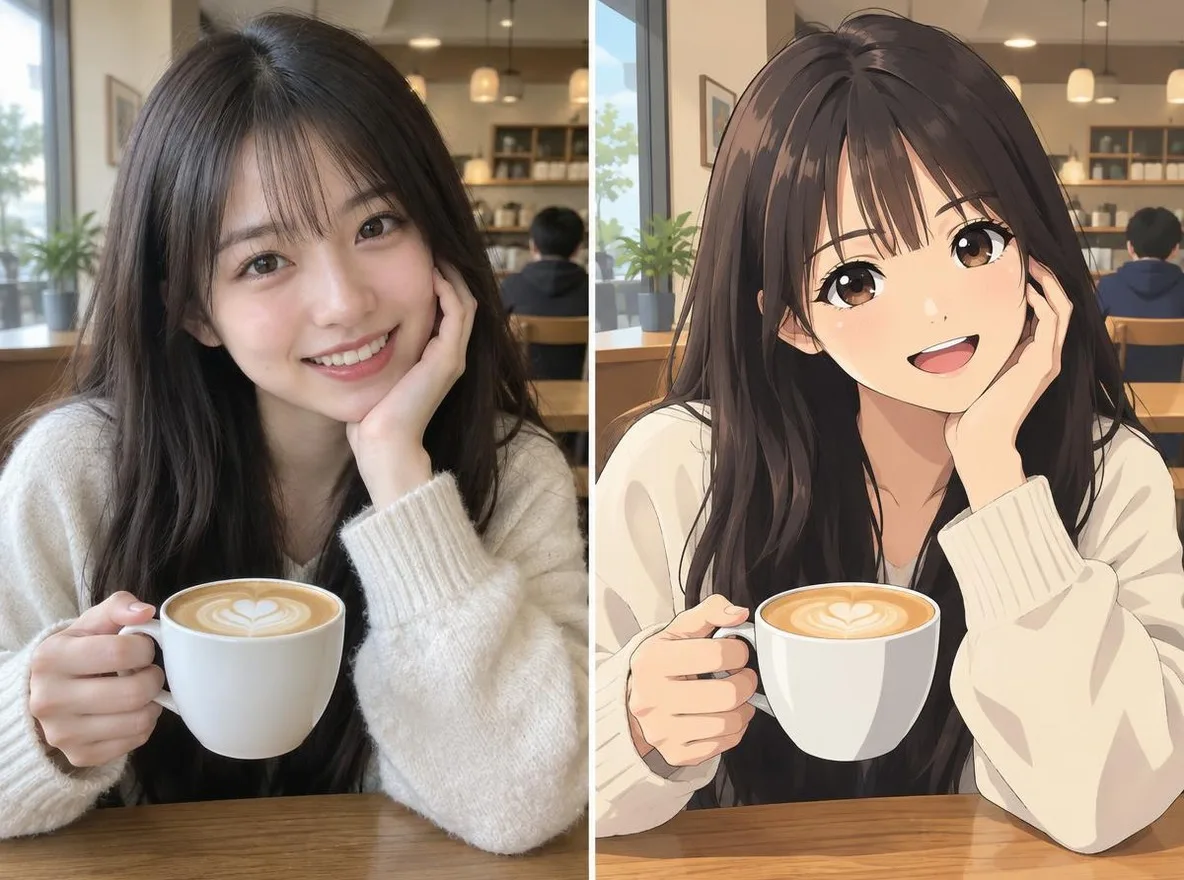
یہ کیسے کام کرتا ہے
- Upload one clear photo of a face (JPG, PNG or WEBP, up to 6MB).
- Choose a style: Anime, Webtoon, Watercolor anime or 3D figure.
- Click transform, compare the result with your original, then download it.
اختیارات
پرومپٹس کی مثالیں
ہماری لائبریری کی AI تصاویر سے حاصل حقیقی نتائج۔ کسی حقیقی شخص کی فوٹو استعمال نہیں ہوئی۔
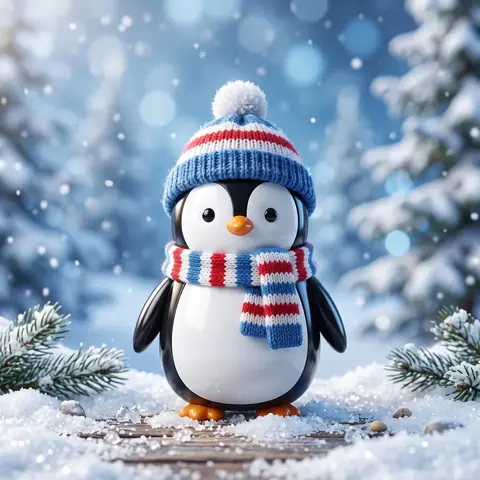 پہلے
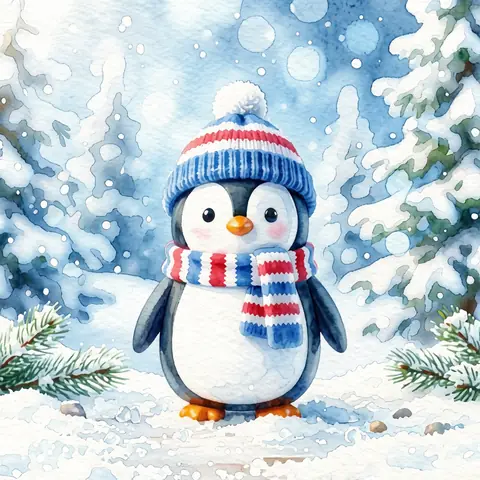 بعد میں
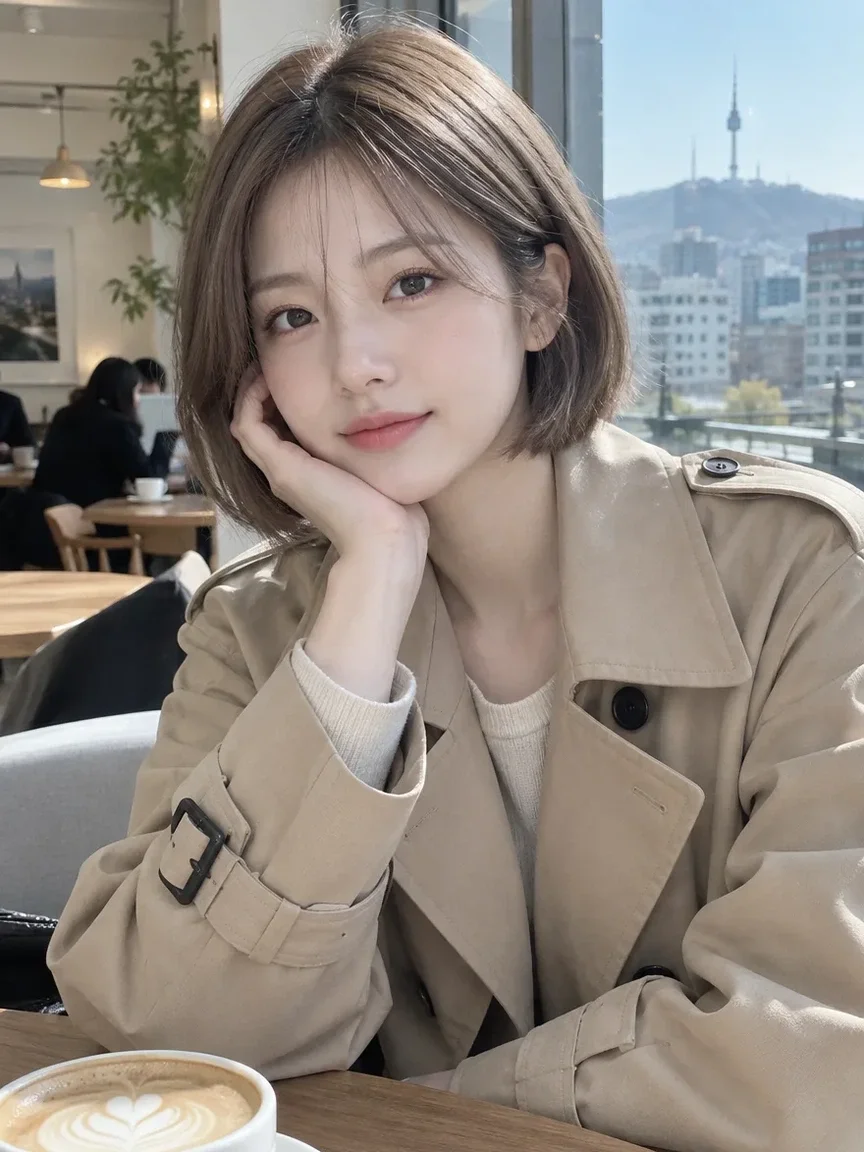
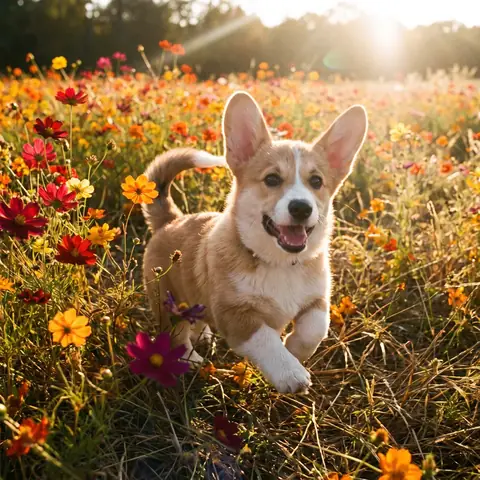 پہلے
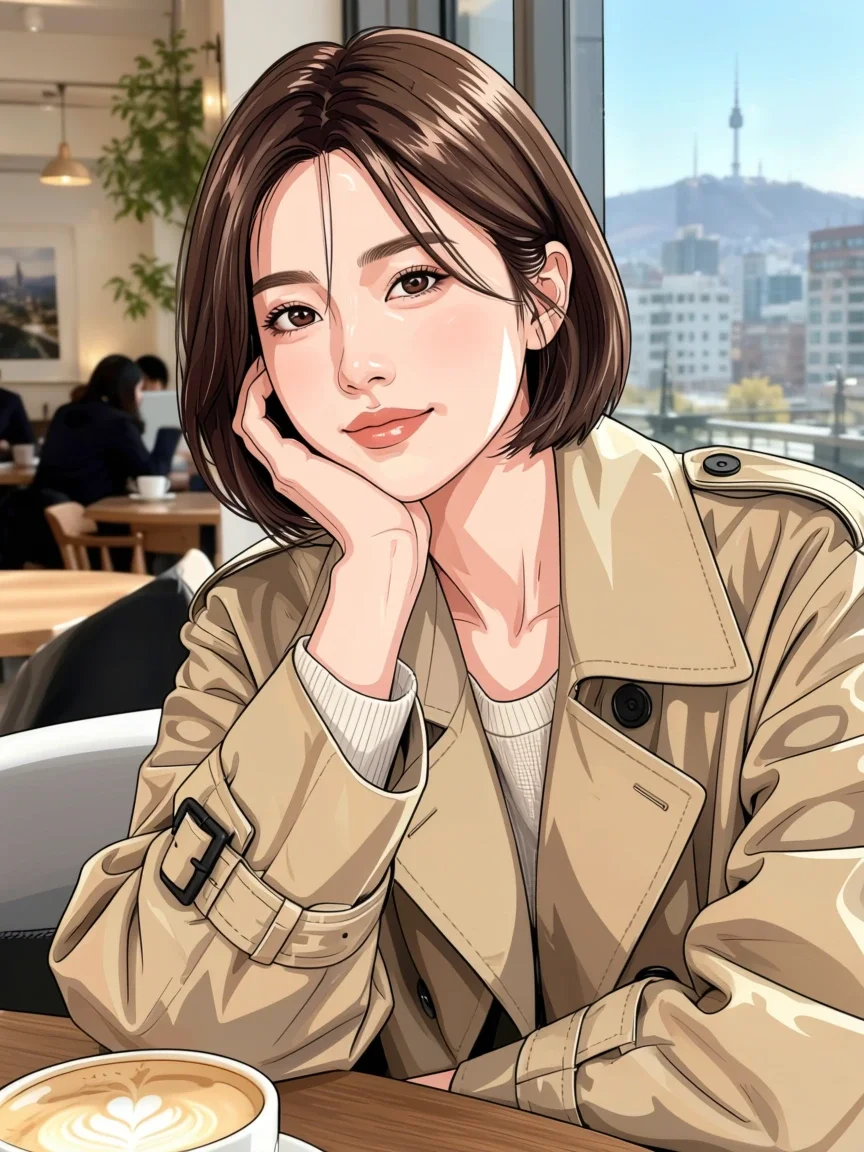
 بعد میں
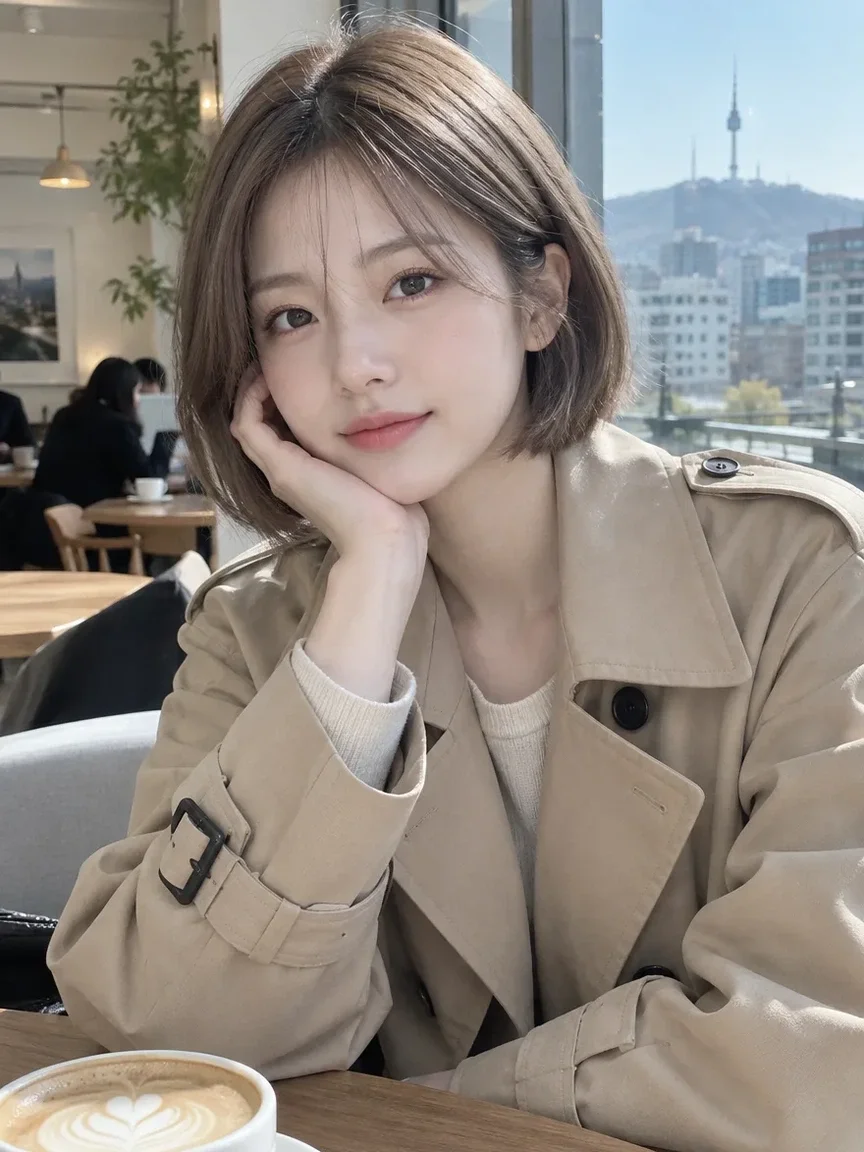
 پہلے
 بعد میں
 پہلے
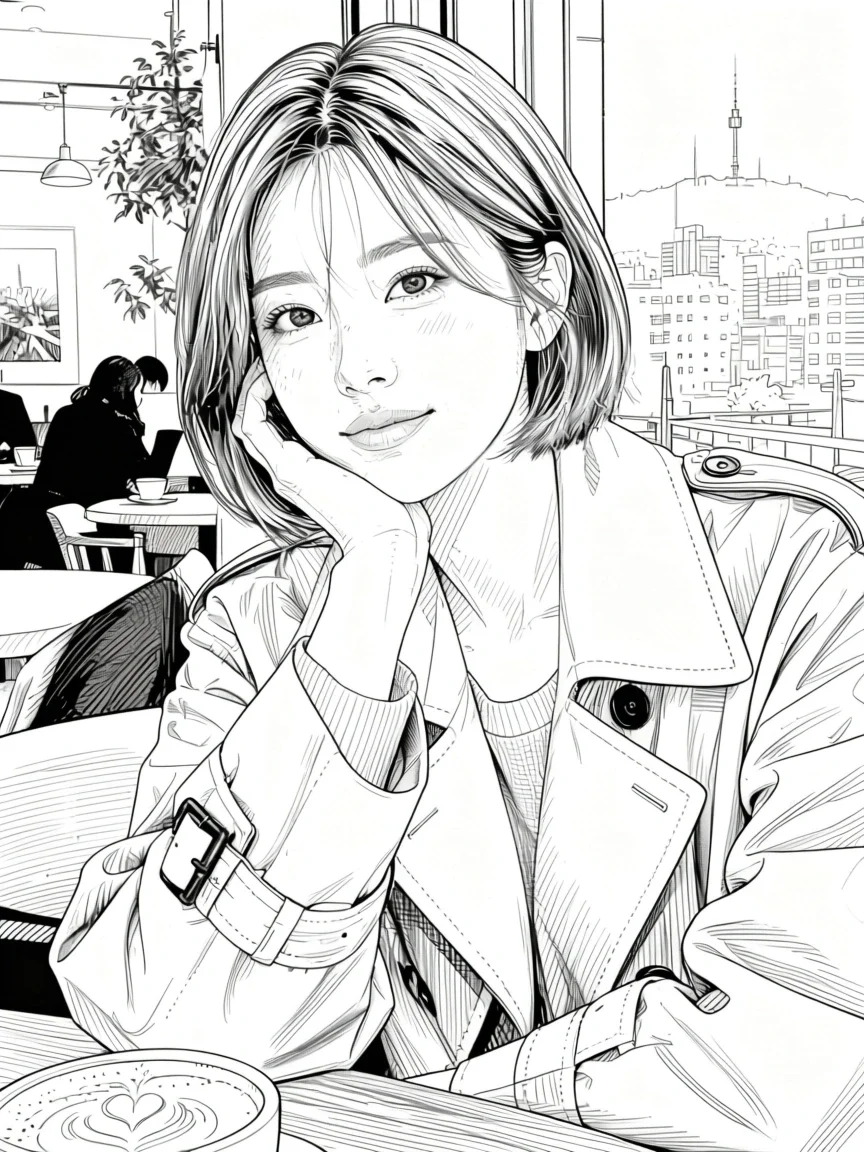 بعد میں
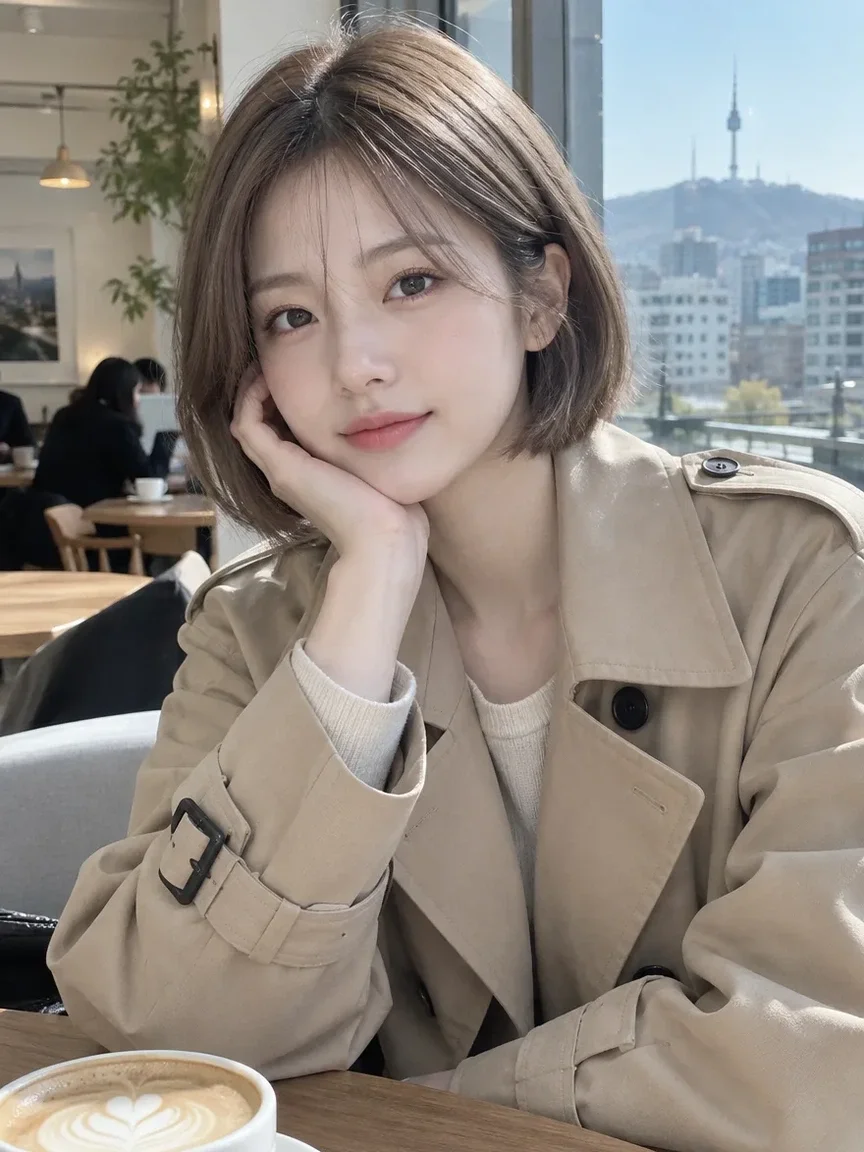 پہلے
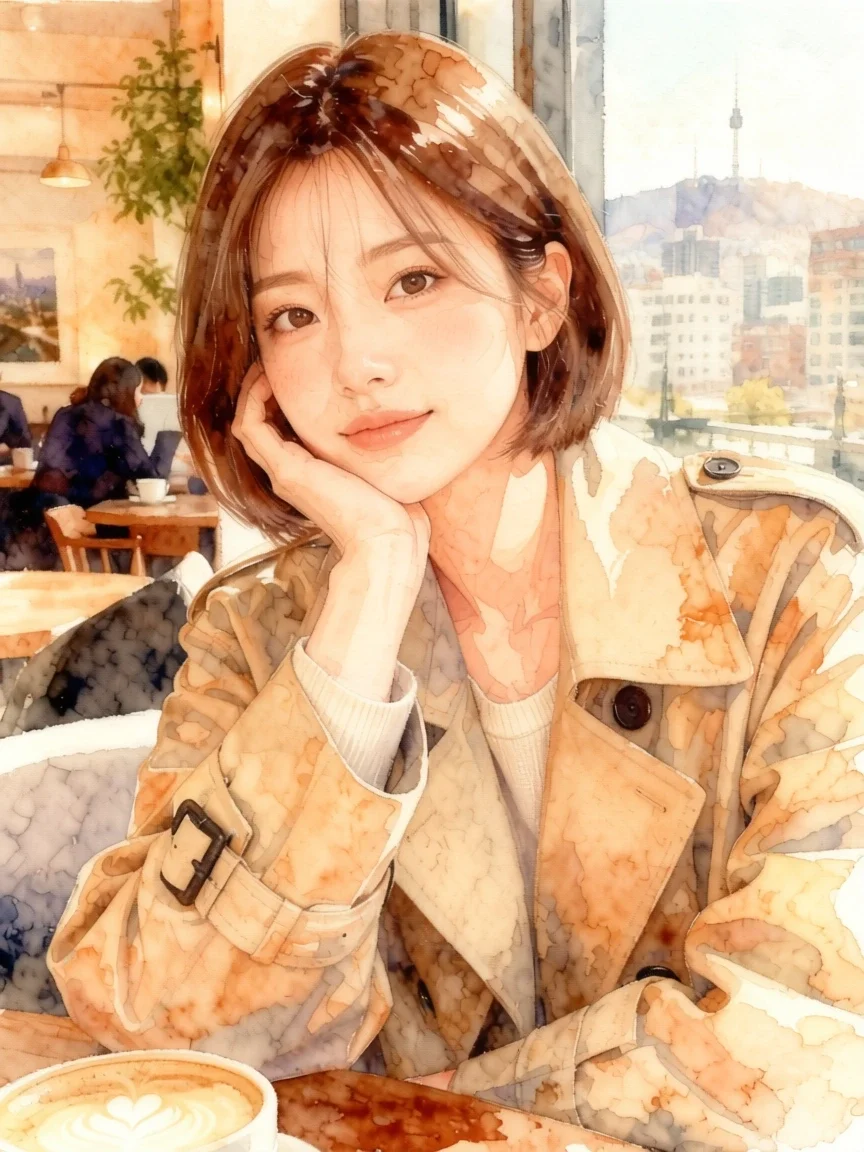 بعد میں
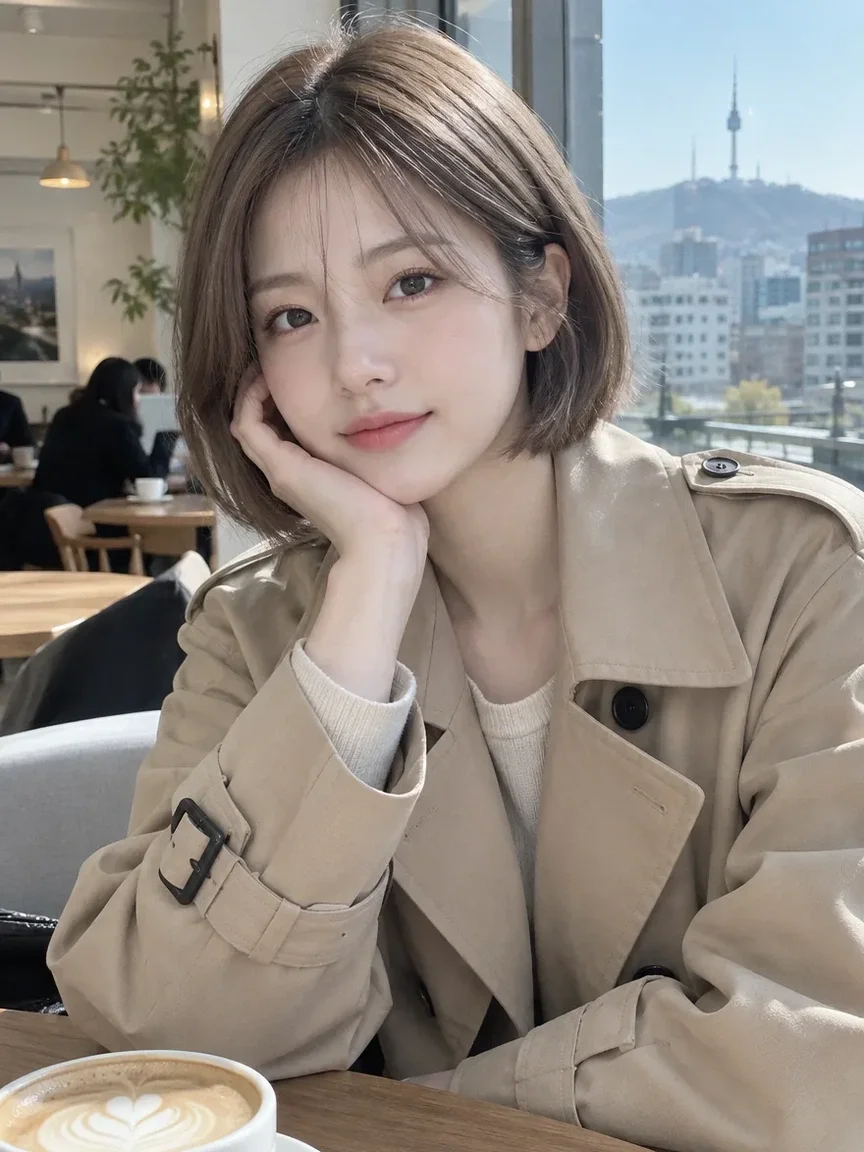 پہلے
 بعد میں
ان کے لیے موزوں
- Messenger and social media avatars
- Turning couple or friend photos into webtoon panels
- Character art for a blog or streaming channel
بہتر نتائج کے مشورے
- Use a photo where the face is not too small; head-and-shoulders or upper-body shots work most reliably.
- Even, soft lighting brings out facial features better than backlight or harsh shadows.
- If a result misses, try a different style and compare (Free with membership; nonmembers pay the credit price shown in the app).
سوالات
How much does it cost?
Free models are unlimited with an account. Models marked “Free with membership” are unlimited without credits during membership. Otherwise, the displayed credit price applies. Developer API usage is billed separately.
Can I upload a photo of a friend or someone else?
Only upload photos of yourself or photos you have the right to use. Impersonating real people or using results to deceive others is prohibited. Uploaded photos go through a safety check, you can delete your generated images at any time, and nothing appears in the public Explore feed unless you choose to share it.
Will the result still look like me?
The app is instructed to keep your face features, pose, clothing and composition, but because the image is redrawn in a new style, details can change. The output is a 3:4 portrait image.
مزید ایپس

AI پروفائل فوٹو
عام سیلفی کو شناختی فوٹو، ملازمت کی درخواست کے پورٹریٹ یا سوشل اوتار میں بدلیں۔

روایتی ملبوسات
خود کو ہانبوک، کیمونو، چیپاؤ یا ہانفو میں دیکھیں۔

سفر کا پس منظر
خود کو برقرار رکھیں، پس منظر کیوٹو، سیول، شنگھائی یا جیجو سے بدلیں۔
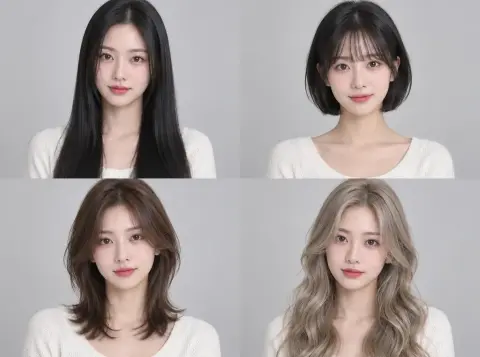
ہیئر اسٹائل آزمائیں
سیلون جانے سے پہلے دیکھیں ہش کٹ، باب یا پرم آپ پر کیسا لگتا ہے۔