AI Outfit Swap: Change Clothes in a Photo
Pickshot's Outfit Swap keeps the person and changes only the clothes. Upload a photo of the person, then add a picture of the outfit or describe it in words (up to 300 characters), such as "a black evening dress". It keeps the face, hair, body, pose and background and fits the new clothes with natural fabric and light. Use it to see a look before you buy it or to show one person in many styles.
Conturile noi primesc 50 de credite. Conturile gratuite pot genera imagini nelimitate pe site cu cele 5 modele de bază, fără a consuma credite. Videoclipurile Lacquer sunt gratuite pe site: 3 pe zi, de până la 5 secunde fiecare. Abonații folosesc modelele incluse nelimitat, fără deducere de credite. Alte modele și API/MCP se taxează separat.
Actualizat
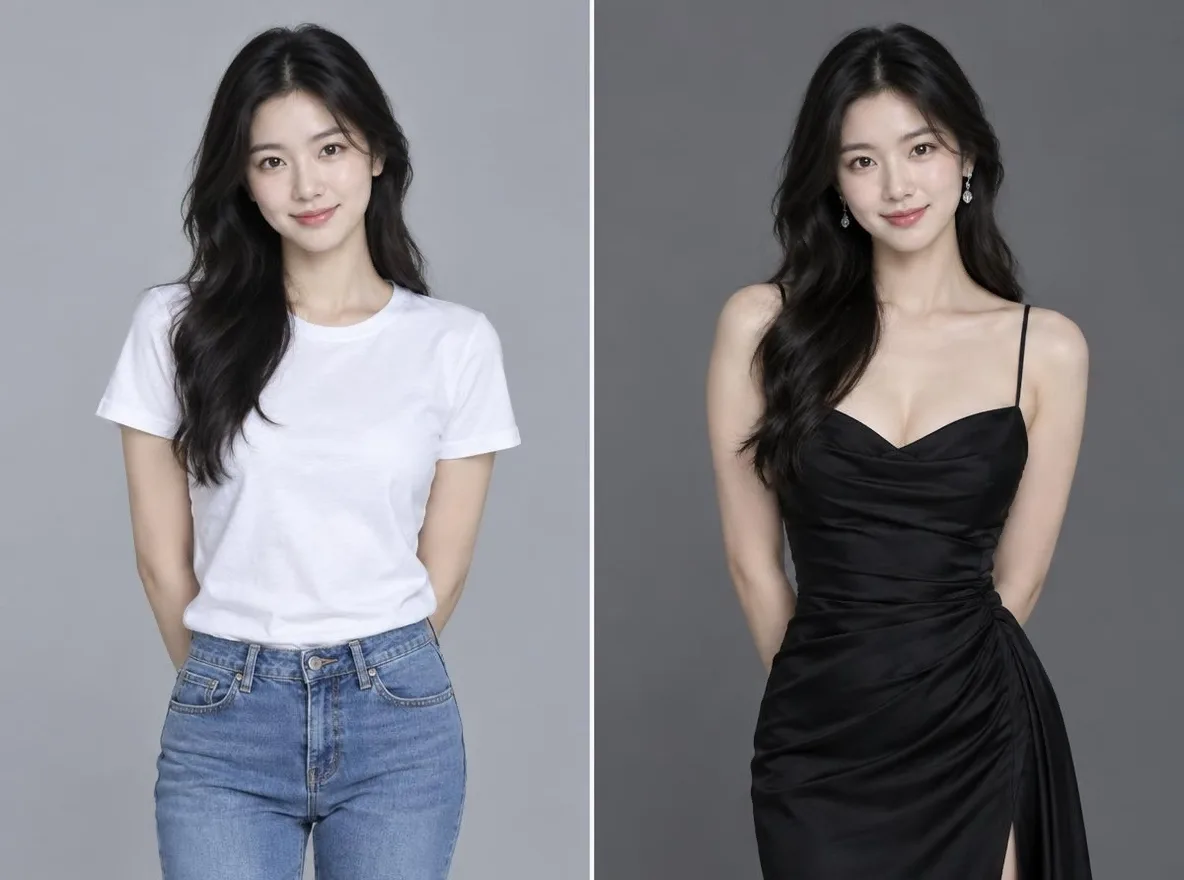
Cum funcționează
- Upload the photo of the person whose outfit you want to change.
- Add a picture of the outfit (optional) or describe the outfit you want; you can use both.
- Press Swap, check the result and download it.
Exemple de solicitări
Rezultate reale din imaginile generate de AI din biblioteca noastră. Nu a fost folosită nicio fotografie a unei persoane reale.
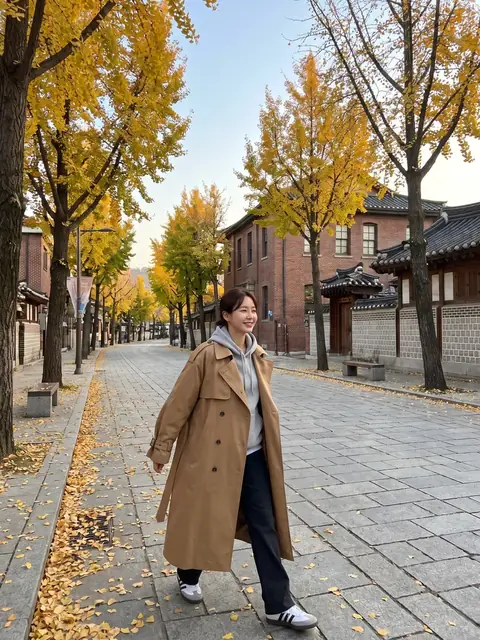 Înainte
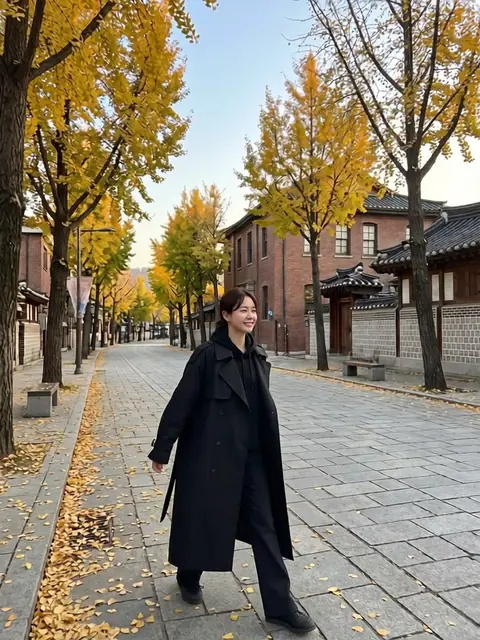 După
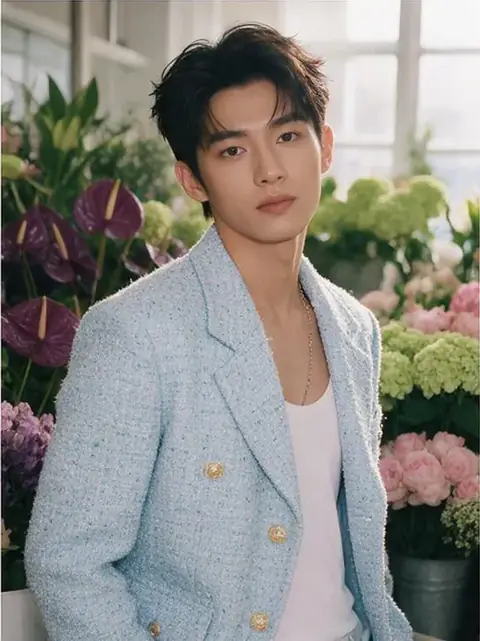 Înainte
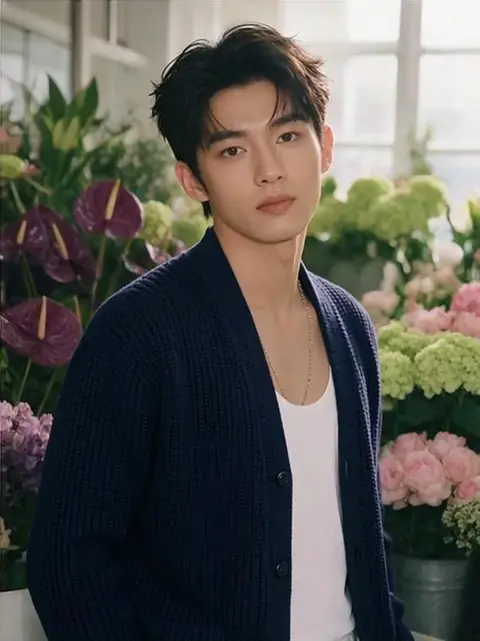 După
Bun pentru
- Checking how an outfit looks before buying it
- A lookbook of one person across seasons and occasions
- New outfits for a character or social persona
Sfaturi pentru rezultate mai bune
- A full-body or upper-body photo makes it easier to fit the clothes.
- For the outfit picture, use one that shows a single garment clearly.
- When you describe the outfit, add colour, fabric and length, for example: a beige linen shirt dress, knee length.
Întrebări
How much does it cost?
Free models are unlimited with an account. Models marked “Free with membership” are unlimited without credits during membership. Otherwise, the displayed credit price applies. Developer API usage is billed separately.
Can I use product photos from a shop?
Only upload pictures you have the right to use. The result is an AI image, so fit, size and colour may differ from the real garment, and logos or small print may not come out exactly. Base purchase decisions on the real product information.
What happens to the photo I upload?
Only upload photos of yourself or photos you have the right to use. Impersonating real people or using results to deceive others is prohibited. Uploaded photos go through a safety check, you can delete your generated images at any time, and nothing appears in the public Explore feed unless you choose to share it.
Mai multe aplicații

Fotografie în anime
Redesenează un selfie ca anime, webtoon, acuarelă sau o figură 3D.

Poza de profil AI
Transformă un selfie obișnuit într-o fotografie de identitate, o fotografie cu capul unei cereri de angajare sau un avatar social.

Ținute tradiționale
Vedeți-vă în hanbok, kimono, qipao sau hanfu.

Fundal de călătorie
Păstrează-te, schimbă fundalul cu Kyoto, Seul, Shanghai sau Jeju.