AI Outfit Swap: Change Clothes in a Photo
Pickshot's Outfit Swap keeps the person and changes only the clothes. Upload a photo of the person, then add a picture of the outfit or describe it in words (up to 300 characters), such as "a black evening dress". It keeps the face, hair, body, pose and background and fits the new clothes with natural fabric and light. Use it to see a look before you buy it or to show one person in many styles.
บัญชีใหม่ได้รับ 50 เครดิต บัญชีฟรีใช้โมเดลภาพพื้นฐาน 5 รุ่นสร้างภาพบนเว็บไซต์ได้ไม่จำกัดโดยไม่หักเครดิต สร้างวิดีโอ Lacquer บนเว็บไซต์ได้ฟรีวันละ 3 คลิป ความยาวสูงสุดคลิปละ 5 วินาที สมาชิกใช้โมเดลที่รวมในแพ็กเกจได้ไม่จำกัดโดยไม่หักเครดิต โมเดลอื่นและ API/MCP คิดค่าบริการแยกต่างหาก
อัปเดตแล้ว
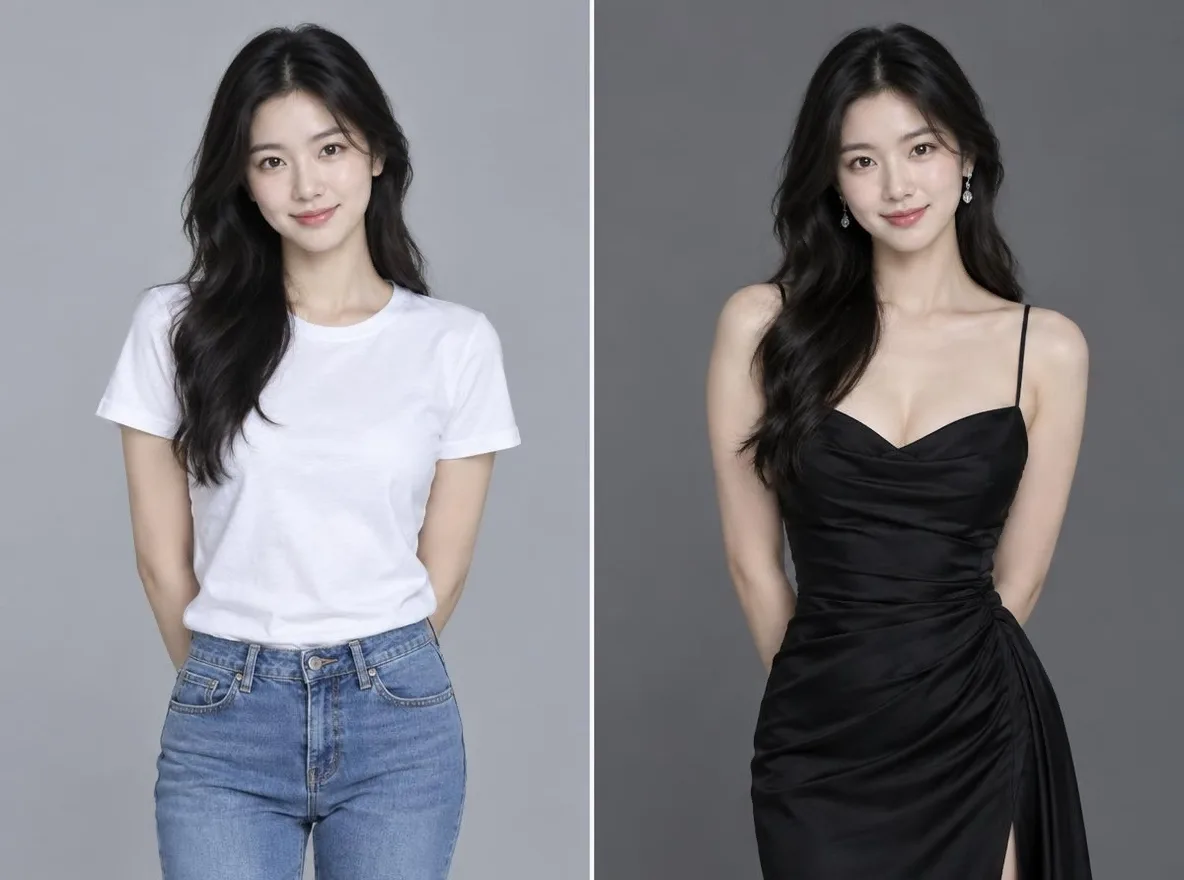
มันทำงานอย่างไร
- Upload the photo of the person whose outfit you want to change.
- Add a picture of the outfit (optional) or describe the outfit you want; you can use both.
- Press Swap, check the result and download it.
ตัวอย่างคำแนะนำ
ผลลัพธ์จริงจากรูปภาพที่สร้างโดย AI ในไลบรารีของเรา ไม่มีการใช้รูปถ่ายของบุคคลจริง
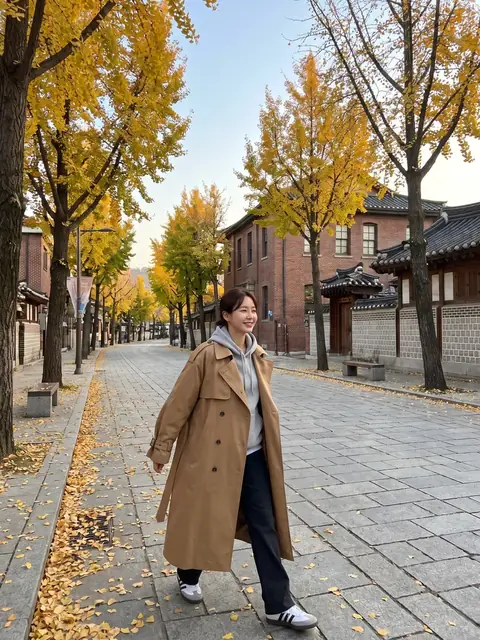 ก่อน
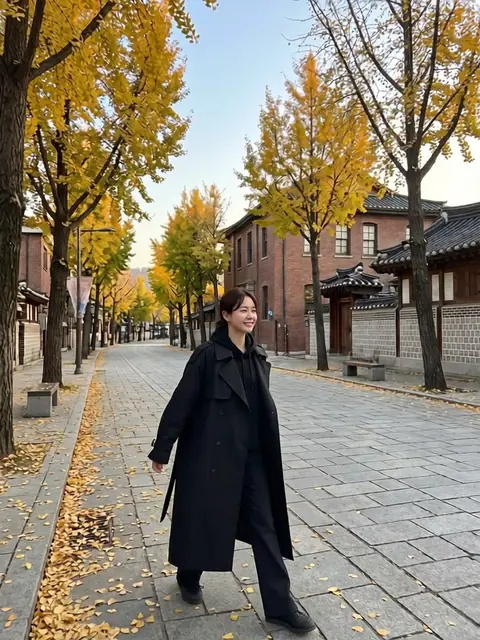 หลังจากนั้น
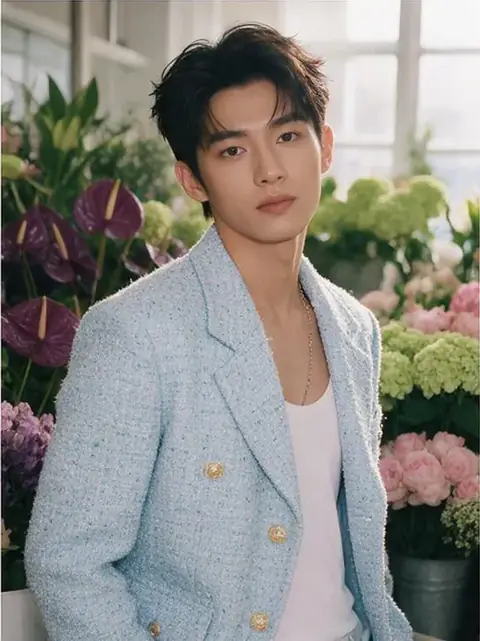 ก่อน
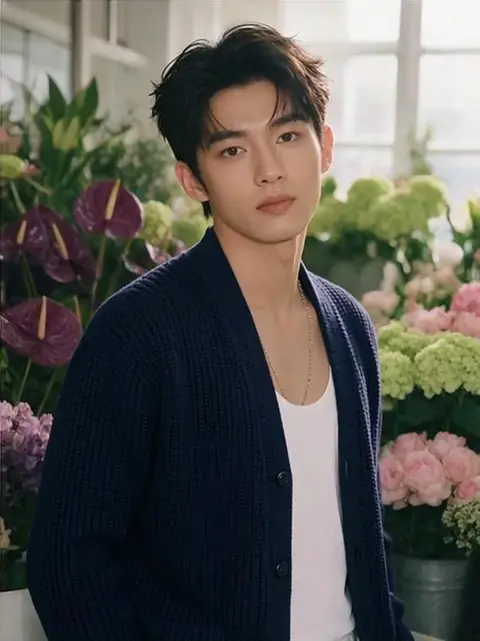 หลังจากนั้น
เหมาะสำหรับ
- Checking how an outfit looks before buying it
- A lookbook of one person across seasons and occasions
- New outfits for a character or social persona
เคล็ดลับเพื่อผลลัพธ์ที่ดีกว่า
- A full-body or upper-body photo makes it easier to fit the clothes.
- For the outfit picture, use one that shows a single garment clearly.
- When you describe the outfit, add colour, fabric and length, for example: a beige linen shirt dress, knee length.
คำถาม
How much does it cost?
Free models are unlimited with an account. Models marked “Free with membership” are unlimited without credits during membership. Otherwise, the displayed credit price applies. Developer API usage is billed separately.
Can I use product photos from a shop?
Only upload pictures you have the right to use. The result is an AI image, so fit, size and colour may differ from the real garment, and logos or small print may not come out exactly. Base purchase decisions on the real product information.
What happens to the photo I upload?
Only upload photos of yourself or photos you have the right to use. Impersonating real people or using results to deceive others is prohibited. Uploaded photos go through a safety check, you can delete your generated images at any time, and nothing appears in the public Explore feed unless you choose to share it.
แอพเพิ่มเติม

เปลี่ยนรูปเป็นอนิเมะ
วาดภาพเซลฟี่ใหม่เป็นอนิเมะ เว็บตูน สีน้ำ หรือฟิกเกอร์ 3 มิติ

รูปโปรไฟล์เอไอ
เปลี่ยนภาพเซลฟี่แบบสบายๆ ให้เป็นรูปถ่ายติดบัตร รูปถ่ายหน้าการสมัครงาน หรืออวตารทางสังคม

เครื่องแต่งกายแบบดั้งเดิม
สวมชุดฮันบก กิโมโน กี่เพ้า หรือฮันฟู

ฉากหลังการเดินทาง
รักษาตัวเองไว้ เปลี่ยนพื้นหลังเป็นเกียวโต โซล เซี่ยงไฮ้ หรือเชจู