AI Outfit Swap: Change Clothes in a Photo
Pickshot's Outfit Swap keeps the person and changes only the clothes. Upload a photo of the person, then add a picture of the outfit or describe it in words (up to 300 characters), such as "a black evening dress". It keeps the face, hair, body, pose and background and fits the new clothes with natural fabric and light. Use it to see a look before you buy it or to show one person in many styles.
Yeni hesaplara 50 kredi verilir. Ücretsiz hesaplar, web sitesinde 5 temel görsel modeliyle kredi harcamadan sınırsız görsel oluşturabilir. Lacquer videoları web sitesinde ücretsizdir: günde 3 adet, klip başına en fazla 5 saniye. Üyeler kapsama dahil modelleri kredi düşülmeden sınırsız kullanır. Diğer modeller ve API/MCP ayrıca ücretlendirilir.
Güncellendi
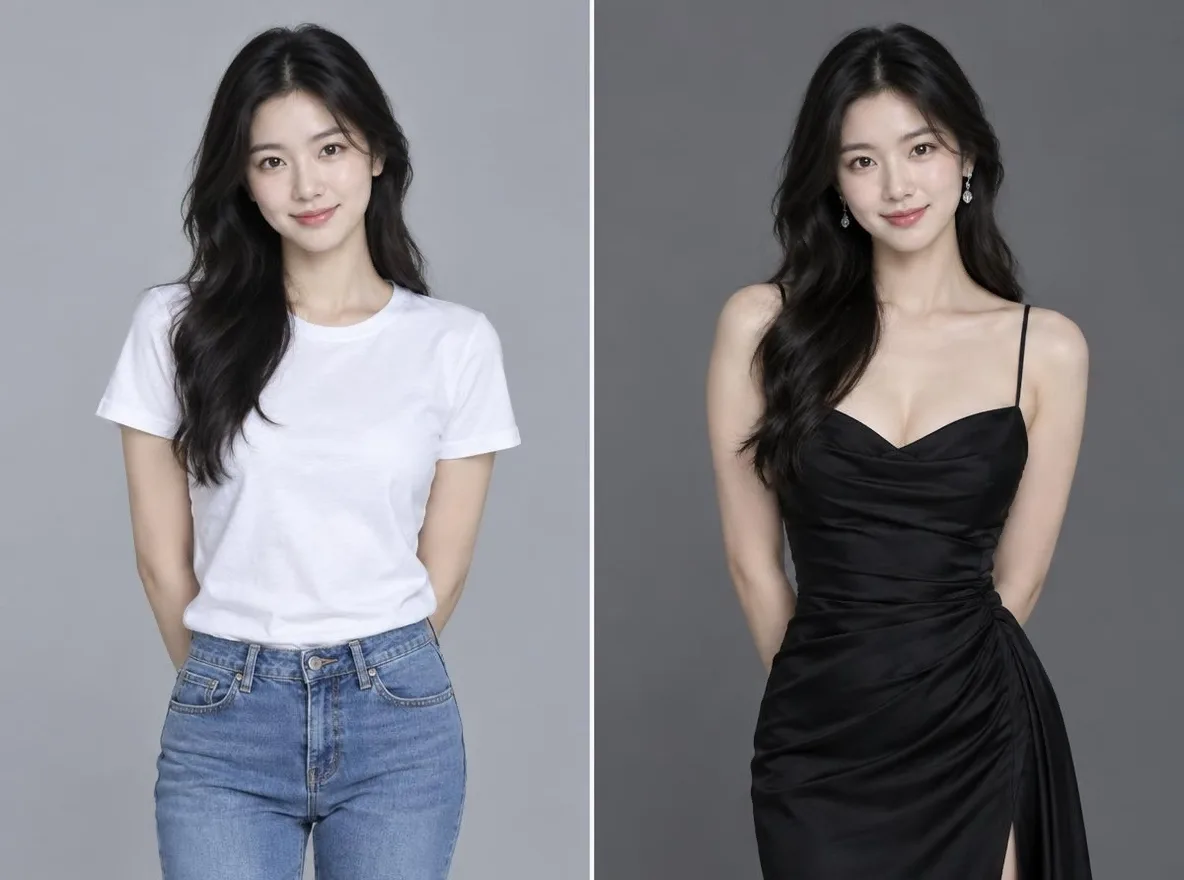
Nasıl çalışır?
- Upload the photo of the person whose outfit you want to change.
- Add a picture of the outfit (optional) or describe the outfit you want; you can use both.
- Press Swap, check the result and download it.
Örnek istemler
Kütüphanemizde yapay zeka tarafından oluşturulan resimlerden gerçek sonuçlar. Gerçek bir kişiye ait fotoğraf kullanılmamıştır.
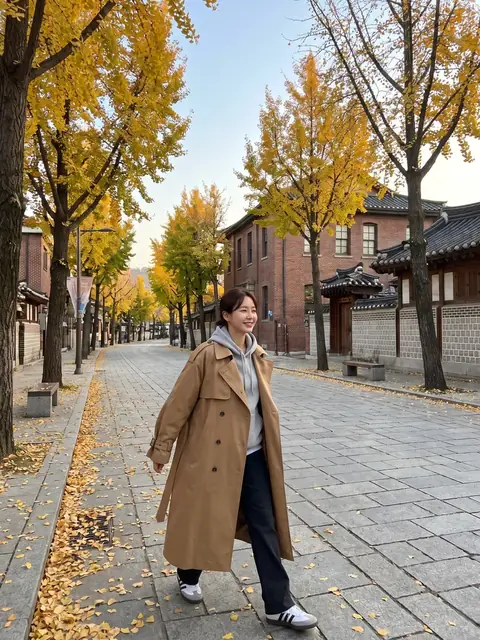 önce
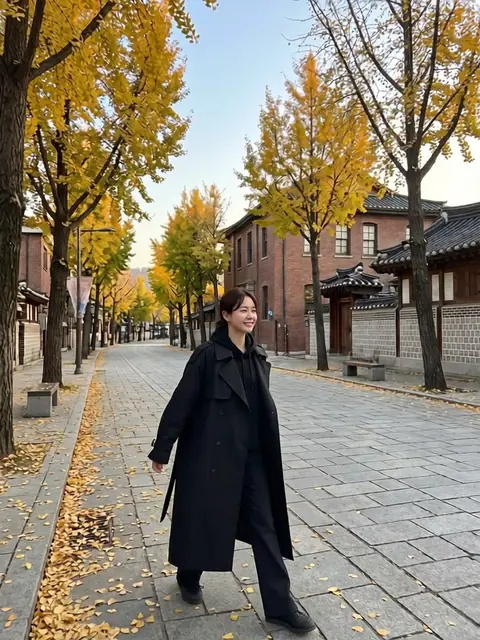 Sonra
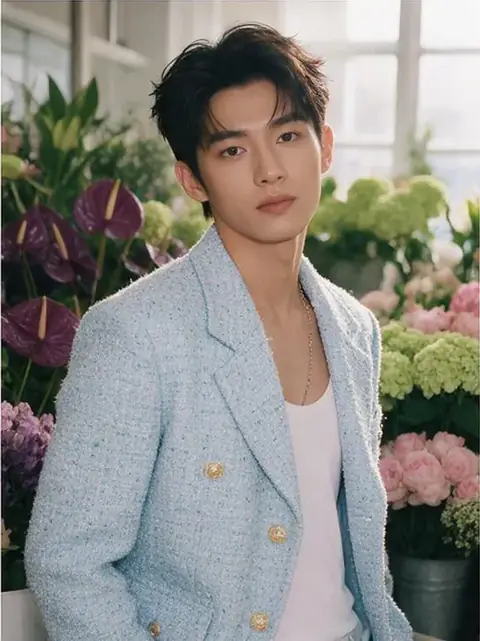 önce
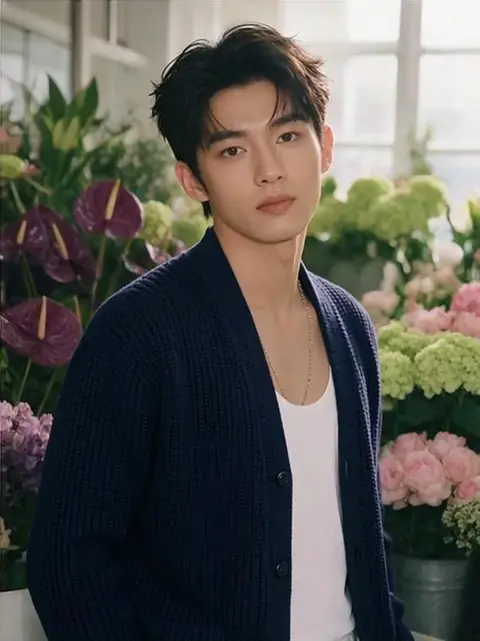 Sonra
Şunun için iyi:
- Checking how an outfit looks before buying it
- A lookbook of one person across seasons and occasions
- New outfits for a character or social persona
Daha iyi sonuçlar için ipuçları
- A full-body or upper-body photo makes it easier to fit the clothes.
- For the outfit picture, use one that shows a single garment clearly.
- When you describe the outfit, add colour, fabric and length, for example: a beige linen shirt dress, knee length.
Sorular
How much does it cost?
Free models are unlimited with an account. Models marked “Free with membership” are unlimited without credits during membership. Otherwise, the displayed credit price applies. Developer API usage is billed separately.
Can I use product photos from a shop?
Only upload pictures you have the right to use. The result is an AI image, so fit, size and colour may differ from the real garment, and logos or small print may not come out exactly. Base purchase decisions on the real product information.
What happens to the photo I upload?
Only upload photos of yourself or photos you have the right to use. Impersonating real people or using results to deceive others is prohibited. Uploaded photos go through a safety check, you can delete your generated images at any time, and nothing appears in the public Explore feed unless you choose to share it.
Daha fazla uygulama

Fotoğraftan animeye
Bir selfieyi anime, webtoon, sulu boya veya 3D figür olarak yeniden çizin.

AI profil fotoğrafı
Sıradan bir selfie'yi kimlik fotoğrafına, iş başvurusu vesikalığına veya sosyal avatara dönüştürün.

Geleneksel kıyafetler
Kendinizi hanbok, kimono, qipao veya hanfu'da görün.

Seyahat zemini
Kendinizi koruyun, arka planı Kyoto, Seul, Şangay veya Jeju ile değiştirin.