AI Outfit Swap: Change Clothes in a Photo
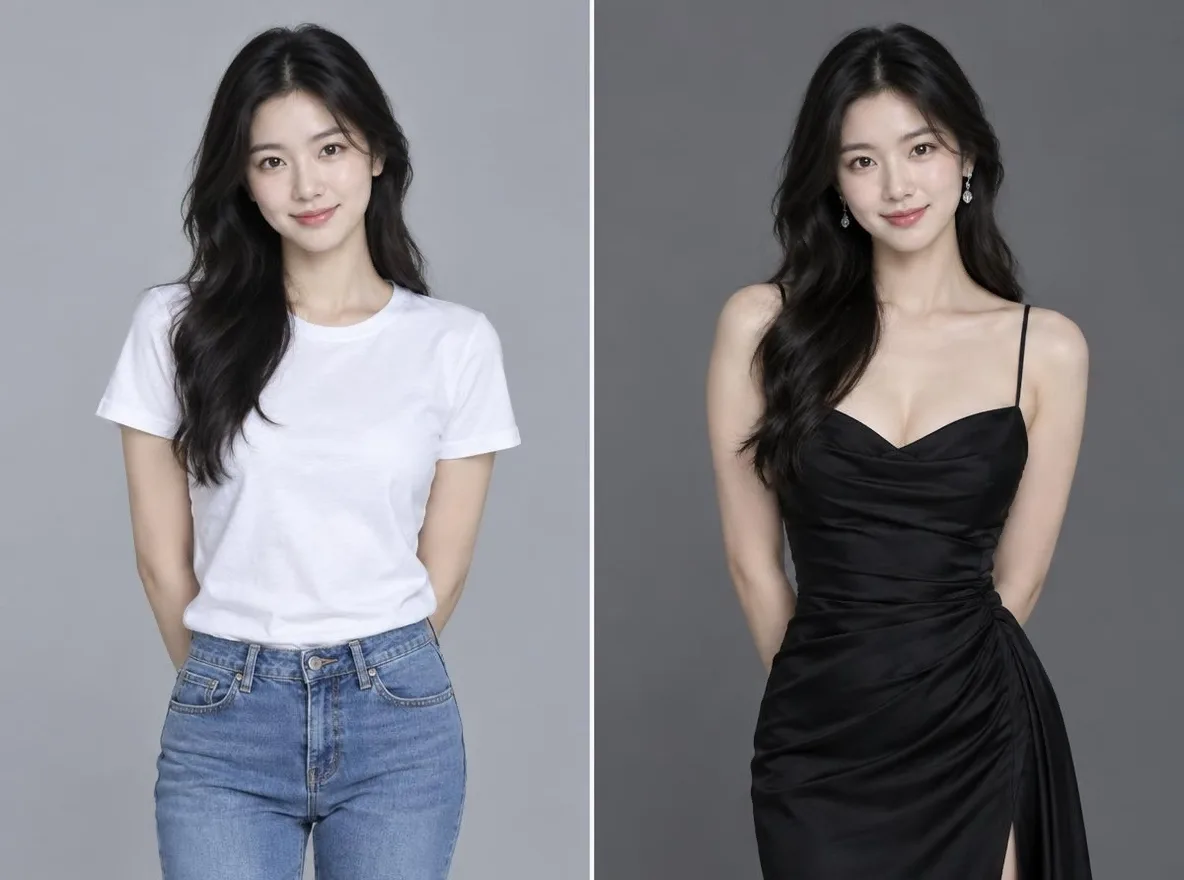
Pickshot's Outfit Swap keeps the person and changes only the clothes. Upload a photo of the person, then add a picture of the outfit or describe it in words (up to 300 characters), such as "a black evening dress". It keeps the face, hair, body, pose and background and fits the new clothes with natural fabric and light. Use it to see a look before you buy it or to show one person in many styles.
புதிய கணக்குகளுக்கு 50 கிரெடிட்கள் வழங்கப்படும். இலவசக் கணக்குகளும் இணையதளத்தில் 5 அடிப்படை பட மாதிரிகளைக் கொண்டு கிரெடிட் செலவின்றி வரம்பில்லாமல் படங்களை உருவாக்கலாம். இணையதளத்தில் Lacquer வீடியோக்களை நாளொன்றுக்கு 3 வரை இலவசமாக உருவாக்கலாம்; ஒவ்வொரு கிளிப்பும் அதிகபட்சம் 5 விநாடிகள். உறுப்பினர்கள் சேர்க்கப்பட்ட மாதிரிகளை கிரெடிட் கழிக்காமல் வரம்பின்றிப் பயன்படுத்தலாம். பிற மாதிரிகள் மற்றும் API/MCP தனியாகக் கட்டணம் விதிக்கப்படும்.
புதுப்பிக்கப்பட்டது
செயல்படும் விதம்
- Upload the photo of the person whose outfit you want to change.
- Add a picture of the outfit (optional) or describe the outfit you want; you can use both.
- Press Swap, check the result and download it.
எடுத்துக்காட்டு விளக்கங்கள்
நூலகத்தின் AI படங்களிலிருந்து உண்மையான முடிவுகள். உண்மை நபரின் புகைப்படம் பயன்படுத்தப்படவில்லை.
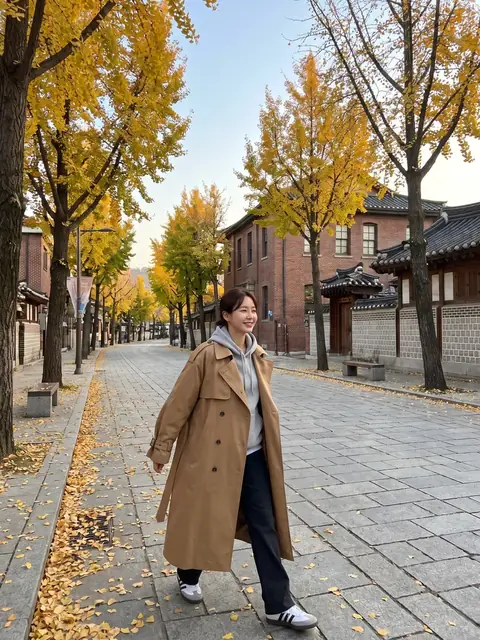 முன்பு
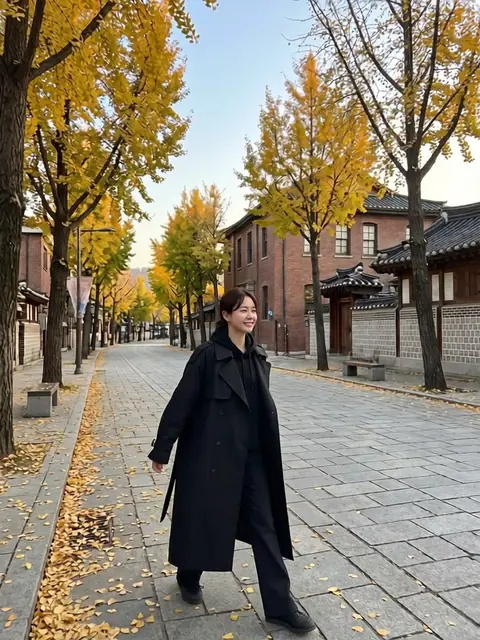 பின்பு
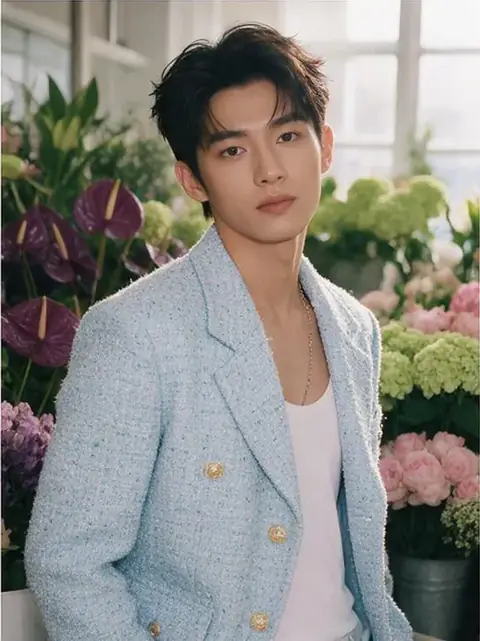 முன்பு
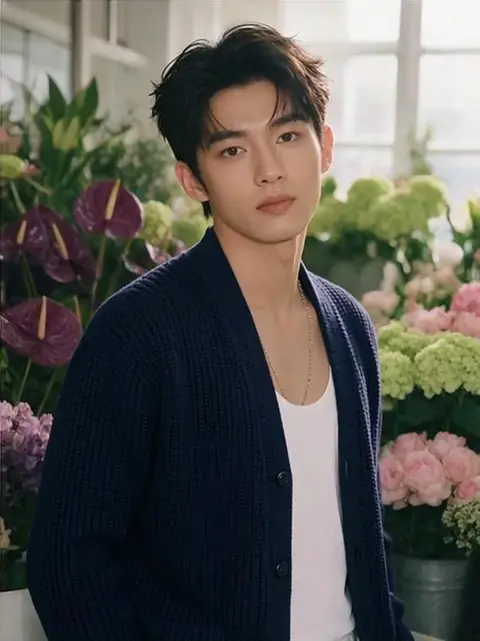 பின்பு
இதற்கு ஏற்றது
- Checking how an outfit looks before buying it
- A lookbook of one person across seasons and occasions
- New outfits for a character or social persona
சிறந்த முடிவுகளுக்கான குறிப்புகள்
- A full-body or upper-body photo makes it easier to fit the clothes.
- For the outfit picture, use one that shows a single garment clearly.
- When you describe the outfit, add colour, fabric and length, for example: a beige linen shirt dress, knee length.
கேள்விகள்
How much does it cost?
Free models are unlimited with an account. Models marked “Free with membership” are unlimited without credits during membership. Otherwise, the displayed credit price applies. Developer API usage is billed separately.
Can I use product photos from a shop?
Only upload pictures you have the right to use. The result is an AI image, so fit, size and colour may differ from the real garment, and logos or small print may not come out exactly. Base purchase decisions on the real product information.
What happens to the photo I upload?
Only upload photos of yourself or photos you have the right to use. Impersonating real people or using results to deceive others is prohibited. Uploaded photos go through a safety check, you can delete your generated images at any time, and nothing appears in the public Explore feed unless you choose to share it.
மேலும் செயலிகள்

புகைப்படத்திலிருந்து அனிமே
சுயபடத்தை அனிமே, வெப்டூன், நீர்வண்ணம் அல்லது 3D பொம்மையாக மீண்டும் வரை.

AI சுயவிவரப் புகைப்படம்
சாதாரண சுயபடத்தை அடையாளப் படம், வேலை விண்ணப்ப முகப்படம் அல்லது சமூக அவதாரமாக மாற்றுங்கள்.

பாரம்பரிய ஆடைகள்
ஹன்போக், கிமோனோ, சிபாவ் அல்லது ஹன்ஃபு அணிந்து உங்களைக் காணுங்கள்.

பயணப் பின்னணி
உங்களை வைத்துப் பின்னணியை கியோட்டோ, சியோல், ஷாங்காய் அல்லது ஜேஜூவாக மாற்றுங்கள்.