Restore and Colorize Old Photos with AI
The Old photo restore app removes scratches, tears and noise from scanned or re-photographed prints and sharpens faces. Bring back your parents' wedding photo or your grandparents' album pictures to share in the family group chat or print as a gift. Results are an AI reconstruction, not an exact copy of the original.
Upload one photo. Each app uses 2 credits.
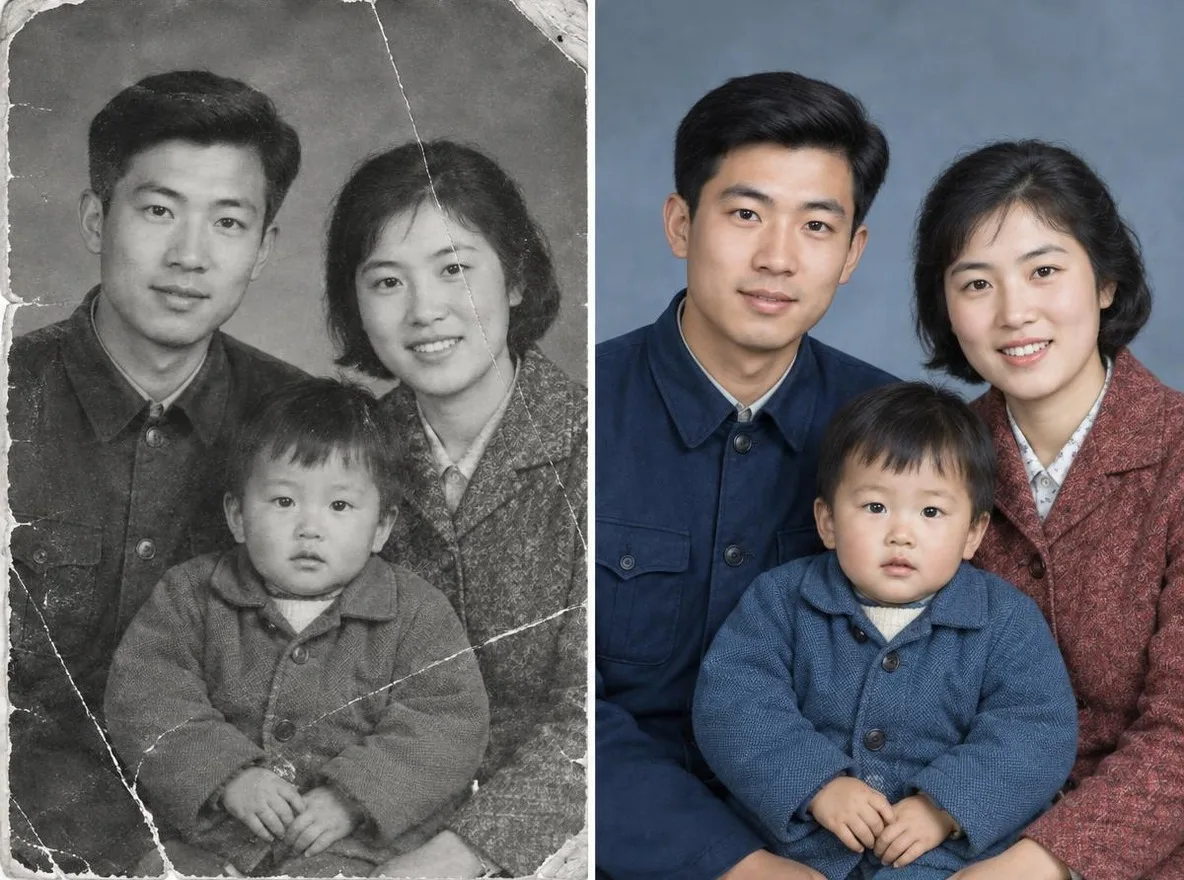
How it works
- Scan the old photo or take a picture of it with your phone, then upload it.
- Choose Restore + colorize or Restore in black & white.
- Click transform, compare the result with your original, then download it.
Options
Good for
- Restoring parents' and grandparents' photos
- Slideshows and frames for family events
- Sharing in the family group chat
Tips for better results
- Use a scanner if you can; with a phone, lay the print flat and shoot straight on.
- Photograph it in bright, shadow-free light so there is no glare on the surface.
- Crop out frame edges and album pages so only the photo itself is uploaded.
Questions
How much does it cost?
Each transformation uses 2 credits and requires a free account. You get 50 credits when you sign up, plus 10 bonus credits every day.
Is it safe to upload family photos?
Only upload photos of yourself or photos you have the right to use. Impersonating real people or using results to deceive others is prohibited. Uploaded photos go through a safety check, you can delete your generated images at any time, and nothing appears in the public Explore feed unless you choose to share it.
Will the restored photo match the original exactly?
No. The AI estimates damaged areas and colors and redraws them, so facial details and colors may differ from reality. Keep the original print, and note that it is an AI restoration if you keep it as a record.
More apps

Photo to anime2
Redraw a selfie as anime, webtoon, watercolor or a 3D figure.

AI profile photo2
Turn a casual selfie into an ID photo, a job-application headshot or a social avatar.

Traditional outfits2
See yourself in hanbok, kimono, qipao or hanfu.

Travel backdrop2
Keep yourself, swap the background for Kyoto, Seoul, Shanghai or Jeju.