Restore and Colorize Old Photos with AI
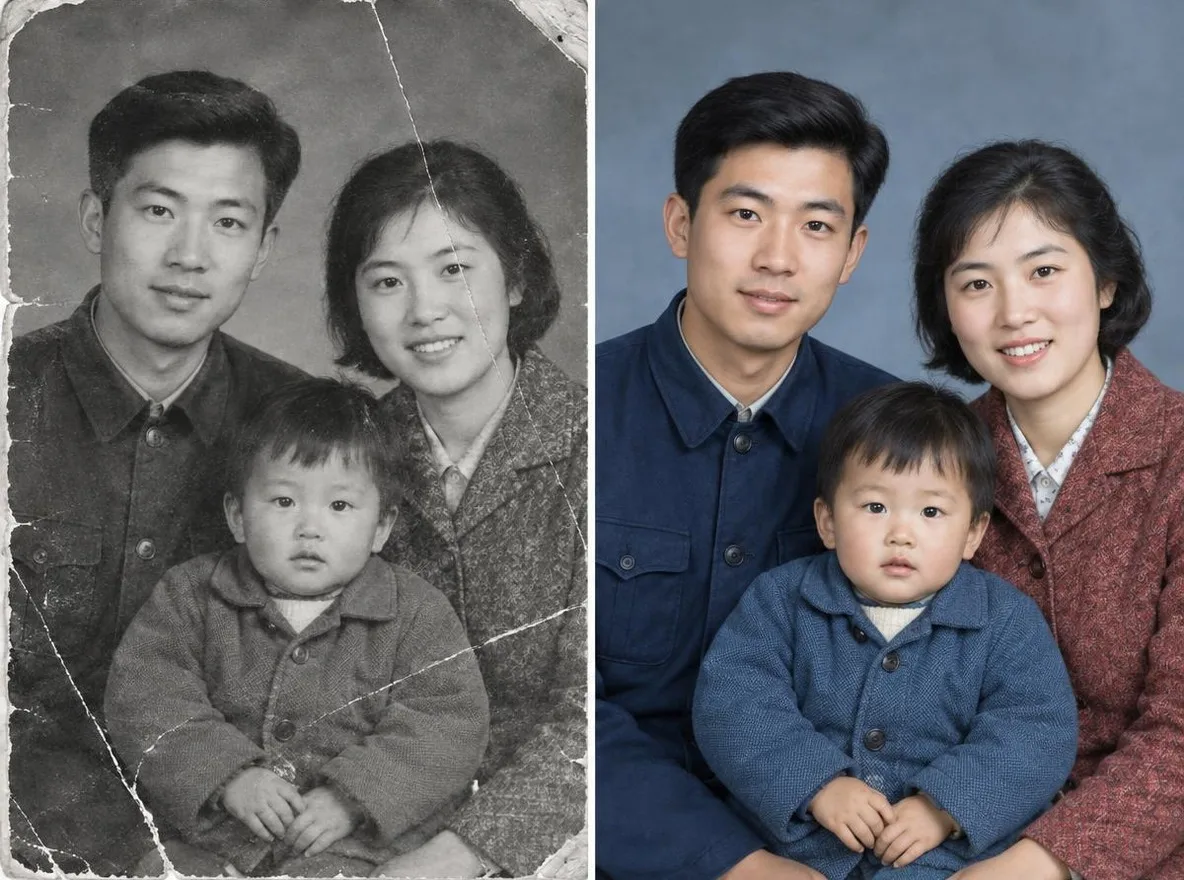
The Old photo restore app removes scratches, tears and noise from scanned or re-photographed prints and sharpens faces. Bring back your parents' wedding photo or your grandparents' album pictures to share in the family group chat or print as a gift. Results are an AI reconstruction, not an exact copy of the original.
Nové účty získají 50 kreditů. Bezplatné účty mohou na webu s 5 základními modely vytvářet neomezený počet obrázků bez spotřeby kreditů. Videa Lacquer jsou na webu zdarma: 3 denně, do 5 sekund na klip. Členové využívají zahrnuté modely neomezeně bez odečítání kreditů. Ostatní modely a API/MCP se účtují zvlášť.
Aktualizováno
Jak to funguje
- Scan the old photo or take a picture of it with your phone, then upload it.
- Choose Restore + colorize or Restore in black & white.
- Click transform, compare the result with your original, then download it.
Možnosti
Příklady výzev
Skutečné výsledky z obrázků generovaných umělou inteligencí v naší knihovně. Nebyla použita žádná fotografie skutečné osoby.
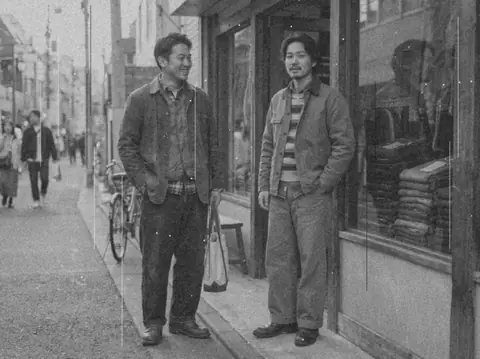 Předtím
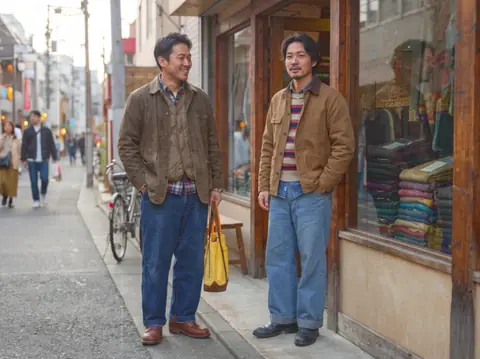 Po
Dobré pro
- Restoring parents' and grandparents' photos
- Slideshows and frames for family events
- Sharing in the family group chat
Tipy pro lepší výsledky
- Use a scanner if you can; with a phone, lay the print flat and shoot straight on.
- Photograph it in bright, shadow-free light so there is no glare on the surface.
- Crop out frame edges and album pages so only the photo itself is uploaded.
Otázky
How much does it cost?
Free models are unlimited with an account. Models marked “Free with membership” are unlimited without credits during membership. Otherwise, the displayed credit price applies. Developer API usage is billed separately.
Is it safe to upload family photos?
Only upload photos of yourself or photos you have the right to use. Impersonating real people or using results to deceive others is prohibited. Uploaded photos go through a safety check, you can delete your generated images at any time, and nothing appears in the public Explore feed unless you choose to share it.
Will the restored photo match the original exactly?
No. The AI estimates damaged areas and colors and redraws them, so facial details and colors may differ from reality. Keep the original print, and note that it is an AI restoration if you keep it as a record.
Další aplikace

Fotka do anime
Překreslete selfie jako anime, webtoon, akvarel nebo 3D postavu.

AI profilová fotka
Proměňte neformální selfie na průkazovou fotografii, headshot s žádostí o zaměstnání nebo sociálního avatara.

Tradiční oblečení
Podívejte se na sebe v hanboku, kimonu, qipao nebo hanfu.

Cestovní pozadí
Udržujte se, vyměňte pozadí za Kjóto, Soul, Šanghaj nebo Jeju.