Restore and Colorize Old Photos with AI
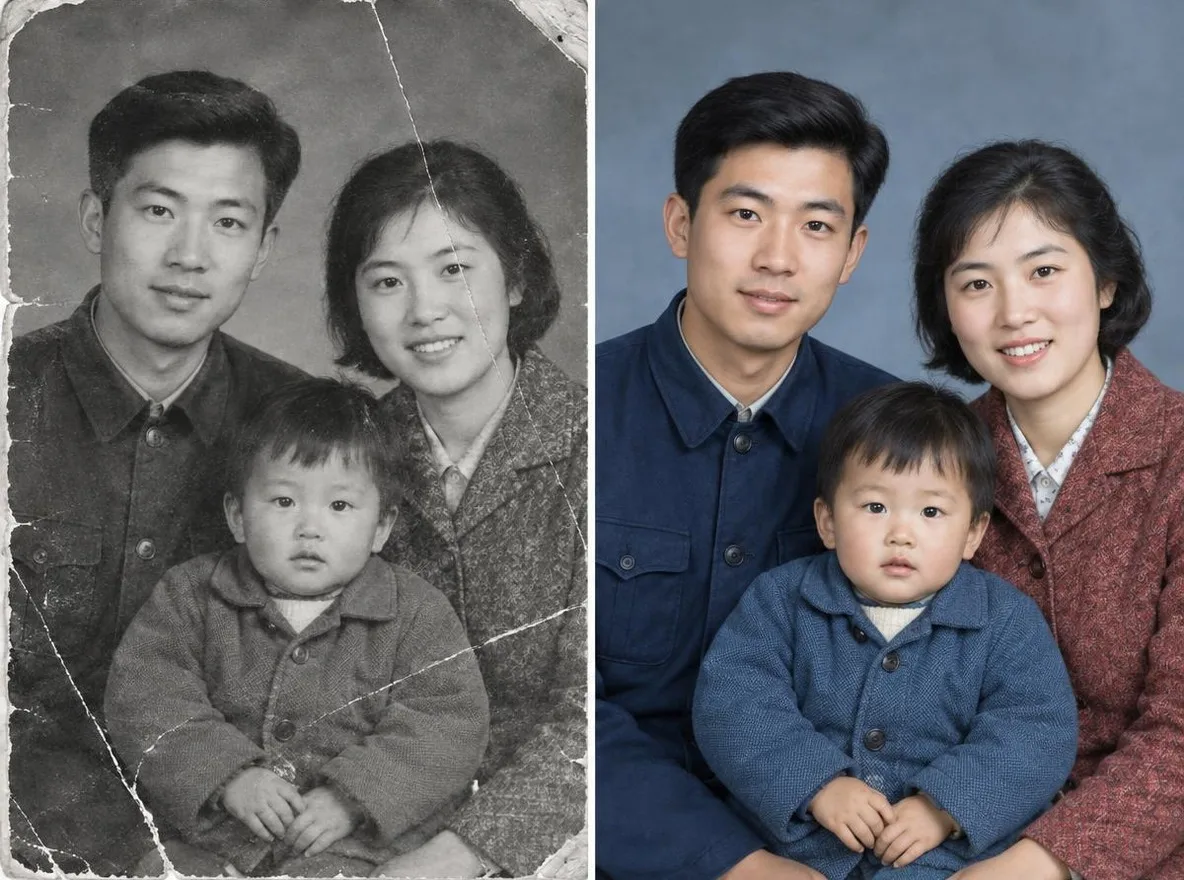
The Old photo restore app removes scratches, tears and noise from scanned or re-photographed prints and sharpens faces. Bring back your parents' wedding photo or your grandparents' album pictures to share in the family group chat or print as a gift. Results are an AI reconstruction, not an exact copy of the original.
Новите акаунти получават 50 кредита. Безплатните акаунти могат да създават неограничен брой изображения на уебсайта с 5-те основни модела, без да изразходват кредити. Видеата Lacquer са безплатни в сайта: 3 на ден, до 5 секунди на клип. Членовете използват включените модели неограничено без приспадане на кредити. Други модели и API/MCP се таксуват отделно.
Обновено
Как работи
- Scan the old photo or take a picture of it with your phone, then upload it.
- Choose Restore + colorize or Restore in black & white.
- Click transform, compare the result with your original, then download it.
Опции
Примерни описания
Реални резултати от AI изображения в библиотеката ни. Не е използвана снимка на реален човек.
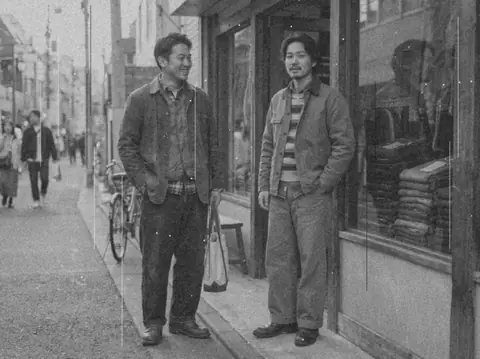 Преди
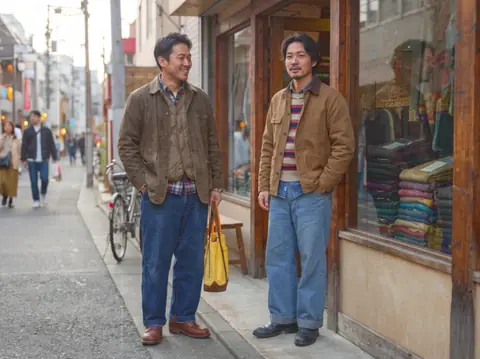 След
Подходящо за
- Restoring parents' and grandparents' photos
- Slideshows and frames for family events
- Sharing in the family group chat
Съвети за по-добри резултати
- Use a scanner if you can; with a phone, lay the print flat and shoot straight on.
- Photograph it in bright, shadow-free light so there is no glare on the surface.
- Crop out frame edges and album pages so only the photo itself is uploaded.
Въпроси
How much does it cost?
Free models are unlimited with an account. Models marked “Free with membership” are unlimited without credits during membership. Otherwise, the displayed credit price applies. Developer API usage is billed separately.
Is it safe to upload family photos?
Only upload photos of yourself or photos you have the right to use. Impersonating real people or using results to deceive others is prohibited. Uploaded photos go through a safety check, you can delete your generated images at any time, and nothing appears in the public Explore feed unless you choose to share it.
Will the restored photo match the original exactly?
No. The AI estimates damaged areas and colors and redraws them, so facial details and colors may differ from reality. Keep the original print, and note that it is an AI restoration if you keep it as a record.
Още приложения

Снимка към аниме
Прерисувай селфи като аниме, webtoon, акварел или 3D фигурка.

AI профилна снимка
Превърни обикновено селфи в снимка за документ, портрет за кандидатстване за работа или социален аватар.

Традиционни облекла
Виж се в ханбок, кимоно, чипао или ханфу.

Фон от пътуване
Запази себе си, смени фона с Киото, Сеул, Шанхай или Чеджу.