Photo to video · Free Lacquer videos
Slika u video AI: animirajte fotografiju ili sliku
Pickshot's image to video turns one still picture into a short clip that starts from it: a portrait that smiles and turns, a character whose hair moves in the wind, a product with the camera circling it. Upload a photo or send one of your own creations as the start image, write the motion in English, Korean, Japanese or Chinese, and choose the length, ratio, camera move and sound. Start with Lacquer: free website videos up to 5 seconds at 720p. Sign in to generate. Other models show their price before you start.
Bez instalacije. Bez kreditne kartice. Zadano privatno.
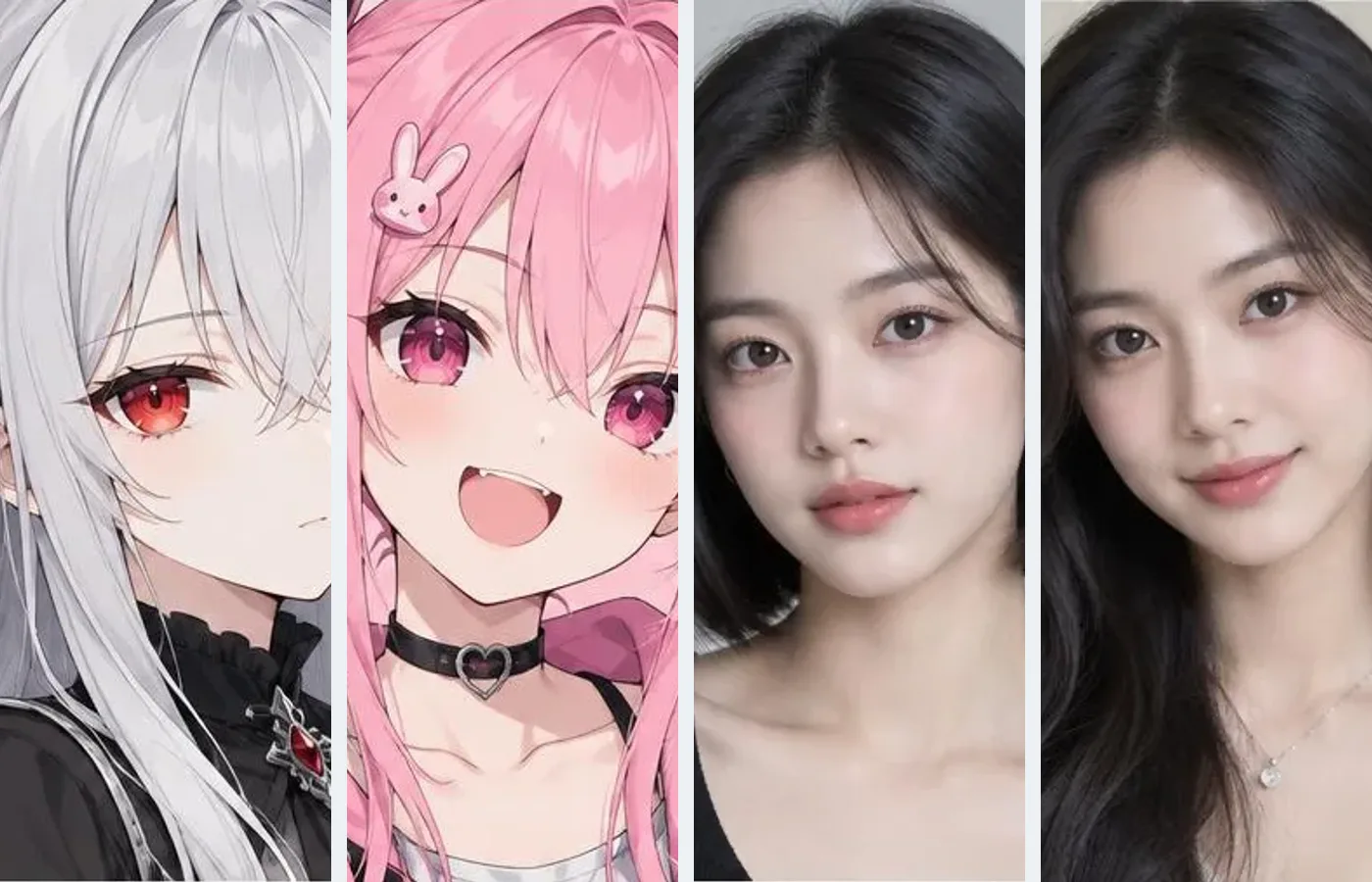
Image to video at a glance
- Cijena
- Lacquer videos are free on the website: 3 a day, up to 5 seconds per clip. Other video models show their credit price before you start.
- Početna slika
- One picture, uploaded or sent from My creations, becomes the first frame; it is cropped from the centre to the ratio you pick.
- End image
- Partner models such as Wan 3.0 and Seedance 2.0 Mini also take an optional end image, at their credit price.
- What you write
- Only the motion and the camera; your words reach the model as written.
- Length and sound
- Silk 5 s, silent · Lacquer and Satin 2–10 s with sound · MiniMax H3 5 s with sound · partner models up to 30 s.
- Next scene
- Make the next scene starts another clip from the last frame of the one you made.
- Account
- A free account is needed to make anything; signing up asks for no card.
- Jezici
- Pages, studio and prompts in English, Korean, Japanese and Simplified Chinese
- Watermark
- No visible watermark; each file carries metadata that marks it as AI-generated.
Ažurirano
What is image to video?
Image to video is AI video generation that starts from a picture: the picture becomes the first frame, and the model works out how the subject, the light and the camera move over the next few seconds. Because the picture already sets the look, the prompt only has to say what moves. On Pickshot it is a mode of the video studio next to text to video, and every clip is saved to My creations, where the video editor can trim it, add captions, upscale it or smooth it to 60 fps.
Clips from the same video models
Silk, Lacquer and Satin made these sample clips from a written prompt, so they show how each model moves; in Image to video the same models start from your picture instead. Open a clip to see its prompt.
Why animate pictures on Pickshot
Free Lacquer videos
Lacquer is one of Pickshot's own video models: 720p clips with sound, from words or one start picture. Signed-in free accounts can make 3 Lacquer clips a day on the website, up to 5 seconds each, without credits; during a membership there is no daily count and a clip can use Lacquer's full 10 seconds.
Start from your own creations
Open a picture in My creations and press Make a video: the video studio opens in Image to video with that picture as the start image, with nothing to download or upload again. A picture you finish in the image editor goes over the same way with Make a video from this.
Write only the motion
The picture already sets the look, the light and the time of day, so describe what moves and how the camera moves. Your words reach the model as you write them, not translated or rewritten; a few words such as "she smiles and looks up" are enough.
Camera moves in one tap
Pick Static, Push in, Pull out, Pan, Orbit or Handheld and the move is added to your prompt. Auto leaves the camera to the model.
Sound made with the picture
Lacquer, Satin and MiniMax H3 make sound together with the clip; switch Generate sound off for a silent one. Silk makes silent clips, so pick one of those three when you want sound.
Start and end images
Silk, Lacquer, Satin and MiniMax H3 start from one picture and follow your prompt from there. Partner models such as Wan 3.0 and Seedance 2.0 Mini also take an optional end image, so the clip finishes on a frame you choose, at their credit price.
How to turn a picture into a video
Start with the free setup
The start button opens Lacquer at 720p and 5 seconds. Keep this setup for a free website clip, or deliberately choose another model after checking its price.
Describe one action
Keep one subject, one main action and one camera movement in each clip. For a photo, upload the start image first. Describe the movement rather than a sequence of cuts; use Plan one shot if you need help.
Review, download and continue
Review the finished clip in My creations. Download it, adjust one detail and try again, or use Make the next scene to continue from its final frame. Generate separate shots before joining a longer story.
What to animate
/01
Portreti
A face toward the camera: ask for a slow smile, a blink, a small turn of the head or hair moving in a breeze. Use photos of yourself or of people who agreed.
/02
Characters and personas
A character or AI influencer picture from the image studio: the clip opens on exactly that design, so a series of clips can start from one look.
/03
Fotografije proizvoda
A product on a clean background: a slow orbit or push-in, steam, bubbles or light moving across it, for a shop page or an ad draft.
/04
Places and landscapes
A street, a beach or a forest: drifting clouds, falling leaves, rain and a slow pan for a calm background clip.
/05
Anime and illustration
An anime, webtoon or painted picture: hair, cloth and petals that move and a gentle camera, for character posts and covers.
Kupi kredite prema potrebi; članstva se plaćaju kreditima
Novi računi dobivaju 50 kredita. Besplatni računi mogu stvarati neograničen broj slika na web-stranici s 5 osnovnih modela, bez trošenja kredita. Lacquer videozapisi na webu su besplatni: 3 dnevno, uz najviše 5 sekundi po isječku. Članovi koriste uključene modele neograničeno bez oduzimanja kredita. Ostali modeli i API/MCP naplaćuju se zasebno.
Pickshot-series models without credits · 4 generations at a time · Unlimited free-model images (Higher priority than Free)
Pickshot-series models without credits · 8 generations at a time · Unlimited free-model images (Higher priority than Plus)
Booster Pass i članstva privremeno su rasprodani. Krediti i članstva koja već imate vrijede do isteka.
Pitanja
Is image to video free?
Partly. Lacquer, one of Pickshot's own video models, is free on the website for signed-in free accounts: 3 clips a day per person, each up to 5 seconds at 720p, made from text or one start photo, with sound when Generate sound is on. Every account has this limit from 15 November 2026. Every other video model shows its credit price before you start, and video made through the API or MCP always costs credits.
How many free Lacquer videos can I make?
Lacquer videos are free on the website: 3 a day, up to 5 seconds per clip. This website benefit does not require membership or credits. Queue, concurrency and fair-use limits still apply; free use does not promise an immediate start. API/MCP requests remain metered.
What makes a good start image?
A sharp picture with one clear subject, some room around it and the same shape as the clip. Silk, Lacquer, Satin and MiniMax H3 crop the start image from the centre to the ratio you choose, so use a 9:16 picture for a 9:16 clip and keep the subject near the middle. A plain background leaves the model less to guess.
What should I write in the prompt?
Write the motion, not the picture: who or what moves, how, what else moves around it, and a camera move if you want one. The picture already sets the look, the light and the time of day, and on the Pickshot-series models the rewrite describes only the motion and the camera. Small, slow motions stay closest to the picture.
Can I animate a picture I made on Pickshot?
Yes. Open the picture in My creations and press Make a video, or press Make a video from this in the image editor. The video studio opens in Image to video with that picture as the start image.
Can I choose an end image?
On some partner models, yes: Wan 3.0 and Seedance 2.0 Mini, for example, take an optional end image next to the start image, at their credit price. Silk, Lacquer, Satin and MiniMax H3 take one start image, and your prompt decides where the clip goes.
How long are the clips, and do they have sound?
Silk makes 5 seconds at 480p or 720p in 16:9 or 9:16, without sound. Lacquer and Satin make 2 to 10 seconds at 720p with sound, in five ratios. MiniMax H3 makes 5 seconds at 512p with sound, 21:9 included. Partner models such as Wan 3.0 go up to 30 seconds and 1080p. For a longer story, press “Make the next scene” on a finished clip in My Creations (its last frame starts the next clip), then use “Join clips” there to put the scenes together into one video in your browser.
Can I continue a clip from its last frame?
Yes. When a clip is ready in the video studio, press Make the next scene: its last frame becomes the start image of the next clip, and you write what happens next. In the video editor you can also stop on any frame, choose Save a frame and then Open in image editor, and press Make a video from this.
Can I animate photos of real people?
Only photos of yourself or of people who agreed, and never to impersonate anyone. Uploaded pictures go through a safety check before the clip is made.
Can I use the clips commercially?
You own the clips you make, and Pickshot's Terms do not forbid commercial use. Some models add conditions, listed on the licences page: what MiniMax H3 makes may not be used in the United States, the European Union or the United Kingdom, may not be used to train other AI models, and must be labelled as AI-made when posted publicly.
How can I make the result follow my instructions better?
Use one short scene with one main action. For example: a person slowly turns toward the window while the camera stays still. For identity, start from one clear photo. Check the selected sound setting. Use the result’s refinement controls to change one detail at a time; exact motion, identity and speech are not guaranteed.
Bring your first picture to life
Lacquer videozapisi na webu su besplatni: 3 dnevno, uz najviše 5 sekundi po isječku.
Počni stvarati besplatno