Webtoon and Manhwa Style AI Art Generator
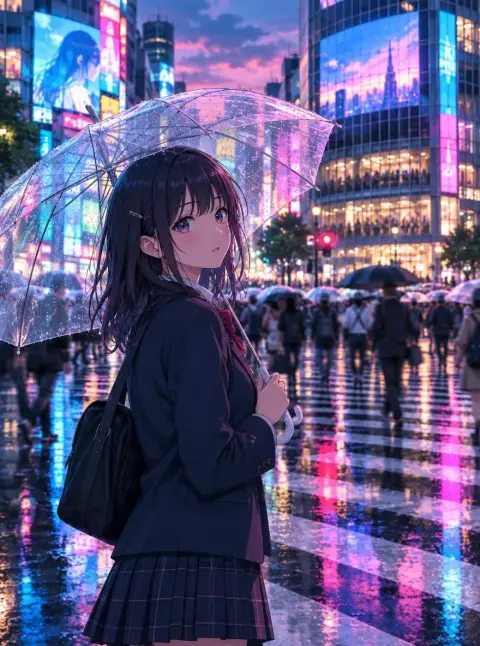
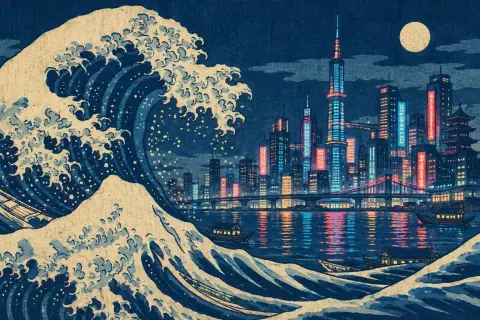
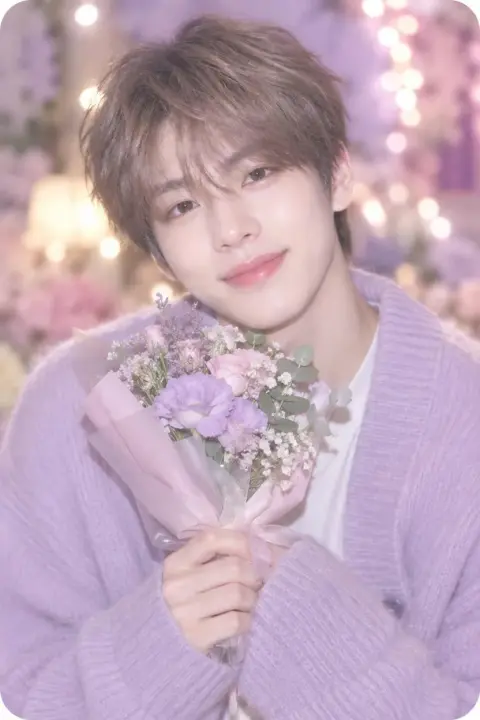
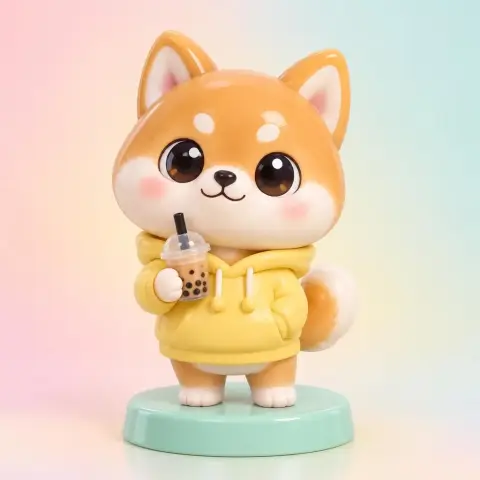
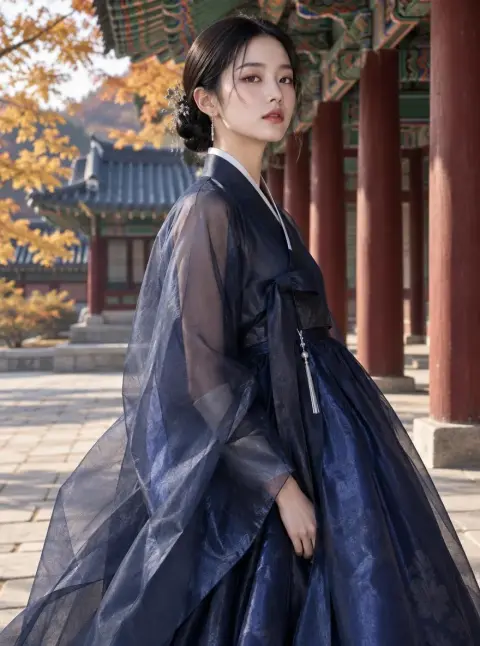
The Webtoon preset draws in the style of Korean webtoon and manhwa panels: clean, crisp line art, soft cel shading and a polished digital comic finish. Use it for webtoon concept panels, character sheets, Instagram comic posts and story thumbnails. It is free on Pickshot's free models, with up to 100 images a day on a free account.
8 images/day without an account; 100/day plus 50 credits with a free account
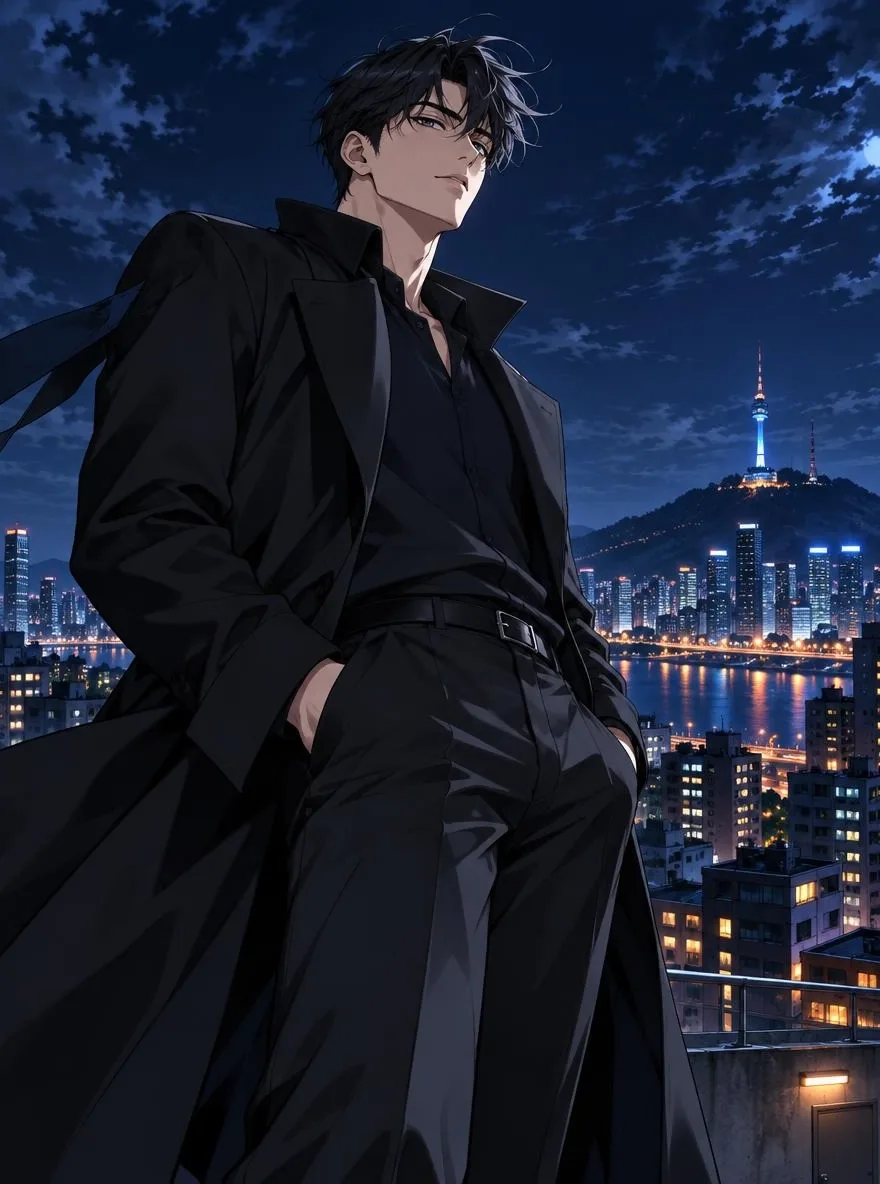
Example prompts
A tall office worker in a loose tie looking surprised at his phone in a crowded subway car, medium shot, evening commute
A girl with a low ponytail reading a letter alone in an empty classroom after school, warm sunset through the windows, close-up
A young chef in a white apron tasting soup in a small restaurant kitchen at night, steam rising, focused expression
Two rivals facing each other on a rooftop basketball court at dusk, city lights behind them, dramatic low angle
Tips for better results
- Register your protagonist in Characters with 1 to 3 reference images, then generate scenes with a FLUX.2 model such as the free Klein 4B to keep the same face, hair and outfit across panels.
- Write one moment per prompt with a clear camera framing (close-up, medium shot, over-the-shoulder), the way a webtoon panel is planned.
- Use 9:16 for vertical scroll panels and story posts, and 4:5 or 1:1 for Instagram comic carousels.
Questions
Can I keep the same character across webtoon panels?
Yes. Register 1 to 3 reference images of your original character in Characters, and Pickshot uses FLUX.2 reference images to keep the face, hair and outfit consistent.
Can the AI write speech bubble text?
FLUX.2 Dev (3 credits per image) can render text in images. Many creators leave bubbles empty and add dialogue in their own editor instead.