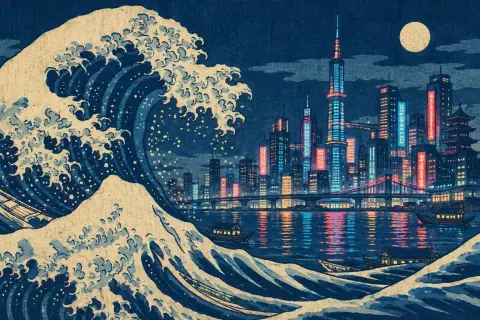
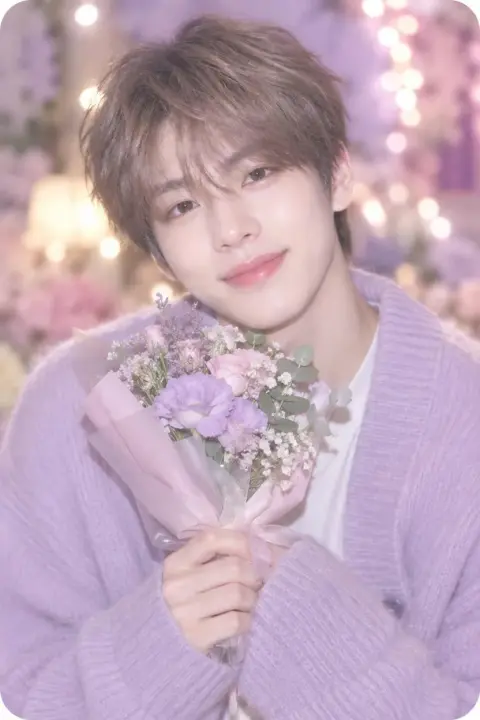
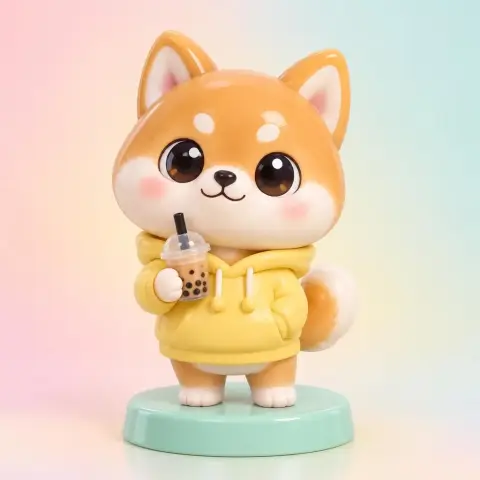
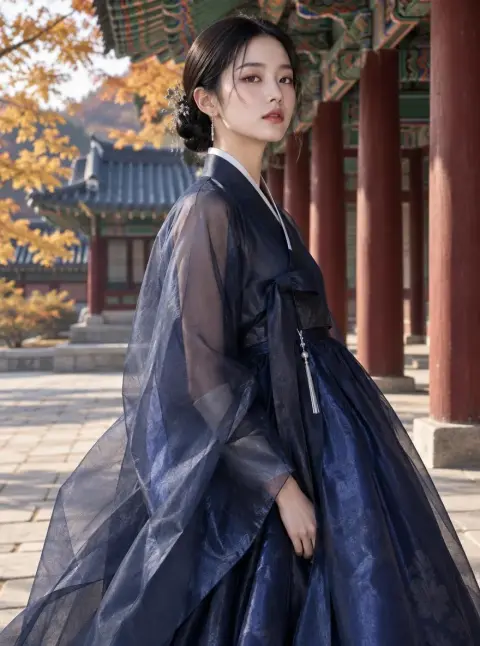
Anime Style AI Art Generator
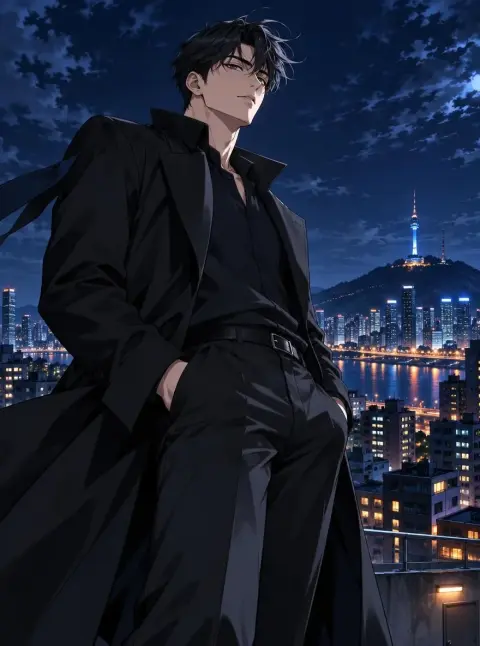
The Anime preset gives your image the look of a modern Japanese anime key visual: cel shading, saturated color and a detailed painted background. It works well for profile icons, X and Pixiv posts, YouTube thumbnails and phone wallpapers. It runs on Pickshot's free models, so you can generate up to 100 images a day with a free account.
8 images/day without an account; 100/day plus 50 credits with a free account
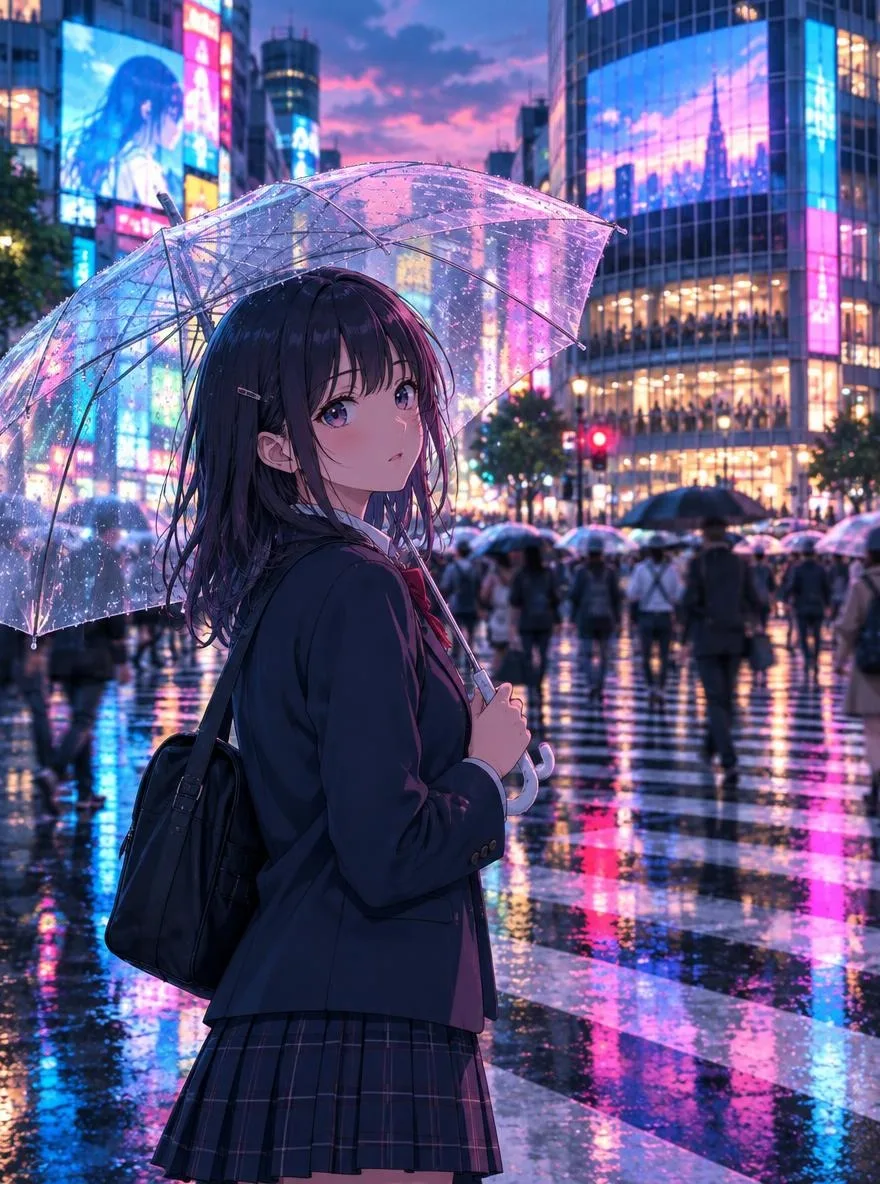
Example prompts
A high school girl with short silver hair standing on a train platform at sunset, wind lifting her scarf, orange sky and power lines behind her
Two friends sharing an umbrella on a rainy shopping street at night, reflections of shop lights on wet pavement, gentle smiles
A young swordsman resting under a giant camphor tree in summer, cicadas, dappled sunlight, a small shrine in the distance
A girl in a yellow raincoat riding a bicycle along a coastal road, bright blue sea, tall white clouds, motion in her hair
Tips for better results
- Start with FLUX.2 Klein 4B, the preset's default free model; try SDXL Lightning, which is also free and tuned for illustration, if you want a flatter, more drawn look.
- Describe the background as carefully as the character (time of day, weather, place), because detailed scenery is what makes an anime key visual read as one.
- Pick 9:16 for wallpapers and Reels, 16:9 for YouTube or Bilibili thumbnails, and 1:1 for profile icons.
Questions
Is the anime style free to use?
Yes. The Anime preset works on Pickshot's free models: without an account you get 8 images a day, and a free account gives you 100 images a day.
Can I turn my own photo into anime art?
Yes, use the Anime photo app: upload one photo and choose anime, webtoon, watercolor or 3D figure. It costs 2 credits and requires a free account.