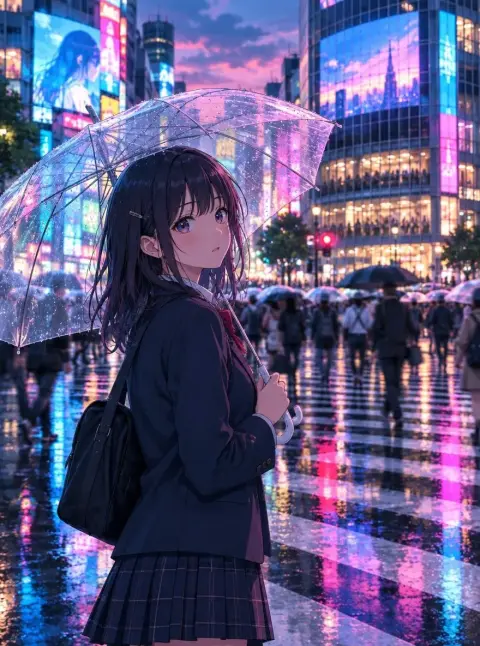
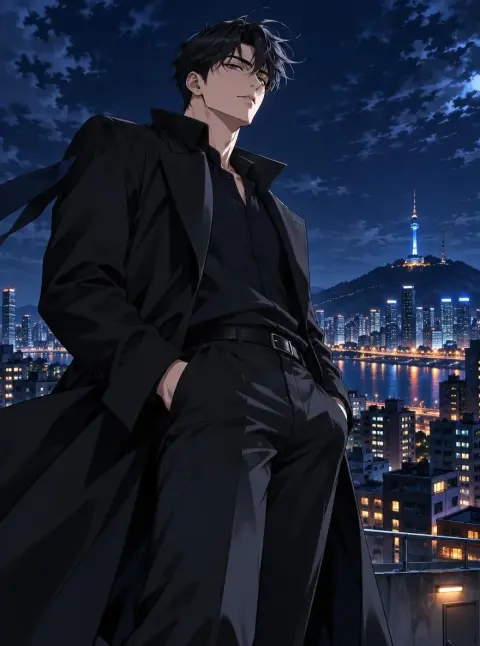
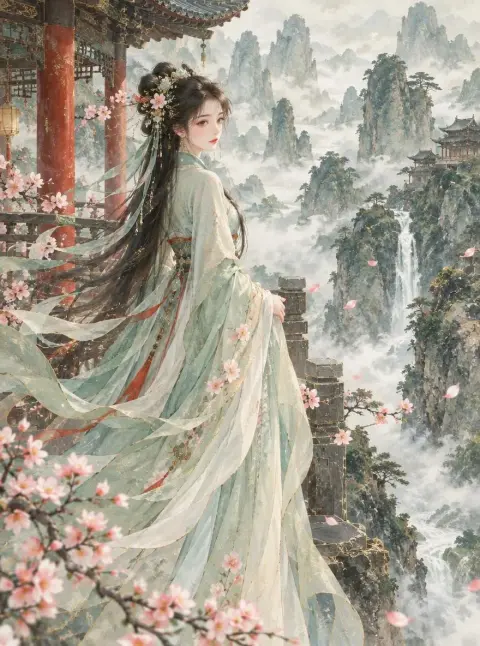
3D Chibi Figure AI Generator
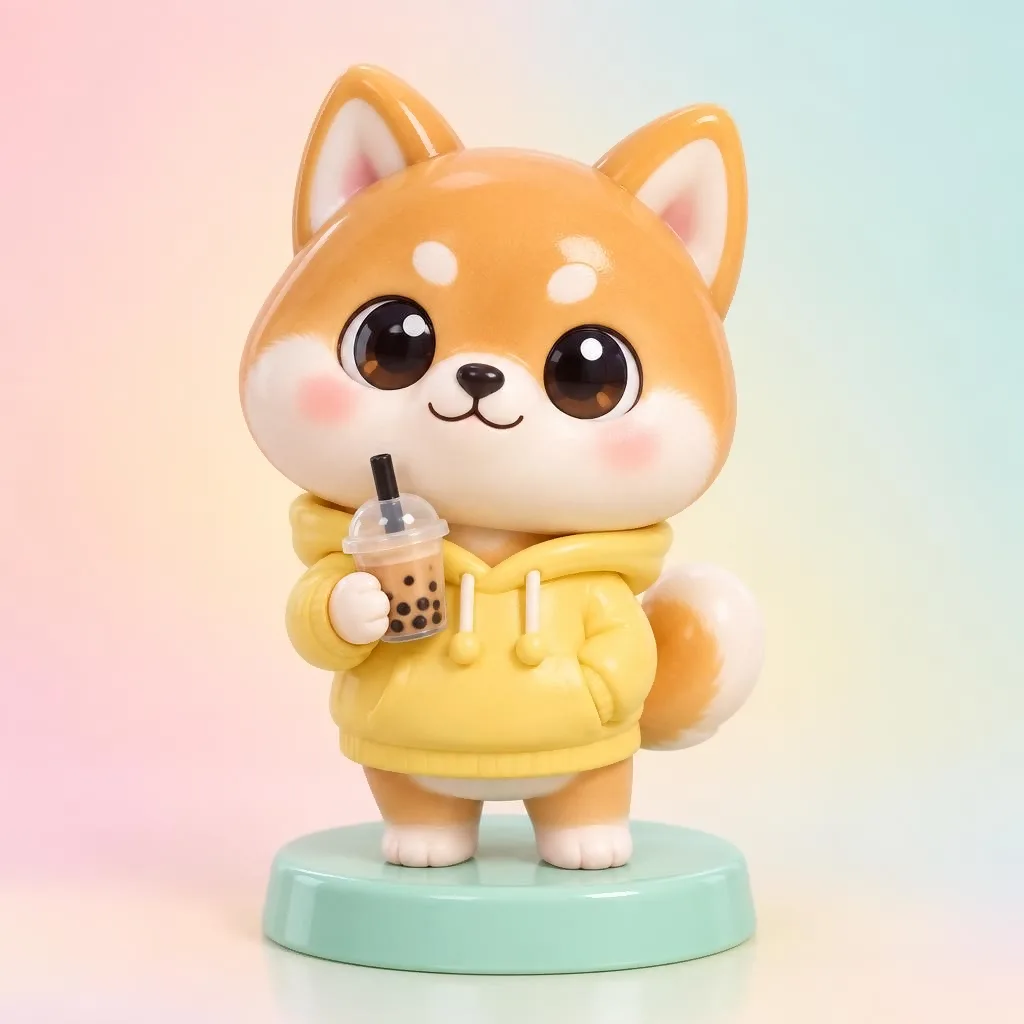
The Chibi preset renders characters as cute 3D vinyl figurines with glossy materials, big shiny eyes and a round pastel base, like a designer toy photographed in soft studio light. It works well for profile icons, merch mockups, LINE and KakaoTalk profile pictures and character goods concepts. It is free on Pickshot's free models, with unlimited images on a free account.
New accounts get 50 credits. Free accounts can generate unlimited images on the website with the 5 basic image models without spending credits. Lacquer videos are free on the website: 3 a day, up to 5 seconds per clip. Members have unlimited use of eligible models without credit deductions. Other models and API/MCP remain metered.
Updated
Example prompts
Each prompt below was really run on Indigo. Use it as it is to get the same look.
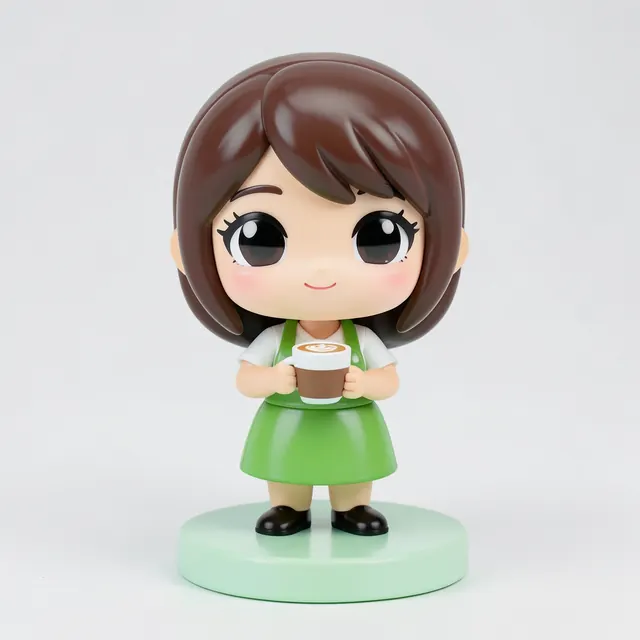
A chibi barista girl in a green apron holding a tiny latte, round mint base, glossy vinyl finish
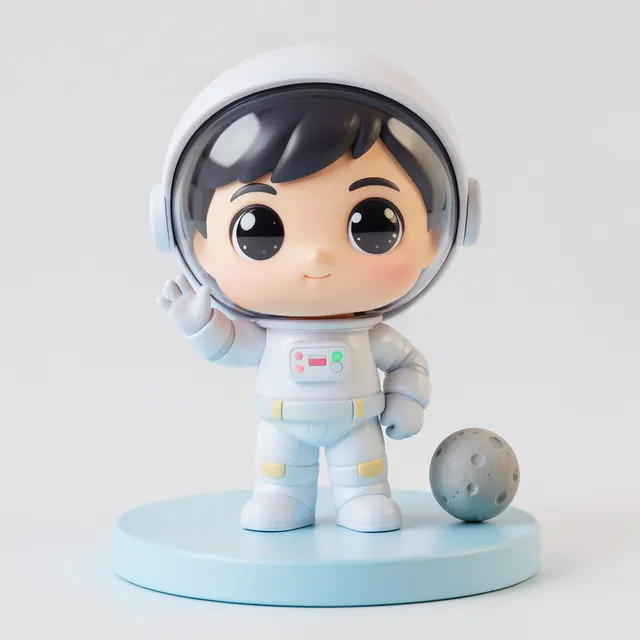
A chibi astronaut boy waving, oversized helmet under his arm, small moon rock on a pastel blue base
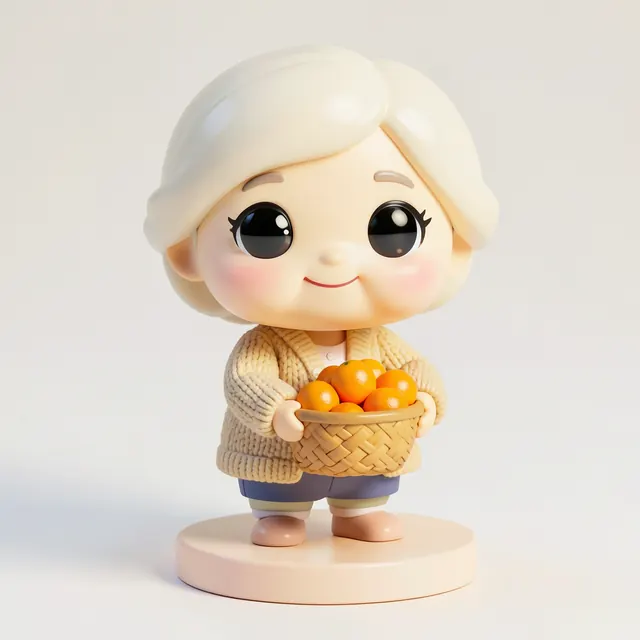
A chibi grandmother in a knitted cardigan holding a basket of tangerines, warm smile, cream colored base
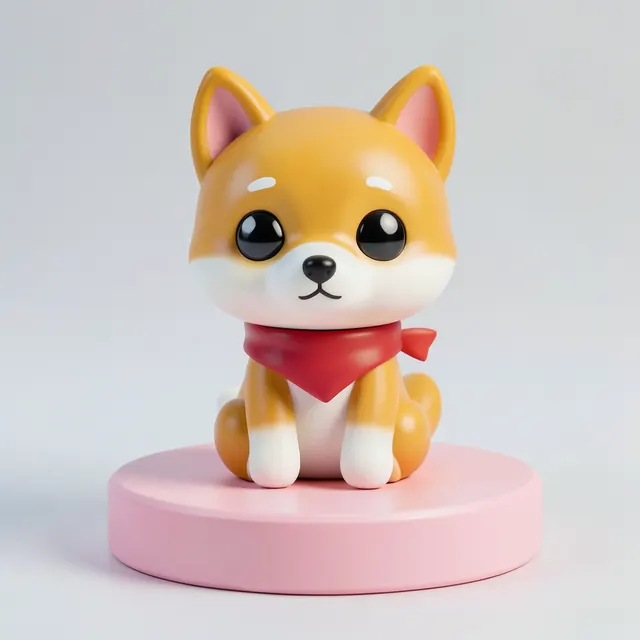
A chibi shiba dog wearing a little red scarf, sitting on a round pink base, soft studio light
Tips for better results
- Use 1:1 for profile icons and figure-style product shots; Amber is the fastest free model but only supports 1:1.
- Describe one clear outfit and one prop, such as a hoodie and a boba tea, because small figures read best with simple, bold details.
- To make a figure of your own original character, register reference images in Characters and generate with a reference-capable model.
Questions
Can I make a chibi figure of my own character?
Yes. Register 1 to 3 reference images in Characters, then generate with a reference-capable model to keep the same face, hair and outfit.
Does Pickshot export a 3D model file?
No. Pickshot generates 2D images that look like a photographed figure; it does not produce 3D model files.