AI Sticker Generator for Messenger Apps
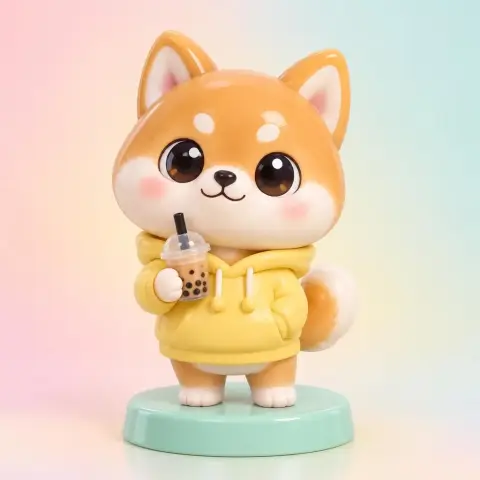
The Sticker preset creates kawaii die-cut stickers with a thick white border and flat illustration on a plain light background, in the style of messenger app stickers. Use it for chat reactions on KakaoTalk, LINE and WeChat, planner and journal stickers, and small merch drafts. It is free on Pickshot's free models, with up to 100 images a day on a free account.
8 images/day without an account; 100/day plus 50 credits with a free account
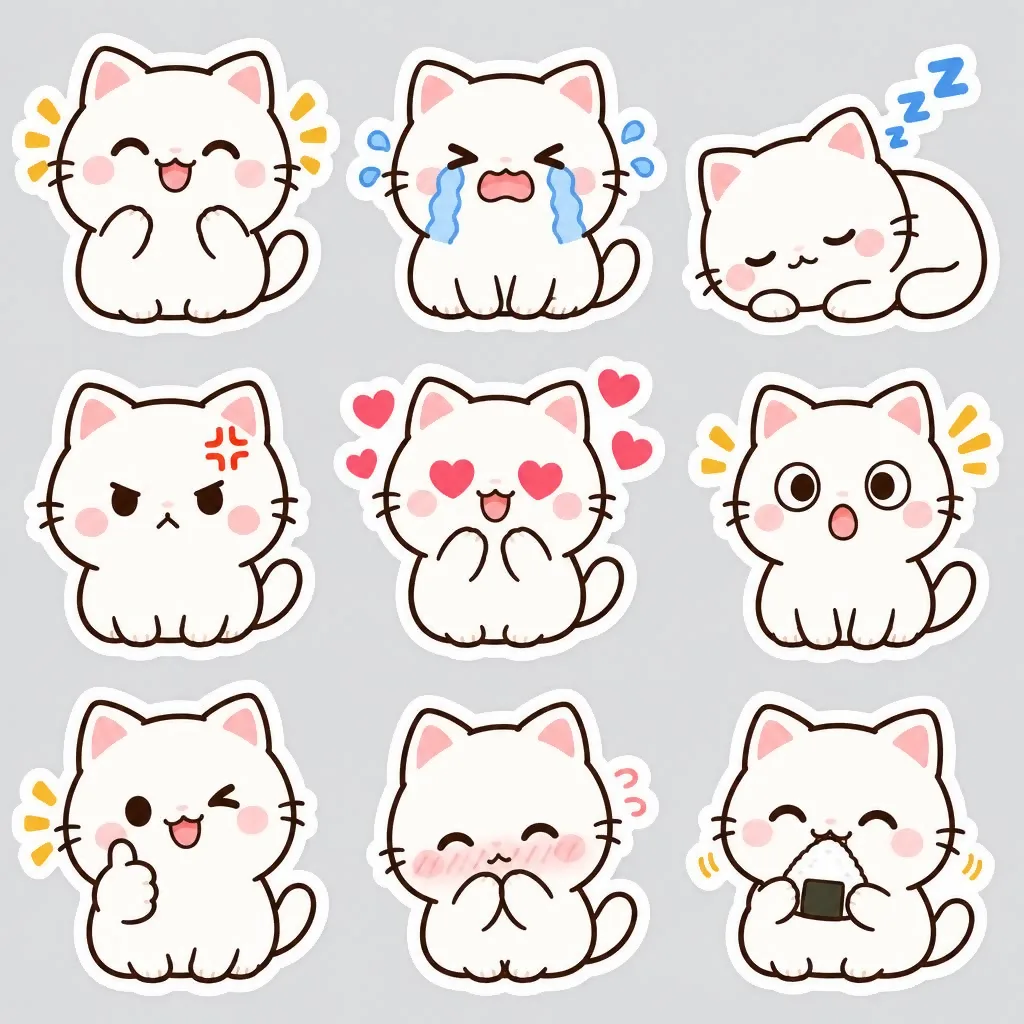
Example prompts
A round white rabbit bowing politely with both paws together, small sparkles around it, flat kawaii style
A chubby orange cat holding a tiny cup of coffee and looking sleepy, half-closed eyes, thick white border
A small penguin cheering with pom-poms, big open smile, pastel blue accents, simple flat colors
A tiny dumpling character hiding under a blanket, only its eyes showing, soft pink cheeks
Tips for better results
- Use 1:1, and generate up to 4 images per run to get several expressions at once; FLUX.1 Schnell is the fastest free model for square images.
- Write one emotion or action per sticker, such as bowing thank you, sleepy with a pillow or cheering, so it reads at small size.
- Register your mascot in Characters to keep it consistent across a set, and use FLUX.2 Dev (3 credits) if you need text like thanks on the sticker.
Questions
Can I turn my pet or selfie into stickers?
Yes, use the Sticker photo app: upload one photo and choose happy, love, sleepy or thanks. It costs 2 credits and requires a free account.
Can I sell or register these stickers on messenger platforms?
You own the images you create, but model licenses still apply, and each platform has its own rules for AI-generated content, so check them before submitting.