2× · 4× · quick upscale or detail restore
AI Image Upscaler: Enlarge Photos 2× or 4×
To upscale an image, open it in Pickshot's AI image upscaler, choose 2× or 4×, pick Quick upscale or Detail restore, and press Upscale: the picture gets more pixels and soft detail is sharpened. Quick upscale costs 2–6 credits for most photos and Detail restore costs 23 credits for a 2048×2048 result and more for larger ones. The result size, such as 2048×2048, is shown before you run.
ইনস্টল লাগে না। ক্রেডিট কার্ড লাগে না। শুরু থেকেই ব্যক্তিগত।
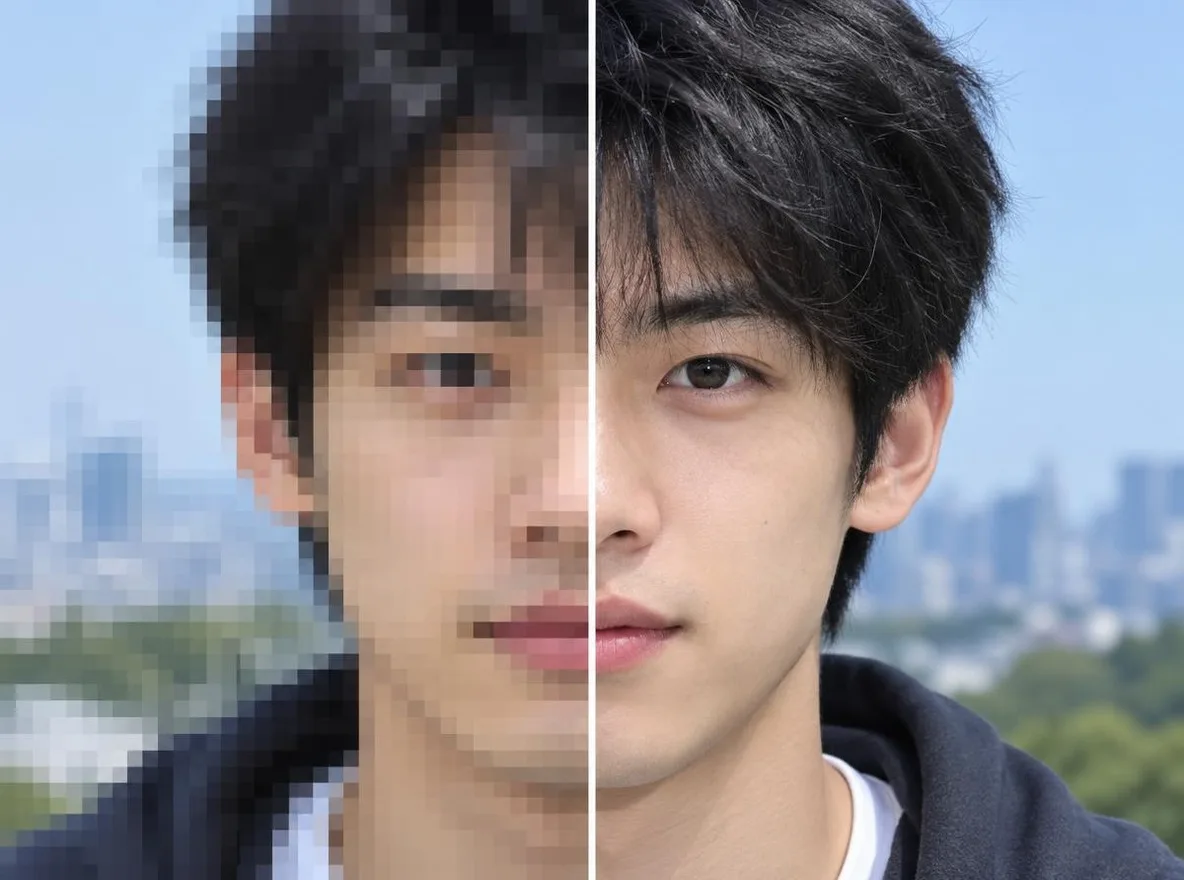
Image upscaler at a glance
- মূল্য
- Quick upscale 2–6 credits for most photos, Detail restore 23 for a 2048×2048 result; none during a membership.
- বড় করার গুণক
- 2× or 4×, with the result size shown before you run (1024×1024 → 2048×2048, for example).
- Largest result
- Free and Plus up to 2,560 px on the long side; Pro and Max up to 8,192 px, 4K included. Detail restore goes up to 4,096 px.
- Engines
- Quick upscale for most photos and AI images; Detail restore for faces, text and fine texture that need more recovery.
- Files
- JPG, PNG or WebP up to 20 MB; a photo over 4096 px on the long side is scaled down to 4096 px.
- Account
- A free account is needed to make anything; signing up asks for no card.
- ভাষা
- Pages, studio and prompts in English, Korean, Japanese and Simplified Chinese
- Watermark
- No visible watermark; each file carries metadata that marks it as AI-generated.
আপডেট হয়েছে
What is an AI image upscaler?
An AI image upscaler increases a picture's resolution by predicting the detail that belongs between the original pixels instead of simply stretching them, so edges, textures and faces stay sharper at the larger size. Pickshot's Upscale tool has two engines: Quick upscale (an ESRGAN-type model) for fast, low-cost enlargements and Detail restore for photos that need more texture recovered. Results up to 2,560 px on the long side are available on every plan; larger results, including 4K, need Pro or Max.
Why upscale with Pickshot
2× or 4×, size shown first
Pick the scale and the editor shows the exact result size, for example 1024×1024 → 2048×2048, before you spend anything.
Two engines for two budgets
Quick upscale costs 2–6 credits for most photos (3 for a 2048×2048 result, 5 for 3840×2160). Detail restore costs 23 credits for a 2048×2048 result and 35 for 4096×4096.
Made for small or soft images
Bring old phone photos, screenshots, small web images and AI images made at 1K up to a size that holds up in print or on a big screen.
4K and larger on Pro and Max
Free and Plus can upscale to 2,560 px on the long side; Pro and Max unlock bigger results such as 3840×2160 and 4096×4096, up to 8,192 px. Detail restore goes up to 4,096 px on the long side.
Compare before you download
Use Compare with original or hold \ to check the detail, and step back through History if you prefer an earlier version.
Finish the photo in one place
Erase, expand or remove the background first, then upscale as the last step before you download.
How to upscale an image with AI
Open the image
Drop a JPG, PNG or WebP (up to 20 MB), use Choose a file, or paste it. The Upscale tool opens with 2× selected.
Choose scale and engine
Under Scale pick 2× or 4× and check the Result size. Under Engine pick Quick upscale or Detail restore; each shows its price.
Upscale and download
Press Upscale, compare with the original, then Download the larger file.
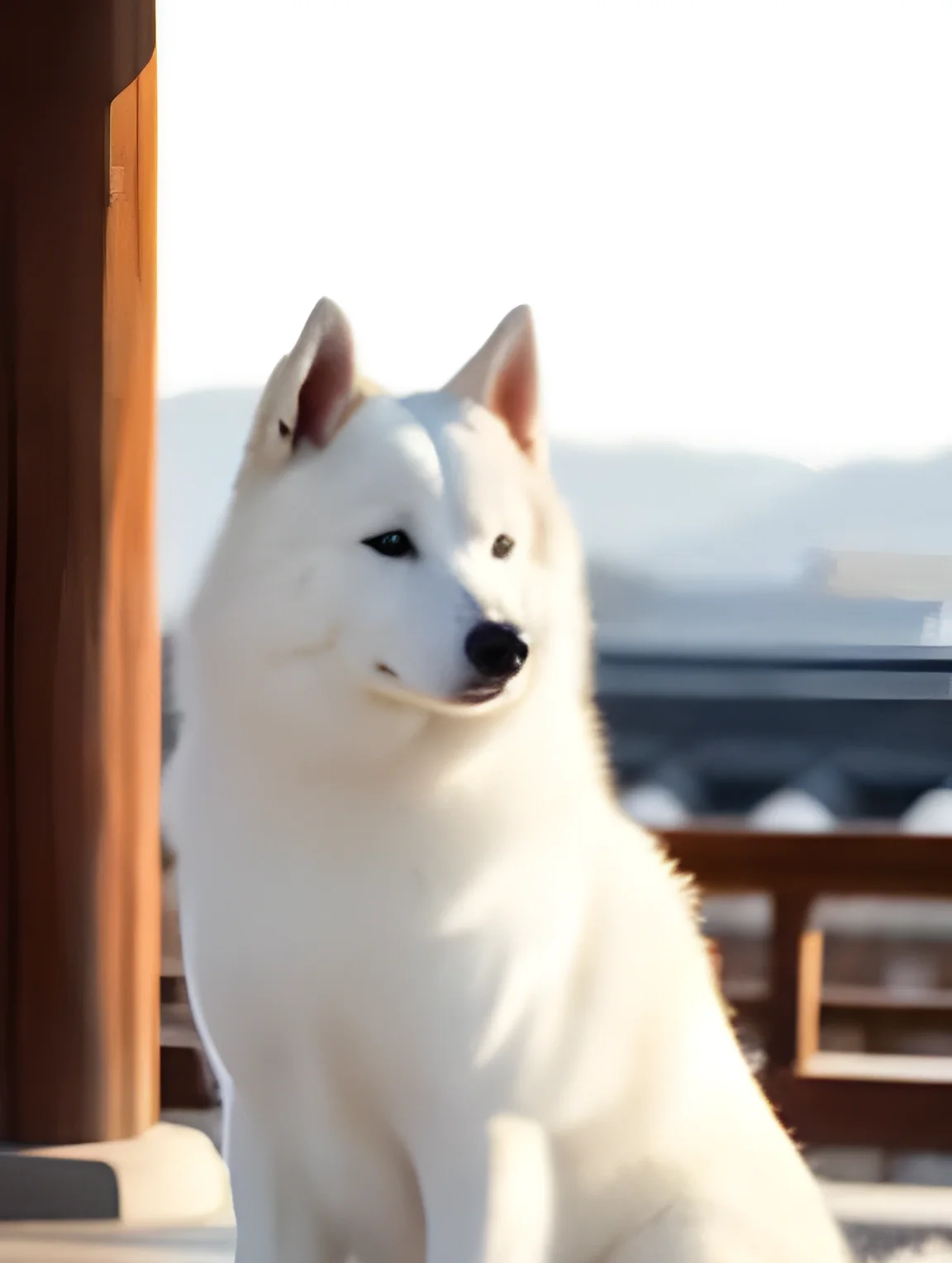
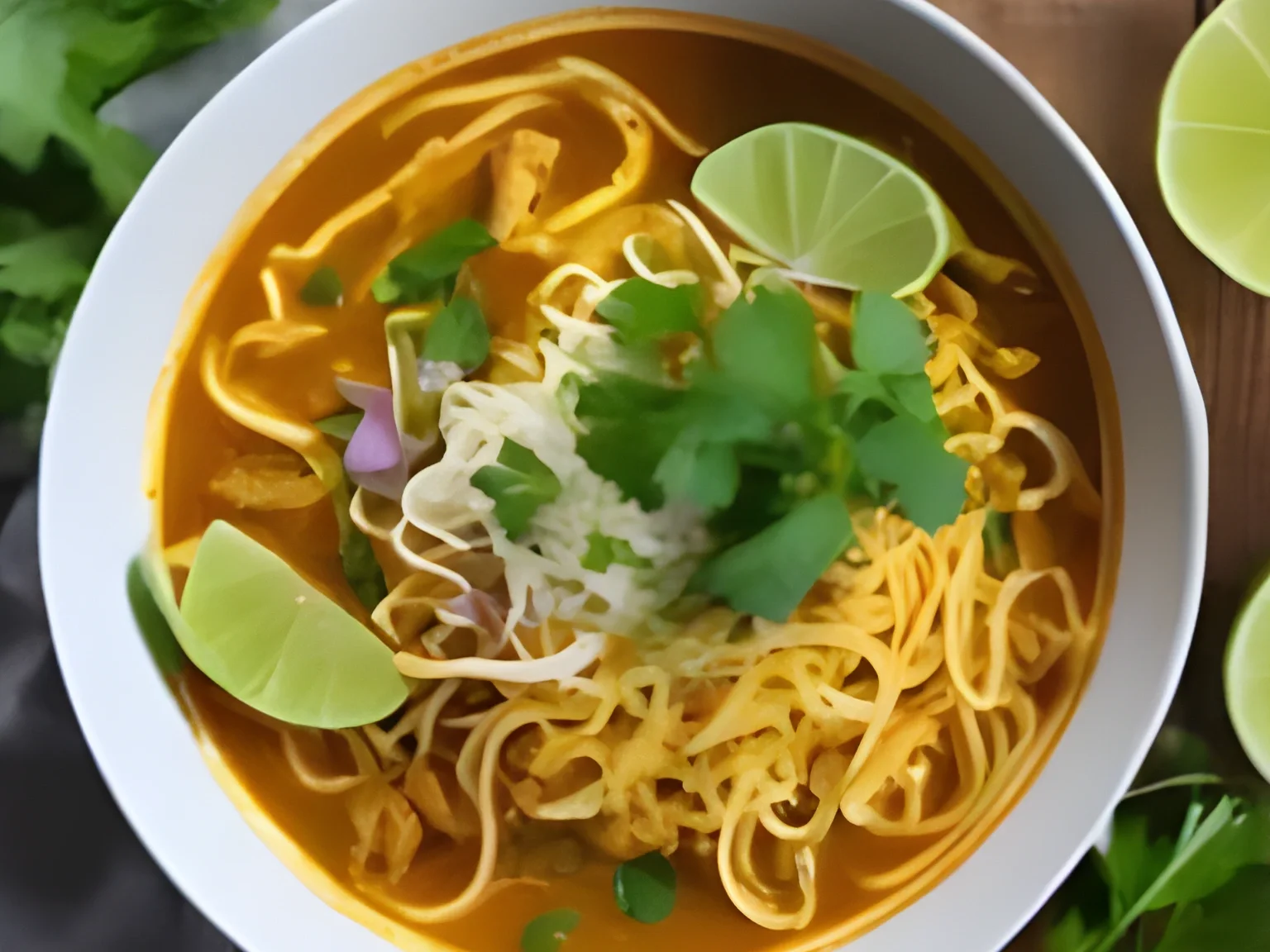
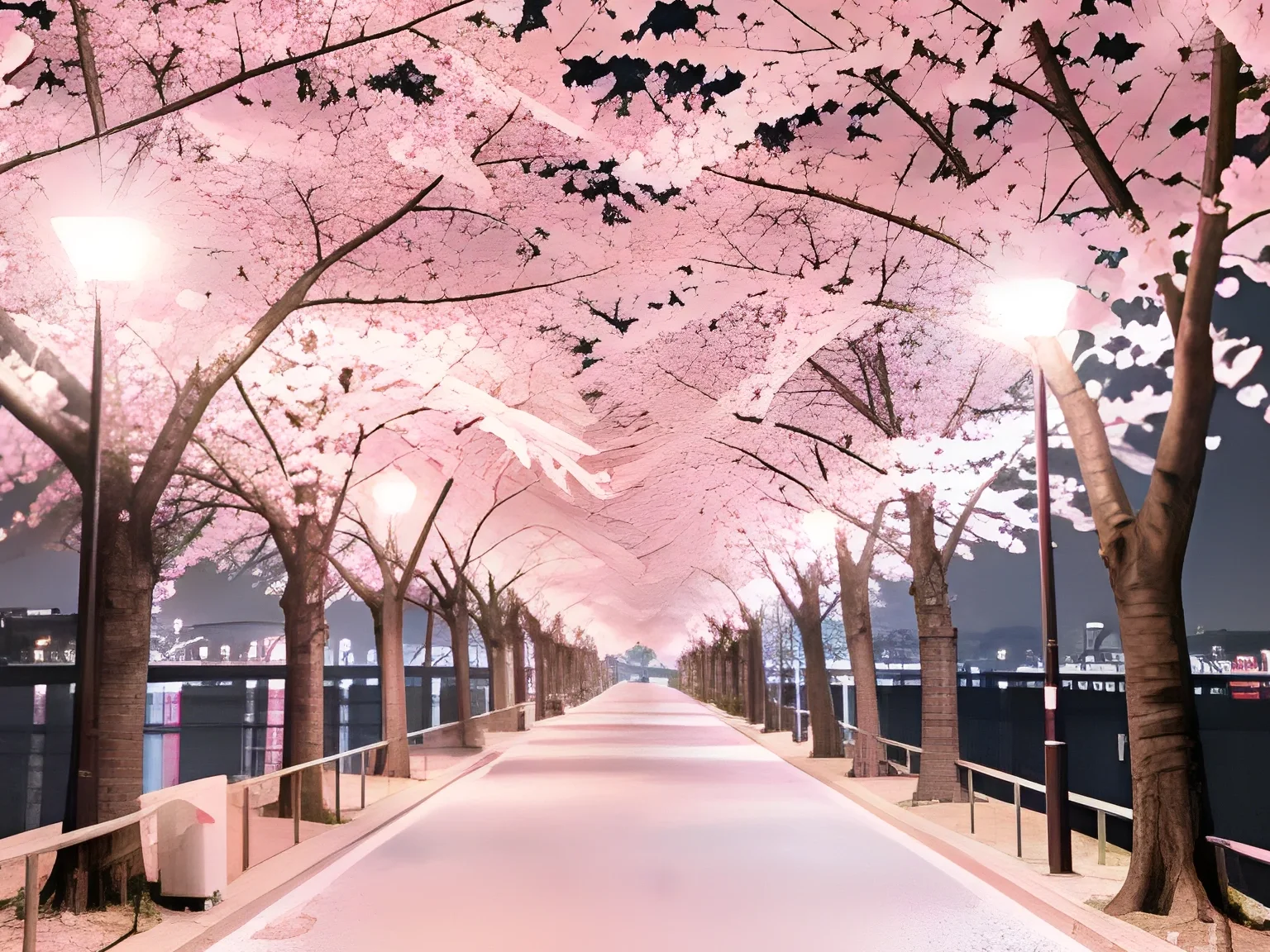
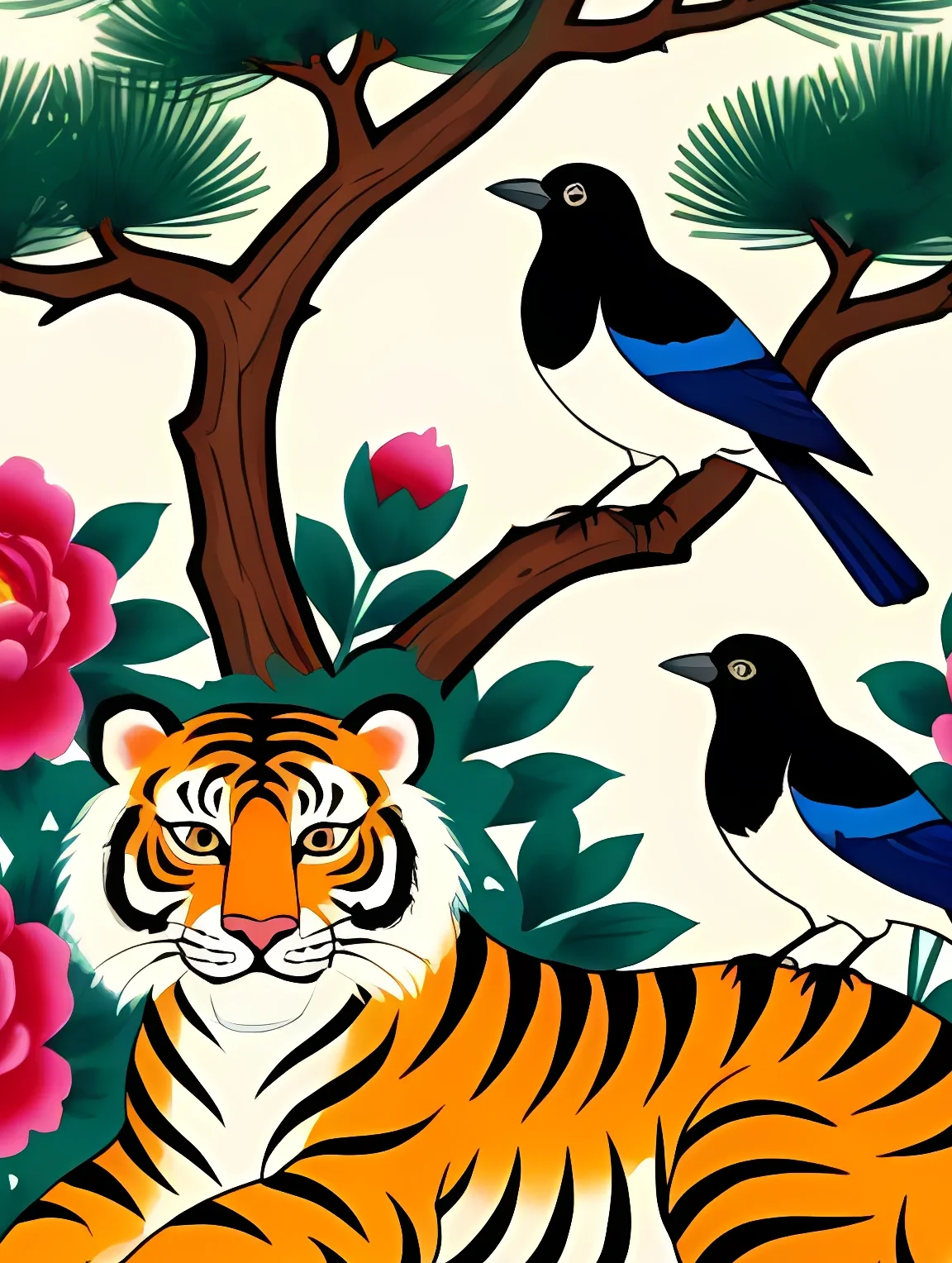
Upscaling, before and after
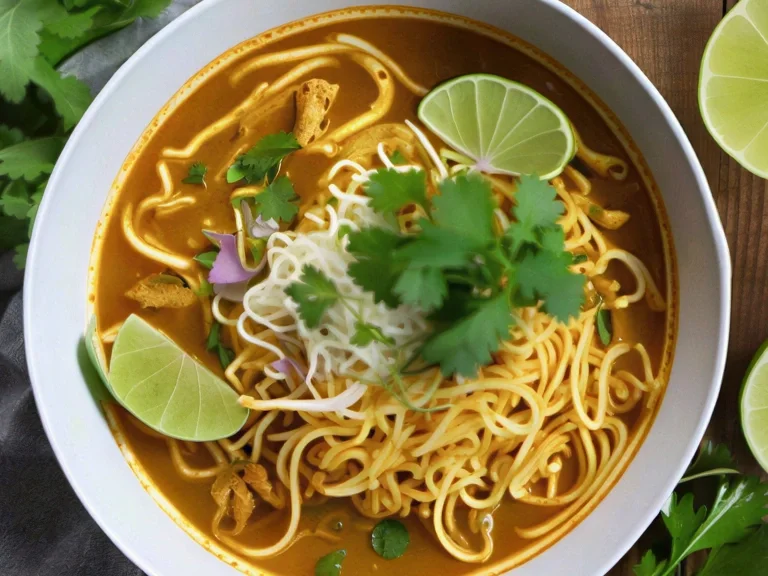
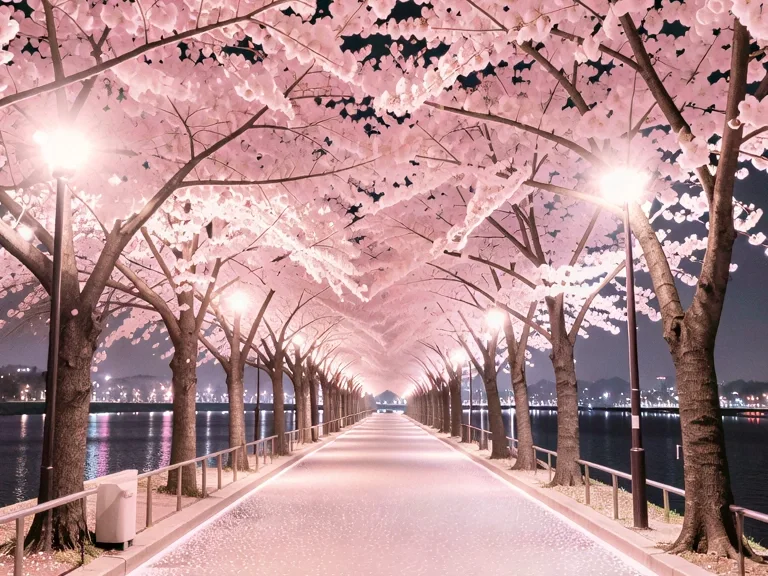
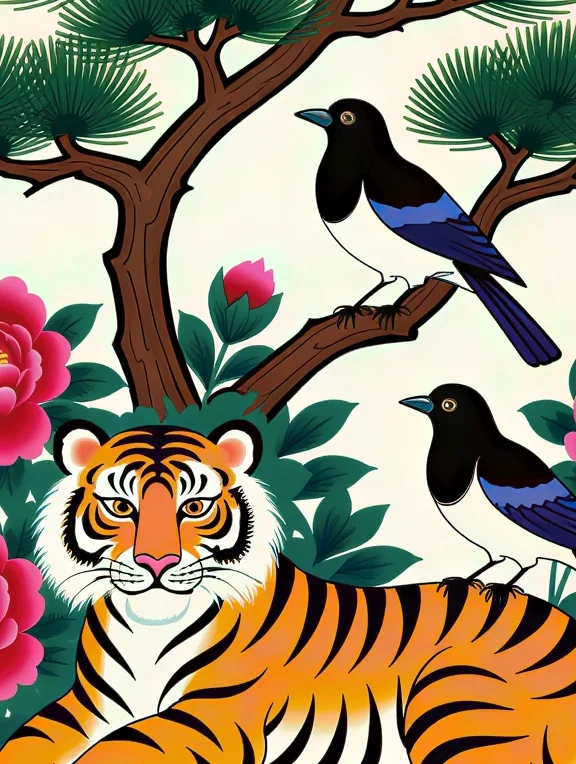
A small picture on the left and the enlarged result on the right: the same area of each, shown at the same size so you can compare edges and texture.
দ্রুত রেজোলিউশন বৃদ্ধি
 আগে
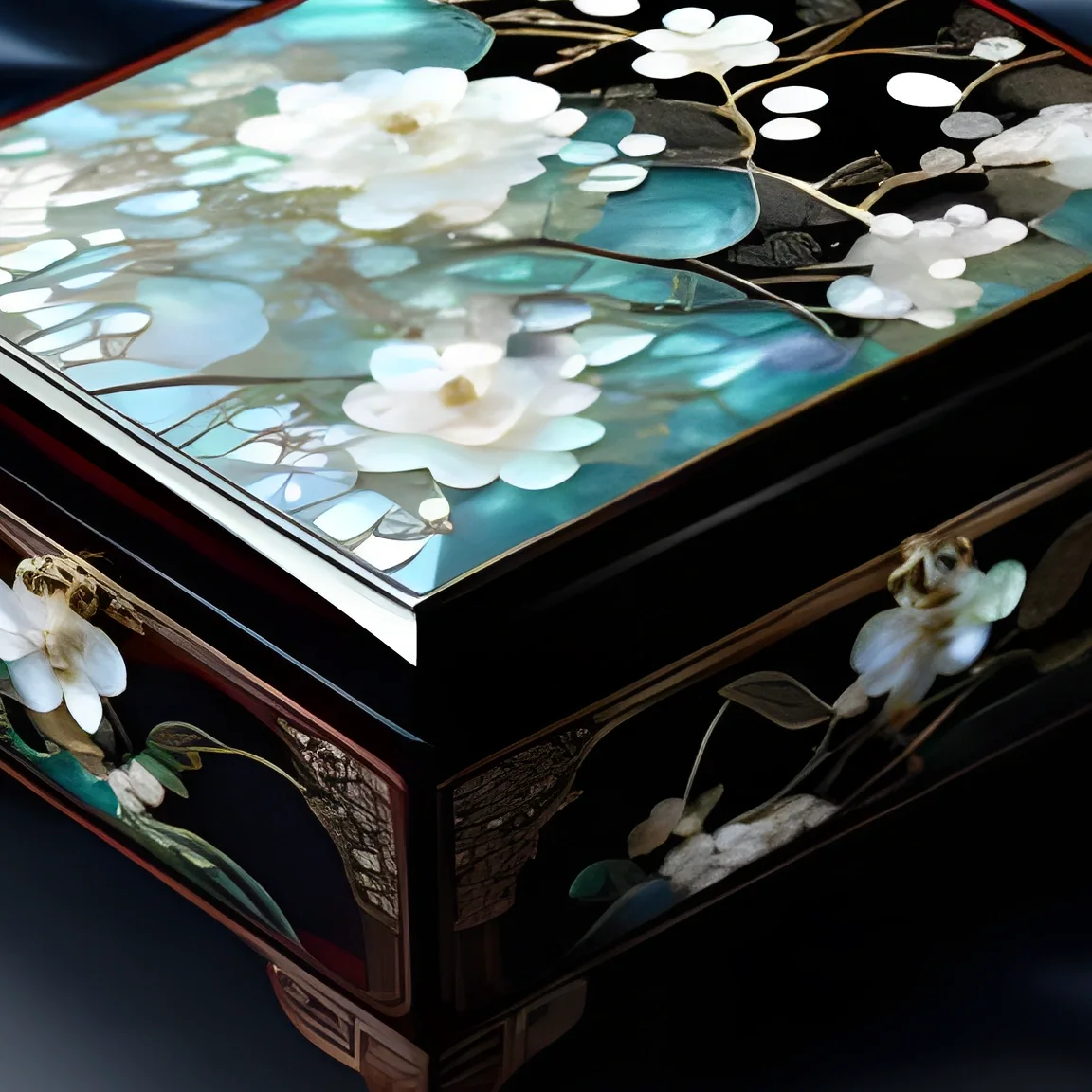 পরে
 আগে
 পরে
 আগে
 পরে
 আগে
 পরে
 আগে
 পরে
 আগে
 পরে
 আগে
 পরে
 আগে
 পরে
খুঁটিনাটি ফিরিয়ে আনা
 আগে
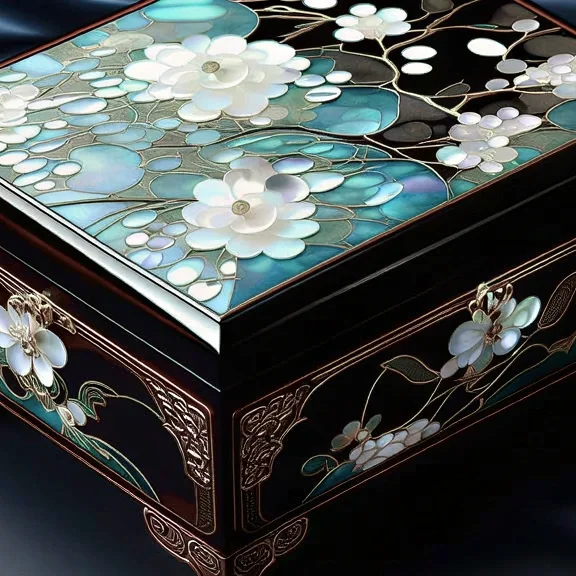 পরে
 আগে
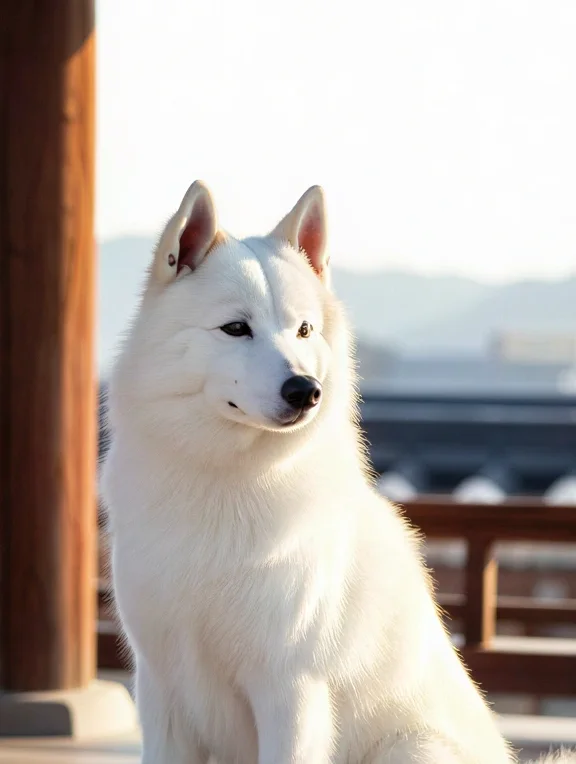 পরে
 আগে
 পরে
 আগে
 পরে
 আগে
 পরে
 আগে
 পরে
 আগে
 পরে
 আগে
 পরে
Typical upscalers vs. Pickshot
Upscaling is offered by many tools. Here is what changes in Pickshot.
প্রধান সরঞ্জাম
- − Often a single engine for every kind of photo
- − Usually a separate app or site after your other edits
- − Before and after checked in another window or app
Pickshot
- ✓ Quick upscale for 2–6 credits or Detail restore from 23
- ✓ Exact result size shown before you run
- ✓ Erase, expand and upscale in one editor with History
- ✓ Compare with original in the same view
ব্যবহারের ক্ষেত্র
/01
Old phone photos
Enlarge small or soft photos from older phones 2× or 4× before printing or sharing them.
/02
Store product images
Bring your own small product shots up to the size your store recommends.
/03
AI images at higher resolution
Upscale images generated at 1K to 2048 px, or to 4K on Pro, for wallpapers and prints.
/04
Thumbnails and banners
Upscale a frame grab or a screenshot so it stays sharp as a YouTube thumbnail or a banner.
প্রয়োজনমতো ক্রেডিট কিনুন; সদস্যতা চলে ক্রেডিট দিয়ে
নতুন অ্যাকাউন্টে ৫০ ক্রেডিট দেওয়া হয়। বিনামূল্যের অ্যাকাউন্টও ওয়েবসাইটে ৫টি মৌলিক ইমেজ মডেল দিয়ে ক্রেডিট খরচ ছাড়াই সীমাহীন ছবি তৈরি করতে পারে। ওয়েবসাইটে Lacquer ভিডিও বিনামূল্যে: দিনে ৩টি, প্রতিটি ক্লিপ সর্বোচ্চ ৫ সেকেন্ড। সদস্যরা অন্তর্ভুক্ত মডেল ক্রেডিট না কেটে সীমাহীন ব্যবহার করতে পারেন। অন্য মডেল ও API/MCP আলাদাভাবে মূল্যযুক্ত।
Pickshot-series models without credits · 4 generations at a time · Unlimited free-model images (Higher priority than Free)
Pickshot-series models without credits · 8 generations at a time · Unlimited free-model images (Higher priority than Plus)
Booster Pass ও সদস্যপদ সাময়িকভাবে স্টকে নেই। আপনার কাছে থাকা ক্রেডিট ও সদস্যপদ মেয়াদ শেষ হওয়া পর্যন্ত কাজ করবে।
প্রশ্ন
How much does upscaling cost?
Quick upscale costs 2–6 credits for most photos (for example 3 for a 2048×2048 result and 5 for 3840×2160). Detail restore costs 23 credits for a 2048×2048 result and 35 for 4096×4096. The price is shown on each engine and on the button.
Can I upscale to 4K?
Yes, on Pro and Max. Free and Plus can make results up to 2,560 px on the long side; larger results such as 3840×2160 or 4096×4096 need Pro or Max. The largest result is 8,192 px on the long side. Detail restore goes up to 4,096 px on the long side.
What is the difference between Quick upscale and Detail restore?
Quick upscale enlarges and sharpens at a low price and suits most photos and AI images. Detail restore costs more and is meant for photos where faces, text or fine texture need more recovery.
Which files can I upscale?
JPG, PNG or WebP up to 20 MB. Images larger than 4096 px on the long side are scaled down to 4096 px when opened, so the upscaler helps most with small and medium images.
Is my image uploaded?
Yes. To run the upscale, the image is uploaded to Pickshot for processing, and the temporary copy made for the job is deleted when it ends. Free tools such as crop and colour stay in your browser. See the privacy policy for details.
Can I use the upscaled image commercially?
Check Pickshot's Terms of Service and the engine's licence first, and only upscale images you own or have permission to use.
Does it work on a phone?
Yes, in mobile browsers, with no app to install.
Give a small photo more pixels
Pick 2× or 4× and see the result size and price before you run. Credits come from a Booster Pass; none are needed during a membership.
বিনামূল্যে তৈরি শুরু করুন