Anime Prompts: 31 Copy-Paste Ideas for Anime, Webtoon & Lo-fi
31 original anime prompts for icons, phone wallpapers, character sheets, scenes and seasonal art, plus the Pickshot style preset, model and ratio to use for each.
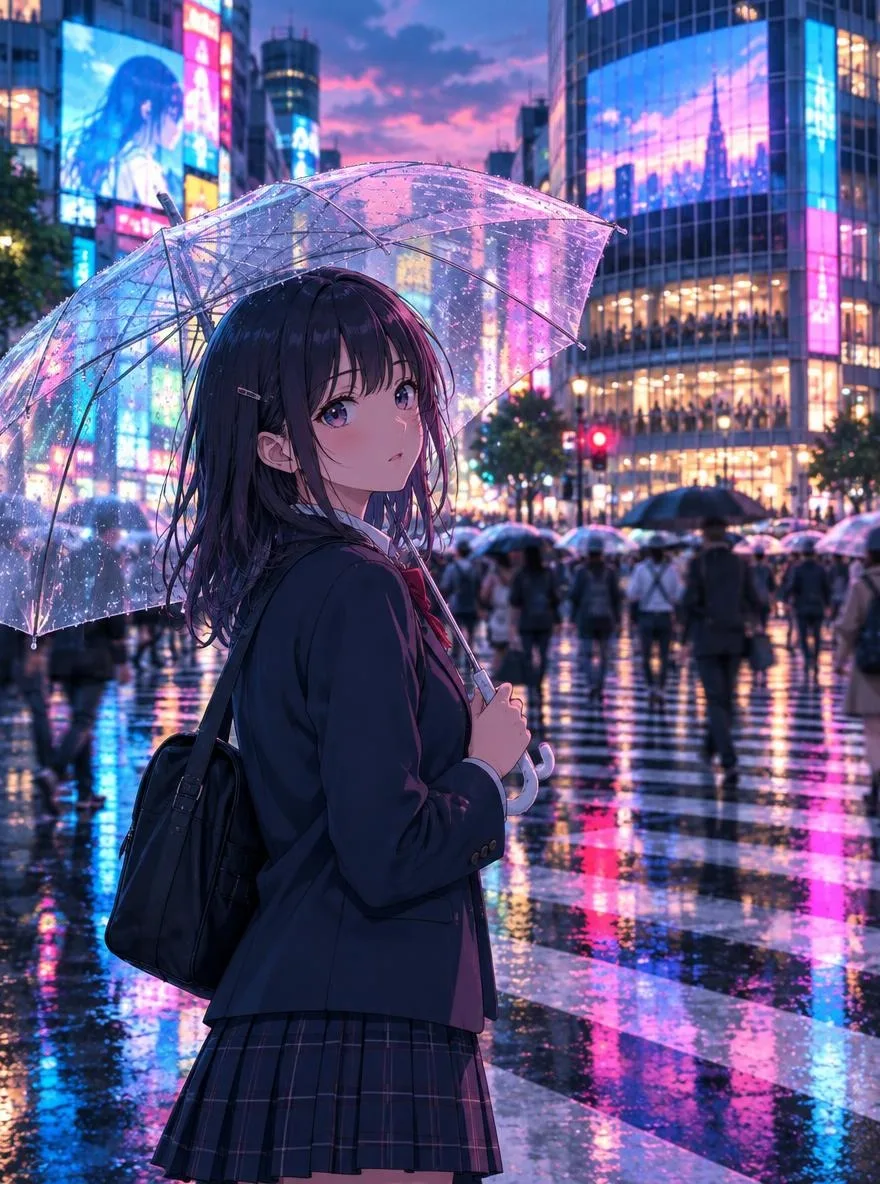
The most reliable anime prompts follow a simple order: art style, subject, setting, lighting, then color. Below are 31 original, copy-paste prompts grouped by what you actually need (profile icons, phone wallpapers, character sheets, scenes, and seasonal art), each with the Pickshot style preset, model and aspect ratio that suit it best. Every prompt describes a look rather than borrowing a franchise, so the results are yours to build on.
How to read the prompt tables
Each table has three columns. The use case tells you what the image is for. The prompt is ready to paste into the prompt box. The last column lists three settings in order: style preset / model / aspect ratio.
A few things about Pickshot make these prompts work the way they do:
- Style presets carry the technique. Pickshot has 18 style presets. This guide uses anime, webtoon (Korean manhwa), guofeng (Chinese painting), lofi (lo-fi anime), chibi (3D chibi figure), sticker (messenger sticker) and ink (sumi-e ink wash). Because the preset sets the rendering style, the prompt can focus on who, where and when.
- You can generate up to 4 images at once. Run each prompt as a batch of four and keep the best one. That is faster than rewriting a prompt after a single result.
- Prompt magic expands short ideas. If you only have a phrase like "girl reading under a tree," Prompt magic turns it into a detailed scene prompt that you can then trim.
- Native-language prompts work. Prompts written in Korean, Japanese or Chinese are translated to English automatically before they reach the model. More on that in our guide to prompting in your own language.
Choosing a model for anime styles
Different models have different strengths, and the right pick depends on whether you value speed, consistency or detail. The full list with credit costs is on the models page.
| Look you want | Preset | Recommended model | Why |
|---|---|---|---|
| Classic anime, cel shading | anime | SDXL Lightning (free) | Strong at anime and illustration |
| Lo-fi, soft and grainy | lofi | SDXL Lightning (free) | Gentle color and painterly texture |
| Webtoon / manhwa | webtoon | FLUX.2 Klein 4B (free, default) | Clean line art, supports character references |
| Guofeng, ornate scenery | guofeng | FLUX.2 Klein 4B or FLUX.2 Dev | Dev for dense ornament and distant detail |
| Character sheets, text on image | any | FLUX.2 Dev (3 credits) | Top detail and the ability to render text |
| Quick square icons | anime, sticker | FLUX.1 Schnell (free) | Fastest model, square 1:1 only |
If a person looks slightly off in a portrait-style icon, FLUX.2 Klein 9B (1 credit) is a step up for people while still supporting references.
Aspect ratio by platform
| Where it goes | Ratio |
|---|---|
| Profile icon (Instagram, KakaoTalk, LINE) | 1:1 |
| Instagram feed post | 4:5 |
| Xiaohongshu post | 3:4 |
| Phone wallpaper, Reels, Shorts, Douyin | 9:16 |
| YouTube or Bilibili thumbnail, character turnaround | 16:9 |
| Poster, single vertical comic panel | 2:3 |
| Blog header or inline illustration | 4:3 or 3:2 |
Output is roughly one megapixel (for example 1024×1024 or 864×1152), which is comfortable for social posts, wallpapers and blog images.
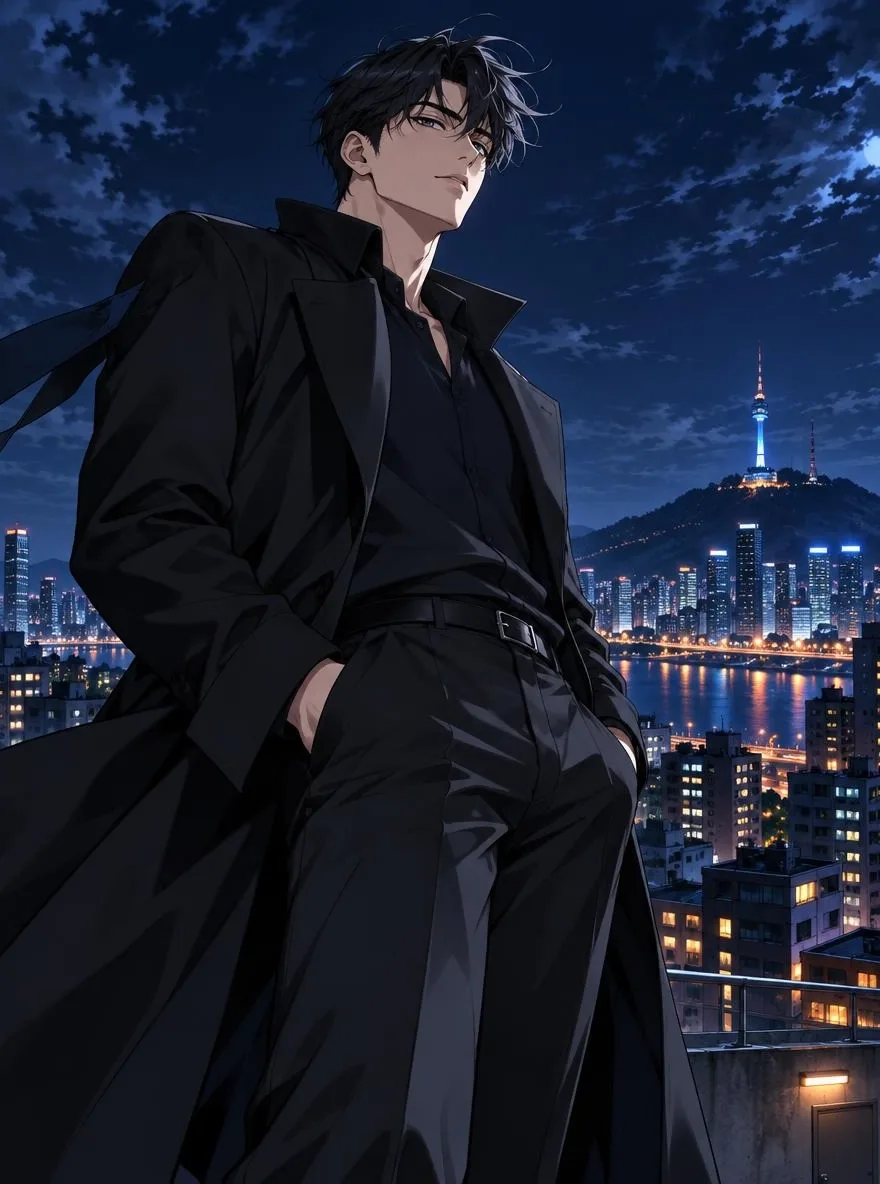
Profile icon prompts (6)
Icons are viewed tiny, so keep the composition simple: one face, a plain or soft background, and a clear expression.
| Use case | Prompt | Style / model / ratio |
|---|---|---|
| Classic anime icon | Girl with a short black bob, large expressive eyes, soft cel shading, pastel sky-blue background, head and shoulders, gentle smile | anime / SDXL Lightning / 1:1 |
| Webtoon-style icon | Young man in round glasses and a gray hoodie, clean line art, webtoon coloring, flat pale mint background, front-facing bust shot | webtoon / FLUX.2 Klein 4B / 1:1 |
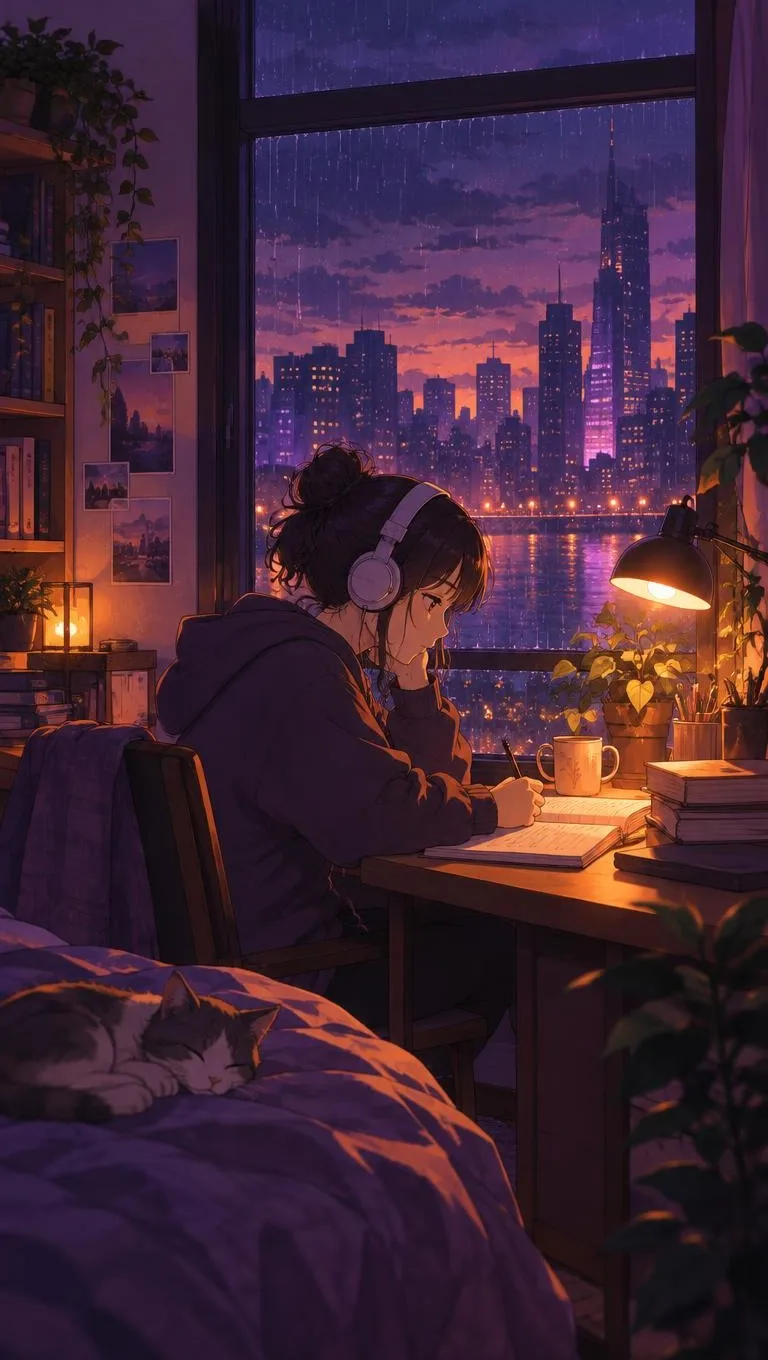
| Lo-fi icon | Girl with headphones sitting by a window, warm afternoon sunlight, lo-fi illustration, film grain, muted brown palette | lofi / SDXL Lightning / 1:1 |
| Guofeng icon | Side profile of a woman with long hair and a jade hairpin, pale pink hanfu, ink-wash background, delicate guofeng illustration | guofeng / FLUX.2 Klein 4B / 1:1 |
| Sticker-style icon | Two-head-tall character wearing a cat-ear hood, round face, thick outlines, white background, messenger sticker look | sticker / FLUX.1 Schnell / 1:1 |
| Dramatic icon | Young man with long silver hair, black long coat, sharp gaze, dramatic side lighting, deep navy background | webtoon / FLUX.2 Klein 9B / 1:1 |
Phone wallpaper prompts (6)
Wallpapers need breathing room at the top for the clock and at the bottom for app icons. Asking for a back view, a distant figure or no people at all keeps faces from being hidden behind widgets.
| Use case | Prompt | Style / model / ratio |
|---|---|---|
| Rainy city night | Narrow city alley after rain at night, neon signs reflected on wet pavement, back view of a person with an umbrella, cinematic anime background | anime / SDXL Lightning / 9:16 |
| Sky garden | Small floating islands with gardens above a sea of clouds, early morning light, translucent watercolor feel, no people | anime / FLUX.2 Klein 4B / 9:16 |
| Lo-fi desk | Laptop and a sleeping cat on a desk in a small room, sunset outside the window, warm desk lamp, lo-fi mood | lofi / SDXL Lightning / 9:16 |
| Guofeng mountains | Misty mountains and a pavilion above a valley, a single crane in flight, ink black and blue-green pigments, tall hanging-scroll composition | guofeng / FLUX.2 Klein 4B / 9:16 |
| Summer seaside | Rural seaside bus stop, deep blue sky with towering cumulus clouds, back view of a girl in a white sundress, vivid anime colors | anime / SDXL Lightning / 9:16 |
| Milky Way | Two people lying in a meadow under the Milky Way, fireflies, violet night sky, dreamy atmosphere | anime / FLUX.2 Klein 4B / 9:16 |
Character sheet prompts (5)
If you plan to use a character more than once, for a comic, a VTuber-style persona or a series of posts, make the character sheet first. The best image from the sheet becomes the reference you register in Characters (see the next section).
| Use case | Prompt | Style / model / ratio |
|---|---|---|
| Three-view turnaround | Character sheet of a barista in her twenties, brown ponytail, beige apron, front, side and back views, white background, clean line art | webtoon / FLUX.2 Klein 4B / 16:9 |
| Expression sheet | The same boy's face in six expressions (laughing, angry, surprised, crying, embarrassed, neutral), arranged in a grid, white background, webtoon coloring | webtoon / FLUX.2 Dev / 3:2 |
| Fantasy concept art | Concept art of a fantasy knight, silver armor, red cape, full body, separate prop sketches of a sword and shield | anime / FLUX.2 Dev / 16:9 |
| Guofeng swordsman | Guofeng swordsman character design, long black robe, woven bamboo hat, full-body front and back views, pale rice-paper texture background | guofeng / FLUX.2 Klein 4B / 3:2 |
| Chibi version | Chibi character sheet, short orange hair, yellow raincoat, four different poses, pastel background | chibi / FLUX.2 Klein 4B / 16:9 |
Scene and background prompts (6)
Backgrounds without characters are useful as comic backdrops, stream overlays or blog headers. Saying "no people" explicitly helps keep the frame clean.
| Use case | Prompt | Style / model / ratio |
|---|---|---|
| Webtoon backdrop | Apartment complex playground at dusk, long shadows, no people, webtoon background art | webtoon / FLUX.2 Klein 4B / 16:9 |
| Single comic panel | Two people sharing one umbrella under a convenience store awning on a rainy day, diagonal composition, webtoon panel staging | webtoon / FLUX.2 Klein 4B / 2:3 |
| Train window | City lights along a river streaming past a subway window, a face reflected in the glass, calm blue tones | anime / SDXL Lightning / 16:9 |
| Lo-fi shop interior | Inside an old neighborhood stationery shop, shelves crowded with small goods, warm fluorescent light, lo-fi detail | lofi / SDXL Lightning / 4:3 |
| Guofeng landscape | Pavilion over a lake full of lotus flowers, vermilion pillars and lanterns, evening mist, guofeng wide shot | guofeng / FLUX.2 Dev / 16:9 |
| Fantasy market | Bustling fantasy town market, a whale-shaped airship floating in the sky, bright anime colors | anime / FLUX.2 Dev / 16:9 |
Seasonal and festival prompts (8)
These cover the moments that fill feeds across Korea, Japan and China each year: spring blossoms, summer festivals, the autumn full moon (Chuseok, Tsukimi and the Mid-Autumn Festival) and New Year.
| Season | Prompt | Style / model / ratio |
|---|---|---|
| Cherry blossoms | Girl riding a bicycle through a tunnel of cherry blossoms, petals drifting, spring sunlight, clear anime colors | anime / SDXL Lightning / 9:16 |
| Night blossom picnic | Three friends on a picnic blanket under cherry trees at night, paper lanterns, soft coloring | webtoon / FLUX.2 Klein 4B / 4:5 |
| Summer festival | Back view of two people in yukata watching fireworks over a river, glow of festival food stalls, summer night | anime / SDXL Lightning / 9:16 |
| Night market | Midsummer night market, character holding a bowl of shaved ice, strings of fairy lights, lo-fi mood | lofi / SDXL Lightning / 1:1 |
| Chuseok | Family in hanbok gathered around a table shaping half-moon rice cakes under a full moon, warm light, webtoon coloring | webtoon / FLUX.2 Klein 4B / 4:3 |
| Mid-Autumn / Tsukimi | Huge full moon with a rabbit, silver pampas grass field, back view of a girl in hanfu holding a rabbit lantern, calm indigo palette | guofeng / FLUX.2 Klein 4B / 9:16 |
| Lunar New Year | Chibi character in bright traditional clothes bowing with a lucky pouch, red festive background | chibi / FLUX.2 Klein 4B / 1:1 |
| New Year card | New Year card with the words "HAPPY NEW YEAR", plum blossom branch and a magpie, brush strokes, generous empty space | ink / FLUX.2 Dev / 3:4 |
For any image that includes words, choose FLUX.2 Dev, keep the text short and put it in quotation marks. Short phrases come out cleaner than full sentences.
Keeping the same character with Pickshot Characters
Single images are easy. The harder problem is making the same person appear in a second, third and tenth image without the face drifting. That is what Pickshot Characters is for.
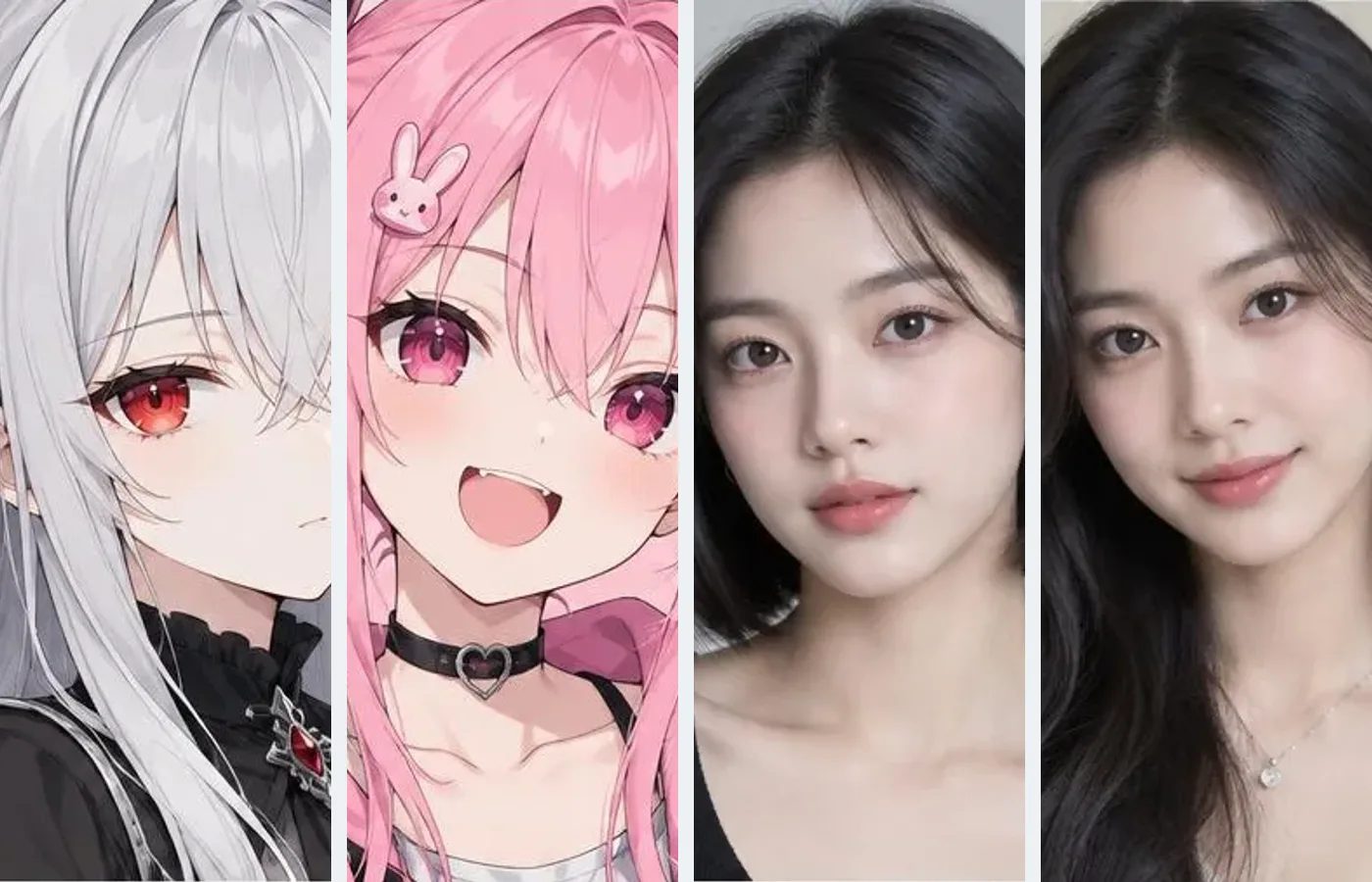
You register 1 to 3 reference images of an original character, and Pickshot uses FLUX.2 reference images to keep the face, hair and outfit while you change the scene. You can save up to 20 characters. A workflow that works well:
- Generate a batch of four with one of the character sheet prompts above and pick the image where the face is clearest and most front-facing.
- Register 1 to 3 images in Characters. Mixing angles (front plus three-quarter view, for example) tends to give steadier results than three near-identical shots.
- Choose a model that supports references: FLUX.2 Klein 4B (free), FLUX.2 Klein 9B or FLUX.2 Dev. SDXL Lightning is great for one-off anime images, but for a recurring character, stay on a FLUX.2 model.
- Write only the scene: "opening an umbrella in front of a convenience store, rainy evening." Leave out clothing unless you want an outfit change, since new clothing words compete with the reference.
- Keep the same style preset across a series so the rendering stays consistent along with the character.
This is the fastest way to build a short comic, a set of sticker poses or a recurring mascot for a channel.
Copyright etiquette: describe, don't name
Anime fans borrow from each other constantly, and that is part of the culture. Prompts are a little different, because a name in a prompt asks the model to reproduce someone else's work. A few ground rules:
- Don't use copyrighted character names, studio names or living artists' names. Leave out franchise titles too.
- Describe the look instead. "Large glossy eyes, thin line art, pastel cel shading, backlit watercolor sky" tells the model far more than a name does, and you can adjust each part independently.
- Keep it original. Sexual content, content that endangers minors and graphic violence are blocked before generation, and impersonating real people is prohibited.
- Label AI images where platforms ask you to. You own the images you generate, but model licenses still apply, and many platforms require AI-generated content to be marked.
A useful habit: when you are drawn to a particular look, write down three to five concrete visual traits (eye shape, line weight, shading style, palette, lighting) and build your prompt from those. You end up with a style that belongs to you.
Troubleshooting common results
- Too photographic? Move style words such as "cel shading," "line art" or "anime illustration" to the very start of the prompt, and check that the anime or webtoon preset is selected.
- Too busy? Cut adjectives. One light source and one dominant color usually read better than five of each.
- Faces hidden on a wallpaper? Ask for a back view or a small distant figure, or move the subject lower in the frame with "subject in lower third."
- Want more options? Generate four at once, or open the public Explore feed and use "use this prompt" on an image you like as a starting point.
If you are comparing tools before settling on one, our roundup of free AI image generators in 2026 covers the trade-offs.
Start generating
You can create 8 images a day on free models without an account, or 100 a day with a free account, and the quota resets at 00:00 KST/JST. Copy any prompt above and open the generator with the anime preset.
Questions
What is the best AI model for anime-style images?
On Pickshot, SDXL Lightning is the free model best suited to anime and illustration. Use FLUX.2 Klein 4B when you need the same character across images, and FLUX.2 Dev when you need maximum detail or readable text.
How do I write a good anime prompt?
Lead with the style (for example, soft cel shading or clean line art), then describe the character, the setting, the light and the color palette. Pick a style preset so the prompt can focus on content rather than technique.
How can I keep the same anime character in different images?
Register 1 to 3 reference images of your original character in Pickshot Characters. New generations keep the face, hair and outfit while you change the scene. You can save up to 20 characters.
Can I use famous anime character names in my prompts?
It is better not to. Avoid copyrighted character names, studio names and living artists' names, and describe the features you want instead. Impersonating real people is prohibited on Pickshot.
Can I write anime prompts in Korean, Japanese or Chinese?
Yes. Pickshot accepts prompts in Korean, Japanese, Simplified Chinese and English, and automatically translates ko, ja and zh prompts into English for the model.
How many anime images can I make for free?
Without an account you can create 8 images a day on free models. A free account raises that to 100 images a day, and the quota resets at 00:00 KST/JST (UTC+9).
This is a preview: browse every model and setting and try the queue. Sign up and get 50 credits.
Tour the studio