AI Image Prompts in Korean, Japanese or Chinese: A 6-Step Guide
Write AI image prompts in your own language with a 6-step formula, before/after examples, hanbok and hanfu vocabulary, negative prompts, seeds and ratios.
You do not need perfect English to write good AI image prompts. What makes a prompt work is its structure: subject, setting, composition, lighting, style and mood, written in that order. On Pickshot you can write that sentence in Korean, Japanese, Chinese or English, and non-English prompts are translated into English automatically before they reach the model.
This guide walks through the formula, before-and-after rewrites, culture-specific vocabulary for Korean, Japanese and Chinese scenes, negative prompts, seeds, aspect ratios per platform and the mistakes that waste the most generations. There is a table of 12 copy-ready prompts in the middle.
Can you really write AI image prompts in your native language?
Yes. Most image models are trained mainly on English captions, which is where the "always prompt in English" advice comes from. Pickshot handles that step for you: prompts written in Korean, Japanese or Simplified Chinese are auto-translated into English, so you can think and write in the language you know best.
There is one catch, and it applies to every translation layer. Vague words stay vague after translation. Phrases like 감성 있게, エモい or 氛围感 carry a lot of meaning for a native speaker, but once they become "emotional" or "atmospheric" in English, the model has almost nothing visual to work with. The single most useful habit is to write things you could point at: objects, colors, materials, light sources.
If you are an English speaker who loves Korean, Japanese or Chinese aesthetics, the same principle applies in reverse. Naming a cultural item is a good start, but describing what it looks like is what gets it right.
What is the 6-step prompt formula?
| Step | What to write | Example |
|---|---|---|
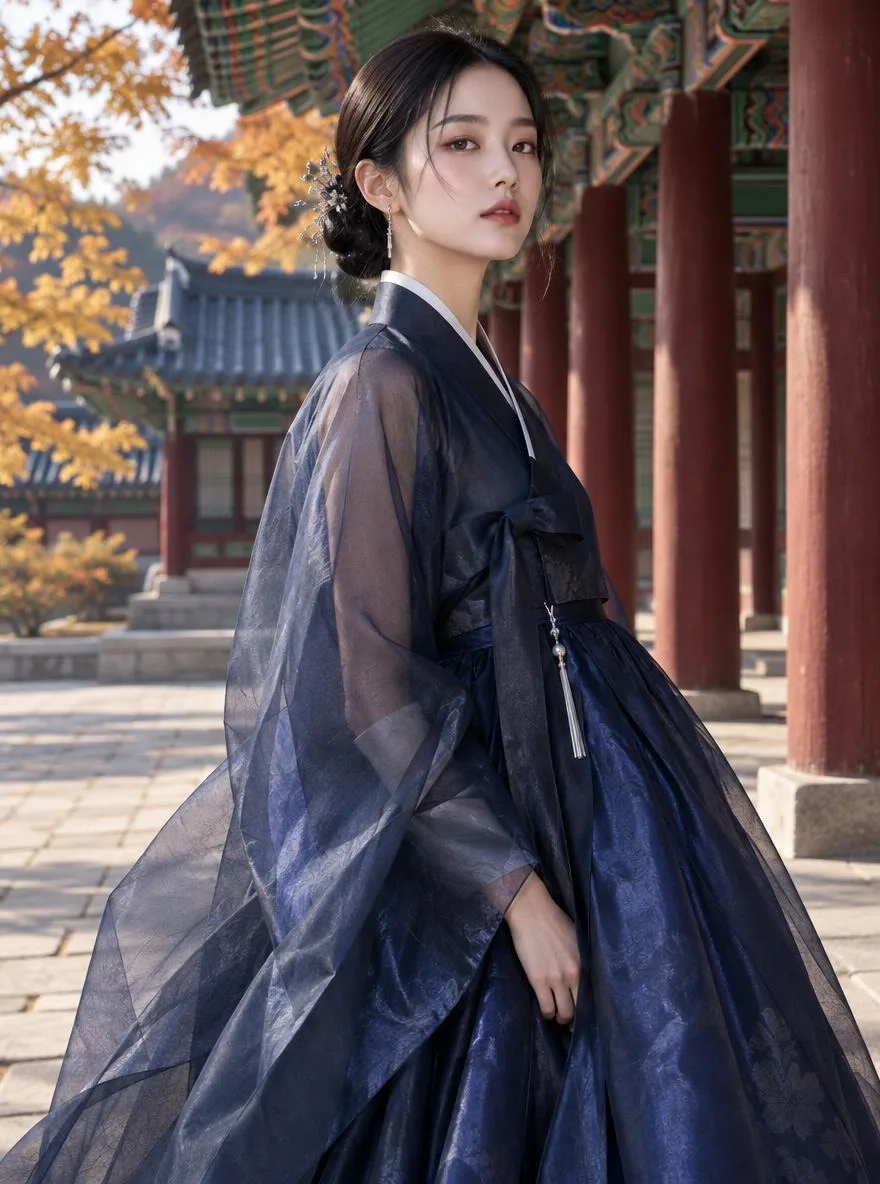
| 1. Subject | Who or what, doing what | A young woman in a pale pink hanbok holding a paper lantern |
| 2. Setting | Place, time, season | Courtyard of a hanok house on an autumn evening |
| 3. Composition | Shot size, camera angle | Full-body shot, eye level |
| 4. Lighting | Light source and direction | Warm lantern glow, soft blue dusk in the background |
| 5. Style | Medium or visual style | Fashion editorial photograph |
| 6. Mood | Emotion, color palette | Calm and elegant, muted pink and indigo |
Put together: "A young woman in a pale pink hanbok holding a paper lantern, courtyard of a hanok house on an autumn evening, full-body shot at eye level, warm lantern glow with soft blue dusk behind her, fashion editorial photograph, calm and elegant mood, muted pink and indigo palette."
Two small rules make this formula more reliable:
- Lead with the subject. Models tend to weight early words more heavily, so the most important thing goes first.
- Separate elements with commas. Short, comma-separated phrases are easier for the model (and the translator) to parse than one long, nested sentence.
How do you turn a short idea into a strong prompt?
Most weak prompts are not wrong, just underspecified. Here is what the formula does to three common starting points:
| Before | After |
|---|---|
| cute cat | Ginger cat curled up on a wooden window shelf, small studio apartment in afternoon sun, front-facing close-up, soft natural light, film photograph, cozy and sleepy mood |
| tteokbokki photo | Bubbling tteokbokki and fish cakes in a shallow steel pan, street-stall table at night, 45-degree overhead angle, warm bulb light with rising steam, food photography, glossy red sauce |
| girl in hanfu | Young woman in a cross-collar hanfu top and dark green mamianqun skirt sitting in a garden corridor, full-body shot, soft early-morning backlight, fashion editorial, serene and graceful mood |
If expanding ideas by hand feels slow, use Prompt magic on Pickshot. Type a short idea such as "woman in a kimono", run Prompt magic, and it expands the idea into a detailed scene with setting, lighting and mood. Treat the result as a draft: keep what works, then change the one or two details that matter to you, like the color of the outfit or the location.
Which culture-specific words work best for Korean, Japanese and Chinese scenes?
Culture-specific nouns are where native-language prompting shines, because you already know the precise word. The table below pairs common terms with the visual details that help the model get them right.
| Culture | Term | Add these visual details |
|---|---|---|
| Korean | hanbok (한복) | short jeogori jacket, full chima skirt, norigae tassel |
| Korean | hanok (한옥) | black curved roof tiles, wooden pillars, paper sliding doors |
| Korean | tteokbokki (떡볶이) | chewy rice cakes in glossy red sauce, steel pan, steam |
| Japanese | kimono (着物) | camellia or arrow-feather pattern, obi sash color, geta sandals |
| Japanese | engawa (縁側) | wooden veranda facing a small garden, sliding shoji doors |
| Japanese | Showa retro (昭和レトロ) | faded colors, neon tube signs, cream soda in a kissaten cafe |
| Chinese | hanfu (汉服) | cross-collar top, wide sleeves, embroidered hems, hairpins |
| Chinese | Jiangnan water town (江南水乡) | white walls, gray tiles, stone bridges, black-canopy boats |
| Chinese | guofeng (国风) | ink-wash textures, empty space, muted mineral colors |
Why add the descriptions? During translation, a rare proper noun may be passed through as a romanized word. If the model has seen few images labeled "engawa", it may guess. Writing "engawa (a wooden veranda facing a small garden)" removes the guesswork. The same trick works in any language: in Korean you might write 한옥(검은 기와지붕과 나무 기둥), in Chinese 乌篷船(黑色篷顶的小木船).
If you would rather start from a look than from words, Pickshot's style presets cover many of these aesthetics. Try the heritage fashion style for hanbok, kimono and hanfu, the Chinese guofeng painting style, or jump straight into the Korean webtoon preset.
Copy-ready prompt table: 12 examples
Each prompt follows the formula. Paste it as is, or swap one element at a time to learn what each part does.
| # | Use case | Prompt | Ratio |
|---|---|---|---|
| 1 | Instagram feed | Woman holding a latte by the window of a Seongsu-dong cafe, medium shot, afternoon natural light, film photograph, warm beige tones | 4:5 |
| 2 | Profile picture | Shiba Inu in a yellow raincoat, plain light-blue background, front close-up, studio lighting, 3D collectible figure | 1:1 |
| 3 | Blog header | Two onigiri wrapped in bamboo leaf with yellow pickled radish, top-down view, bright window light, food photography | 3:2 |
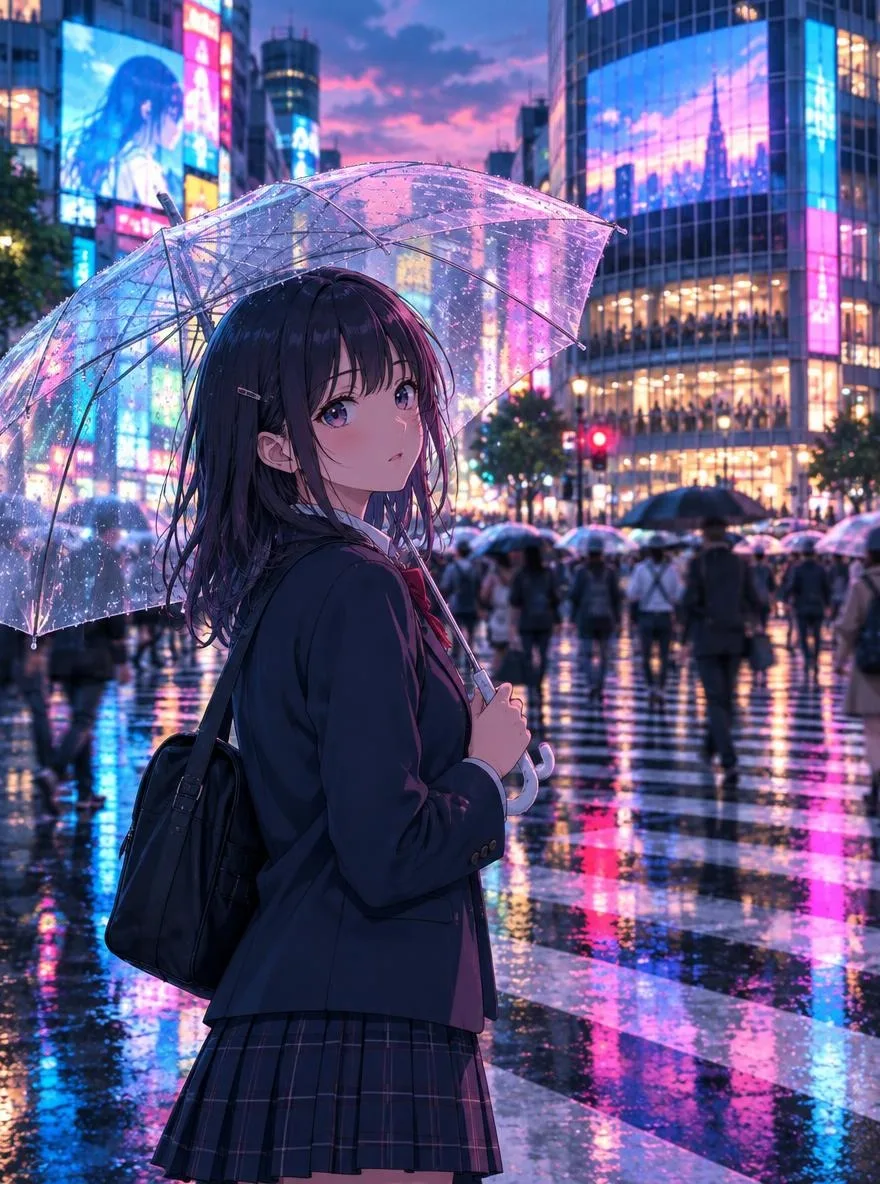
| 4 | Reels / TikTok background | Rainy alley in Shinjuku at night, neon signs reflecting on wet asphalt, low angle, cyan and magenta neon, cyberpunk | 9:16 |
| 5 | Heritage portrait | Woman in a red Ming-style hanfu in front of the Forbidden City's red walls, full-body shot, overcast diffused light, fashion editorial | 2:3 |
| 6 | Webtoon panel | Two high-school students in uniforms laughing on a rooftop, wide shot, summer afternoon sun, Korean webtoon style | 3:4 |
| 7 | YouTube thumbnail | Black-canopy boat passing under a stone bridge in a Jiangnan water town, red lanterns reflected in the canal, wide angle, golden dusk, guofeng illustration | 16:9 |
| 8 | Landscape print | Jeju stone walls with a field of yellow canola flowers and the sea beyond, wide shot, golden hour, watercolor | 3:2 |
| 9 | Seasonal post | Kimono-clad woman sitting on an engawa eating matcha shaved ice, medium shot, bright summer light, cool green palette | 4:5 |
| 10 | Messenger sticker | Hamster sweating while eating spicy tteokbokki, white background, thick outlines, chat sticker style | 1:1 |
| 11 | Retro poster | 1990s Hong Kong street at night, woman under neon signs, half-body shot, green and red light, cinematic film grain | 2:3 |
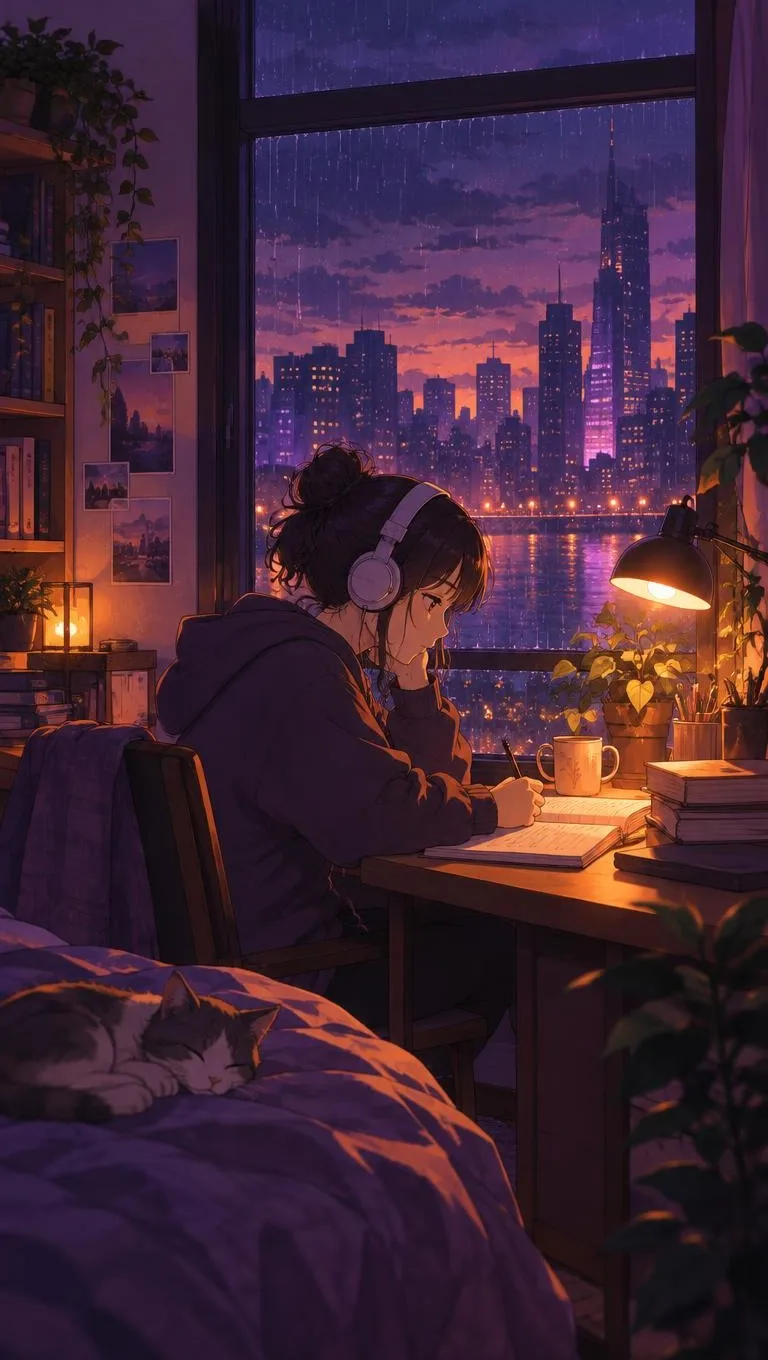
| 12 | Lo-fi wallpaper | Girl studying at a desk with a sleeping cat on a rainy night, city lights outside the window, lo-fi anime, soft purple tones | 16:9 |
Do you need negative prompts?
A negative prompt is a separate list of things you do not want in the image. It is common with SDXL-family models, and some interfaces expose a dedicated field for it. FLUX-family models, which power several of Pickshot's options, are designed around positive descriptions instead.
In practice, rephrasing "no X" as "Y" is the more reliable habit across models:
- "no messy background" becomes "plain ivory background"
- "no weird hands" becomes "both hands in coat pockets"
- "no people" becomes "empty alley at dawn"
Mentioning an unwanted thing can even pull it into the picture, because the model still reads the word. Describe the result you want and leave the rest out.
When should you use a seed?
A seed is the random number a generation starts from. With the same model, the same prompt and the same seed, you get a very similar image, which makes seeds useful for controlled experiments: change one word, keep everything else fixed and see exactly what that word does.
Seeds are not a good tool for keeping a character consistent across different scenes, because changing the prompt changes the image no matter what the seed is. For that, Pickshot's Characters feature is the better route. Register one to three reference images of an original character and generate new scenes with the same face, hair and outfit. Each generation can produce up to four images, so another practical approach is to lock your prompt and compare four variations side by side.
Which aspect ratio should you choose for each platform?
Decide where the image is going before you write the prompt, because the ratio changes what composition makes sense.
| Destination | Recommended ratio |
|---|---|
| Instagram feed | 4:5 or 1:1 |
| Instagram Reels, Stories, TikTok, Douyin | 9:16 |
| Xiaohongshu (RED) notes | 3:4 |
| KakaoTalk or LINE profile, stickers | 1:1 |
| YouTube or Bilibili thumbnail | 16:9 |
| Blog header (Naver, note, WeChat articles) | 3:2 or 4:3 |
| Poster or cover | 2:3 |
Pickshot supports 1:1, 3:4, 4:5, 9:16, 4:3, 16:9, 2:3 and 3:2, with output at roughly one megapixel (for example 1024×1024 or 864×1152). One exception to keep in mind: FLUX.1 Schnell only produces square 1:1 images.
Match the prompt to the frame. Asking for "a sweeping horizontal panorama" in a 9:16 frame usually produces an awkward crop, while "a full-body shot" fits a tall frame naturally.
What are the most common prompt mistakes?
- Only mood words. "Dreamy, aesthetic, beautiful" gives the model nothing to draw. Add a subject and a setting.
- Too many elements. One main subject and two or three background elements is a good ceiling.
- Clashing styles. "Watercolor" plus "photorealistic photo" usually lands somewhere unconvincing in between.
- Expecting text from every model. If you need words in the image, pick FLUX.2 Dev or Phoenix 1.0.
- Using real people's names. Pickshot prohibits impersonating real people, and requests that fail its safety filter are blocked before generation.
- Changing everything at once. Edit one element per round so you know which change helped.
How do you put this into practice on Pickshot?
- Open the generator. Without an account you get 8 images a day on free models; a free account raises that to 100 images a day, plus 50 credits on sign-up and 10 bonus credits daily.
- Write your idea in Korean, Japanese, Chinese or English. Use Prompt magic if you only have a few words.
- Pick one of the 18 style presets, or leave it open.
- Choose a model. FLUX.2 Klein 4B is the fast free default, FLUX.2 Klein 9B (1 credit) is stronger for people and photos, and SDXL Lightning (free) suits anime and illustration. The models page compares them all.
- Set the ratio for your platform and generate up to four images.
When something works, you can share it to the public Explore feed, and you can learn quickly by using the "use this prompt" button on other people's images to see how they phrased things. For anime-specific tips, read the anime style prompt guide, and if you are comparing tools, see our roundup of free AI image generators in 2026.
Ready to test the formula? Write your first six-part prompt in whichever language feels natural and start creating on Pickshot.
Questions
Do AI image prompts have to be written in English?
No. On Pickshot you can write prompts in Korean, Japanese, Simplified Chinese or English, and non-English prompts are automatically translated into English for the model. Specific nouns and visual details affect the result far more than the language you use.
How long should an AI image prompt be?
One or two sentences that cover subject, setting, composition, lighting, style and mood are usually enough. Stuffing in more elements tends to make them compete, which leads to muddy, unfocused images.
What does Prompt magic do on Pickshot?
Prompt magic expands a short idea, such as "woman in a kimono", into a detailed scene prompt with setting, lighting and mood. Use the expanded version as a draft and edit only the parts you want to change.
How do I keep the same character across different images?
Use Pickshot's Characters feature: register one to three reference images of your original character and it keeps the same face, hair and outfit in new scenes. You can save up to 20 characters.
Can AI image generators render text inside the image?
Text rendering varies a lot by model. On Pickshot, FLUX.2 Dev can render text and Phoenix 1.0 is built for posters and lettering, so choose one of those when the image needs words.
This is a preview: browse every model and setting and try the queue. Sign up and get 50 credits.
Tour the studio