Mage.space Alternative for Korean, Japanese & Chinese Users
Looking for a Mage.space alternative in Korean, Japanese or Chinese? An honest Pickshot vs Mage comparison of language, pricing, free tier, video and policy.
If you work mainly in Korean, Japanese or Chinese and want a localized interface, native-language prompts, local-currency pricing and a safety filter that runs before generation, Pickshot is a reasonable Mage.space alternative. If you need video generation, access to a wide range of third-party models, or mature-rated content, Mage is the better choice today. This guide compares both services point by point using public information as of October 2026, then shows how to recreate a typical Mage workflow in Pickshot.
What are Mage.space and Pickshot?
Mage.space is an AI image and video generation service run by Ollano, Inc., based in New York. It launched in September 2022 and relaunched with a redesign on January 15, 2026. The company states it had 1.4 million monthly active users as of June 2026. Mage combines self-hosted open models, lab APIs such as GPT Image, Grok and Nano Banana, and partner models, and it has a strong video lineup.
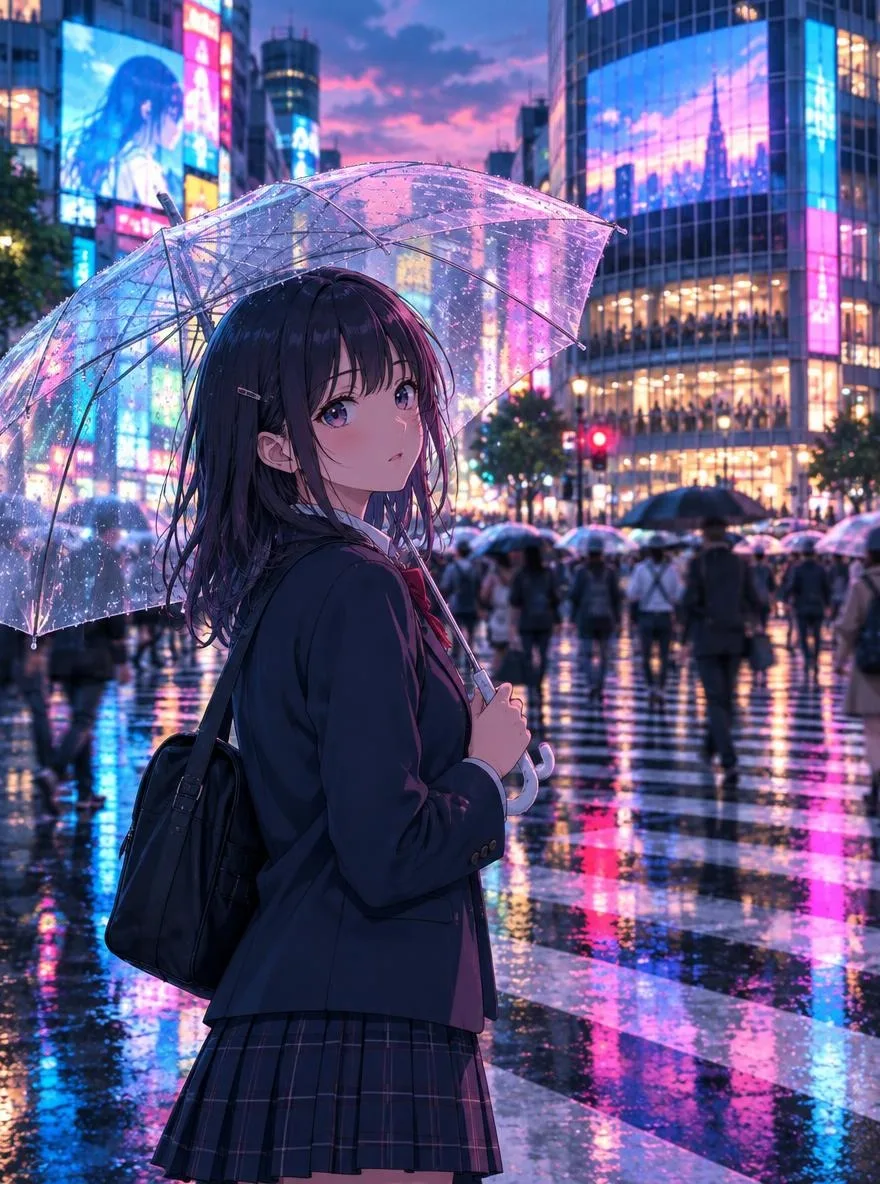
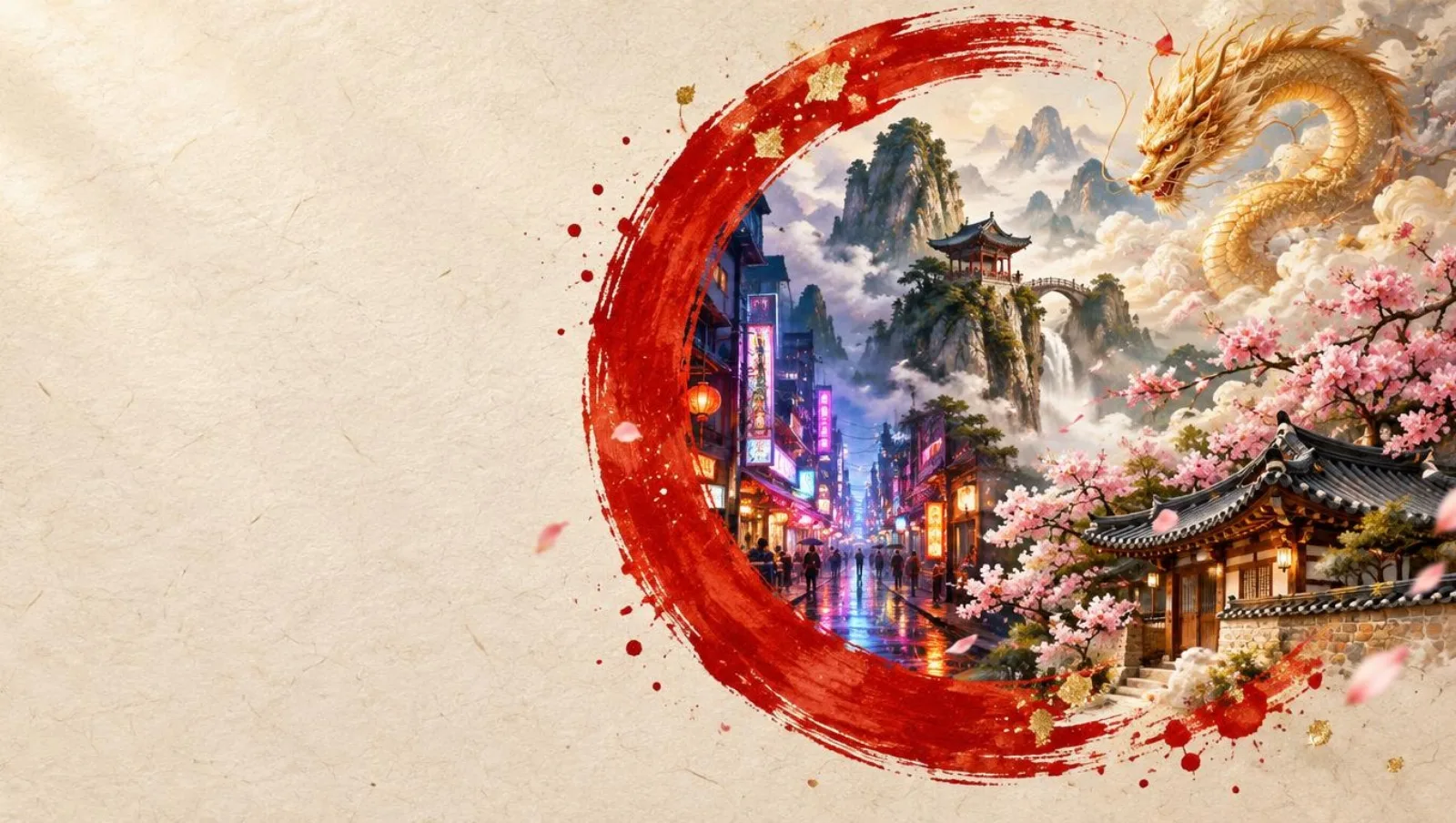
Pickshot (無限 / 무한 / 无限, meaning "limitless") is an AI image generator that launched in October 2026 and was built for creators in Korea, Japan and China. Its interface and prompts work in Korean, Japanese, Simplified Chinese and English, and it ships with style presets and photo apps aimed at what Asian users commonly make: webtoon panels, K-pop photocards, guofeng paintings, ukiyo-e prints, messenger stickers and more.
Both are web services. Neither has a native mobile app, though Pickshot's mobile web version has a bottom tab bar designed for phones.
How do Pickshot and Mage.space compare at a glance?
| Feature | Pickshot | Mage.space |
|---|---|---|
| Interface language | Korean, Japanese, Simplified Chinese, English | English |
| Native-language prompts | Korean, Japanese and Chinese prompts auto-translated to English; "Prompt magic" expands short ideas | No dedicated feature documented (English UI and docs) |
| Pricing currency | KRW, JPY, CNY and USD price points | USD via Stripe |
| Monthly plans | Plus $7.99 / Pro $19.99 / Max $44.99 | Basic $10 / Pro $30 / Pro Plus $60 / Max $200 |
| Free tier | 8 images/day without an account; free account: 100 free-model images/day + 50 sign-up credits + 10 credits/day | Free plan: 300 Gems once |
| Models | 8 (4 free): FLUX.2 Klein 4B/9B, FLUX.2 Dev, FLUX.1 Schnell, SDXL Lightning, DreamShaper 8, Phoenix 1.0, Lucid Origin | Open models + lab APIs (GPT Image, Grok, Nano Banana) + partner models |
| Presets and apps | 18 style presets, 8 photo apps | Many apps for enhancing, swapping, editing and video |
| Characters | 1–3 reference images, up to 20 characters | Characters and Multi-Characters (images and video) |
| Video | Not yet (waitlist) | Yes (unlimited video on Pro and above, with caps) |
| Content policy | Generation goes through a safety filter before an image is made; the 19+ area is separate and opens only after age confirmation | Permissive, Mature Mode toggle, G/G+/M/M+ ratings |
| Paid checkout | Not open yet; waitlist gets 50% off first month | Available now; generally no refunds |
| Mobile app | No (mobile web supported) | No |
Which one is easier to use in Korean, Japanese or Chinese?
Language is the biggest practical difference. As of October 2026, Mage.space has an English-only interface, and its documentation and prompting guides are in English as well. For fluent English speakers that is no obstacle. For many users in Seoul, Tokyo or Shanghai, though, it means reading menus, settings and billing terms in a second language before making a single image.
Pickshot lets you switch the whole interface to Korean, Japanese, Simplified Chinese or English, and you can type prompts directly in your own language. Prompts written in Korean, Japanese or Chinese are automatically translated into English before they reach the model, so you do not need to translate them yourself. The "Prompt magic" option (프롬프트 마법 / プロンプト魔法 / 提示词魔法) takes a short idea, such as "a girl in a school uniform under cherry blossoms," and expands it into a detailed scene prompt with lighting, composition and mood. For techniques that work well in each language, see our native-language prompt guide.
How does pricing compare?
What do Mage's plans cost?
Mage offers four paid plans: Basic at $10 a month (500 Gems), Pro at $30 (1,500 Gems), Pro Plus at $60 (3,500 Gems) and Max at $200 (15,000 Gems). Payment is in US dollars through Stripe, and 1,000 Gems is worth roughly $1. Paid plans include "unlimited" generation on selected self-hosted models and settings, with resolution and length caps. Mage's membership page states that, because of the unlimited nature of its plans, it typically does not offer refunds.
What do Pickshot's plans cost?
Pickshot sets separate price points for each market rather than converting from dollars:
- Plus: ₩9,900 / ¥980 / ¥39 CNY / $7.99 per month, with 1,500 credits a month and 500 free-model images a day
- Pro: ₩24,900 / ¥2,480 / ¥99 CNY / $19.99 per month, with 5,000 credits a month, 2,000 images a day and priority processing
- Max: ₩59,000 / ¥5,980 / ¥239 CNY / $44.99 per month, with 15,000 credits a month and early video access
Two caveats matter here. First, Pickshot credits and Mage Gems are different units, and each model costs a different amount on each platform, so you cannot compare "price per image" by dividing one plan by another. Second, Pickshot's paid checkout is not open yet. Right now you can join a waitlist, and waitlist members get 50% off their first month when paid plans launch. Full details are on the pricing page.
How much can you do for free?
Mage's free plan grants 300 Gems once at sign-up. Pickshot lets you generate 8 images a day on free models without creating an account. With a free account, that rises to 100 free-model images a day, plus 50 credits on sign-up and a 10-credit daily bonus for the paid models. Daily quotas reset at 00:00 KST/JST (UTC+9). Since paid checkout is not open yet, the free account is how most people use Pickshot today, and it covers a lot of everyday work.
How do the models and features differ?
Mage has the wider model catalog. Beyond open models, it gives you GPT Image, Grok and Nano Banana from major labs, plus partner models, in one place. Its app lineup is also broad, covering image and video enhancement, inpainting, relighting, face and outfit swapping, lip sync and music videos.
Pickshot keeps a smaller, focused set of eight models:
- Free (0 credits): FLUX.2 Klein 4B (fast default, supports character references), FLUX.1 Schnell (fastest, square only), SDXL Lightning (good for anime and illustration), DreamShaper 8 (soft photographic look)
- Credit models: FLUX.2 Klein 9B (1 credit, better people and photos), Phoenix 1.0 (2 credits, posters and lettering), Lucid Origin (2 credits, vivid color), FLUX.2 Dev (3 credits, top detail and text rendering)
You can make up to four images per generation in eight aspect ratios, from 1:1 to 9:16 and 16:9, each mapped to platforms such as Instagram, Xiaohongshu, KakaoTalk, LINE, Reels, Douyin, YouTube and Bilibili. Output is about one megapixel. See the model guide for details.
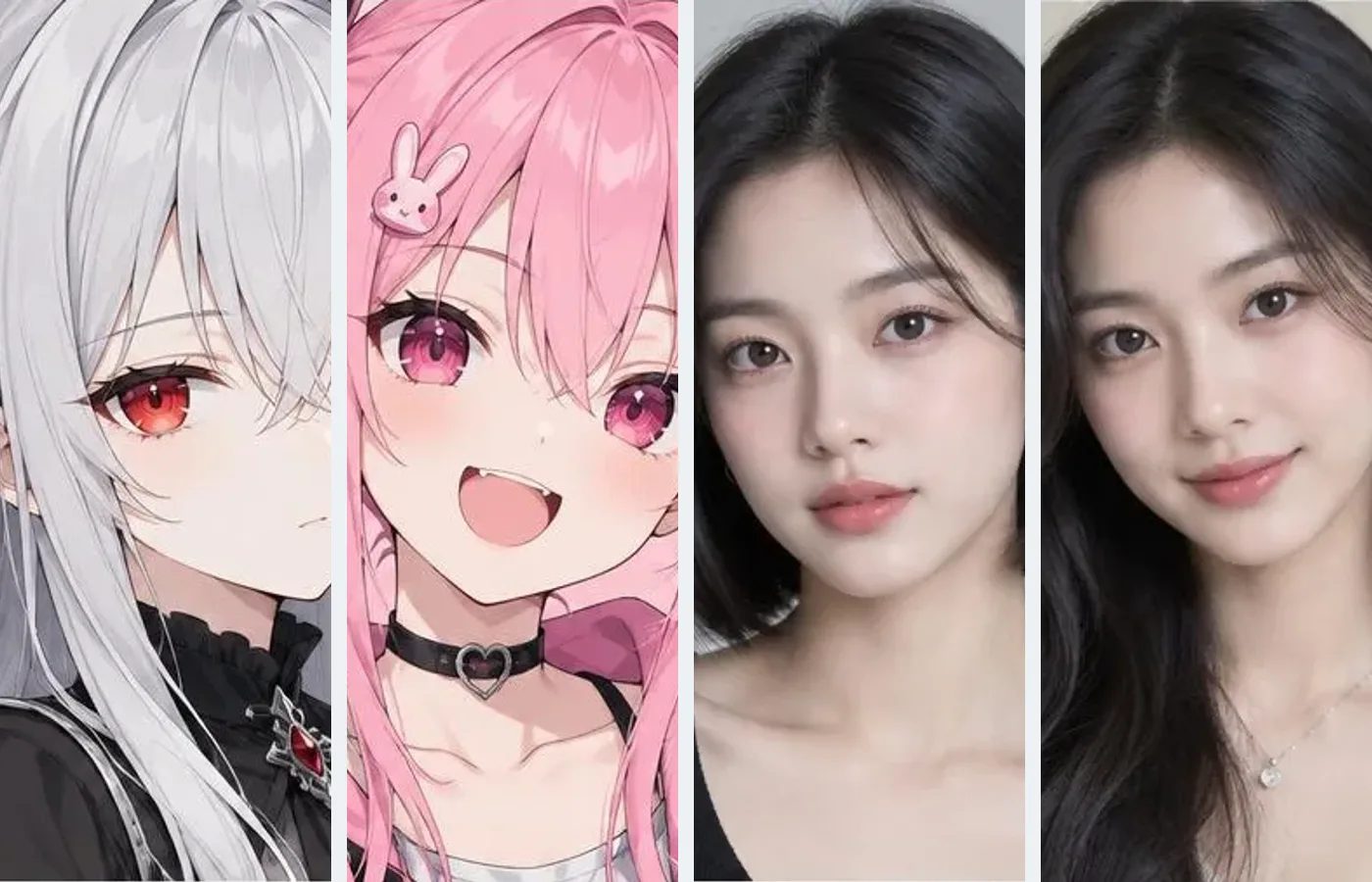
Where Pickshot puts its effort is in Asia-specific presets and apps. There are 18 style presets, including Korean webtoon, K-beauty editorial, guofeng painting, sumi-e ink wash, ukiyo-e, K-pop photocard, 3D chibi, heritage fashion (hanbok, kimono, hanfu), 1990s Hong Kong cinema and messenger stickers. There are also eight photo apps at 2 credits each: photo to anime, profile and ID-style photos, traditional costumes, travel backdrops (Kyoto, Seoul, Shanghai, Jeju, Hokkaido), hairstyle try-on, product scenes, stickers from pet photos or selfies, and old-photo restoration with colorization. Note that AI ID-style photos are not guaranteed to be accepted for passports or official IDs.

Do both offer consistent characters?
Yes. Mage offers Characters, which keep the same face across images and video, and Multi-Characters for putting two or more characters in one scene. Pickshot lets you register one to three reference images of an original character and then generate new scenes with the same face, hair and outfit, using FLUX.2 reference images. You can save up to 20 characters. Mage's character tools extend to video, which Pickshot cannot match until it adds video generation.
What if you need AI video?
To be direct: if you need video now, use Mage. Its Pro plan and above include video generation, and the Max plan adds premium video models, HD options and longer durations. Pickshot does not generate video yet. There is a waitlist, and the Max plan is set to include early video access, but there is no release date to share. Some creators split the work, using Pickshot for localized image work and another tool for video.
How do the content policies differ?
Mage runs a permissive policy. Users can turn on Mature Mode, and content is rated G, G+, M or M+. Mage prohibits illegal content, including material involving minors and deepfakes, while allowing broader creative expression for adults who opt in.
Pickshot runs a safety filter before any image is made. Sexual content, content that endangers minors and graphic violence are blocked before generation by a multilingual keyword filter and Llama Guard, and uploaded photos are checked by a vision model. Impersonating real people is prohibited. The public Explore feed is opt-in and includes a report button, and an image is hidden after three reports. Generated images are private by default, and only what you share reaches the public feed.
This is a design choice, not a judgment of other services. If your goal is generating adult-rated creative work with AI, Pickshot will not fit, and Mage is built for that use case.
Who should pick Pickshot, and who should pick Mage?
Pickshot is a good fit if you:
- Want to work in a Korean, Japanese or Chinese interface and write prompts in your own language
- Make webtoon, K-beauty, idol photocard, guofeng, ukiyo-e or sticker content regularly
- Prefer a safety filter that runs before generation
- Prefer local-currency pricing and want a generous free tier to try things before paying
- Are happy to join a waitlist for paid plans and video
Mage is a good fit if you:
- Need video generation today
- Want GPT Image, Grok, Nano Banana and many other models in one place
- Are an adult who wants Mature Mode for creative work
- Use many editing apps such as inpainting, relighting and lip sync
- Are comfortable with an English interface and USD billing
How do you recreate a Mage workflow in Pickshot?
If you are moving some of your image work from Mage to Pickshot, these steps help you get similar results quickly.
- Rewrite your prompts in your own language. You can paste an English prompt as-is, but writing the core idea in Korean, Japanese or Chinese makes it easier to edit. Start short, turn on Prompt magic to expand it, then adjust the details you care about.
- Replace long style keywords with presets. Style strings you used to append to every Mage prompt can often be replaced with one Pickshot preset. Try anime or lofi for anime looks, webtoon for manhwa panels, kbeauty or idol for portraits, guofeng or ink for East Asian painting, and hkfilm or sakura for a film-camera feel.
- Match the model to the job. Use FLUX.2 Klein 4B (free) for quick drafts, SDXL Lightning (free) for anime and illustration, FLUX.2 Klein 9B for realistic people, and Phoenix 1.0 or FLUX.2 Dev when the image needs readable text, such as a poster.
- Re-register your characters. Pick one to three clear images of your own original character, ideally with the face fully visible, and add them in Characters. New scenes will then keep the same look. Photos of real people cannot be used for impersonation.
- Pick the ratio for where you will post. Use 4:5 for an Instagram feed, 9:16 for Reels, Douyin or Shorts covers, and 16:9 for YouTube or Bilibili thumbnails.
- Label AI images where required. You own the images you make, but model licenses still apply, and many platforms ask you to label AI-generated content.
Sources
- Mage documentation: https://docs.mage.space
- Mage documentation index (Characters, Apps, Mature Mode settings): https://docs.mage.space/llms.txt
- Mage membership and pricing: https://www.mage.space/membership
- Pickshot pricing: https://pickshot.ai/en/pricing
Information about Mage is accurate as of October 2026 and may change.
Want to try it in your own language? Open Pickshot and start creating. You can make up to 8 images a day for free without an account.
Questions
Does Mage.space support Korean, Japanese or Chinese?
As of October 2026, the Mage.space interface is English-only. If you want a localized interface and automatic translation of prompts written in Korean, Japanese or Chinese, a tool like Pickshot that supports those languages natively is easier to use.
Is Pickshot cheaper than Mage?
On list price, Pickshot Plus is $7.99 a month and Mage Basic is $10 a month. However, Pickshot credits and Mage Gems are different units, so cost per image cannot be compared directly, and Pickshot paid checkout has not opened yet.
Can Pickshot generate video?
Not yet. Video generation is on a waitlist, and the Max plan is set to include early video access. If you need video right now, a service that already supports it, such as Mage, is the practical choice.
Can Pickshot generate adult content?
No. AI generation of adult content is not available: sexual content, content that endangers minors and graphic violence are blocked before generation, and impersonating real people is prohibited. A separate 19+ area exists and opens only after age confirmation.
Can I move my Mage characters to Pickshot?
There is no automatic transfer between the two services. Instead, register one to three images of your own original character in Pickshot Characters, and you can generate new scenes with the same face, hair and outfit.
When does Pickshot's daily free quota reset?
Daily quotas reset at 00:00 KST/JST (UTC+9), which is 15:00 UTC the previous day.
This is a preview: browse every model and setting and try the queue. Sign up and get 50 credits.
Tour the studio