Ukiyo-e Woodblock Print Style AI Generator
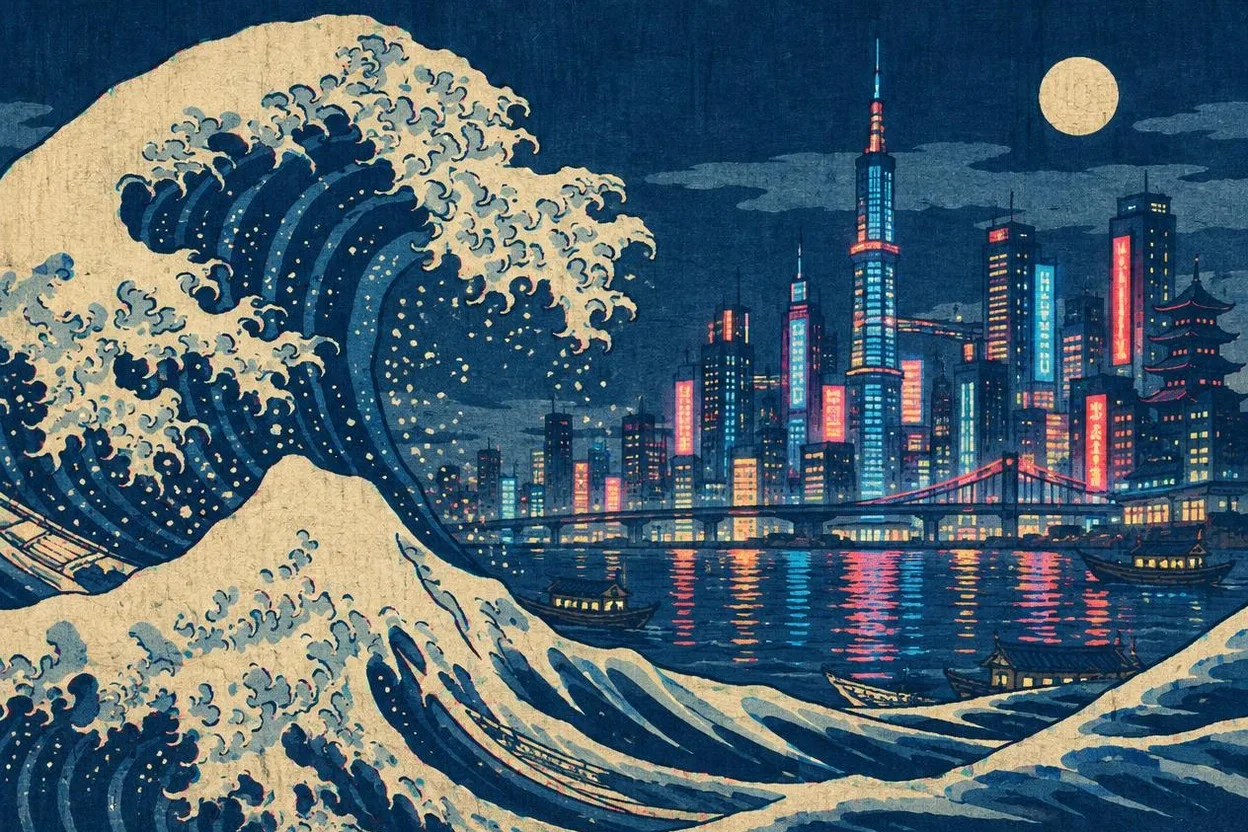
The Ukiyo-e preset renders scenes as Edo-period woodblock prints with flat indigo and Prussian blue color planes and visible woodgrain texture. It works for modern subjects in a classic style, such as city scenes, pets or food, as well as posters, T-shirt design drafts and blog headers. It is free on Pickshot's free models, with up to 100 images a day on a free account.
8 images/day without an account; 100/day plus 50 credits with a free account
Example prompts
A huge wave curling over a modern container ship, Mount Fuji small in the distance, flat indigo water, woodgrain texture
A calico cat sleeping on a tiled roof under a full moon, cherry blossom branches, bold outlines, flat colors
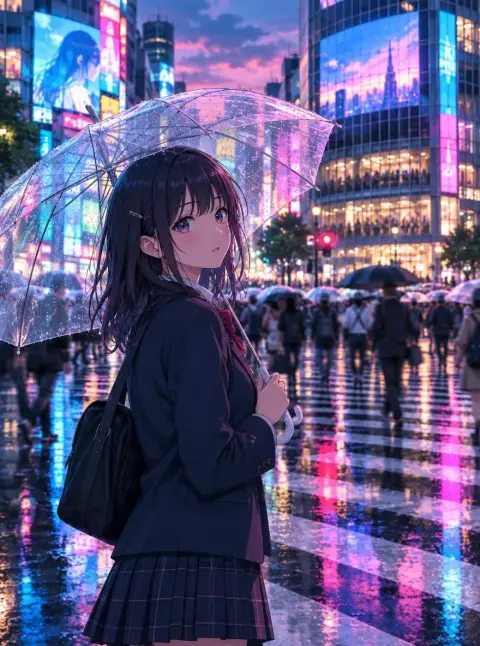
Commuters with umbrellas crossing a busy city crosswalk in the rain, Edo print style, slanted rain lines
A ramen stall at night with a lantern glowing red, steam rising, customers on wooden stools, Prussian blue sky
Tips for better results
- Mix a modern subject with classic motifs, for example a convenience store under a great wave or a cat on a tiled roof, for an eye-catching result.
- Use 3:2 or 16:9 for landscape prints and 2:3 for tall portrait prints in the style of actor or beauty prints.
- Ask for bold outlines and flat color areas, and avoid words like photorealistic or depth of field that work against the print look.
Questions
Can I use ukiyo-e style images commercially?
You own the images you create on Pickshot, but each model's license still applies. Label AI-generated images where the platform requires it.
Can I make modern subjects in ukiyo-e style?
Yes. Describe any subject, such as a city street, a pet or a dish, and the preset adds the woodblock print look on top.