AI Camera Angle Changer: Any Photo, New Angle
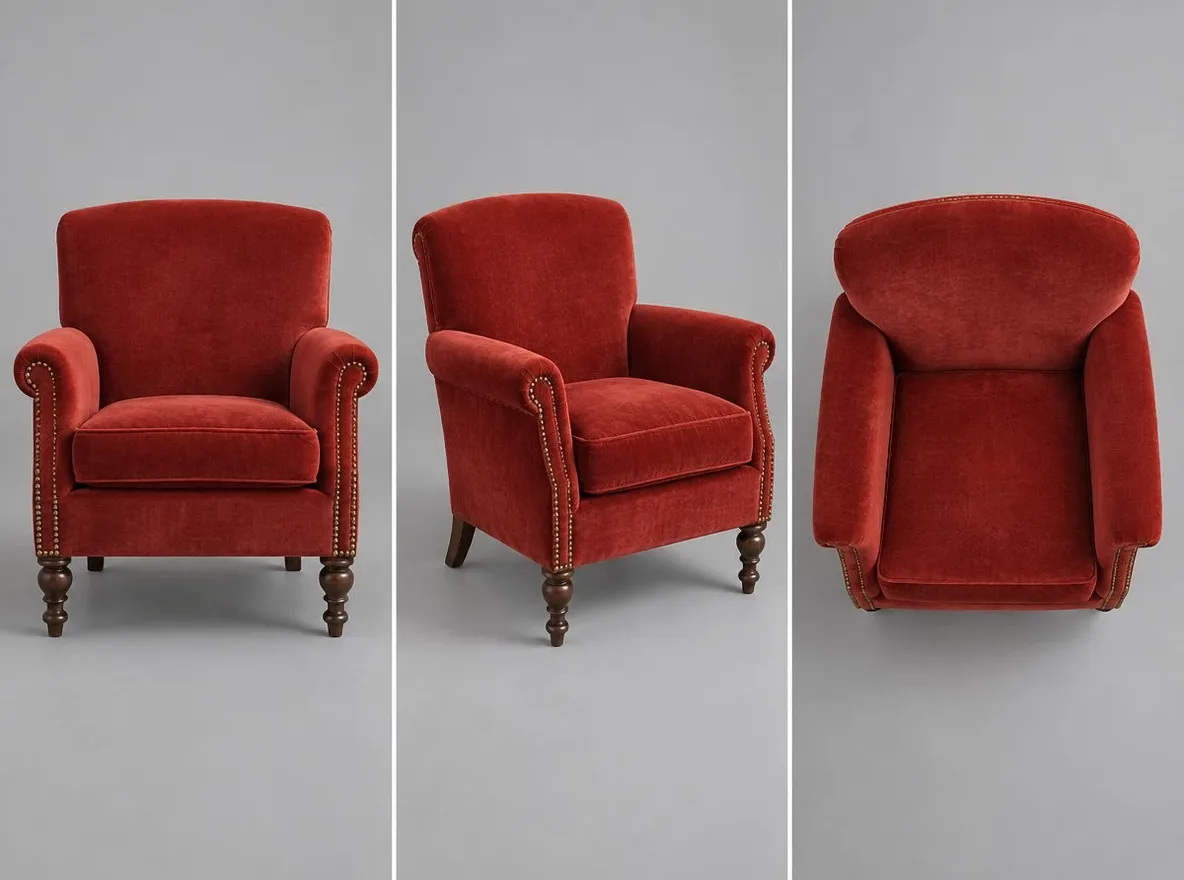
Pickshot's Angles app redraws one photo as if the camera had moved. Choose front, three-quarter left, three-quarter right, side, top-down or low angle, and it keeps the same subject, clothing, lighting and scene while changing only the point of view. It is handy for character references and for showing another side of a product.
New accounts get 50 credits. Free accounts can generate unlimited images on the website with the 5 basic image models without spending credits. Lacquer videos are free on the website: 3 a day, up to 5 seconds per clip. Members have unlimited use of eligible models without credit deductions. Other models and API/MCP remain metered.
Updated
How it works
- Upload the photo you want to see from another angle.
- Choose an angle: front, 3/4 left, 3/4 right, side, top-down or low angle.
- Press Generate, check the result and download it.
Example prompts
Real results from AI-generated pictures in our library. No photo of a real person was used.
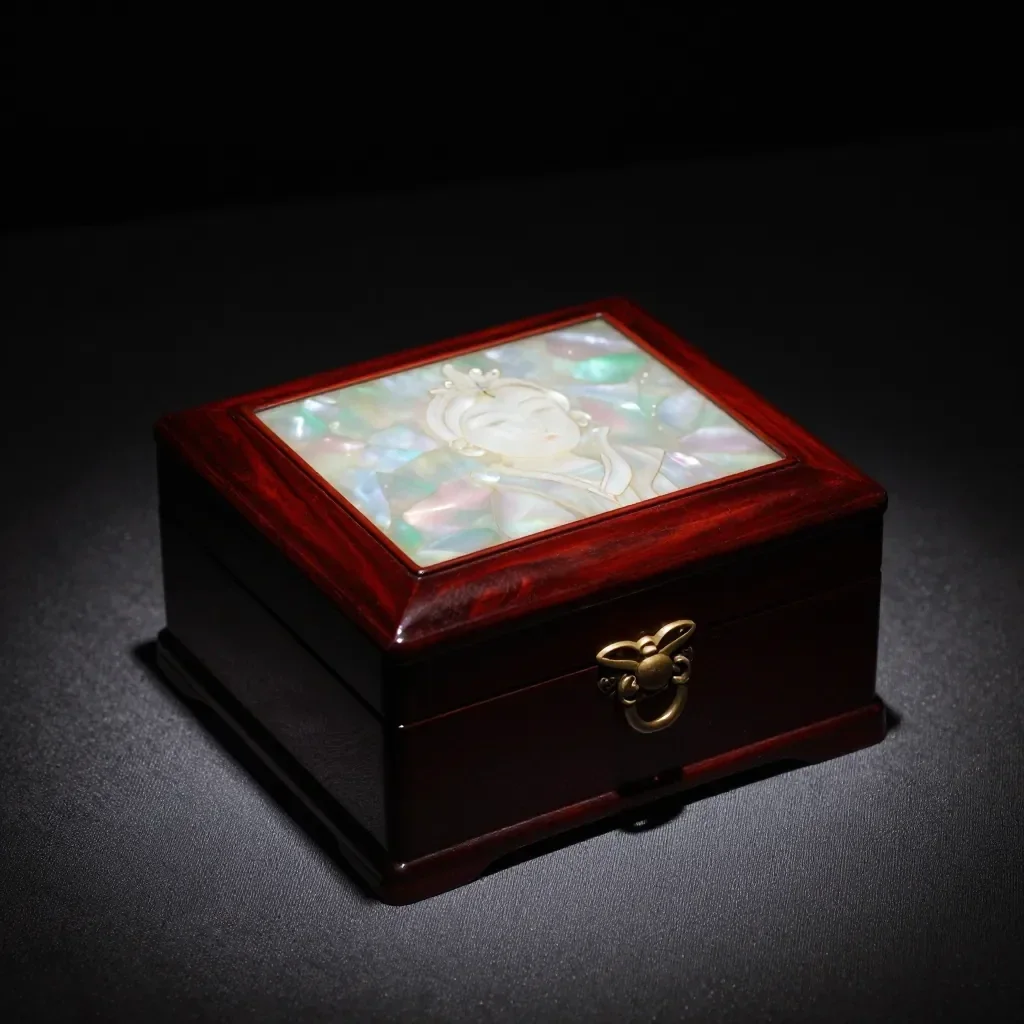 Before
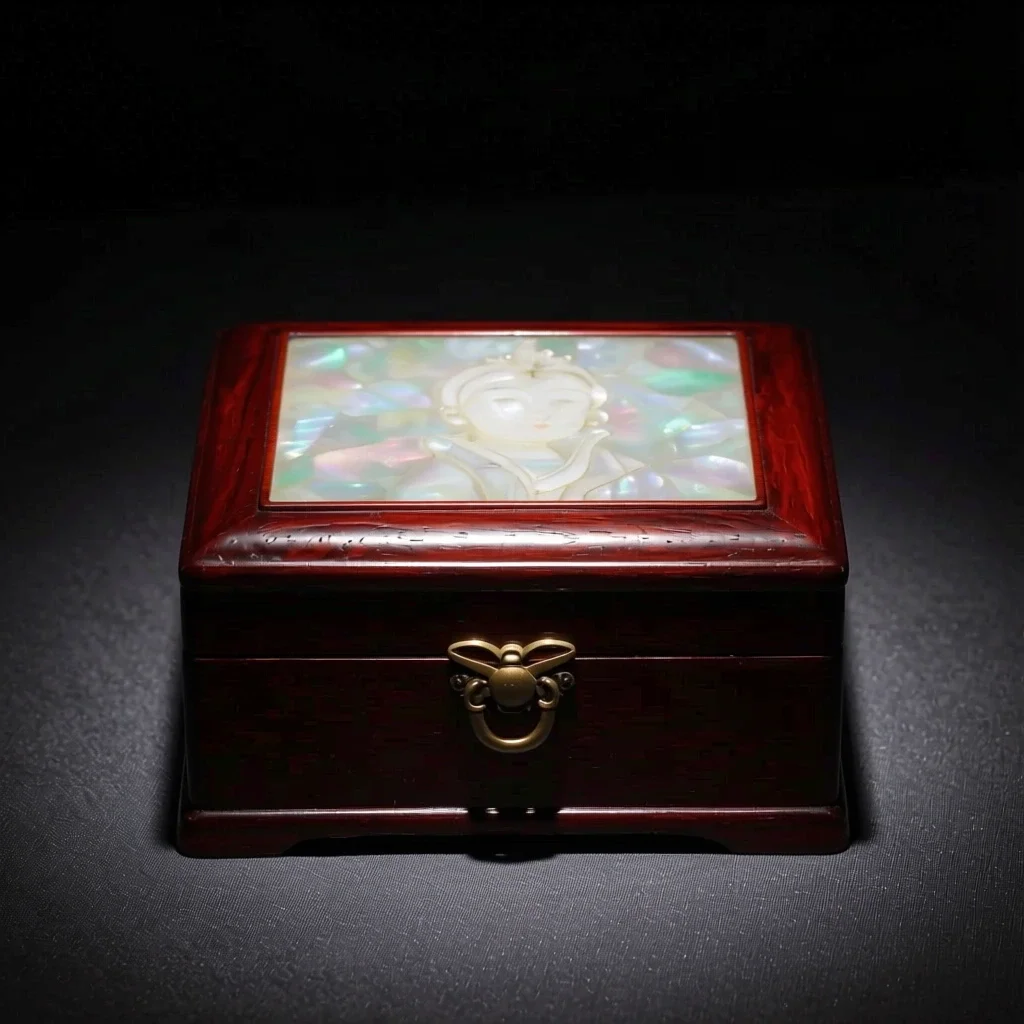 After
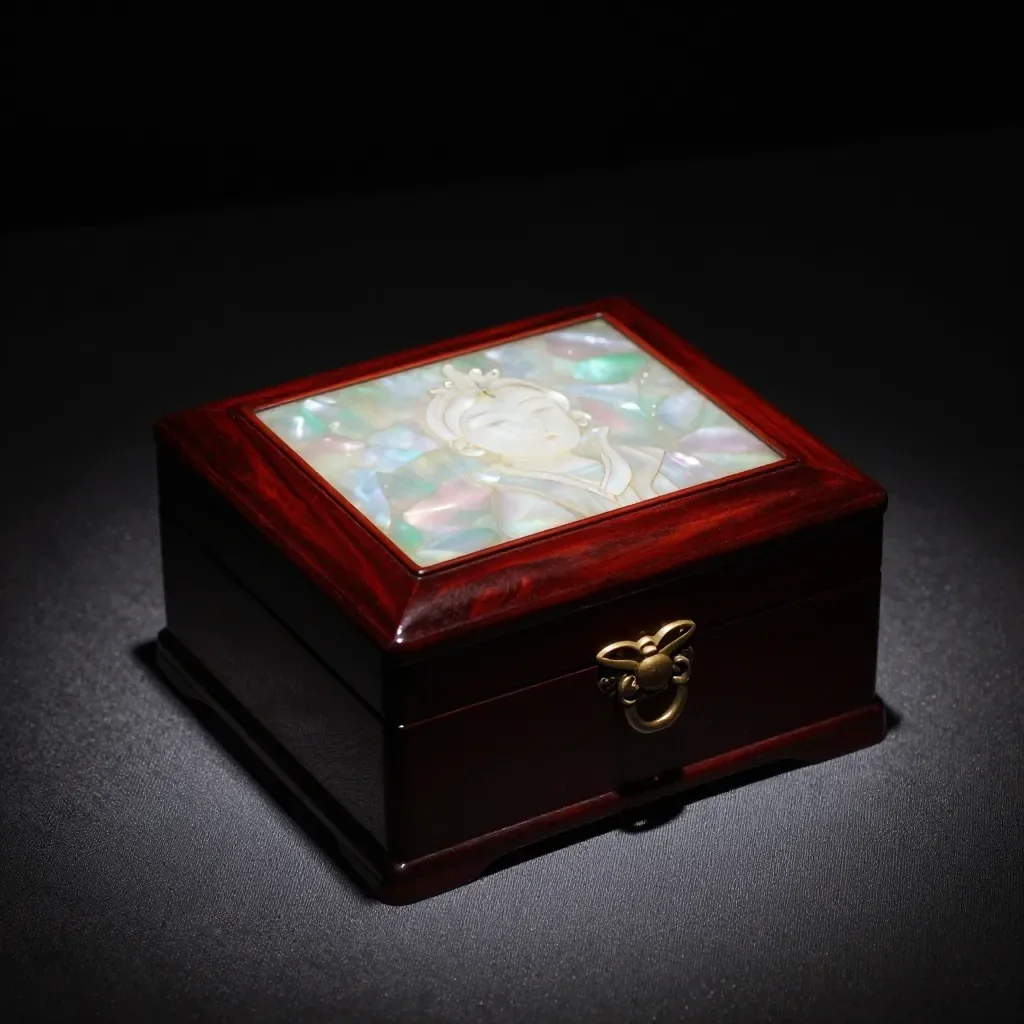 Before
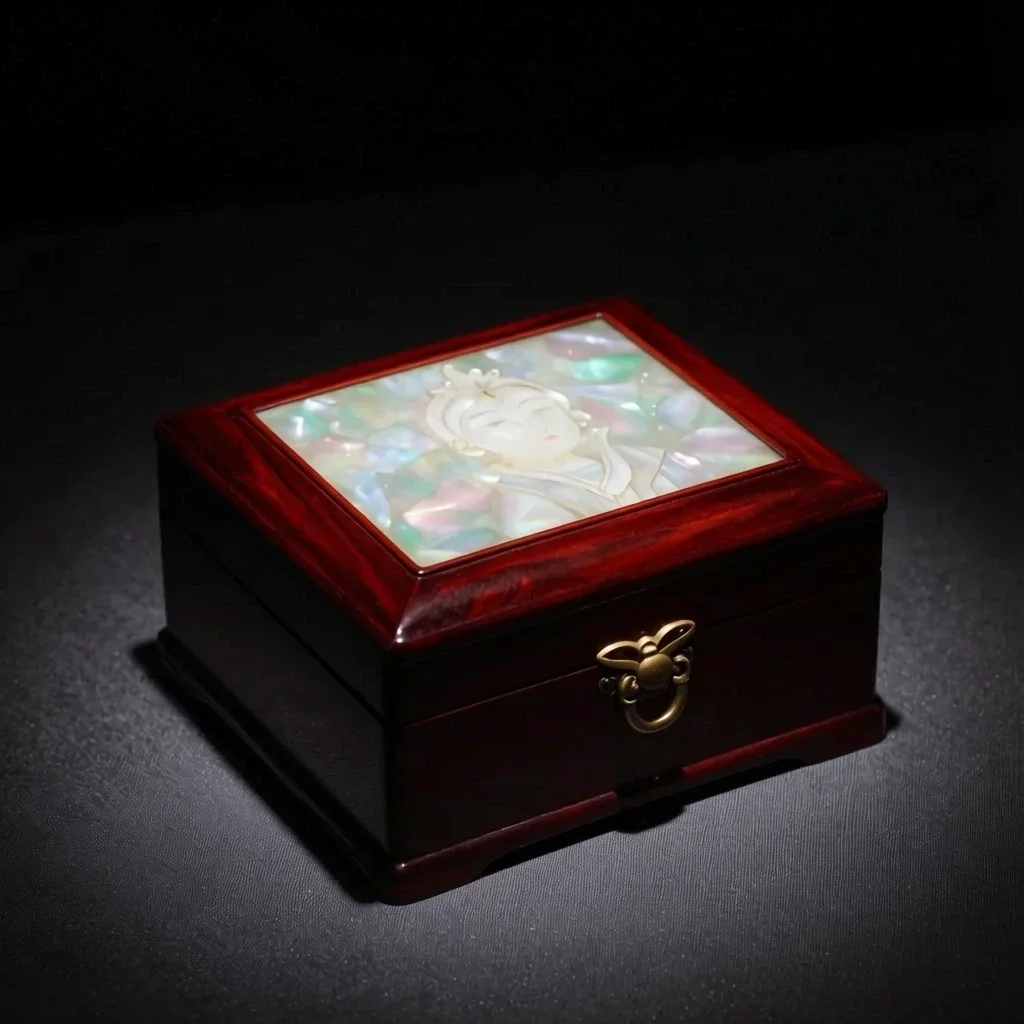 After
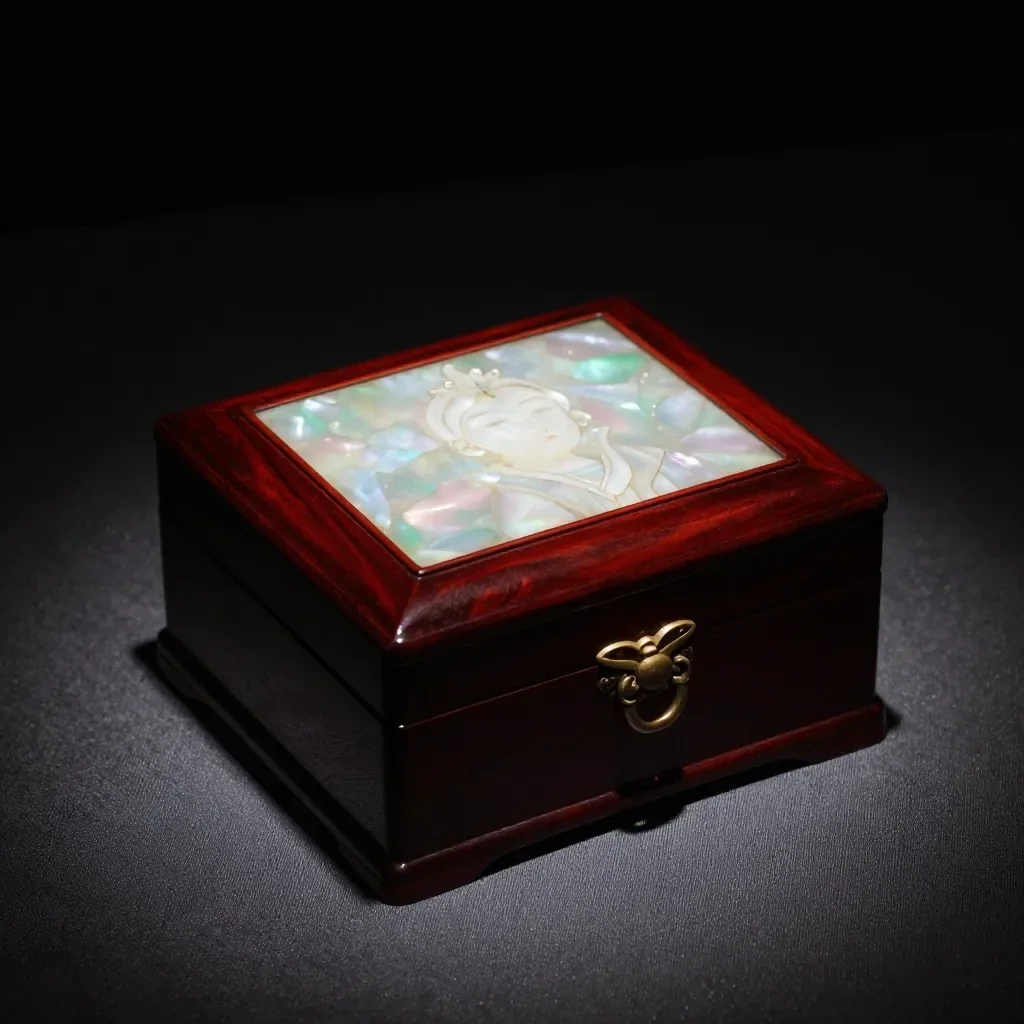 Before
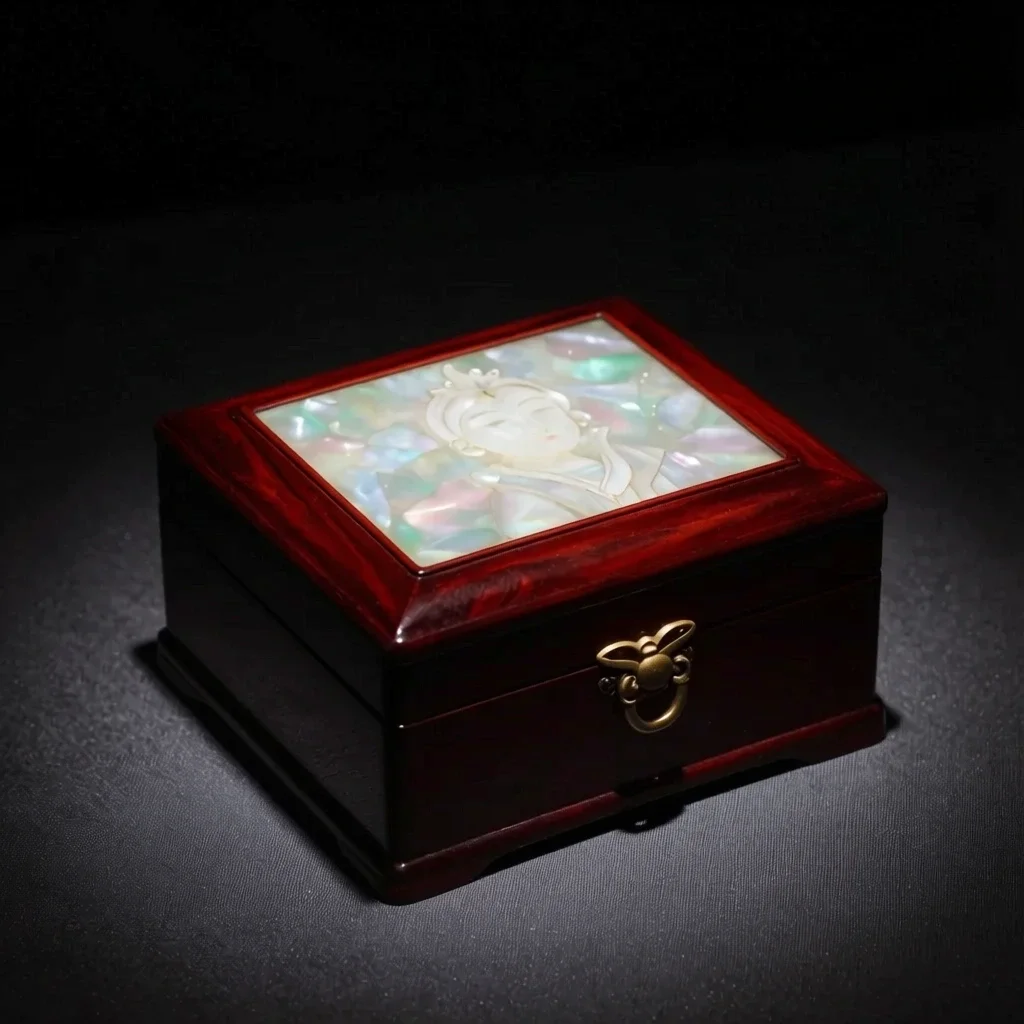 After
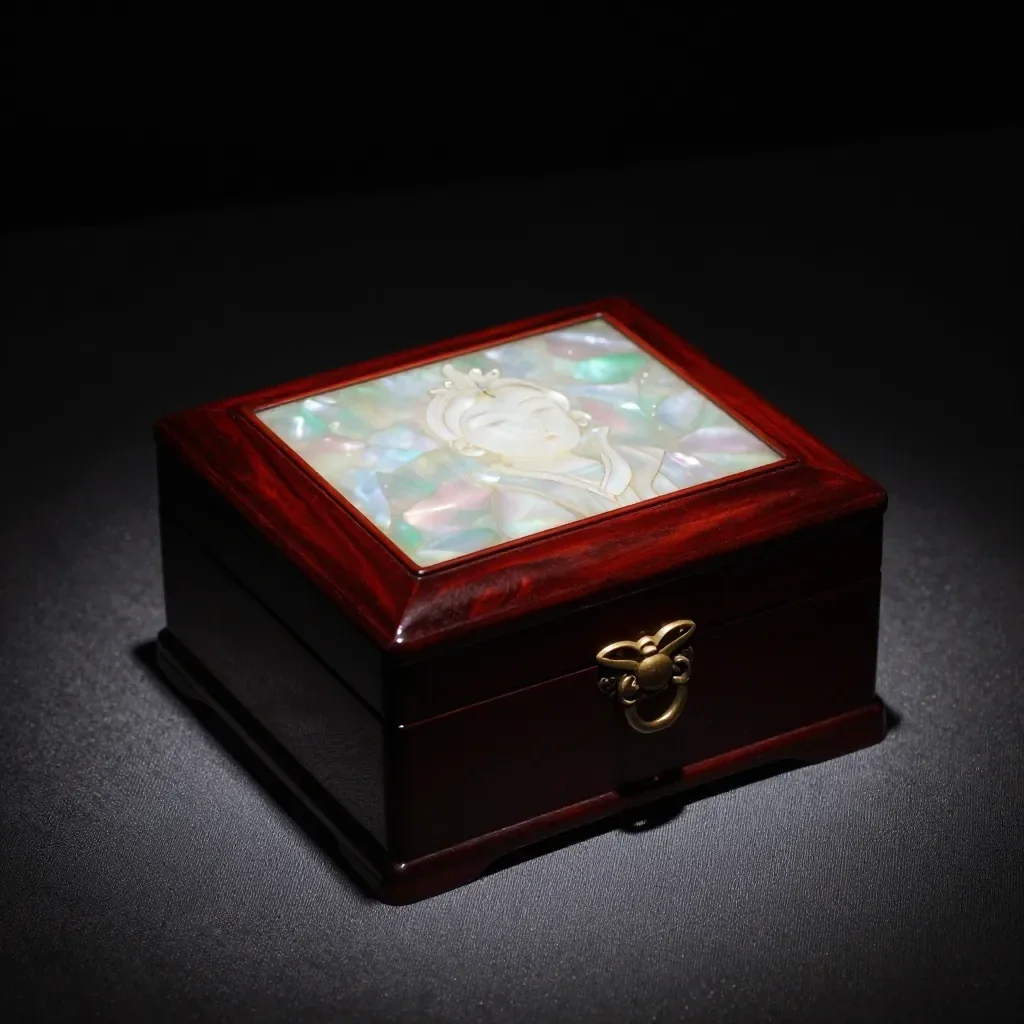 Before
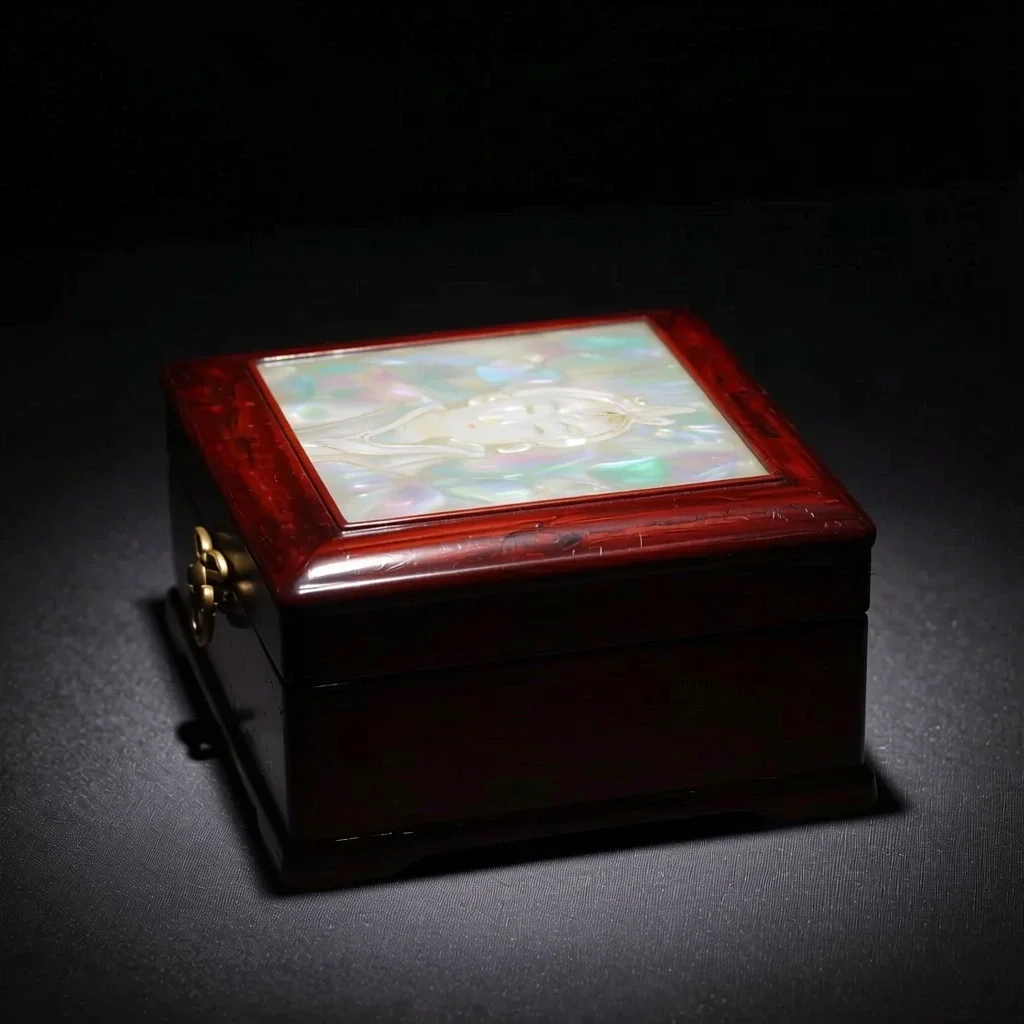 After
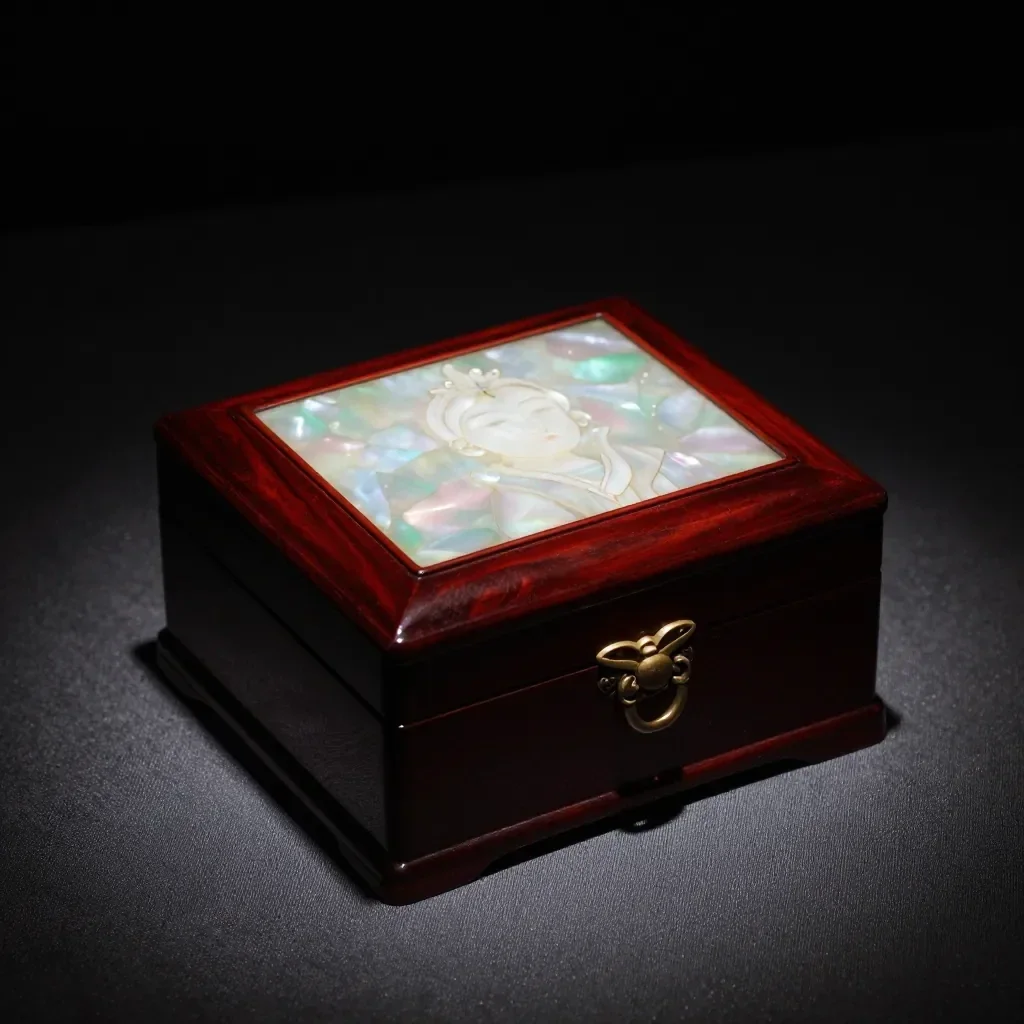 Before
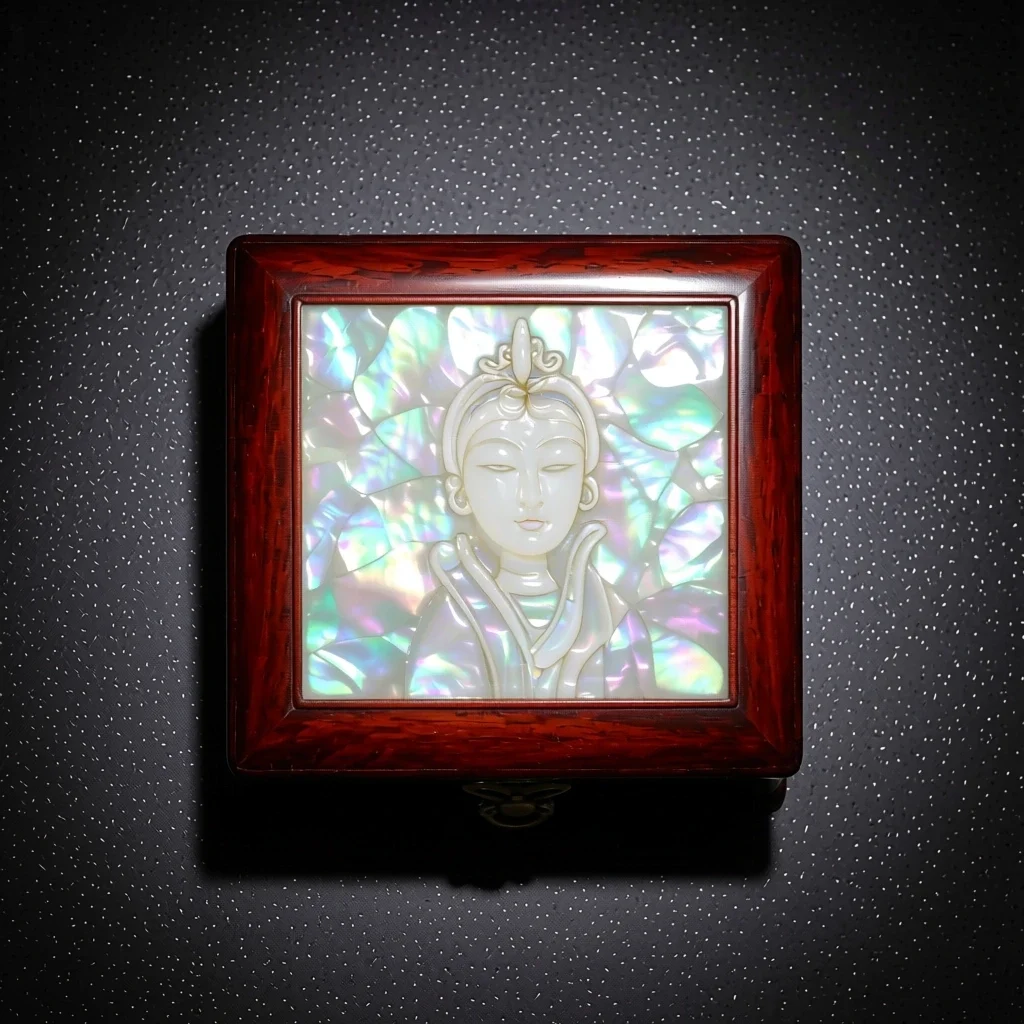 After
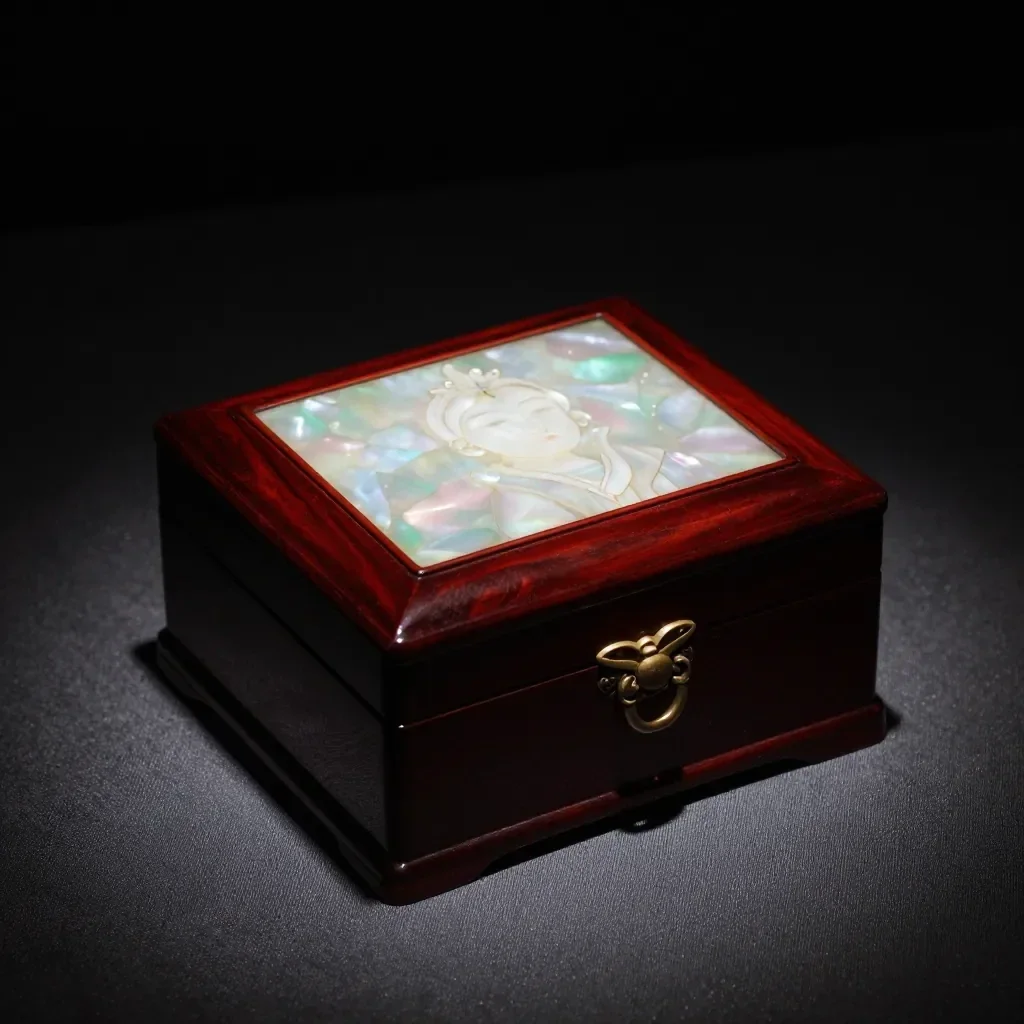 Before
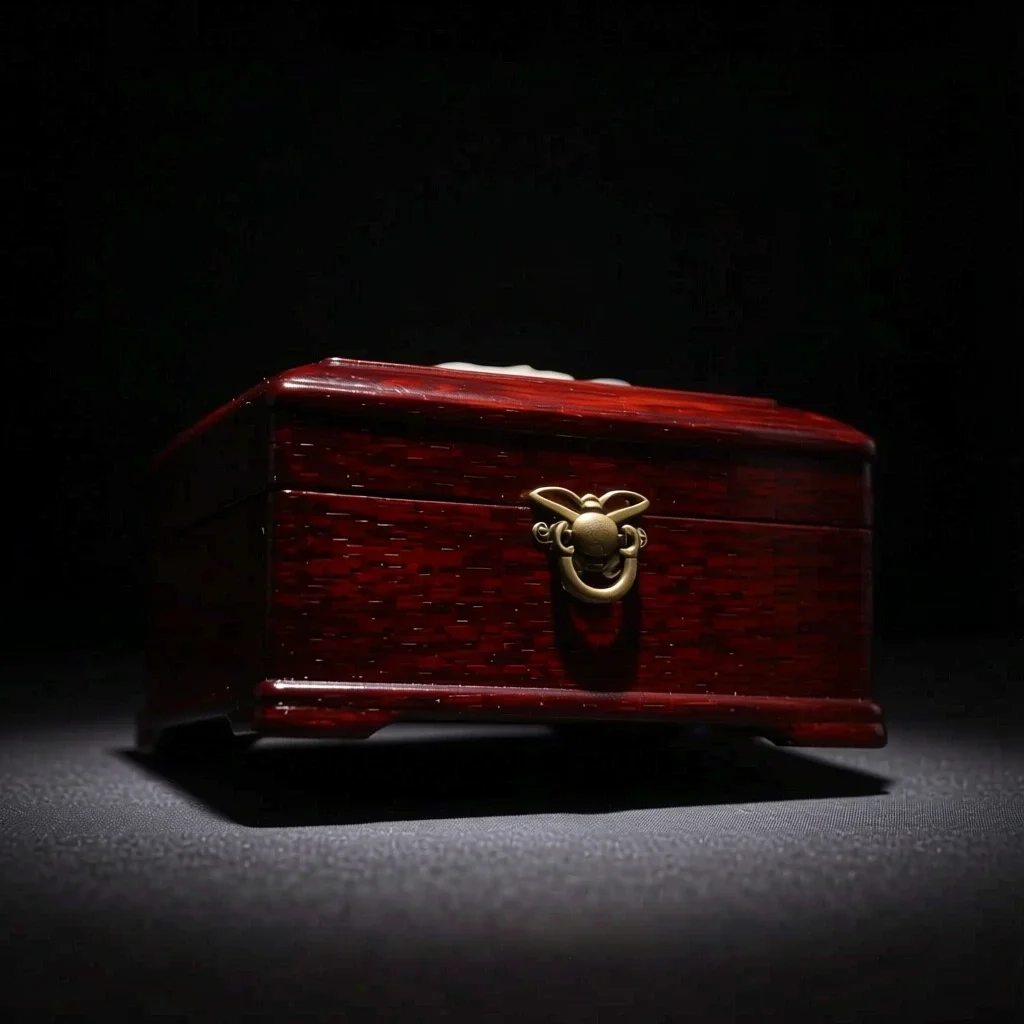 After
Good for
- Multi-angle references for a character
- Product shots from another direction
- Trying side-profile or high-angle compositions
Tips for better results
- A photo that shows the whole subject, nothing cropped, gives the most natural new angle.
- From a front-facing photo, start with a nearby angle such as 3/4 for steadier results.
- The images you make can be saved as a Character's reference pictures (1 to 3).
Questions
How much does it cost?
Free models are unlimited with an account. Models marked “Free with membership” are unlimited without credits during membership. Otherwise, the displayed credit price applies. Developer API usage is billed separately.
What happens to parts the original doesn't show?
AI imagines what the camera could not see, such as the far side of a face or the back of an object, so it may differ from reality. For anything that must be exact, such as the hidden side of a product, use a real photo.
What happens to the photo I upload?
Only upload photos of yourself or photos you have the right to use. Impersonating real people or using results to deceive others is prohibited. Uploaded photos go through a safety check, you can delete your generated images at any time, and nothing appears in the public Explore feed unless you choose to share it.
More apps

Photo to anime
Redraw a selfie as anime, webtoon, watercolor or a 3D figure.

AI profile photo
Turn a casual selfie into an ID photo, a job-application headshot or a social avatar.

Traditional outfits
See yourself in hanbok, kimono, qipao or hanfu.

Travel backdrop
Keep yourself, swap the background for Kyoto, Seoul, Shanghai or Jeju.