AI Camera Angle Changer: Any Photo, New Angle
Pickshot's Angles app redraws one photo as if the camera had moved. Choose front, three-quarter left, three-quarter right, side, top-down or low angle, and it keeps the same subject, clothing, lighting and scene while changing only the point of view. It is handy for character references and for showing another side of a product.
บัญชีใหม่ได้รับ 50 เครดิต บัญชีฟรีใช้โมเดลภาพพื้นฐาน 5 รุ่นสร้างภาพบนเว็บไซต์ได้ไม่จำกัดโดยไม่หักเครดิต สร้างวิดีโอ Lacquer บนเว็บไซต์ได้ฟรีวันละ 3 คลิป ความยาวสูงสุดคลิปละ 5 วินาที สมาชิกใช้โมเดลที่รวมในแพ็กเกจได้ไม่จำกัดโดยไม่หักเครดิต โมเดลอื่นและ API/MCP คิดค่าบริการแยกต่างหาก
อัปเดตแล้ว
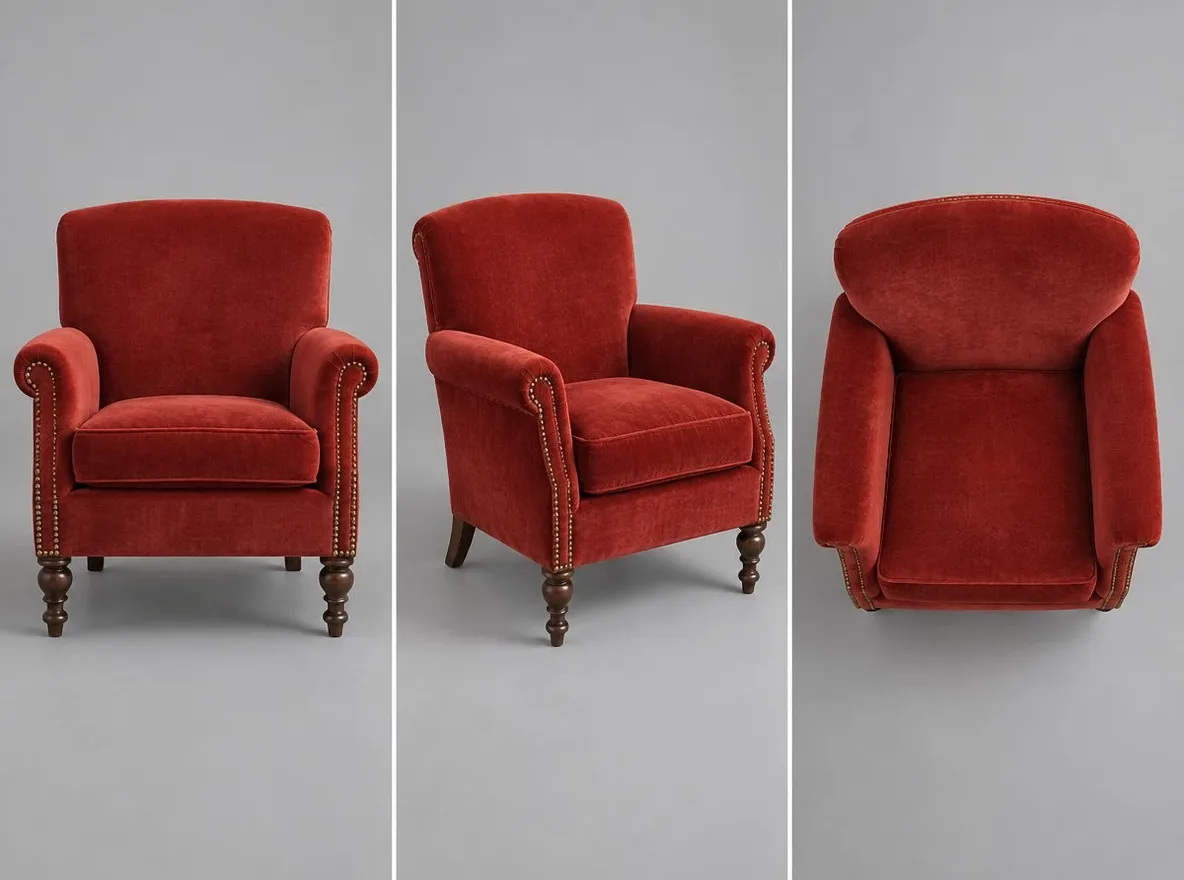
มันทำงานอย่างไร
- Upload the photo you want to see from another angle.
- Choose an angle: front, 3/4 left, 3/4 right, side, top-down or low angle.
- Press Generate, check the result and download it.
ตัวอย่างคำแนะนำ
ผลลัพธ์จริงจากรูปภาพที่สร้างโดย AI ในไลบรารีของเรา ไม่มีการใช้รูปถ่ายของบุคคลจริง
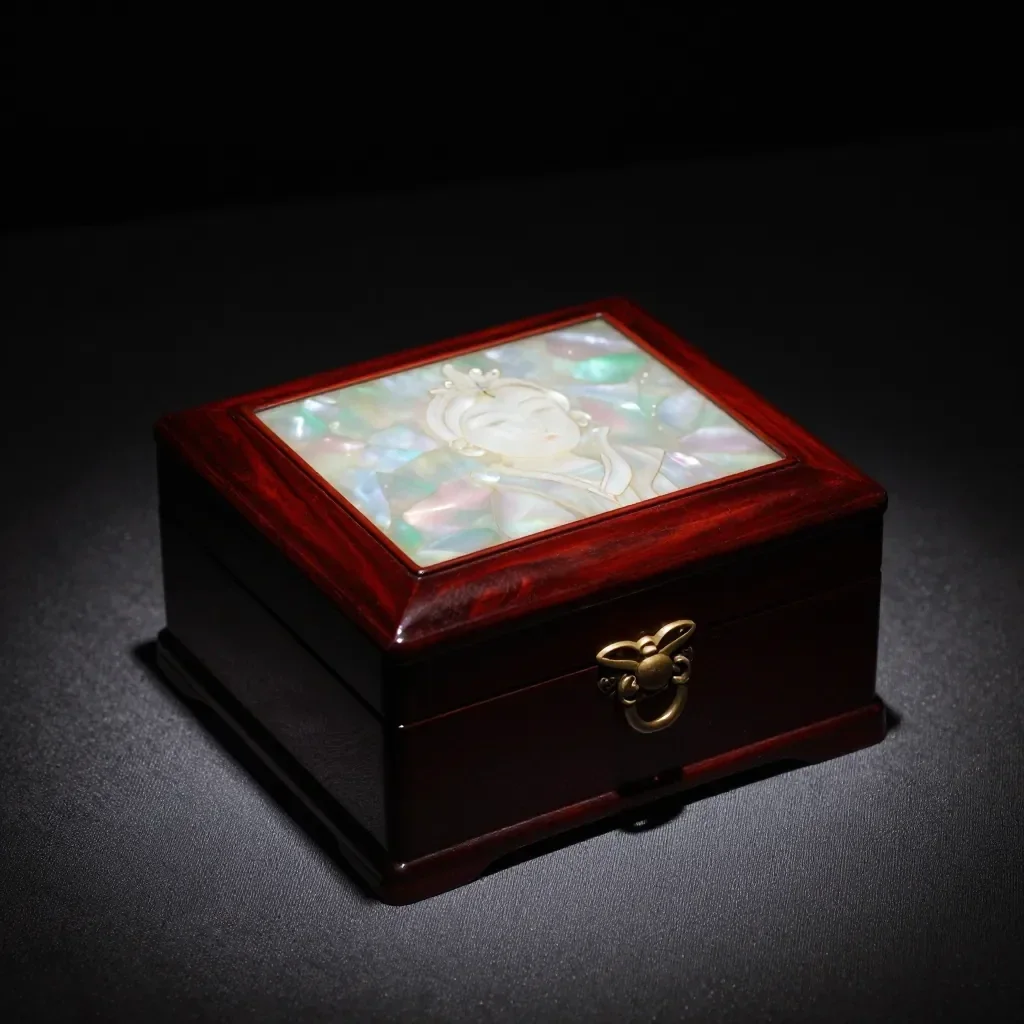 ก่อน
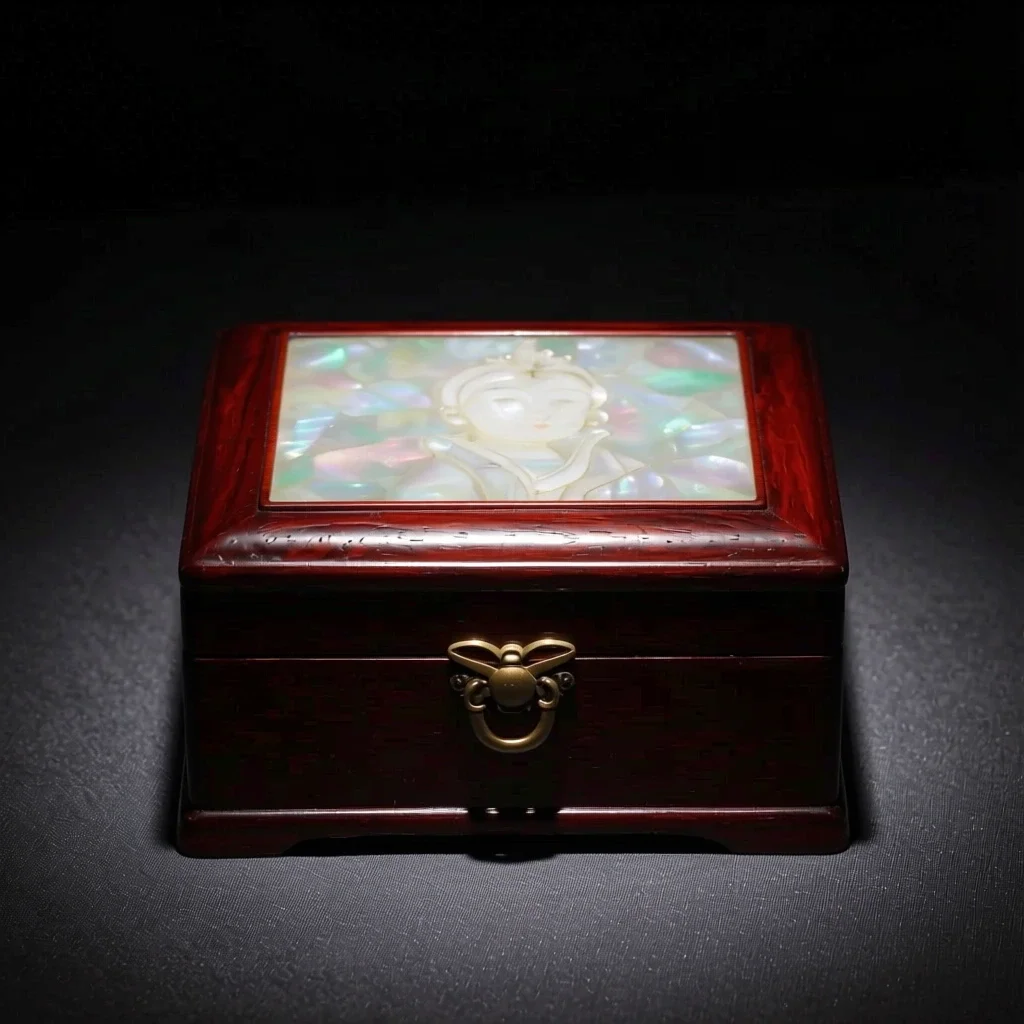 หลังจากนั้น
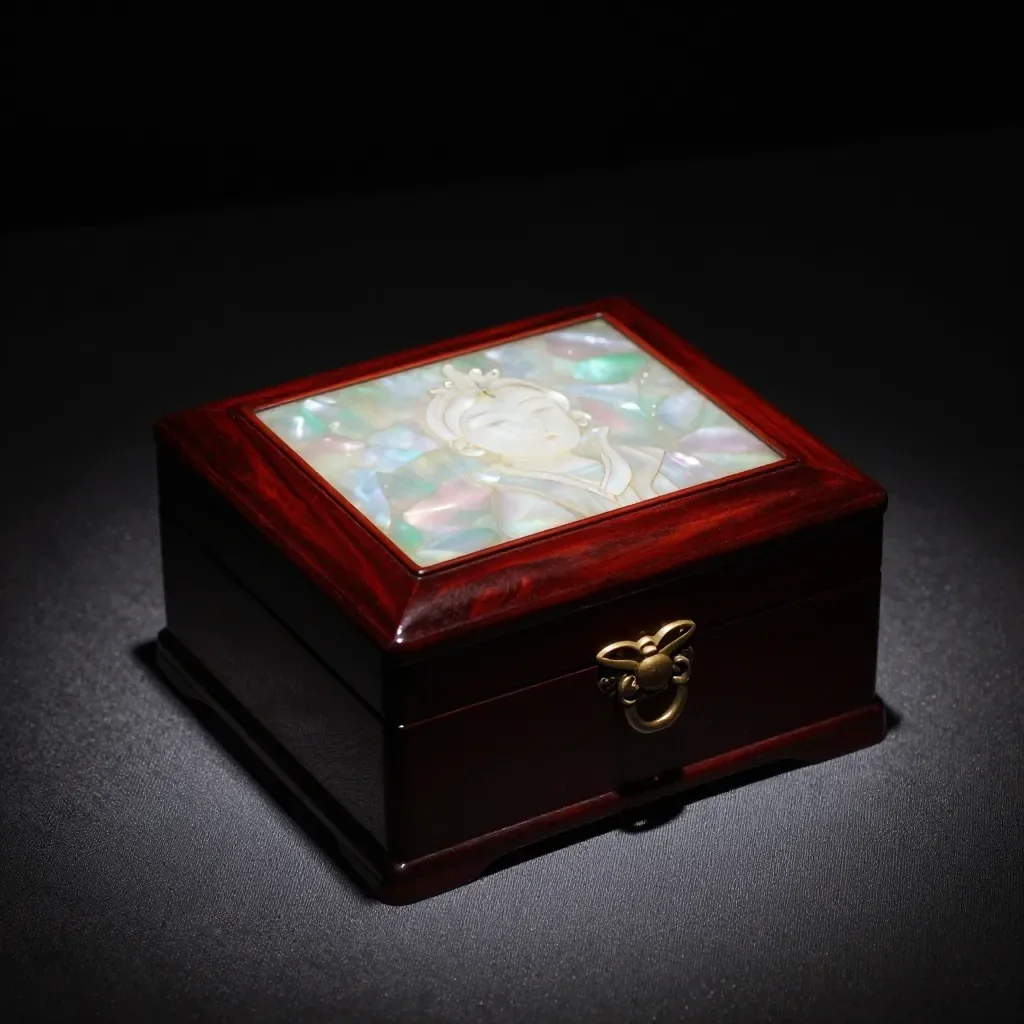 ก่อน
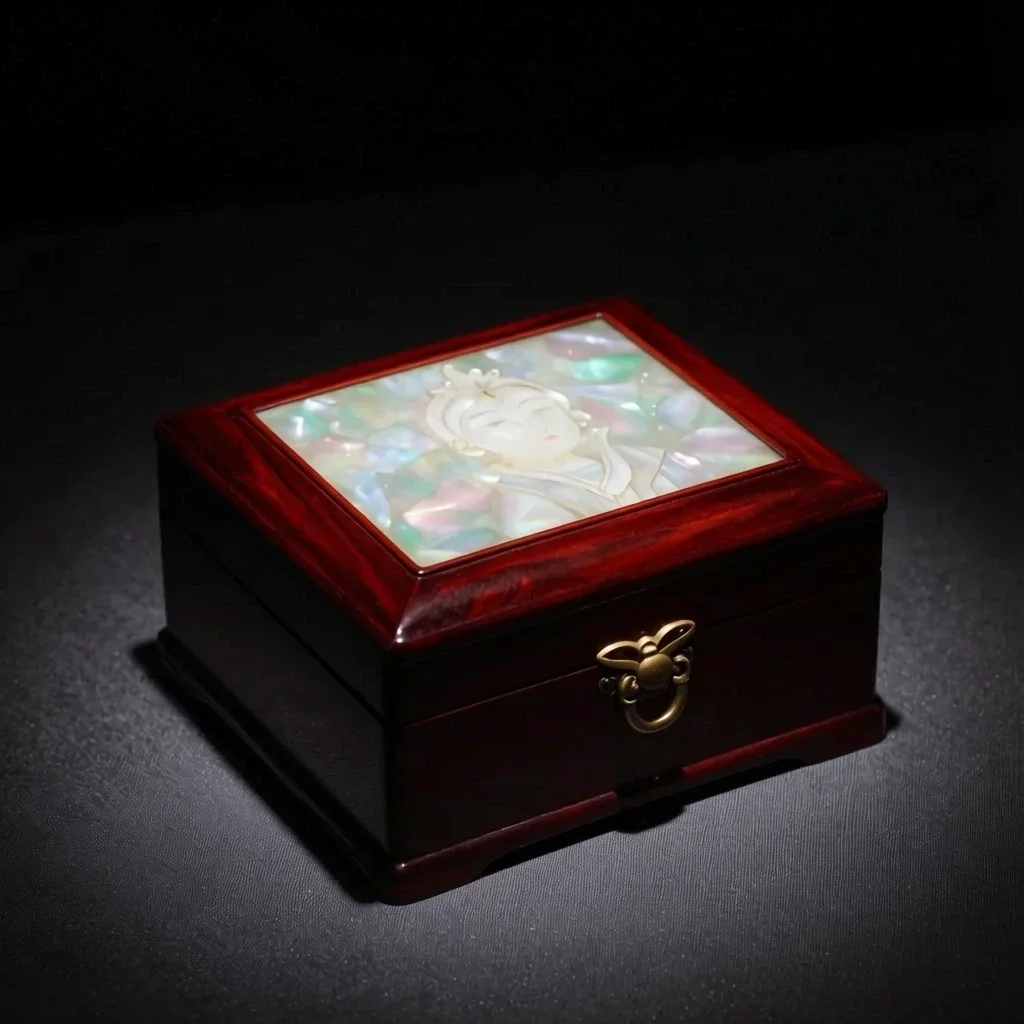 หลังจากนั้น
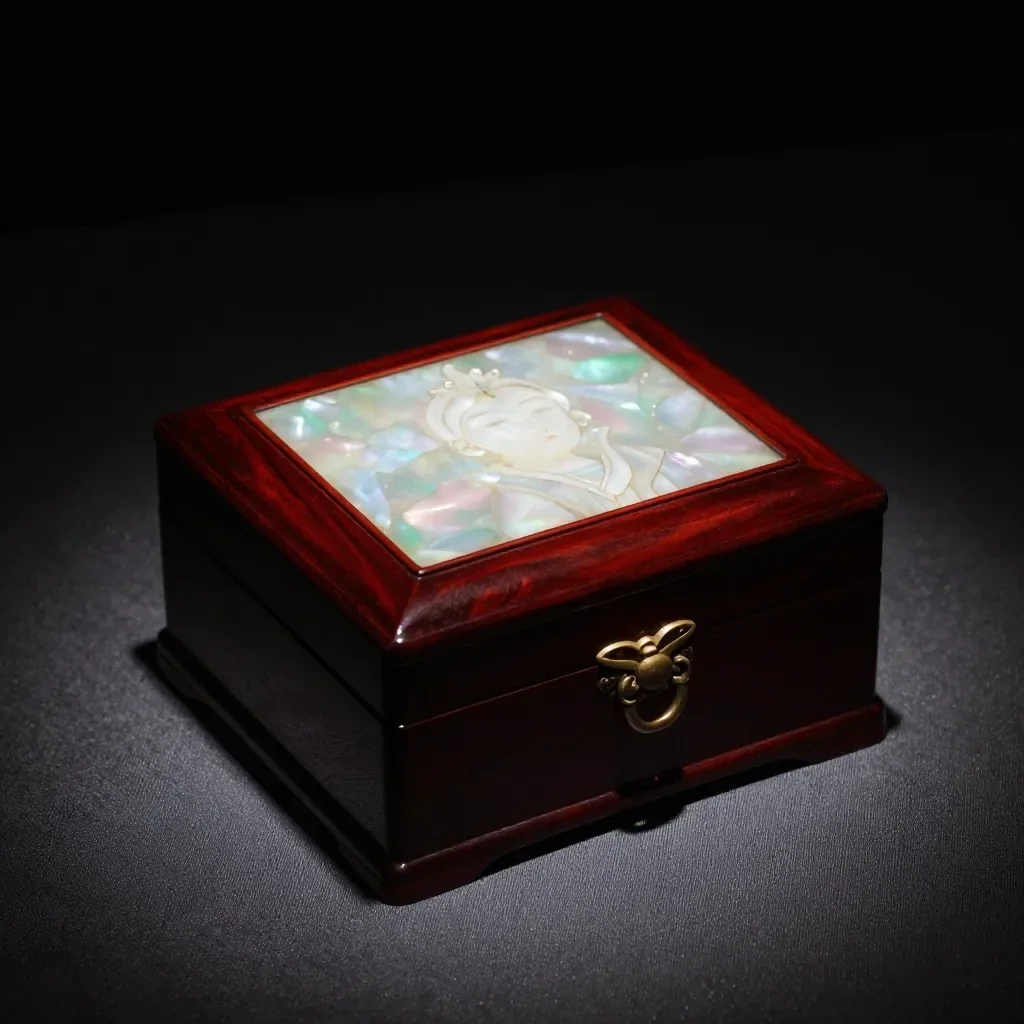 ก่อน
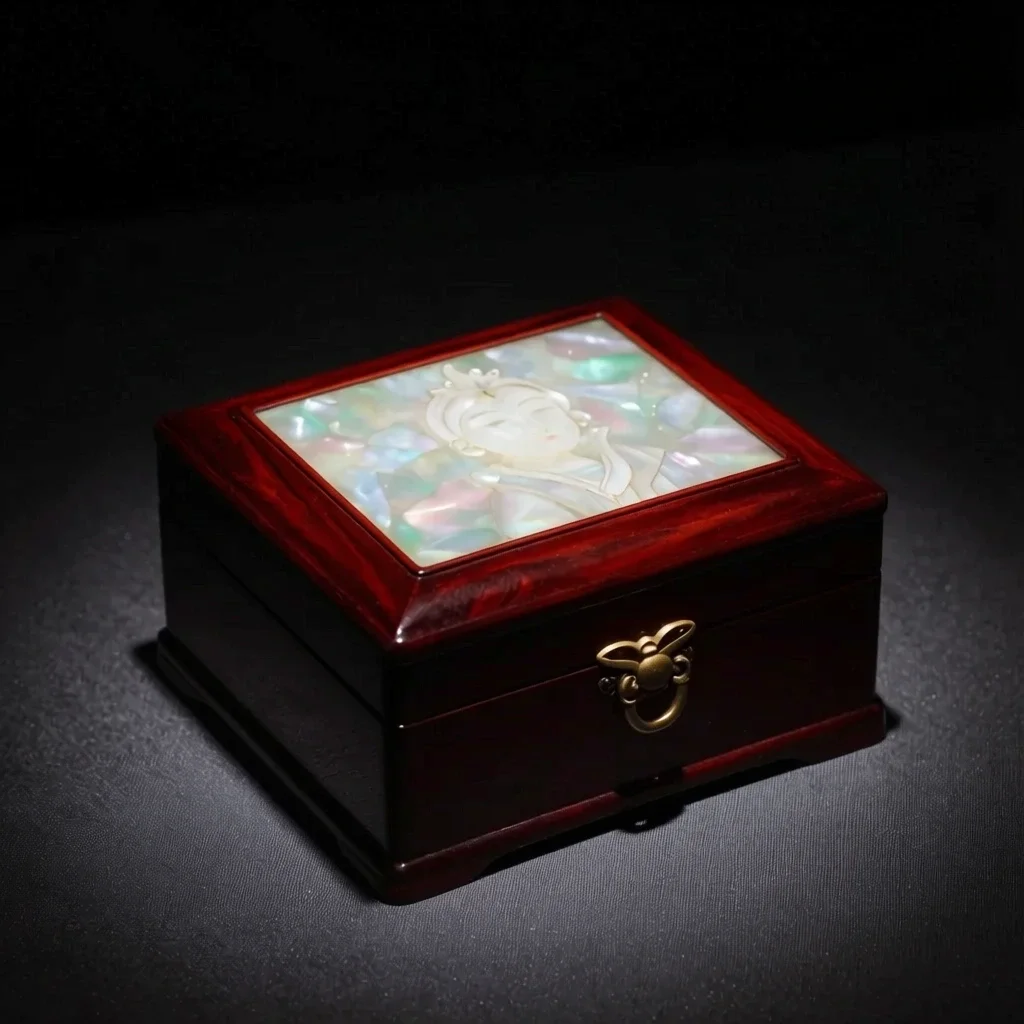 หลังจากนั้น
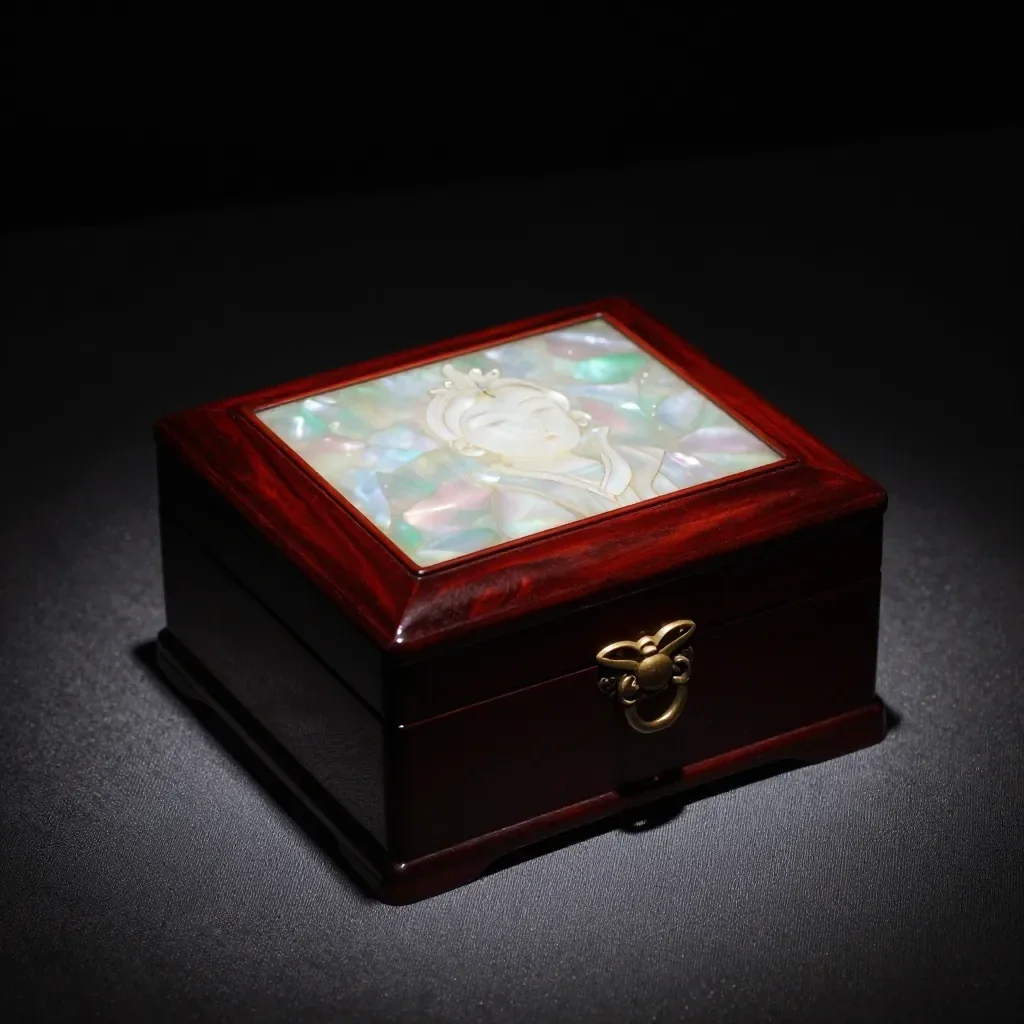 ก่อน
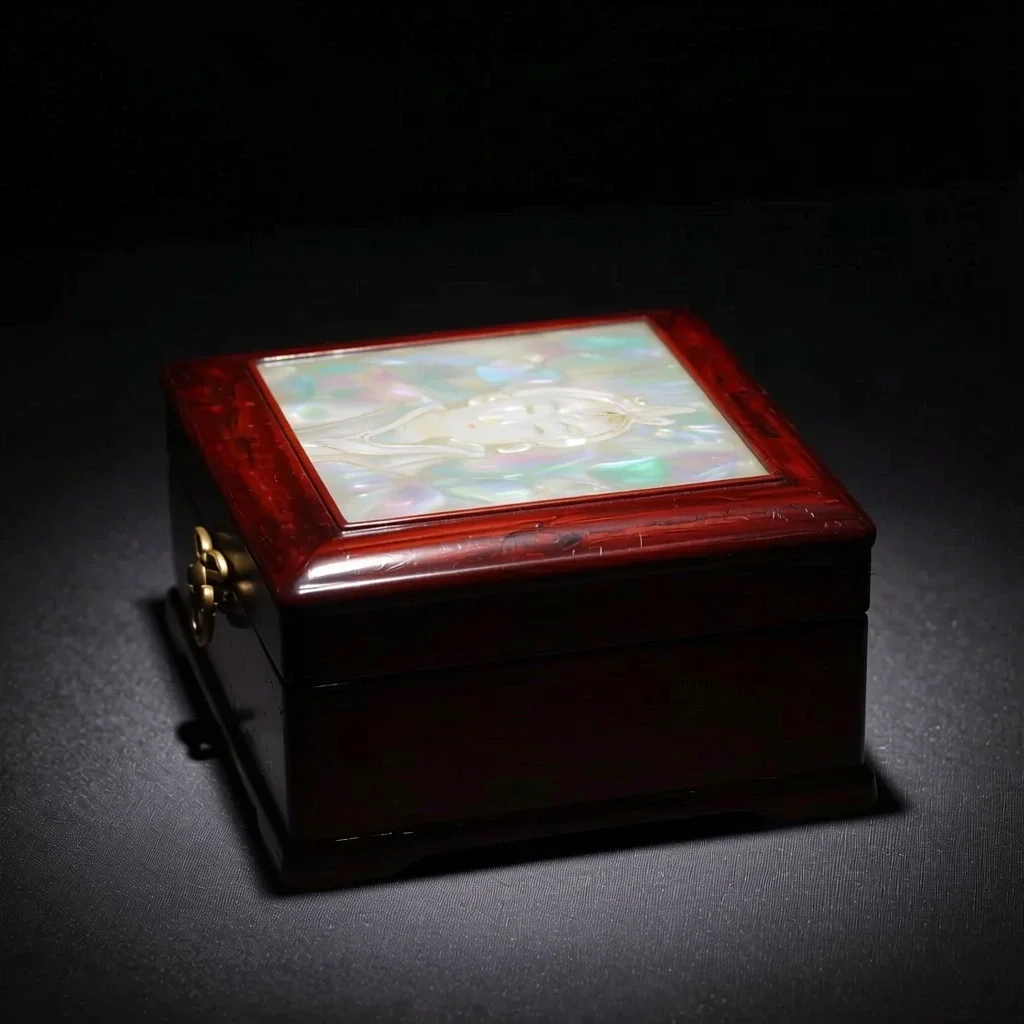 หลังจากนั้น
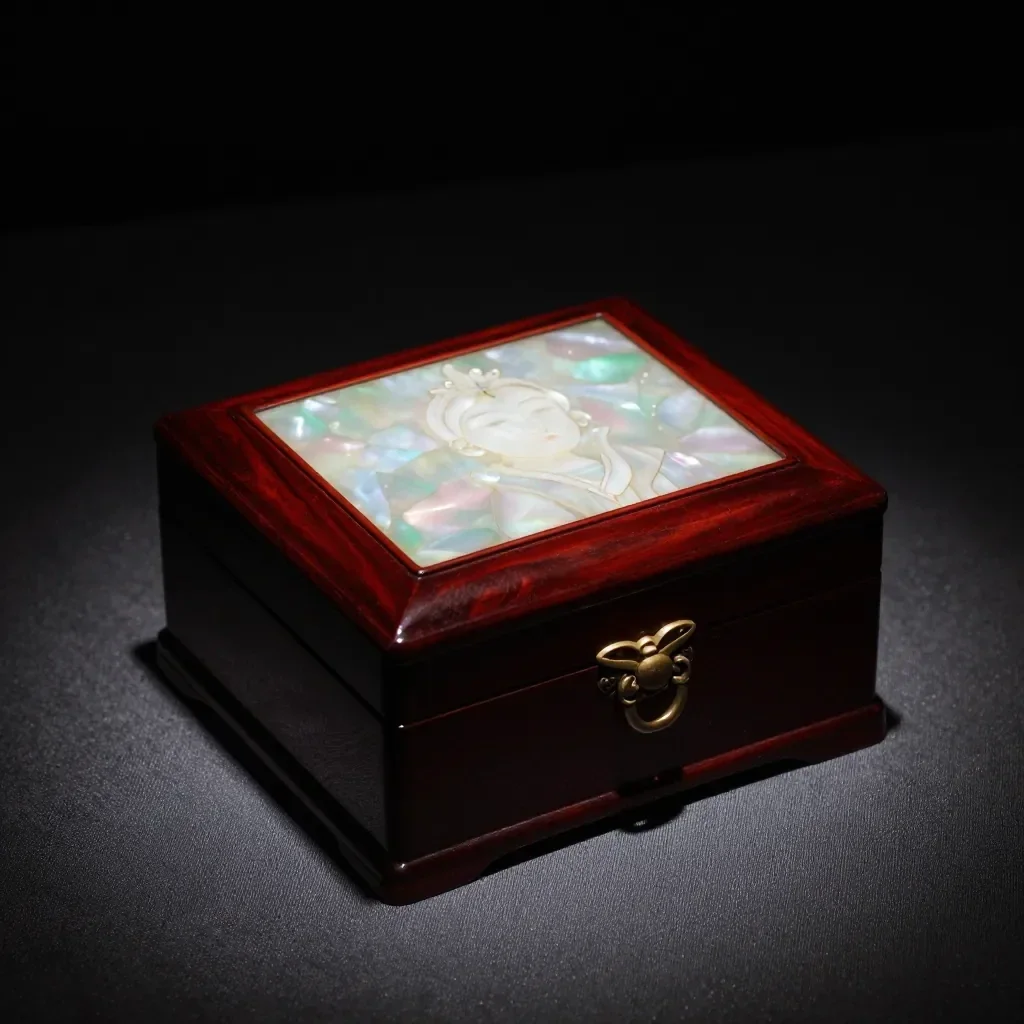 ก่อน
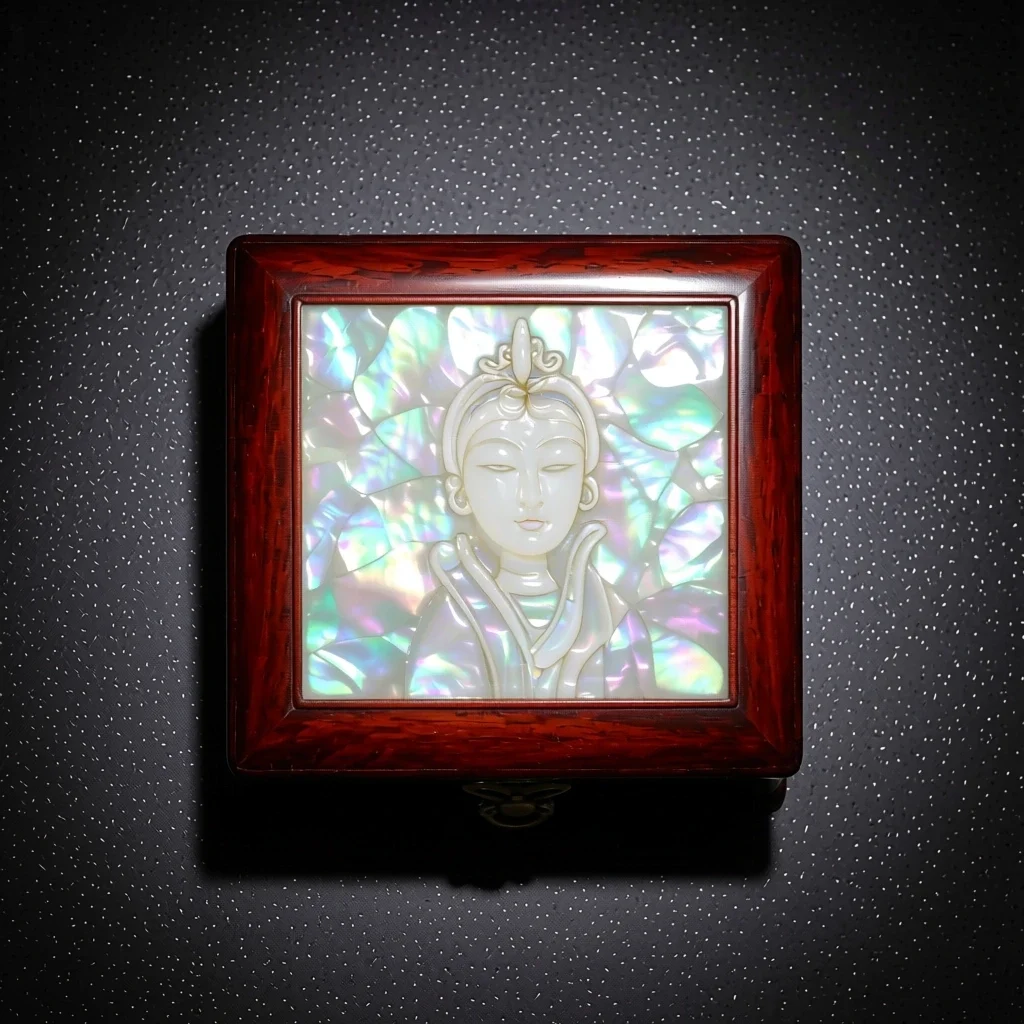 หลังจากนั้น
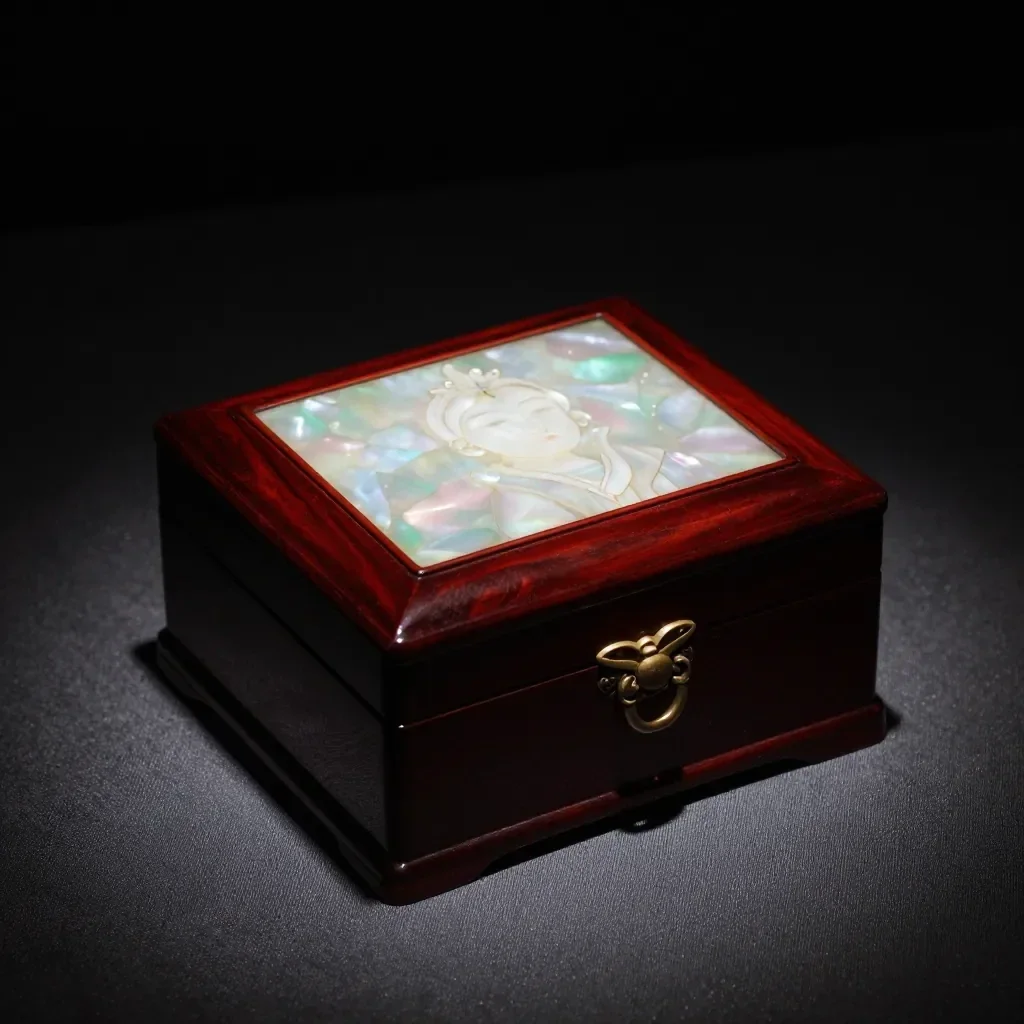 ก่อน
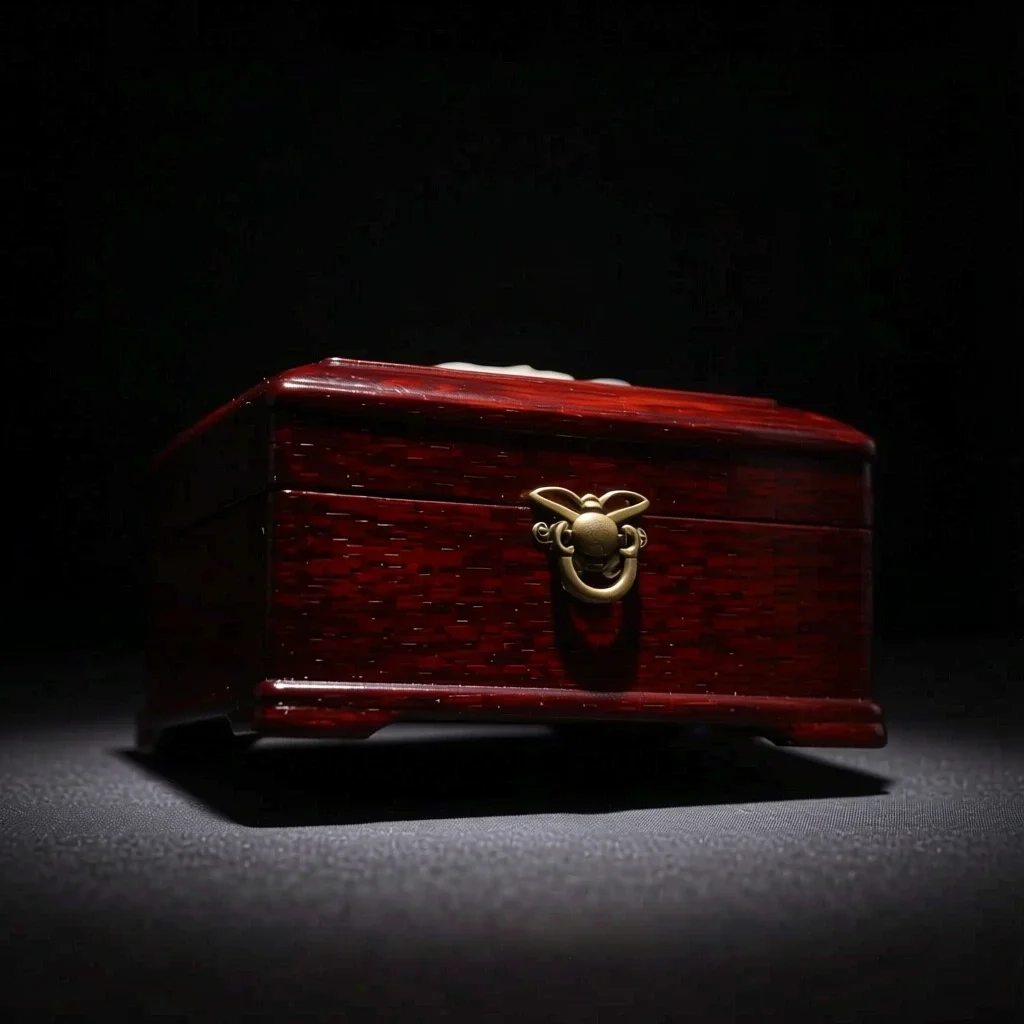 หลังจากนั้น
เหมาะสำหรับ
- Multi-angle references for a character
- Product shots from another direction
- Trying side-profile or high-angle compositions
เคล็ดลับเพื่อผลลัพธ์ที่ดีกว่า
- A photo that shows the whole subject, nothing cropped, gives the most natural new angle.
- From a front-facing photo, start with a nearby angle such as 3/4 for steadier results.
- The images you make can be saved as a Character's reference pictures (1 to 3).
คำถาม
How much does it cost?
Free models are unlimited with an account. Models marked “Free with membership” are unlimited without credits during membership. Otherwise, the displayed credit price applies. Developer API usage is billed separately.
What happens to parts the original doesn't show?
AI imagines what the camera could not see, such as the far side of a face or the back of an object, so it may differ from reality. For anything that must be exact, such as the hidden side of a product, use a real photo.
What happens to the photo I upload?
Only upload photos of yourself or photos you have the right to use. Impersonating real people or using results to deceive others is prohibited. Uploaded photos go through a safety check, you can delete your generated images at any time, and nothing appears in the public Explore feed unless you choose to share it.
แอพเพิ่มเติม

เปลี่ยนรูปเป็นอนิเมะ
วาดภาพเซลฟี่ใหม่เป็นอนิเมะ เว็บตูน สีน้ำ หรือฟิกเกอร์ 3 มิติ

รูปโปรไฟล์เอไอ
เปลี่ยนภาพเซลฟี่แบบสบายๆ ให้เป็นรูปถ่ายติดบัตร รูปถ่ายหน้าการสมัครงาน หรืออวตารทางสังคม

เครื่องแต่งกายแบบดั้งเดิม
สวมชุดฮันบก กิโมโน กี่เพ้า หรือฮันฟู

ฉากหลังการเดินทาง
รักษาตัวเองไว้ เปลี่ยนพื้นหลังเป็นเกียวโต โซล เซี่ยงไฮ้ หรือเชจู