AI Camera Angle Changer: Any Photo, New Angle
Pickshot's Angles app redraws one photo as if the camera had moved. Choose front, three-quarter left, three-quarter right, side, top-down or low angle, and it keeps the same subject, clothing, lighting and scene while changing only the point of view. It is handy for character references and for showing another side of a product.
Novi računi dobivaju 50 kredita. Besplatni računi mogu stvarati neograničen broj slika na web-stranici s 5 osnovnih modela, bez trošenja kredita. Lacquer videozapisi na webu su besplatni: 3 dnevno, uz najviše 5 sekundi po isječku. Članovi koriste uključene modele neograničeno bez oduzimanja kredita. Ostali modeli i API/MCP naplaćuju se zasebno.
Ažurirano
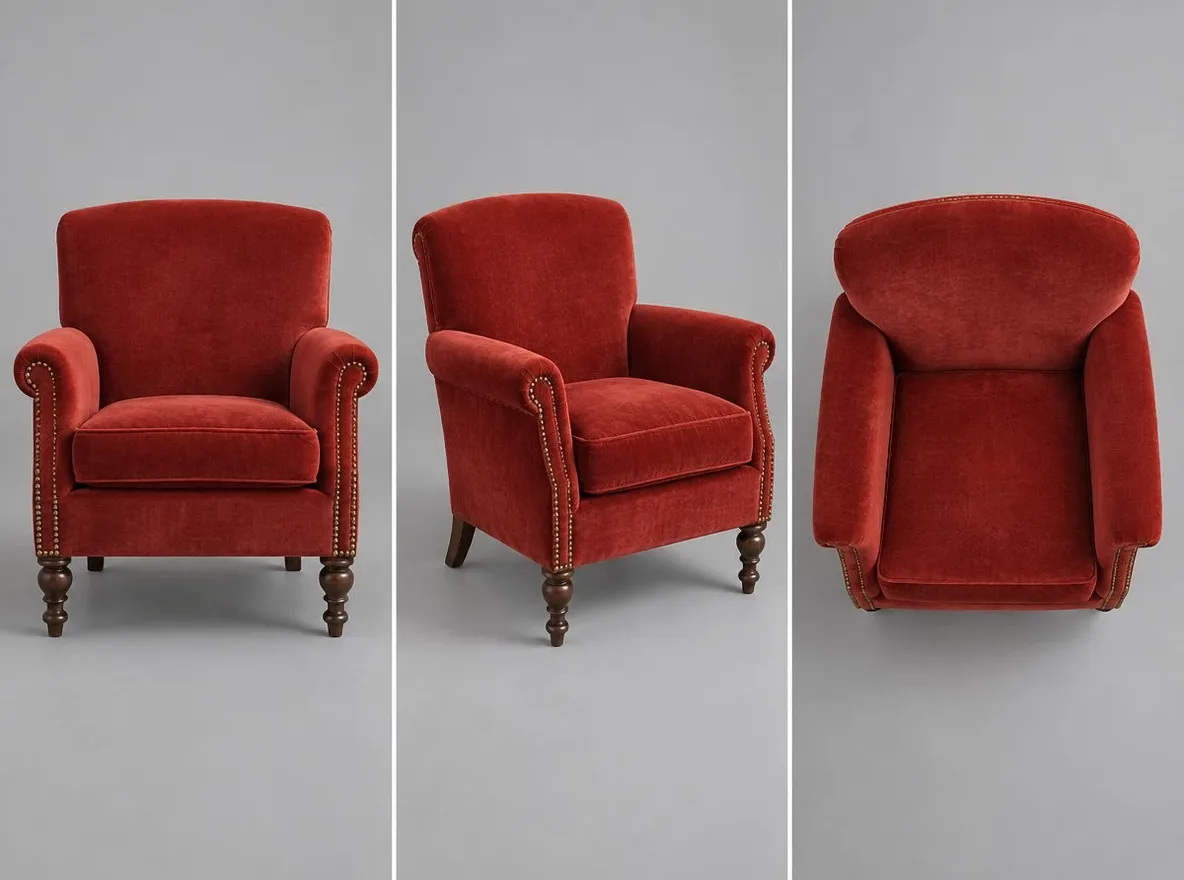
Kako funkcionira
- Upload the photo you want to see from another angle.
- Choose an angle: front, 3/4 left, 3/4 right, side, top-down or low angle.
- Press Generate, check the result and download it.
Primjeri opisa
Stvarni rezultati iz AI slika u našoj biblioteci. Nije korištena fotografija stvarne osobe.
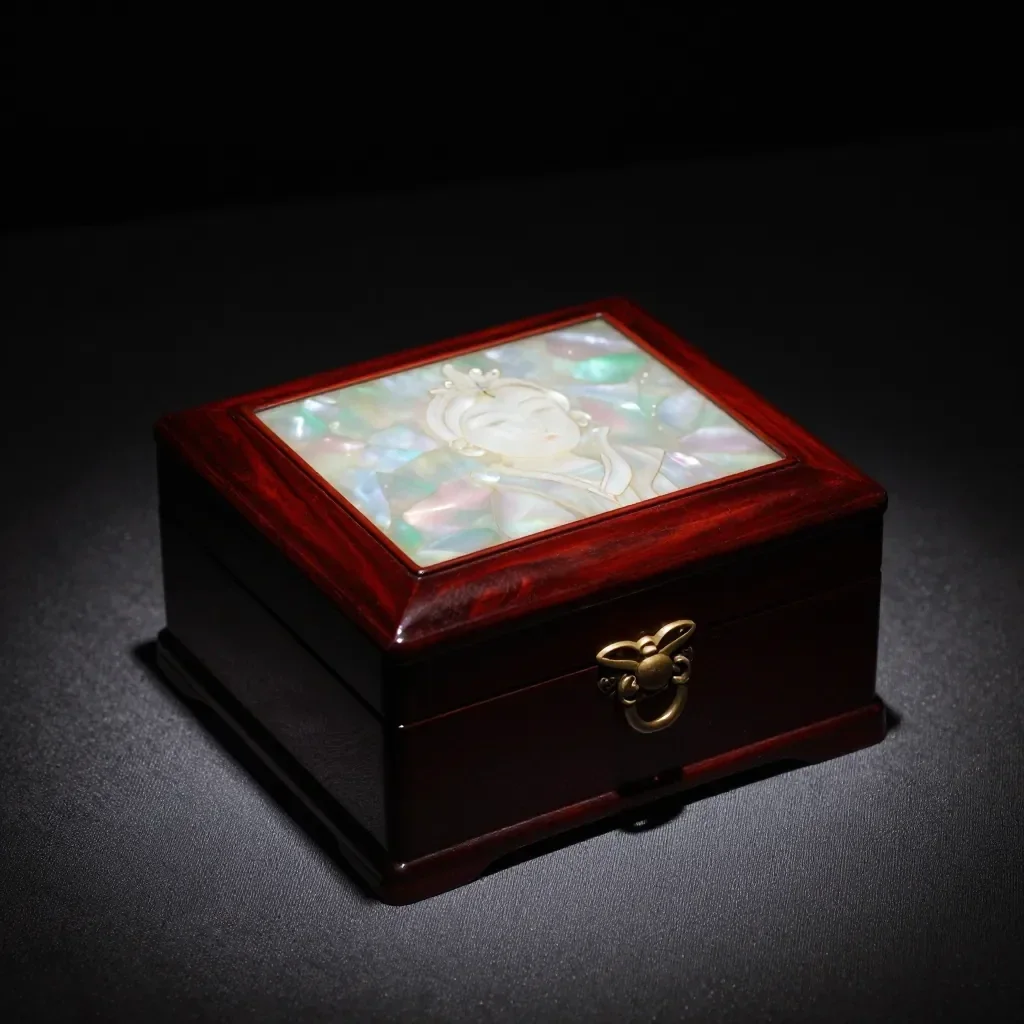 Prije
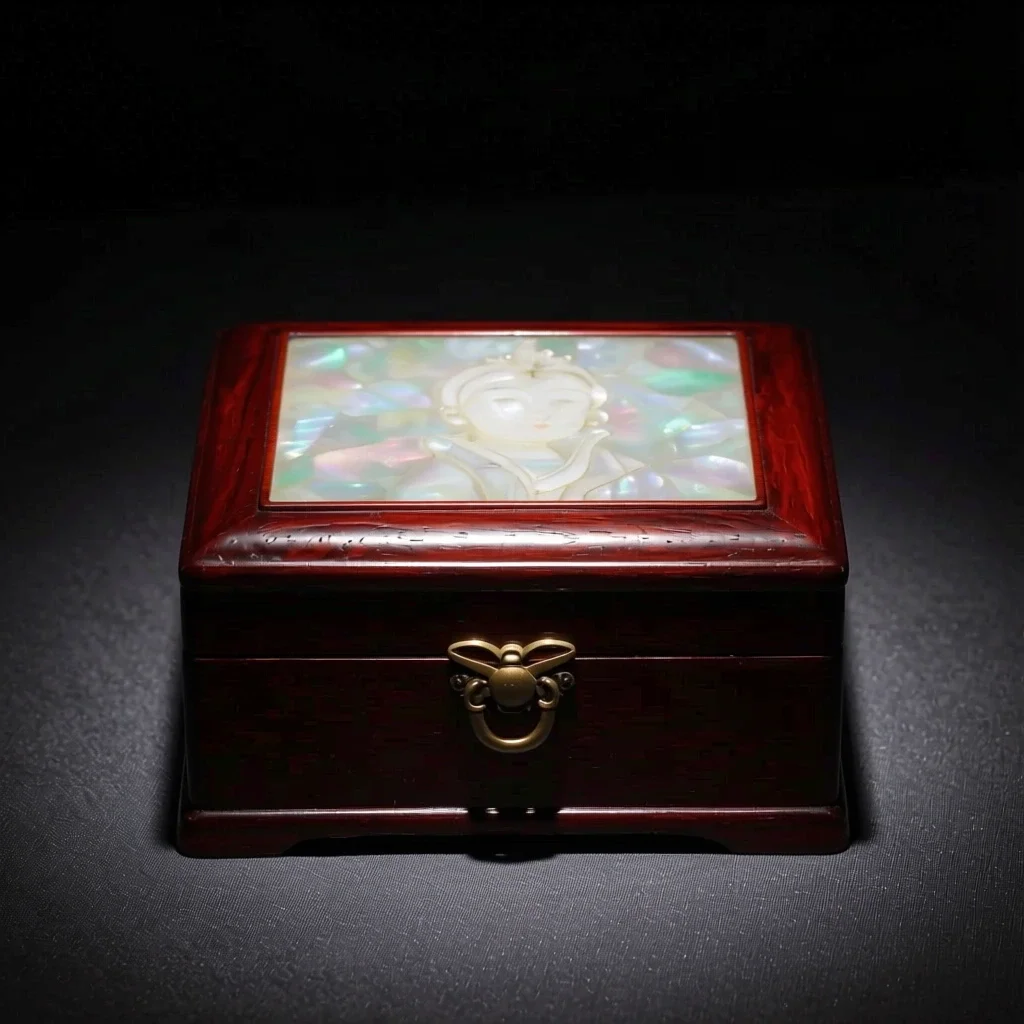 Poslije
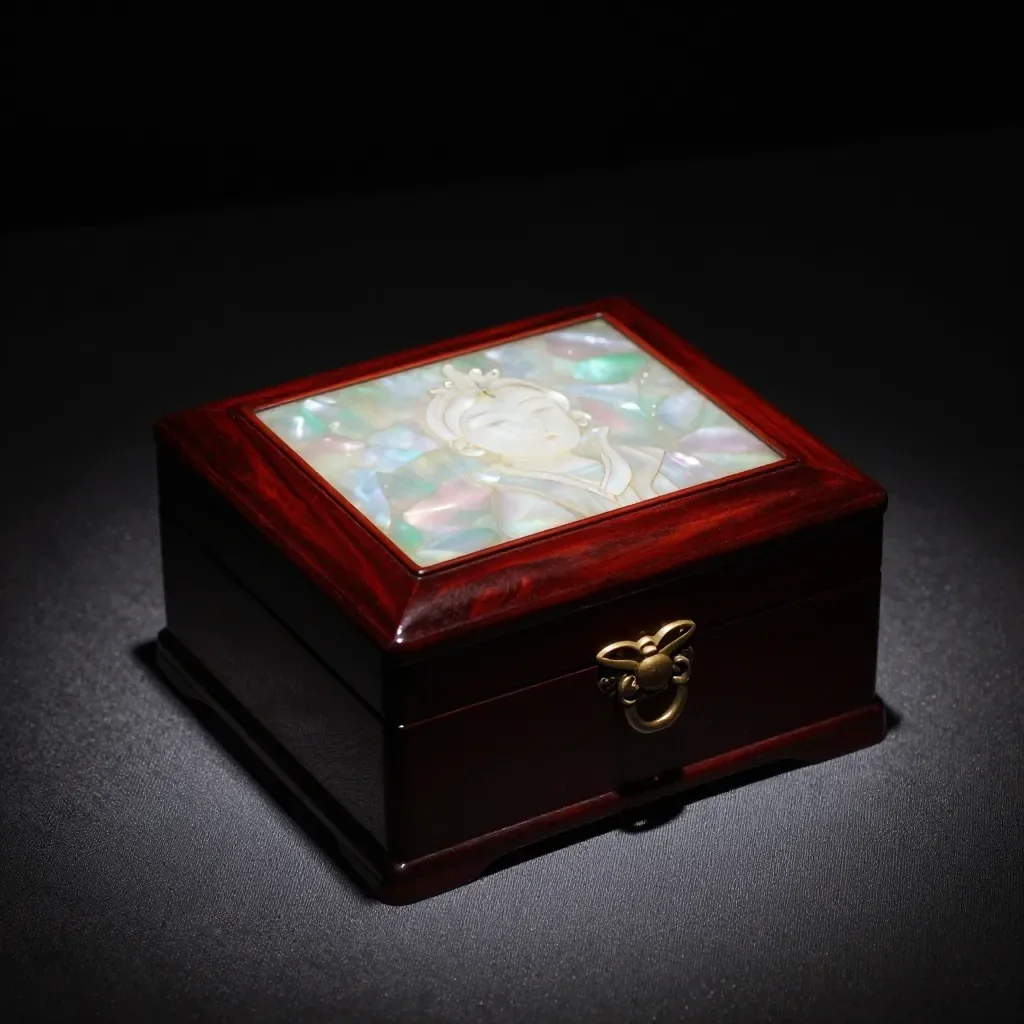 Prije
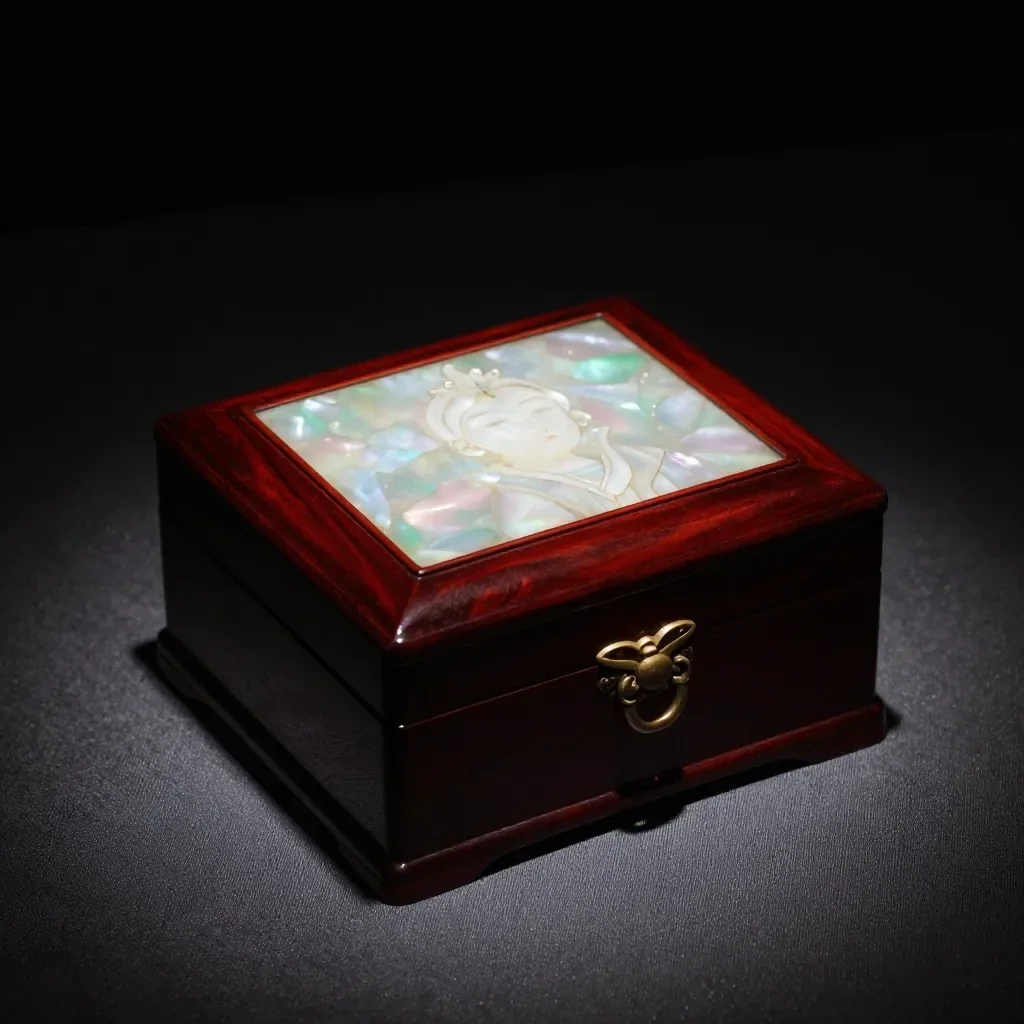
 Poslije
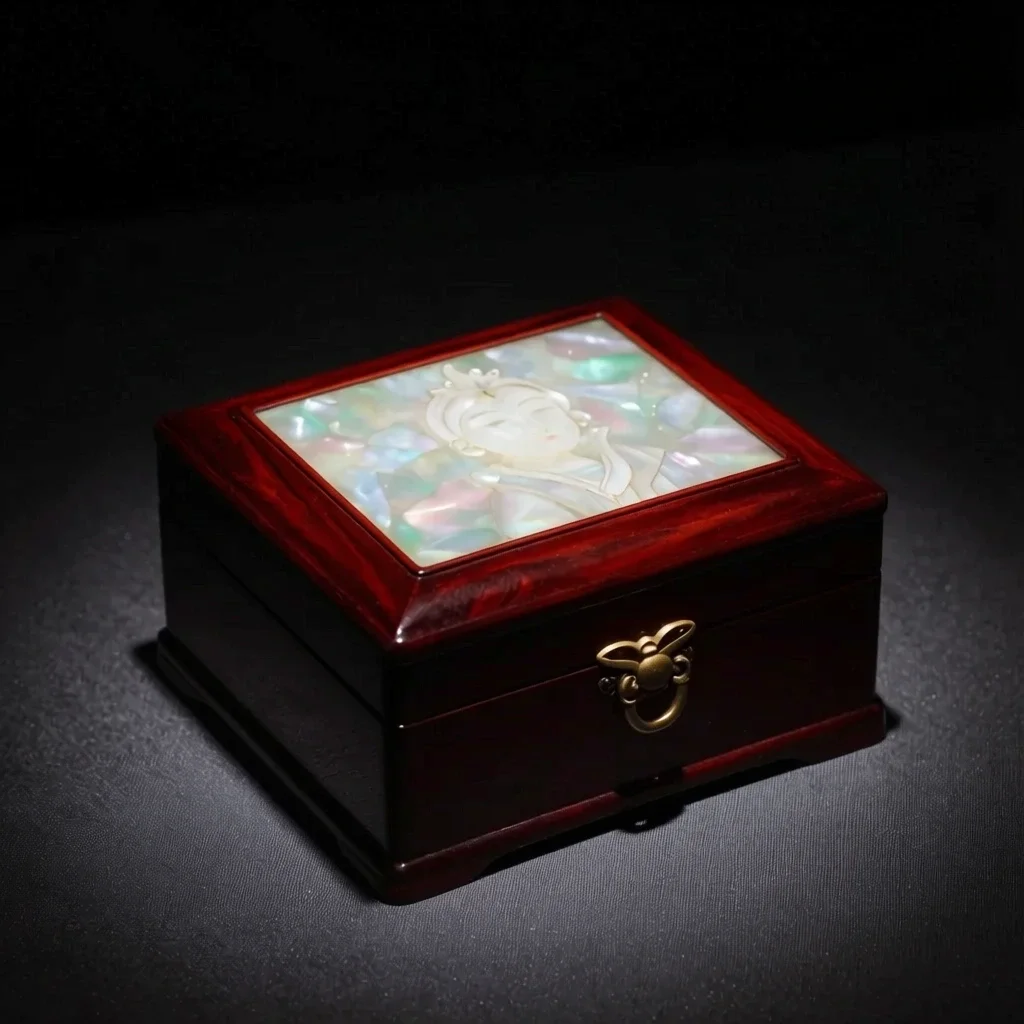
 Prije
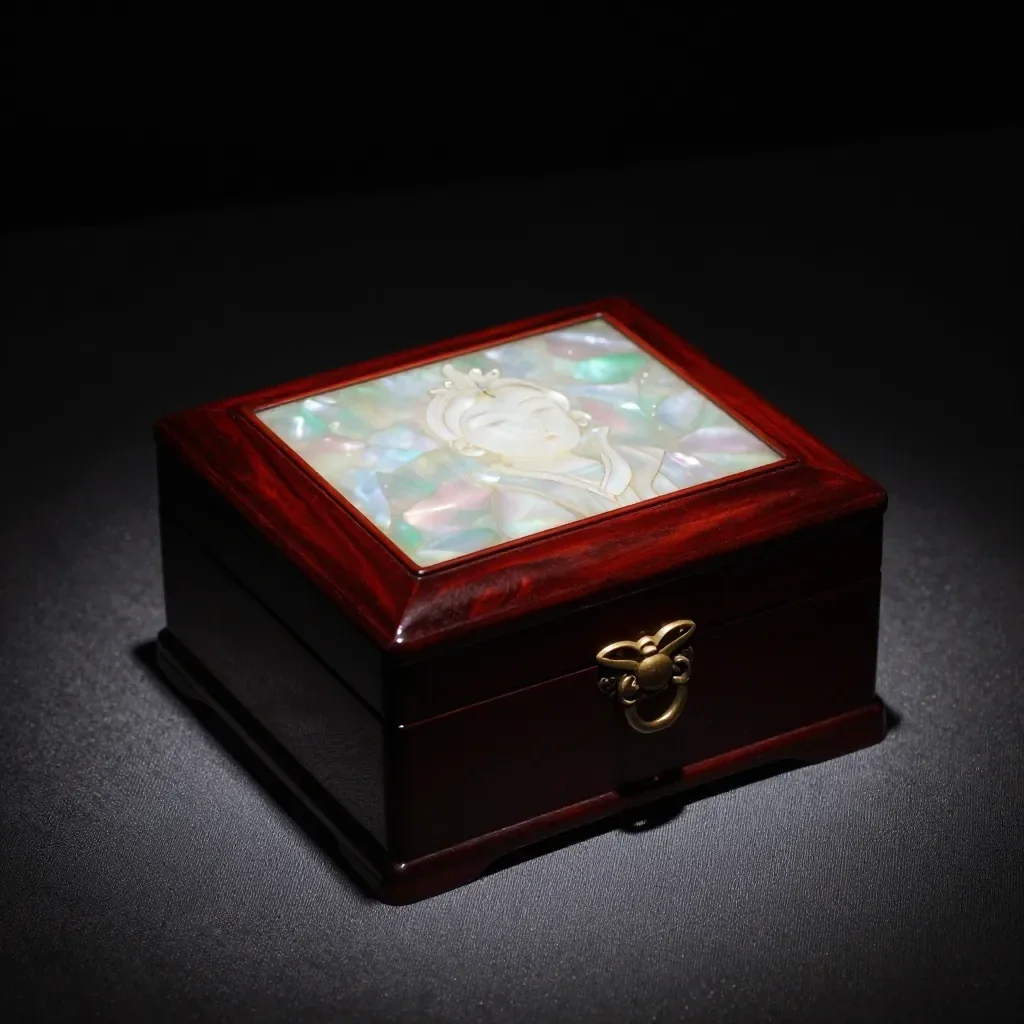
 Poslije
 Prije
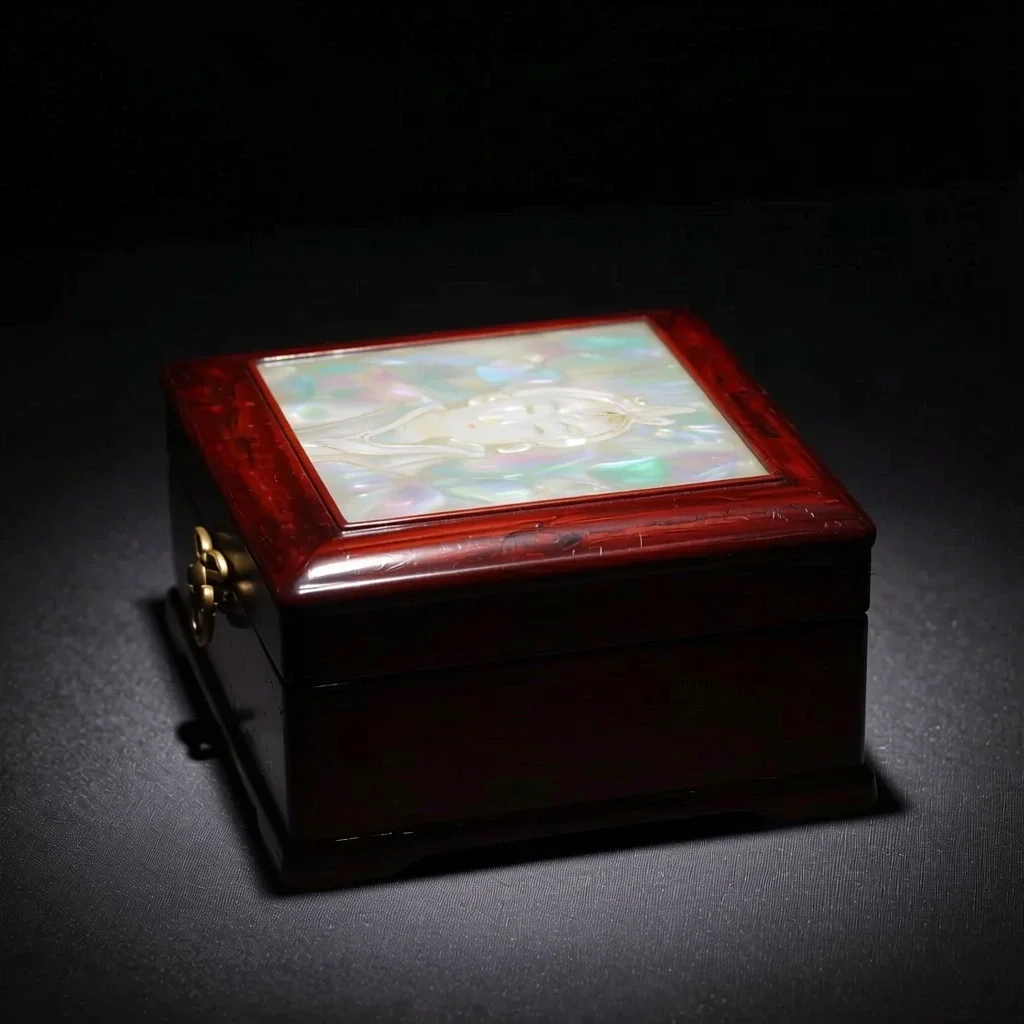 Poslije
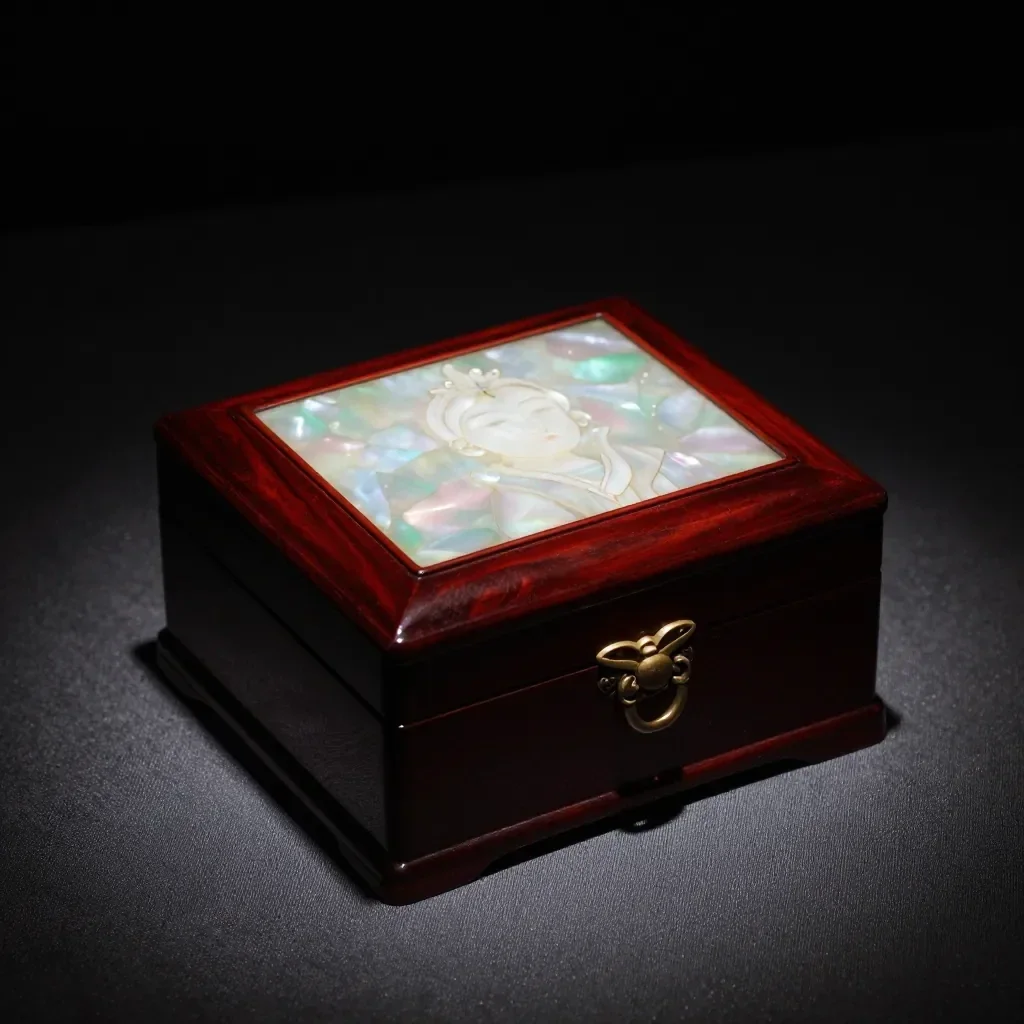 Prije
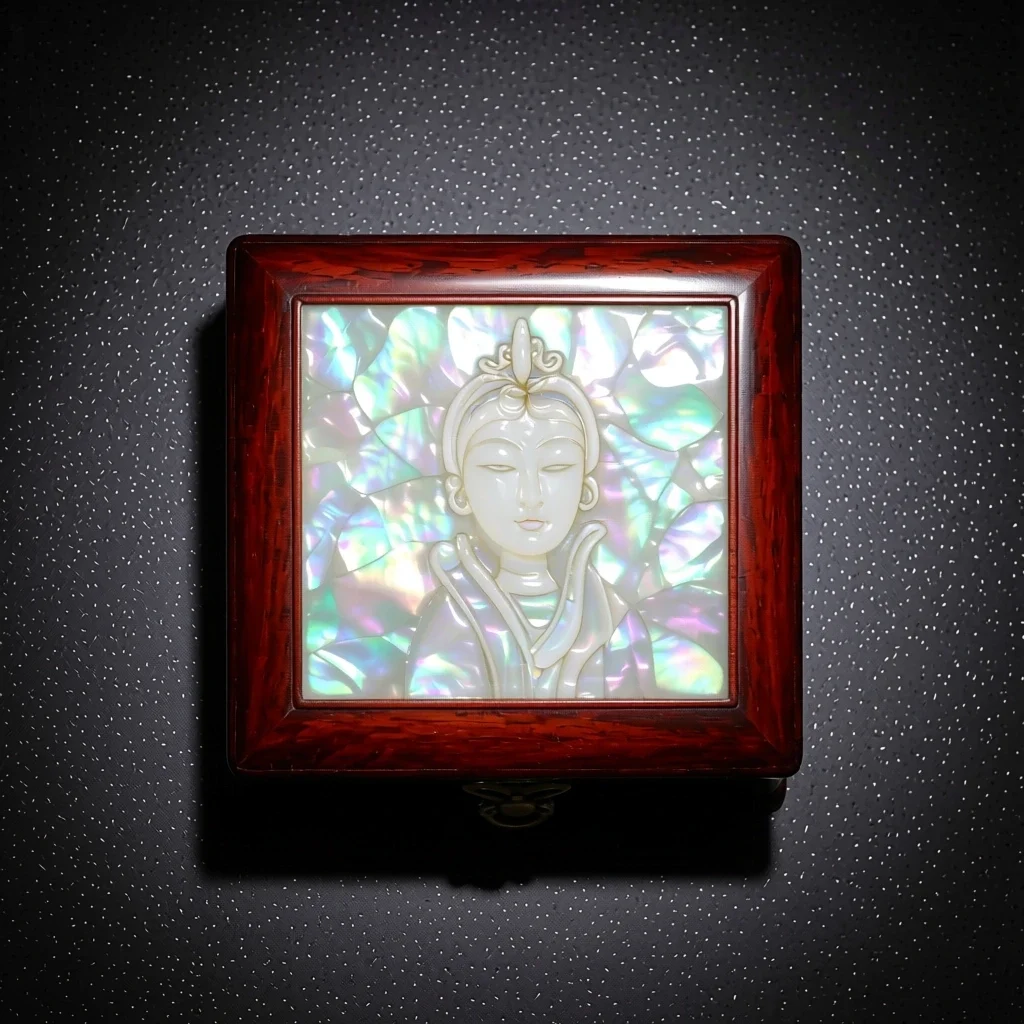 Poslije
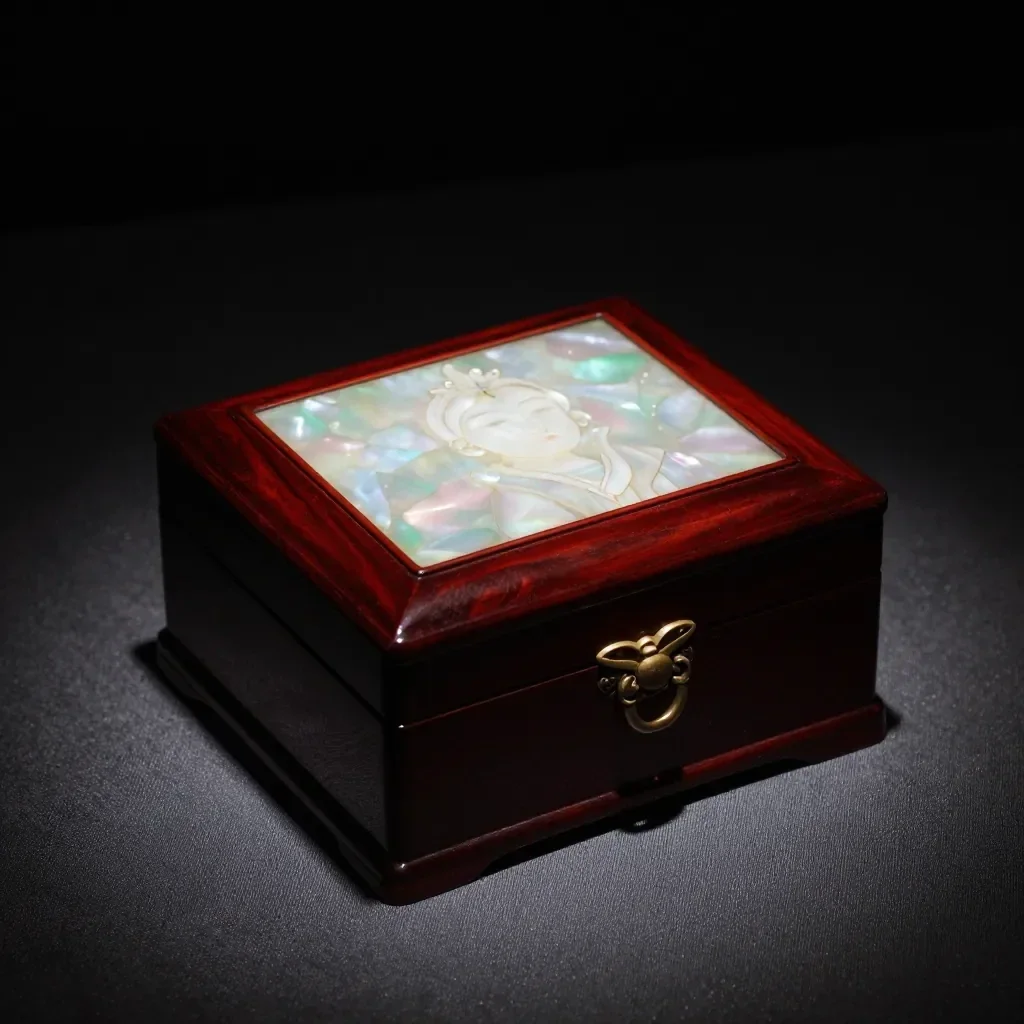 Prije
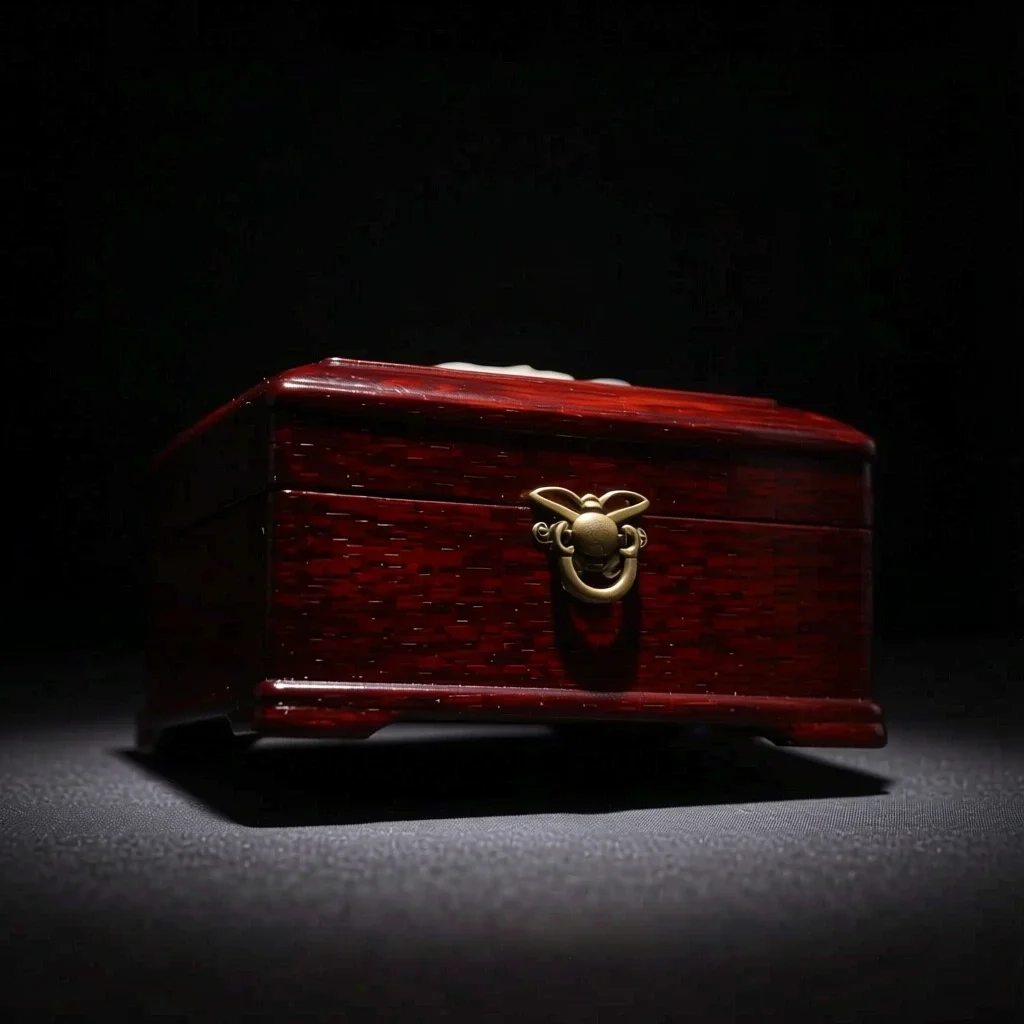 Poslije
Dobro za
- Multi-angle references for a character
- Product shots from another direction
- Trying side-profile or high-angle compositions
Savjeti za bolje rezultate
- A photo that shows the whole subject, nothing cropped, gives the most natural new angle.
- From a front-facing photo, start with a nearby angle such as 3/4 for steadier results.
- The images you make can be saved as a Character's reference pictures (1 to 3).
Pitanja
How much does it cost?
Free models are unlimited with an account. Models marked “Free with membership” are unlimited without credits during membership. Otherwise, the displayed credit price applies. Developer API usage is billed separately.
What happens to parts the original doesn't show?
AI imagines what the camera could not see, such as the far side of a face or the back of an object, so it may differ from reality. For anything that must be exact, such as the hidden side of a product, use a real photo.
What happens to the photo I upload?
Only upload photos of yourself or photos you have the right to use. Impersonating real people or using results to deceive others is prohibited. Uploaded photos go through a safety check, you can delete your generated images at any time, and nothing appears in the public Explore feed unless you choose to share it.
Više aplikacija

Fotografija u anime
Pretvori selfie u anime, webtoon, akvarel ili 3D figuru.

AI profilna fotografija
Pretvori obični selfie u fotografiju za dokumente, portret za prijavu na posao ili avatar za društvene mreže.

Tradicionalna odjeća
Pogledaj se u hanboku, kimonu, qipaou ili hanfuu.

Putna pozadina
Zadrži svoj izgled, zamijeni pozadinu Kyotom, Seulom, Šangajem ili Jejuom.