AI Camera Angle Changer: Any Photo, New Angle
Pickshot's Angles app redraws one photo as if the camera had moved. Choose front, three-quarter left, three-quarter right, side, top-down or low angle, and it keeps the same subject, clothing, lighting and scene while changing only the point of view. It is handy for character references and for showing another side of a product.
Nye konti får 50 credits. Gratis konti kan på hjemmesiden skabe ubegrænset mange billeder med de 5 grundmodeller uden at bruge kreditter. Lacquer-videoer er gratis på hjemmesiden: 3 om dagen, op til 5 sekunder pr. klip. Medlemmer bruger inkluderede modeller ubegrænset uden kredittræk. Andre modeller og API/MCP afregnes særskilt.
Opdateret
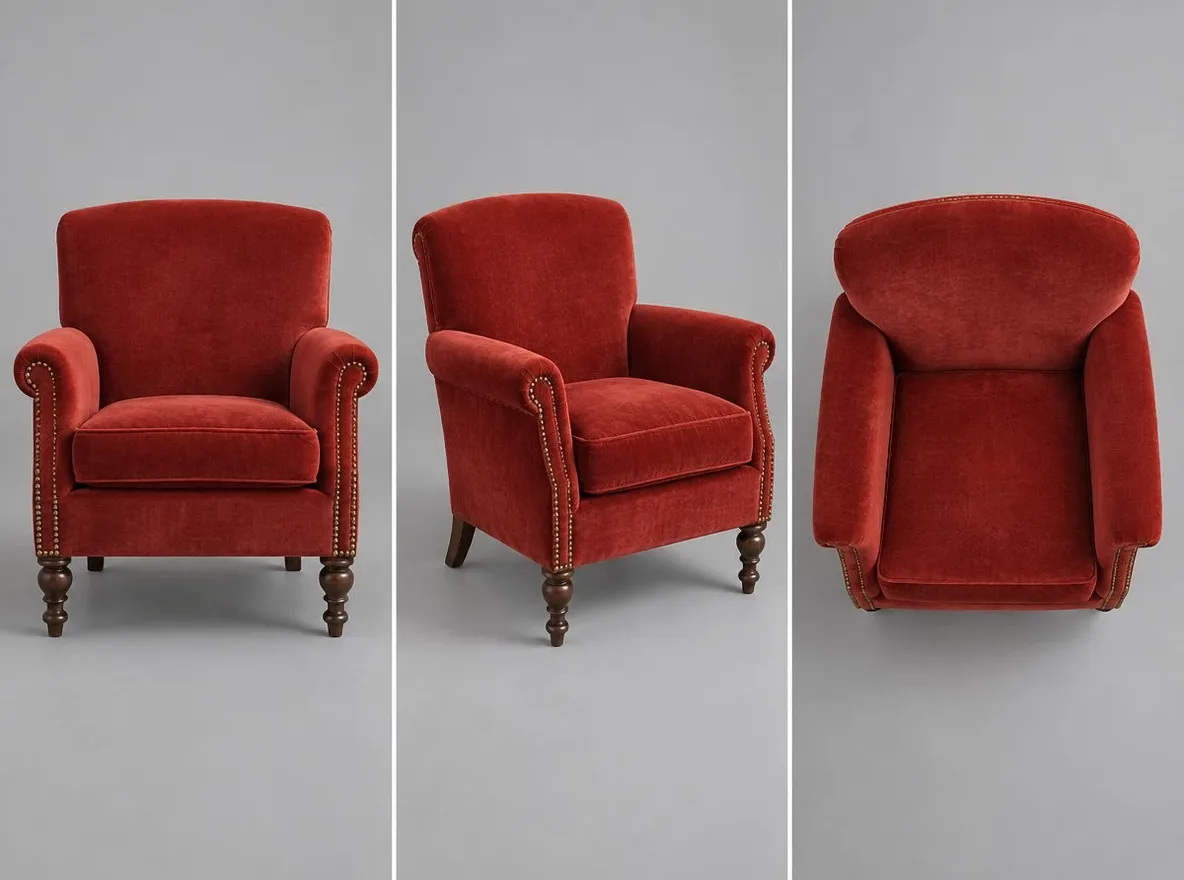
Sådan virker det
- Upload the photo you want to see from another angle.
- Choose an angle: front, 3/4 left, 3/4 right, side, top-down or low angle.
- Press Generate, check the result and download it.
Eksempler på beskrivelser
Faktiske resultater fra AI-genererede billeder i vores bibliotek. Ingen fotos af virkelige personer blev brugt.
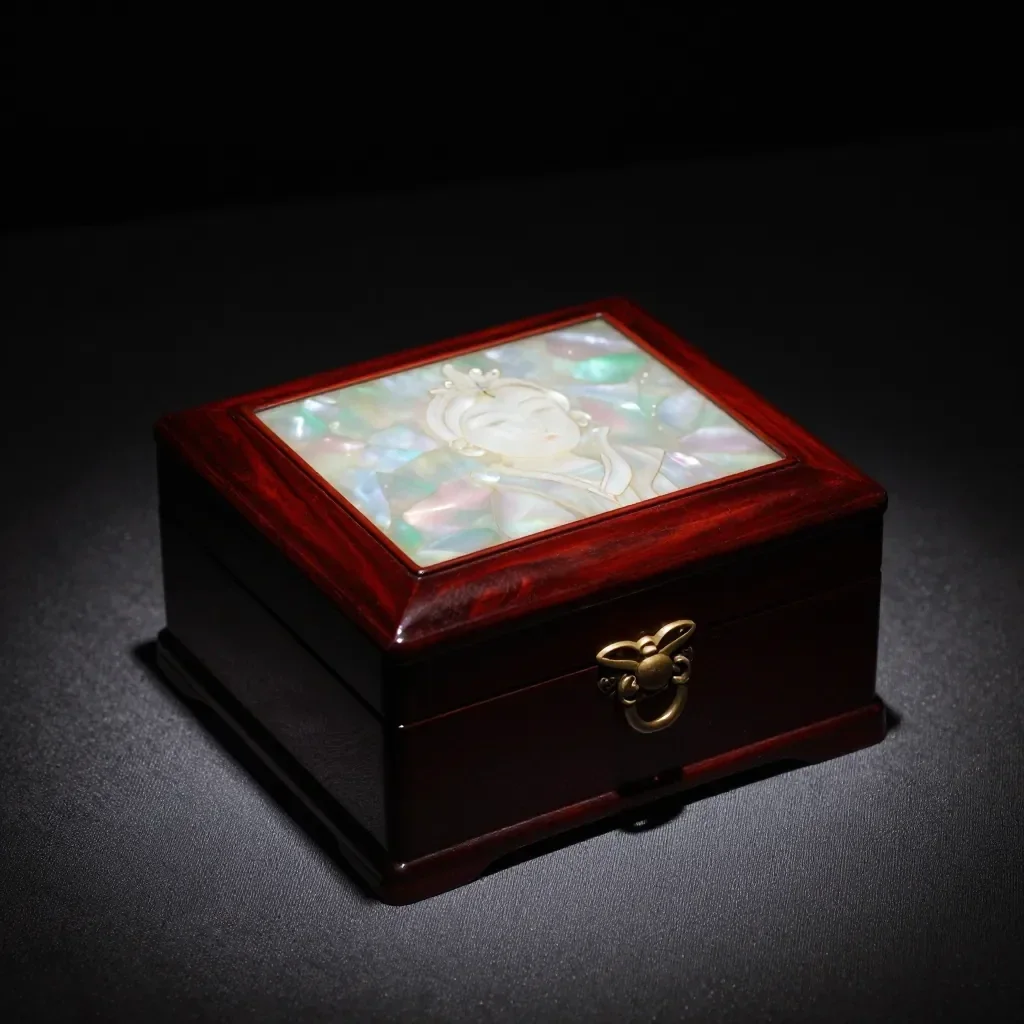 Før
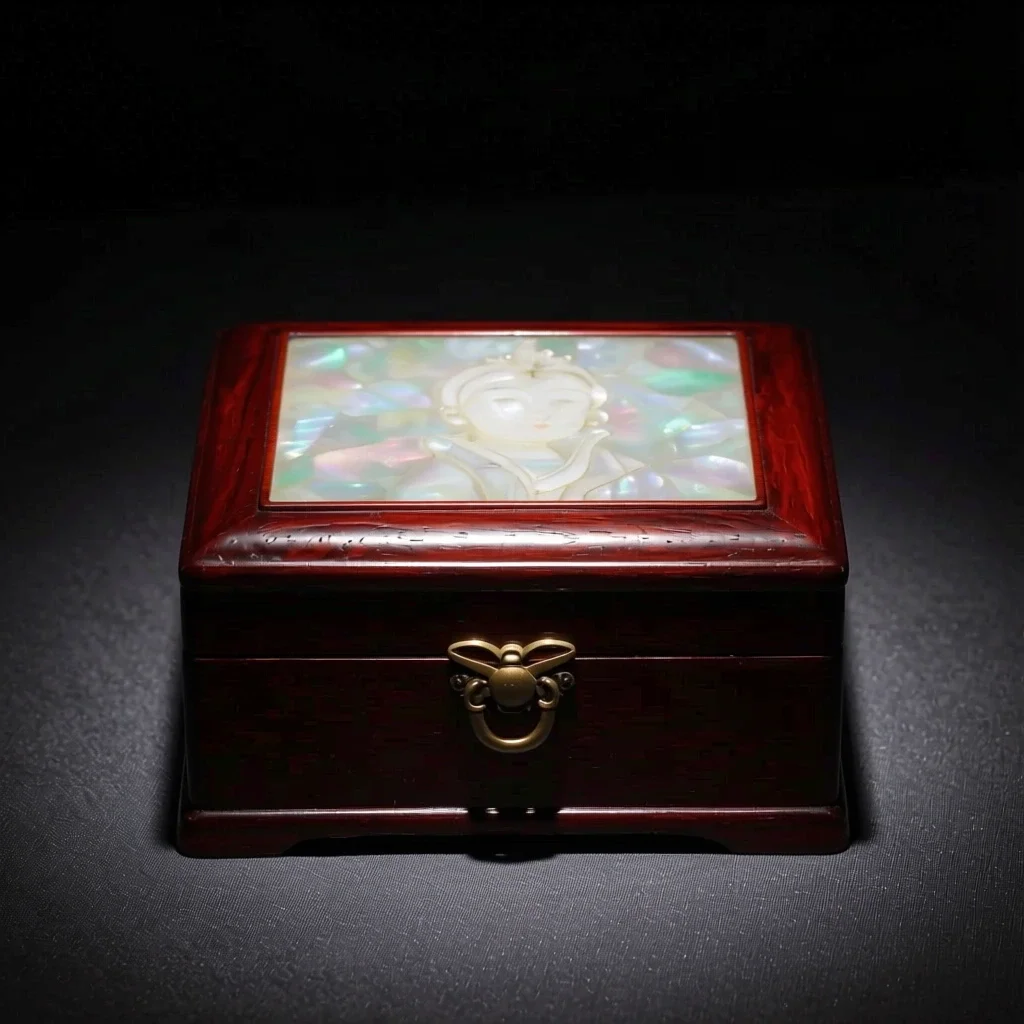 Efter
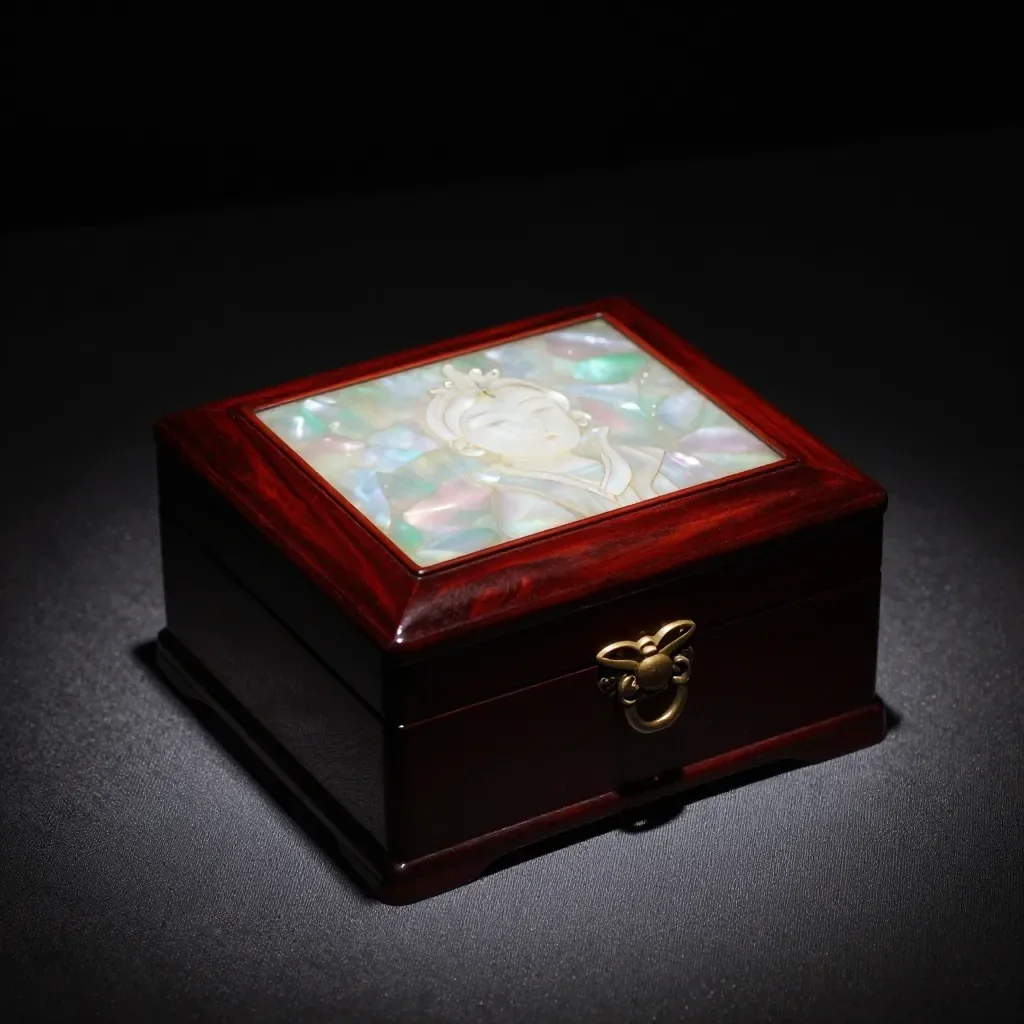 Før
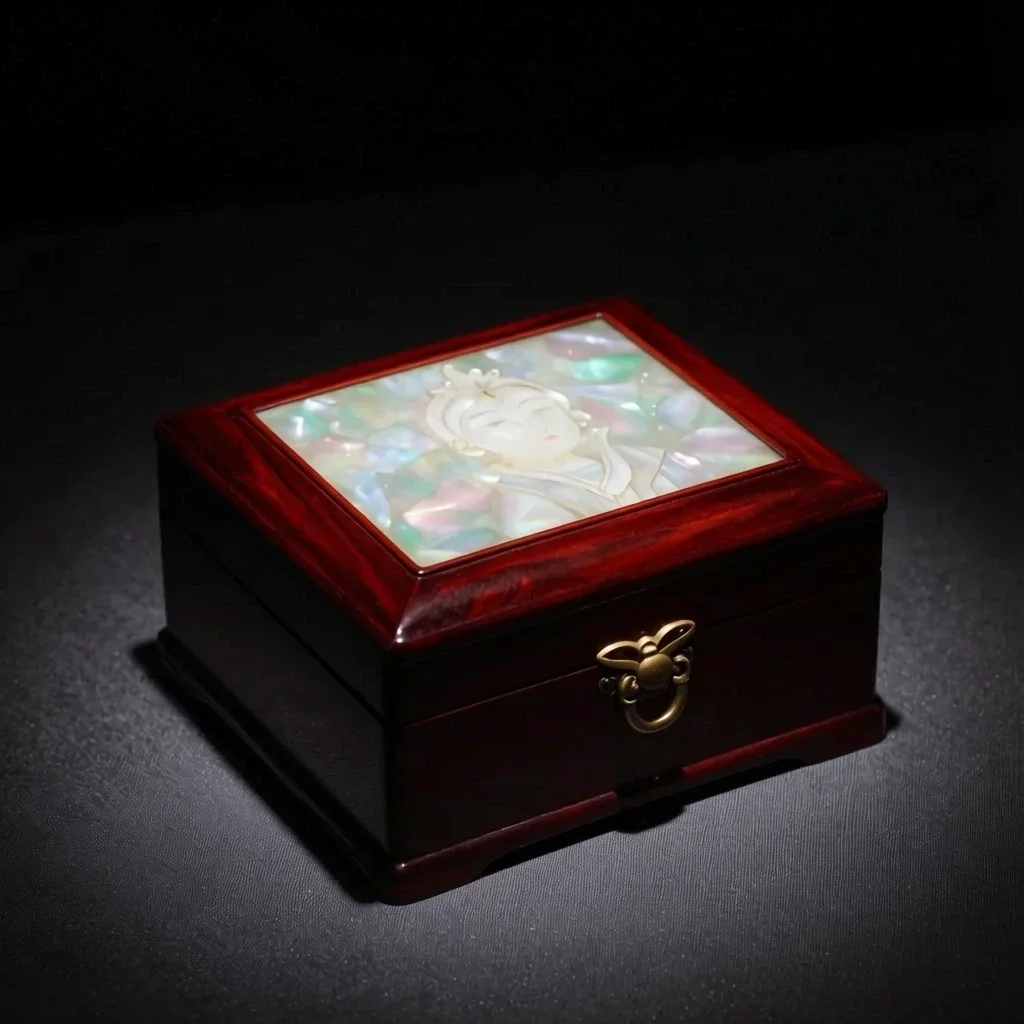 Efter
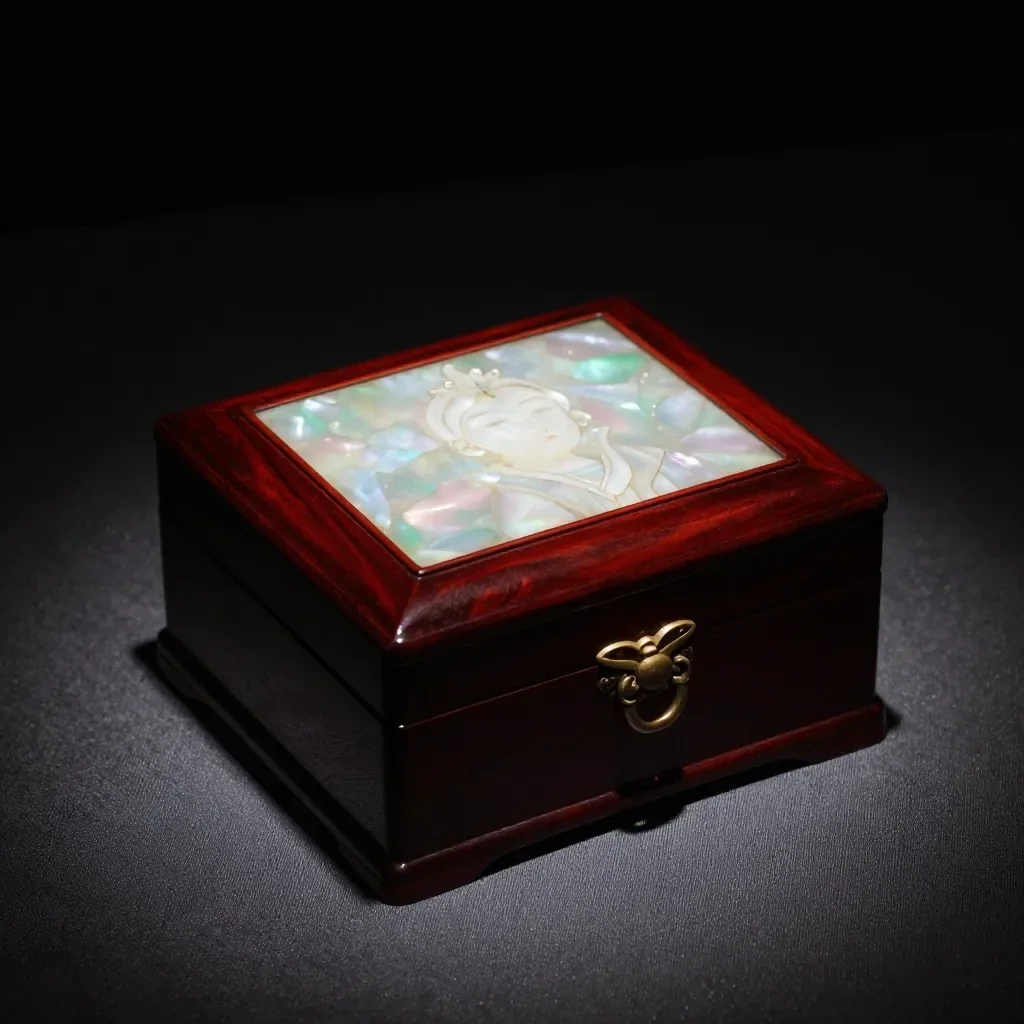 Før
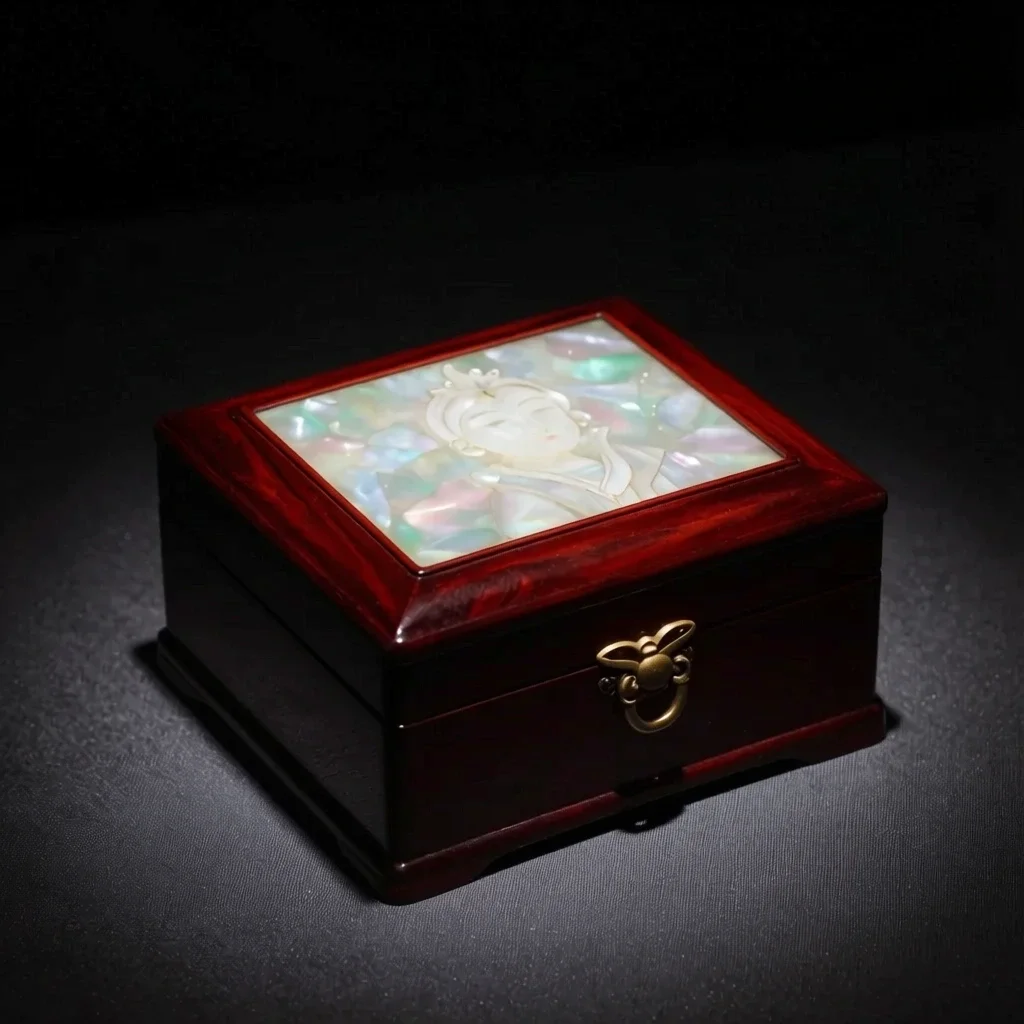 Efter
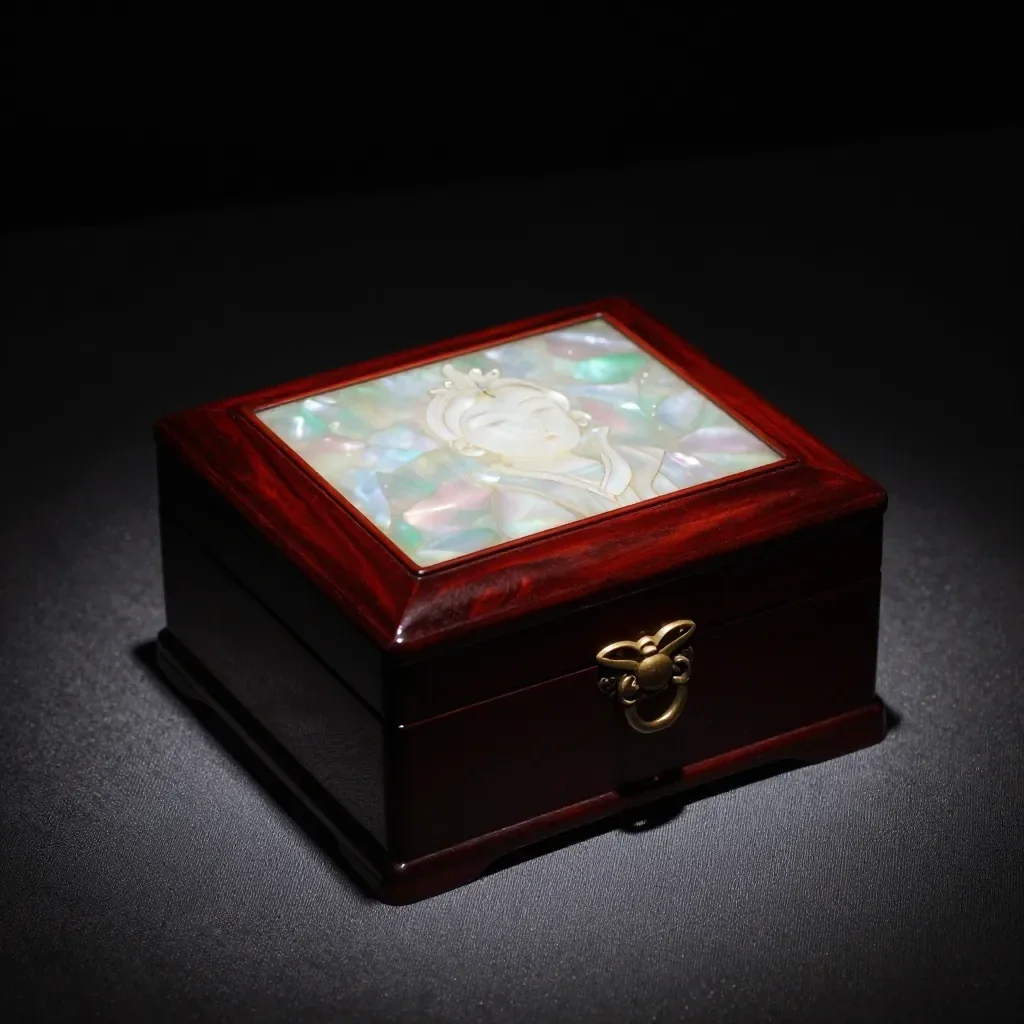 Før
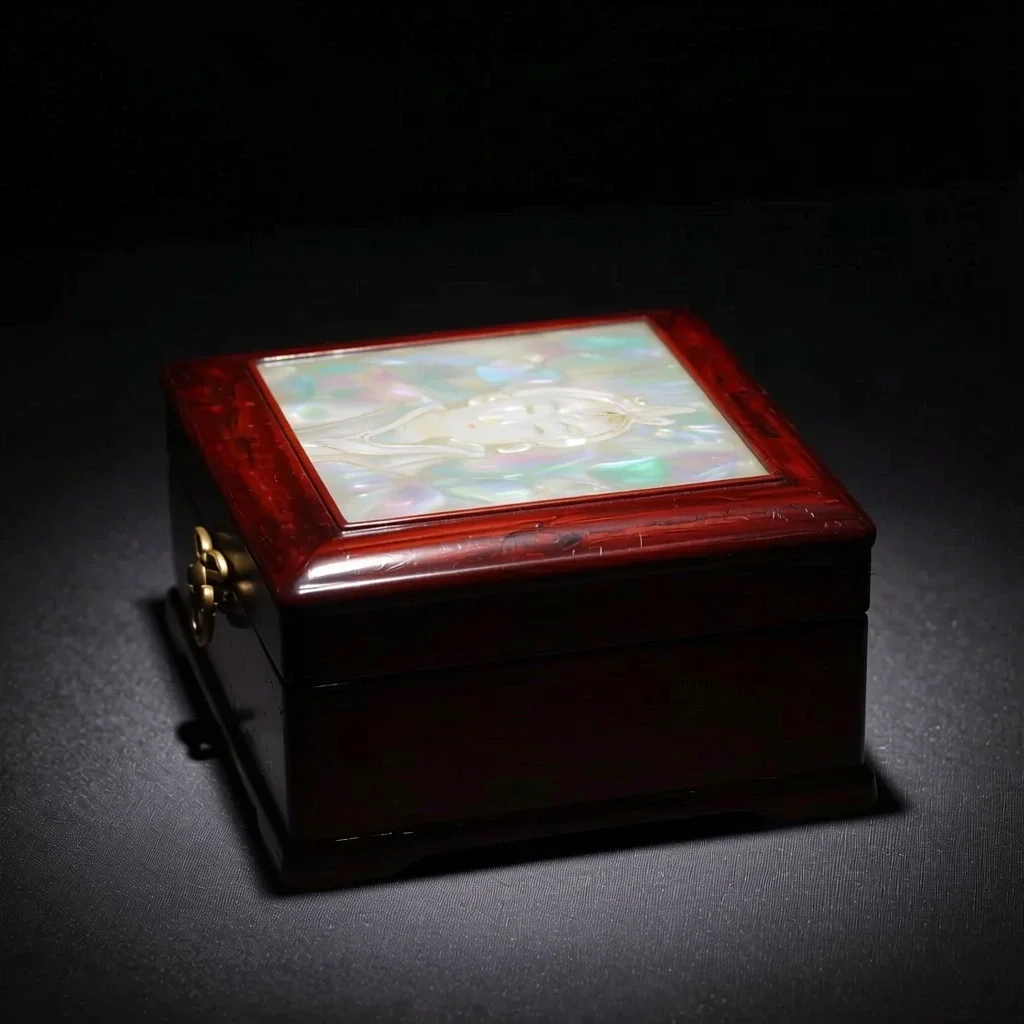 Efter
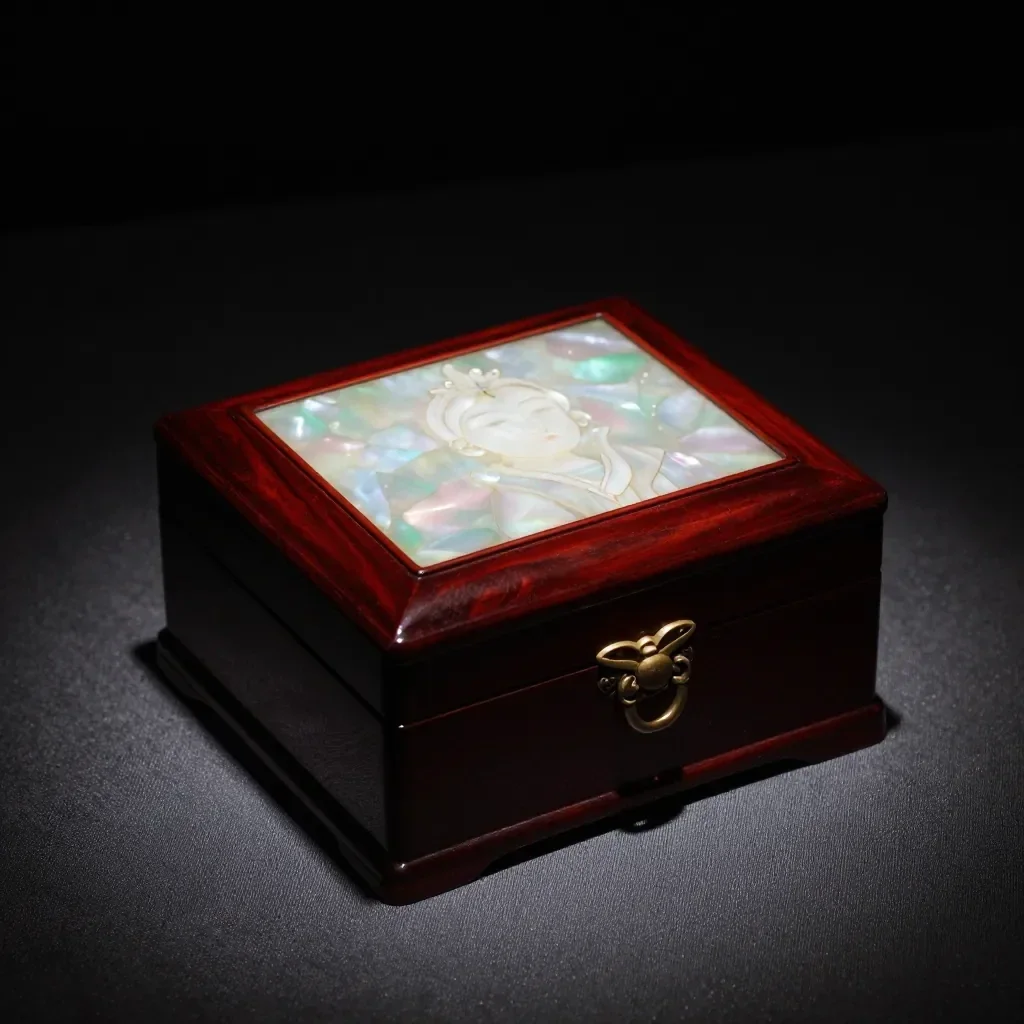 Før
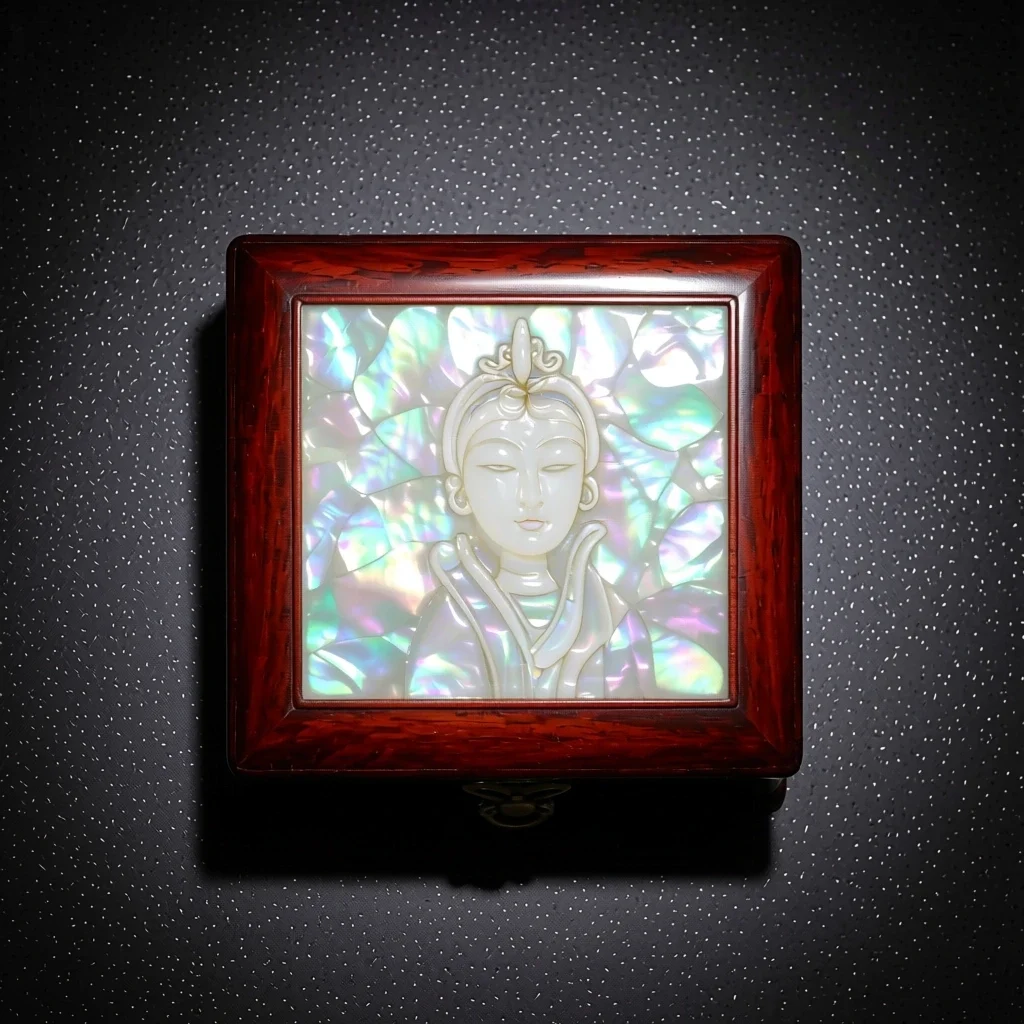 Efter
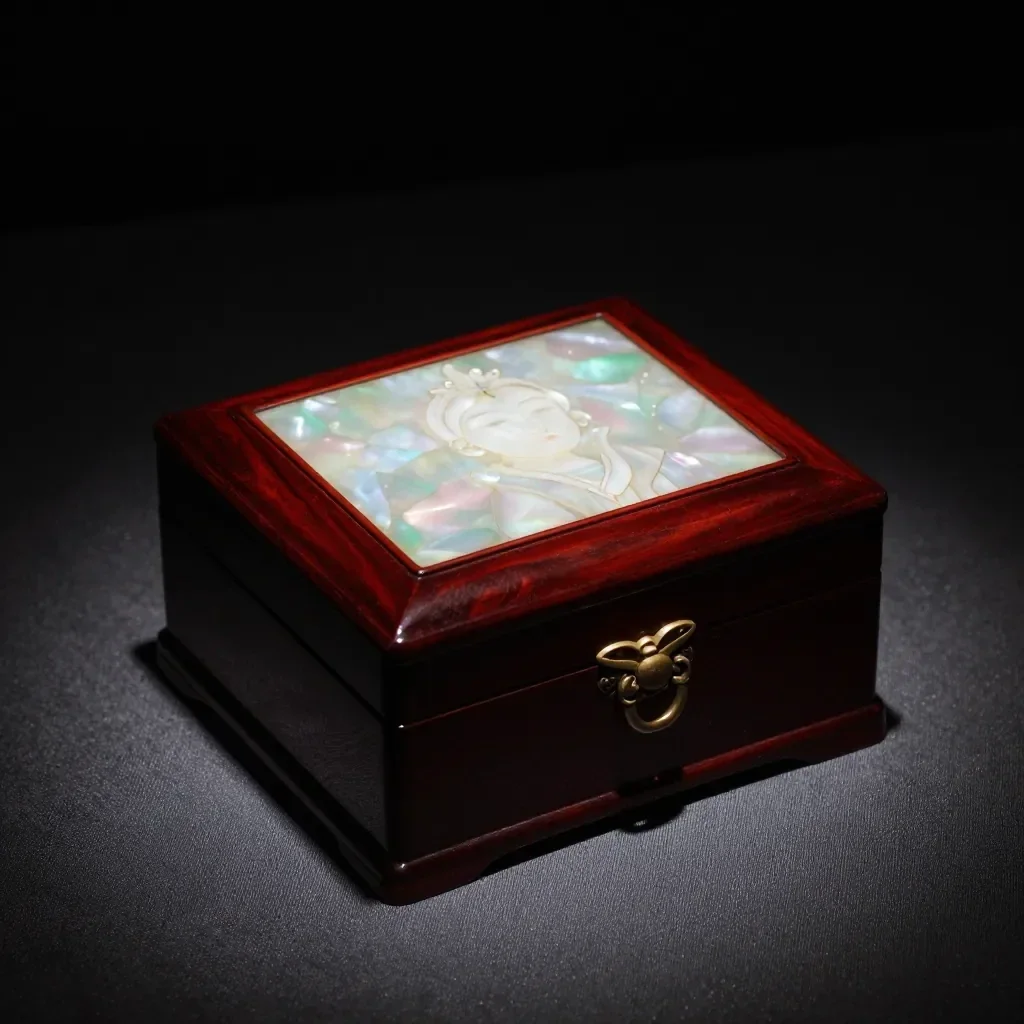 Før
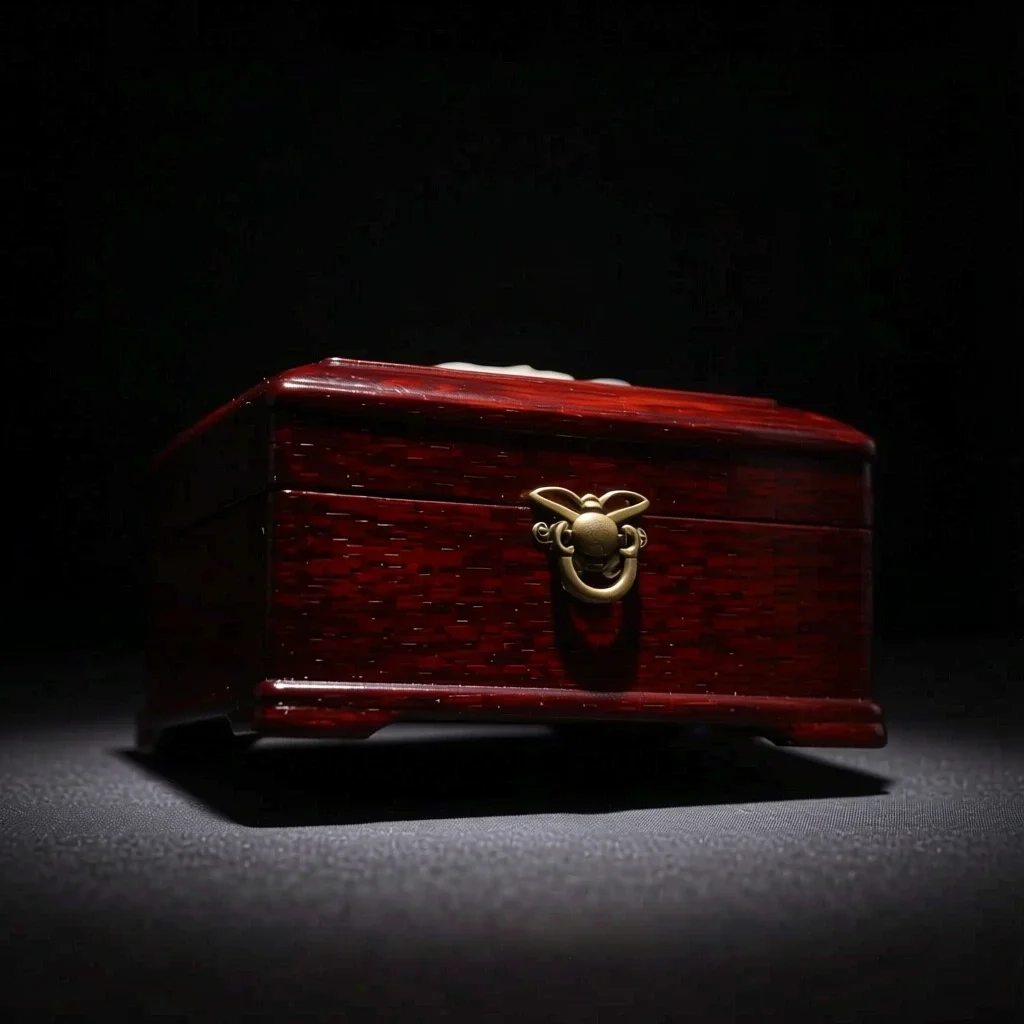 Efter
God til
- Multi-angle references for a character
- Product shots from another direction
- Trying side-profile or high-angle compositions
Tips til bedre resultater
- A photo that shows the whole subject, nothing cropped, gives the most natural new angle.
- From a front-facing photo, start with a nearby angle such as 3/4 for steadier results.
- The images you make can be saved as a Character's reference pictures (1 to 3).
Spørgsmål
How much does it cost?
Free models are unlimited with an account. Models marked “Free with membership” are unlimited without credits during membership. Otherwise, the displayed credit price applies. Developer API usage is billed separately.
What happens to parts the original doesn't show?
AI imagines what the camera could not see, such as the far side of a face or the back of an object, so it may differ from reality. For anything that must be exact, such as the hidden side of a product, use a real photo.
What happens to the photo I upload?
Only upload photos of yourself or photos you have the right to use. Impersonating real people or using results to deceive others is prohibited. Uploaded photos go through a safety check, you can delete your generated images at any time, and nothing appears in the public Explore feed unless you choose to share it.
Flere apps

Foto til anime
Gentegn en selfie som anime, webtoon, akvarel eller en 3D-figur.

AI-profilbillede
Lav en almindelig selfie om til et ID-foto, et ansøgningsportræt eller en avatar til sociale medier.

Traditionel påklædning
Se dig selv i hanbok, kimono, qipao eller hanfu.

Rejsebaggrund
Behold dig selv, og skift baggrunden til Kyoto, Seoul, Shanghai eller Jeju.