AI Camera Angle Changer: Any Photo, New Angle
Pickshot's Angles app redraws one photo as if the camera had moved. Choose front, three-quarter left, three-quarter right, side, top-down or low angle, and it keeps the same subject, clothing, lighting and scene while changing only the point of view. It is handy for character references and for showing another side of a product.
Новые аккаунты получают 50 кредитов. Бесплатные аккаунты могут создавать неограниченное количество изображений на сайте с помощью 5 базовых моделей без списания кредитов. Видео Lacquer на сайте бесплатны: 3 в день, до 5 секунд на ролик. Подписчики используют включённые модели безлимитно и без списания кредитов. Другие модели и API/MCP оплачиваются отдельно.
Обновлено
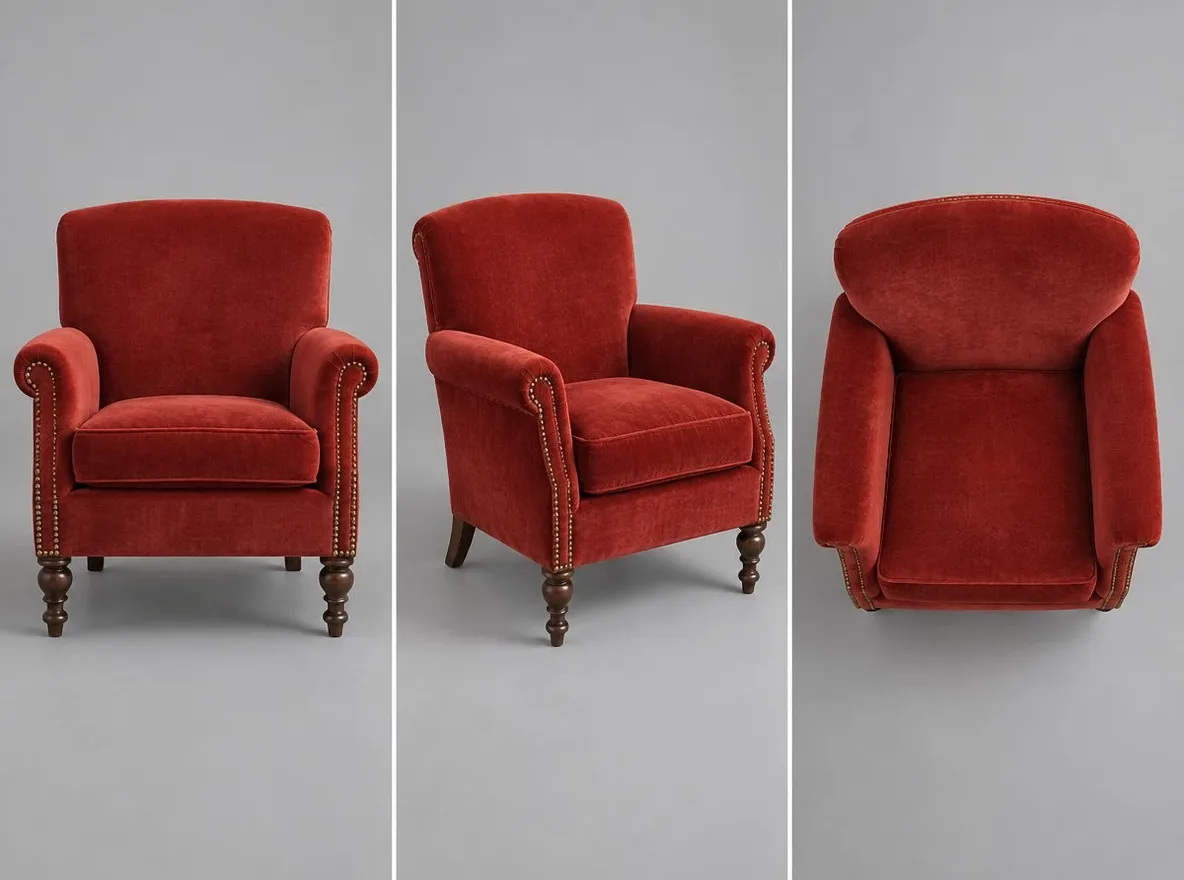
Как это работает
- Upload the photo you want to see from another angle.
- Choose an angle: front, 3/4 left, 3/4 right, side, top-down or low angle.
- Press Generate, check the result and download it.
Примеры подсказок
Реальные результаты из изображений, созданных искусственным интеллектом, в нашей библиотеке. Фотография реального человека не использовалась.
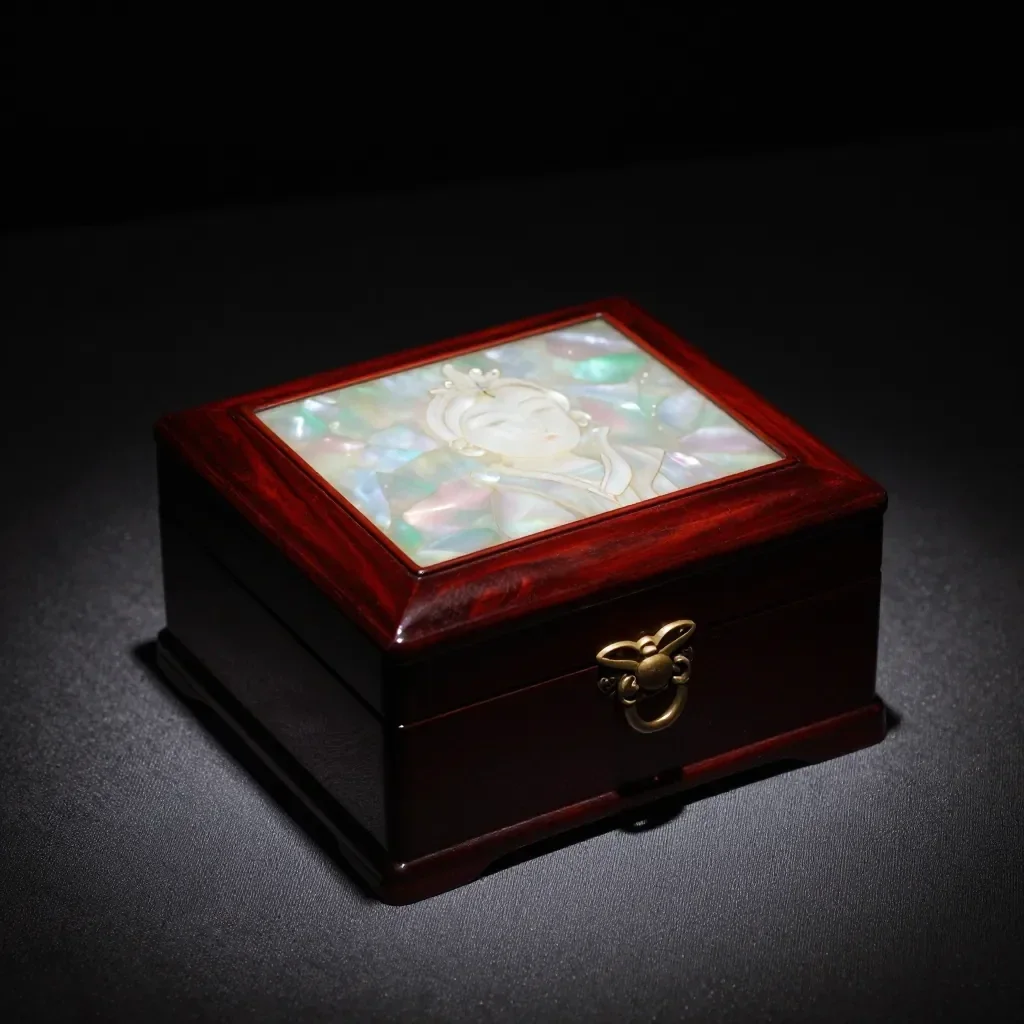 До
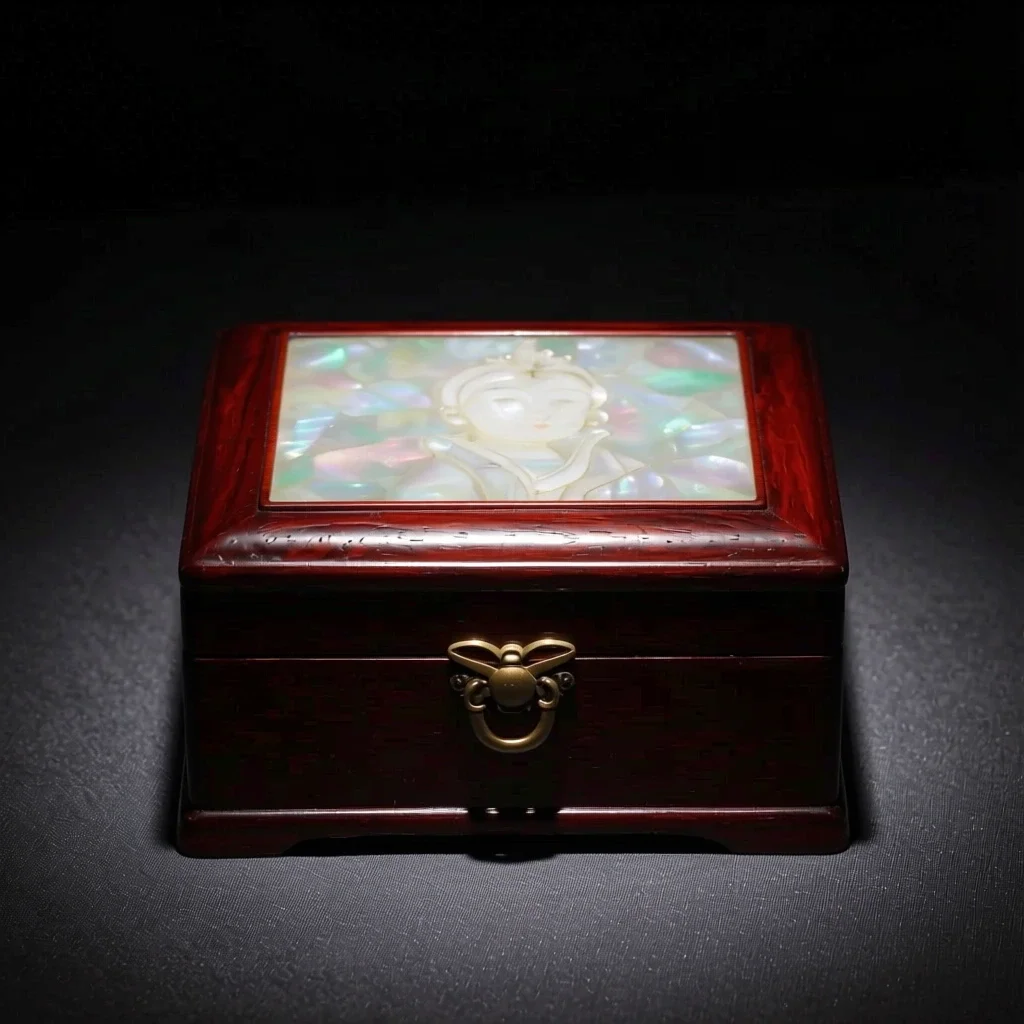 После
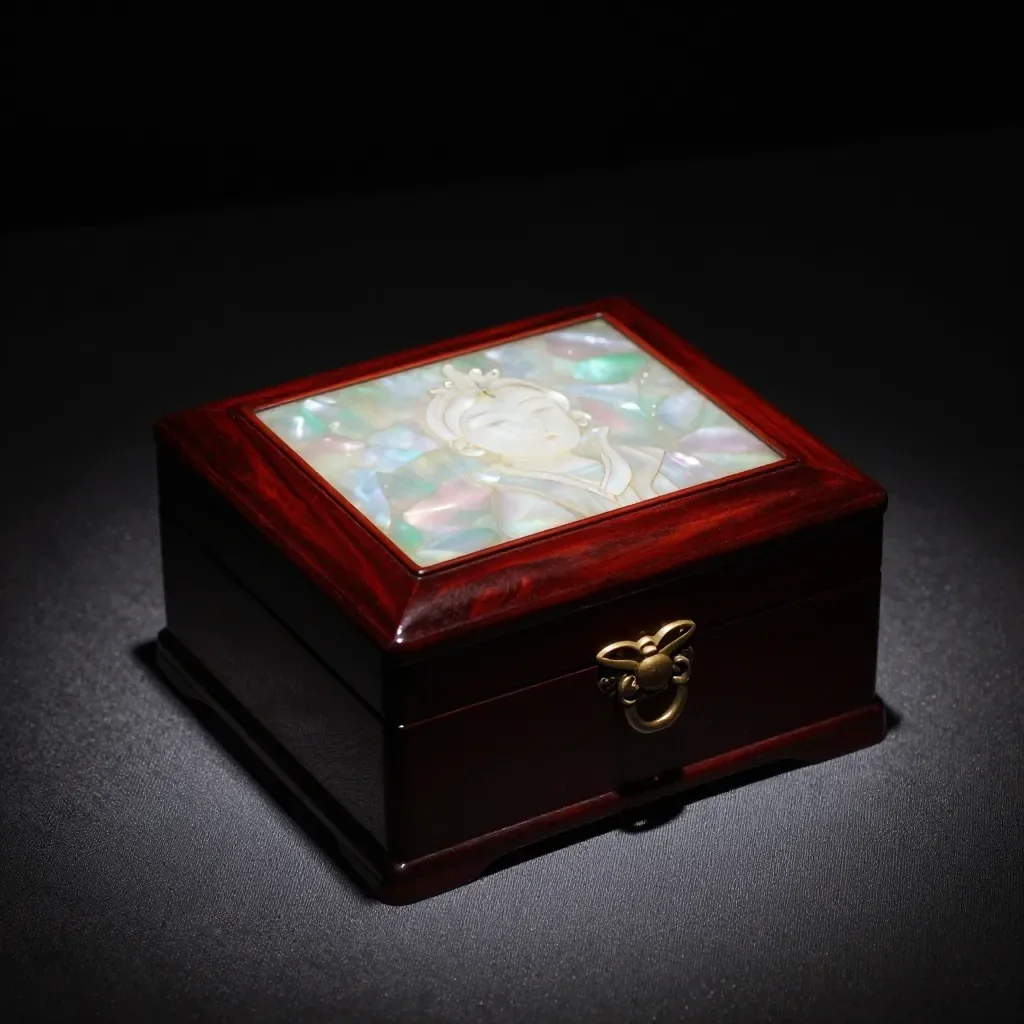 До
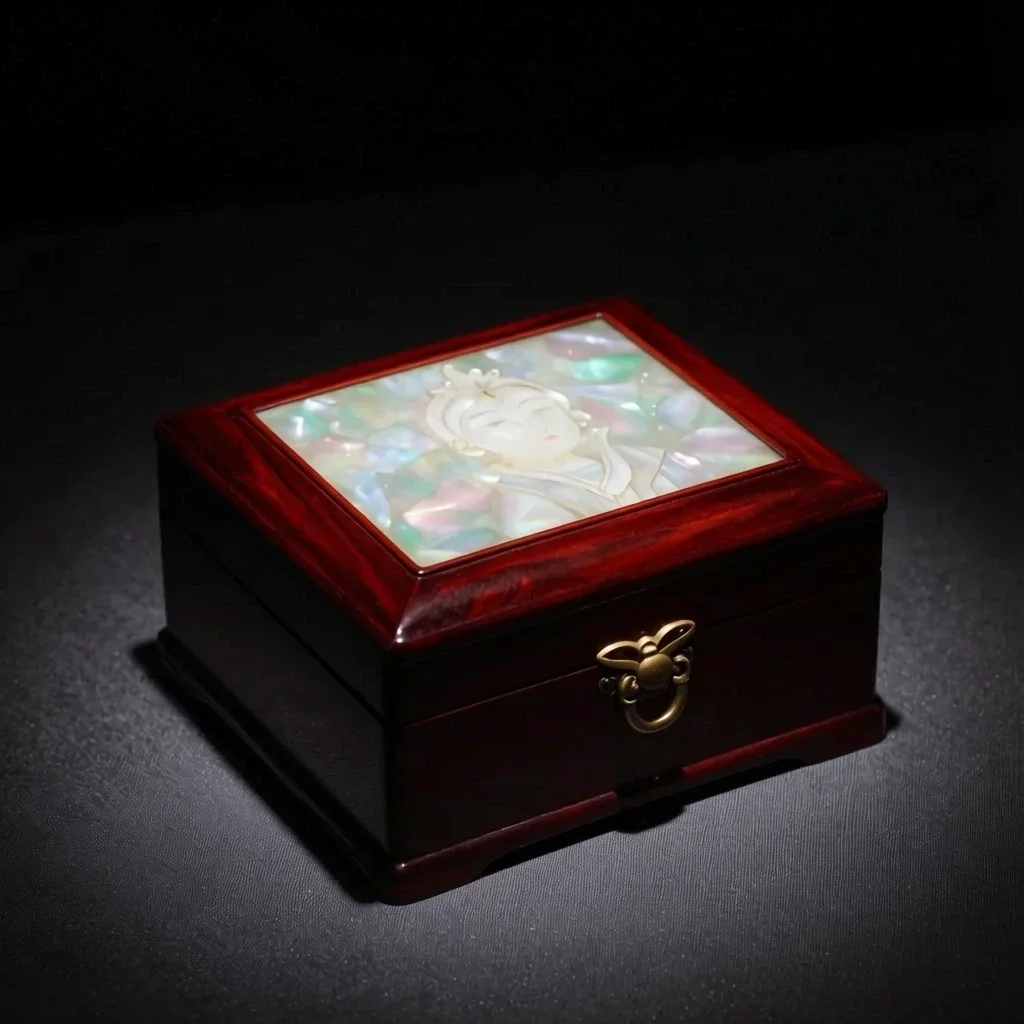 После
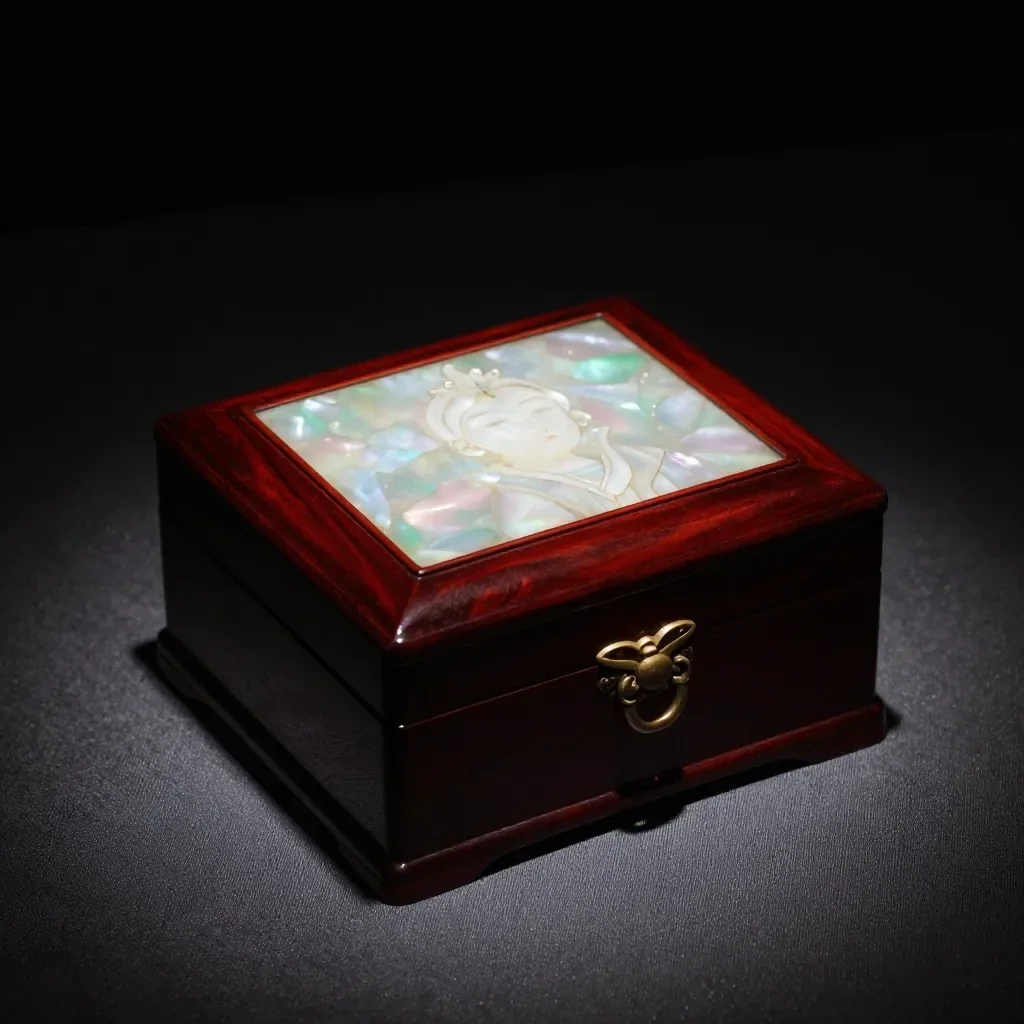 До
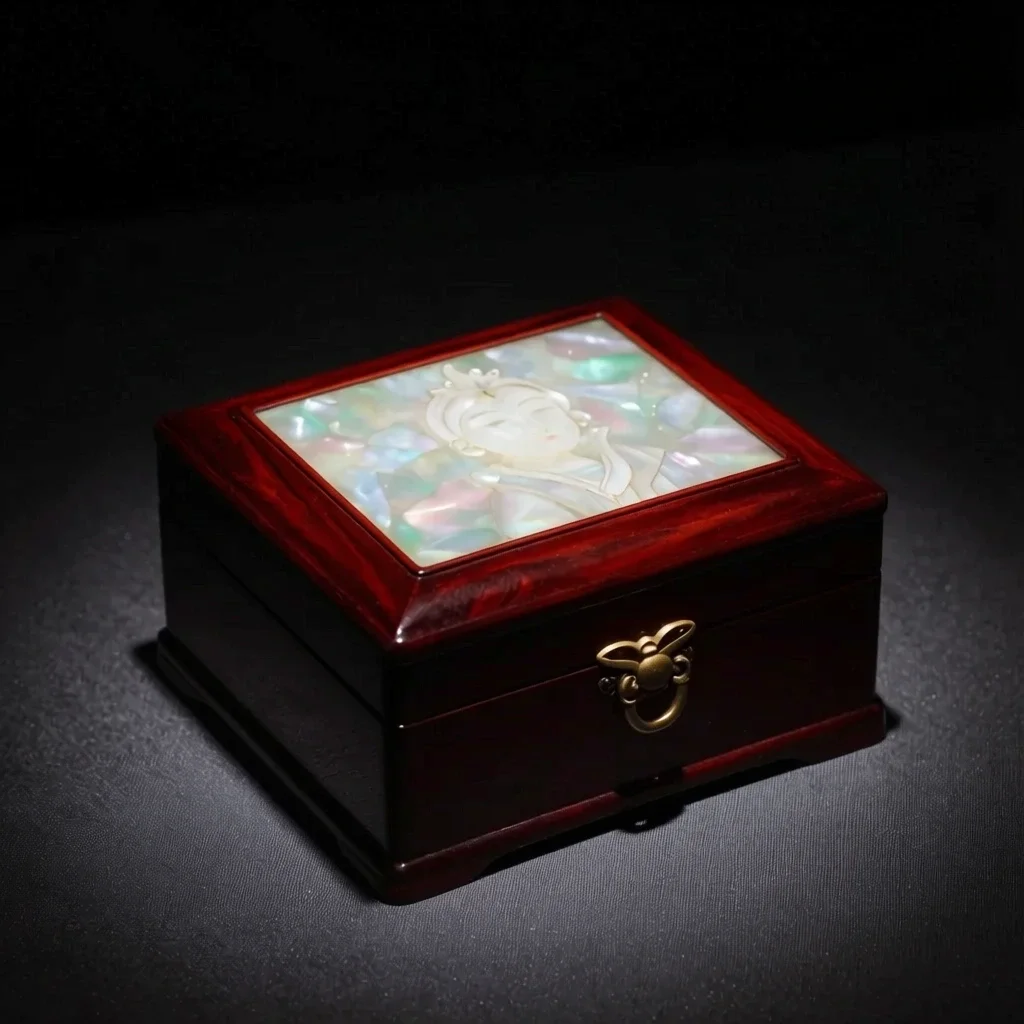 После
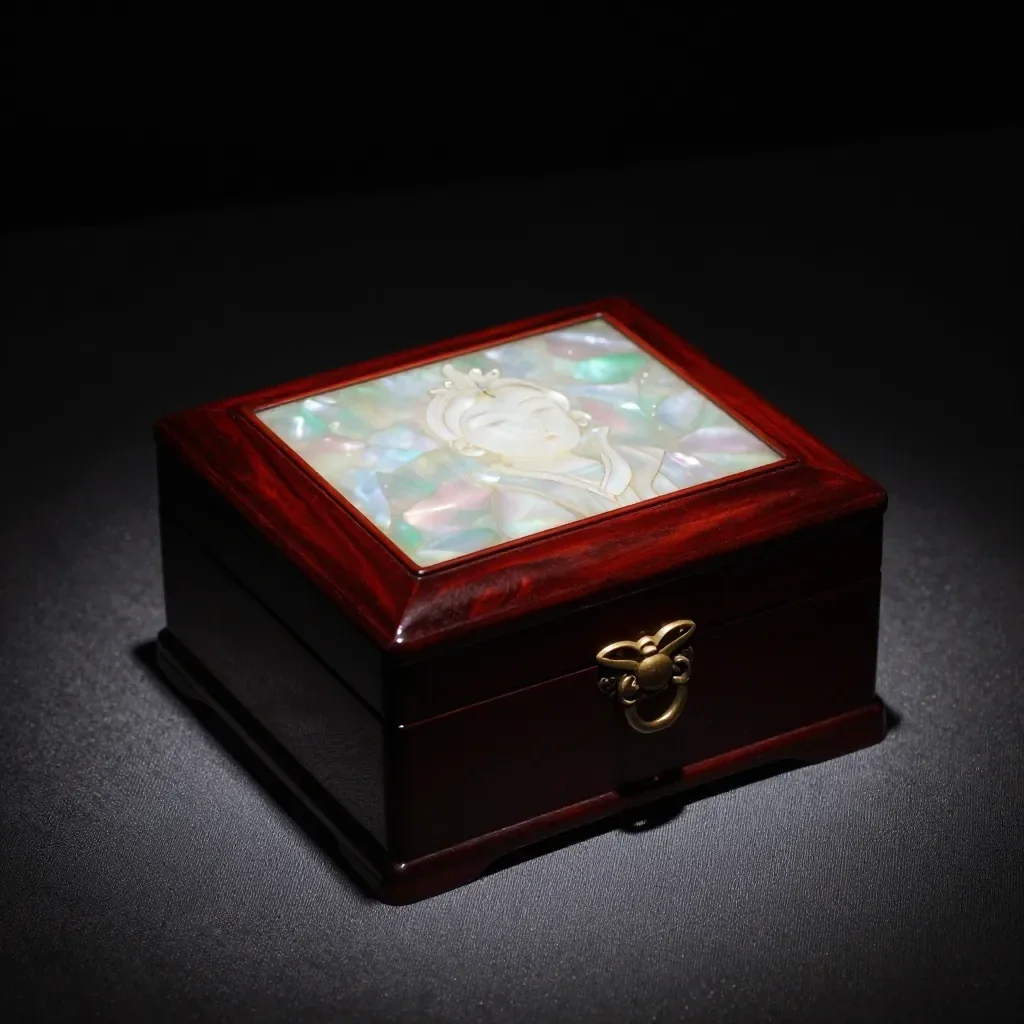 До
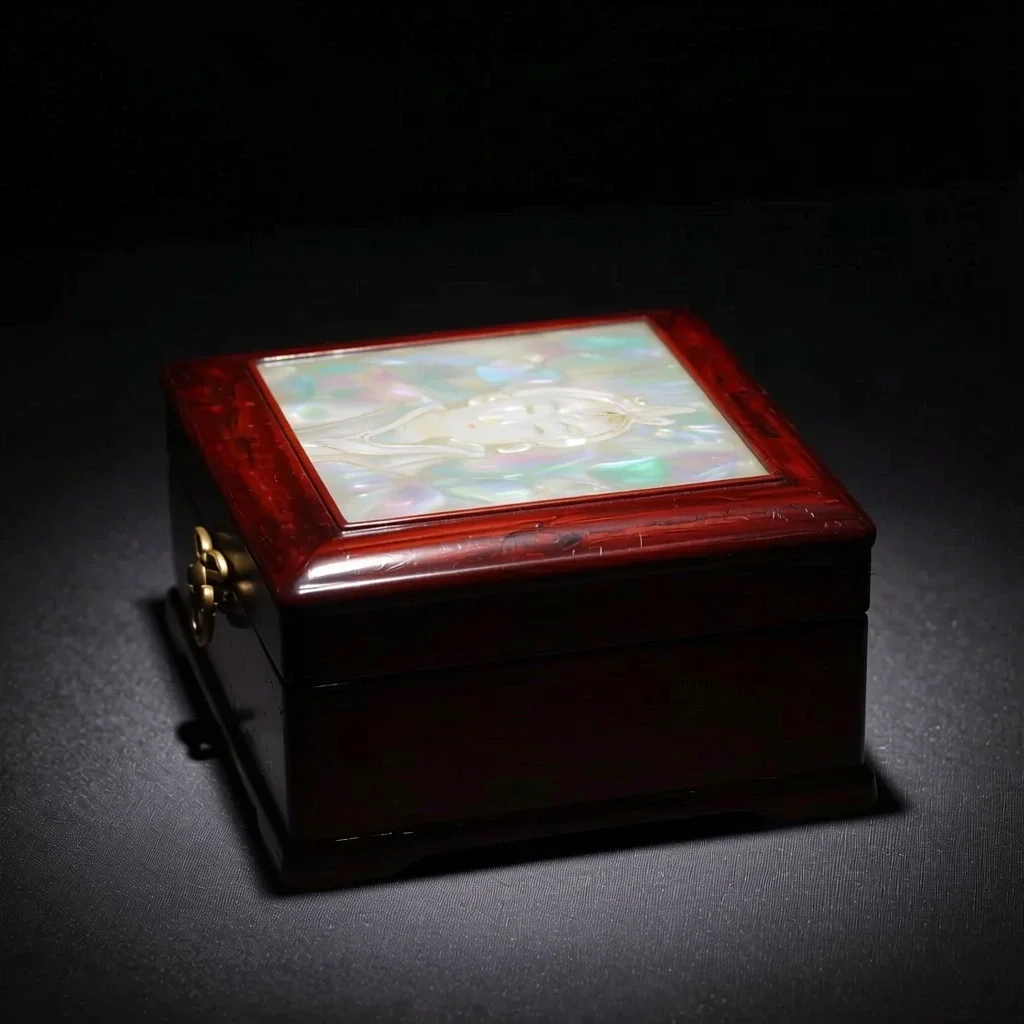 После
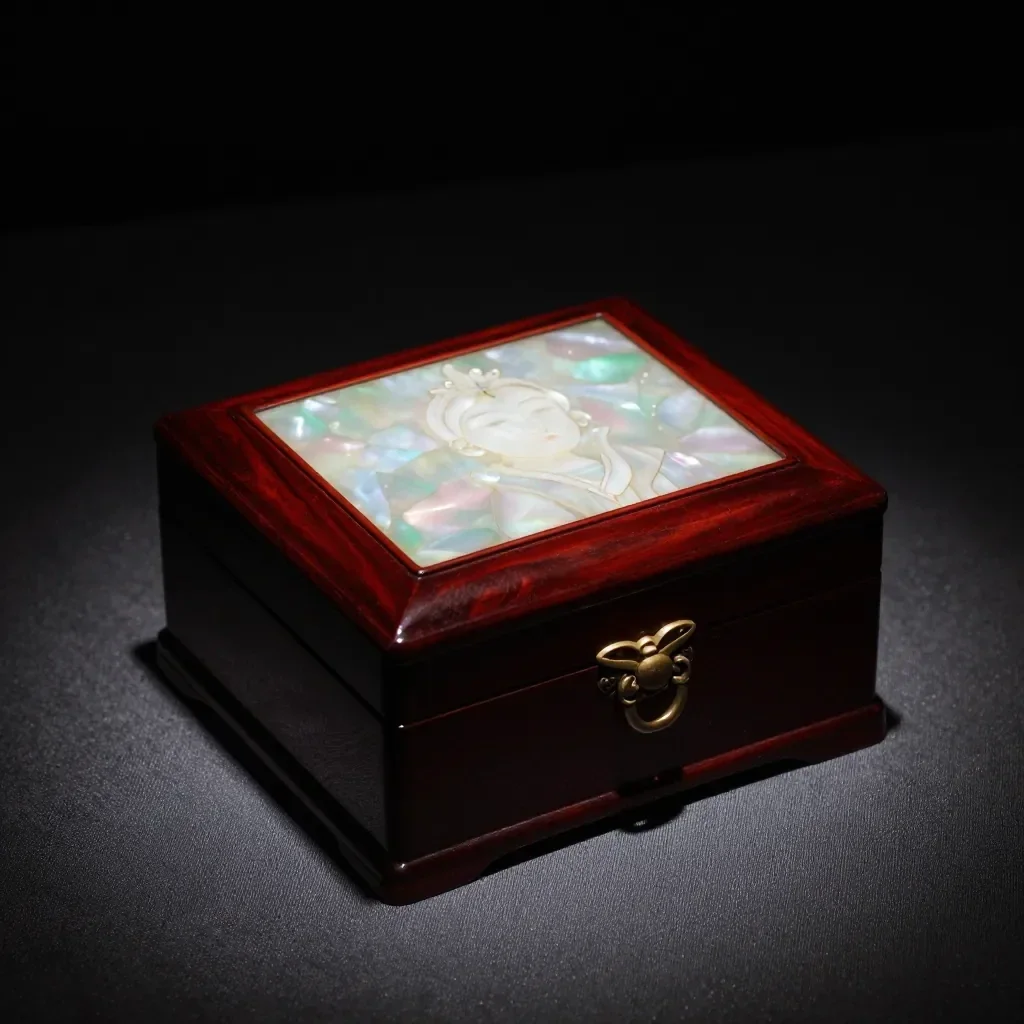 До
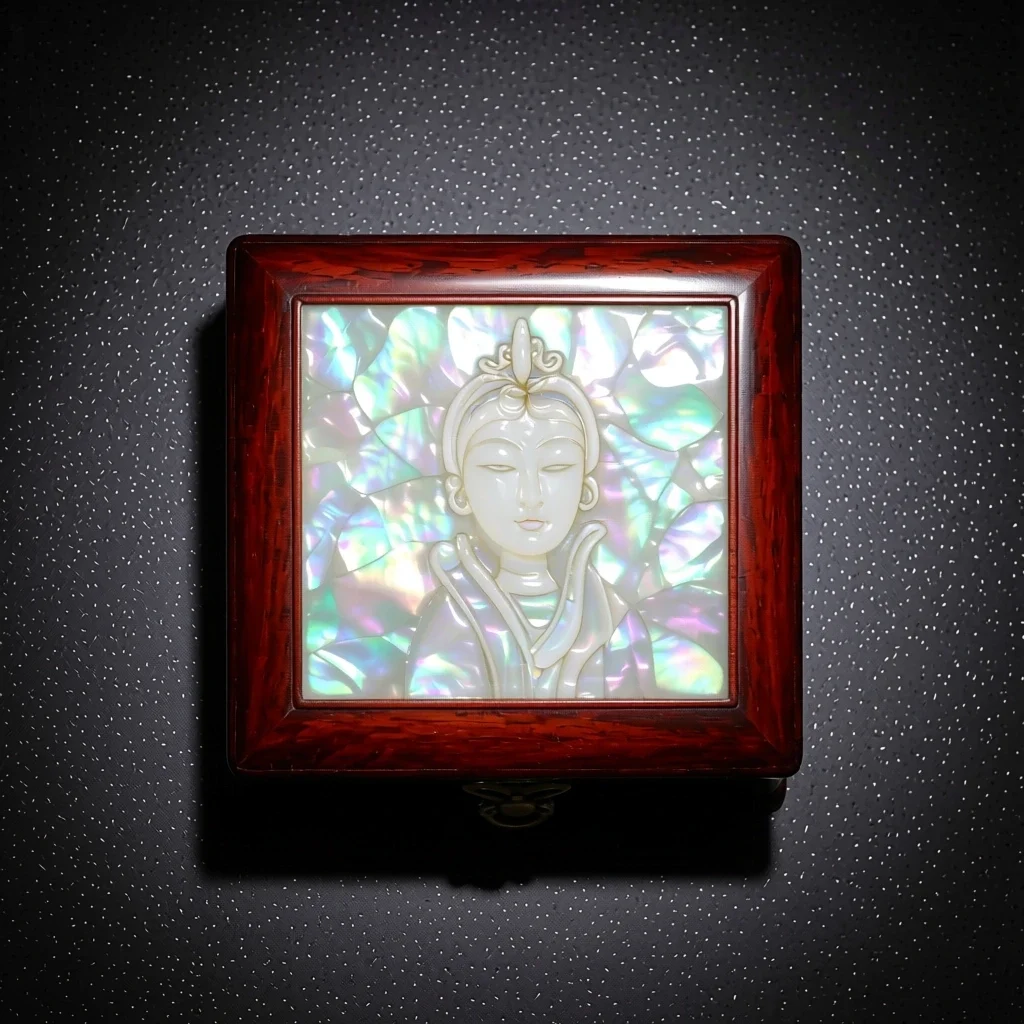 После
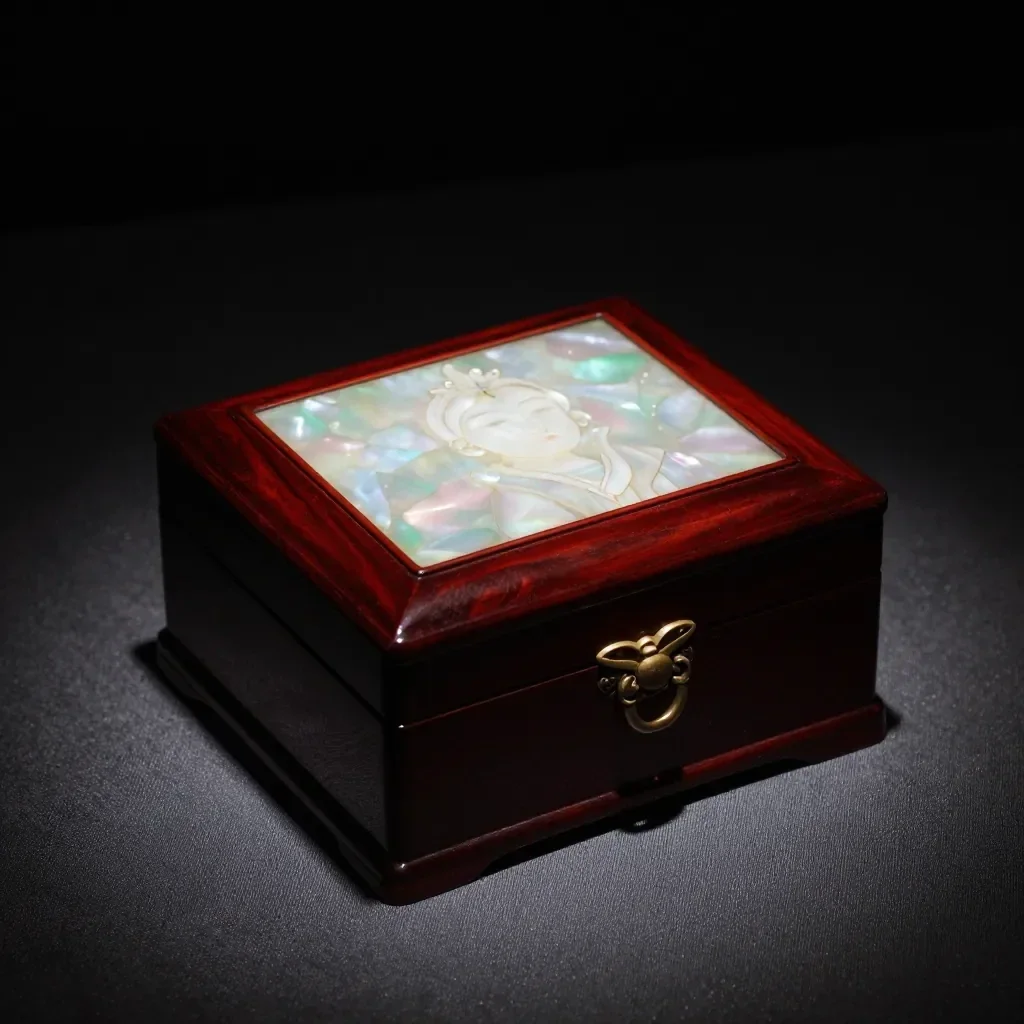 До
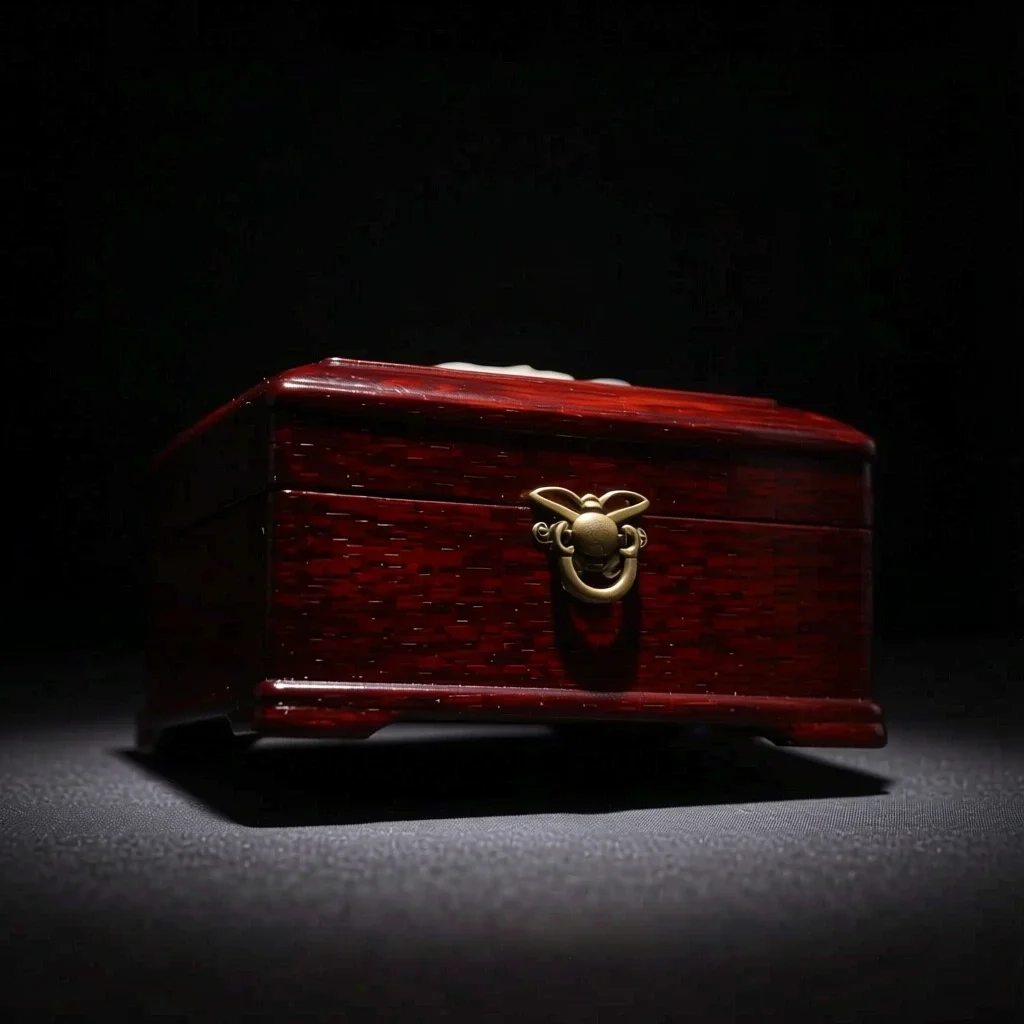 После
Хорошо для
- Multi-angle references for a character
- Product shots from another direction
- Trying side-profile or high-angle compositions
Советы для достижения лучших результатов
- A photo that shows the whole subject, nothing cropped, gives the most natural new angle.
- From a front-facing photo, start with a nearby angle such as 3/4 for steadier results.
- The images you make can be saved as a Character's reference pictures (1 to 3).
Вопросы
How much does it cost?
Free models are unlimited with an account. Models marked “Free with membership” are unlimited without credits during membership. Otherwise, the displayed credit price applies. Developer API usage is billed separately.
What happens to parts the original doesn't show?
AI imagines what the camera could not see, such as the far side of a face or the back of an object, so it may differ from reality. For anything that must be exact, such as the hidden side of a product, use a real photo.
What happens to the photo I upload?
Only upload photos of yourself or photos you have the right to use. Impersonating real people or using results to deceive others is prohibited. Uploaded photos go through a safety check, you can delete your generated images at any time, and nothing appears in the public Explore feed unless you choose to share it.
Больше приложений

Фото в аниме
Перерисуйте селфи в виде аниме, вебтуна, акварели или 3D-фигуры.

Фото профиля AI
Превратите обычное селфи в фотографию на удостоверение личности, фотографию при приеме на работу или аватар в социальных сетях.

Традиционные наряды
Увидеть себя в ханбоке, кимоно, ципао или ханфу.

Путешествие фон
Оставайтесь собой, поменяйте фон на Киото, Сеул, Шанхай или Чеджу.