AI Camera Angle Changer: Any Photo, New Angle
Pickshot's Angles app redraws one photo as if the camera had moved. Choose front, three-quarter left, three-quarter right, side, top-down or low angle, and it keeps the same subject, clothing, lighting and scene while changing only the point of view. It is handy for character references and for showing another side of a product.
حسابهای جدید ۵۰ اعتبار میگیرند. حسابهای رایگان میتوانند در وبسایت با ۵ مدل پایهٔ تصویر، بدون مصرف اعتبار، بهصورت نامحدود تصویر بسازند. ویدیوهای Lacquer در وبسایت رایگان هستند: روزانه ۳ ویدیو؛ هر کلیپ حداکثر ۵ ثانیه است. مشترکان مدلهای مشمول را نامحدود و بدون کسر اعتبار استفاده میکنند. سایر مدلها و API/MCP جداگانه محاسبه میشوند.
به روز شد
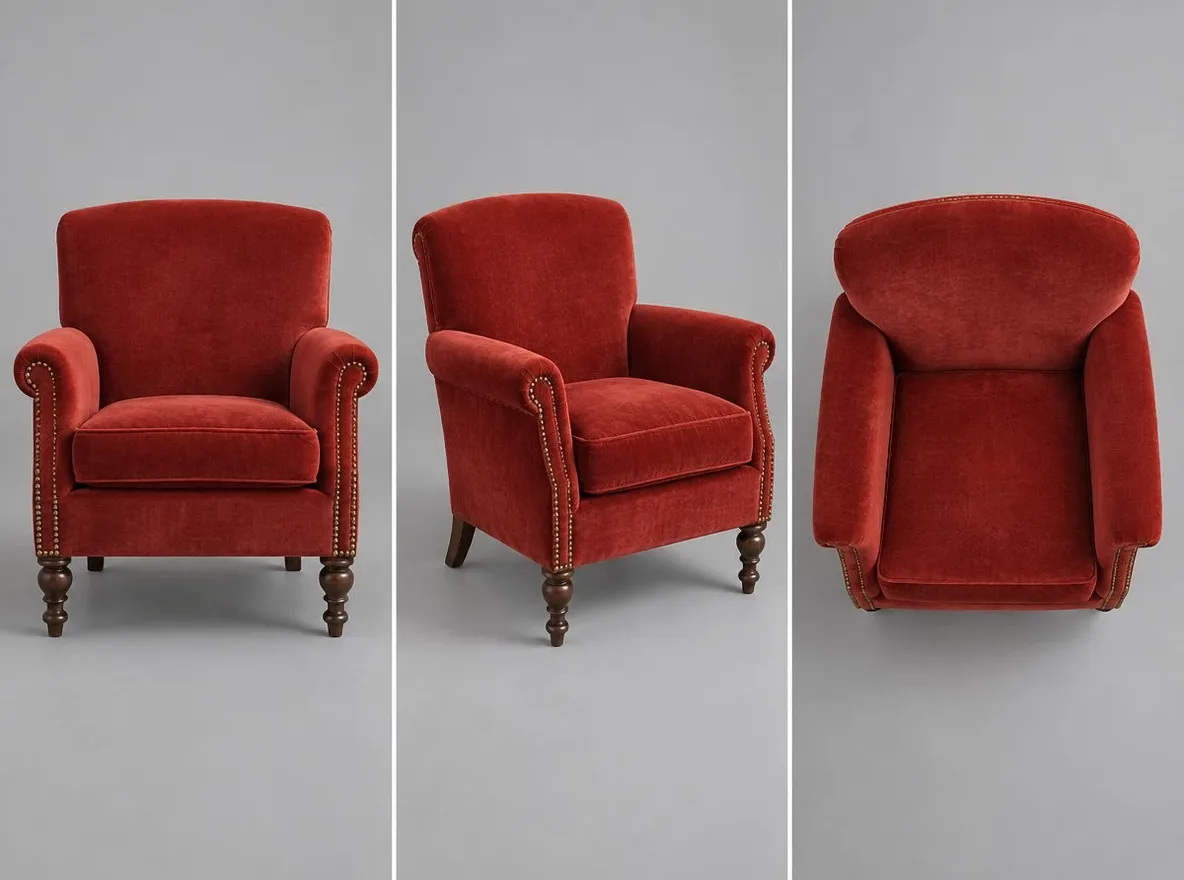
چگونه کار می کند
- Upload the photo you want to see from another angle.
- Choose an angle: front, 3/4 left, 3/4 right, side, top-down or low angle.
- Press Generate, check the result and download it.
به عنوان مثال درخواست می کند
نتایج واقعی از تصاویر تولید شده توسط هوش مصنوعی در کتابخانه ما. هیچ عکسی از شخص واقعی استفاده نشده است.
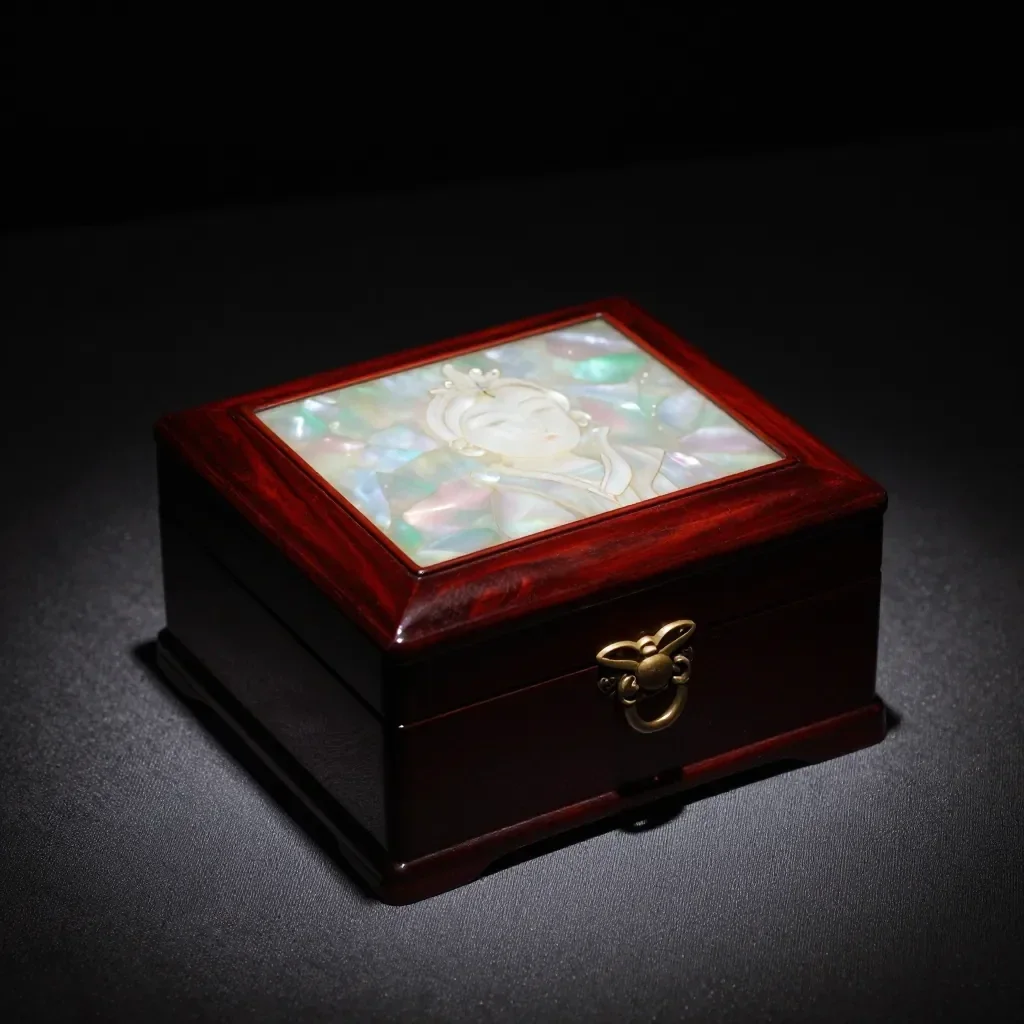 قبل از
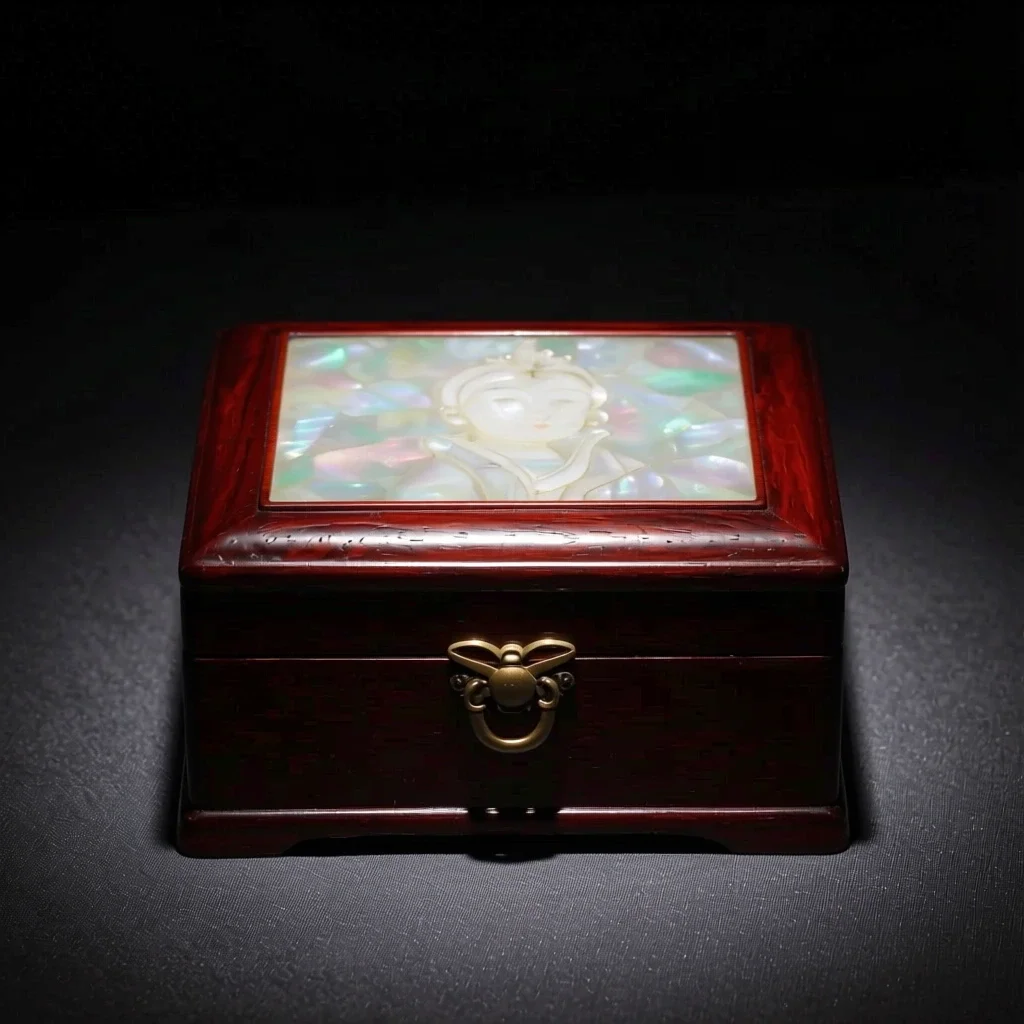 بعد از
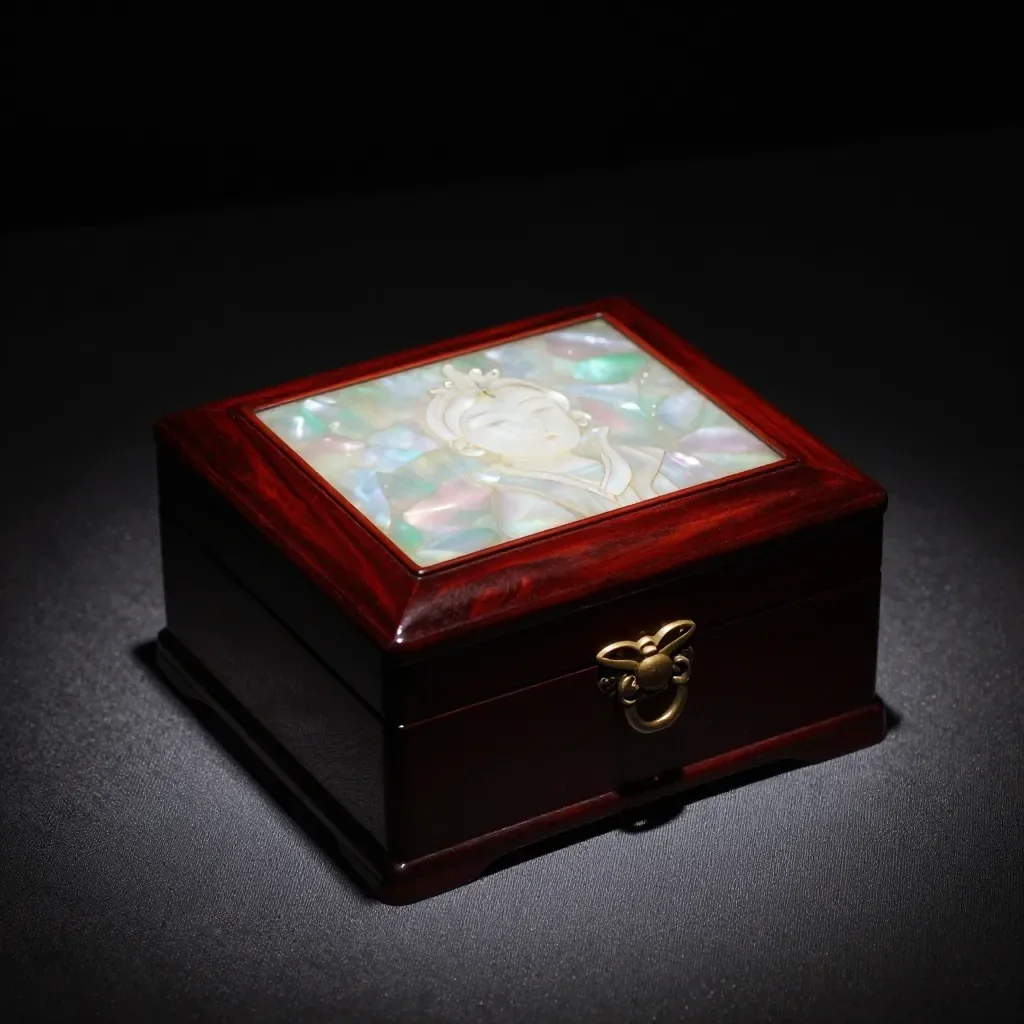 قبل از
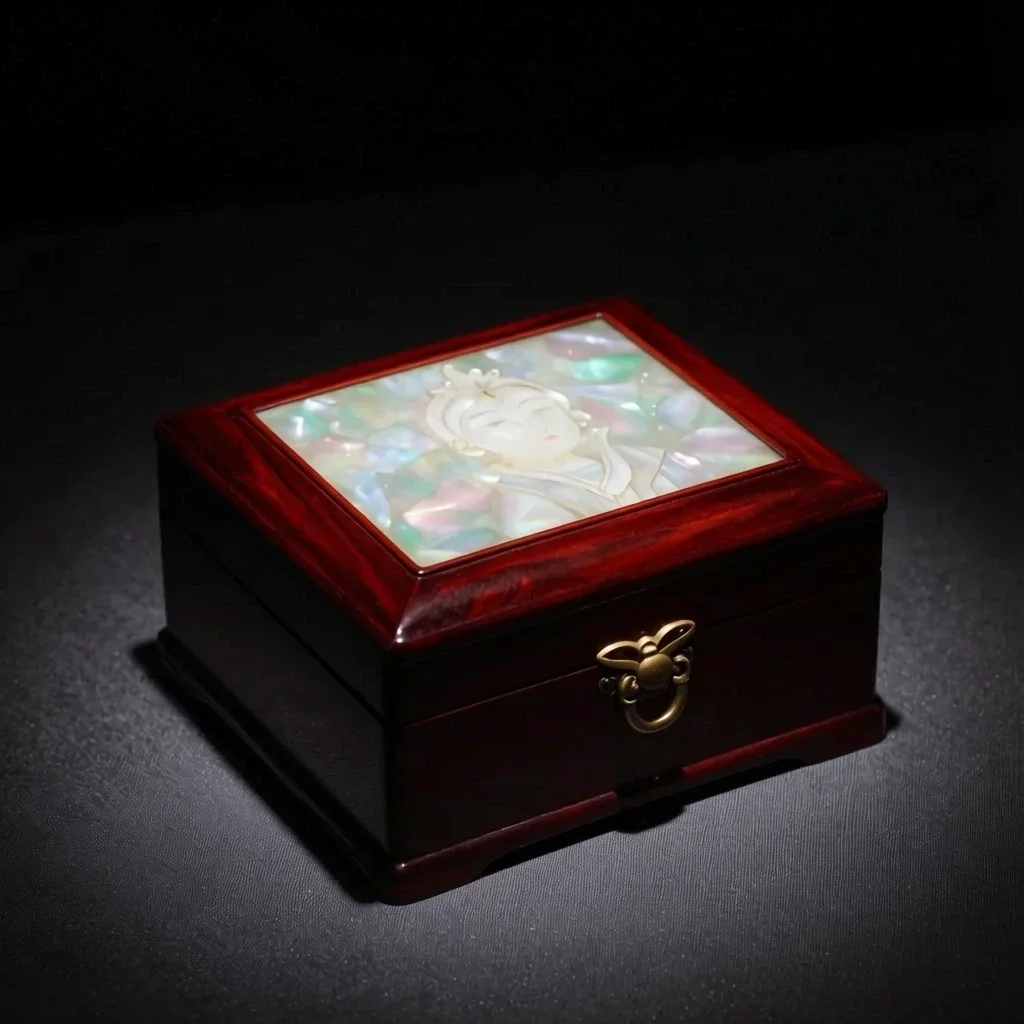 بعد از
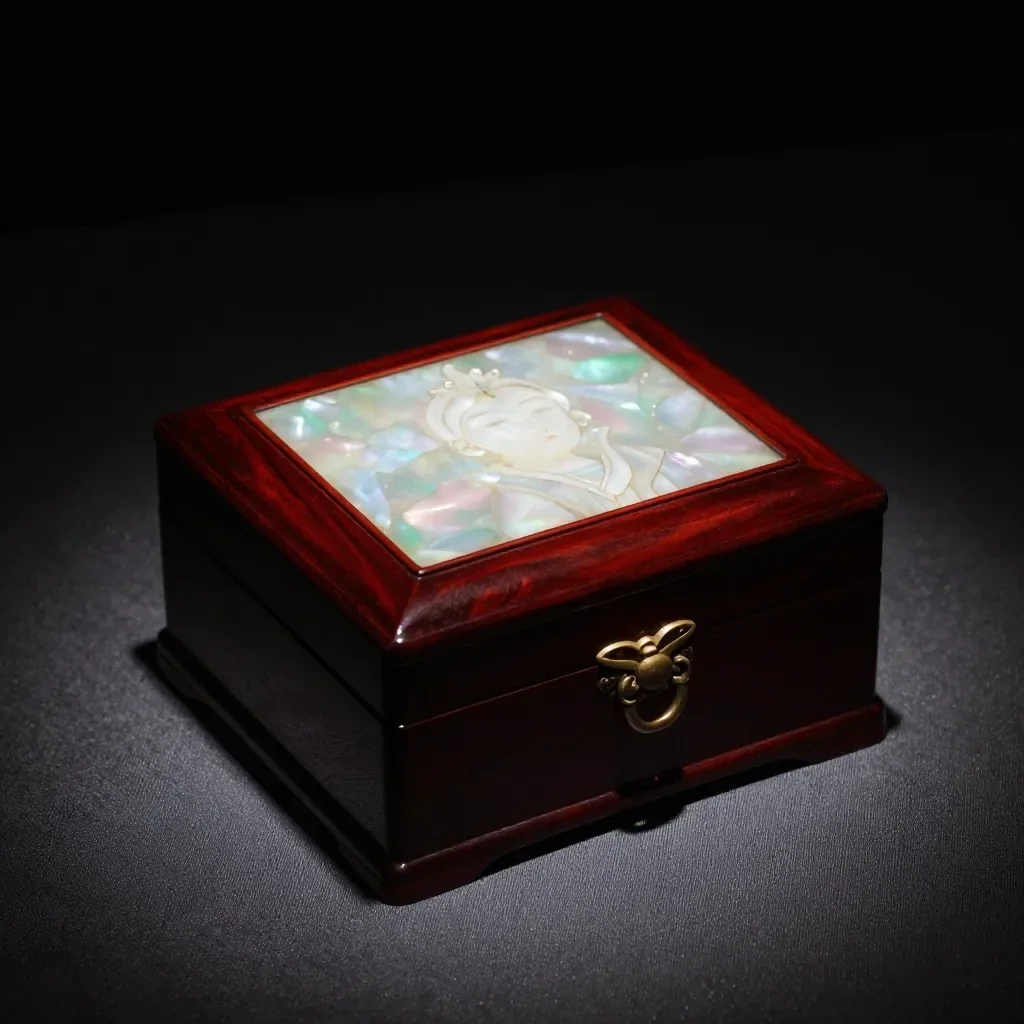 قبل از
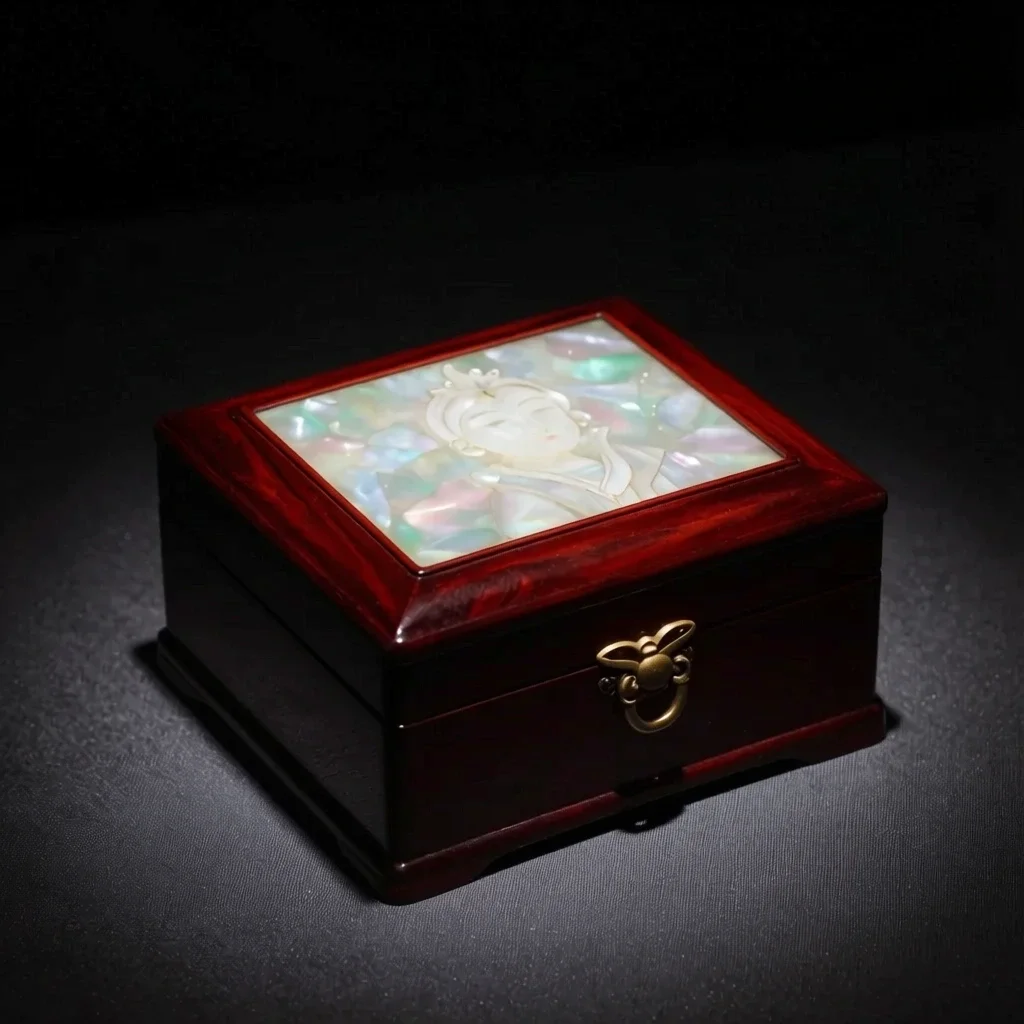 بعد از
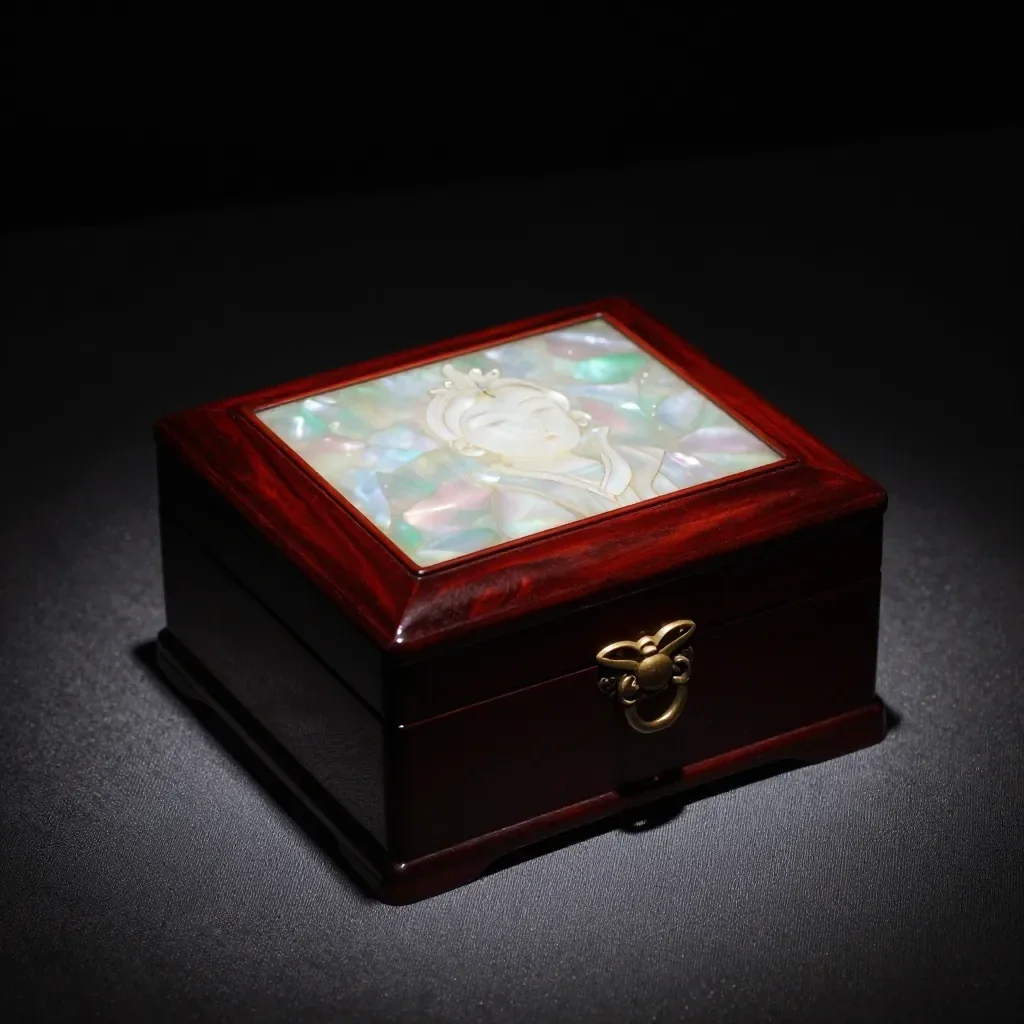 قبل از
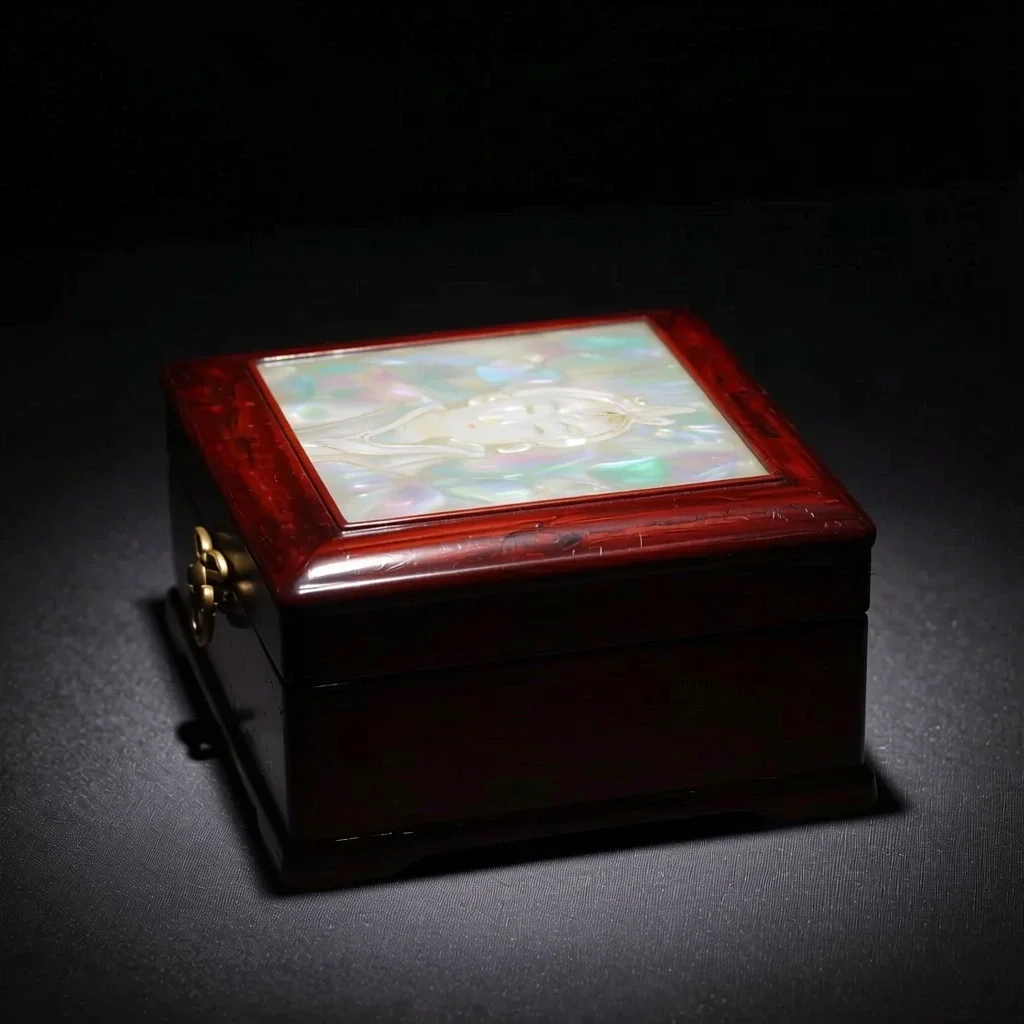 بعد از
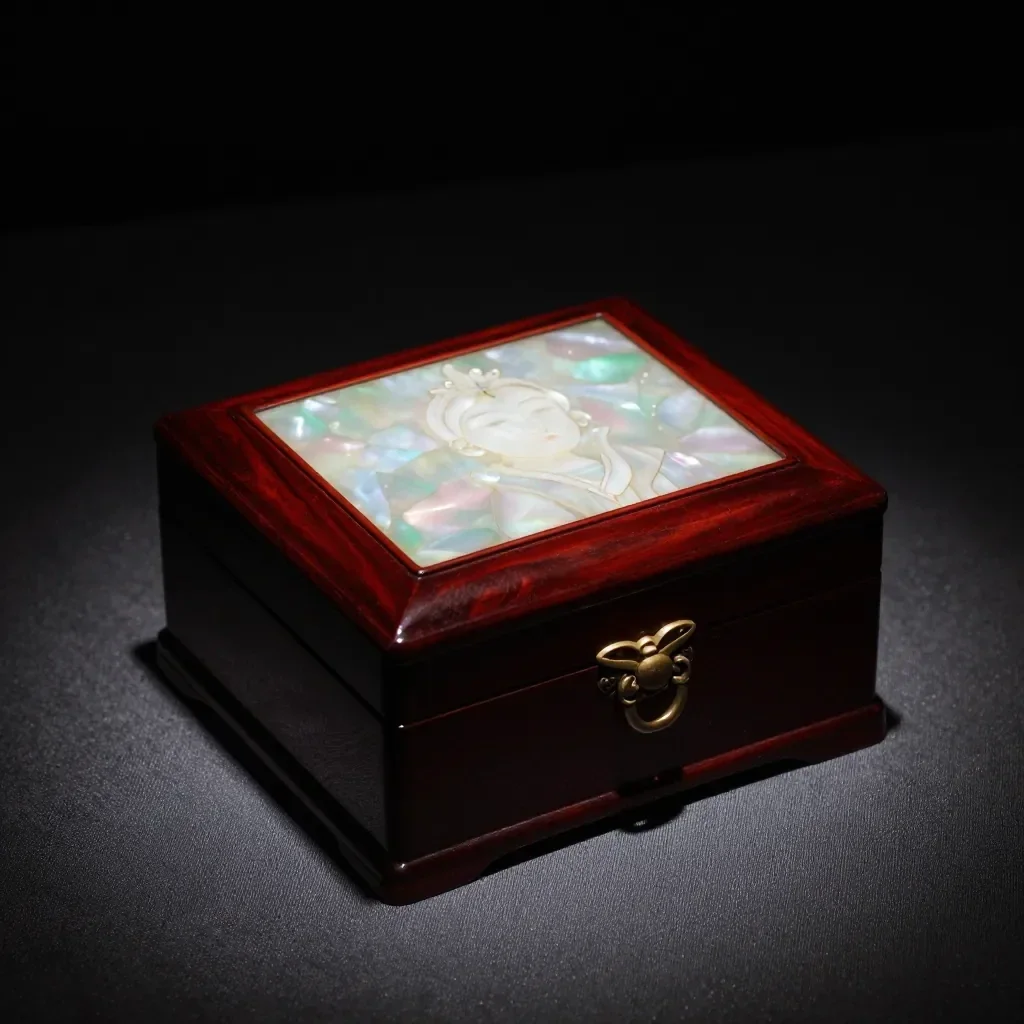 قبل از
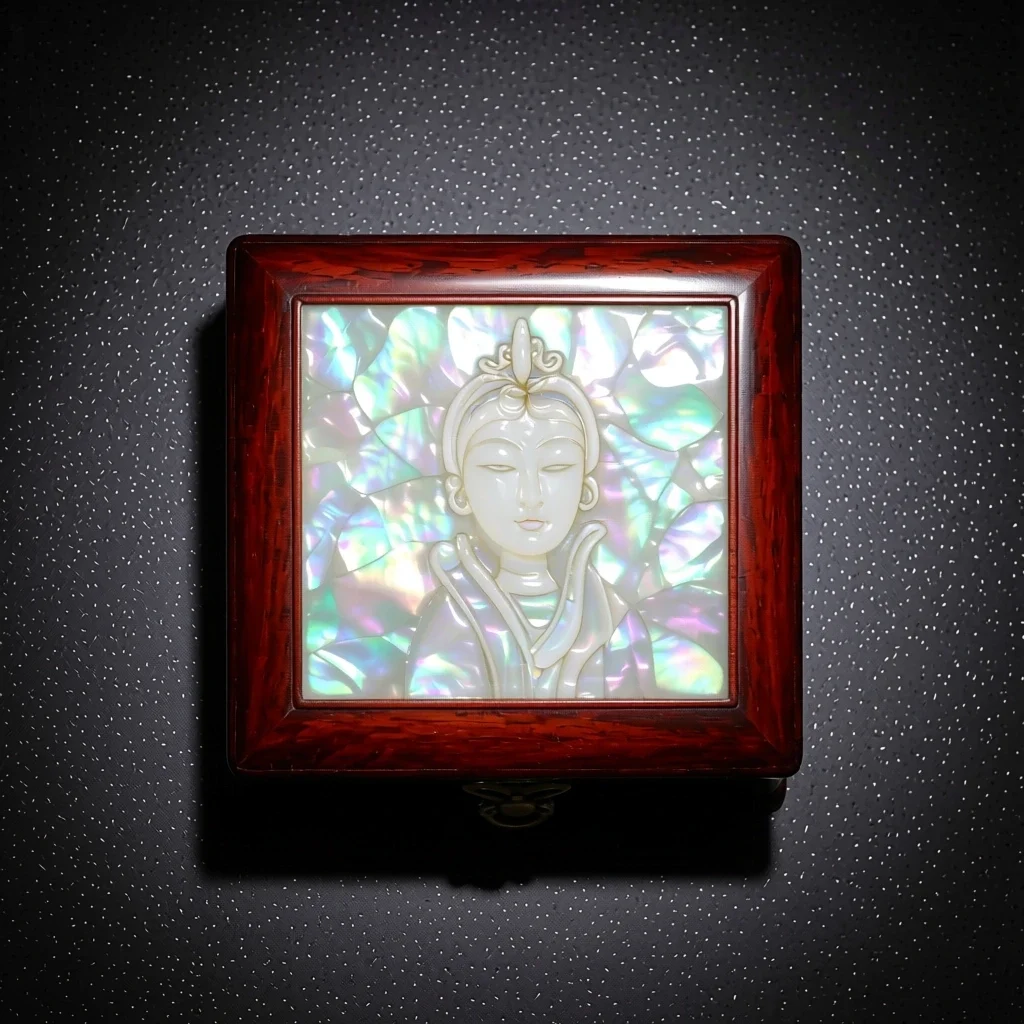 بعد از
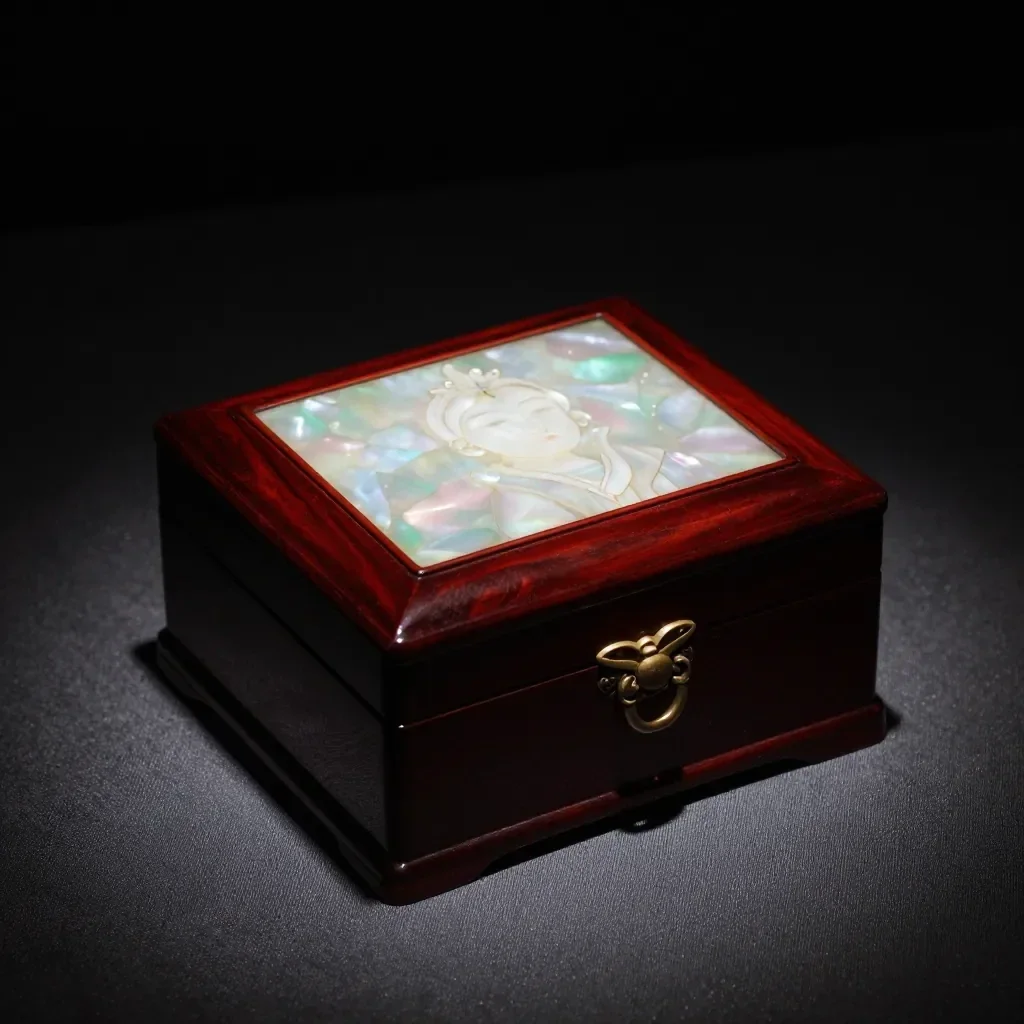 قبل از
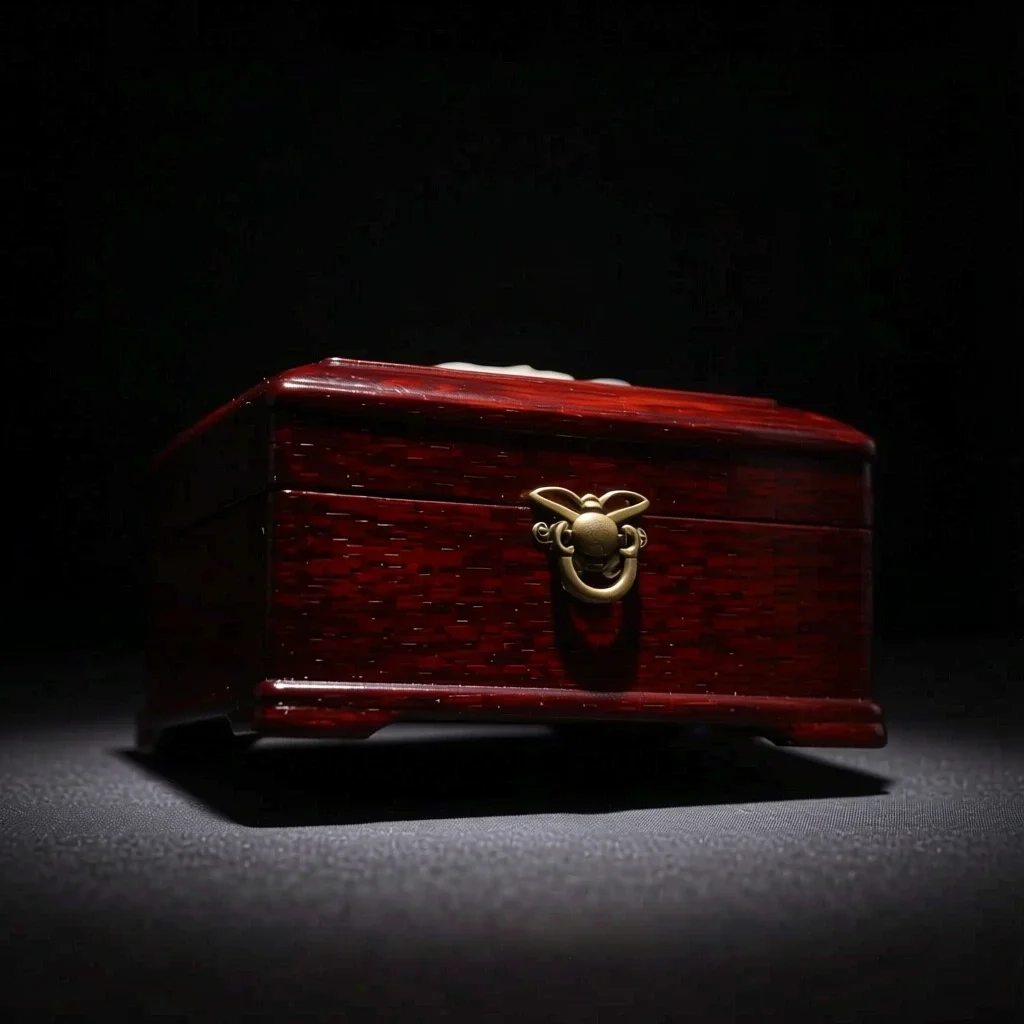 بعد از
خوب برای
- Multi-angle references for a character
- Product shots from another direction
- Trying side-profile or high-angle compositions
نکاتی برای نتایج بهتر
- A photo that shows the whole subject, nothing cropped, gives the most natural new angle.
- From a front-facing photo, start with a nearby angle such as 3/4 for steadier results.
- The images you make can be saved as a Character's reference pictures (1 to 3).
سوالات
How much does it cost?
Free models are unlimited with an account. Models marked “Free with membership” are unlimited without credits during membership. Otherwise, the displayed credit price applies. Developer API usage is billed separately.
What happens to parts the original doesn't show?
AI imagines what the camera could not see, such as the far side of a face or the back of an object, so it may differ from reality. For anything that must be exact, such as the hidden side of a product, use a real photo.
What happens to the photo I upload?
Only upload photos of yourself or photos you have the right to use. Impersonating real people or using results to deceive others is prohibited. Uploaded photos go through a safety check, you can delete your generated images at any time, and nothing appears in the public Explore feed unless you choose to share it.
برنامه های بیشتر

عکس به انیمه
یک سلفی را بهعنوان انیمه، وبتون، آبرنگ یا یک فیگور سهبعدی دوباره ترسیم کنید.

عکس پروفایل هوش مصنوعی
یک سلفی معمولی را به یک عکس شناسنامه، یک عکس هد شات برای برنامه کاری یا یک آواتار اجتماعی تبدیل کنید.

لباس های سنتی
خودتان را در هانبوک، کیمونو، کیپائو یا هانفو ببینید.

پس زمینه سفر
خودتان را حفظ کنید، پس زمینه را با کیوتو، سئول، شانگهای یا ججو عوض کنید.