Pixel Art AI Generator (16-bit Retro Style)
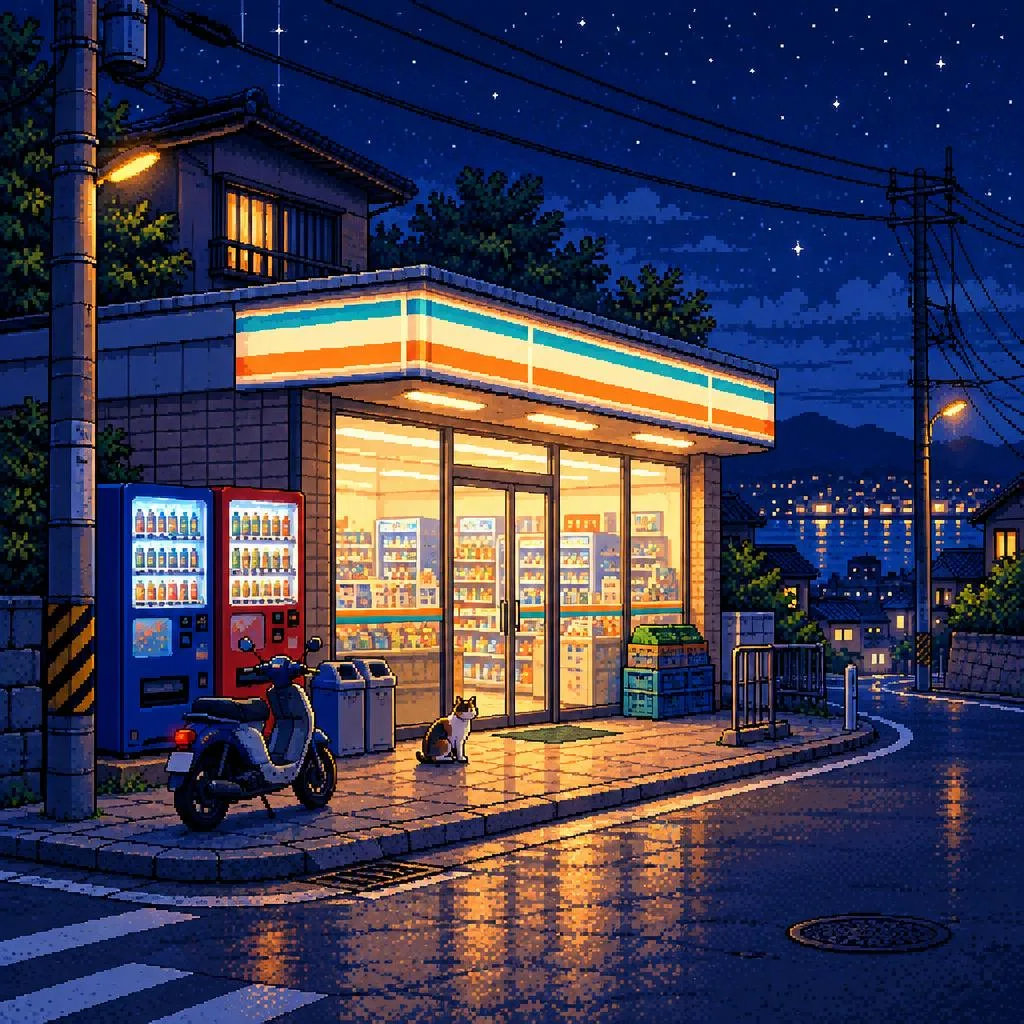
The Pixel preset renders scenes as detailed 16-bit pixel art in a retro game style, with a limited palette and crisp pixels. It is useful for indie game concept art, stream overlay and emote drafts, Discord and profile icons, and retro-themed posters. It is free on Pickshot's free models, with up to 100 images a day on a free account.
8 images/day without an account; 100/day plus 50 credits with a free account
Example prompts
A top-down RPG village with a stone well, small wooden houses and a cherry tree, sunny day, 16-bit style
Side view of a ninja running across tiled rooftops under a full moon, dark blue sky, limited palette
A cozy pixel art ramen shop interior with a counter, steam from bowls and a cat on a stool
A title screen showing a floating island with waterfalls at sunrise, clouds below, bright retro colors
Tips for better results
- Describe the scene like a game screen, for example side view, top-down RPG village or title screen, to get a clear layout.
- Keep subjects and color lists short; a few named colors help the limited-palette look stay clean.
- Use 16:9 for game-screen scenes and 1:1 for icons, and generate 4 images at once to compare variations.
Questions
Can Pickshot make sprite sheets or animated pixel art?
No. Pickshot generates single still images, up to 4 per run; video generation is not available yet.
Is the output a true low-resolution pixel grid?
No. Images are about 1 megapixel with a pixel art look, so you may want to downscale them in an editor for an exact pixel grid.