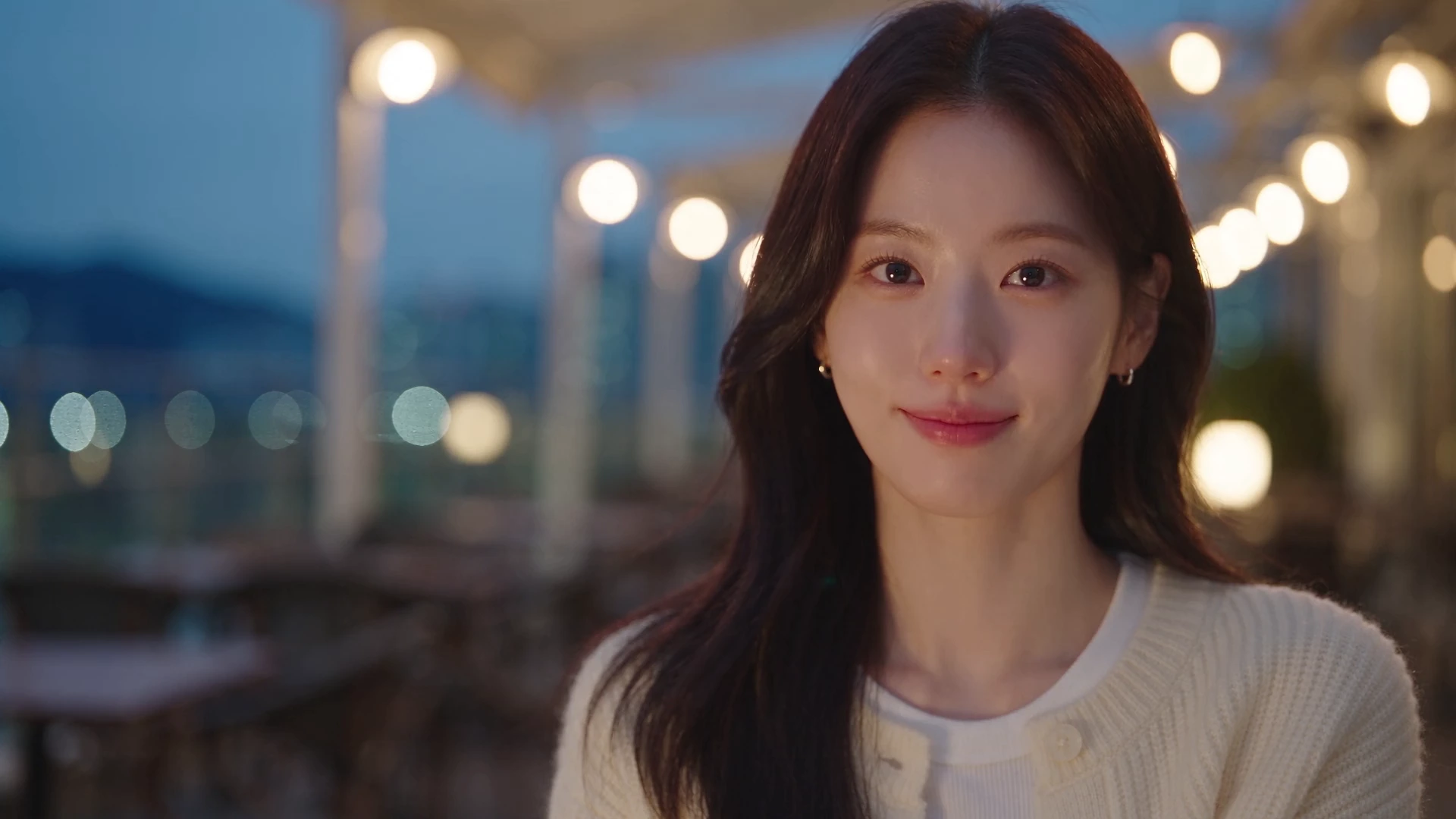
Create without limits
Turn a sentence or photo into a short AI video. Review the clip, download it and build the next scene.
Free Lacquer videos are 3 a day for every account from 2026-11-15 00:00 KST. Members have no daily limit on Pickshot-series videos. Free benefits may change or end under the Free Use Policy. Free use and change notices
AI-generated exampleWhat is Pickshot?
Pickshot (pickshot.ai) is a web AI studio for making images, short videos, voices and music from words or photos, with a focus on original characters and AI influencers. Prompts can be written in English, Korean, Japanese or Chinese. On the website, signed-in free accounts get unlimited pictures from 5 basic image models and 3 free Lacquer videos a day, up to 5 seconds each. Pickshot runs in the browser and has no app of its own, so it is not the similarly named iPhone or Mac photo apps.
From one scene to the next
Describe a scene
Write what should move, or upload a photo. Start with the free Lacquer setup.
Review and save
Watch the finished clip, give feedback and download it.
Continue the story
Use the player's next-scene action to continue. Join finished clips from My creations.
Lacquer videos are free on the website: 3 a day, up to 5 seconds per clip. Pricing
Free Lacquer videos are 3 a day for every account from 2026-11-15 00:00 KST. Members have no daily limit on Pickshot-series videos. Free generation continues. Free Use Policy update: 2026-12-05 00:00 KST. Read the advance notice. Free use and change notices
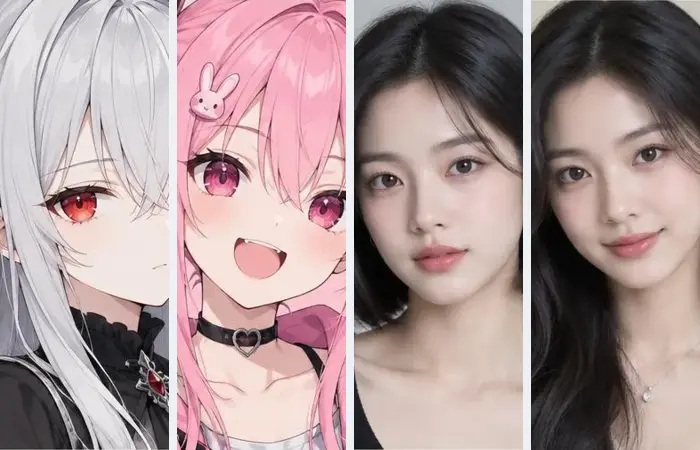
From a face you love to its next scene
Choose a look and details, make options, and save your favourite face. Use it as a picture reference, a video’s first frame or an AI influencer profile. Faces and details can vary between results.
Who will you create?
A fictional person, an anime character or a mascot. Choose the look you want to start with.


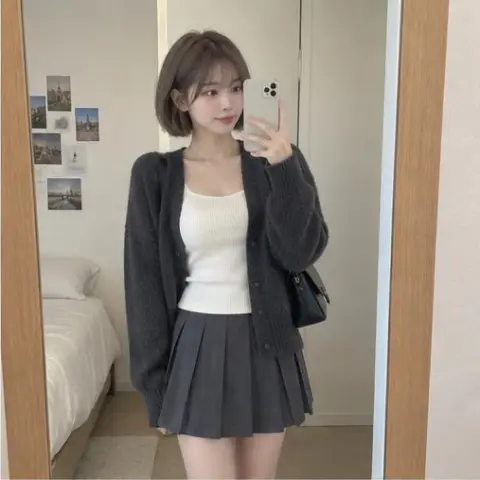

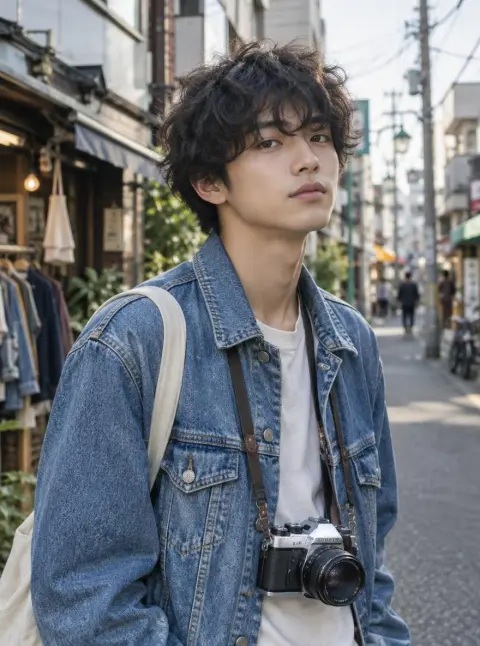
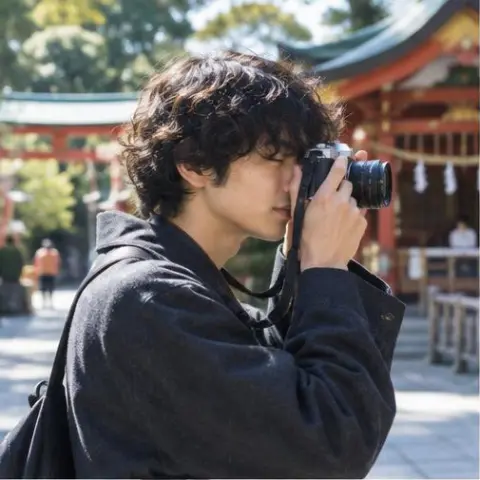
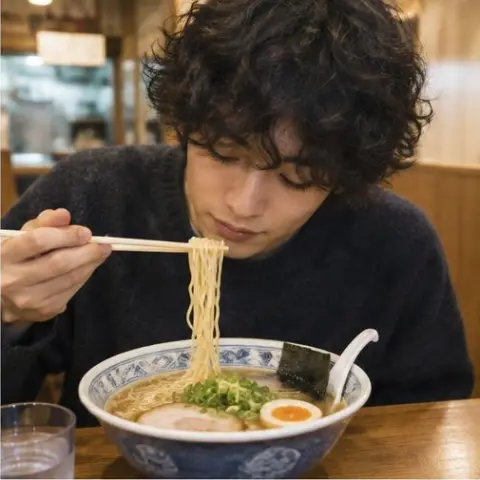
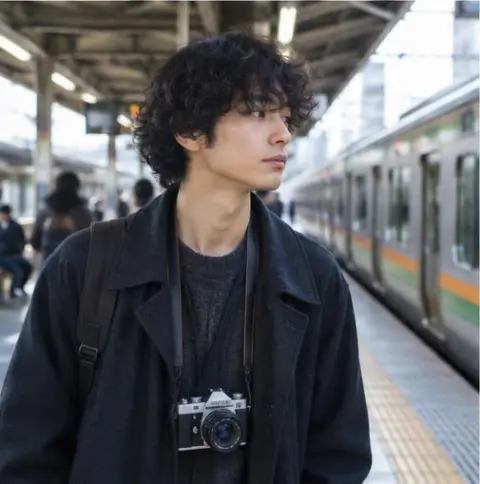
AI-generated exampleMake a character in this look
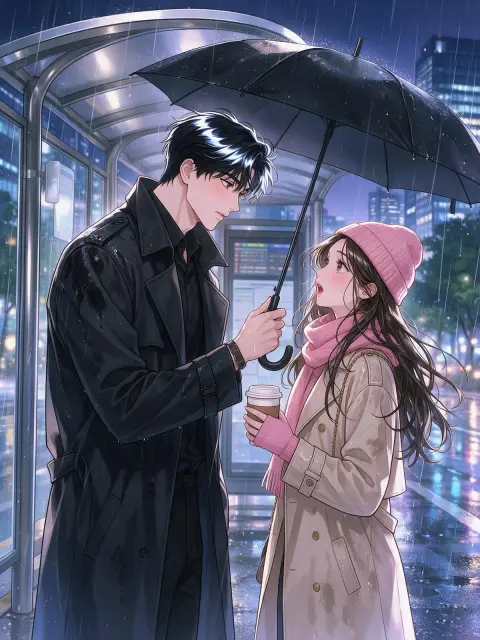
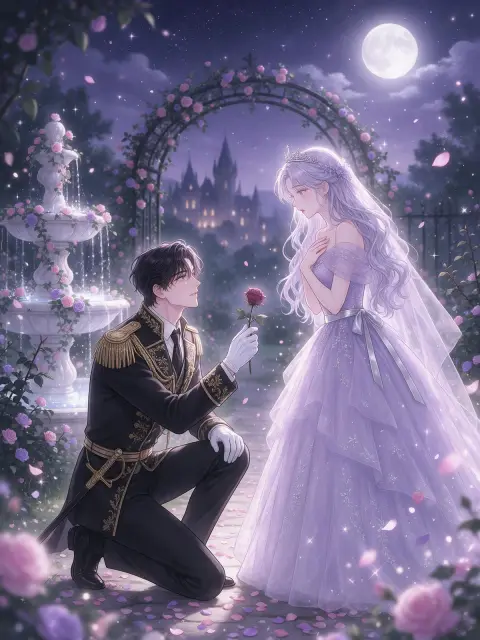
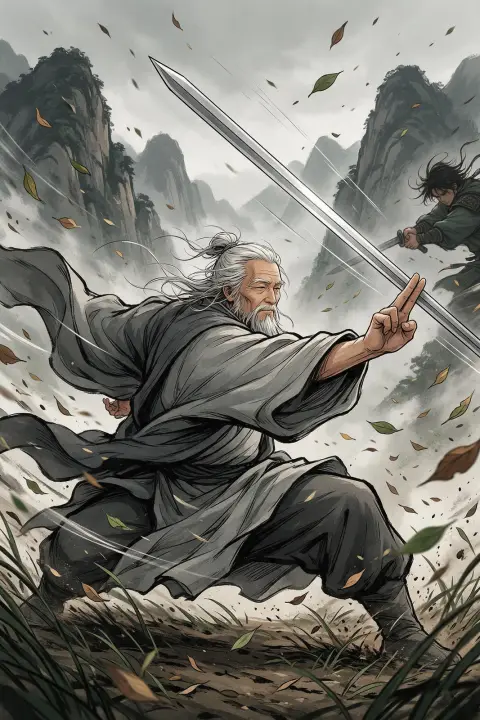

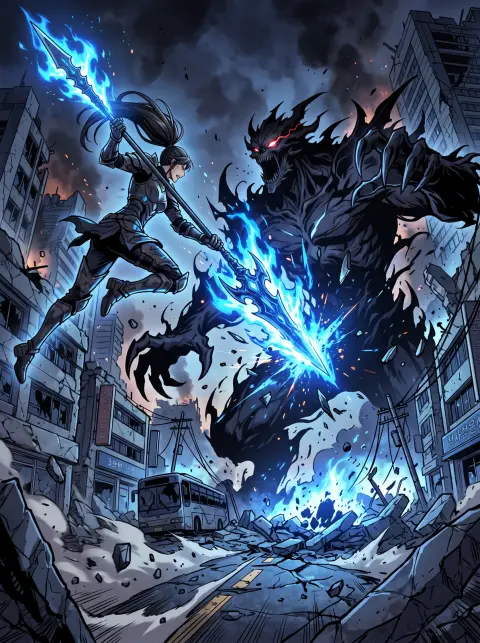

AI-generated exampleMake a character in this look
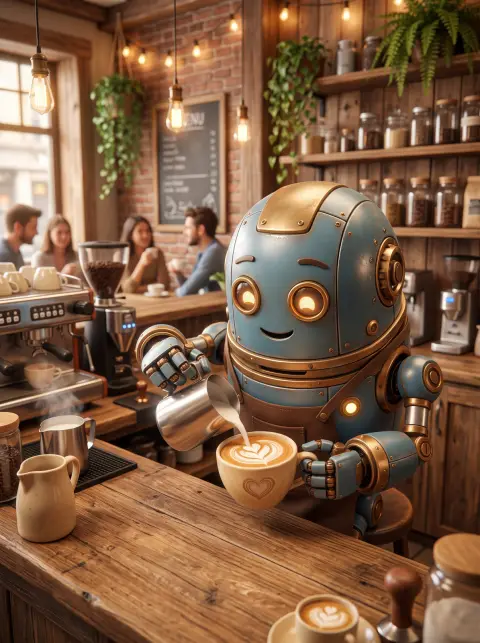
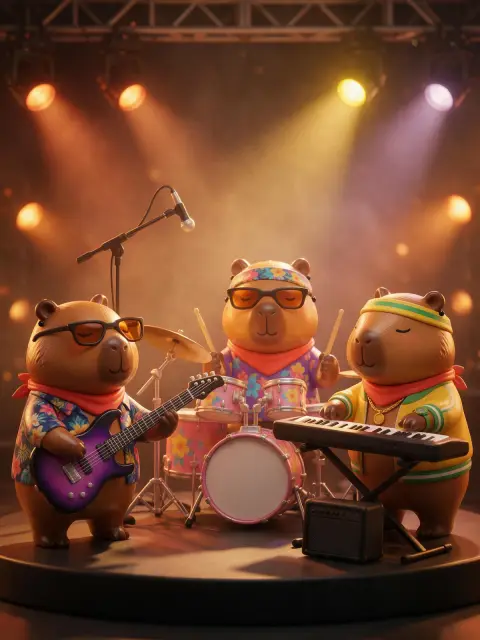

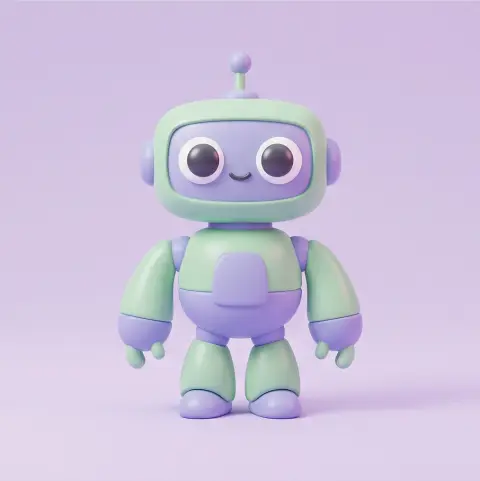
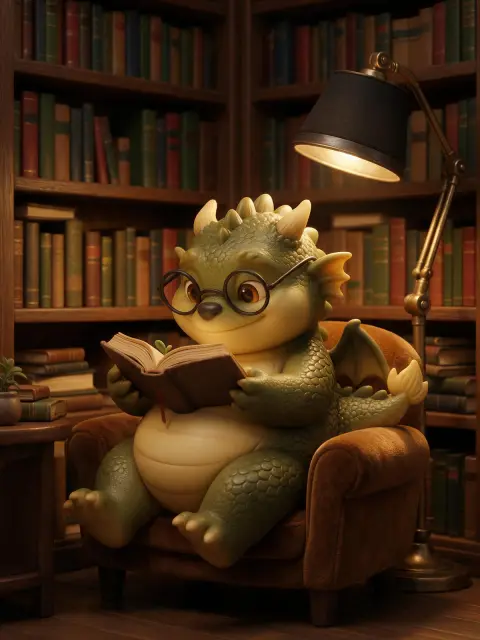
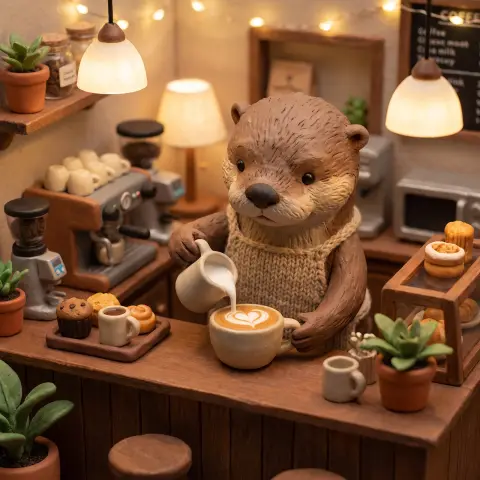
AI-generated exampleMake a character in this look
Give a fictional face a life of its own
From a profile picture to cafes, travel, workouts and the stage. Open an example to explore post ideas and aspect ratios.




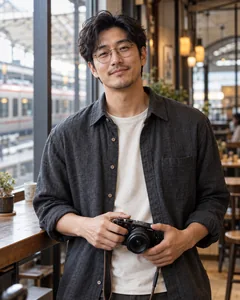



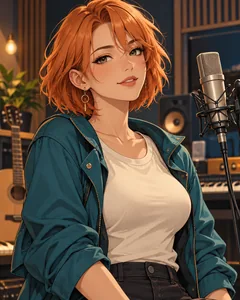
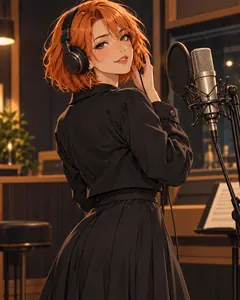

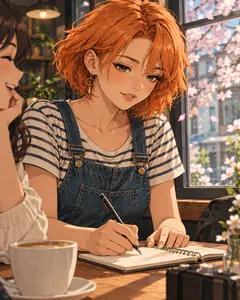
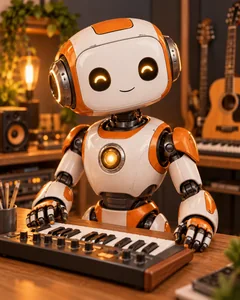


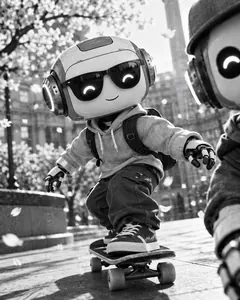
The moment your character moves
An influencer’s day, a virtual artist’s stage, a mascot’s little story. These are AI-generated video examples.
Make voices and music for character content
Separate audio tools make narration, songs and background music. Voices are not automatically bound to saved characters.
Find your character’s style
Explore anime, webtoon, 3D mascots and editorial portraits for your next character idea.
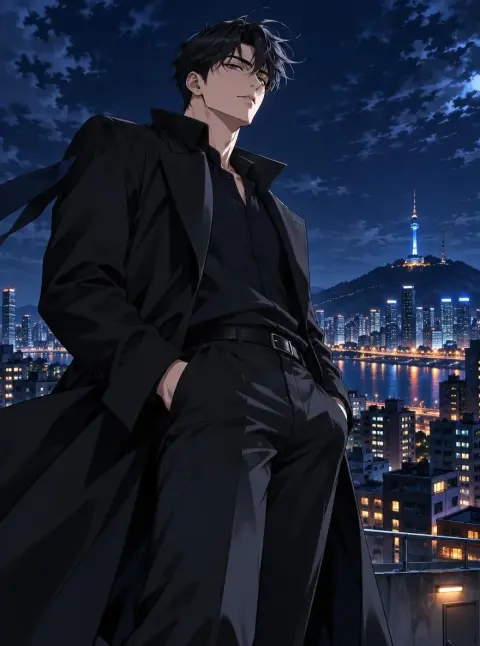

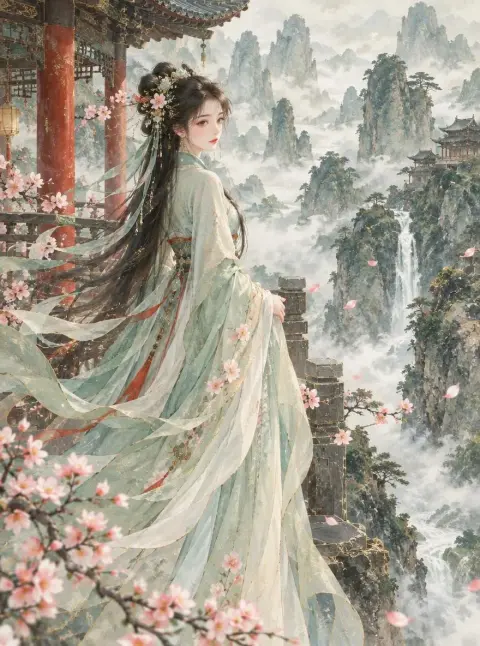
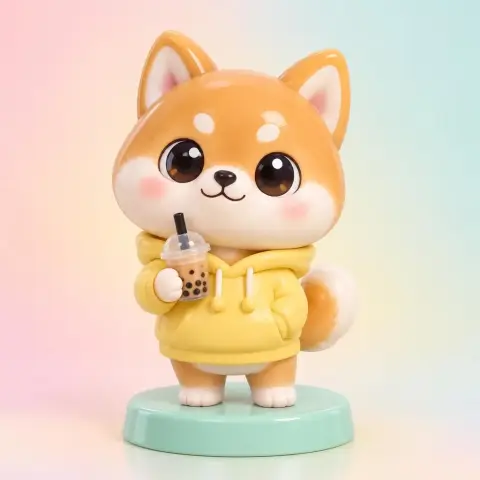
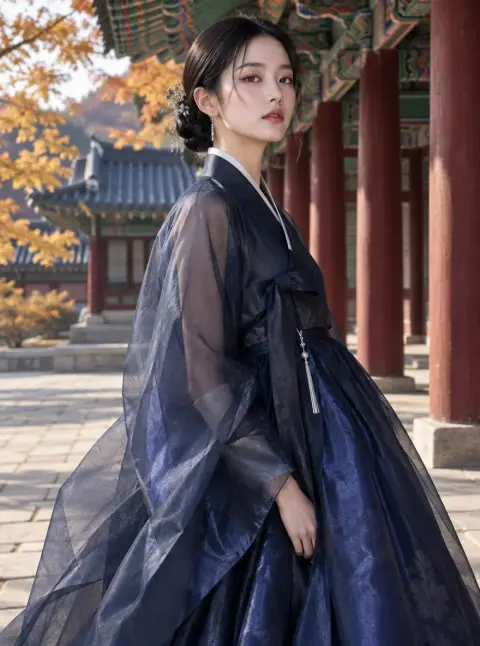

Character and AI influencer ideas
Find your next scene in portrait, fashion, anime, webtoon and 3D character examples.
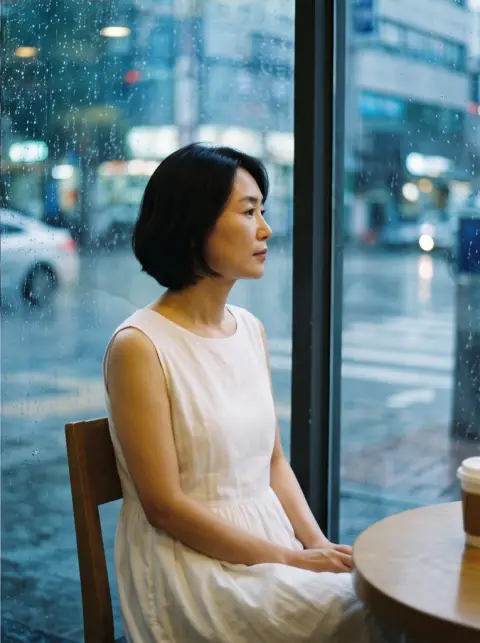
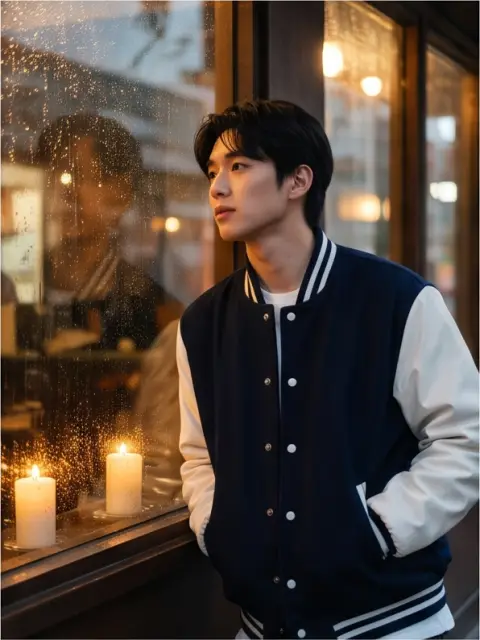
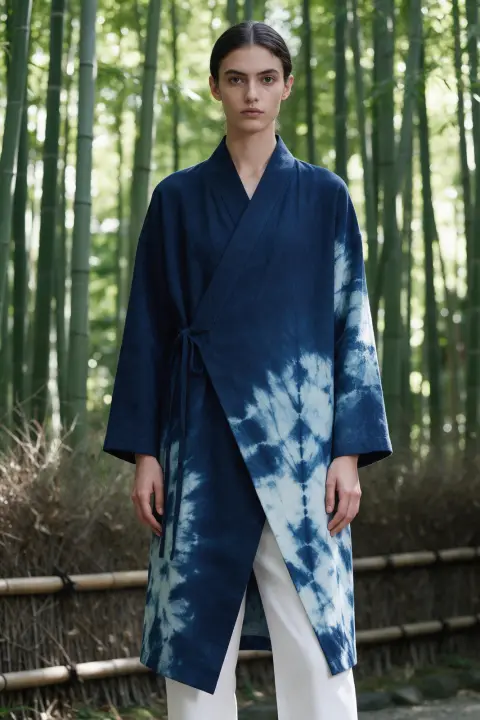
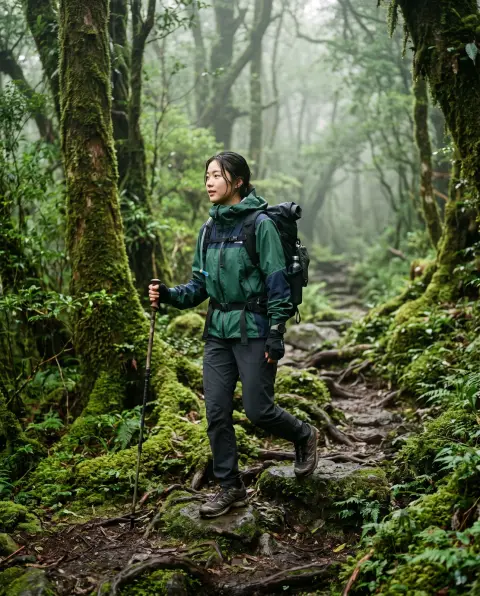
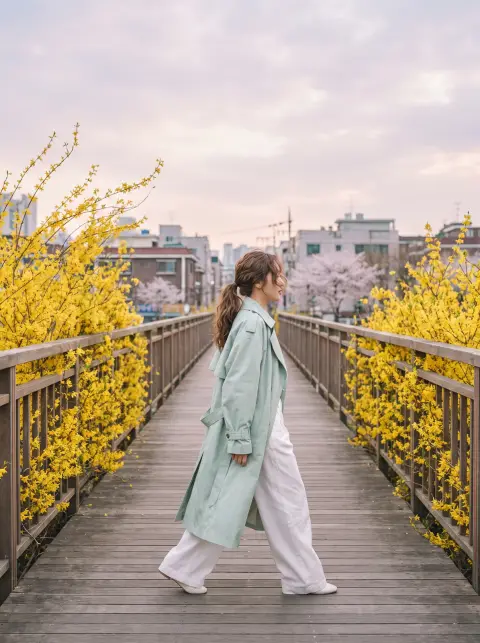
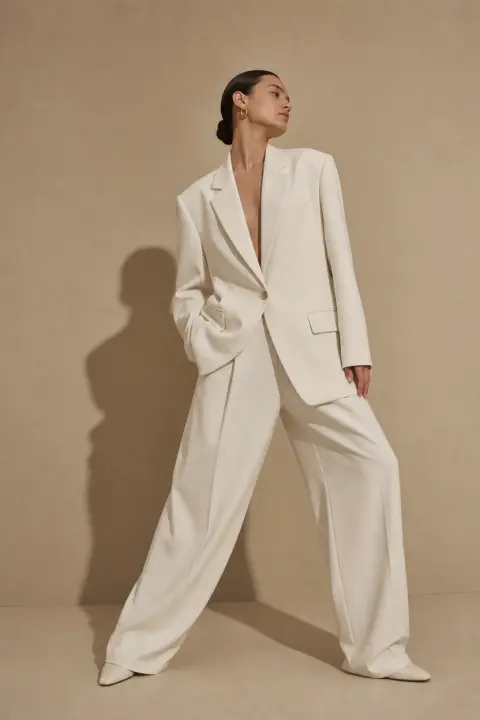
Apps for your character’s next look
Create options and character sheets, explore angles, and refine outfits and lighting.
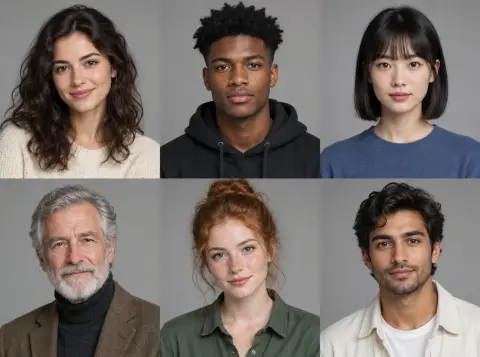
Character Builder: Attributes
Pick attributes such as gender, age, hair colour and style to create your own AI character.
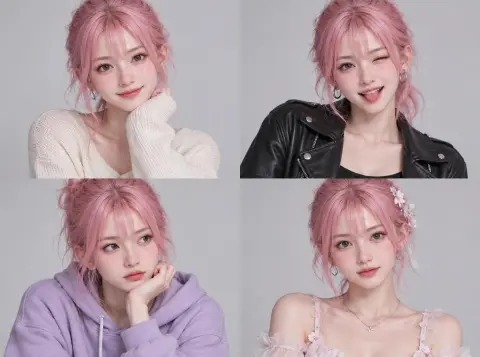
Character Builder: Muse
Pick a starter image you like and refine it into your own character.
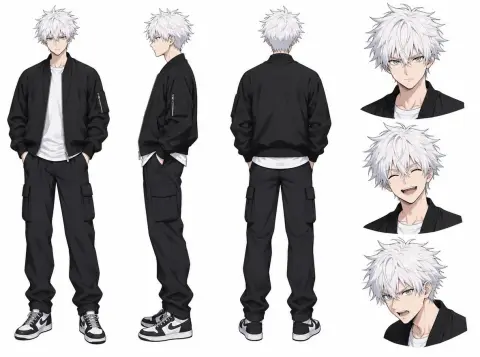
Character Sheet
Turns one character image into a sheet with the face, several angles and details.
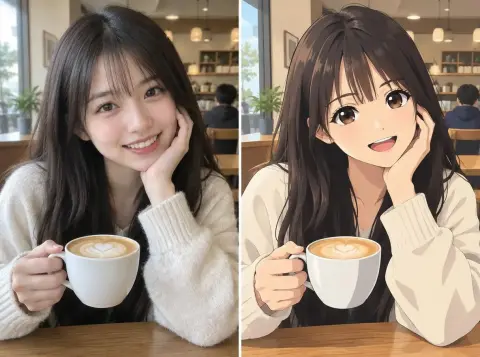
Photo to anime
Redraw a selfie as anime, webtoon, watercolor or a 3D figure.
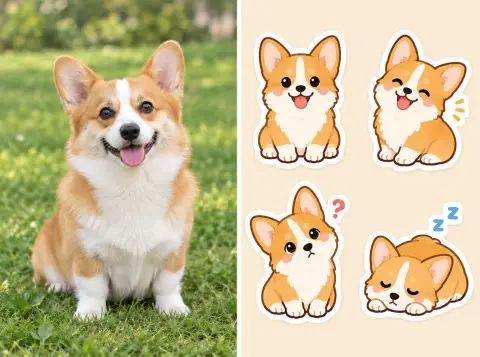
Sticker maker
Turn your pet or yourself into messenger-style stickers.
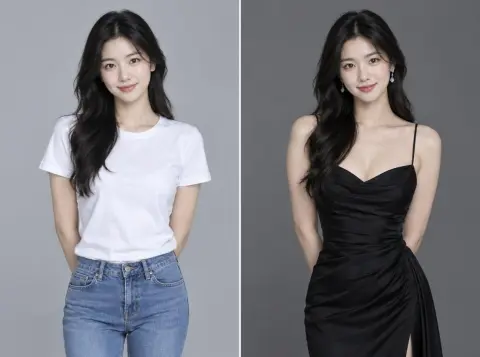
Outfit Swap
Keeps the person and changes only the outfit, from an outfit picture or a description.
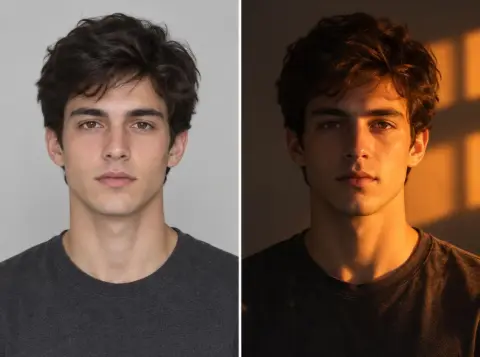
Relight
Changes the direction and mood of the light in a photo: golden hour, neon, studio light and more.

Refine
Describe what to fix and it improves just that part, such as hands, eyes or small details.
What makes Pickshot different
- Made for characters and anime
- Make and save a character, then create pictures, video and AI influencer posts. Music and editing tools are here too.
- Advanced tools, made easy
- Use references for new pictures or send an image as a video’s first frame. Upscaling, background removal, video cuts and caption tools are here too.
- Prompts in your language
- Write in Korean, Japanese, Chinese or English. Your words reach the model exactly as you wrote them, with no hidden translation or rewriting. To flesh out a short idea first, press Enhance.
- A moderated public feed
- Sexual content and graphic violence are blocked before generation, and impersonating real people is not allowed.
Pickshot at a glance
- Models
- The Pickshot series (pictures: Indigo, Saffron, Lapis and more; video: Silk, Lacquer, Satin; editing: Umber; voices: Viola, Cello, Harp; music: Sonata, Nocturne, Etude) plus partner models: 54 image, 5 image edit, 41 video and 21 audio models
- Prompt languages
- Korean, Japanese, Simplified Chinese, English
- Features
- consistent characters, AI influencer, Story Studio and storyboards, song maker, 18 styles, 16 photo apps, public feed
- Price
- Free image models are available with a free account. Memberships use Plus 9,900, Pro 19,900 or Max 39,900 credits for 30 days. Money buys Booster Passes; the pricing page shows the applicable product price, tax and total.
- Content policy
- Graphic violence and impersonation of real people are blocked before generation
- Launched
- October 2026, web (mobile web supported)
Character and influencer creation guides
See all blog posts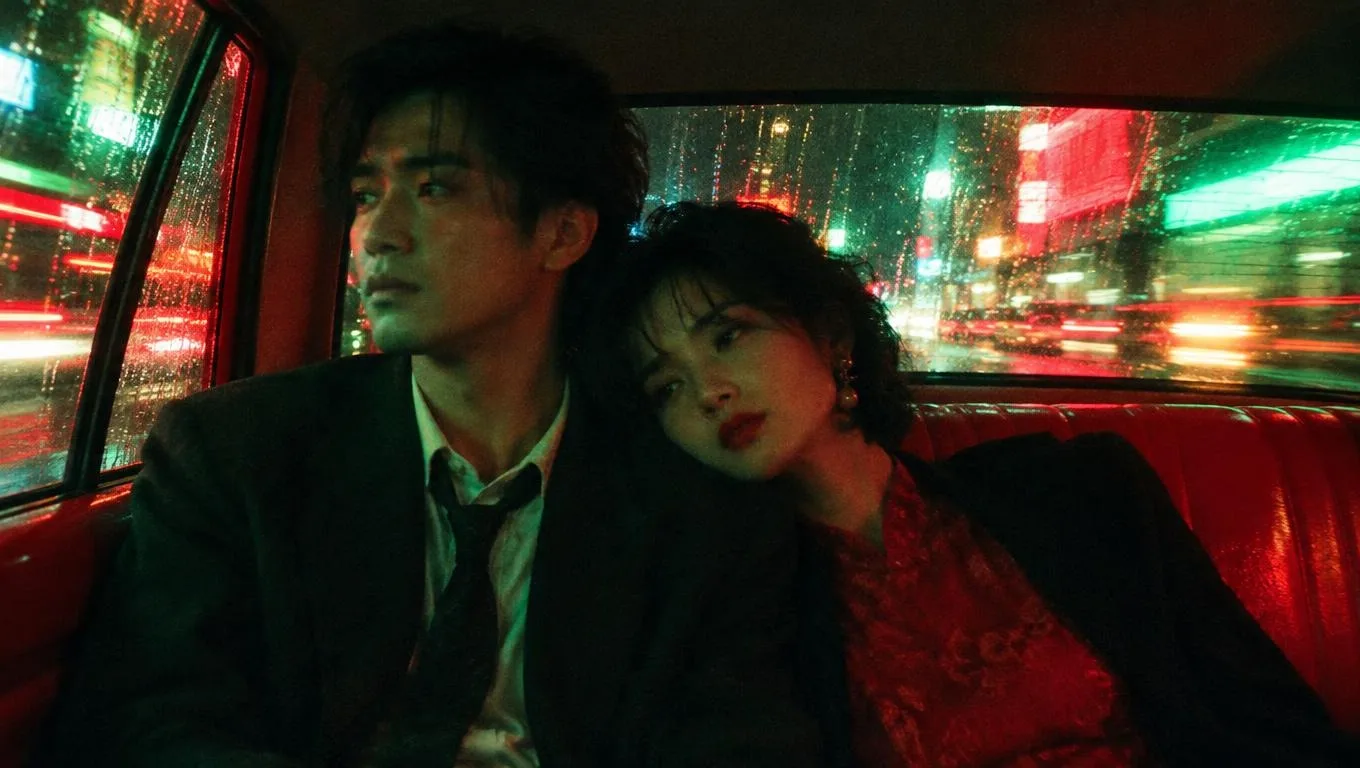
Free AI Video With Sound: Make a Clip Without Credits
Make a free 720p video with sound using Lacquer on Pickshot. Follow the 5-second setup, try three prompts, and fix credit or audio problems.
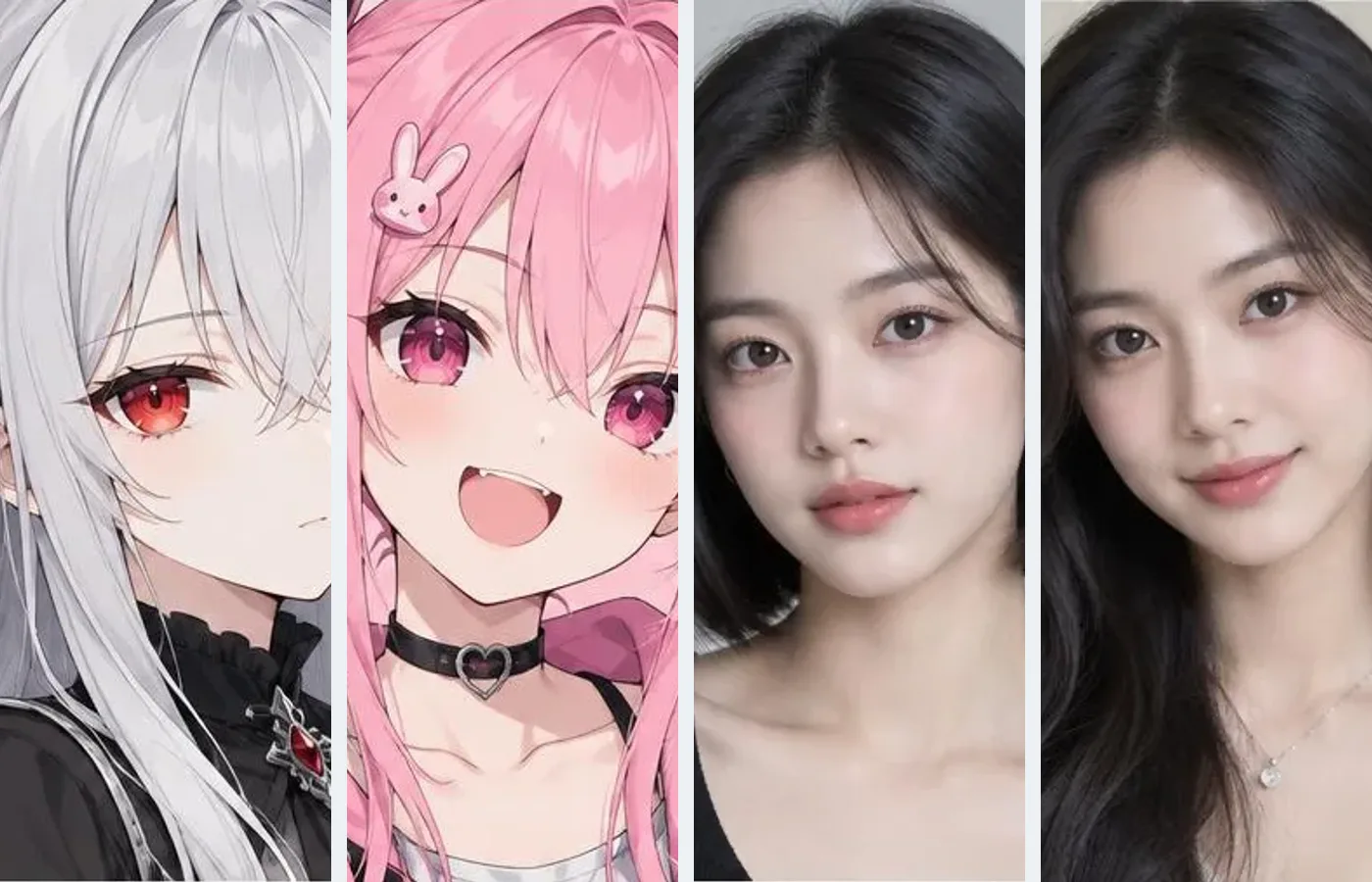
AI Influencer Character Consistency: A Practical Guide
The actual Pickshot workflow for saving a fictional character, using references for post images and video, and checking how faces change.
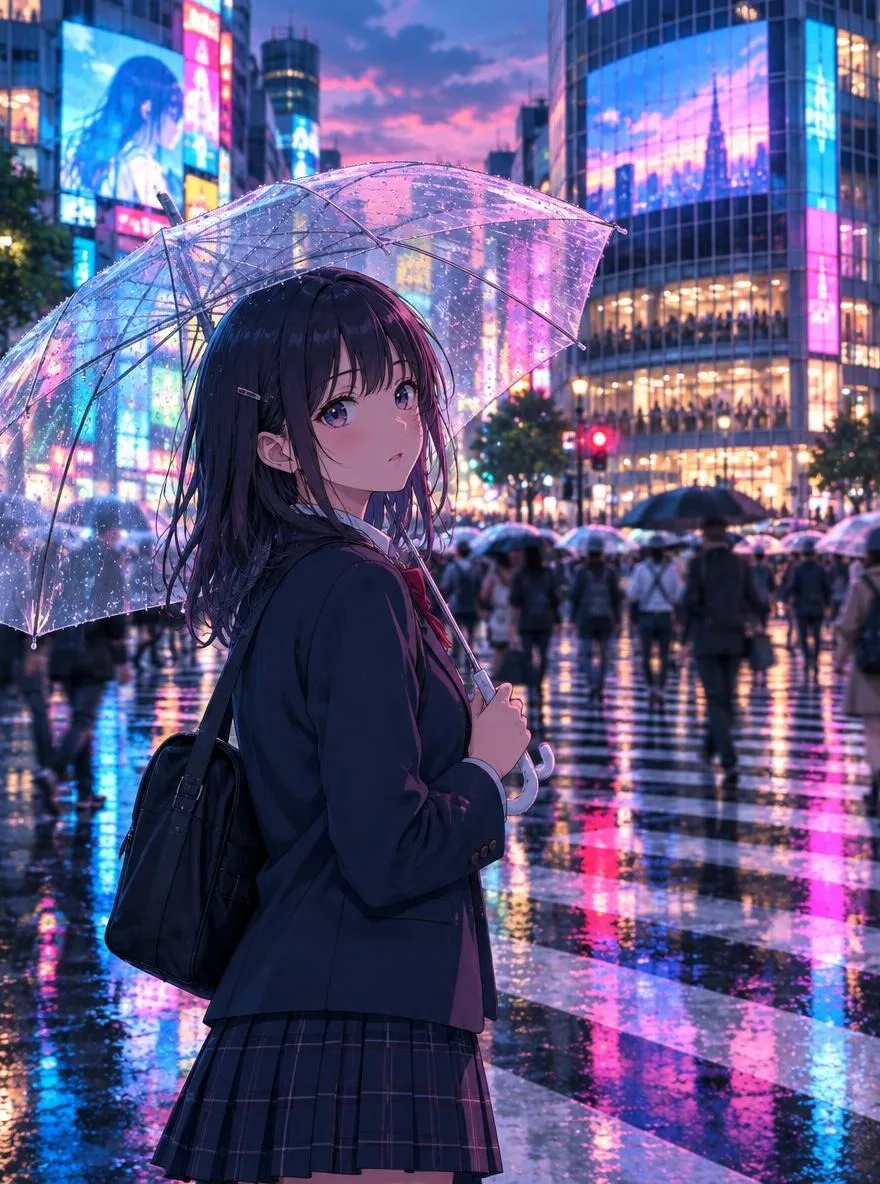
Anime Prompts: 31 Copy-Paste Ideas for Anime, Webtoon & Lo-fi
31 original anime prompts for icons, phone wallpapers, character sheets, scenes and seasonal art, plus the Pickshot style preset, model and ratio to use for each.
Questions
Is it really free?
New accounts get 50 credits. Free accounts can generate unlimited images on the website with the 5 basic image models without spending credits. Lacquer videos are free on the website: 3 a day, up to 5 seconds per clip. Members have unlimited use of eligible models without credit deductions. Other models and API/MCP remain metered.
Can I use my images and videos commercially?
You own the images, video and audio you make, and the Terms do not forbid commercial use. Some models add conditions, listed on the licences page: for example, video made with MiniMax H3 may not be used in the United States, the European Union or the United Kingdom, or to train other AI models. Check third-party trademark and portrait rights yourself; making look-alikes of real people or impersonating them is not allowed.
Why are some prompts blocked?
Sexual content, anything that endangers minors and graphic violence are blocked before generation. Composites that impersonate real people are not allowed either.
Can I make videos?
Yes. The video studio makes short clips from text or a photo. Of its 41 video models, the Pickshot-series models Silk, Lacquer and Satin and MiniMax H3 come first and partner models follow. Each lets you set length, resolution, ratio, camera move and sound, and shows the price, or that it is free for now, before you run. Clips can then be cut and captioned in the video editor.
How do I pay?
Money buys Booster Pass credits, usable for 90 days from purchase. Memberships use your credits for 30 days: Plus 9,900, Pro 19,900 and Max 39,900 credits. A membership is never automatically charged to a card. During a membership the Pickshot-series models run without credits and free image models get higher priority, subject to the plan and queue rules. You can turn credit-based renewal on or off; within 7 days of buying a membership, cancelling returns credits for the unused days. Members get bonus credits on Booster Pass purchases. Booster Pass: 10,000 / 30,000 / 50,000. Generations at once: Free 2, Plus 4, Pro 8, Max 12. Domestic checkout adds 10% VAT to the supply price. International prices are shown in USD before local tax; online purchase outside Korea is coming soon, and when it opens any local tax due is added at checkout. The product price, tax and final total are shown before payment. In Korea, Booster Passes can be bought on the pricing page.
From one scene to the next
Turn a sentence or photo into a short AI video. Review the clip, download it and build the next scene.
Make a free videoFree Lacquer videos are 3 a day for every account from 2026-11-15 00:00 KST. Members have no daily limit on Pickshot-series videos. Free benefits may change or end under the Free Use Policy. Free use and change notices