Ten AI tools · free basics
AI Photo Editor: Edit With Words, Erase, Expand, Upscale
Pickshot's AI photo editor is an online editor where you upload one picture and pick what to do: edit it with a sentence, remove or replace the background, erase people or text, expand the frame or upscale it. Every AI tool shows its price in credits before you run it, while crop, rotate, flip and colour adjustments are free and run in your browser. Each edit becomes a version in History, so you can always step back.
ಸ್ಥಾಪನೆ ಬೇಡ. ಕ್ರೆಡಿಟ್ ಕಾರ್ಡ್ ಬೇಡ. ಪೂರ್ವನಿಯೋಜಿತವಾಗಿ ಖಾಸಗಿ.
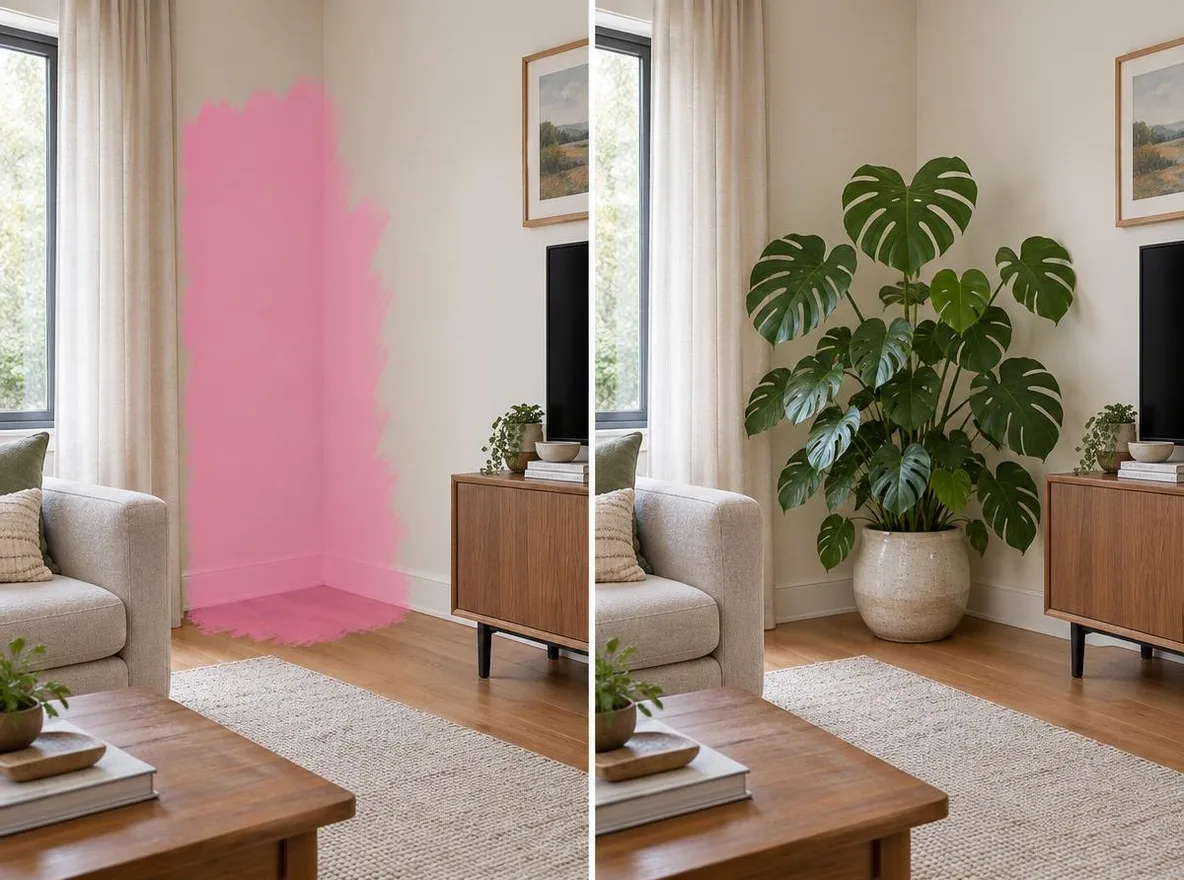
AI photo editor at a glance
- Free tools
- Crop, Rotate & flip and Adjust (brightness, contrast, saturation, warmth, fade, vignette) cost nothing and run in your browser.
- AI tools
- Edit with words, remove or replace the background, erase, repaint an area, change the style (18 looks), relight, expand to a new ratio, upscale 2× or 4×, add text.
- ದರ
- Each AI tool shows its credits before you run, for example 2 for Remove background and 14 for Erase; the Pickshot-series tools need none during a membership.
- Files
- JPG, PNG or WebP up to 20 MB; a photo over 4096 px on the long side is scaled down to 4096 px.
- ಇತಿಹಾಸ
- Every edit becomes a version in History; Compare with original shows a split view, and undo and redo work as usual.
- Account
- A free account is needed to make anything; signing up asks for no card.
- ಭಾಷೆಗಳು
- Pages, studio and prompts in English, Korean, Japanese and Simplified Chinese
- Watermark
- No visible watermark; each file carries metadata that marks it as AI-generated.
ನವೀಕರಿಸಲಾಗಿದೆ
What is an AI photo editor?
An AI photo editor changes a picture from an instruction instead of manual pixel work: you describe the change or paint over an area, and an AI model redraws only what is needed. Pickshot puts ten AI tools (Edit with words, Remove background, Replace background, Erase, Replace an area, Change style, Relight, Expand, Upscale and Add text) and three free basic tools (Crop, Rotate & flip and Adjust) in one editor. It opens JPG, PNG and WebP files up to 20 MB in the browser on desktop or phone.
ಸಂಪಾದನೆಯ ಉದಾಹರಣೆಗಳು
ನಿಜ ಫಲಿತಾಂಶಗಳು: ನಮ್ಮ ಲೈಬ್ರರಿಯ ಚಿತ್ರ ಸಂಪಾದಿಸಲು ಪ್ರತಿ ಮಾದರಿಗೆ ಒಂದೇ ವಾಕ್ಯದ ವಿನಂತಿ.
 ಮೊದಲು
 ನಂತರ
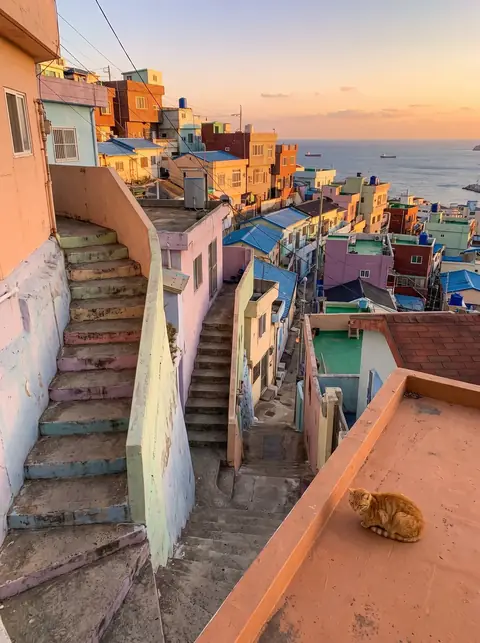 ಮೊದಲು
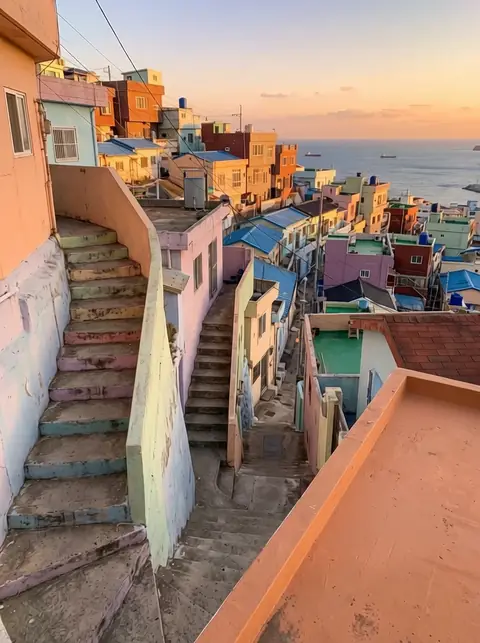 ನಂತರ
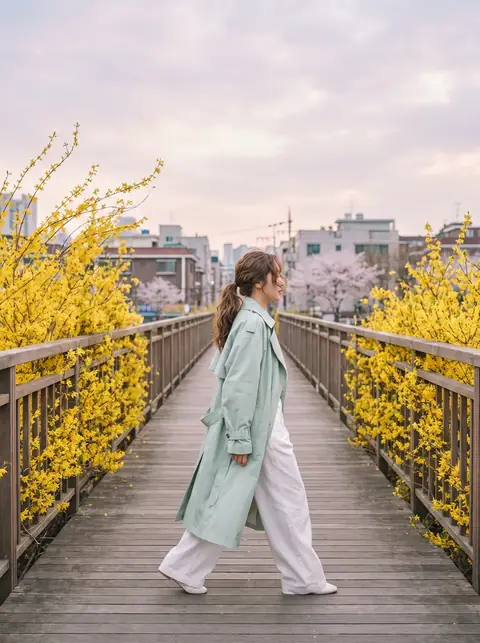 ಮೊದಲು
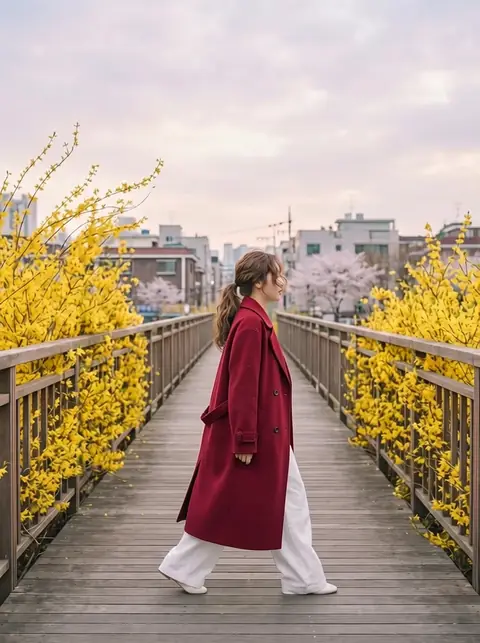 ನಂತರ
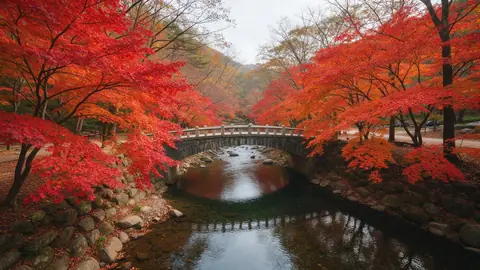 ಮೊದಲು
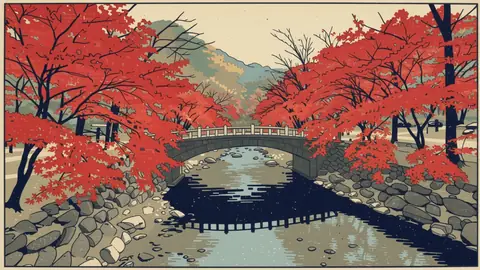 ನಂತರ
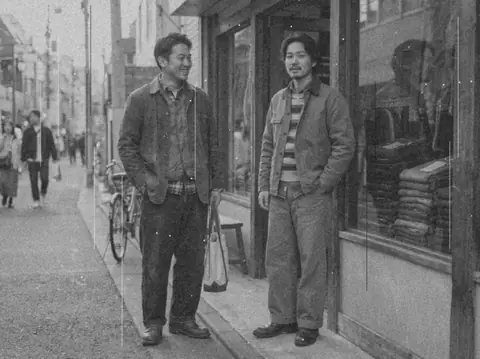 ಮೊದಲು
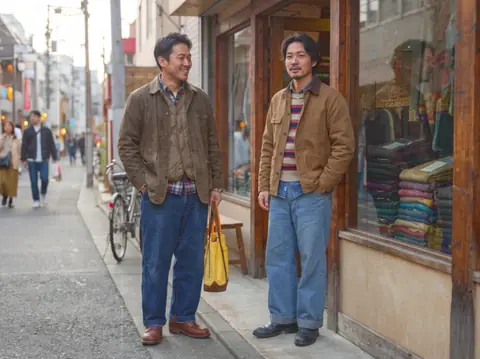 ನಂತರ
 ಮೊದಲು
 ನಂತರ
Why edit photos with Pickshot
Ten AI tools on one screen
Remove or replace a background, erase people or text, repaint an area, change the style (18 looks, from anime to ink wash), relight with six lighting moods, expand to a new ratio, upscale 2× or 4×, or add lettering to signs and thumbnails, without switching apps.
Three quality levels, priced up front
Edit with words offers Fast (Indigo, free), Balanced (FLUX Kontext Pro, 68 credits) and Best (Nano Banana Pro Edit, 232 credits). The price sits on each choice and on the button, and experienced users can pick any of 17 edit models by name.
Fixed prices for single-purpose tools
Background removal is 2 credits (3 for the precise engine), Erase and Expand are 14 credits each, and Quick upscale is 2–6 credits for most photos.
Free tools that stay in your browser
Crop with ratio presets, rotate and flip, and adjust brightness, contrast, saturation, warmth, fade and vignette, or start from presets such as Film and Mono. These run on your device and cost nothing.
History and before/after
Every edit adds a version to History; tap one to go back, or use undo and redo. Compare with original shows a draggable split view, and holding the \ key shows the original.
Made for keyboard and touch
Shortcuts cover brush (B), eraser (E), brush size ([ ]), pan (Space), zoom (+ −), fit (0) and undo (⌘/Ctrl+Z); press ? for the full list. On a phone, pinch to zoom and paint with a finger.
How to edit a photo with AI
Open a picture
Drop a JPG, PNG or WebP (up to 20 MB) into the editor, use Choose a file, or paste with ⌘V / Ctrl+V. You can also Try it on a sample.
Pick a tool and set it up
Choose a tool under AI edits or Basic edits · free. Type the change or paint the area, then pick Fast, Balanced or Best under Quality. The credit price is on the button.
Compare, go back, download
Check the result with Compare with original, step back through History if needed, then Download. Make a video from this sends the picture on to the video studio.
One editor instead of several apps
Cut-outs, object removal, outpainting and upscaling are usually done in separate tools, moving the file between them. Here is what changes when they share one editor.
ಪ್ರಚಲಿತ ಸಾಧನಗಳು
- − Cut-out, eraser, outpainting and upscaling often sit in separate apps or sites
- − The file is downloaded and uploaded again at every step
- − Earlier steps are hard to get back once the file has moved on
- − A different interface and account for each tool
Pickshot
- ✓ Ten AI tools and three free basic tools in one editor
- ✓ Every edit stays in History, with undo, redo and a before/after split
- ✓ Fast, Balanced or Best, or any of 17 edit models, priced before you run
- ✓ Crop, rotate, flip and colour run in your browser for free
ಬಳಕೆಯ ಸಂದರ್ಭಗಳು
/01
Product photos for online stores
Remove the background for a white or transparent main image, or Replace background with "On a marble tabletop", then Upscale before uploading to your store.
/02
Thumbnails and social posts
Expand a square photo to 16:9 for a YouTube thumbnail or 9:16 for Reels and Shorts, then Add text in bold sans or neon lettering.
/03
Travel and everyday photos
Erase passers-by or signs, relight a dull shot to golden hour, or fix the colour with the free Adjust presets.
/04
Finishing AI images
Fix a detail with Replace an area, restyle with one of 18 looks, then Make a video from this to animate it.
ಬೇಕಾದಷ್ಟು ಕ್ರೆಡಿಟ್ ಖರೀದಿಸಿ; ಸದಸ್ಯತ್ವಗಳು ಕ್ರೆಡಿಟ್ಗಳಿಂದ ನಡೆಯುತ್ತವೆ
ಹೊಸ ಖಾತೆಗಳಿಗೆ 50 ಕ್ರೆಡಿಟ್ಗಳು ಸಿಗುತ್ತವೆ. ಉಚಿತ ಖಾತೆಗಳೂ ವೆಬ್ಸೈಟ್ನಲ್ಲಿ 5 ಮೂಲ ಚಿತ್ರ ಮಾದರಿಗಳೊಂದಿಗೆ ಕ್ರೆಡಿಟ್ಗಳನ್ನು ಖರ್ಚು ಮಾಡದೆ ಮಿತಿಯಿಲ್ಲದೆ ಚಿತ್ರಗಳನ್ನು ರಚಿಸಬಹುದು. ವೆಬ್ಸೈಟ್ನಲ್ಲಿ Lacquer ವೀಡಿಯೊಗಳು ದಿನಕ್ಕೆ 3ರವರೆಗೆ ಉಚಿತ; ಪ್ರತಿ ಕ್ಲಿಪ್ ಗರಿಷ್ಠ 5 ಸೆಕೆಂಡುಗಳು. ಸದಸ್ಯರು ಒಳಗೊಂಡ ಮಾದರಿಗಳನ್ನು ಕ್ರೆಡಿಟ್ ಕಡಿತವಿಲ್ಲದೆ ಅನಿಯಮಿತವಾಗಿ ಬಳಸಬಹುದು. ಇತರ ಮಾದರಿಗಳು ಮತ್ತು API/MCPಗೆ ಪ್ರತ್ಯೇಕ ಶುಲ್ಕವಿದೆ.
Pickshot-series models without credits · 4 generations at a time · Unlimited free-model images (Higher priority than Free)
Pickshot-series models without credits · 8 generations at a time · Unlimited free-model images (Higher priority than Plus)
Booster Pass ಮತ್ತು ಸದಸ್ಯತ್ವಗಳು ತಾತ್ಕಾಲಿಕವಾಗಿ ಲಭ್ಯವಿಲ್ಲ. ನಿಮ್ಮಲ್ಲಿ ಈಗಾಗಲೇ ಇರುವ ಕ್ರೆಡಿಟ್ಗಳು ಮತ್ತು ಸದಸ್ಯತ್ವಗಳು ಅವಧಿ ಮುಗಿಯುವವರೆಗೆ ಕೆಲಸ ಮಾಡುತ್ತವೆ.
ಪ್ರಶ್ನೆಗಳು
Is the AI photo editor free?
Crop, Rotate & flip and Adjust are free. The Fast level of Edit with words uses a free model (Indigo), so it costs no credits. Other AI tools cost credits (2 for background removal, 14 for Erase, 14 for Expand), and credits come from a Booster Pass (during a membership these tools need none).
How much does each tool cost?
Remove background 2 credits (precise engine 3), Erase 14, Expand 14, Upscale 2–6 with Quick upscale or 23 with Detail restore for a 2048×2048 result. Edit with words, Replace background, Replace an area, Change style and Relight cost nothing on Fast, 84 on Balanced and 290 on Best; Add text is free. Making 2–4 results multiplies the price, and the exact total is on the button before you run.
Which files can I open?
JPG, PNG and WebP up to 20 MB. Pictures larger than 4096 px on the long side are scaled down to 4096 px when opened. You can drag and drop, choose a file or paste from the clipboard.
Are my photos uploaded?
Crop, Rotate & flip and Adjust run in your browser, so the picture stays on your device. When you run an AI tool, the picture (with any mask or instruction) is sent to the AI model provider that processes that job. See the privacy policy for details.
Can I use the results commercially?
Commercial use is governed by Pickshot's Terms of Service and the licence of the model that made the edit, so check the Terms before using results in ads or products. Only edit photos you own or have permission to use.
Does it work on a phone?
Yes. It runs in mobile browsers with no app to install: the picture sits on top, the tools scroll sideways below it, and you can pinch to zoom and paint with a finger.
Can I undo an edit?
Yes. Every edit is saved as a version in History; tap one to return to it, or use Undo (⌘/Ctrl+Z) and Redo (⌘/Ctrl+Shift+Z).
Open a photo and pick a tool
The free tools work right away, and credits for AI edits come from a Booster Pass; during a membership the Pickshot-series editing tools need none. The price is always shown before you run.
ಉಚಿತವಾಗಿ ರಚನೆ ಆರಂಭಿಸಿ