AI Relight: Change the Lighting in a Photo
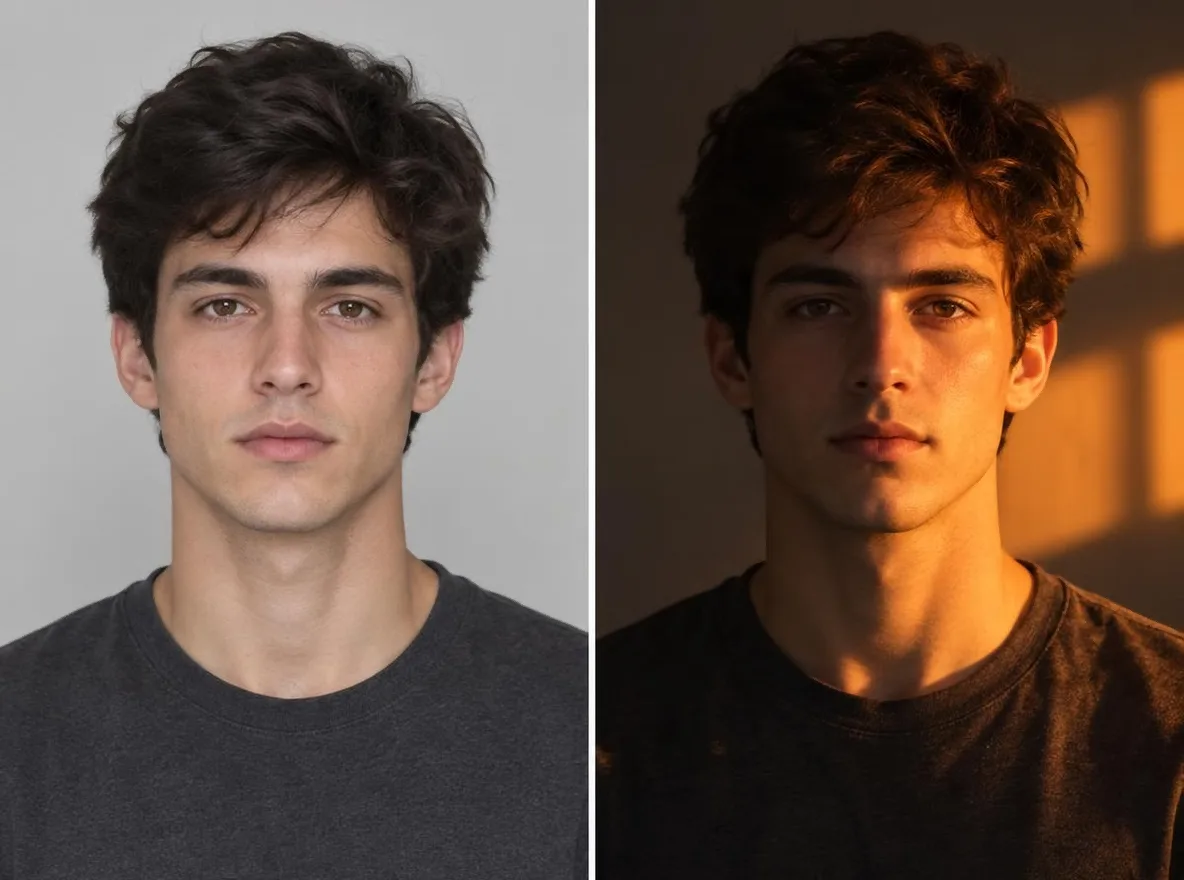
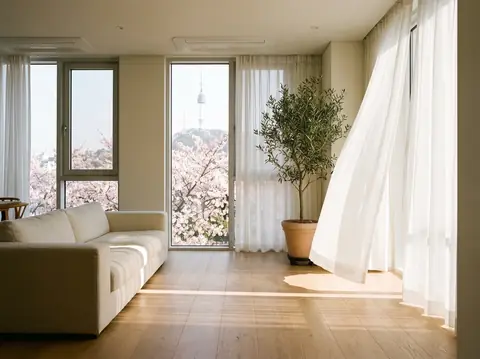
Pickshot's Relight app keeps the subject, pose, clothing and composition of your photo and changes only where the light comes from and how it feels. Combine five directions (left, right, top, backlight, front) with five moods (golden hour, neon, studio, moonlight, window light) to turn an overcast snapshot into a sunset portrait or add a rim of backlight to a flat selfie.
تحصل الحسابات الجديدة على 50 رصيدًا. يمكن للحسابات المجانية إنشاء صور بلا حدود على الموقع باستخدام 5 نماذج أساسية دون استهلاك أرصدة. فيديوهات Lacquer مجانية على الموقع: 3 فيديوهات يوميًا، بمدة تصل إلى 5 ثوانٍ لكل مقطع. يستخدم المشتركون النماذج المشمولة بلا حدود ودون خصم رصيد. تُحاسب النماذج الأخرى وAPI/MCP بشكل منفصل.
تم التحديث
كيف يعمل
- Upload the photo you want to relight.
- Pick one light direction (left, right, top, back or front) and one mood (golden hour, neon, studio, moonlight or window light).
- Press Relight, check the result and download it.
يطالب المثال
نتائج حقيقية من الصور التي تم إنشاؤها بواسطة الذكاء الاصطناعي في مكتبتنا. لم يتم استخدام أي صورة لشخص حقيقي.
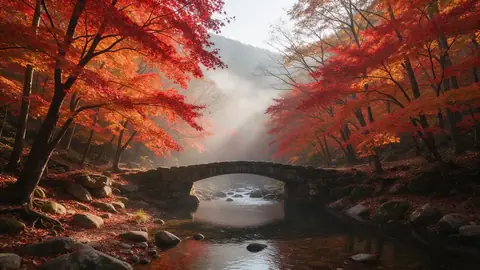 قبل
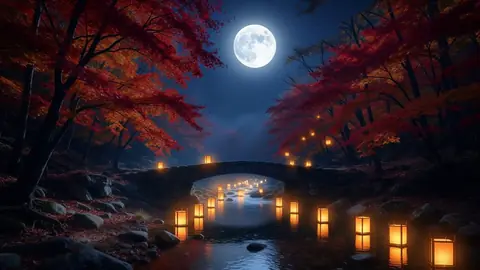 بعد
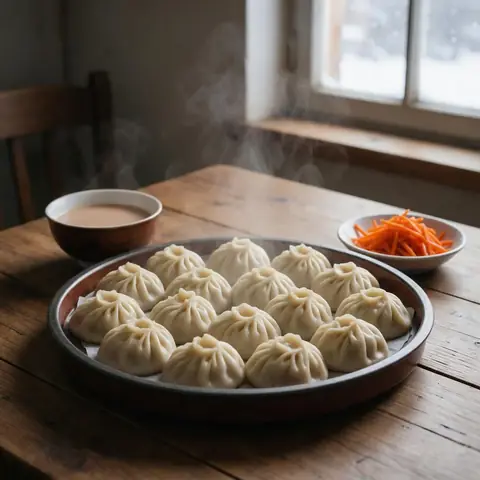 قبل
 بعد
 قبل
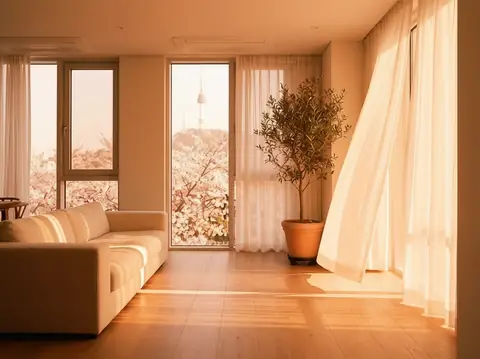 بعد
جيد ل
- Turning an overcast portrait into golden hour
- Giving product shots a studio-lit look
- Matching the mood of photos across a social feed
نصائح لنتائج أفضل
- The sharper the subject, the more naturally the new light settles on it.
- Backlight puts a rim of light around hair and shoulders, which flatters portraits.
- Make a few versions of one photo with different moods and keep the one that fits your feed.
أسئلة
How much does it cost?
Free models are unlimited with an account. Models marked “Free with membership” are unlimited without credits during membership. Otherwise, the displayed credit price applies. Developer API usage is billed separately.
Does the background change?
The app keeps the background and framing and changes only the light, but shadows and colours across the whole picture follow the new light. Because the result is AI-generated, small details can differ from the original.
What happens to the photo I upload?
Only upload photos of yourself or photos you have the right to use. Impersonating real people or using results to deceive others is prohibited. Uploaded photos go through a safety check, you can delete your generated images at any time, and nothing appears in the public Explore feed unless you choose to share it.
المزيد من التطبيقات

الصورة إلى أنيمي
أعد رسم صورة شخصية كأنمي أو ويبتون أو ألوان مائية أو شخصية ثلاثية الأبعاد.

صورة الملف الشخصي لـ AI
حوّل صورة شخصية عادية إلى صورة هوية، أو صورة شخصية لطلب وظيفة، أو صورة رمزية اجتماعية.

ملابس تقليدية
ترى نفسك في الهانبوك، الكيمونو، تشيباو أو هانفو.

خلفية السفر
حافظ على نفسك، وقم بتبديل الخلفية إلى كيوتو أو سيول أو شنغهاي أو جيجو.